 AnimPal

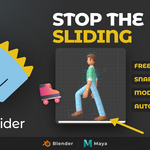

A walk cycle looks right until you watch the feet. The contact foot creeps forward a few millimetres per frame, the character skates, and the only fix is to scrub to each frame, drag the control back, and set another key. Props are worse: a mug in a hand, a sword on a chain, a helmet under an arm, all drifting away from the thing they are supposed to be stuck to.
I built Anti-Slider because that cleanup was eating whole afternoons. Pick the control, set a start and an end frame, and freeze it. Or pick a master and a slave, and let the slave follow the master for the whole range. The result is plain keyframes, so the shot stays yours to edit.
| Blender | 2026.01 | Lower than 1 MB |
Sliding creeps in from everywhere: retargeted mocap, a rig with an IK offset, a cycle that got moved in time. Once the foot leaves its contact position, the walk reads as skating no matter how good the rest of the pose is.



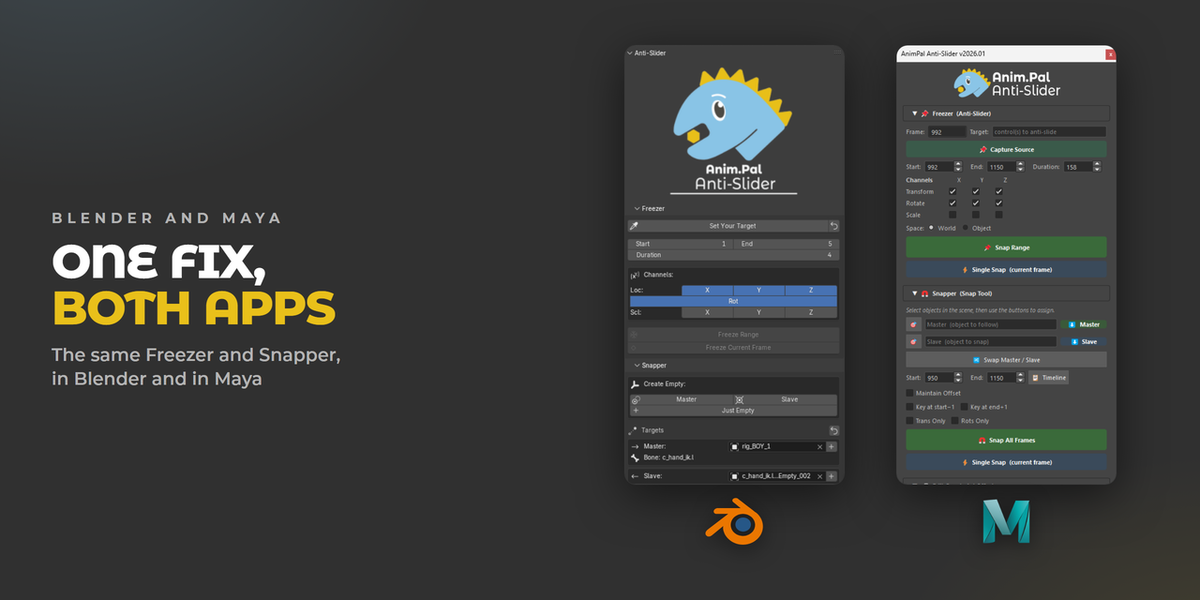
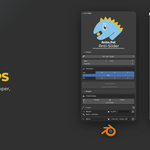
Select the control, click Set Your Target, type the start and end frames, and click Freeze Range. The control is pinned in world space for every frame in that range, so the foot stays exactly where it landed. Freeze Current Frame does the same for a single frame. Channels are per axis: freeze location on X, Y and Z, rotation, scale, or only the ones you need.



Set a master and a slave, set the range, and click Snap and Bake. The slave follows the master for every frame, so a mug stays in a hand and a prop stays on the chain that swings it. Maintain Offset keeps the current gap between the two instead of snapping them together.

You do not have to change the rig to hold something. Create a helper Empty as master or slave, snap, and bake. The motion ends up on keyframes, so afterwards you can keep the helper or delete it with Snap and Del Master, and the animation stays the same.

The same walk, played twice. Watch where the foot lands, then watch it stay there through the contact. Nothing about the pose changed, only the drift is gone.


The fix survives all the way to the render: the monster walks, and every foot lands and holds. Anti-Slider works in Object Mode on props and in Pose Mode on rig controls, with the same two panels.

Per channel control, so you can freeze location and let rotation keep animating.
Duration next to Start and End, so you can see the length of the range you are about to bake.
Get Range to pull the range straight from the timeline.
Bug report and debug info built into the panel.
