 ANYMACTION STUDIO
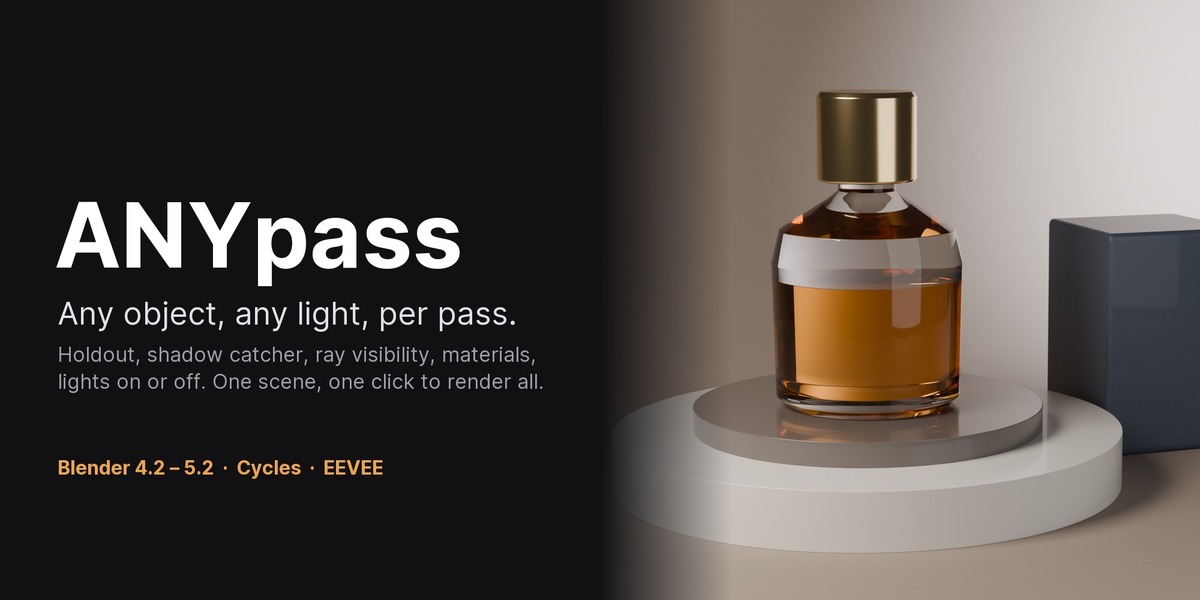
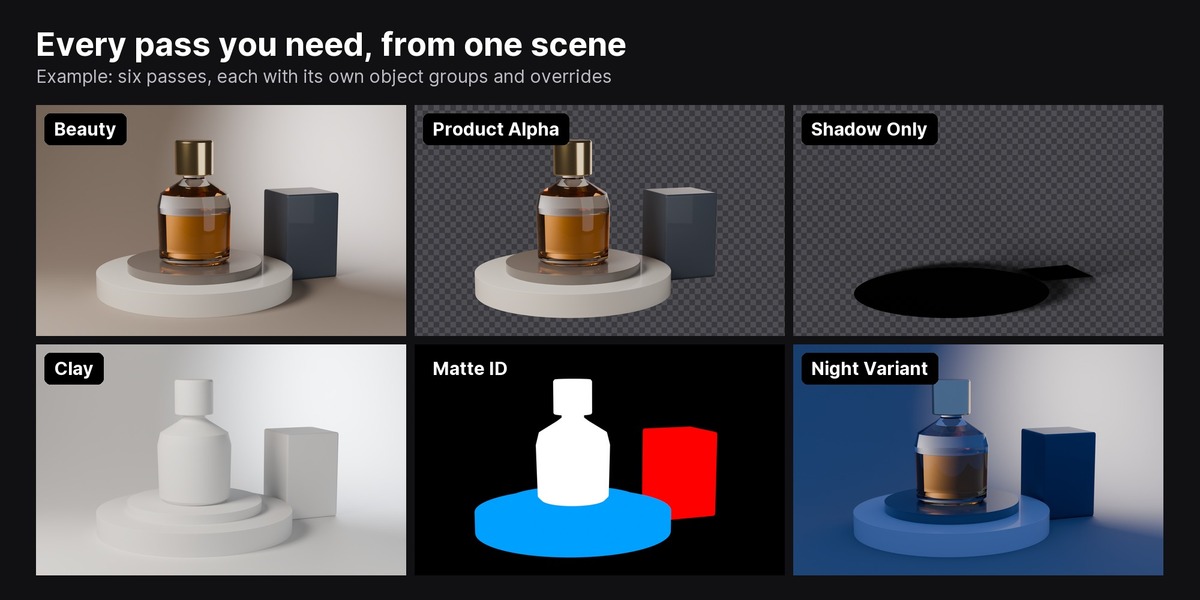
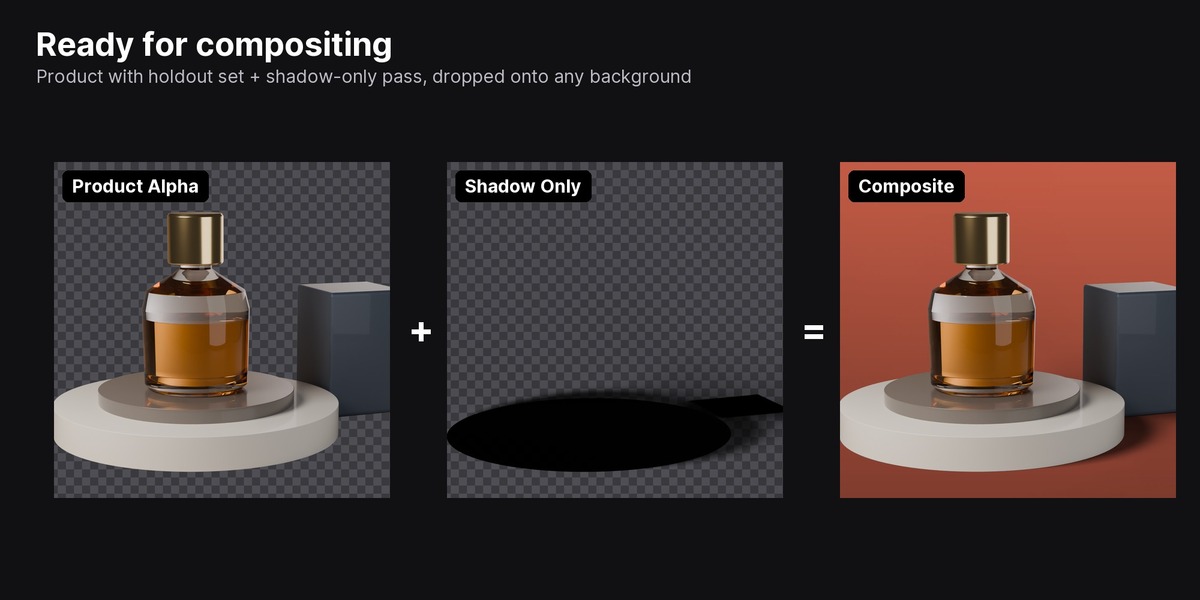
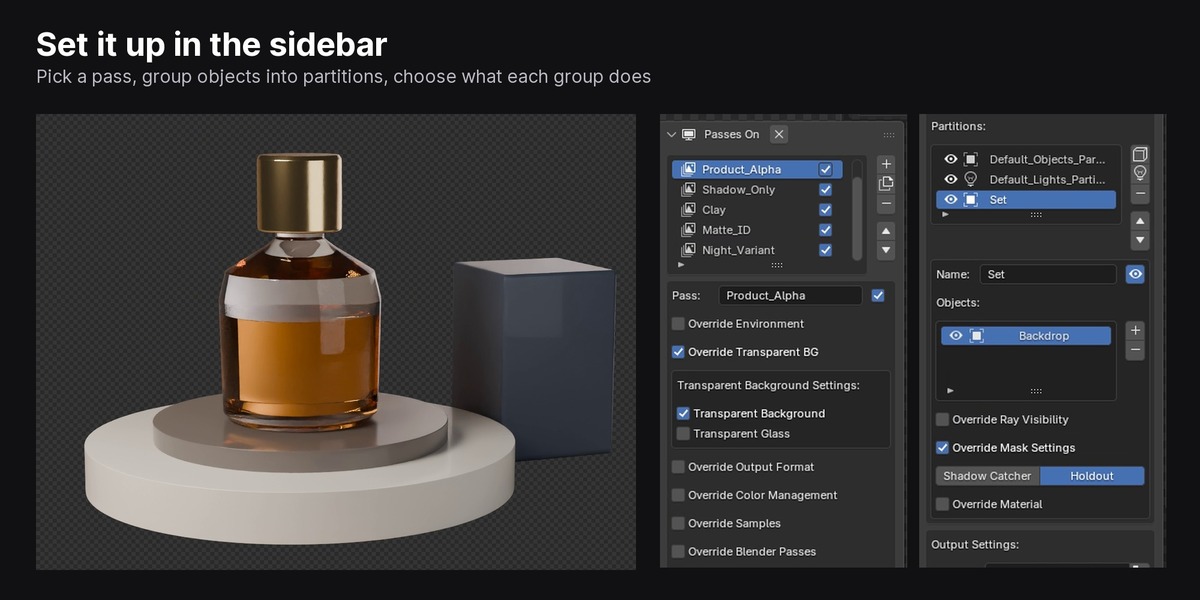



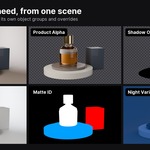
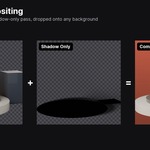
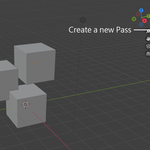
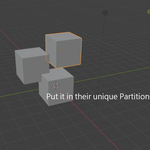
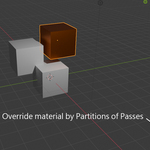
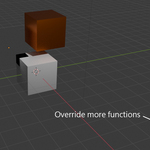
Override individual objects and lights per pass, in one scene. One click to render them all.
Product shots, archviz and motion work need the same scene rendered several ways: the hero alone, a shadow-only layer, a clay version, a mask, a different lighting setup. View Layers get you part of the way, but they work on whole collections, and many of the settings you need belong to the object itself and are shared by every layer: ray visibility, shadow catcher, what each light reaches. The usual workaround is duplicating objects into extra collections just so each layer can treat them differently, and every copy is one more thing to keep in sync whenever the model or its animation changes.
ANYpass works on individual objects and lights instead. Each pass picks any objects in your scene and changes their state only while that pass renders. No duplicate objects, no extra collections:
- Objects: hide them, hold them out, make them shadow catchers, swap their material, or set ray visibility (e.g. invisible to camera but still casting shadows and reflections)
- Lights: turn individual lights on or off per pass, or change what they reach: camera, diffuse, glossy, transmission, volume
- Pass settings: render engine (Cycles or EEVEE), world, samples, motion blur, and the ones View Layers can't vary at all: color management, output format and transparent background
So beauty, product on transparency, shadow only, clay and a key-light-only version can all live in the same scene and render in one go.
How it works
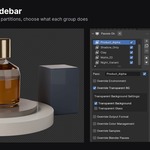
- Add a pass. ANYpass lists the objects and lights in your scene.
- Group objects into partitions and decide what each group does in this pass: hidden, holdout, shadow catcher, replacement materials (one for every slot, or a different one per slot), or custom ray visibility (e.g. invisible to camera but still casting shadows).
- Set pass-level overrides if you need them: render engine, motion blur, world color or HDRI, transparent background and glass, output format, color management, samples, Blender render passes.
- Preview any pass in the viewport, then hit Render Queue. Every enabled pass renders to its own folder, stills or animation.
When the queue finishes, your scene is back exactly the way it was. Saving while a preview is active is safe too: the preview state is never written into your .blend.
Per-pass control
- Partitions: visibility, material override (one material for all slots, or per material slot), holdout / shadow catcher, ray visibility per object group
- Render engine: Cycles or EEVEE per pass; one queue can mix both
- Motion blur: on/off, shutter, position, steps (EEVEE)
- Environment: world color or environment texture and strength
- Transparency: transparent background and transparent glass
- Output format: PNG, JPEG, OpenEXR, OpenEXR Multilayer, TIFF, Targa, BMP, with color depth and compression
- Color management: display device, view transform (including AgX, Filmic, ACES on Blender 5.x), look, exposure, gamma
- Samples: max / min samples, noise threshold, time limit, denoise (Cycles); sample counts (EEVEE)
- Blender passes: Z, Mist, Normal, AO, Denoising Data and more, per pass
Overnight queues: render log
Turn on Render Log and every queue writes a log next to your .blend: each pass, each frame, whether it rendered, how long it took and when it finished, plus the total time. It is written frame by frame, so if Blender crashes overnight the log still shows exactly where it stopped. Turn Overwrite off and run the queue again to render only the missing frames.
Good to know
- Cycles and EEVEE. Diffuse/glossy/transmission/volume ray visibility, shadow catcher and transparent glass only exist in Cycles, so ANYpass hides them on EEVEE passes
- Blender 4.2 to 5.2 (tested on 4.5 LTS and 5.2 LTS), installs as a standard Blender extension
- Skips frames that already exist when Overwrite is off, so an interrupted animation queue can pick up where it stopped
- Runs inside Blender's interface; command-line / render farm rendering is not supported yet
- No internet access, no external dependencies
What's new in 2.2.0
- Each pass can render with Cycles or EEVEE, and one render queue can mix both. EEVEE passes hide the settings EEVEE ignores
- Motion blur override per pass
- Material override is now a list like Blender's material slots: row 1 replaces every slot, row N replaces only slot N (empty rows follow row 1)
- Grease Pencil, Curves (hair), Point Cloud and Volume objects can be added to partitions; the panel notes which overrides they ignore
- Hidden objects can be added to a partition by highlighting them in the Outliner
- Fixed: empty material slots kept the override material after the preview ended
What's new in 2.1.2
- Render Log: passes skipped because Overwrite is off now show as skipped instead of as errors, and the summary counts them separately from finished passes
- Render Log: a pass that was interrupted by a crash keeps a clear crash mark in its heading
- Fixed: total render time in the Render Log was counted twice
- Fixed: the last frame's log entry could occasionally be written after the log was closed, cutting into the summary
What's new in 2.1.1
- Fixed: Ctrl+click multi-selection collapsed to one object while a pass preview was active, so several objects couldn't be added to a partition at once
What's new in 2.1.0
- Blender 5.0 to 5.2 support (tested on 5.2 LTS); minimum version is now 4.2
- Fixed: switching output format between OpenEXR Multilayer and other formats could stop the render queue on Blender 5.x
- Fixed: a pass could occasionally start twice and save a file in the wrong format
- Fixed: transparent glass and output path were not always restored after the queue
- Color management lists now match Blender's actual options (Rec.2020, AgX and False Color looks, ACES on 5.x)
- Denoising Data pass toggle now works
- A pass that fails is reported and skipped instead of stopping the whole queue