Arc Lounge Chair
 StillFiction
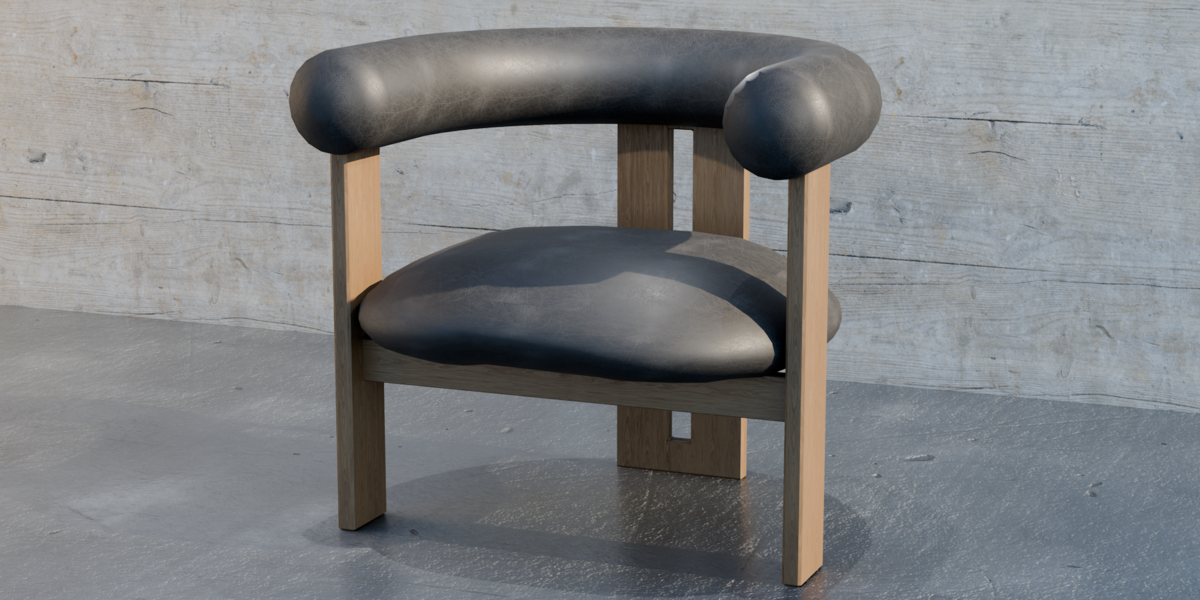
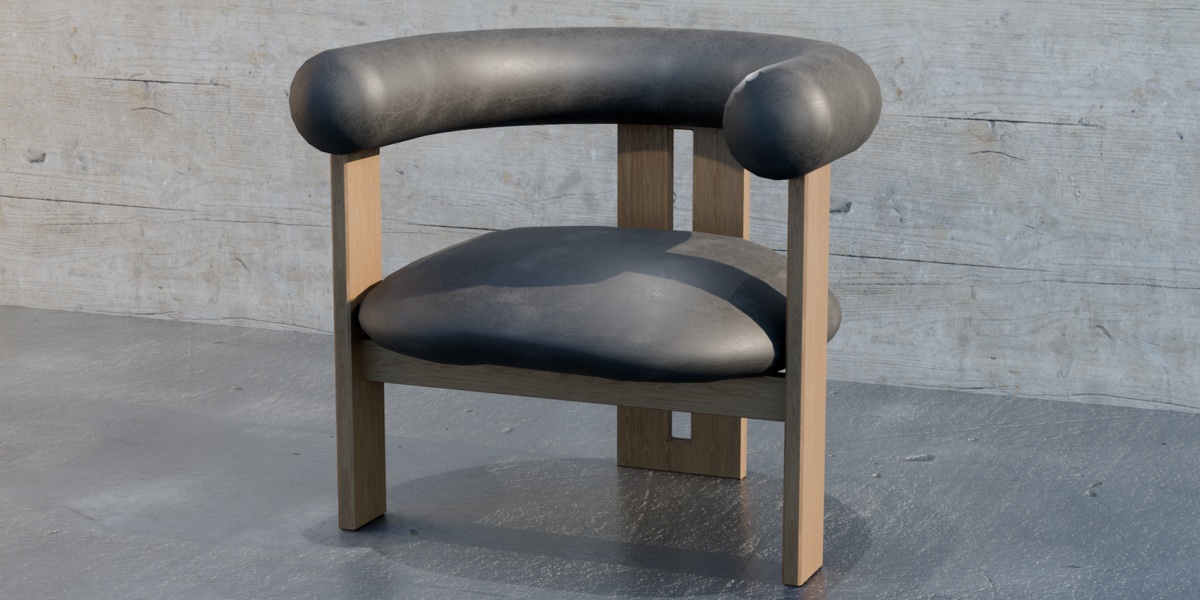
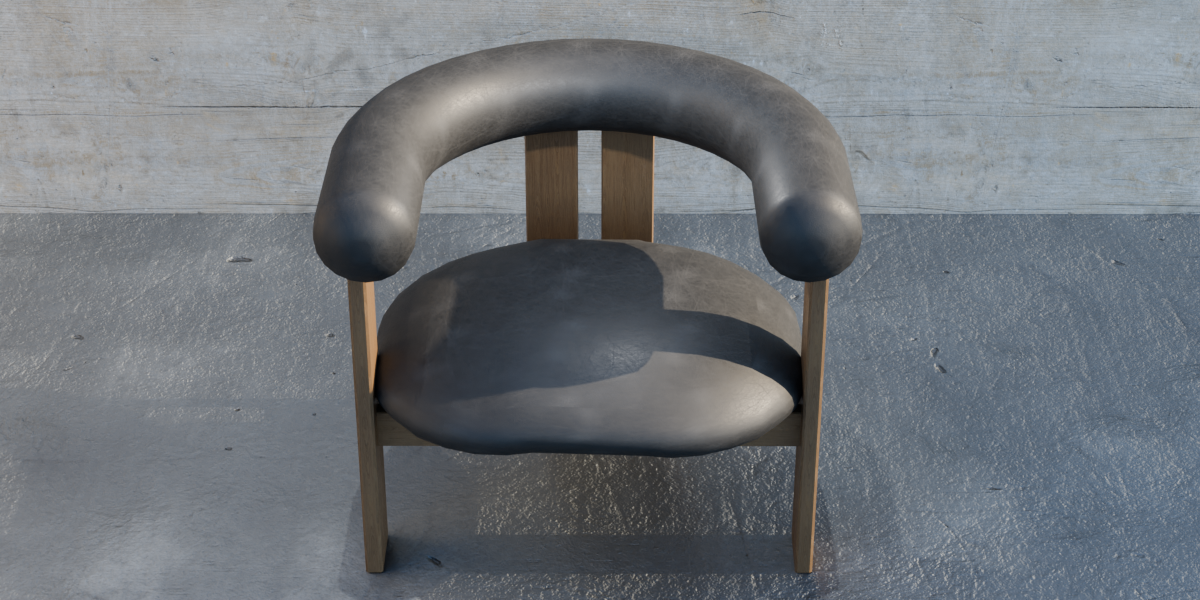
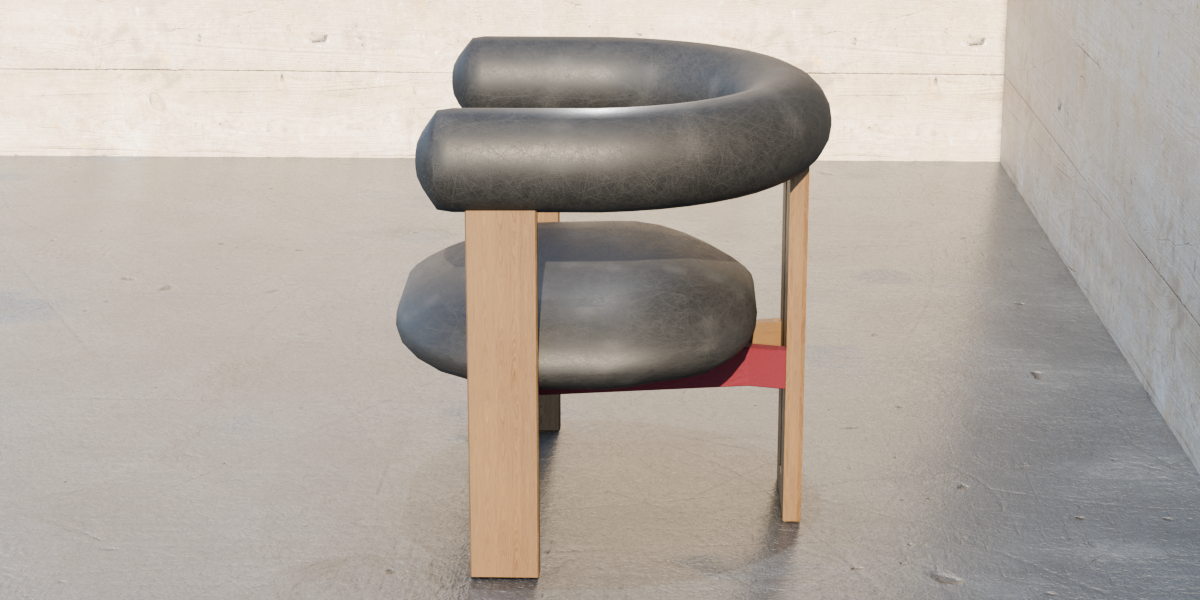
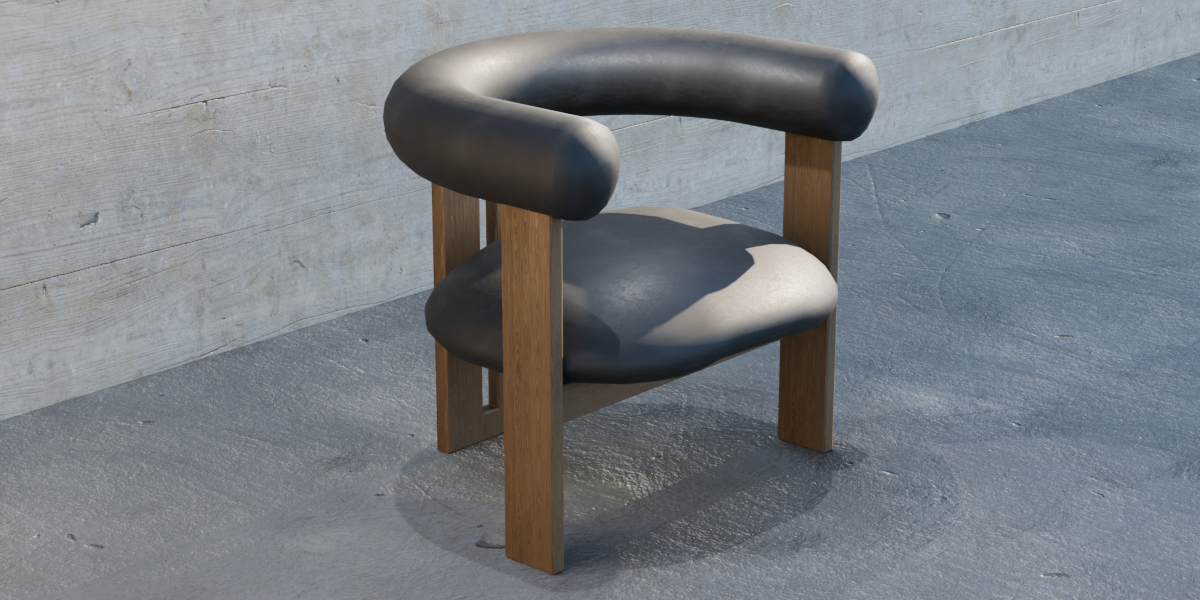
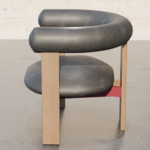
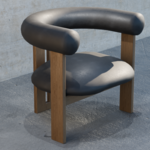
SF002 - Arc Lounge Chair
Still Fiction - Product Documentation
Overview
Arc Lounge Chair is an original sculptural furniture model designed for Blender, architectural visualization, interior rendering and digital environments.
The model features a curved oak frame, upholstered seating and image-based PBR materials.
Included Files
.blend- Native Blender project with geometry and materials.fbx- Interchange format for compatible 3D applications.glb- GLB format for compatible real-time and visualization workflowsTexture files - Image-based PBR material maps
Getting Started
Blender
Extract the downloaded ZIP archive.
Open the included
.blendfile in Blender.Select the furniture objects and copy or append them into your project.
Position and scale the chair as required for your scene.
Use Cycles for the intended photorealistic material appearance.
To import the model into an existing Blender project, use File → Append, select the included .blend file, and navigate to the Objects or Collections folder.
FBX
Open your preferred 3D application.
Select its FBX import function.
Import the supplied
.fbxfile.Verify material assignments, texture connections, and scale.
Material nodes may need adjustments depending on the destination application and rendering engine.
GLB
Use an application supporting glTF 2.0 / GLB.
Import the supplied
.glbfile.Verify geometry, materials, and orientation.
GLB material rendering may differ from Blender Cycles.
Materials and Textures
The Arc Lounge Chair uses UV-mapped, image-based PBR materials, including wood and upholstery surfaces.
Depending on the material, texture maps may include:
Base Color/Albedo
Roughness
Normal
Ambient Occlusion
Displacement
For correct Blender color management, Base Color maps should generally use sRGB, while data maps such as roughness, normal, and displacement should use Non-Color.
If textures appear missing, reconnect them through the Shader Editor or use File → External Data → Find Missing Files to locate the extracted texture directory.
Technical Information
Asset: SF002 Arc Lounge Chair
Asset type: Furniture/Seating
Native application: Blender
Geometry: Polygon mesh
Mesh objects: 9
Vertices: 1,436
Faces: 1,402
Triangles: 2,844
Materials: Image-textured PBR
UV mapping: Included
Supported deliverables: BLEND, FBX, GLB
Polygon counts may vary based on modifiers and export settings.
Usage Recommendations
This asset is intended for architectural visualization, concept interiors, furniture rendering, creative scenes and digital environments.
For real-time applications, verify the target platform's polygon budget, texture settings and material compatibility.
Support
For technical issues with the files, material setup, or importing the asset, contact the creator through the Superhive product support system.
When requesting assistance, include the application version, file format and a brief description of the issue.
License
Use of this asset is subject to the license selected at purchase through Superhive. Ownership of the original furniture design and source asset remains with Still Fiction.
Still Fiction
Original 3D furniture and sculptural objects for imagined spaces.
Have questions about this product?
Login to message
| Published | about 3 hours ago |
| Blender Version | 5.1 |
| Render Engine Used | Cycles |
| Misc Data | Uvs-Unwrapped, Normal-Mapped, Textured |
| License | Royalty Free |

Discover more products like this
armchair modern furniture 3d furniture Interior Design PBR wood-furniture blender sculptural-furniture architectural visualization ArchViz contemporary-design lounge chair