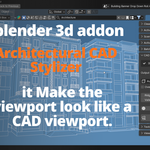
Architectural Cad Stylizer
 active clay


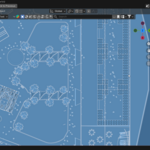
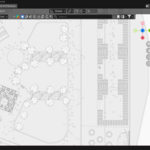
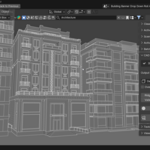
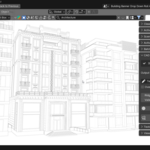
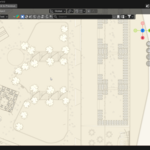
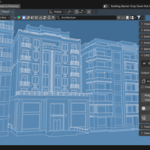
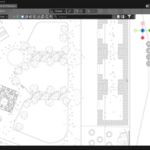
How to Use & Where to Find It
Where:
After installing and enabling the addon in Blender's Preferences, you'll find it in the 3D Viewport sidebar (press N to open it) under the "Active Clay" tab.
How to use it:
- Open your project and have any object visible in the viewport.
- Head to View3D → Sidebar → Active Clay.
- Pick a style from the dropdown — you'll see it preview live as soon as you select one.
- Dial in your Ridge and Valley sliders to control how strongly edges and recesses are defined.
- Want to go off-preset? Toggle Override Preset Colors and pick your own clay, line, and background colors.
- Hit "Apply Style" to lock it in.
- When you've got the shot framed, click "Capture Final Still Shot" — it saves directly to whatever output path you've set in the render settings.
- Done. "Turn Off" brings your viewport back to exactly how it was before.
-
$15
-
$5
Have questions about this product?
Login to message
| Blender Extension Compatible | Yes |
| Published | 3 months ago |
| Blender Version | 4.2 - 5.2 |
| Extension Type | Add-on |
| Render Engine Used | Cycles |
| License | GPL |
Discover more products like this
technical-art blender Active Clay automation ArchViz 3D workflow blender addon architectural visualization 3d architecture viewport rendering cad