 3D SHAKER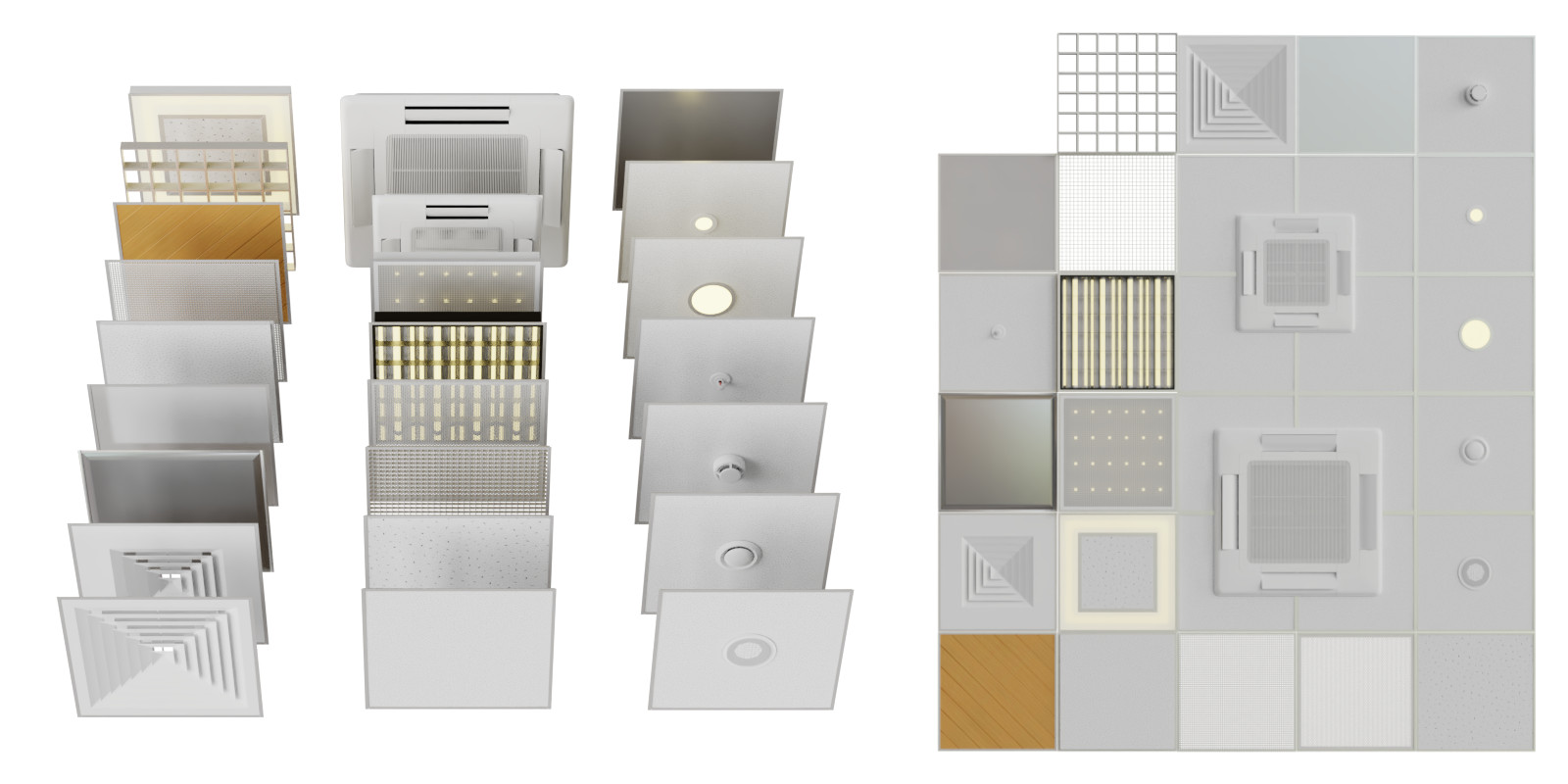
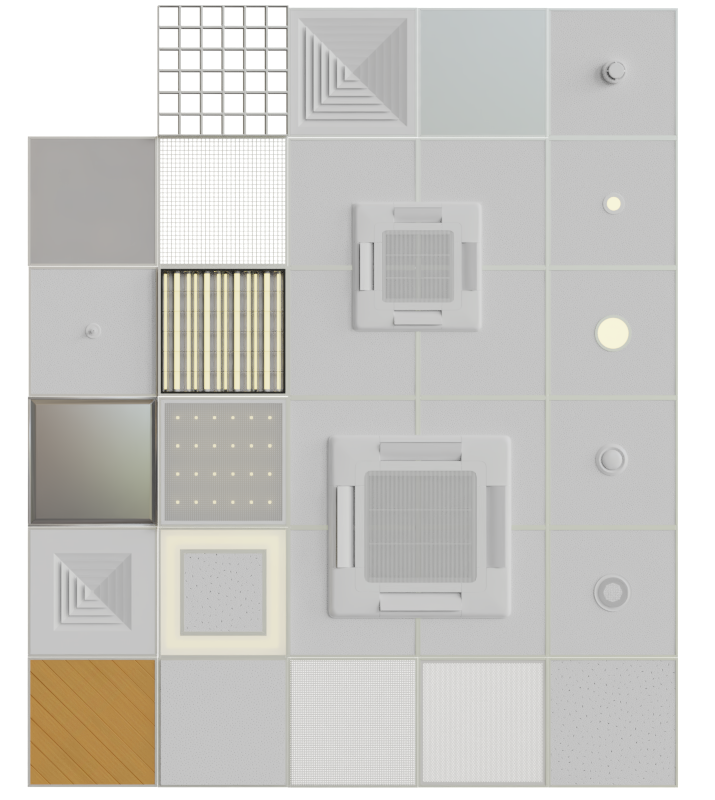
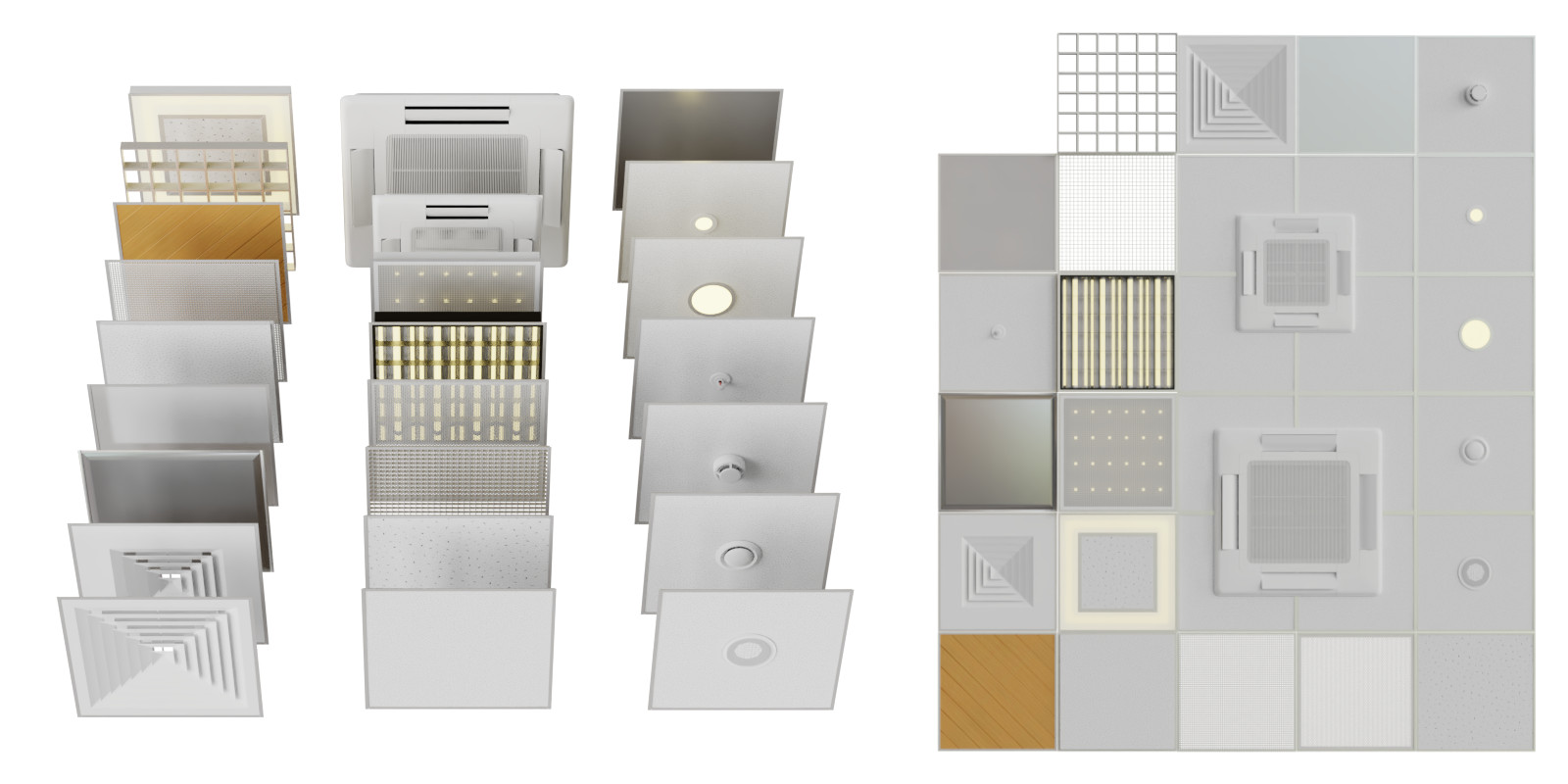
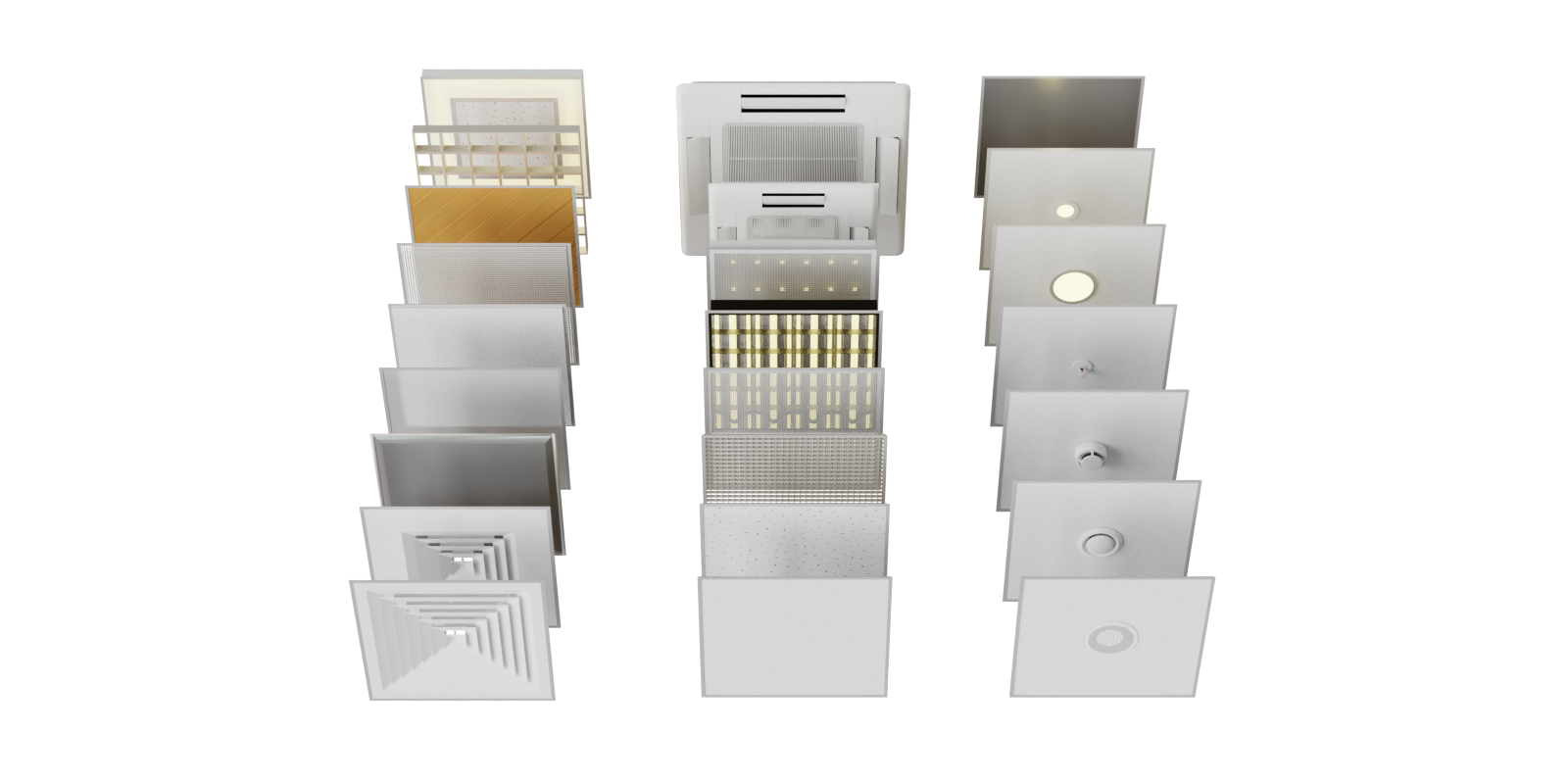
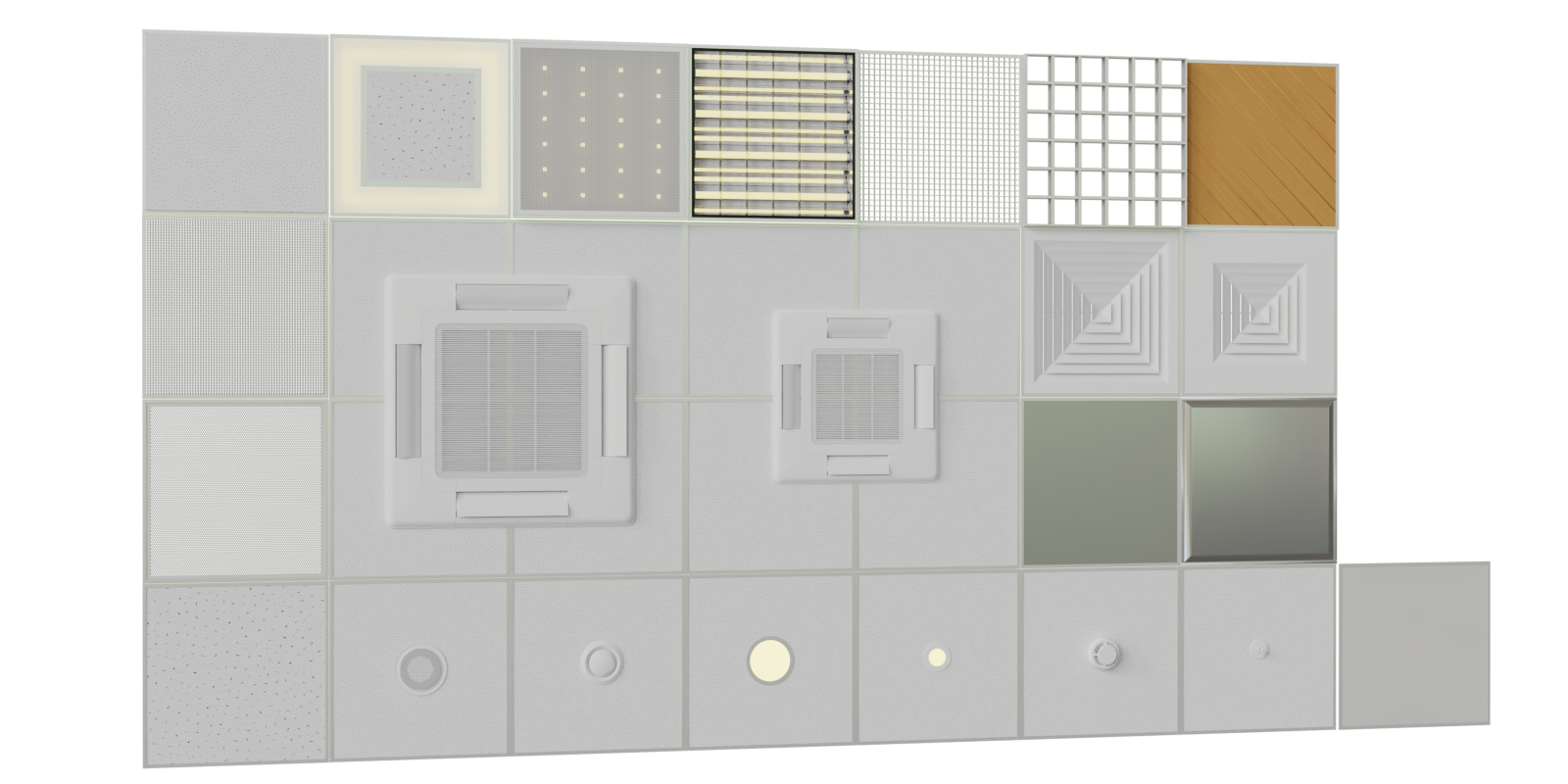
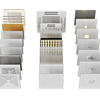
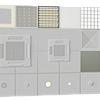
To import into your scene go to File>Append, navigate to .blend files folder, open the file, open "Group" folder, then double-click on the name of the group and append.
Or you can select it and copy it using CTRL+C and in your scene pressing CTRL+V.
Please note that this scene contains textures from Alexander Happy - Textures may not be redistributed
HDRI maps are from HDRI Haven

Have questions about this product?
Login to message
| Sales | 100+ |
| Published | almost 7 years ago |
| Blender Version | 4.1, 4.0, 3.6, 3.5, 3.4, 3.3, 3.2, 3.1, 3.0, 2.93, 2.92, 2.91, 2.9, 2.83, 2.82, 2.81, 2.8, 2.79 |
| License | Royalty Free |
Discover more products like this
3dshaker ceiling-light bfcm20 summer24 spring22 spring20 air condition summer21 system hinged sprinkler bfcm22 bfcm23 summer23 bfcm24 built-in bfcm21 bfcm19 ventilation firefighter exhaust signaling 3dshakerarch Ceiling air conditioning winter24 spring21 detector summer20 spring23 armstrong spring24 fire alarm bcon22 summer22 loveblender acoustic