Auto-Rig Pro : Horse Animations Pack
 Asim Hameed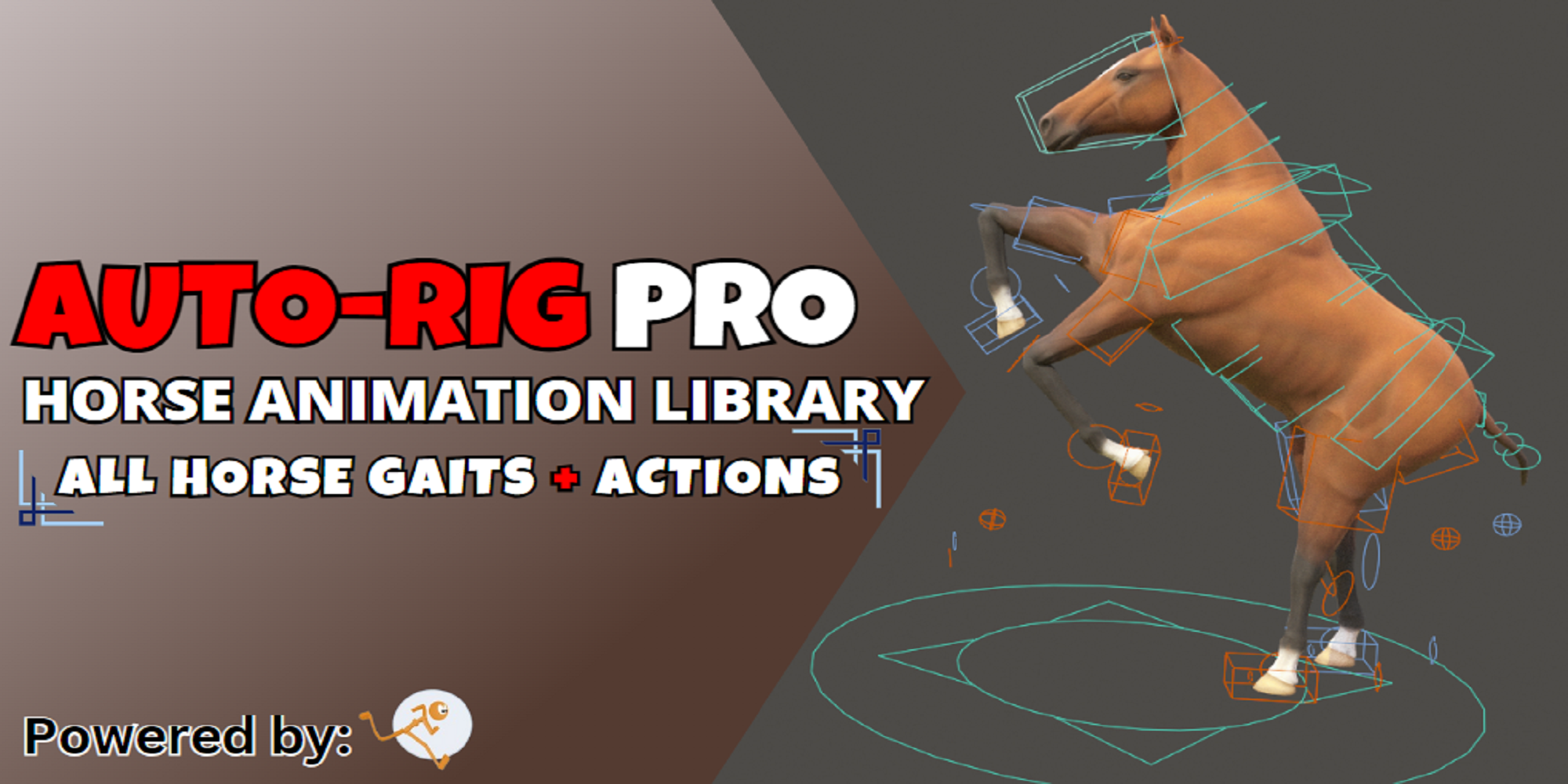


-------------------------------------------------------
INSTALL NOTES Auto-Rig Pro: Horse Animation Library
-------------------------------------------------------
Works with Blender 3.0 & up + Auto-Rig Pro 3.68.12 & up
The installation of "Auto-Rig Pro: Horse Animation Library" is quick and easy, just follow these steps:
1. Check the installation path of Auto Rig Pro in Blender: Edit > Preferences > Add-ons > search for "Auto-Rig Pro".
For example, in my case it’s: C:\Users\RAANIMATION\AppData\Roaming\Blender Foundation\Blender\3.6\scripts\addons\auto_rig_pro-master
2. Go to that location on your computer and open the "armature_presets" folder that’s within there.
3. Copy-paste the .blend files from the Horse Animation Library to the "armature_presets" folder.
4. Restart the blender
Done!
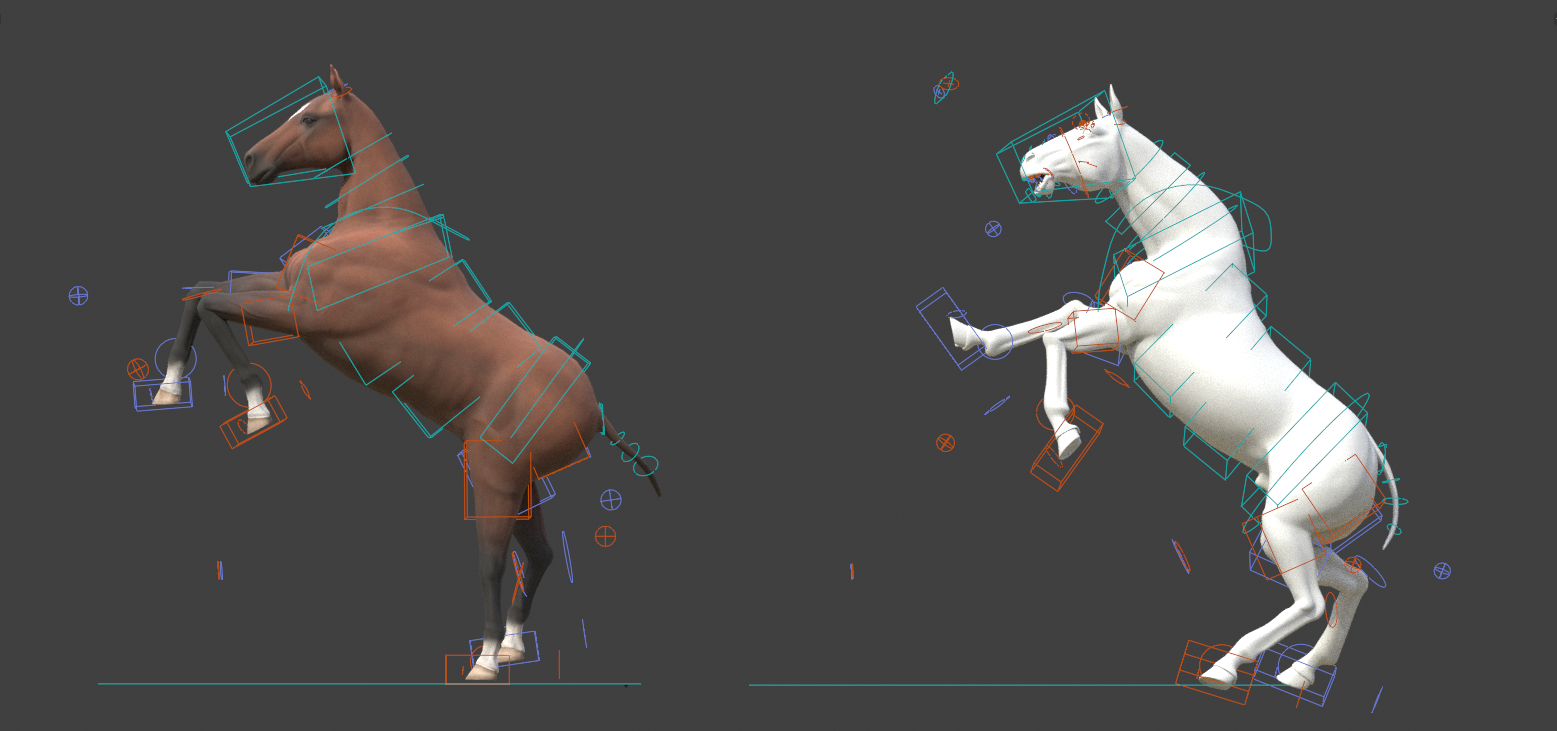
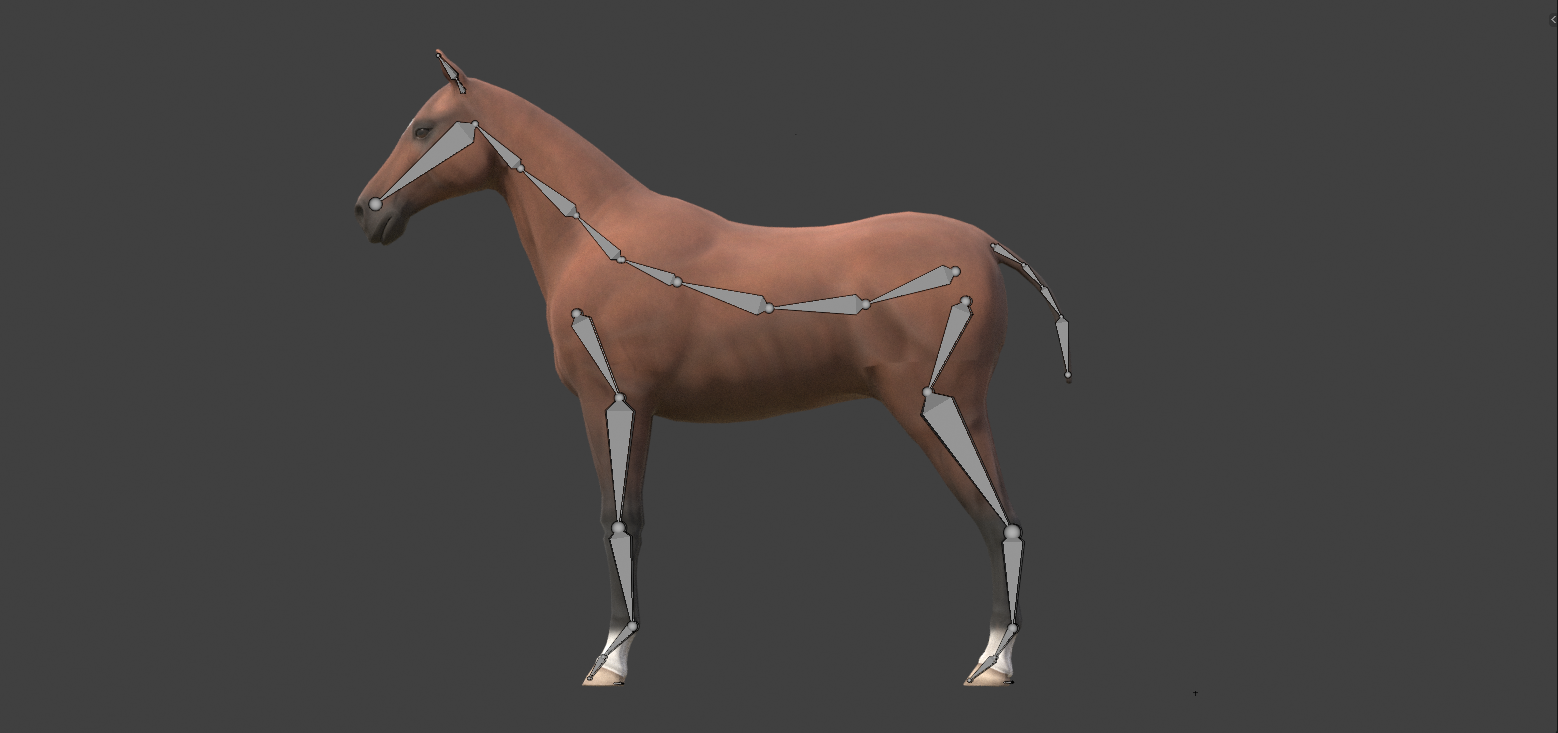
When you now open the "Add Armature" dropdown menu in the Auto-Rig Pro add-on, you will see that the horse animation library have been added.
Discover more products like this
3d animation auto-rig pro autorig pro 3d 3danimation advanced rig auto bfcm23 3D animation tool animation-rigged addon auto-rig rigging armature advanced script Character rigging BLender animation preset animation summer24 spring24 winter24 3d animation assest presents