Auto Rig Pro Animations Library 1500+ Animations
 Blender house


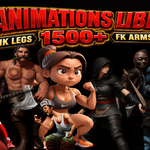

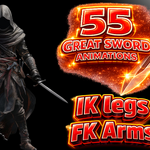
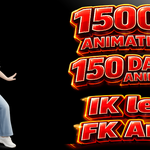

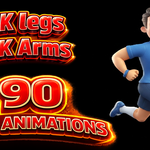
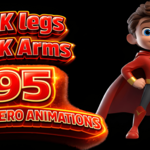
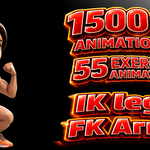
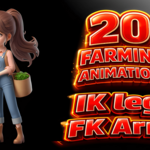
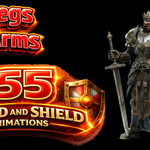
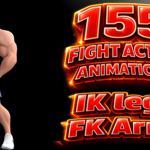


Thank you for choosing the ARP Animations Library.
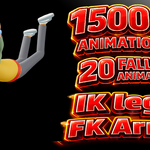
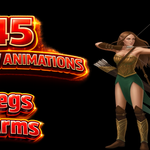
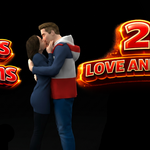
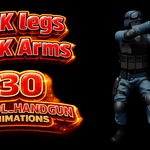
The ARP Animations Library includes 1500+ high-quality animations organized into 24 categories for Auto Rig Pro.
Features
- 1500+ Ready-to-use animations
- 24 Organized categories
- Easy access from the Blender N Panel
- Fast animation browsing and application
- Designed for Auto Rig Pro rigs
Installation
Install the addon in Blender through Edit → Preferences → Add-ons. Since the library is large, the installation may take 2–3 minutes. Please wait until Blender finishes the installation.
How to Use
After installation:
- Open Blender.
- Press N to open the Sidebar.
- Open the ARP Animations Library tab.
- Select a category.
- Click any animation to apply it to your character.
Notes
- This library is designed for Auto Rig Pro.
- The first installation may take a few minutes because of the large number of animations.
- Do not close Blender while the installation is in progress.
Thank you for your support. Enjoy animating!
Have questions about this product?
Login to message
| Sales | 20+ |
| Dev Fund Contributor | |
| Published | 3 months ago |
| Blender Version | 3.0 - 5.2 |
| Extension Type | N/A |
| Render Engine Used | Cycles, Eevee |
| License | Mit |
Discover more products like this
auto-rig pro auto-rig ARP Auto-Rig Pro: Animation Library autorigging