Arp Motion Library Addon
 Blender house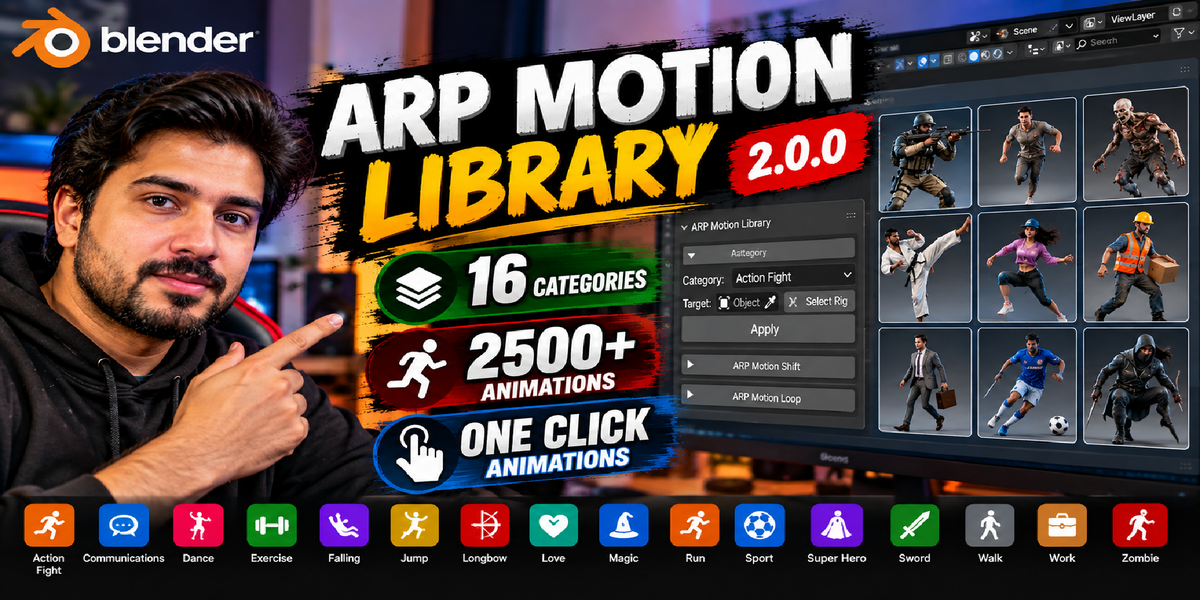
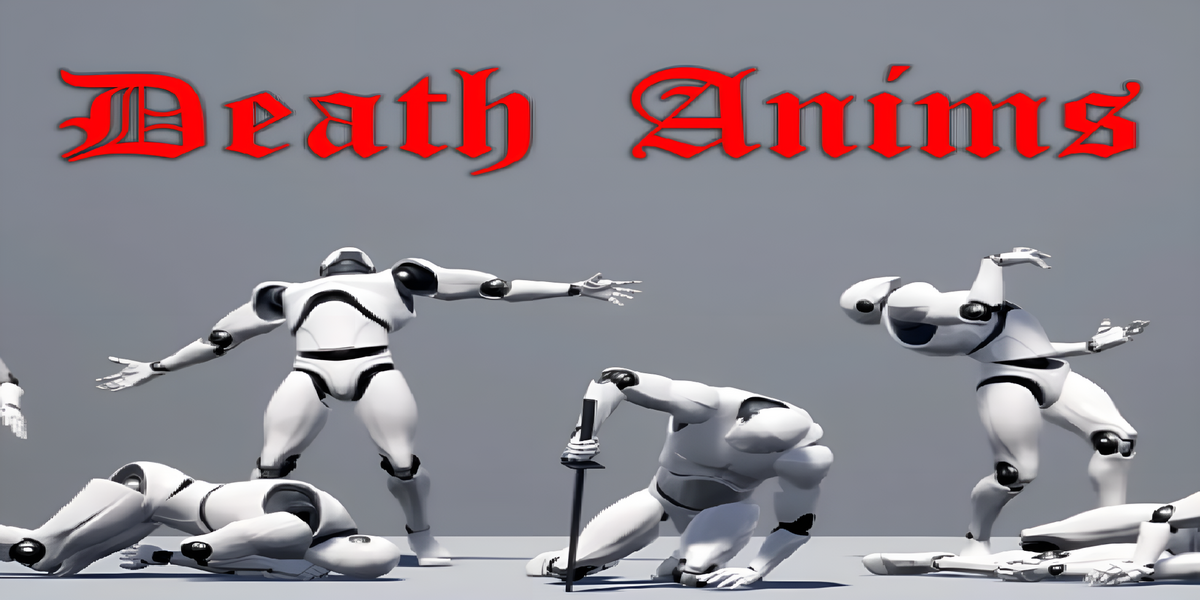
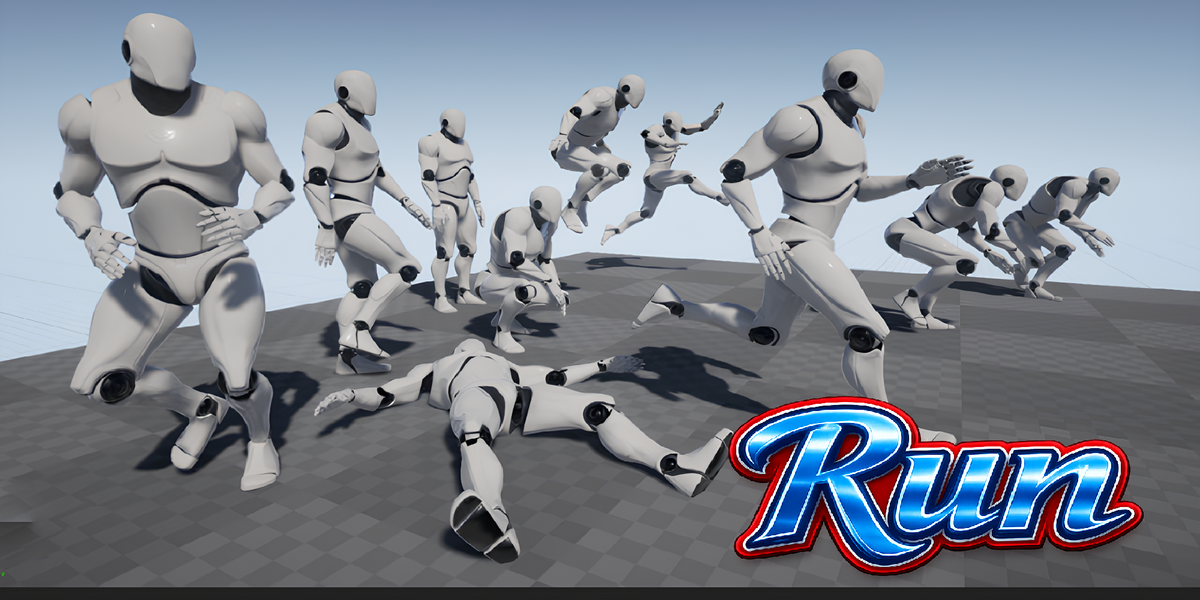
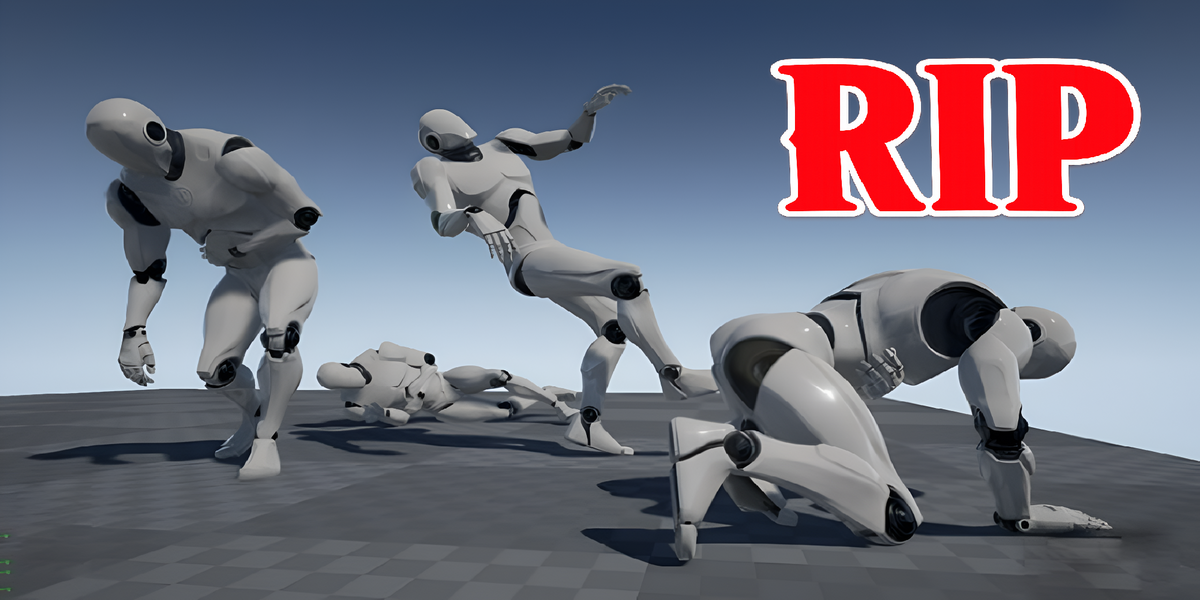
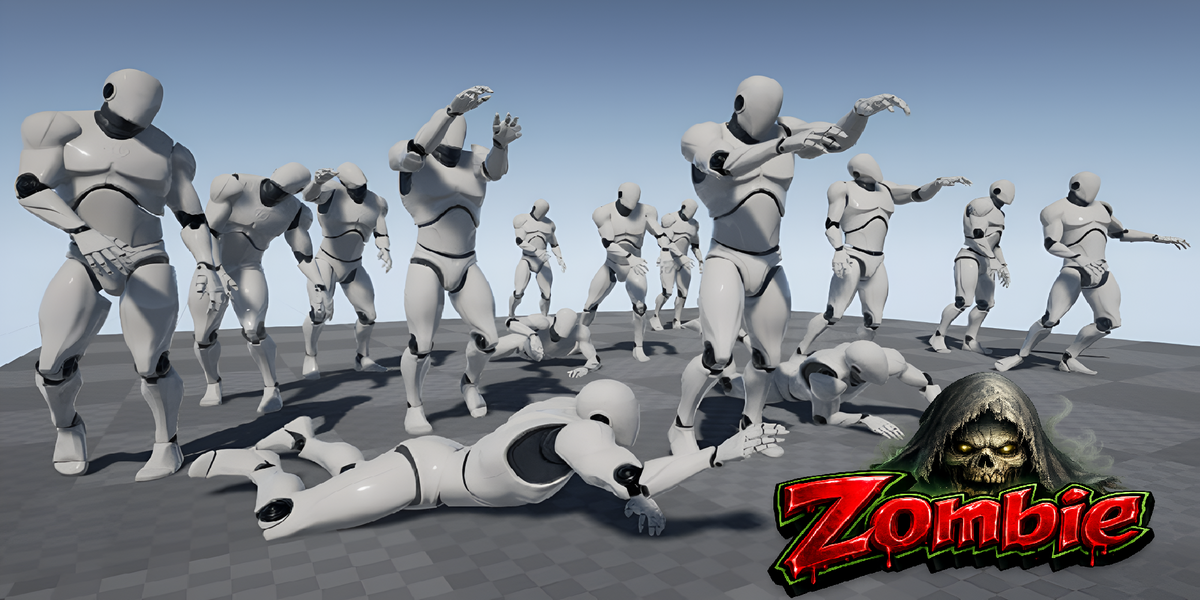
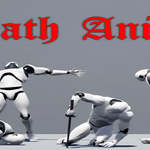
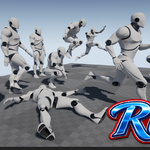
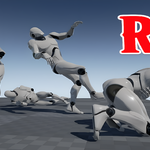
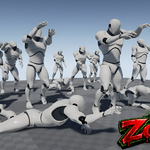
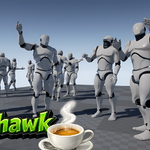
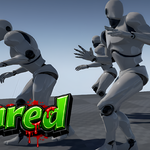

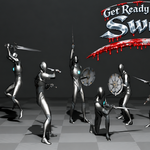
ARP Motion Library
Overview
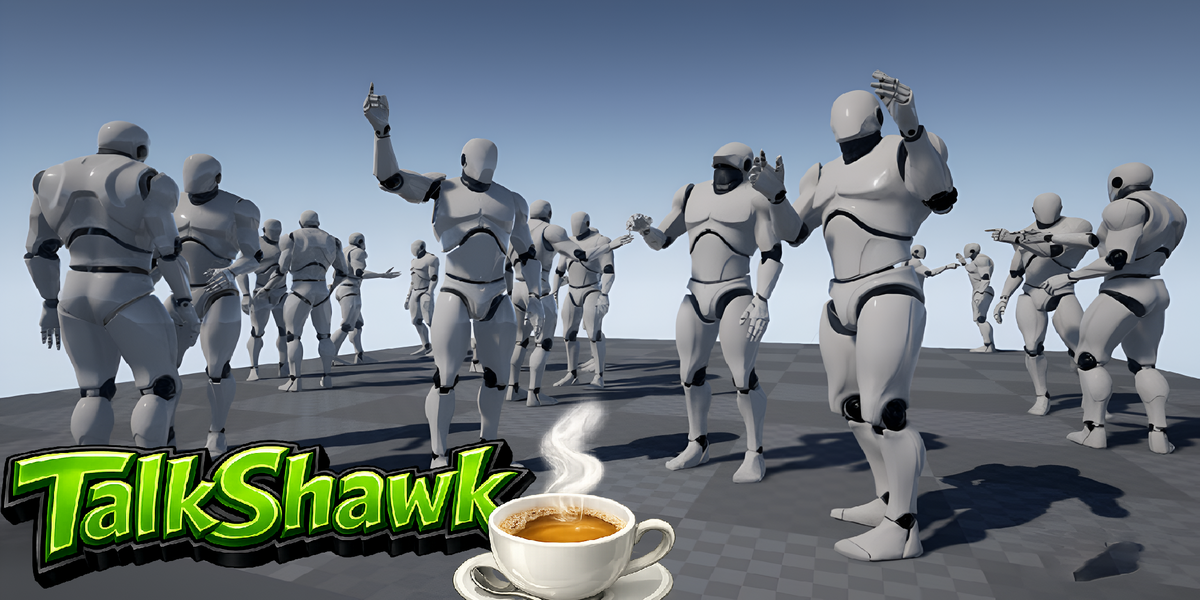
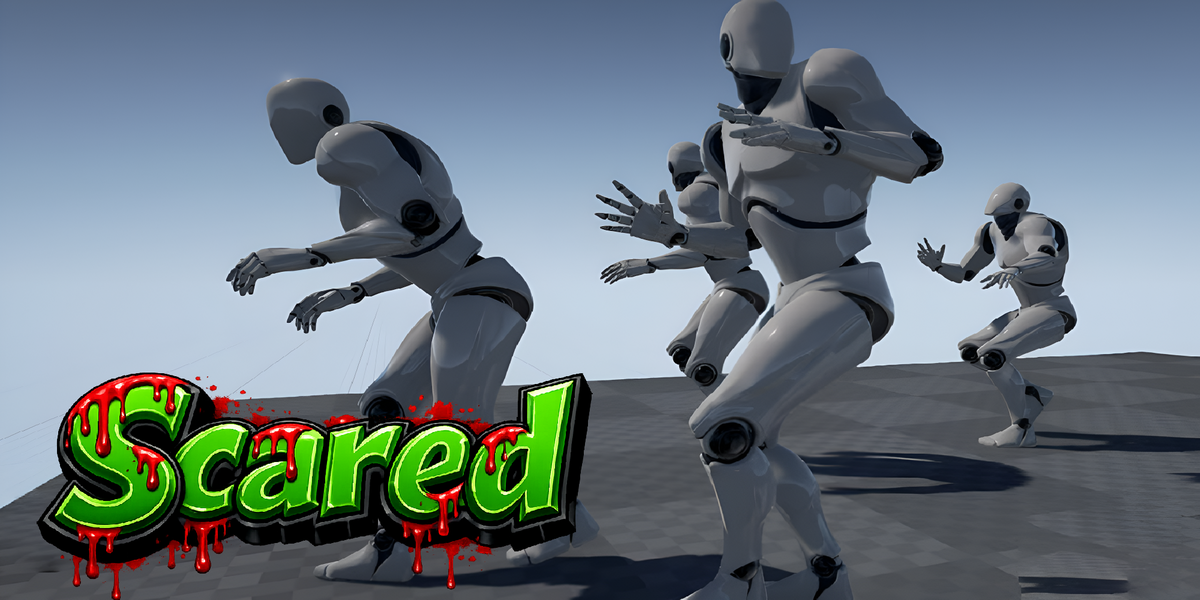
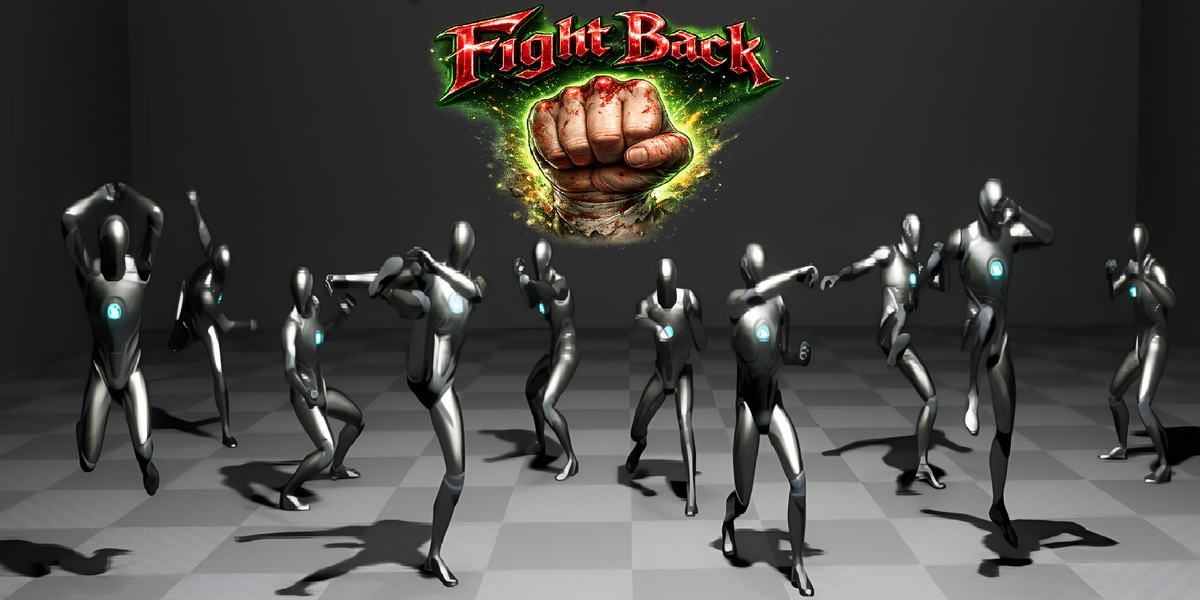
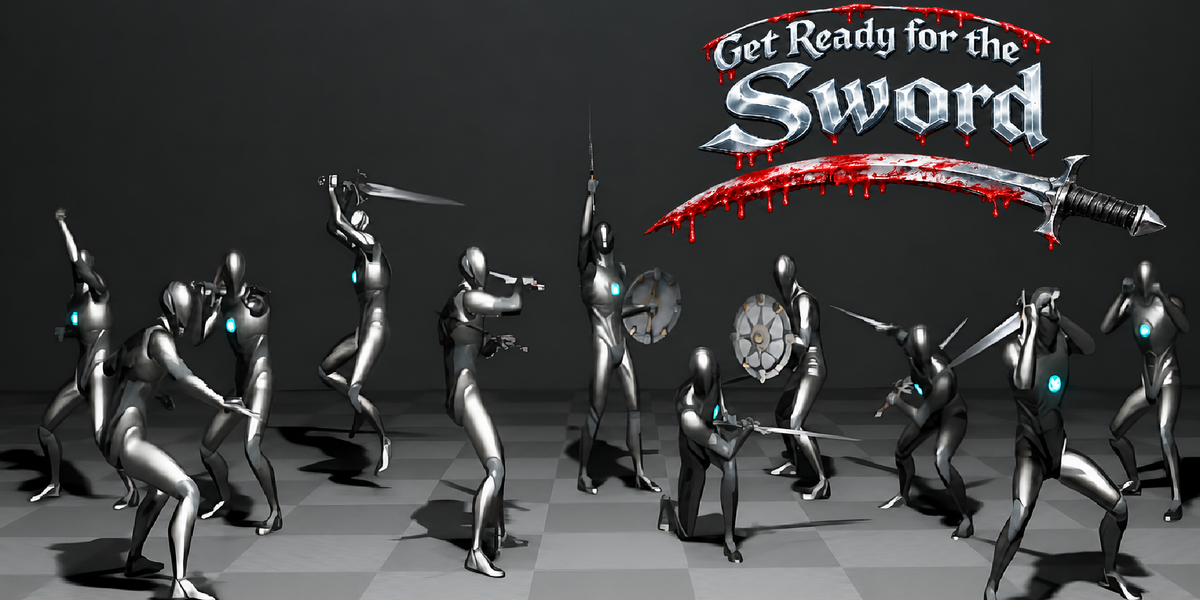
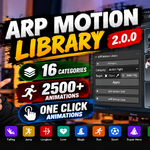
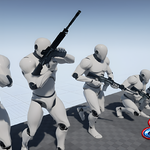
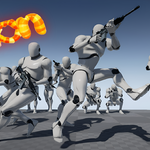
ARP Motion Library is a professional animation library for Auto-Rig Pro in Blender, featuring 2500+ ready-to-use animations across multiple categories.
Apply animations quickly, adjust them in real time, create loops, and build character animation workflows faster.
Installation
Step 1 — Install the Addon
Install the ARP Motion Library addon ZIP through Blender:
Edit → Preferences → Add-ons → Install
Select the addon ZIP and enable the addon.
Step 2 — Install the Animation Library
Open the ARP Motion Library panel and install the separate Animation Library ZIP.
After starting the installation, please wait approximately 2 minutes for the library to finish processing.
Important: Do not close Blender or interrupt the installation during this process.
When the installation is complete, the library will be ready to use.
One-Click Animation
Select your Auto-Rig Pro character, choose an animation from the library, and apply it with the one-click workflow.
No need to manually set up every animation.
ARP Motion Shift
Use ARP Motion Shift to make quick pose and bone adjustments after applying an animation.
It allows you to adjust the animation directly on your Auto-Rig Pro character without rebuilding the animation from scratch.
Motion Loop
Motion Loop allows you to extend an animation and create longer looping motion.
You can adjust the loop length according to your project requirements.
Retarget System
The Retarget System allows you to transfer animations between compatible rigs.
Select the source and target rig, build the bone list, and use the retarget workflow to transfer the animation.
IK / FK
For the best results with Auto-Rig Pro, make sure the required IK/FK controls are set correctly before applying the animation.
For example, depending on the animation, you may need to switch the hand or foot controls from IK to FK before applying the motion.
Animation Categories
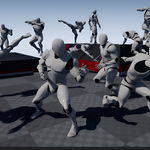
The library contains a wide range of animation categories, making it easy to find the type of motion you need for your character.
Use the category system to quickly browse and select animations.
Support
If you have any questions or experience an issue during installation or while using the addon, please contact the creator for support.
Created by Sher Amin
Have questions about this product?
Login to message
| Dev Fund Contributor | |
| Published | 1 day ago |
| Blender Version | 4.0 - 5.0 |
| Extension Type | N/A |
| Render Engine Used | Cycles, Eevee |
| License | Mit |
Discover more products like this
Auto-Rig Pro: Animation Library auto rig pro horse animation pack auto rig pro animations library auto rig pro motion autorigpro