 AS Formworks
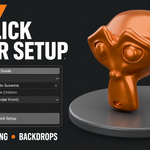
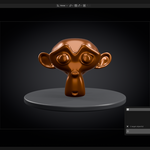
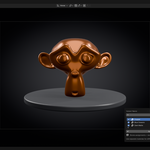
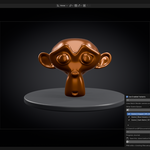
Render Pro — One-Click Render Scene
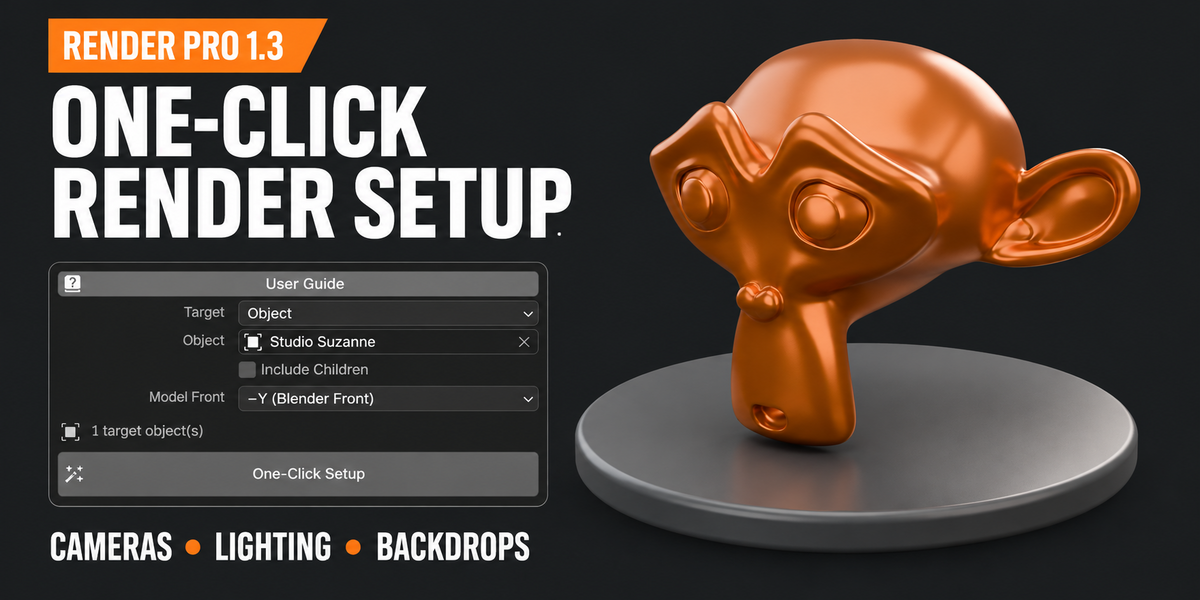
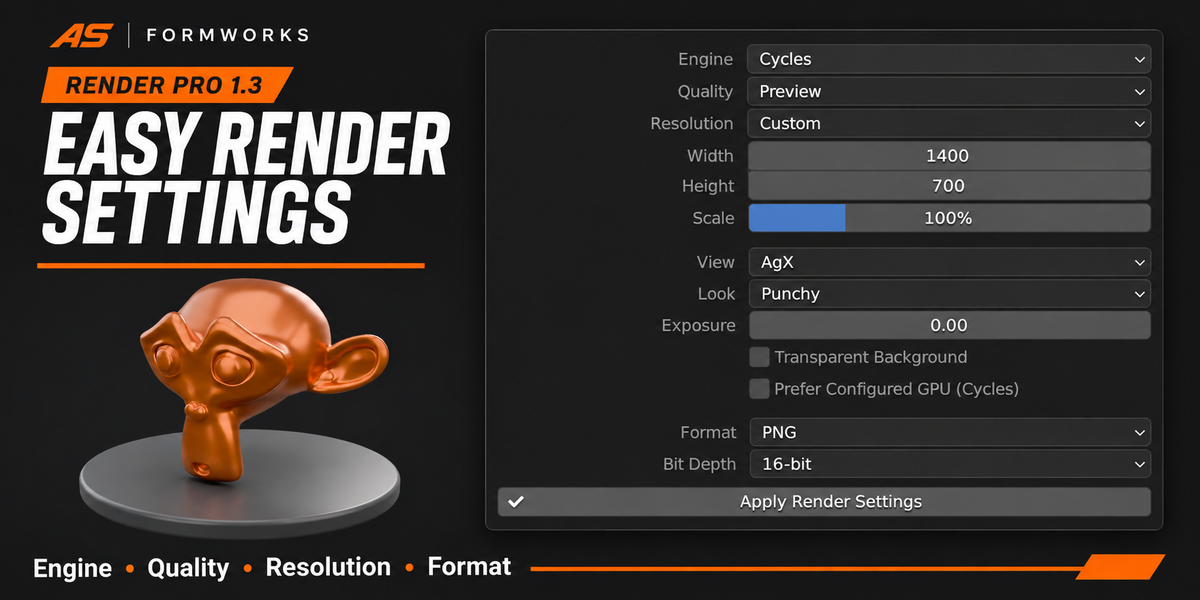
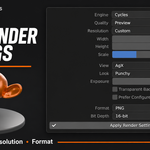
Prepare cameras, lighting and a generated backdrop around your selected geometry in Blender. Set engine, quality, resolution and output from one panel. Your model needs its own materials; Render Pro prepares the rendering environment.
NEW IN 1.5 — DARK VEHICLE STUDIOS
12 vehicle scene presets: Dark Concrete, Black Infinity, Basalt Rim, Wet Tarmac, Hangar Grid, Light Tunnel, Copper Dusk, Teal Edge, Catalog, Graphite, Sunset and Neon. The eight new dark studios pair low ambient light with coordinated reflection lighting.
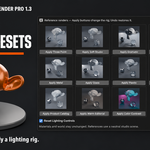
Editable emissive mesh lights include softbox ribbons, octaboxes and segmented window grids. Choose Auto, Mesh, Area or Hybrid. Mesh panels are hidden from the camera by default and remain visible in reflections.
10 procedural floor shaders: Charcoal Concrete, Basalt Aggregate, Wet Tarmac, Satin Epoxy, Obsidian Polish, Brushed Slate, Dark Terrazzo, Pale Concrete, Warm Honed Stone and Polished Concrete. Layered color, grain, roughness variation and two-scale bump add surface detail without external textures.
Choose Preset, Dry/Matte, Satin, Wet or Polished finishes. Adjust Roughness Bias, Roughness Variation, Texture Scale and Micro Relief. Apply Floor Shader updates the generated floor while preserving cameras, lights and target materials.
Vehicle studios include a seamless cyclorama and fitted Hero, Side, Rear and Front cameras. New vehicle studios default to QHD (2560 × 1440).
ACTUAL VEHICLE RENDERS — 1.5.0
Vehicle models and materials are not included. Example vehicle materials were prepared separately.
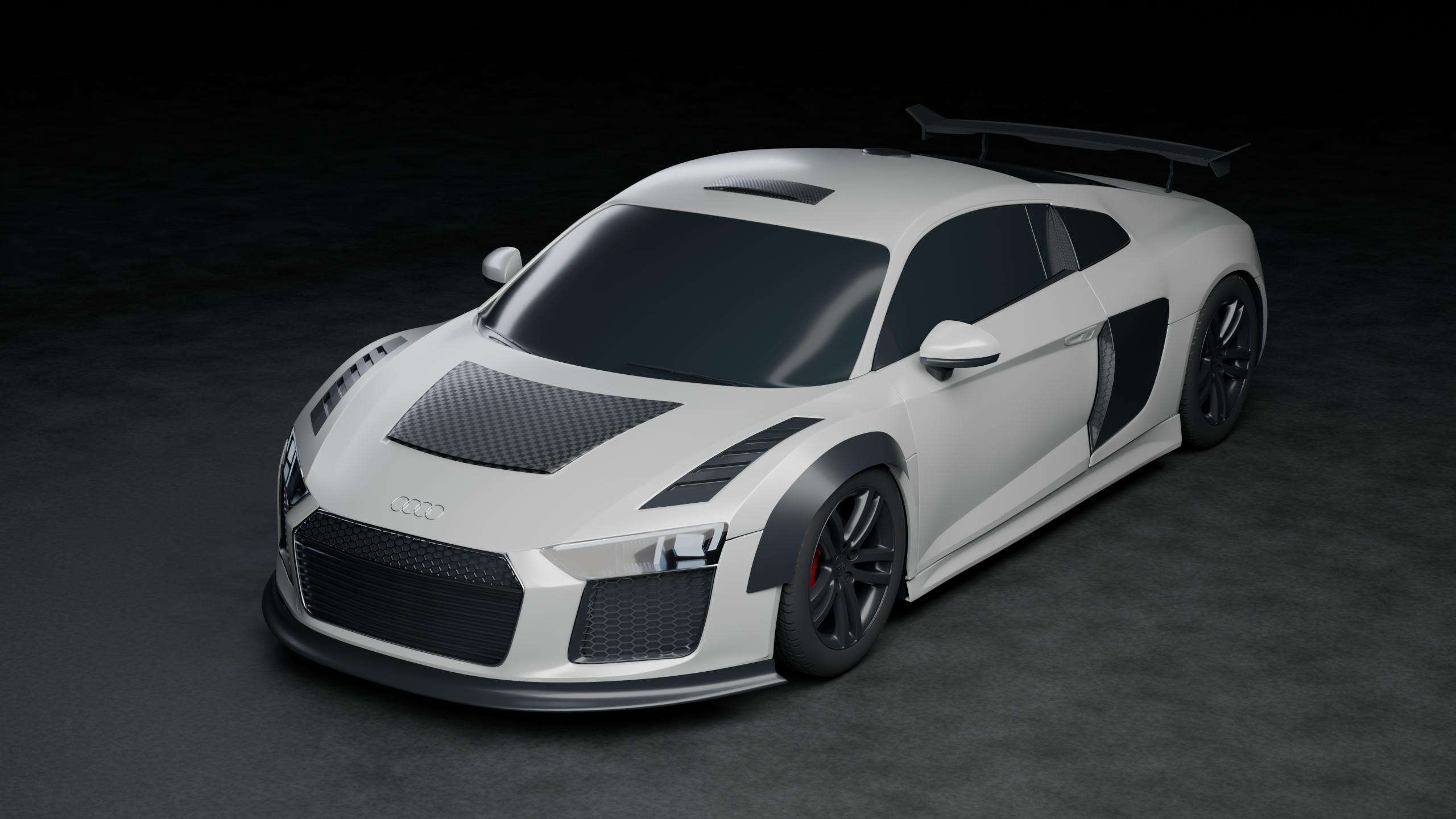
Audi — Dark Concrete. Actual Cycles render, 2560 × 1440.
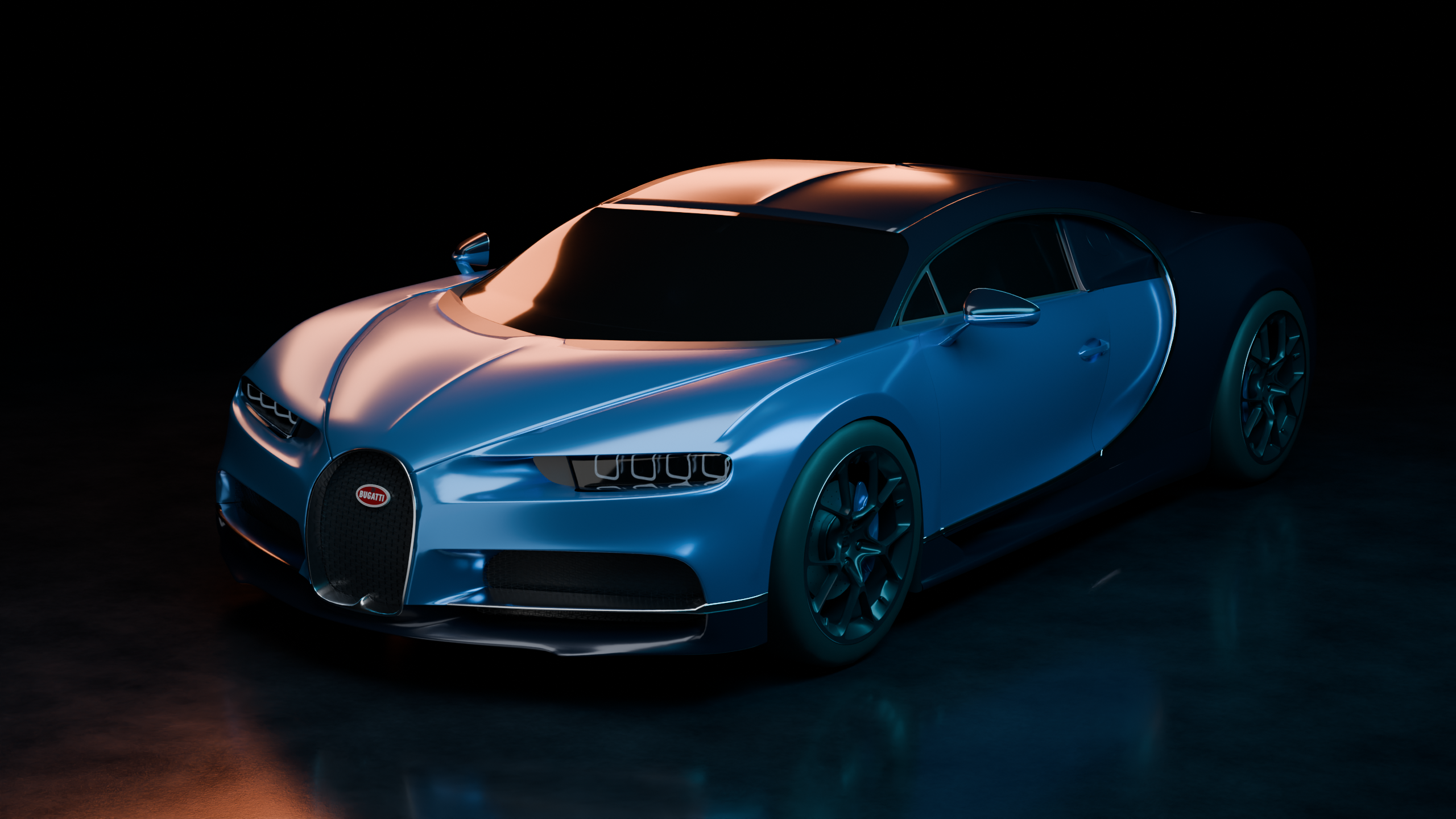
Bugatti — Teal Edge. Actual Cycles render, 2560 × 1440.
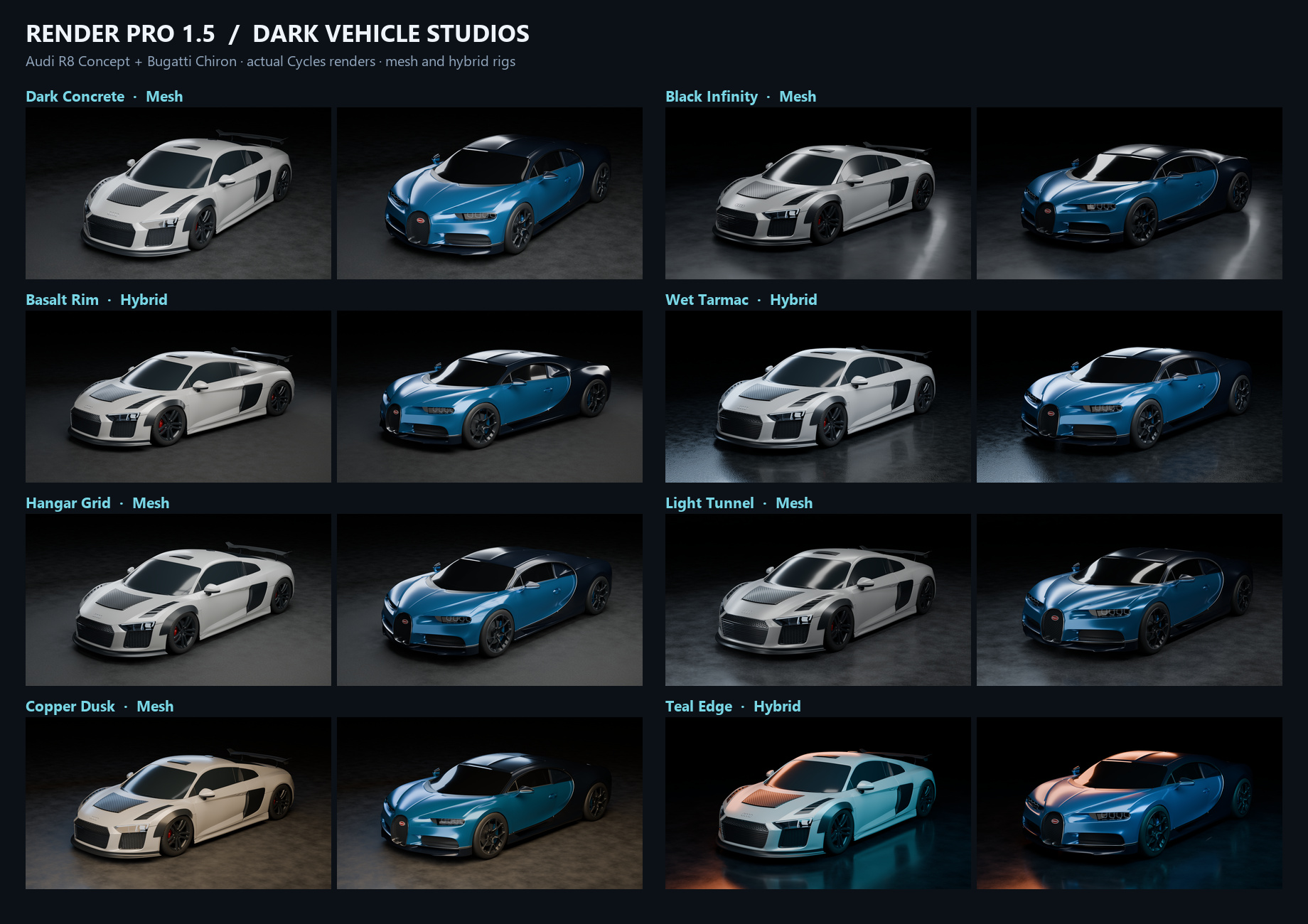
Eight new dark studios shown on two example vehicles.
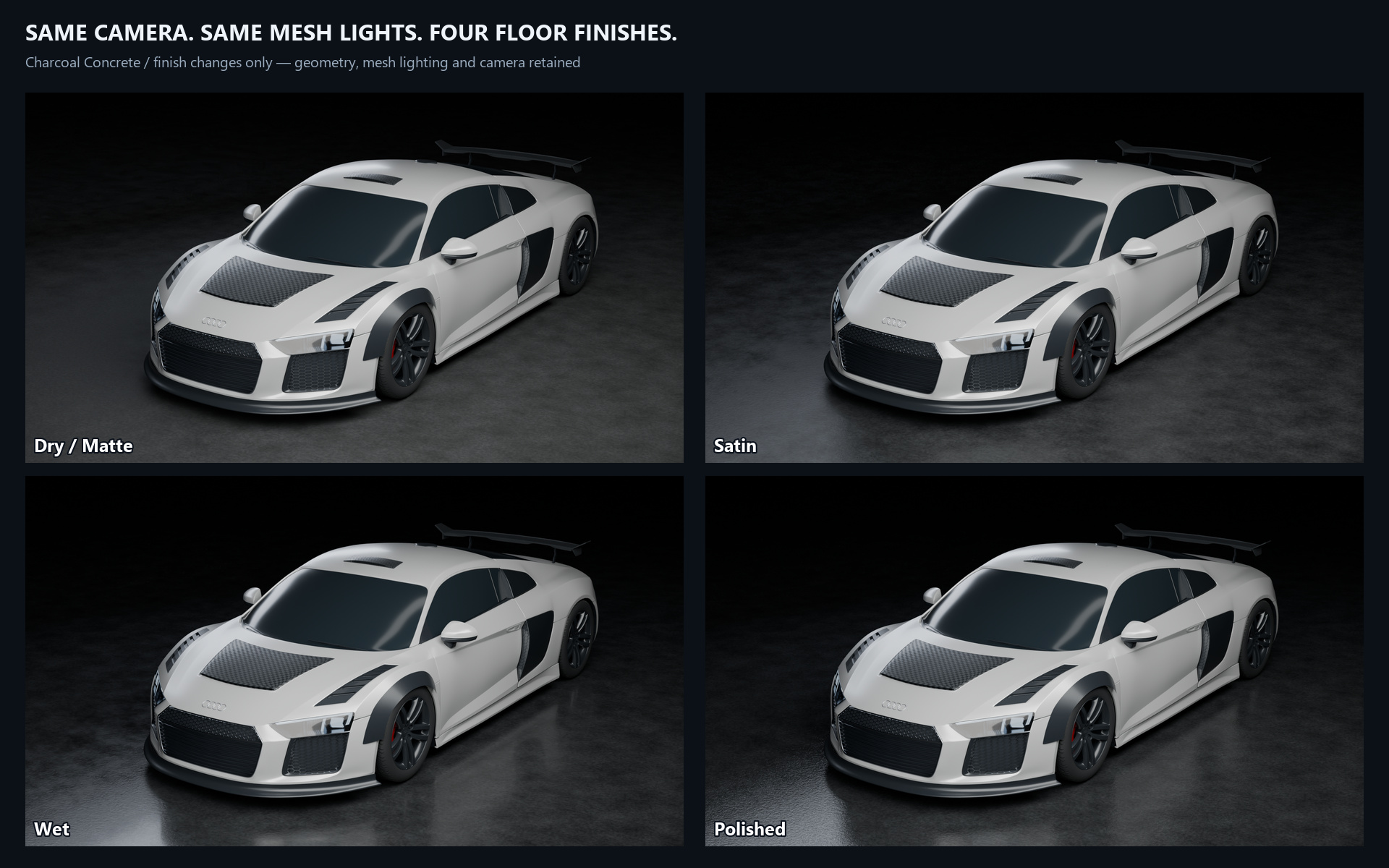
Procedural floor finish comparison: Dry/Matte, Satin, Wet and Polished.
ALSO INCLUDED
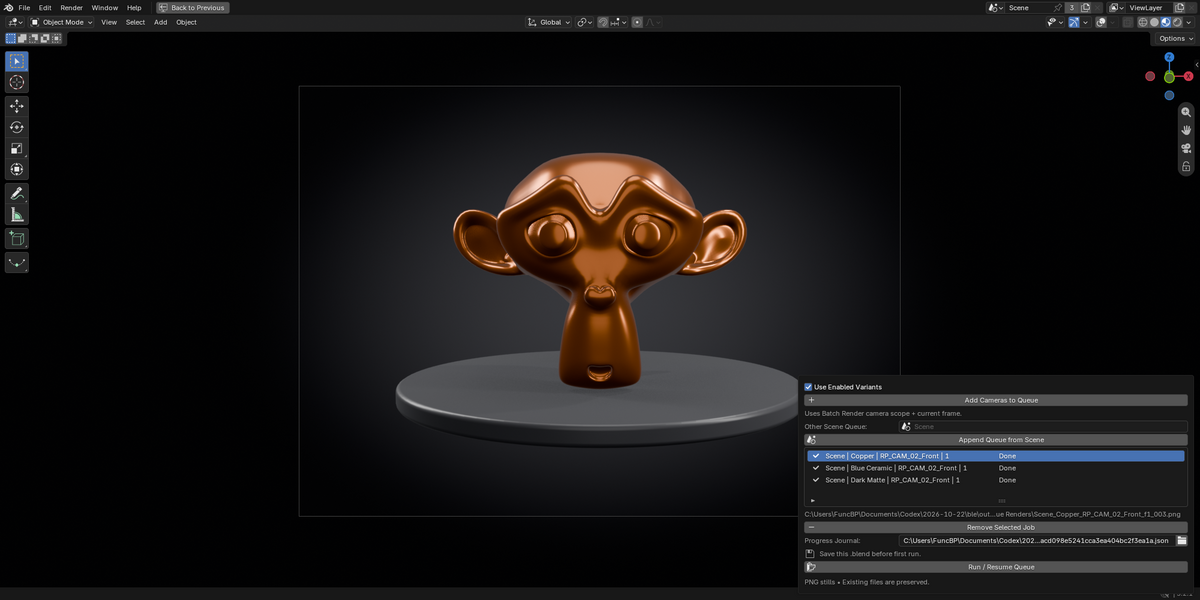
One-click setup, editable cameras and lights, render settings, batch rendering, material/visibility variants and persistent render queues.
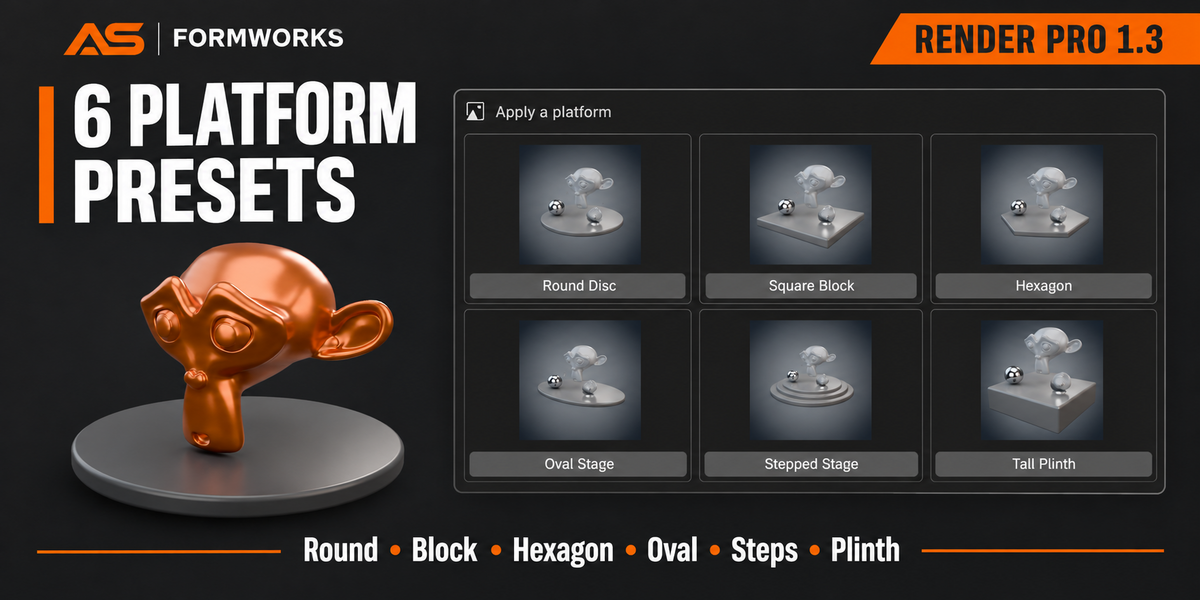
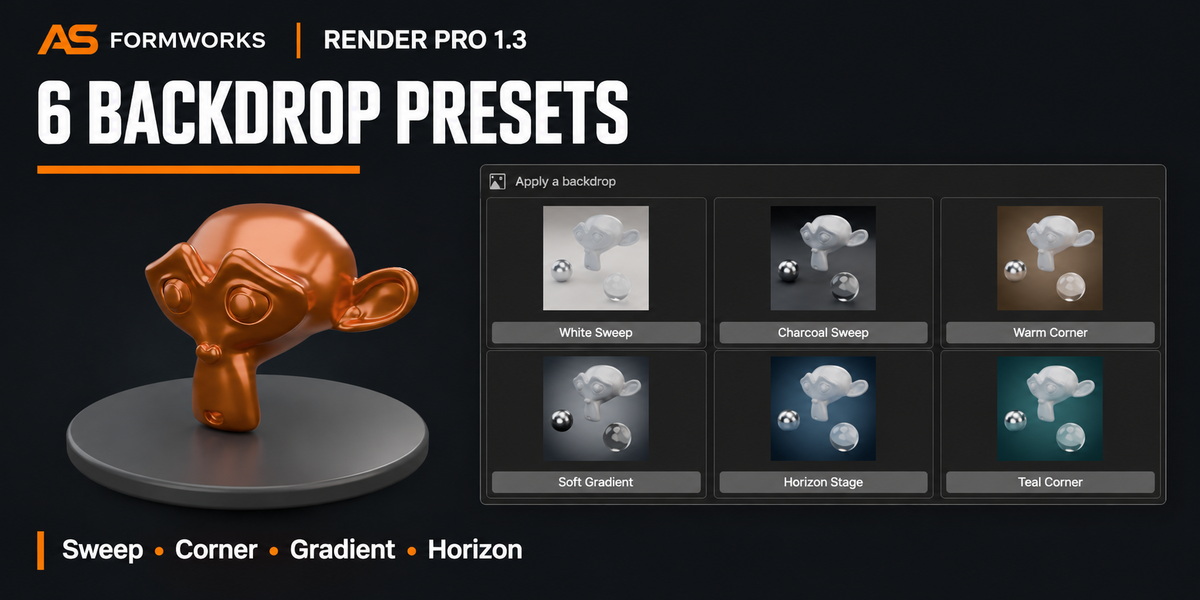
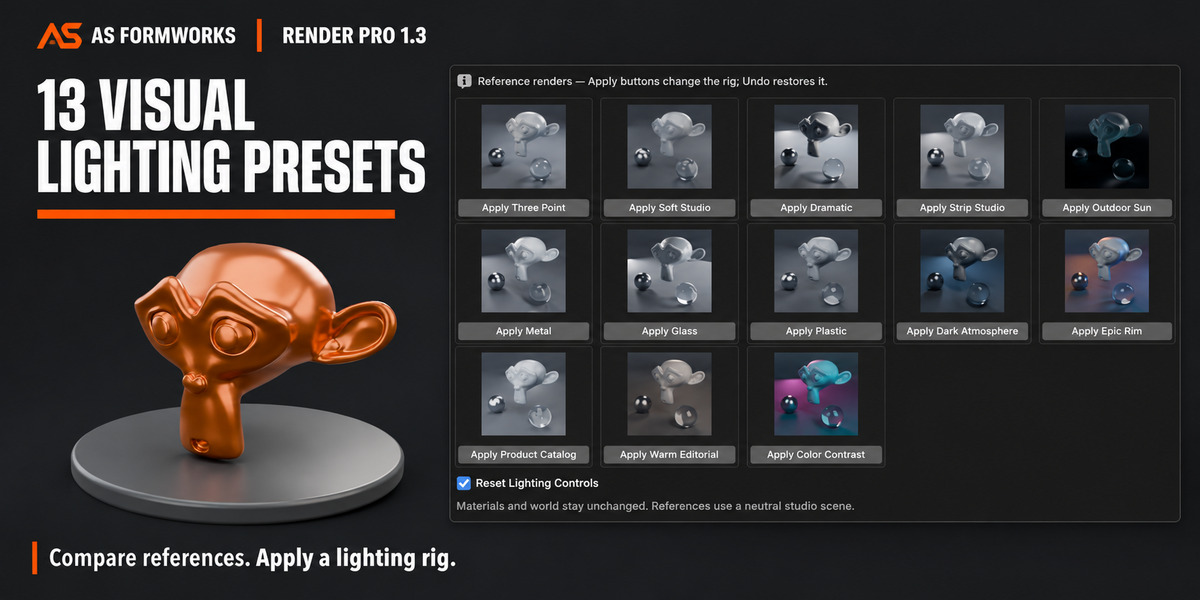
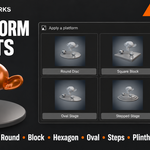
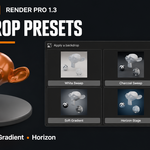
13 visual lighting references, 6 backdrop presets, 6 platform shapes, up to 64 saved custom lighting looks per scene, and optional Product Photography with five coordinated new-scene setups.
QUICK START
Install the ZIP through Preferences > Add-ons > Install from Disk. Enable Render Pro. Select the complete vehicle or choose its Target Collection. Open N > Render Pro > Vehicle Render Studios, set Vehicle Front, choose a preset and click Build Vehicle Studio (New Scene). Review the camera, choose output settings and render. Use Apply Floor Shader to change the floor in an existing vehicle studio.
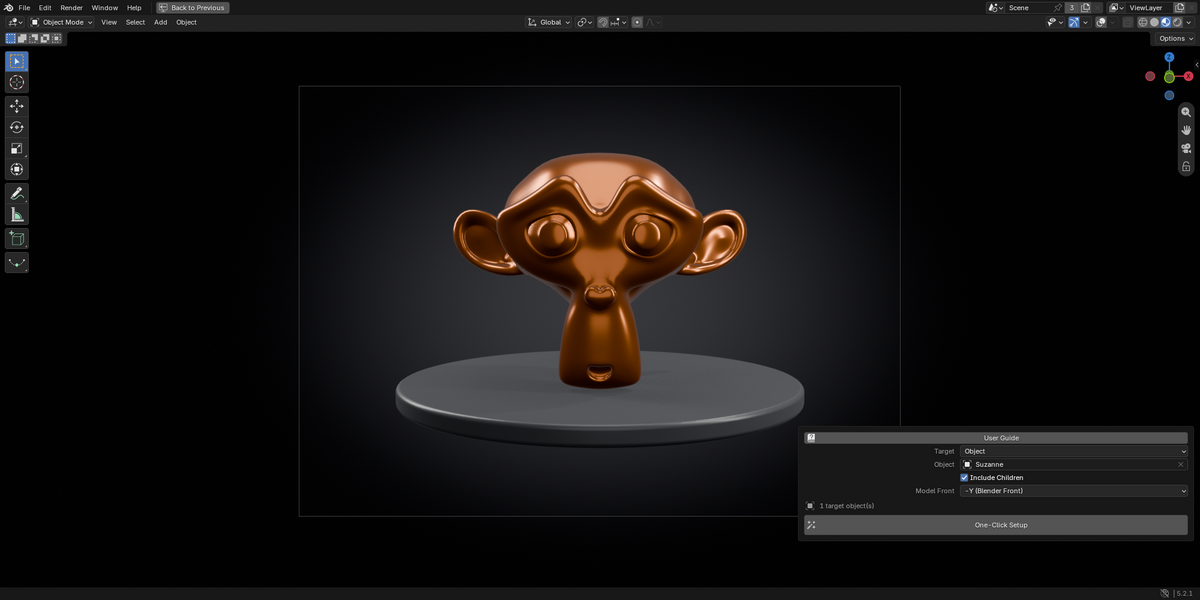
For general objects, select your model, set Model Front and click One-Click Setup. Choose lighting, backdrop and platform options and review framing. Refit the camera after enlarging a platform.
REQUIREMENTS & SCOPE
Minimum Blender 5.0. Windows Blender 5.0.0 and 5.2.1 LTS tested. Other platforms/versions untested. No account, server or external asset downloads required for the preset libraries. GPL-3.0-or-later. Free update for existing buyers.
New-scene studios use independent evaluated current-frame geometry snapshots with shared material references. Source geometry, transforms, world and compositor are preserved. Later geometry and animation changes do not synchronize. Viewport subdivision is captured. Vehicle limits: 2,000 geometry objects and 4 million evaluated vertices.
Generated stages, meshes, cameras, lights and shaders are editable; rebuilding can replace hand edits to generated assets. Backdrops rebuild the owned world/stage. Platforms preserve the existing world, lights and cameras, and are unavailable on the Ocean stage.
WHAT YOU DOWNLOAD
The current 1.5.0 installer ZIP, updated English offline guide with reference images, and GPL license. Changelog included in the installer. Vehicle models and their materials are not included.
FAQ
Does setup start a render? No. Review the prepared scene and render when ready.
Does Render Pro create vehicle paint or repair textures? No. Example vehicle materials were prepared separately; use your own models and materials.
Are the preset previews live renders? The libraries show bundled reference images. Apply a preset and render your scene to see its result. The new Audi and Bugatti examples are actual Cycles renders at 2560 × 1440.
Can I combine backdrops and platforms? Yes. Apply a studio backdrop, then a platform. Platform color/roughness update live; size/height use Rebuild.
Does this accelerate Cycles sampling? No. Setup and interaction improvements do not change native render speed, which depends on your scene and hardware.