Render Pro
 AS Formworks
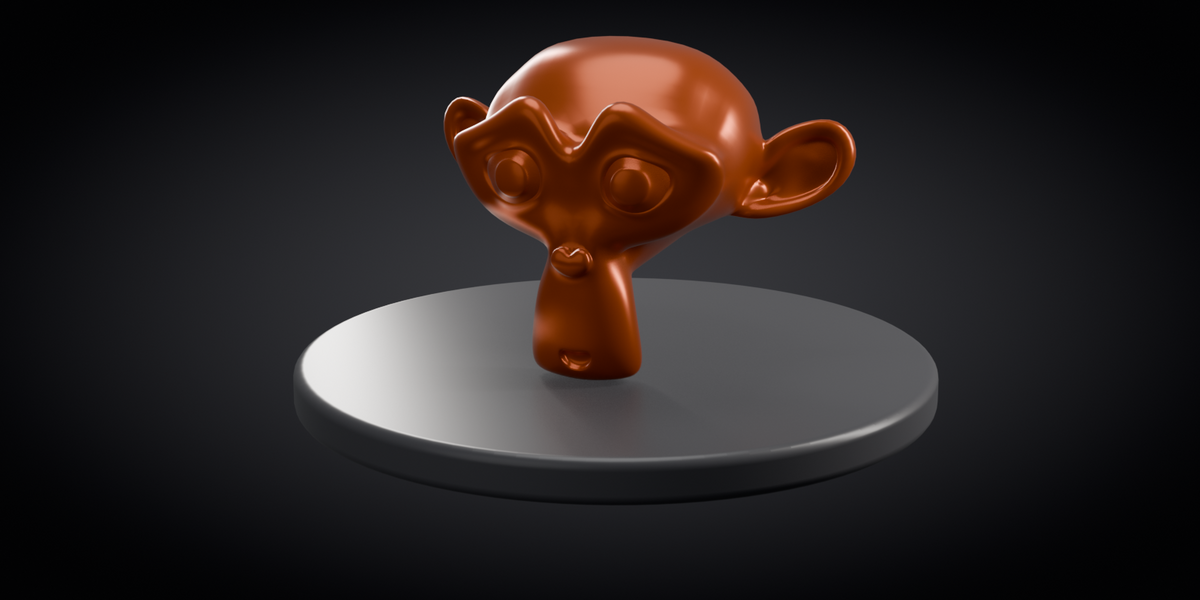
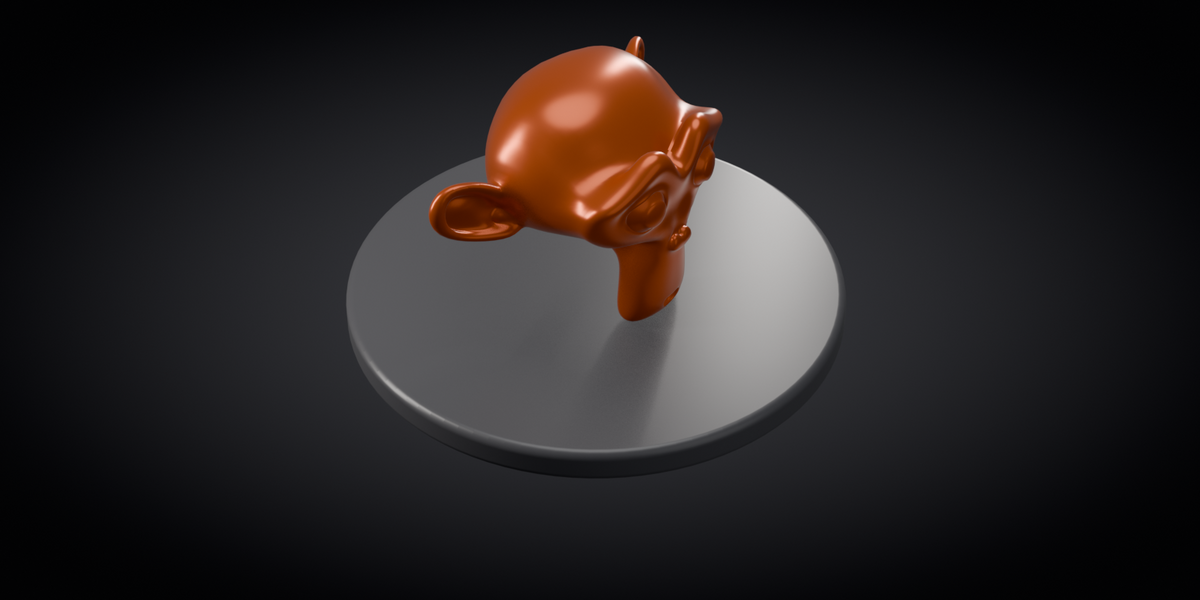
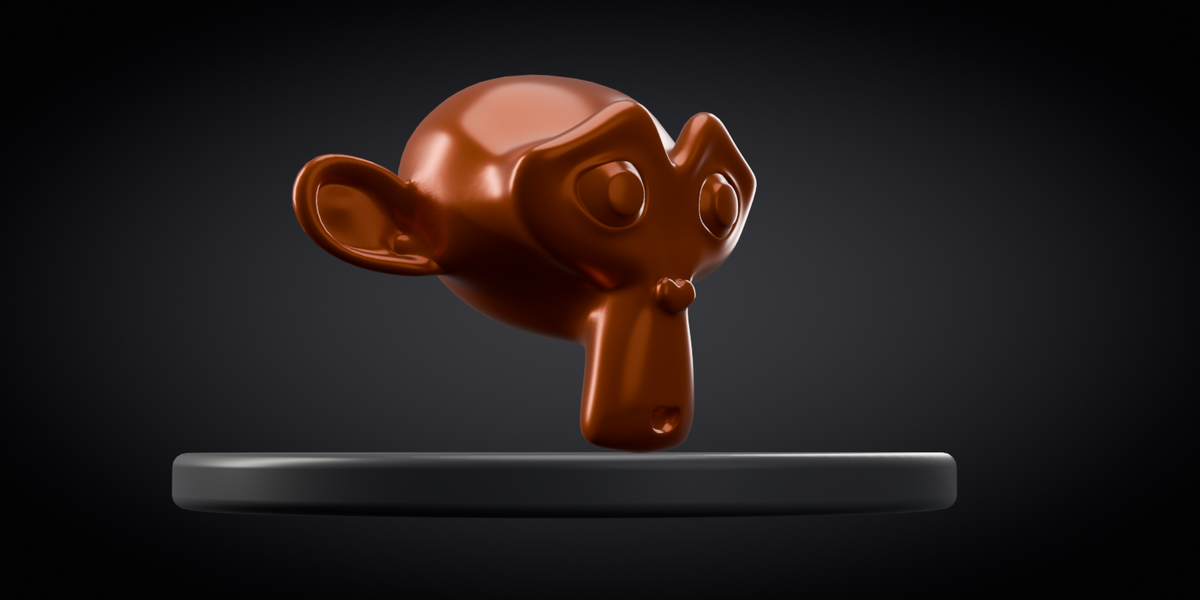
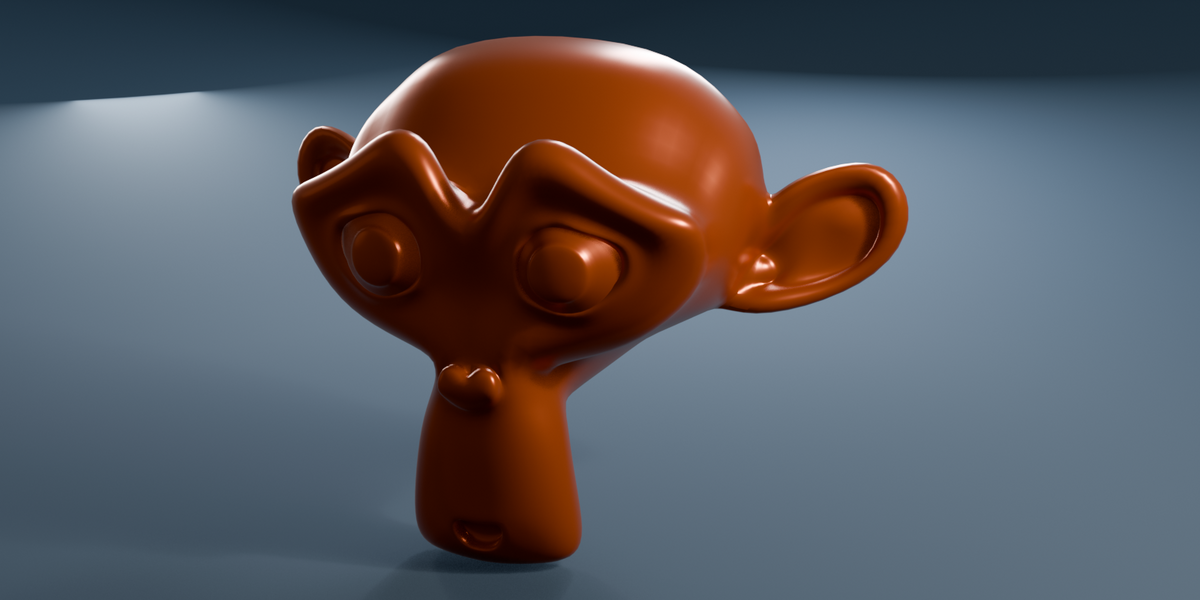
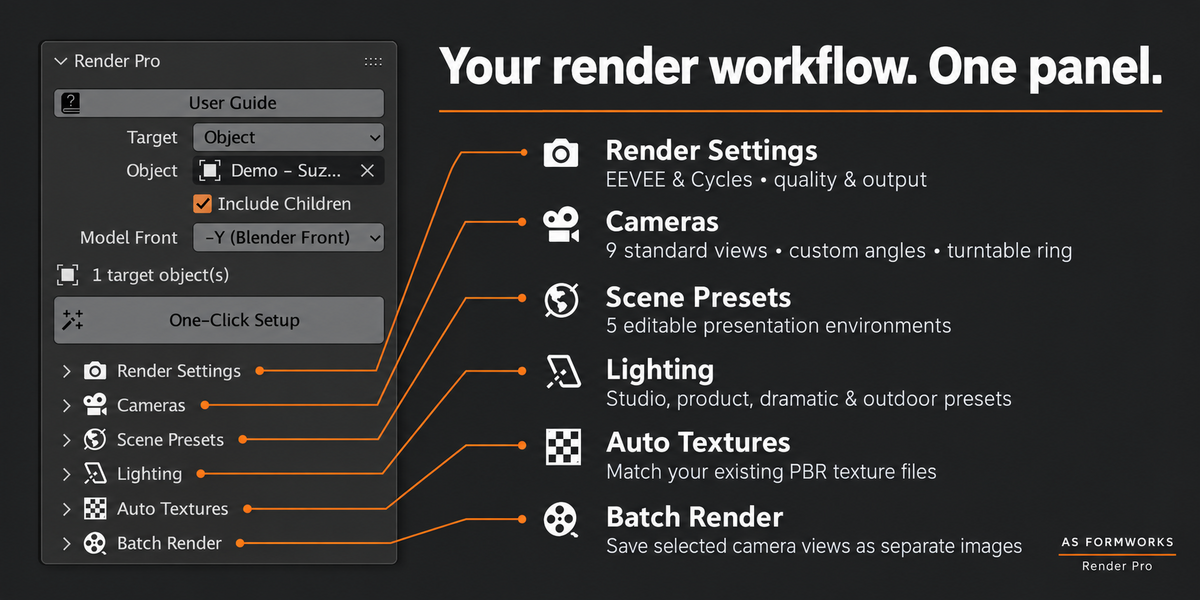
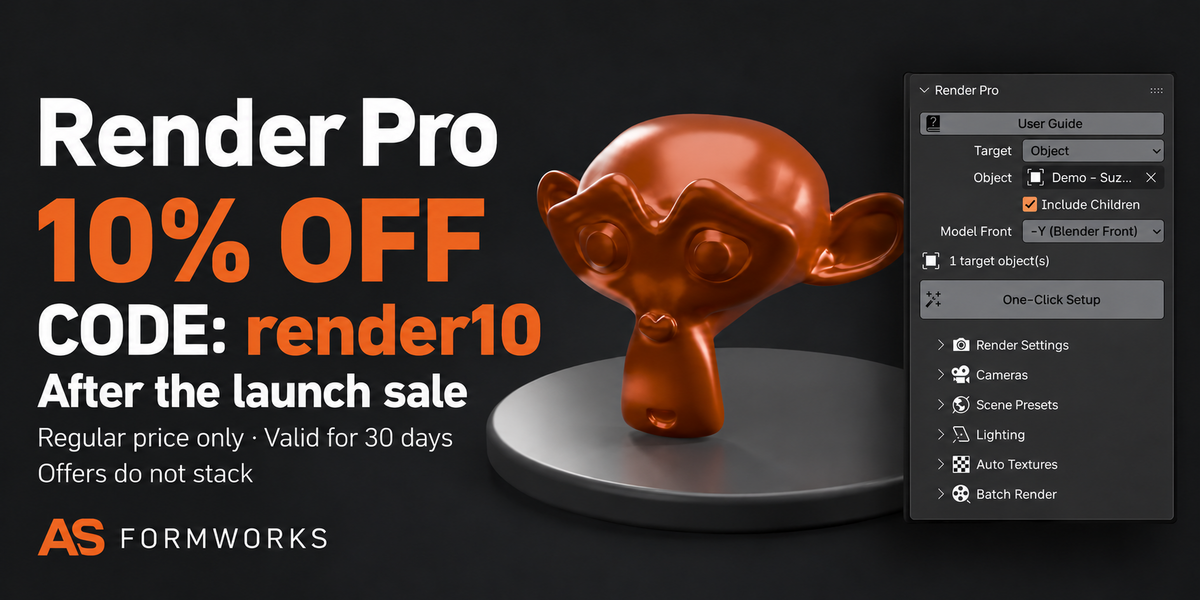





Are the gallery images actual addon output?
The feature graphics combine the real Render Pro interface screenshot with presentation layouts. The separate Suzanne studio and cyclorama images are actual Blender renders produced using the addon’s camera, environment and lighting setup. Render Pro sets up your existing model; it does not generate new target-model geometry.
What is included, and can the addon work offline?
The customer bundle contains the installable 1.0.1 ZIP with full Python source, English offline guide, changelog, GPL license and a Suzanne demonstration blend. Install the inner render_pro-1.0.1.zip without extracting it. The addon operates locally without an account, API key or external asset download. Code is GPL-3.0-or-later.
Where are renders saved, and do I need a GPU?
Choose an output folder in Batch Render. //Renders/ resolves beside a saved .blend file; an unsaved project needs an absolute output path. GPU rendering is optional. Cycles defaults to CPU; Prefer Configured GPU uses enabled devices already configured in Blender Preferences, falling back to CPU when no compute GPU is configured.
Will a batch overwrite old images, and how do I stop it?
Existing files and repeated names receive suffixes such as _001. Avoid multiple Blender processes writing into the same folder. ESC in the batch context requests a stop after the current render; cancelling Blender’s current render stops the batch. Completed images remain. The original camera, frame, marker bindings and output path are restored after completion or a handled failure.
Does it create textures, UVs or a water simulation?
No. Texture assignment connects existing files by their names and expects a directly connected Principled BSDF. It does not generate PBR textures or unwrap UVs. The ocean is stylized procedural geometry and shading, rather than a fluid simulation. Height maps are connected as bump, not displacement.
Can I use my existing materials and keep editing the setup?
Yes. Your target model keeps its materials. Cameras, lighting and environment settings remain editable in Blender; structural changes can require reapplying a preset. Texture assignment is a separate optional action. Existing user lights remain, so disable them manually if you want to evaluate only the generated rig.
Does One-Click Setup render immediately or animate a turntable?
One-Click Setup builds a starting presentation scene; it does not start rendering. Review the setup, then use Render All Cameras. Turntable Ring creates cameras around the target. Batch Render saves one still per chosen camera at the current timeline frame, rather than creating an animated orbit.
Which Blender versions and render engines are supported?
Validated on Blender 5.2.1 LTS for Windows, with actual saved EEVEE and Cycles renders. Other versions and operating systems have not been validated. Cycles CPU rendering is supported; a dedicated GPU is optional. The source manifest retains its original 4.2 minimum, which is not a claim that older versions were tested.
Have questions about this product?
Login to message
| Blender Extension Compatible | Yes |
| Published | about 2 hours ago |
| Blender Version | 5.2 |
| Extension Type | Add-on |
| Render Engine Used | Cycles, Eevee |
| License | GPL |
Discover more products like this
procedural environments rendering Studio Lighting cameras portfolio batch render texture-assignment product-visualization