 ZEG
Installation
In Blender open Edit, Preferences, Get Extensions, then use Install from Disk and pick the elevator_escalator_generator zip.
Usage
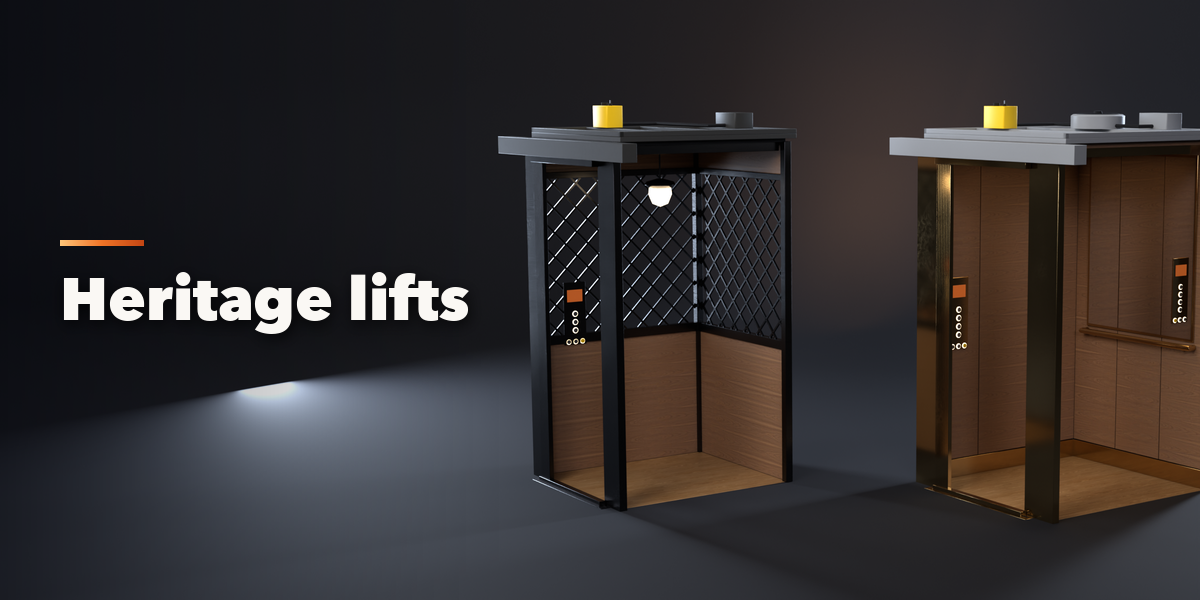
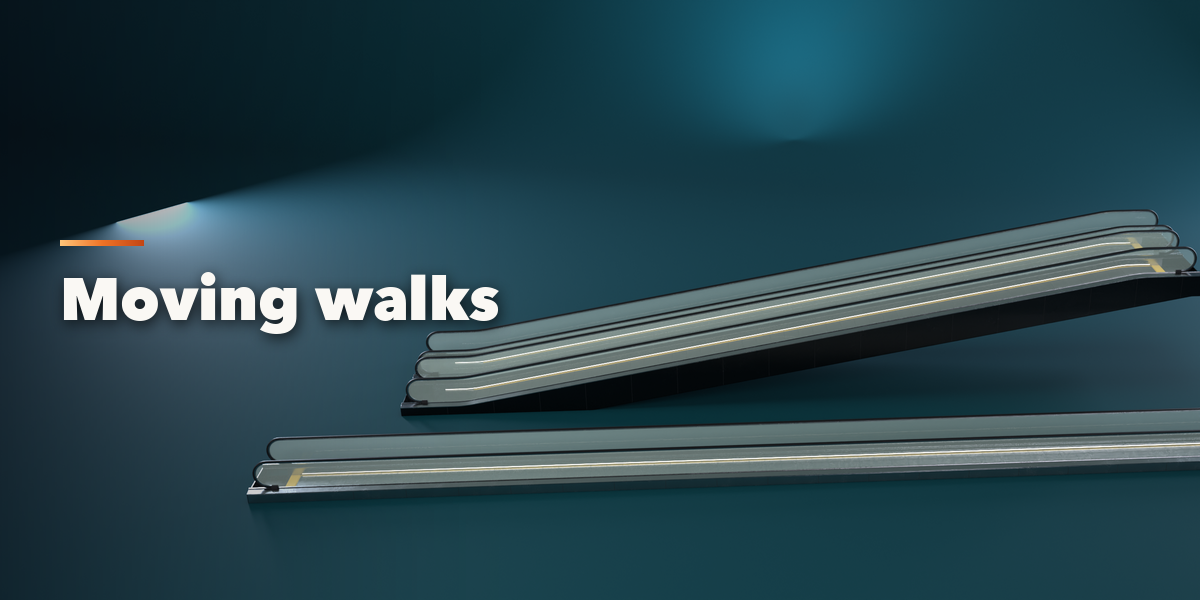
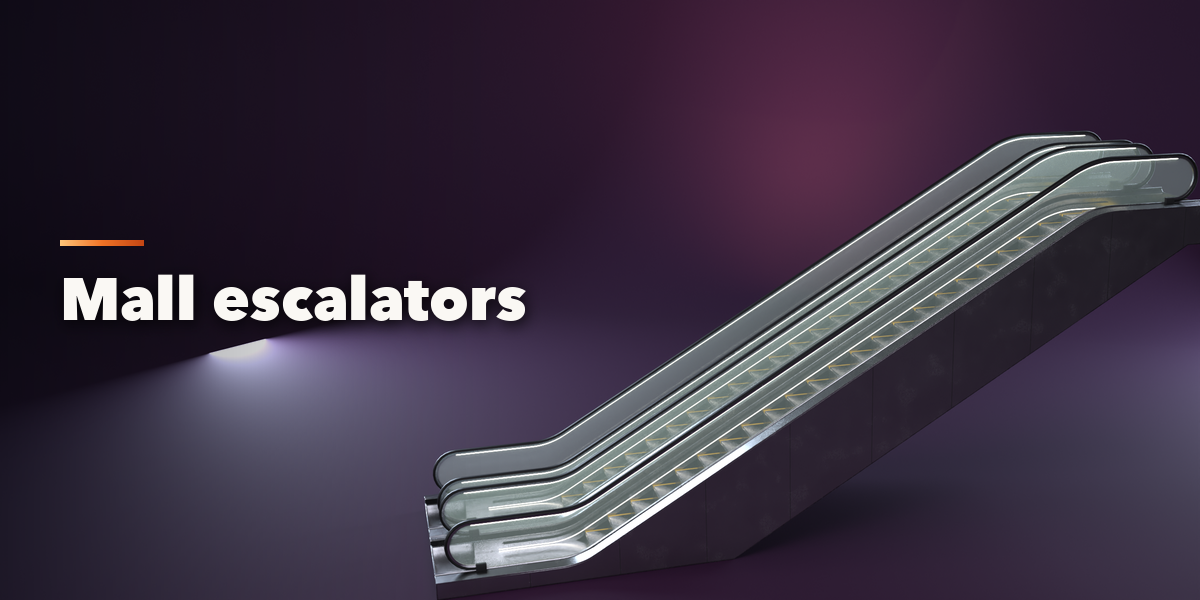
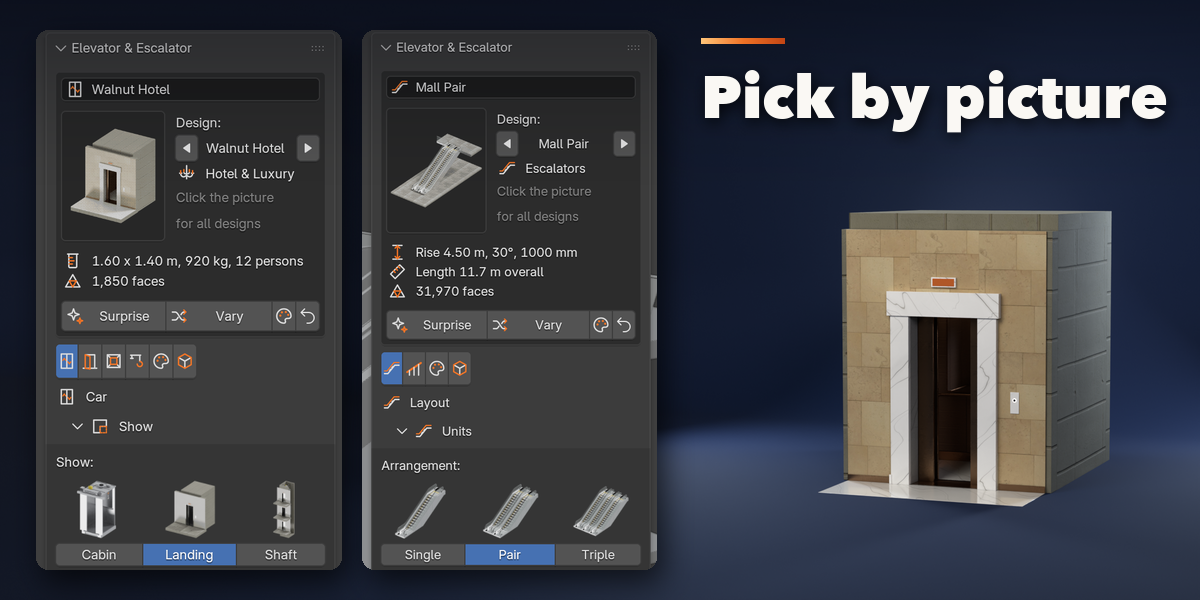
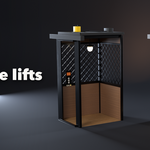
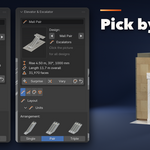
- Open the Lifts tab in the 3D viewport sidebar (N). With nothing selected, click the picture to choose one of the 50 designs and add it at the 3D cursor. You can also use Shift+A, Mesh, Elevator & Escalator.
- Select a design to edit it. Surprise makes a new random design of the same kind, Vary changes the current one a little, Random Finish picks a new set of materials and Reset returns to the design.
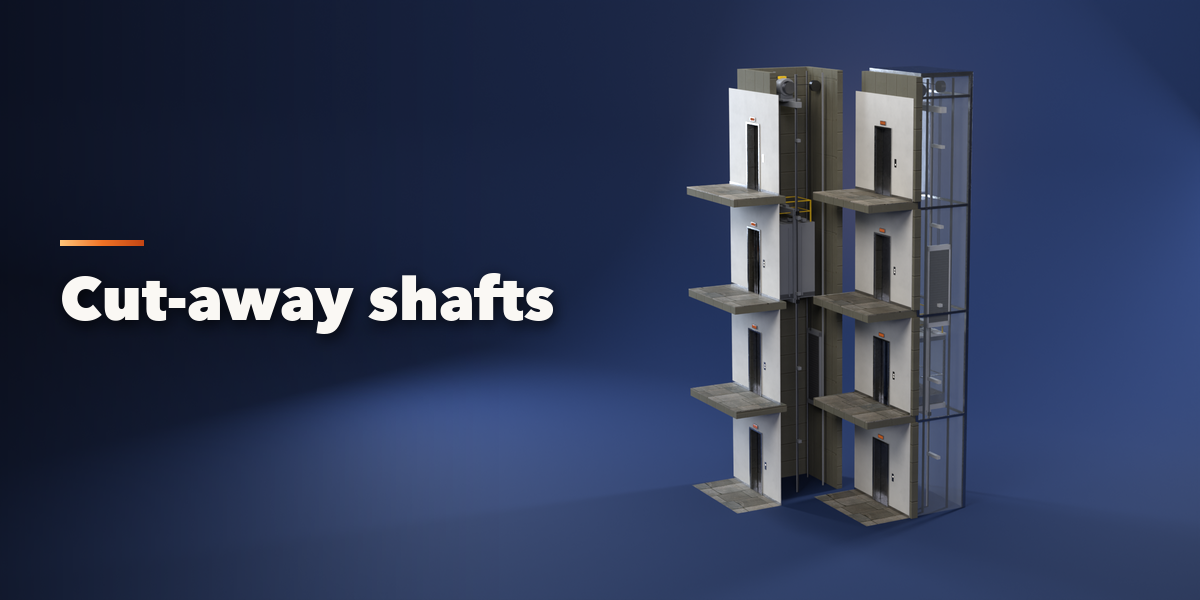
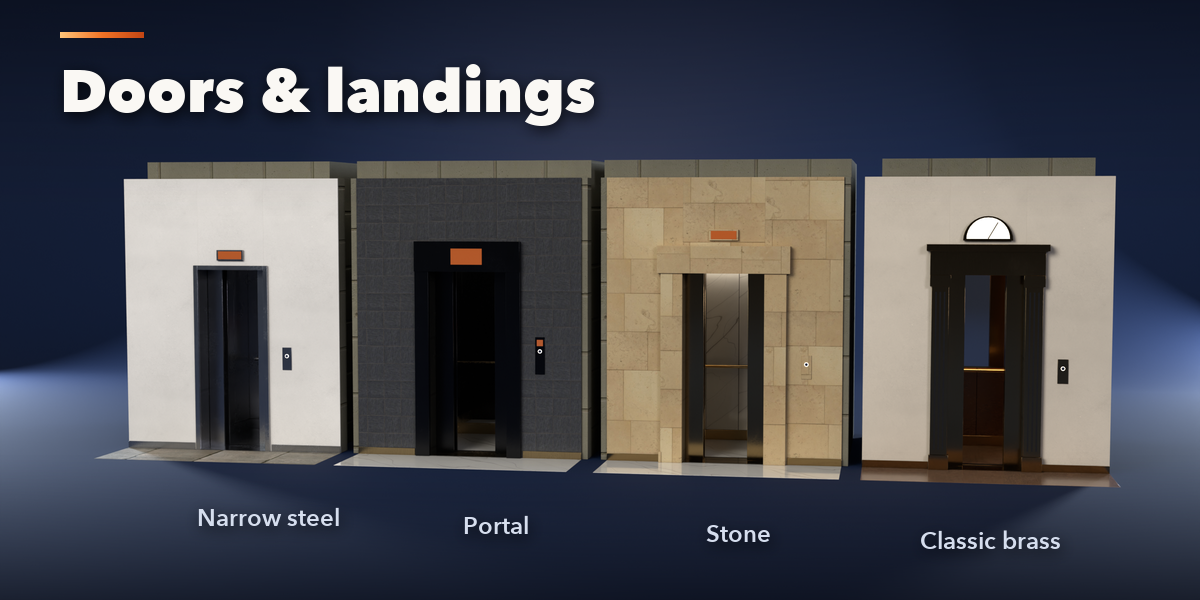
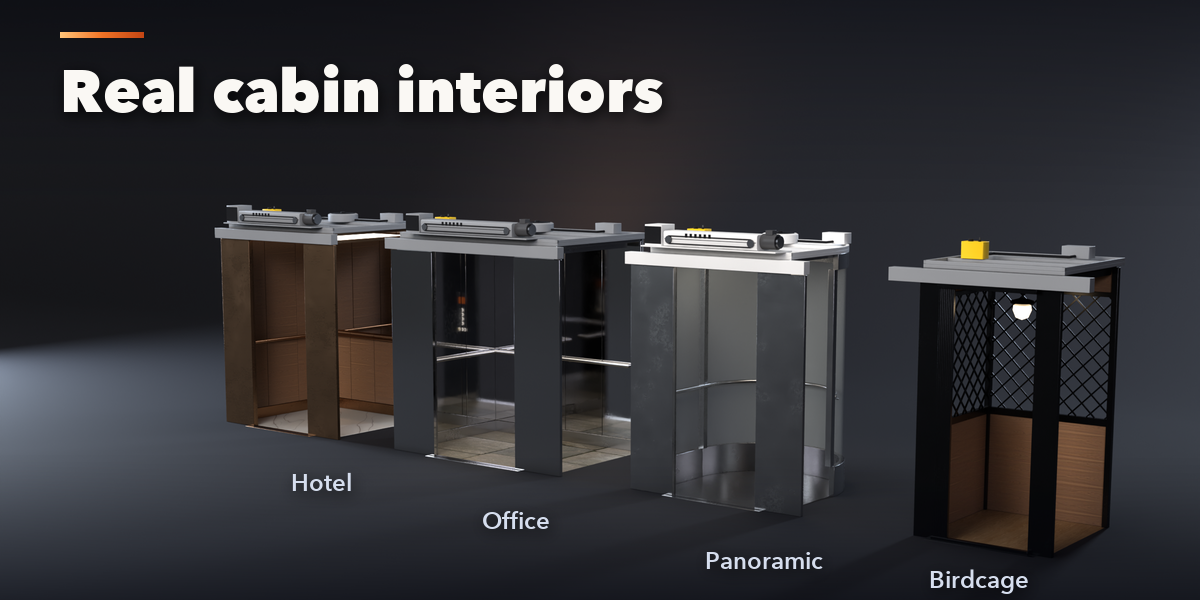
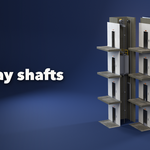
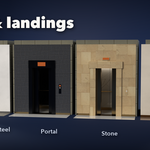
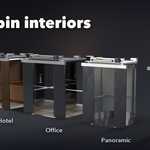
- Elevators: Car (Cabin, Landing or Shaft view, shape and size), Doors, Interior (walls, mirror, handrails, ceiling, buttons), Landing & Shaft (door frame, lobby, floors, drive), Finish and Export.
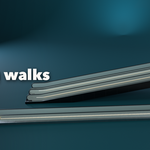
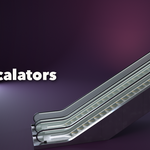
- Escalators and moving walks: Layout (units, rise, angle, length, width), Balustrade (glass or steel, truss, lights, yellow lines), Finish and Export. Animate Step Phase from 0 to 1 to run the steps.
- Click the picture next to a setting to see all its options in a gallery, or step through them with the arrows.
Have questions about this product?
Login to message
| Blender Extension Compatible | Yes |
| Published | 1 day ago |
| Blender Version | 4.2 - 5.2 |
| Extension Type | Add-on |
| Render Engine Used | Cycles, Eevee |
| License | GPL |

Discover more products like this
elevator-shaft escalator procedural lift ArchViz Generator Game asset elevator mall moving walkway architecture Interior