 ZEG
Installation
In Blender open Edit, Preferences, Get Extensions, then use Install from Disk and pick the ascii_renderer zip.
Usage
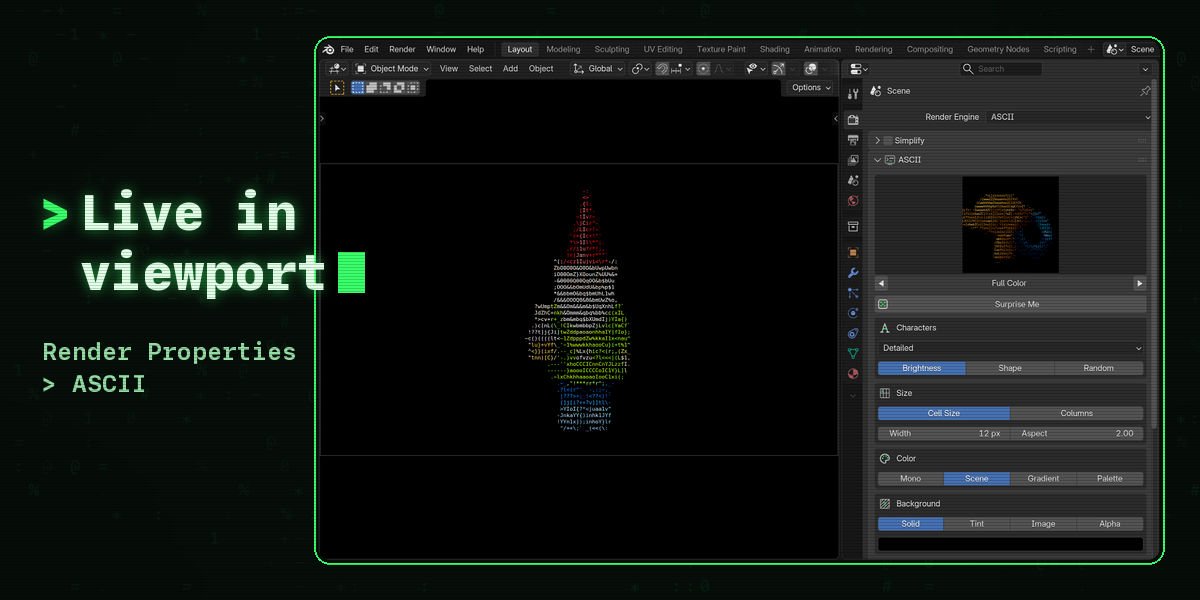
- In the Render Properties set Render Engine to ASCII. The ASCII panel appears right below it.
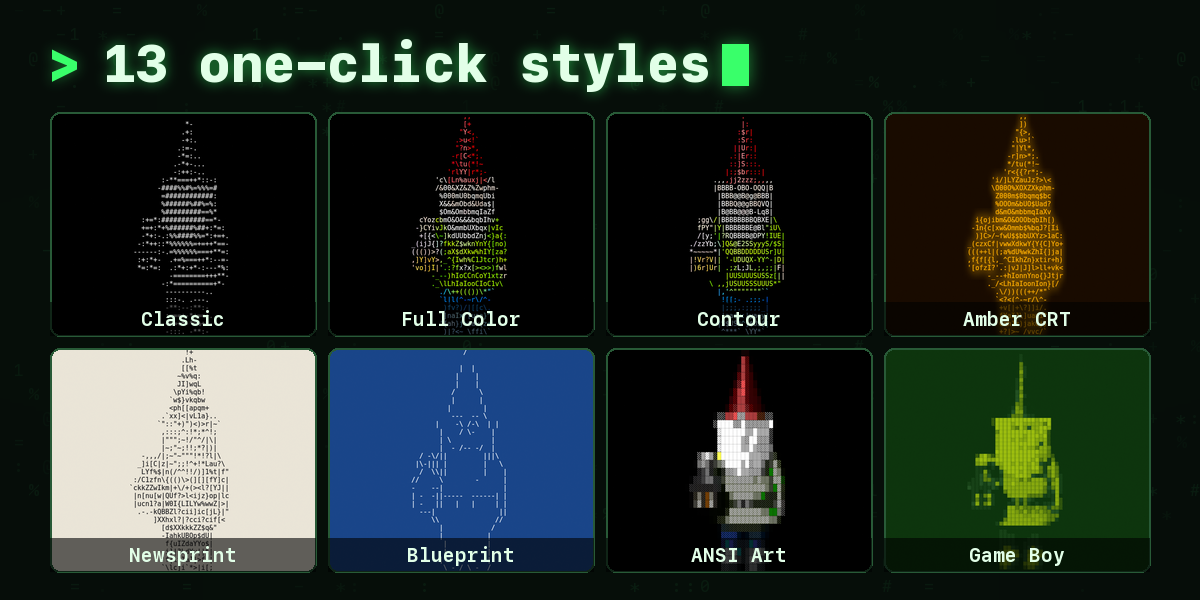
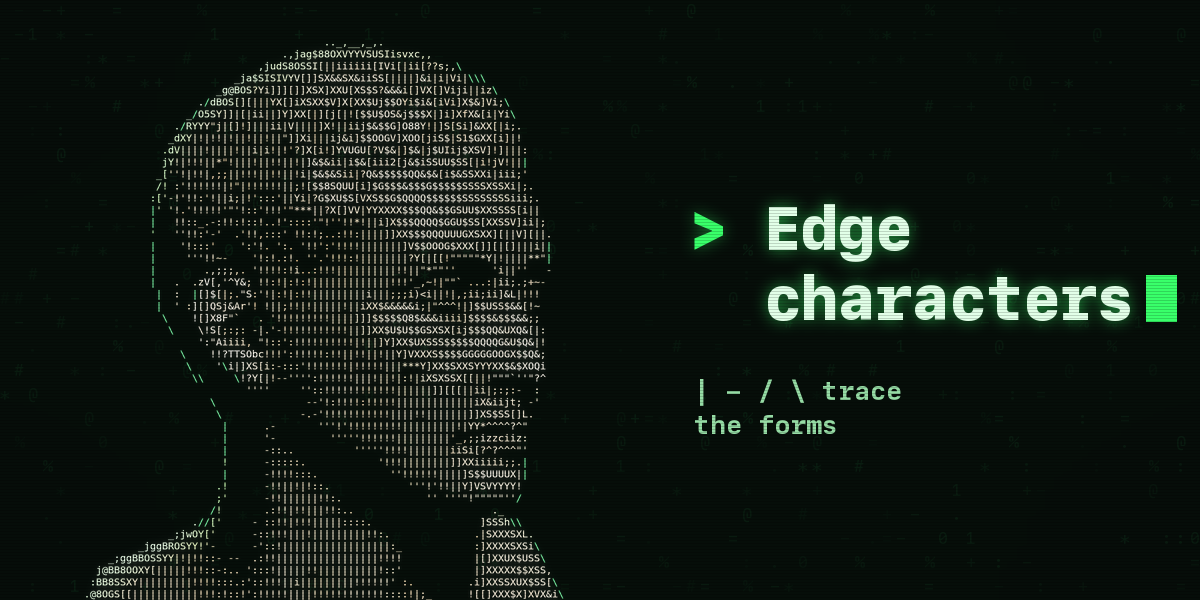
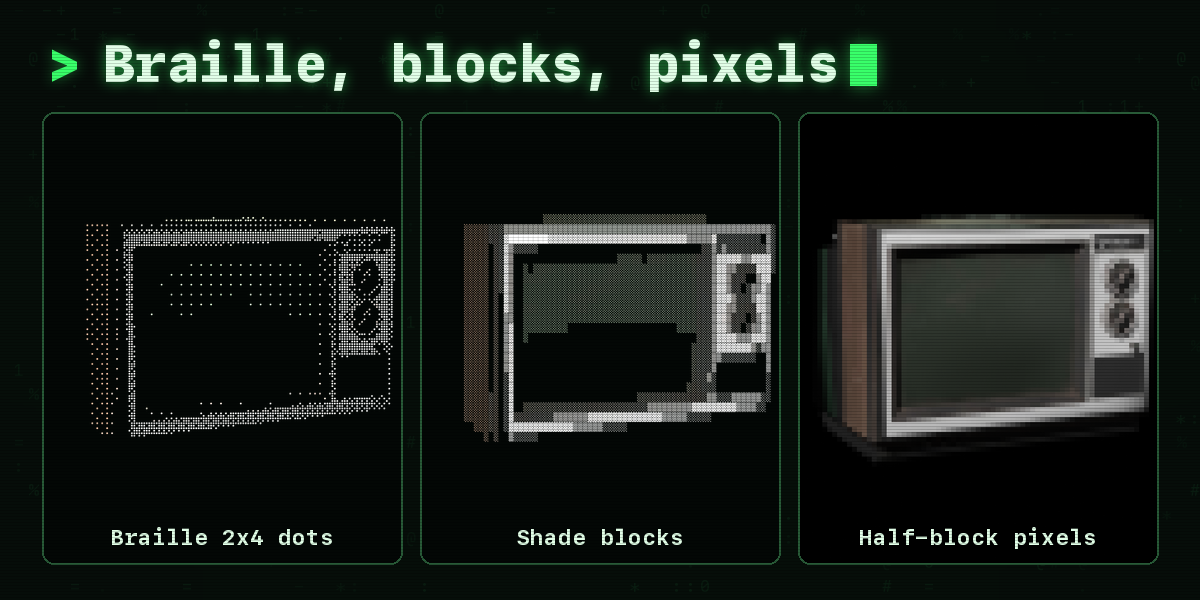
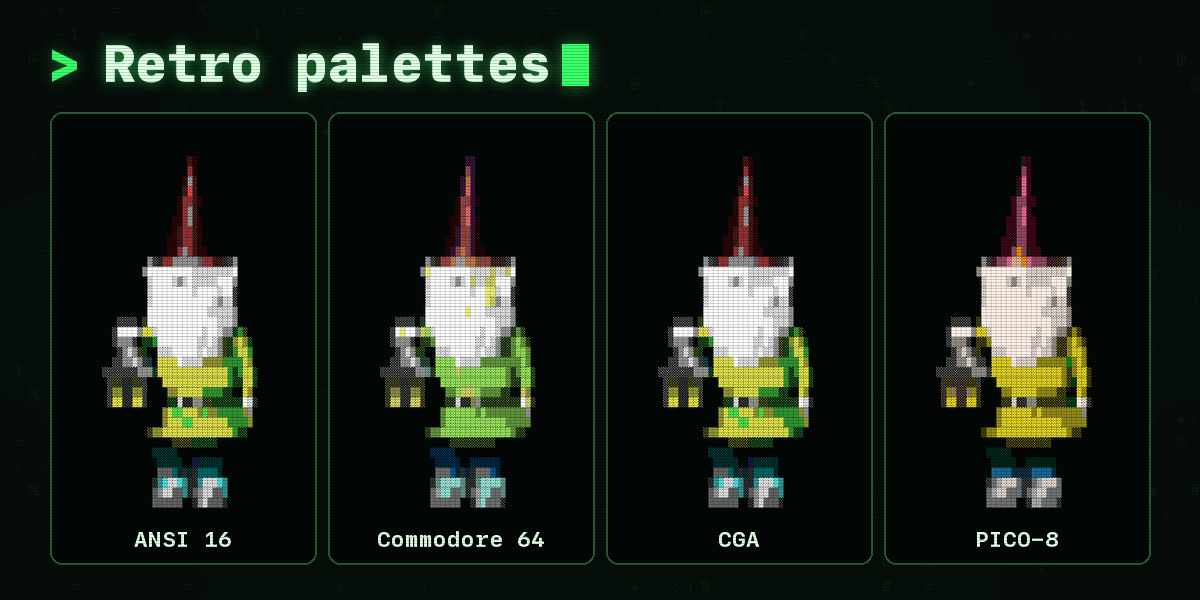
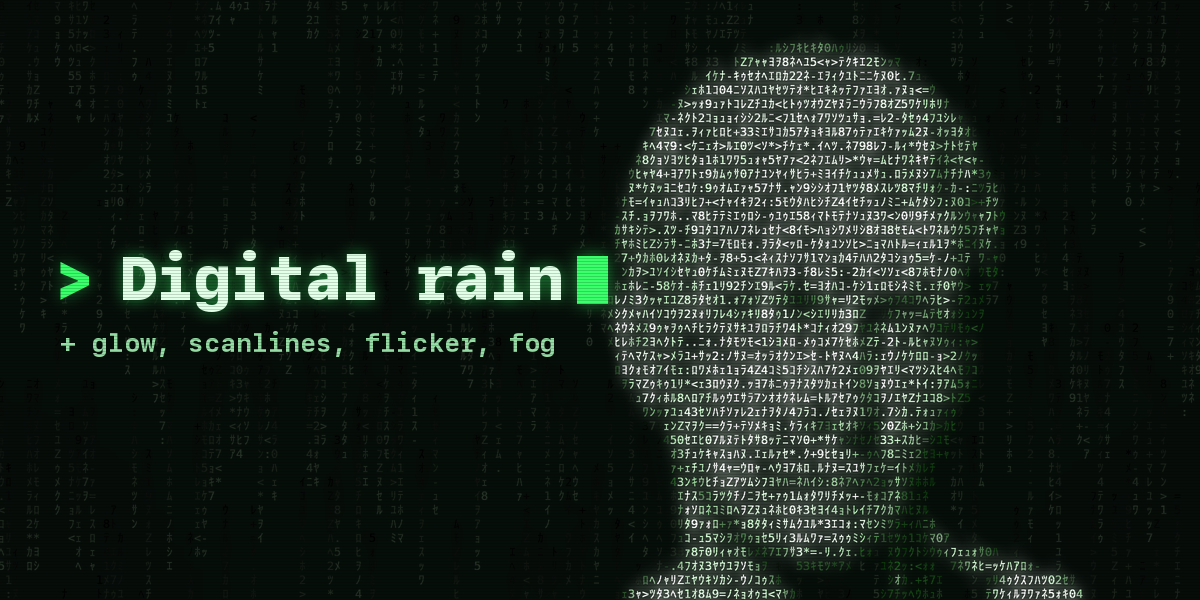
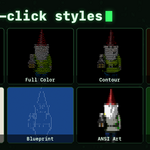
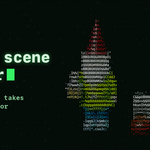
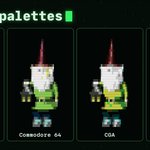
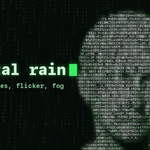
- Click the style picture to choose one of 13 looks, step through them with the arrows, or press Surprise Me.
- Switch the 3D viewport to Rendered shading to see the ASCII image live. In camera view the character grid matches the F12 render.
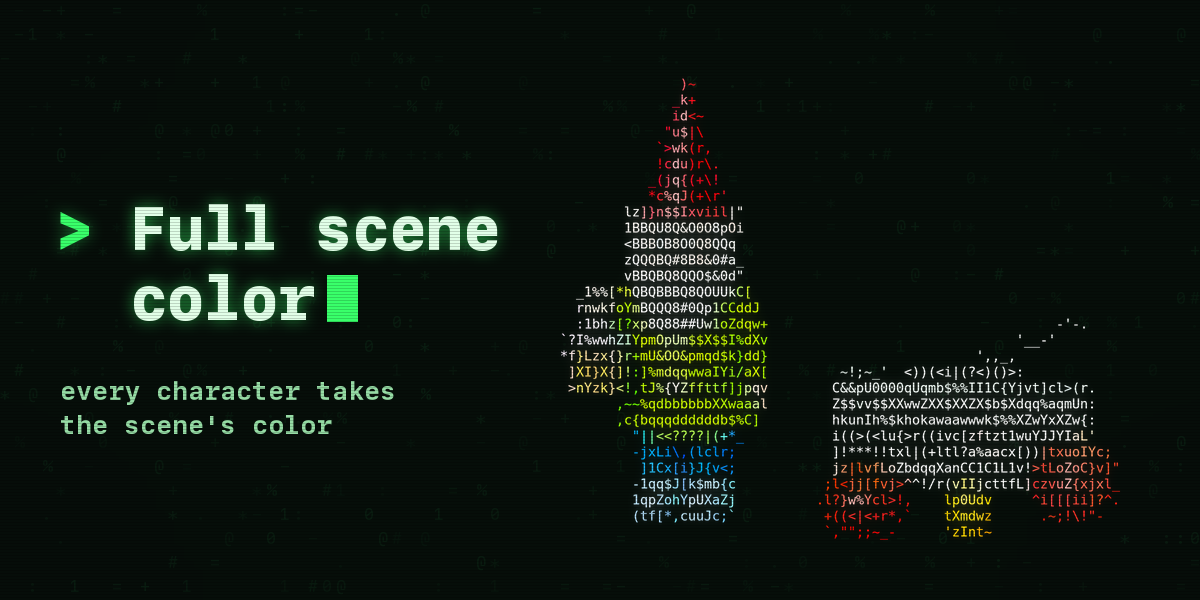
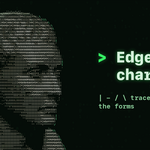
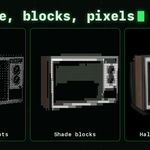
- Choose the characters, the cell size, the colors and the background in the first panel. Tone, Edges, Effects, Scene Lighting and Text Output hold the finer settings.
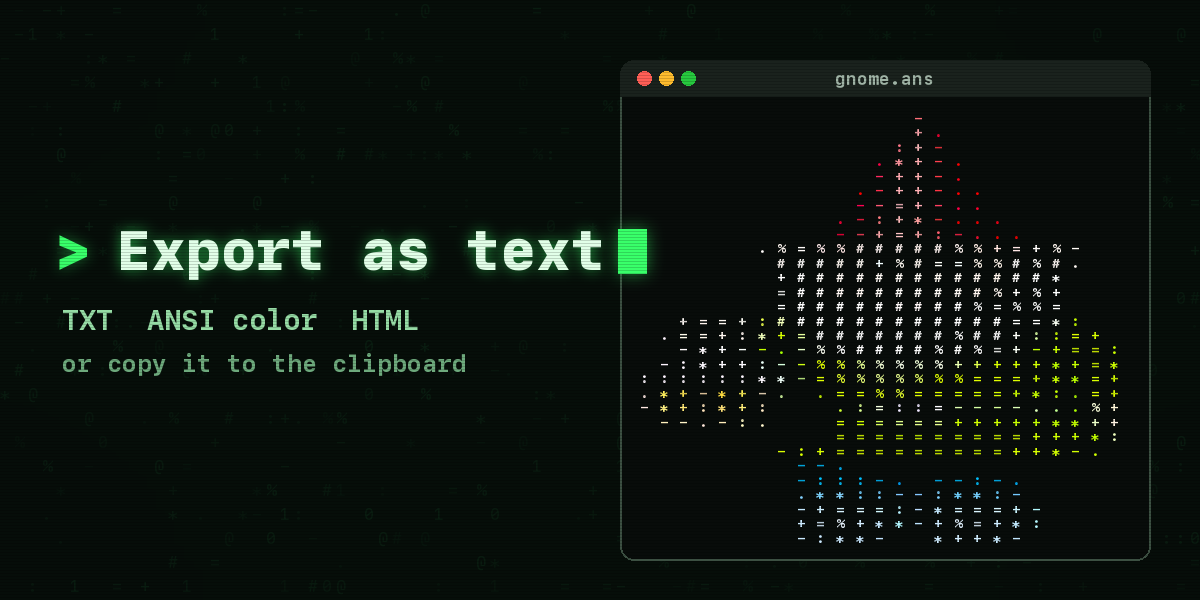
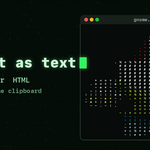
- Press F12 to render. Text Output copies the characters, opens them in the Text Editor or exports them as plain text, ANSI color text or HTML; Save Text Files writes a text file next to every animation frame.
Use the Standard view transform (one click in the panel) so the characters show exactly the colors you picked.
Have questions about this product?
Login to message
| Blender Extension Compatible | Yes |
| Published | 2 days ago |
| Blender Version | 4.2 - 5.2 |
| Extension Type | Add-on |
| Render Engine Used | Cycles, Eevee |
| License | GPL |
