 3D SHAKER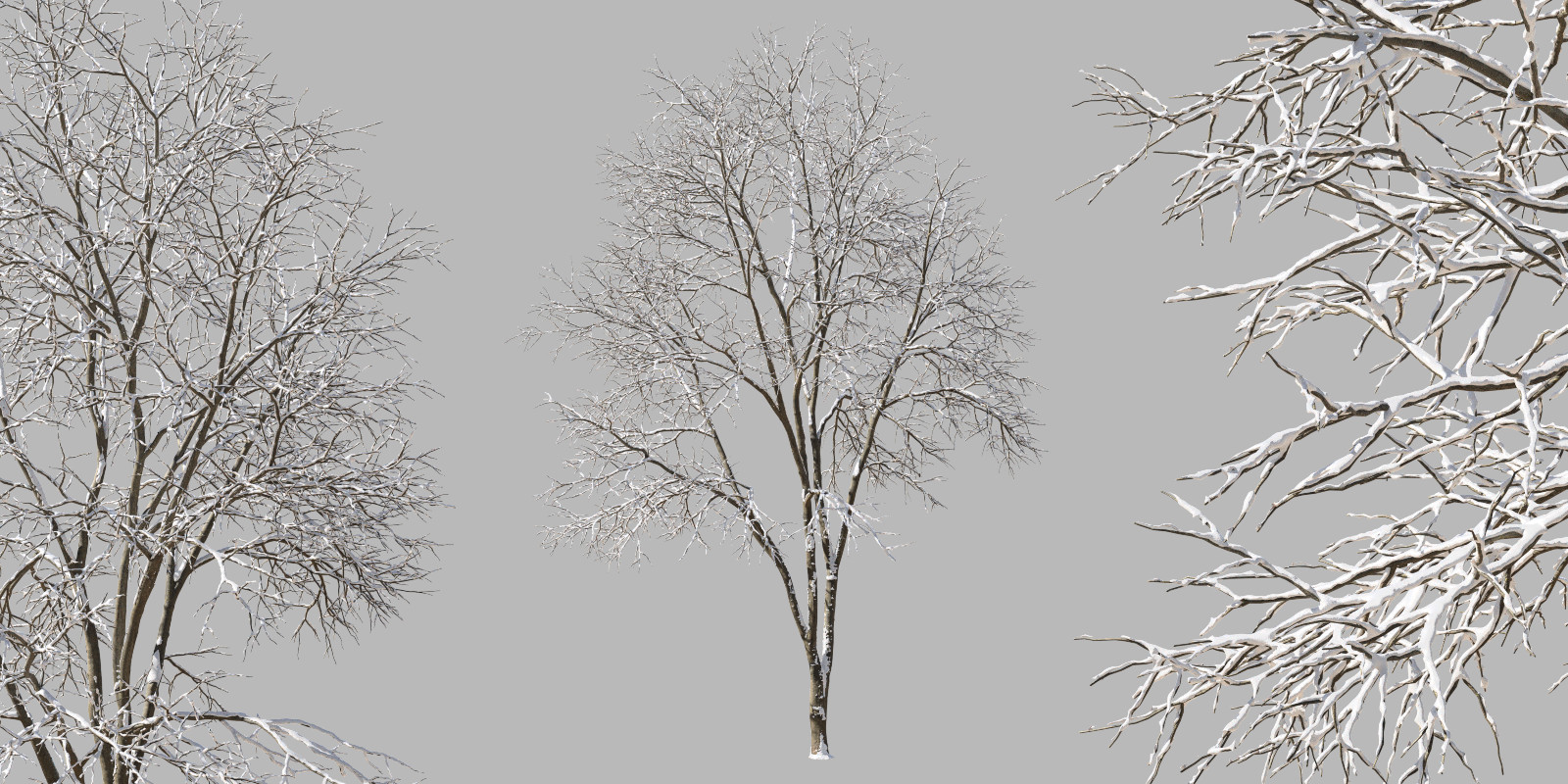


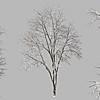
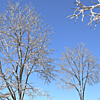
To import into your scene go to File>Append, navigate to .blend files folder, open the file, open "Group" folder, then double-click on the name of the group and append.
The name of the model and the name of the group is the same.
Or you can select it and copy it using CTRL+C and in your scene pressing CTRL+V.
$7
Have questions about this product?
Login to message
| Published | over 6 years ago |
| Blender Version | 4.1, 4.0, 3.6, 3.5, 3.4, 3.3, 3.2, 3.1, 3.0, 2.93, 2.92, 2.91, 2.9, 2.83, 2.82, 2.81, 2.8, 2.79 |
| License | Royalty Free |
Discover more products like this
snow real summer22 ahes winter24 3dshakerwinter winter trees park 3dshakertrees summer23 loveblender spring20 realistic winter summer24 spring22 garden bfcm23 3dshakerforest Ash spring21 bfcm21 bfcm20 summer20 bfcm22 snowy bcon22 spring23 spring24 Trees 3dshakernature bfcm24 summer21 winter tree