Ashfall Bridge Pack
 Enormous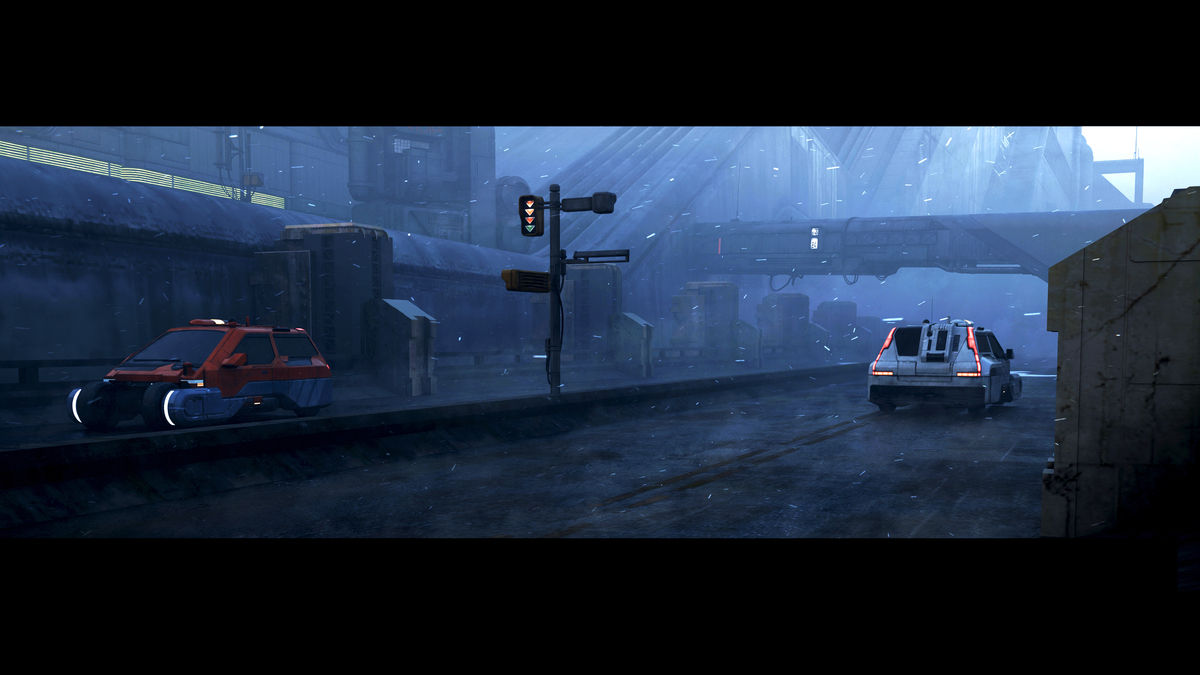
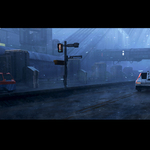
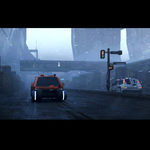
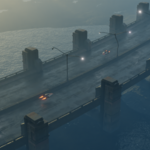
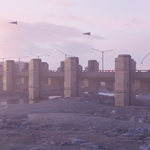
Ashfall Bridge Pack Documentation
Thank you for purchasing the Ashfall Bridge Pack! This document provides an overview of the product along with installation, usage, and licensing information to help you get started.
1. Product Overview
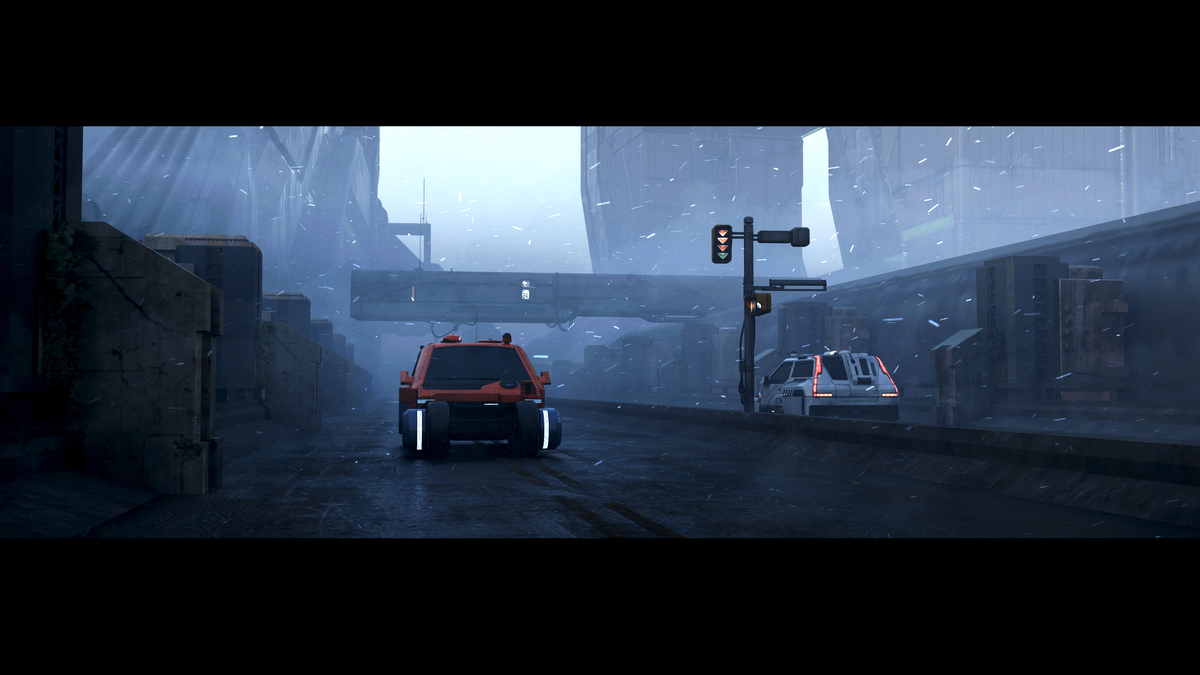
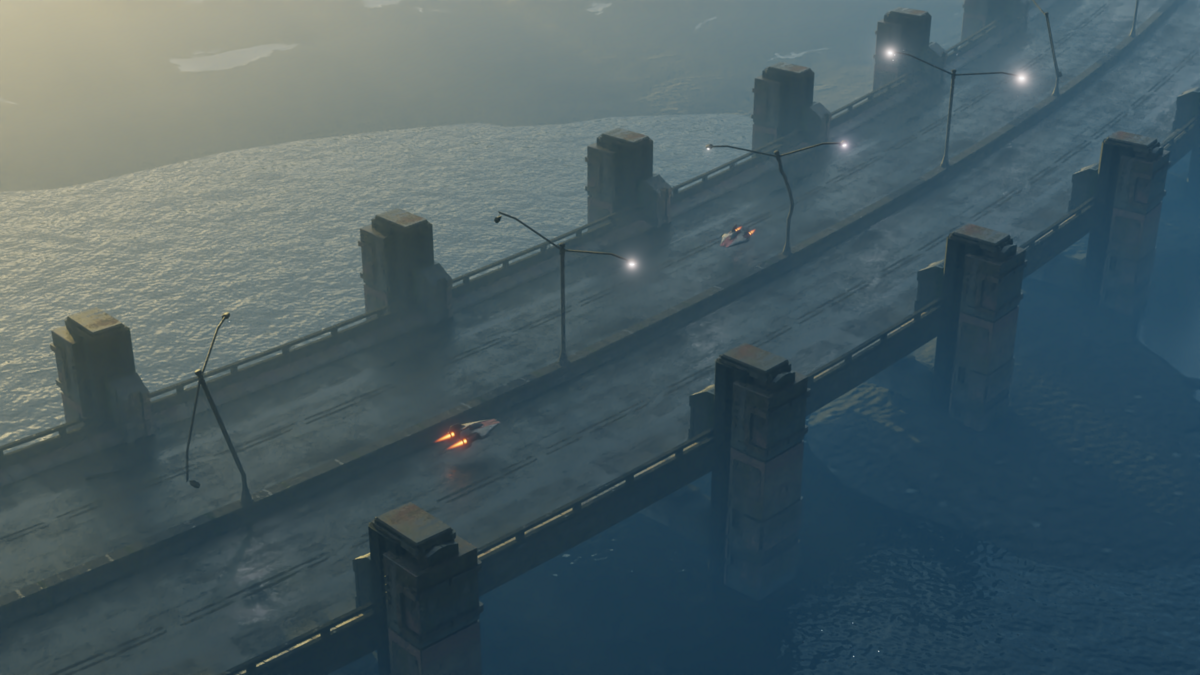
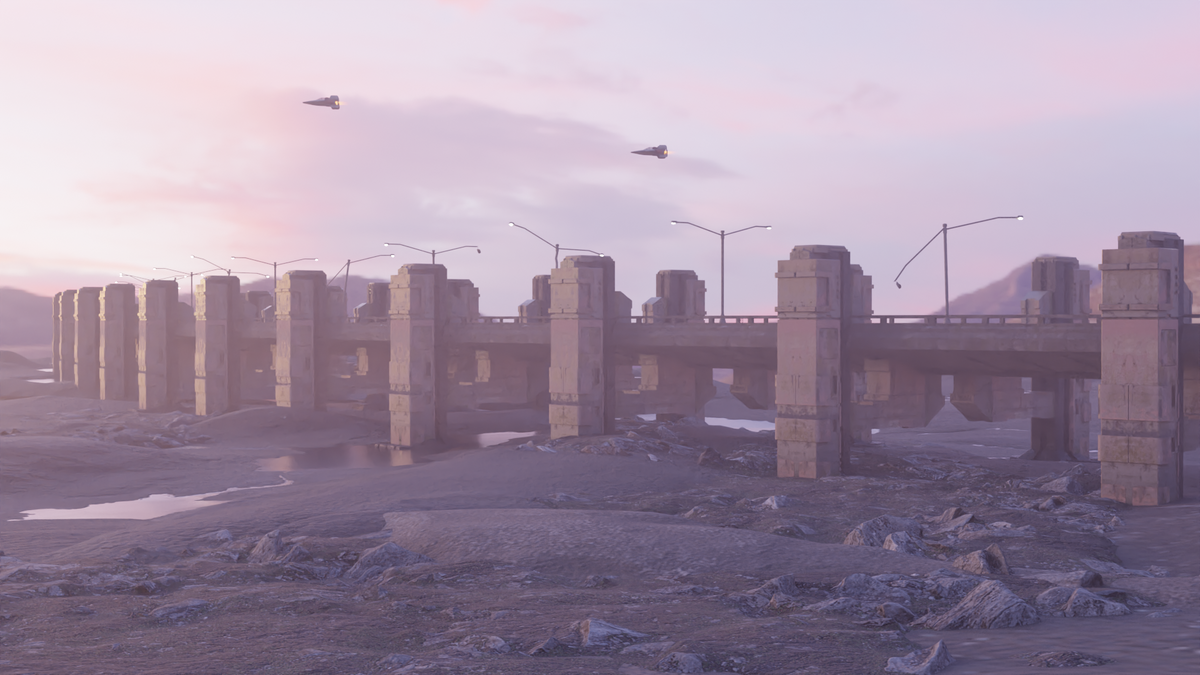
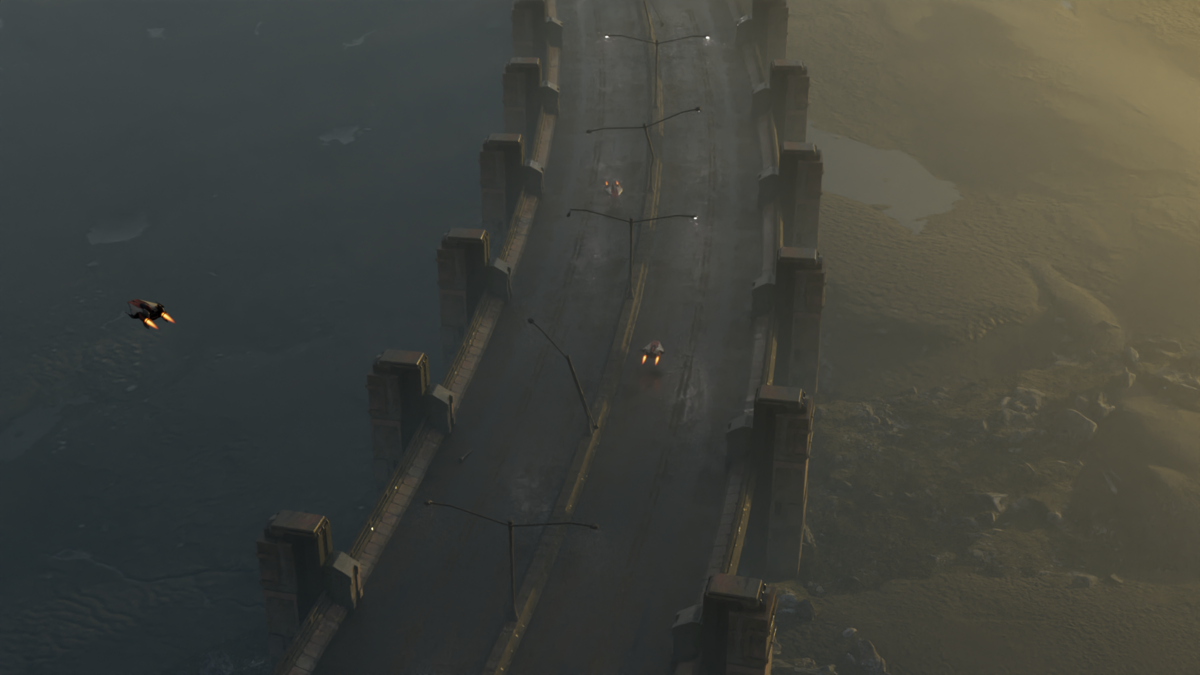
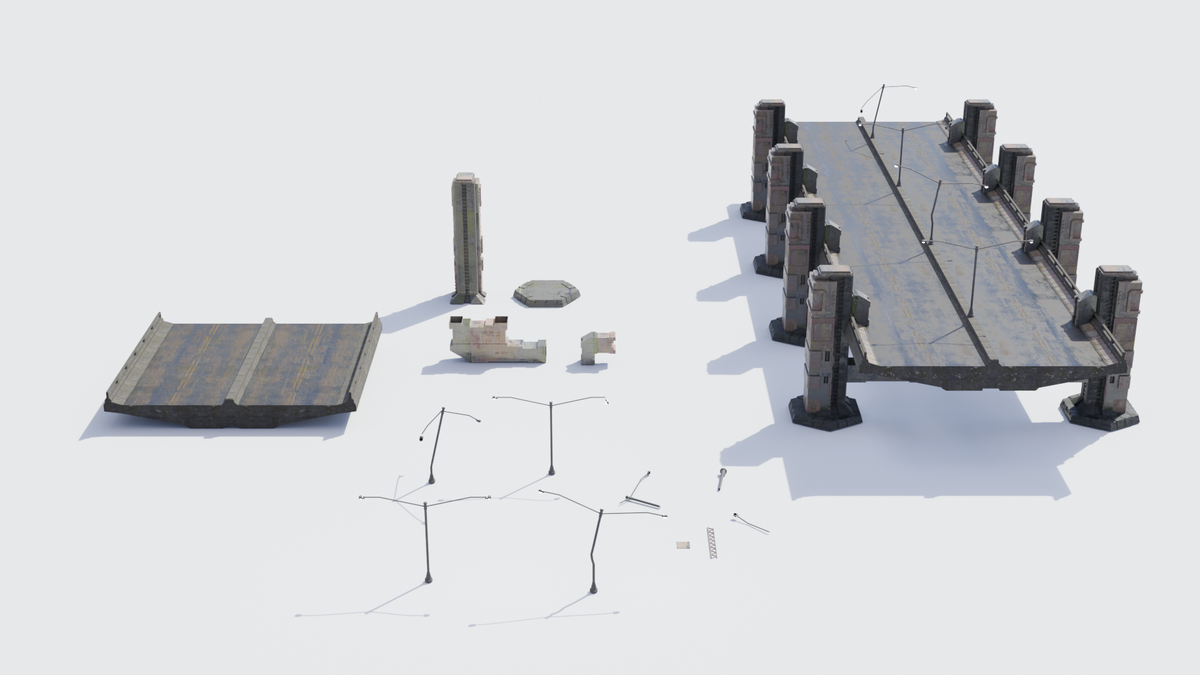
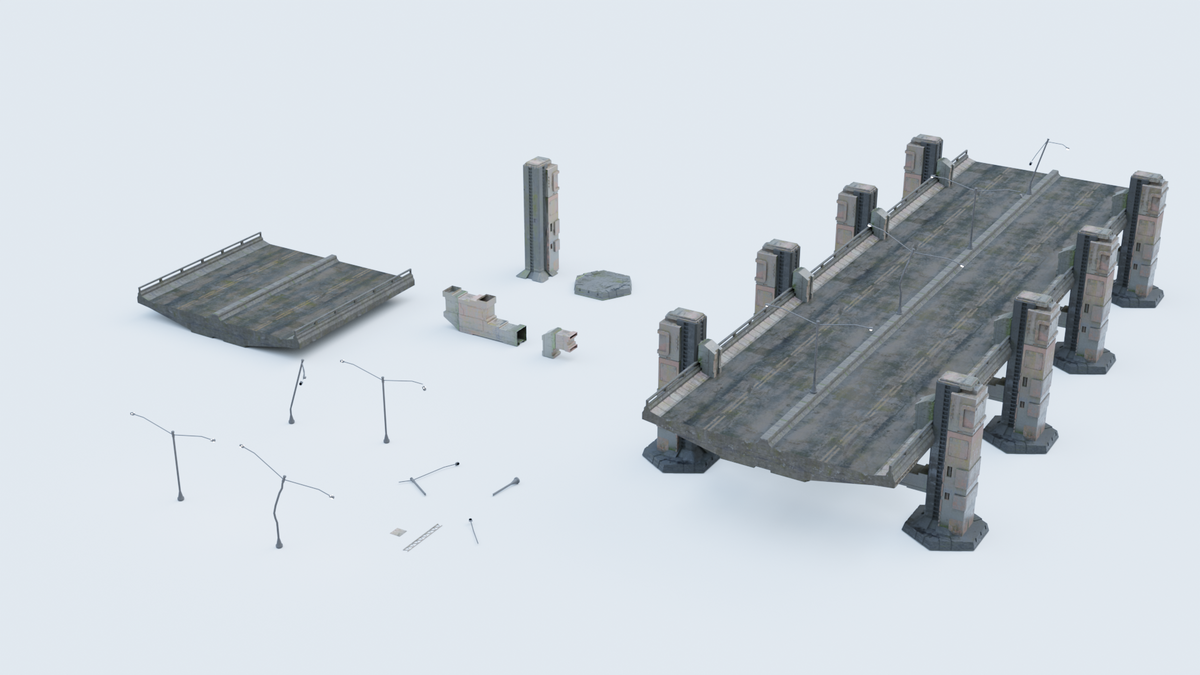
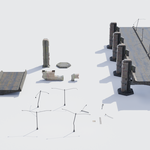
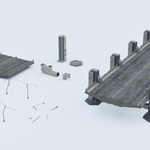
The Ashfall Bridge Pack is a modular 3D asset collection designed for creating immersive sci-fi and post-apocalyptic environments. With both modular components and a pre-assembled game-ready model, this pack offers flexibility and ease of use.
2. File Contents
After downloading, you’ll find the following files:
- Ashfall_Bridge.blend: Blender file with all assets and components.
- Ashfall_Bridge.glb: GLB file for use in other 3D applications or game engines.
- Ashfall_Bridge.obj: Universal OBJ file for compatibility with most 3D software.
- Textures: High-quality PBR texture maps embedded in the files for optimal visual fidelity.
3. Installation
- Extract the downloaded ZIP file to your preferred location.
- Choose the file format based on your workflow:
-
Blender Users: Open the
.blendfile directly. -
Other 3D Software: Import the
.glbor.objfile.
-
Blender Users: Open the
- Blender users can also use File > Append to import specific assets.
4. Using the Pack
A. Pre-Assembled Model
- Locate the pre-assembled bridge model in the file format of your choice.
- Import it into your scene for immediate use.
B. Modular Components
- Open the
.blendfile and explore the Collection named "Modular Components." - Select individual parts such as platforms, railings, and supports to assemble custom bridges.
- Use snapping tools in Blender (or equivalent in other software) to ensure seamless alignment.
5. Customization
-
Materials and Textures:
- Materials and PBR textures are embedded in all files. Adjust colors, roughness, or weathering details as needed using your software’s material editor.
-
Scaling and Positioning:
- Scale and transform components to match the specific requirements of your project.
-
Additional Customization:
- Modify designs or combine modular pieces to create unique bridge structures.
6. License
The Ashfall Bridge Pack is provided under a Royalty-Free License.
Permitted Uses:
- Use the assets in personal, educational, and commercial projects, including games, animations, and renders.
- Modify the assets for integration into your projects.
Restrictions:
- No Resale or Redistribution: You may not resell, redistribute, or repackage the assets or modified versions as standalone products.
- No Use in Trademarks: The assets may not be used to create logos, watermarks, or trademarks.
For any clarifications, contact Enormous at [email protected].
7. Support and Feedback
We’re here to help! If you have questions, encounter issues, or want to share feedback, reach out:
- Social Media:Instagram Enormouos
Thank you for choosing the Ashfall Bridge Pack! We look forward to seeing how you bring your worlds to life.
Happy Blending!
Have questions about this product?
Login to message
| Published | over 1 year ago |
| Blender Version | 4.1 |
| Render Engine Used | Blender-Internal, Cycles, Eevee |
| Misc Data | Uvs-Unwrapped, Normal-Mapped, Textured |
| License | Royalty Free |
Discover more products like this
3D Post-Apocalyptic Models glb scifi road asset pack 3D Game-Ready Model modular game ready asset 3d-model-scifi postapocaliptic Obj fbx SciFiAssets asset browser ready bridge