 GritForge
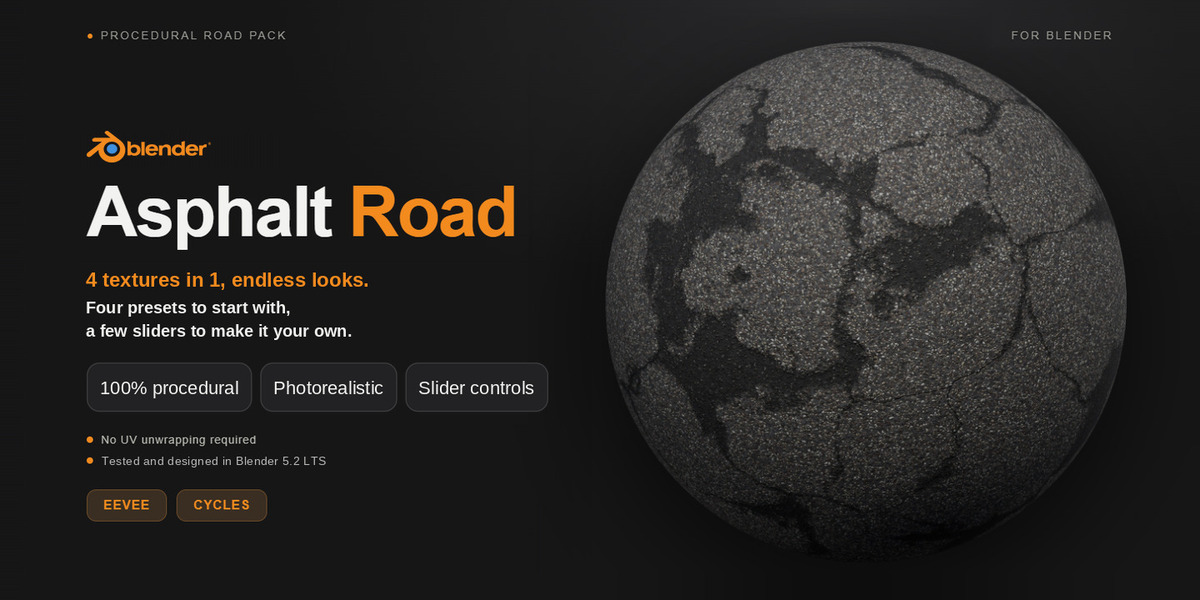
Procedural Asphalt Road
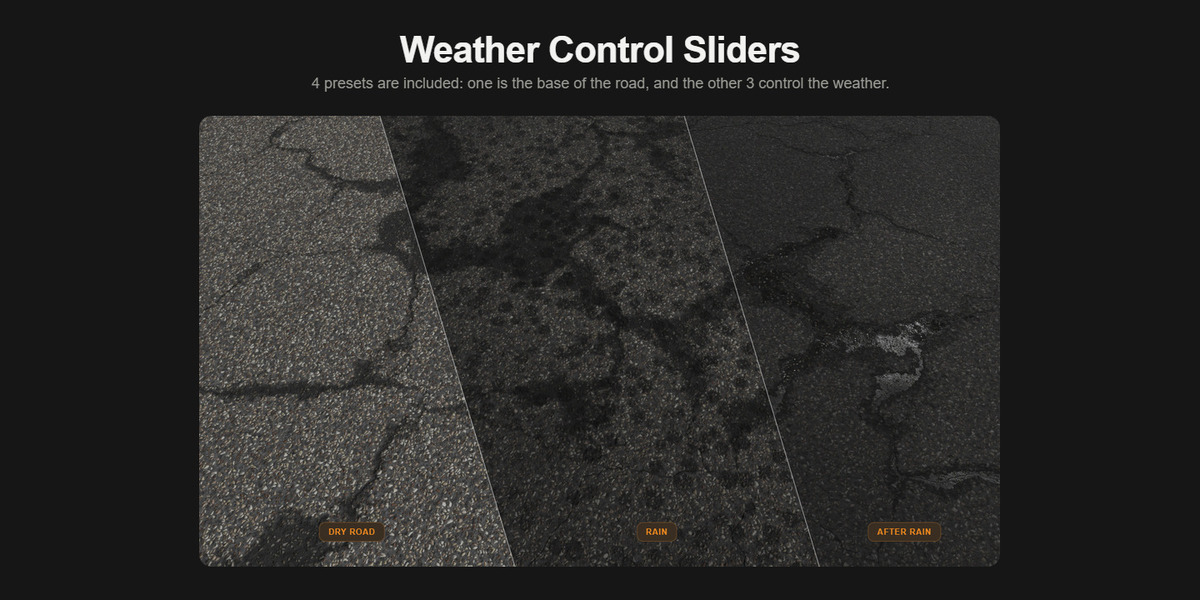
I've always loved how weather changes the mood of a scene: a dry road under the sun feels nothing like the same road after the rain. I wanted to capture that feeling in a single material, so I built this asphalt to transform with the surrounding climate.
Stop searching for the right road texture for every scene. This one material gives you a whole set of asphalt looks, and you control all of them with a few sliders. No node editor, no image files, no UV unwrapping.
Because it's fully procedural, it stays sharp from a wide shot to an extreme close-up. It's also easy to store in your asset library, so the road you need is always one click away.
Dry, rainy, cracked, wet, or fresh: get the look your scene needs in seconds and spend your time on what matters, your project.
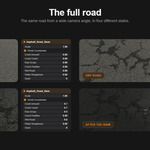
One road, four looks
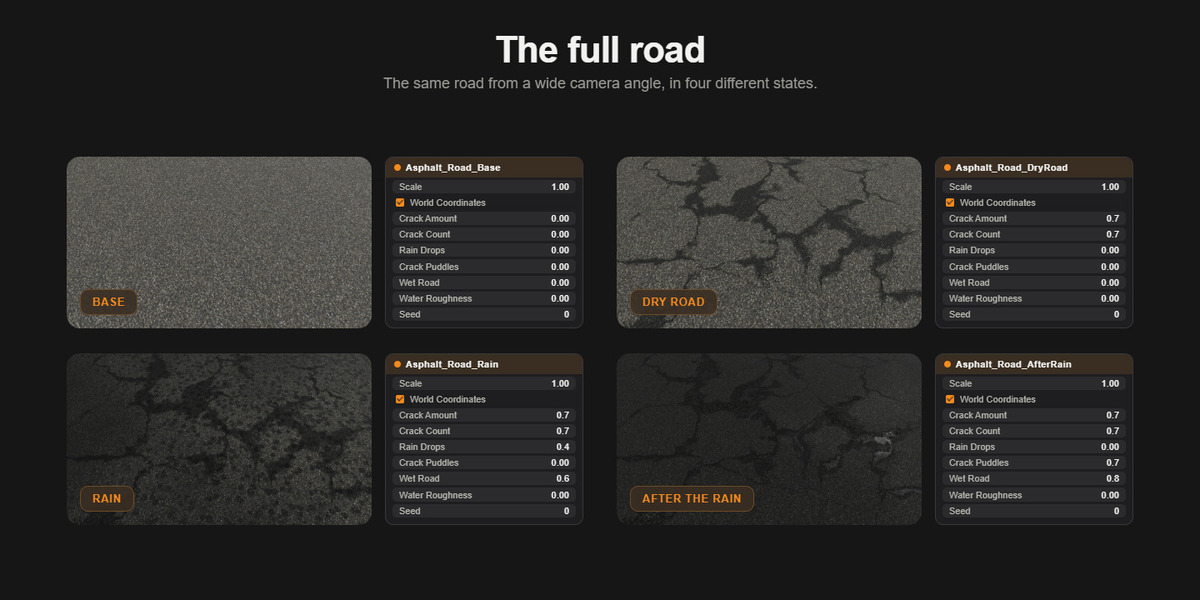
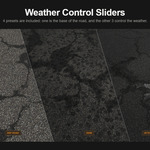
Switch between four states with a single control:
- Base
- Dry road
- Rain
- After rain
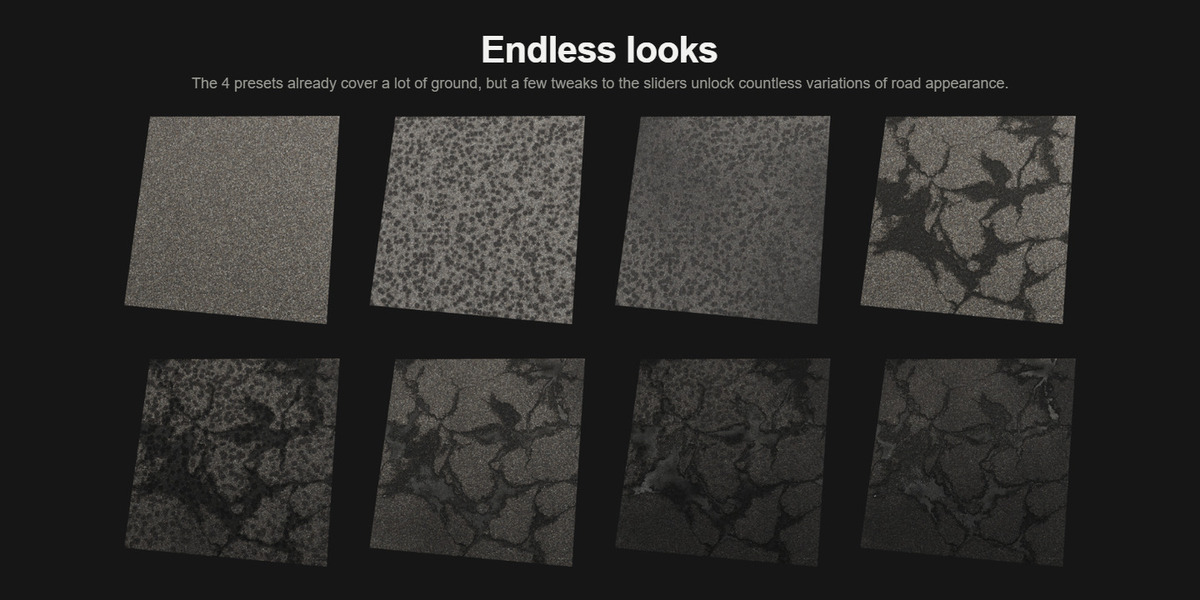
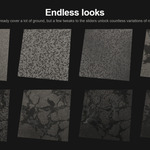
Sliders made for endless looks
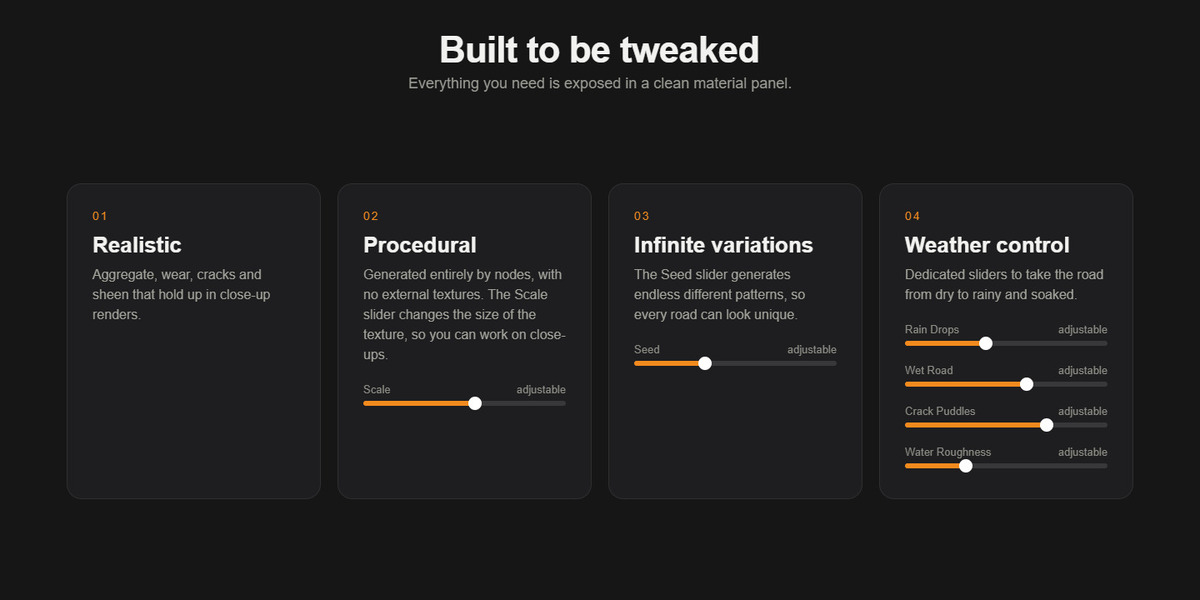
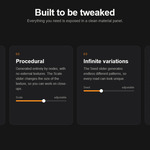
The controls were designed to give you many possible looks, so the asphalt always matches the environment of your scene:
- Scale
- World coordinates (checkbox): locks the pattern to real-world size in meters, so the asphalt looks the same on any object, whatever its scale. No UV unwrapping needed.
- Crack amount
- Crack count
- Rain drops
- Crack puddles
- Wet road
- Water roughness
- Seed (to get a different variation of the same road)
They are all grouped in one place, so you never have to dig into the node tree.
What's included?
- Material scene (.blend): the asphalt material, ready to use
- Demo scene (.blend): a ready-made example to see the material in action
- License
- Blender asset catalog file (blender_assets.cats.txt)
- Read me (README.png): all you need to know about the material
Requirements
- Tested in Cycles and EEVEE
- Tested and designed in Blender 5.2 LTS
Questions? Send me a message and I'll get back to you.
