Asset Browser Pro
 Demiurge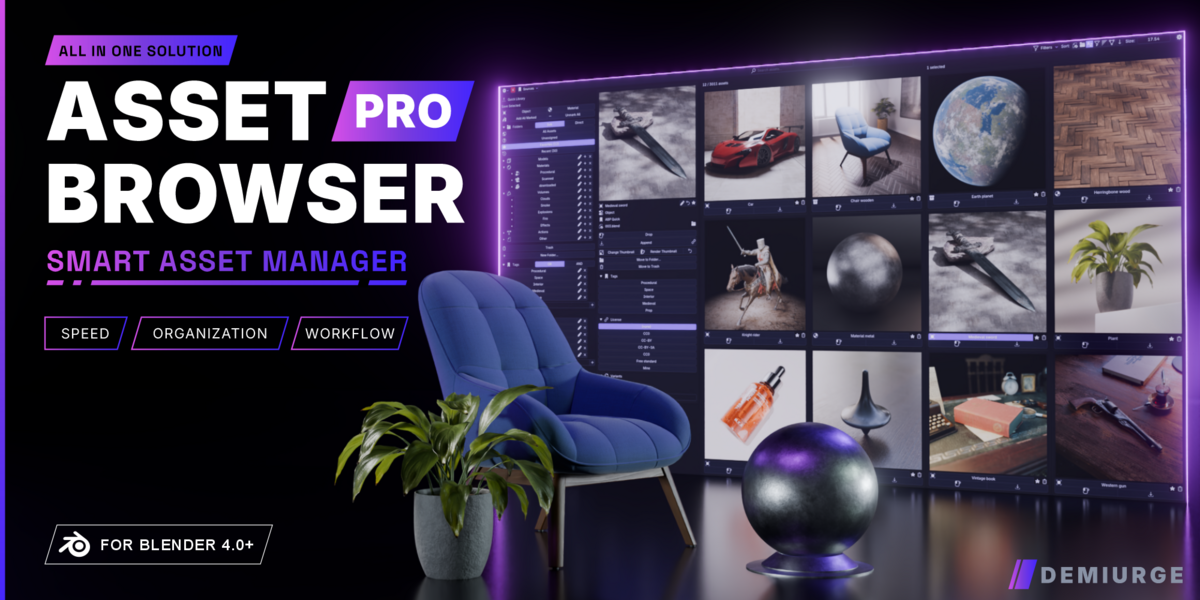

Can I bring my existing asset library into ABP?
Yes. ABP reads your standard Blender asset libraries - anything you've Marked as Asset shows up automatically once your library paths are set. You can also import your existing folder structure from Blender's built-in Asset Browser in one click, so there's nothing to rebuild.
Does ABP replace Blender's Asset Browser, or work alongside it?
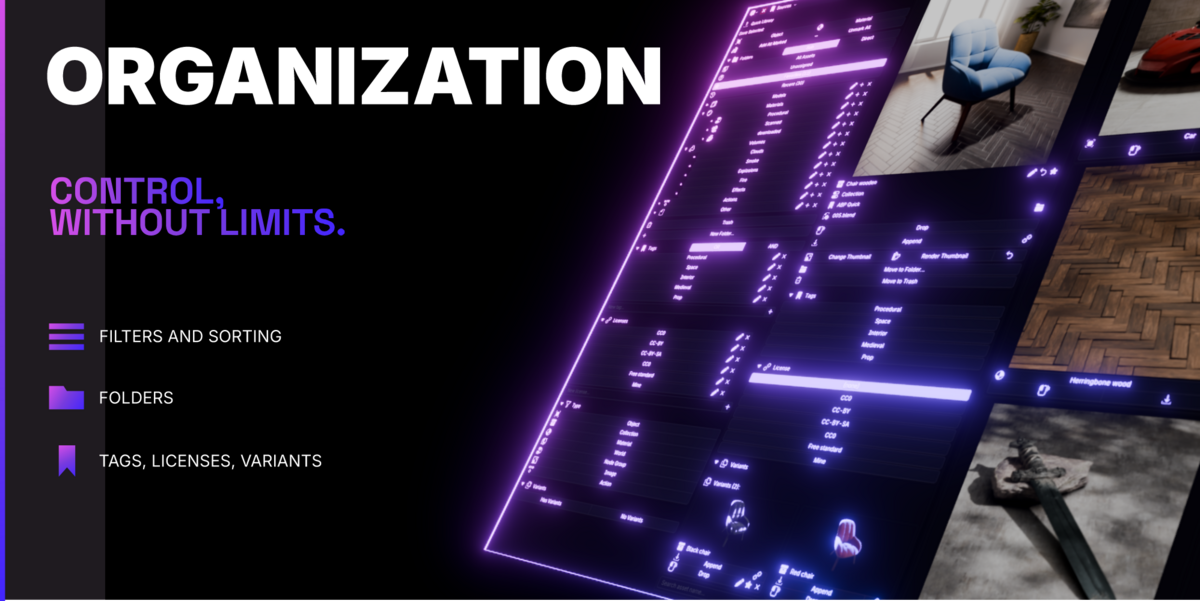
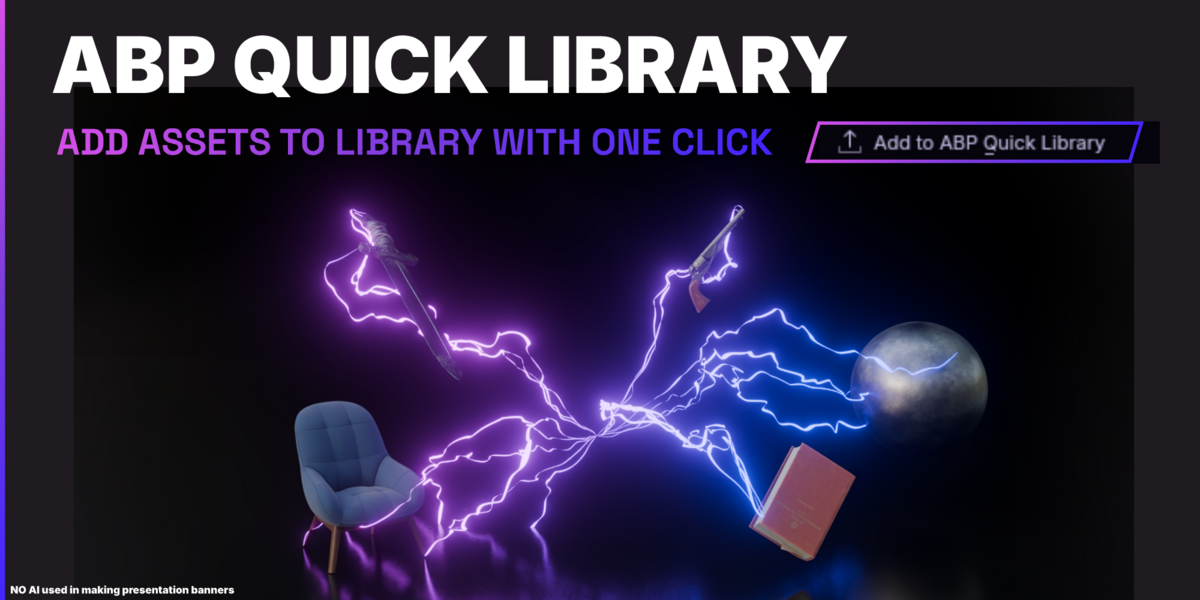
It works alongside it, using the same underlying asset system - both see the same assets. ABP simply adds folders with icons, licenses, variants, a Quick Library, background thumbnail rendering and more on top, all inside the N-panel.
Do I need to set anything up first?
A quick one-time setup: point Blender to your asset library folder(s) and hit Compile Library so ABP can build its index. After that your assets appear. Full steps are in the included guide.
Which Blender versions are supported?
Blender 4.0 and up.
Will a large library slow Blender down?
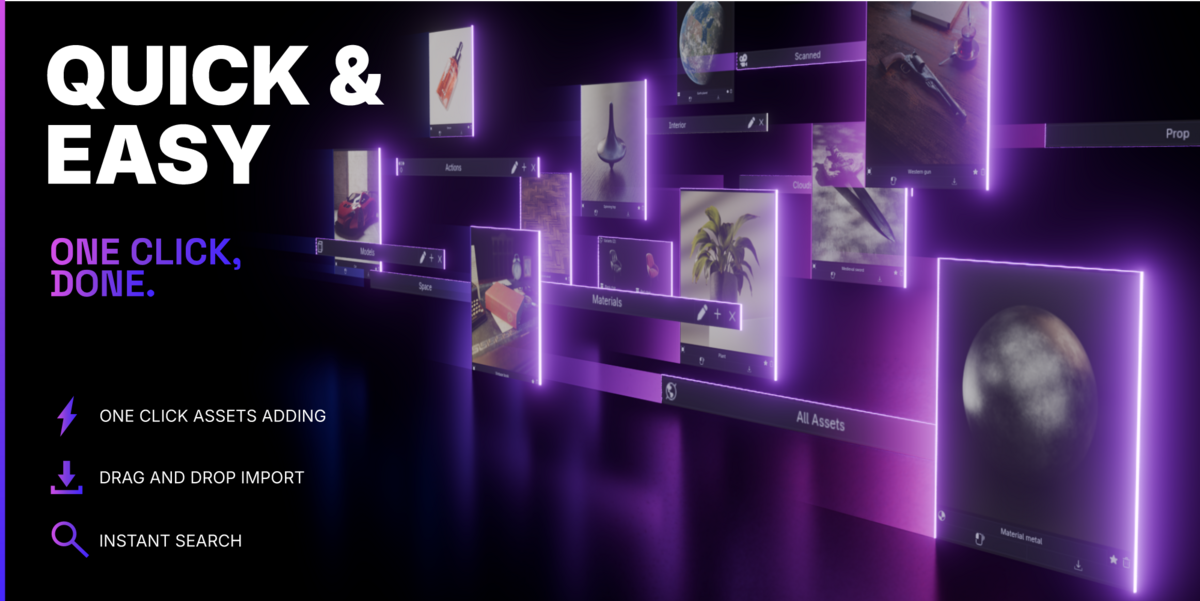
ABP renders thumbnails in the background and caches them, so browsing stays responsive even with big libraries.
Do textures come with assets saved using Quick Library?
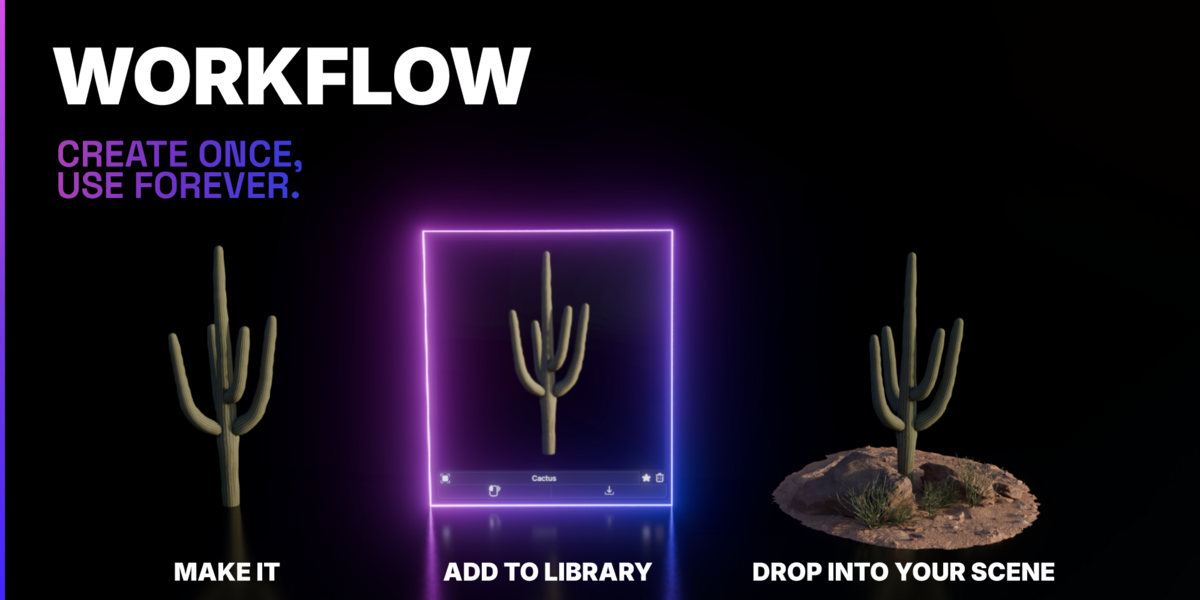
Yes. Assets saved to your Quick Library are self-contained, with textures packed in - move, share or reuse them across projects and nothing breaks.
-
$39
For solo artists and freelancers
-
$199
For small teams and studios (up to 10 seats)
Have questions about this product?
Login to message
Discover more products like this
Workflow asset browser alternative organization assetmanager addon for asset browser Asset Manager Addon Organizer