 DevBud Games


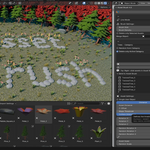
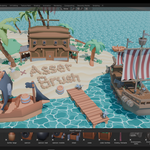
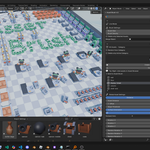
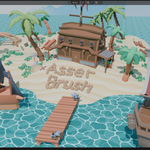
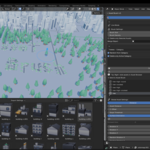
Paint full scenes at speed. Asset Brush is a continuation of the Asset Sketcher with support and new features for blender 4.0+ it lets you place assets with a brush in the 3D View, organize them by category, and send items straight from Blender’s Asset Browser — all driven by one consistent settings profile.

Key Features
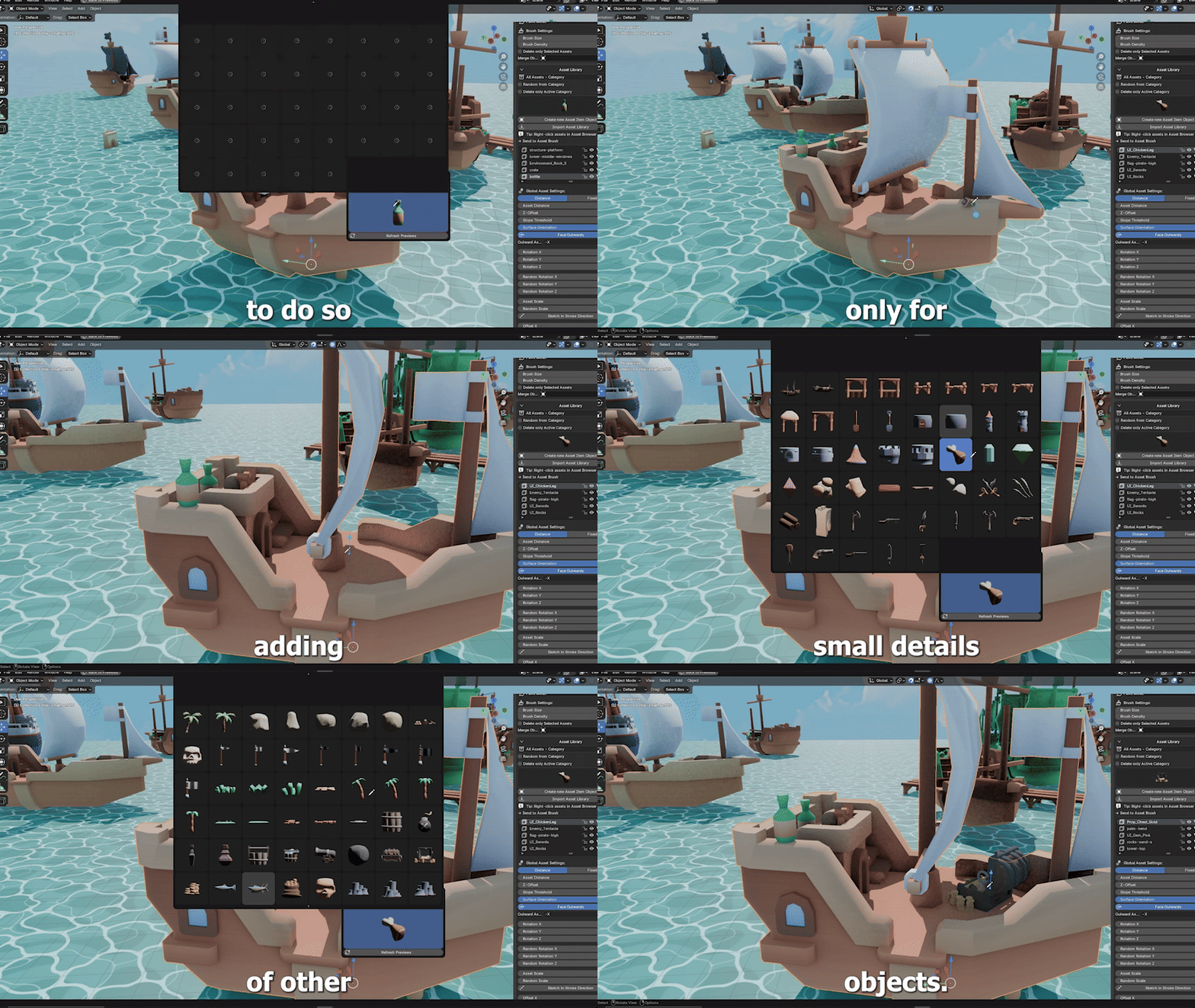
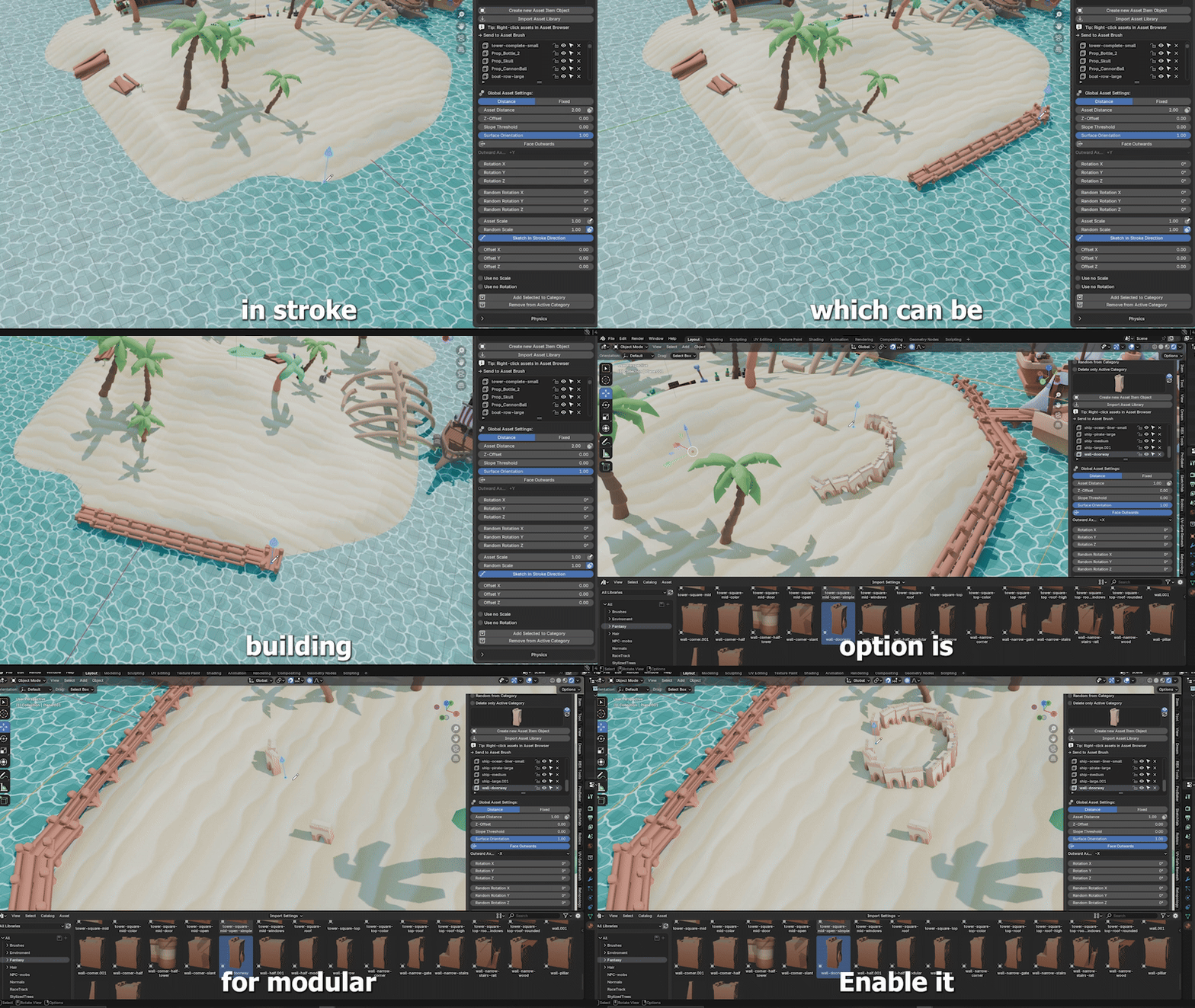
- Brush modes: Paint, Line, Grid, Scale
- Global Asset Settings: distance, scale, randomness, orientation, offsets
- Category workflow with quick filter and per‑category delete
- Asset Browser integration: right‑click → “Send to Asset Brush”, preview reuse or auto‑generate
- Pen‑pressure support, stroke‑direction alignment, brush cursor overlay
- Create assets from selection (multi‑select supported)
Install
- Edit → Preferences → Add‑ons → Install…, pick the ZIP, enable “Asset Brush 4.5”.
- (Optional) Customize shortcuts in Preferences → Add‑ons → Asset Brush 4.5.
Quick Start
- N‑panel → AssetBrush.
- Add assets:
- From selection: “Create New Asset Item Object” (adds each selected object as an asset).
- From Asset Browser: right‑click asset → “Send to Asset Brush”.
- Create categories and select the active one.
- Set Global Asset Settings once (distance/spacing, scale, randomness, slope/orientation, offsets).
- Click “Enable Brush”; use Paint/Line/Grid/Scale.
- Optional: enable “Random from Category” for variety, “Delete only Active Category” for targeted cleanup.
Shortcuts (editable)
- Brush Size: F (drag)
- Add on to another brush added asset surface Hold: Q
- Brush Density: Shift+F (drag)
- Pie Menu: M
- Asset List: A
- Enable brush Shift + Q
- Delete under brush: hold Ctrl
- Exit: Esc (or Shift + Q)
Asset Browser Workflow
- Open an Asset Browser, select items (any library/catalog), right‑click → “Send to Asset Brush”.
- Reuses embedded previews when available; otherwise writes thumbnails to .thumbs.
Troubleshooting
- Brush circle not visible: enable overlays and ensure Object Mode.
- Mode switches (Tab): the tool exits sketching to prevent crashes.
- No thumbnails: save the .blend, generate previews, or ensure embedded previews exist.
- “Asset already in list”: duplicate names are blocked; rename or select a different object.
Recent Updates
- Global Asset Settings profile + UI
- Per‑category delete filter & category‑random painting
- Asset Browser right‑click import and preview reuse
- One‑asset‑per‑selection add flow (multi‑select supported)
- New Shortcuts for faster workflow
- Face Outwards orientation preset
- Blender 4.5 GPU overlay update + stability improvements
- And more to come feel free to message with other suggestions
Support
- Super Hive Market messages — please include Blender version, OS, steps to reproduce, and any errorlog.txt snippet.
Thank you for supporting Asset Brush! A rating on Super Hive Market helps others discover it.
