 3DMAGIC


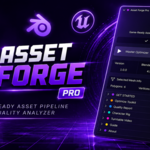
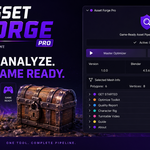
🚀 Asset Forge Pro - Quick Start Guide
1. Installation
- Open Blender (v4.0 or newer).
- Go to Edit > Preferences > Add-ons.
- Click Install... and select the downloaded
AssetForgePro.zipfile. - Enable the add-on by checking the box next to Asset Forge Pro.
2. Accessing the Tool
Open the 3D Viewport, press N on your keyboard to open the sidebar, and locate the Asset Forge tab.
3. Key Features & Workflow
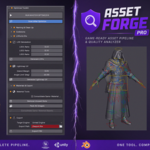
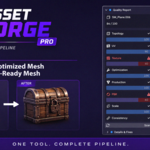
- Optimizer Toolkit: Use the Master Optimizer for 1-click naming standardization, collision generation, lightmap UV unwrapping, and LOD creation (LOD1–LOD3).
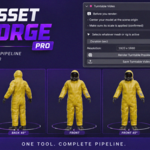
- Quality Inspector: Click Audit Mesh to run an 8-criteria technical check (Transforms, Topology, UVs, Materials, PBR setup) and view your quality score (0–100).
- Character Rig Toolkit: Auto-fit Rigify meta-rigs, customize facial controls, and generate test motion loops (Idle, Walk, Run) instantly.
4. Need Help?
For direct technical support or bug reports, please contact us through our store profile page.
$12.90
Have questions about this product?
Login to message
| Published | about 2 months ago |
| Blender Version | 4.0 - 5.2 |
| Extension Type | N/A |
| Render Engine Used | Cycles, Eevee |
| License | GPL |
Discover more products like this
LOD Generator Unreal Engine quality inspector blender addon unity blender tools collision generator rigify 3D Pipeline asset optimizer pbr-workflow game ready