 3dartbox
in
Asset Library Manager
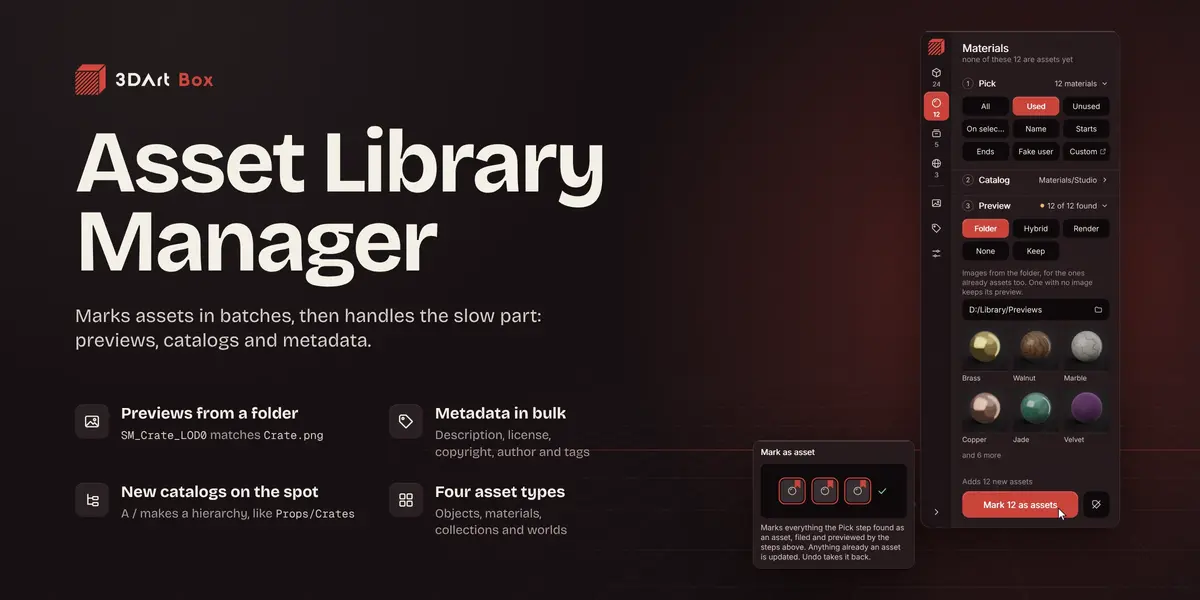
Marks objects, materials, collections and worlds as assets in batches, then gives the assets in your file their catalogs, previews and metadata. All from one card in the sidebar.
Same file, two ways
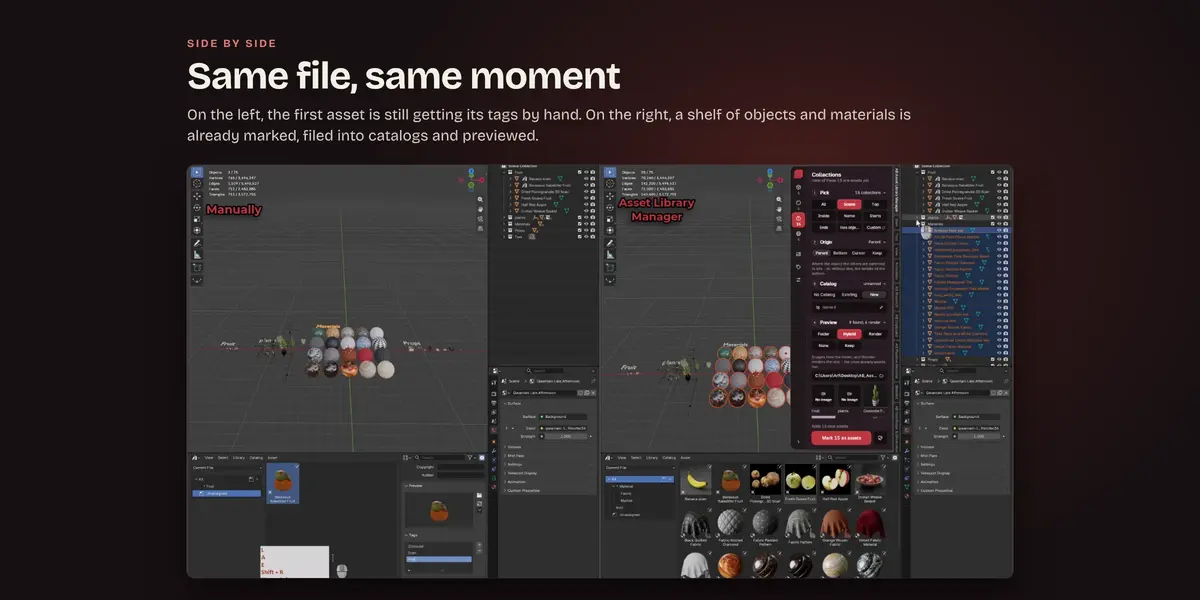
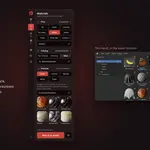
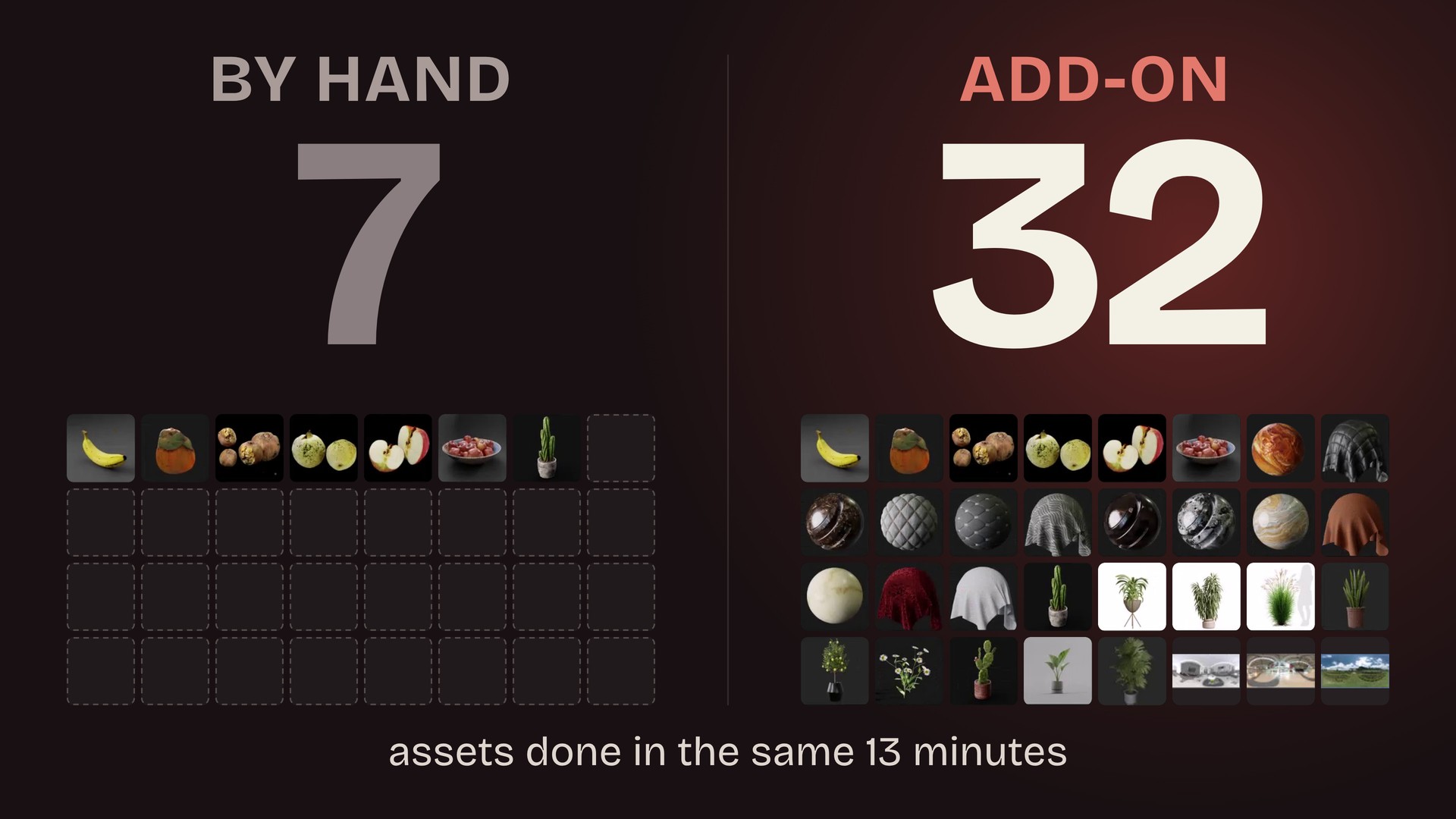
On the left, the assets are marked and filled in by hand, one at a time. On the right, the add-on does the same job. In the 13 minutes the right side needs for all 32 assets, the left side finishes 7.
Pick, file, preview, mark
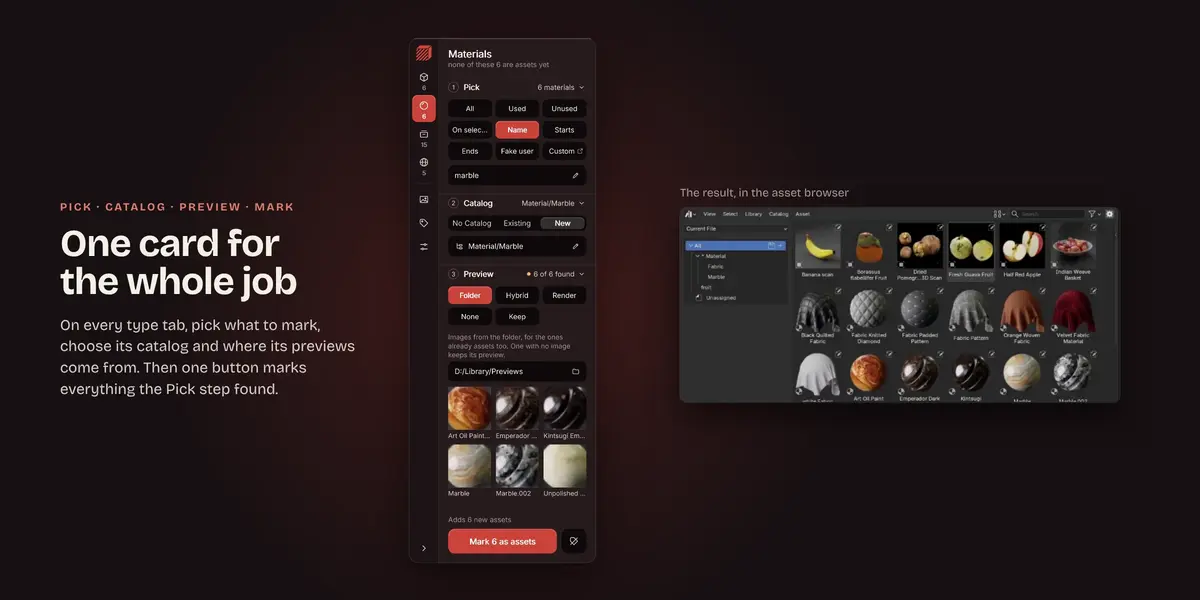
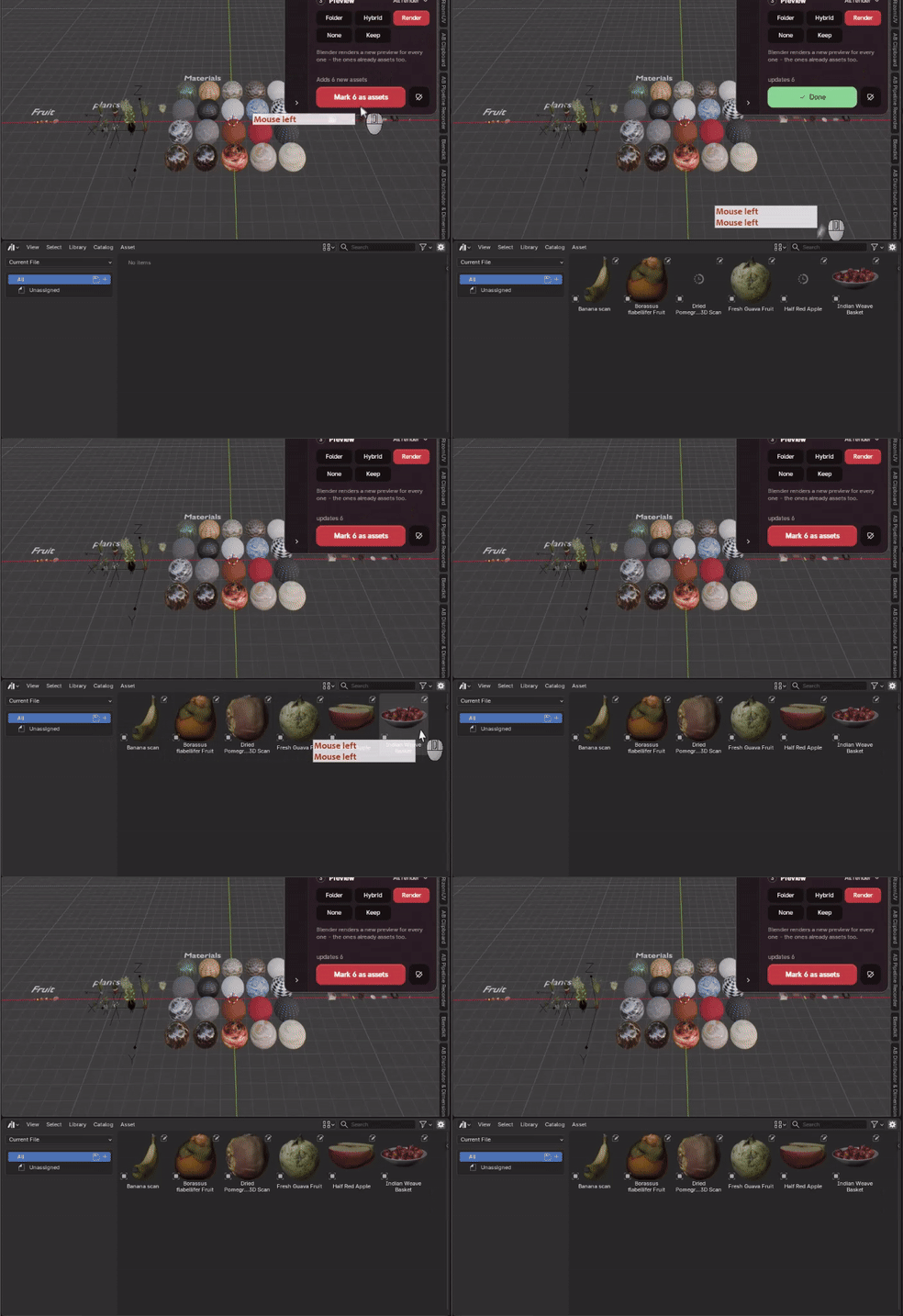
Objects, Materials, Collections and Worlds each have a tab on the card. Pick what to mark, choose its catalog and where its previews come from, then one button marks everything the Pick step found. Anything already an asset is updated, and Undo takes it all back.
Previews from your own folder
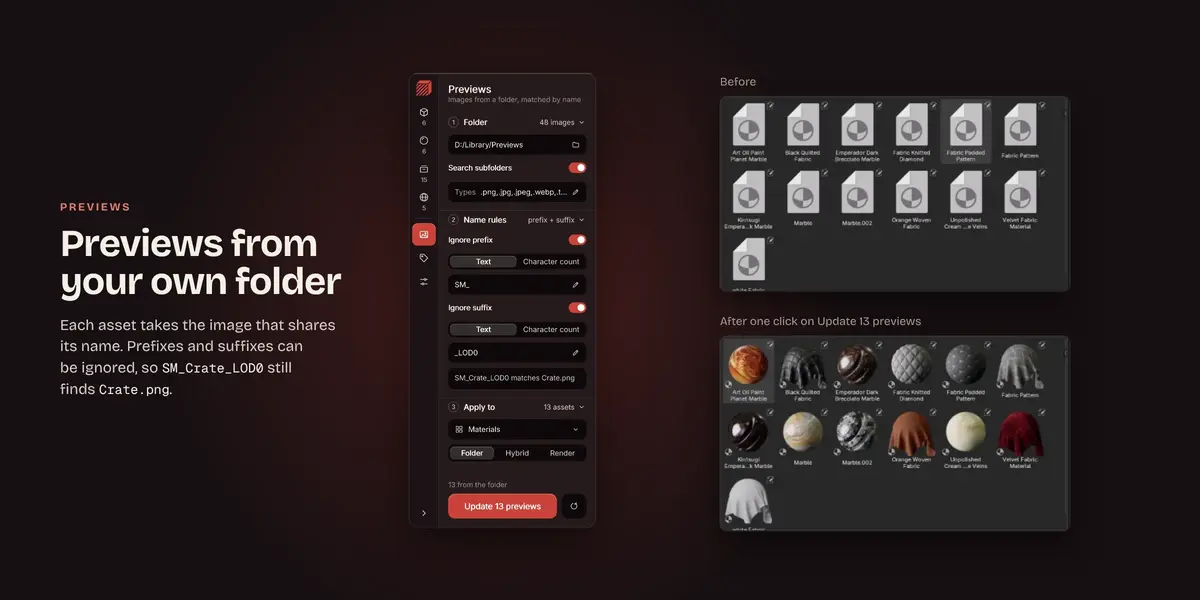
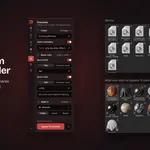
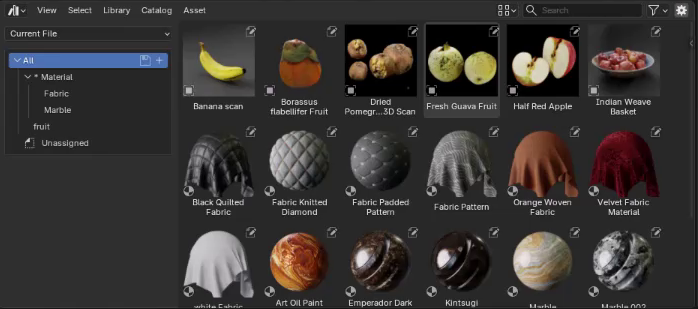
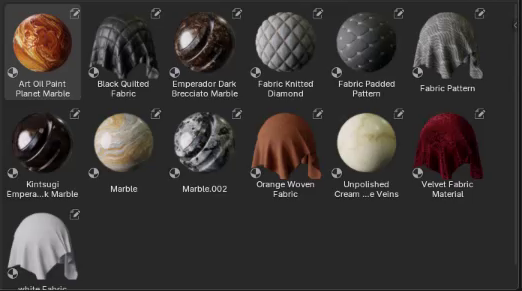
Each asset takes the image whose file name matches its own. Name rules drop prefixes and suffixes before matching, so SM_Crate_LOD0 still finds Crate.png, and Hybrid has Blender render the ones without a picture.
|
Before
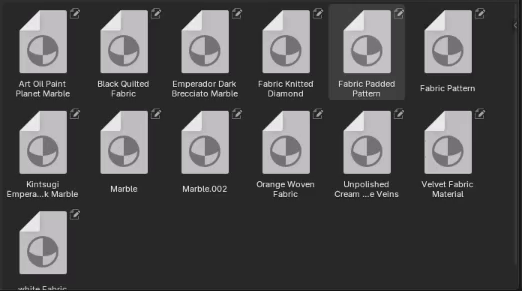 |
After one click on Update 13 previews
 |
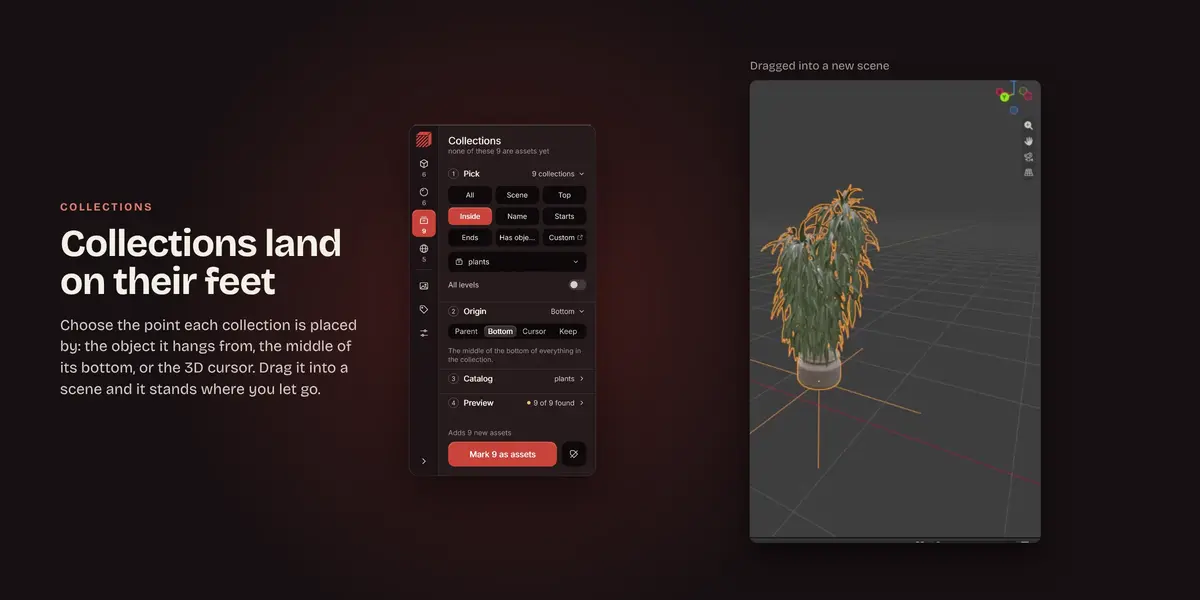
Collections land where you drop them
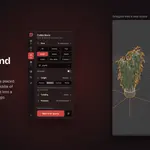
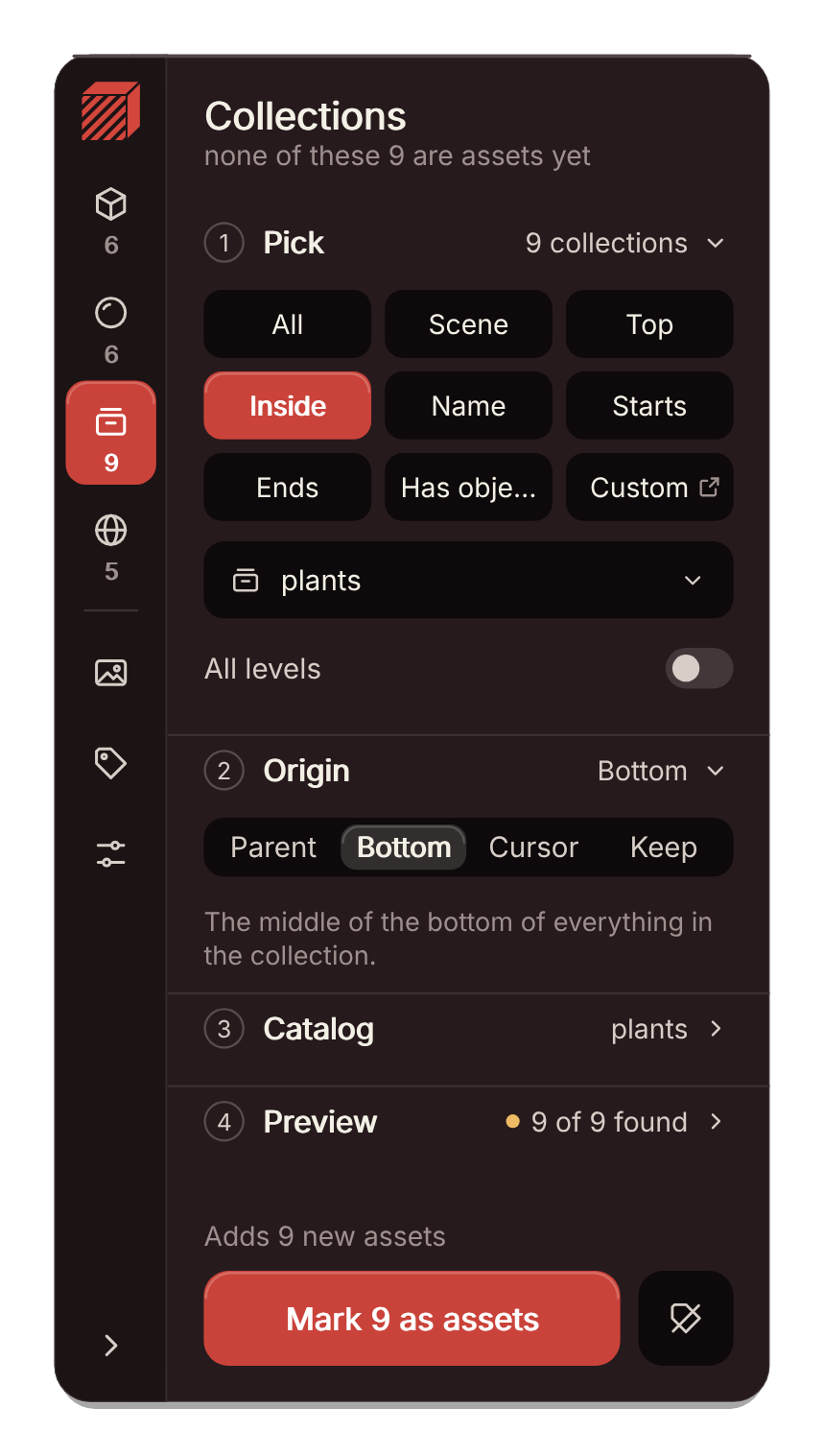
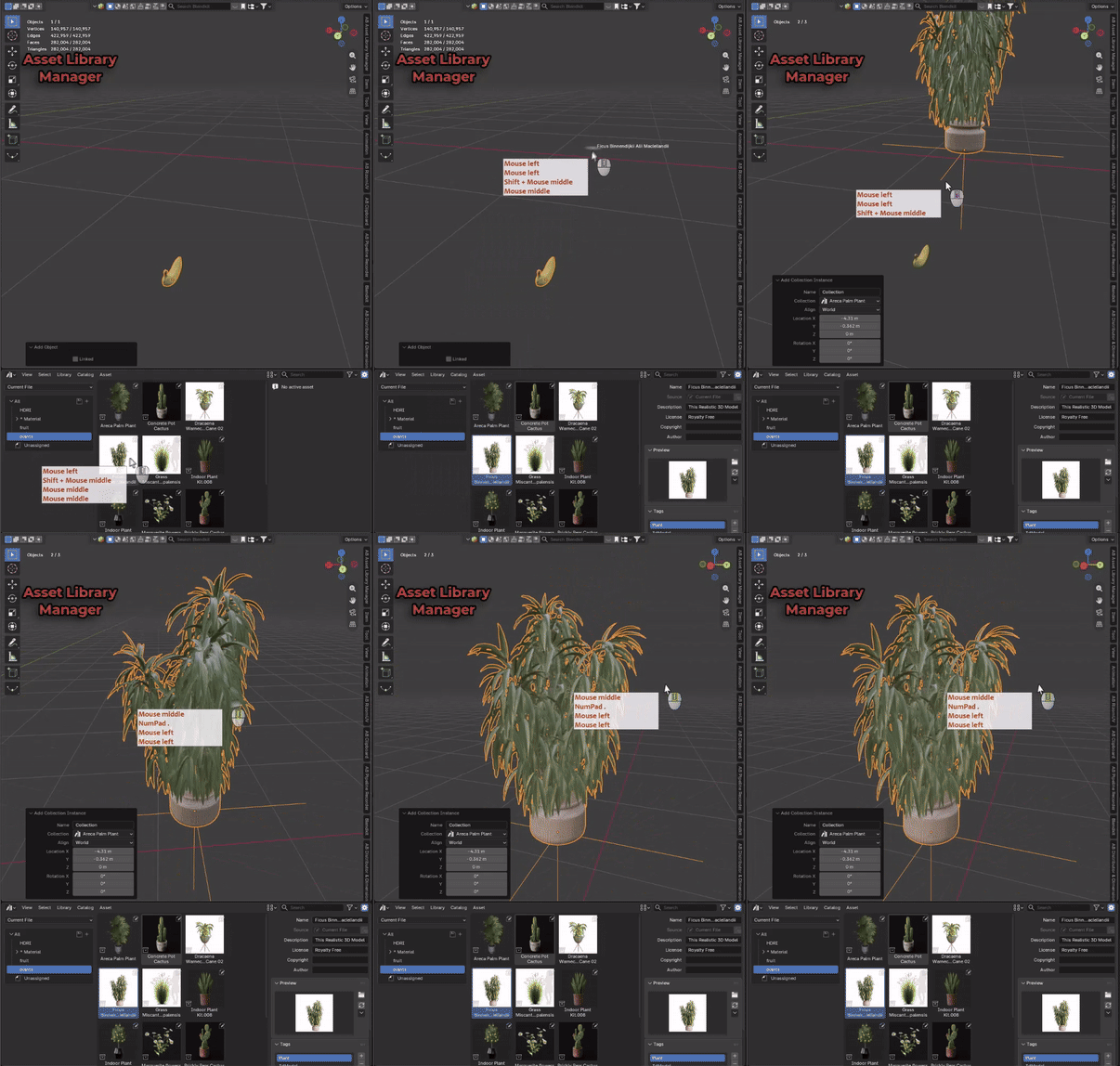
Choose the point of each collection that lands on the drop spot: the object the others are parented to, the middle of the bottom, the 3D cursor, or the origin it already has.
 |
 |
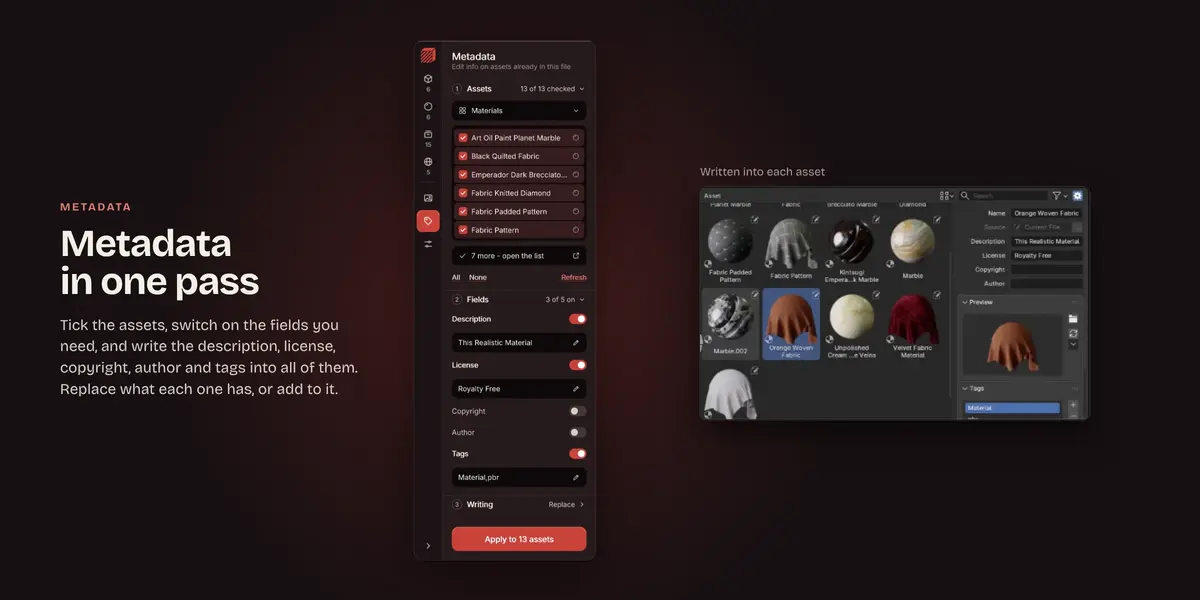
Metadata in one pass
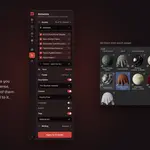
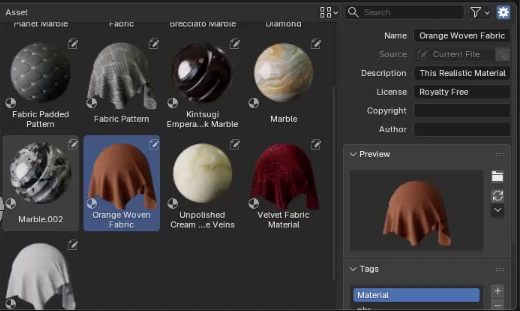
Tick the assets, switch on the fields you need and write the description, license, copyright, author and tags into all of them. Replace what each one has, or add to it.
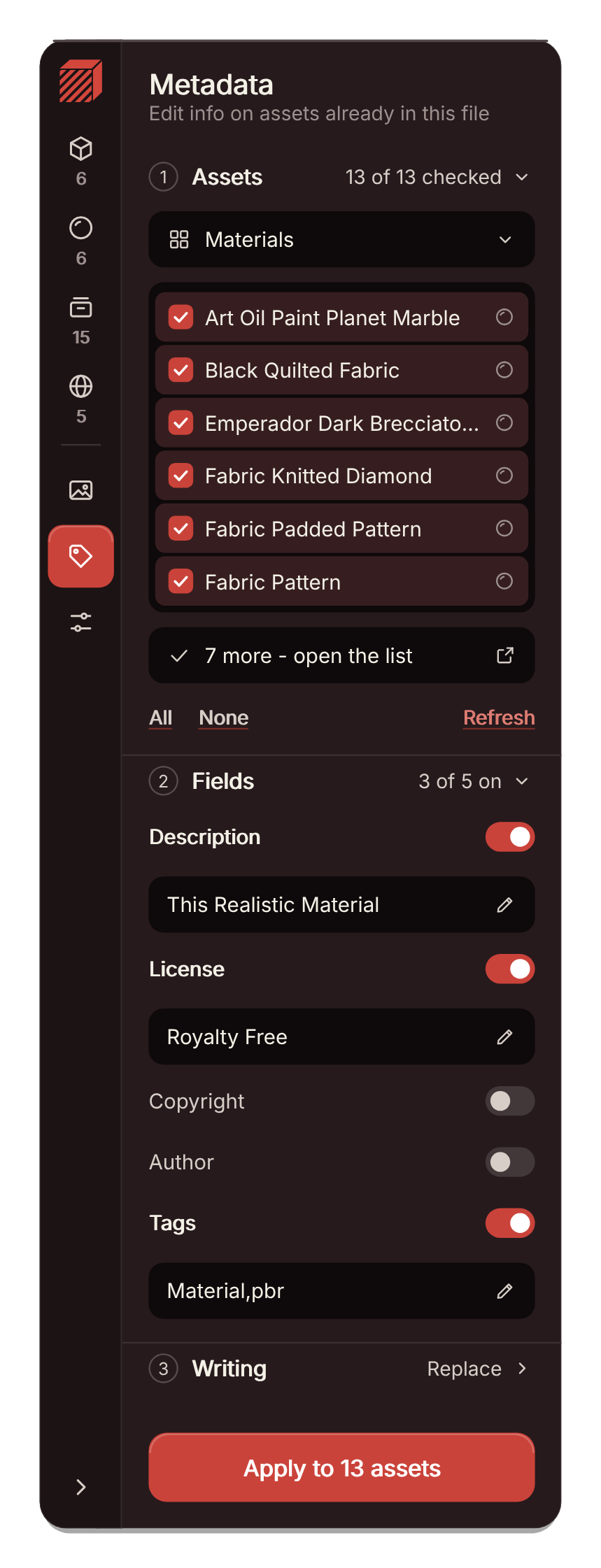 |
Written into each asset
 |
What is on the card
The same steps on every tab, plus a few settings that apply to all of them.
|
Pick
All, by name, start or end, or ticked from a list. Objects also by selection, collection or type, materials by use, and collections by where they sit.
|
Catalogs
An existing catalog or a new one typed on the spot. A / makes a hierarchy, like Props/Crates.
|
|
Previews
Folder, Hybrid, Render, None or Keep, for new assets and for ones already in the file, brushes included.
|
Origin
Parent, Bottom, 3D cursor or Keep, so a collection lands where you drop it.
|
|
HDRI worlds
A world lit by an image can show that image as its preview instead of a render.
|
Card or classic panel
Settings swaps the card for Blender's own sidebar panels, and one button brings it back.
|
Good to know
| It works on the .blend file you have open. Assets that live in another .blend file are changed in that file. |
| Blender keeps catalogs in blender_assets.cats.txt beside the .blend, so save the file before you create one. |
| Blender cannot render a preview for a brush, so brushes take theirs from images only. |