 Domenas


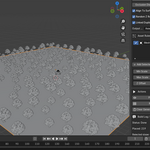
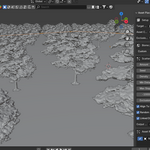
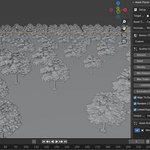
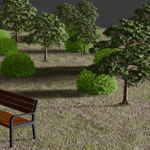
## Installation
1. Download the Asset Placer ZIP file.
2. Open Blender.
3. Go to Edit → Preferences → Add-ons.
4. Click Install.
5. Select the downloaded ZIP file.
6. Enable Asset Placer.
## Getting Started
1. Select the surface where assets will be scattered.
2. Add one or more asset collections.
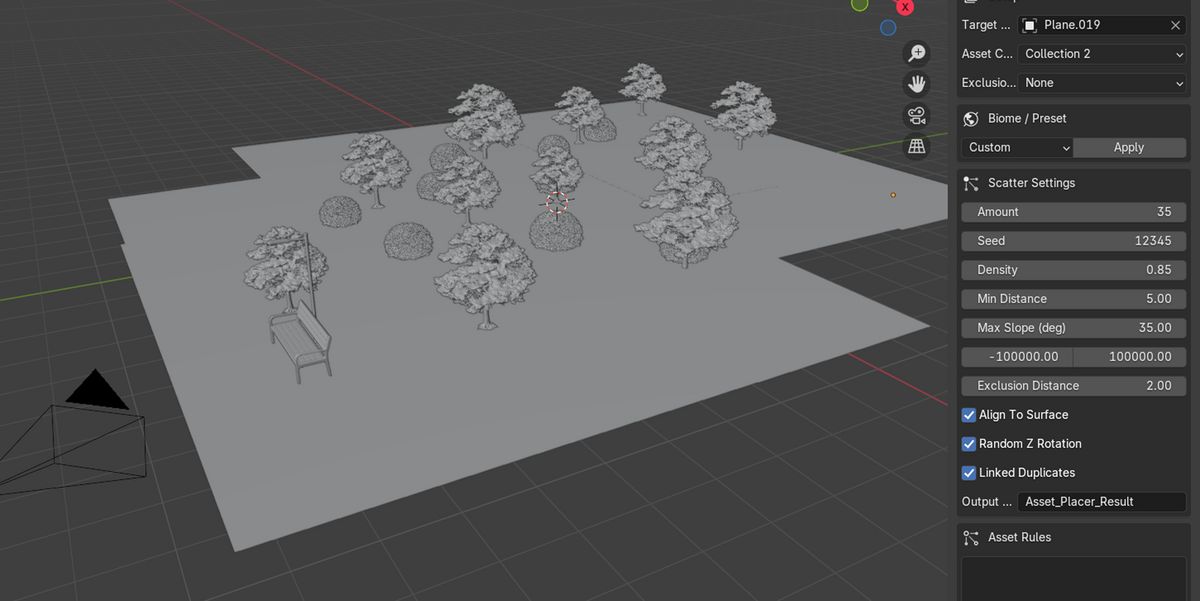
3. Adjust the scatter settings.
4. Use Preview Scatter to preview the result.
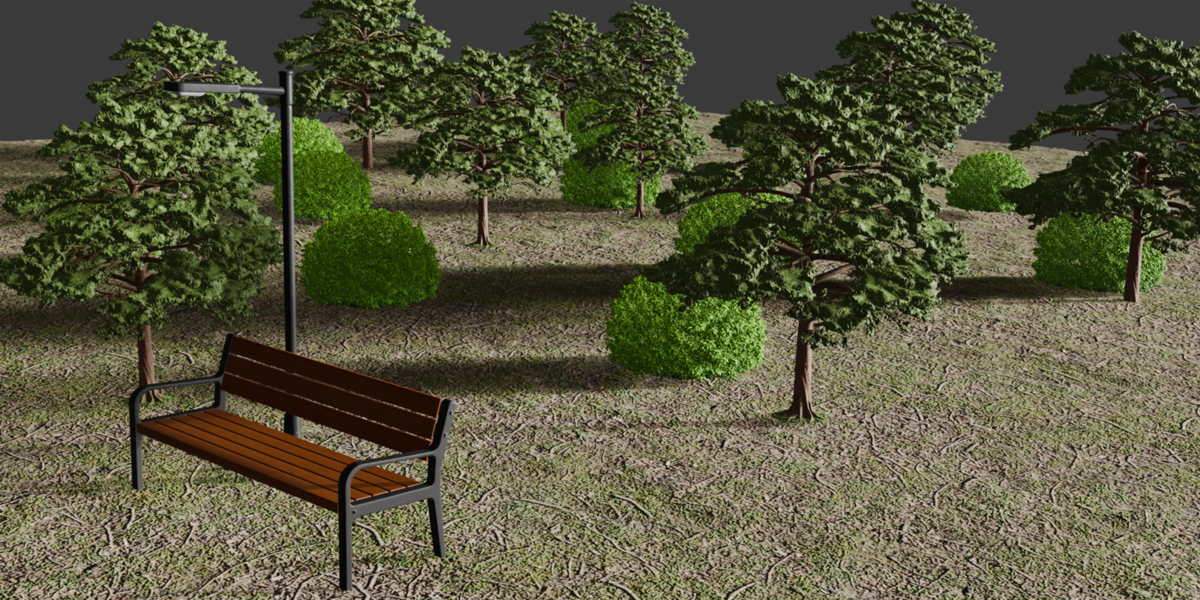
5. Generate the final scatter.
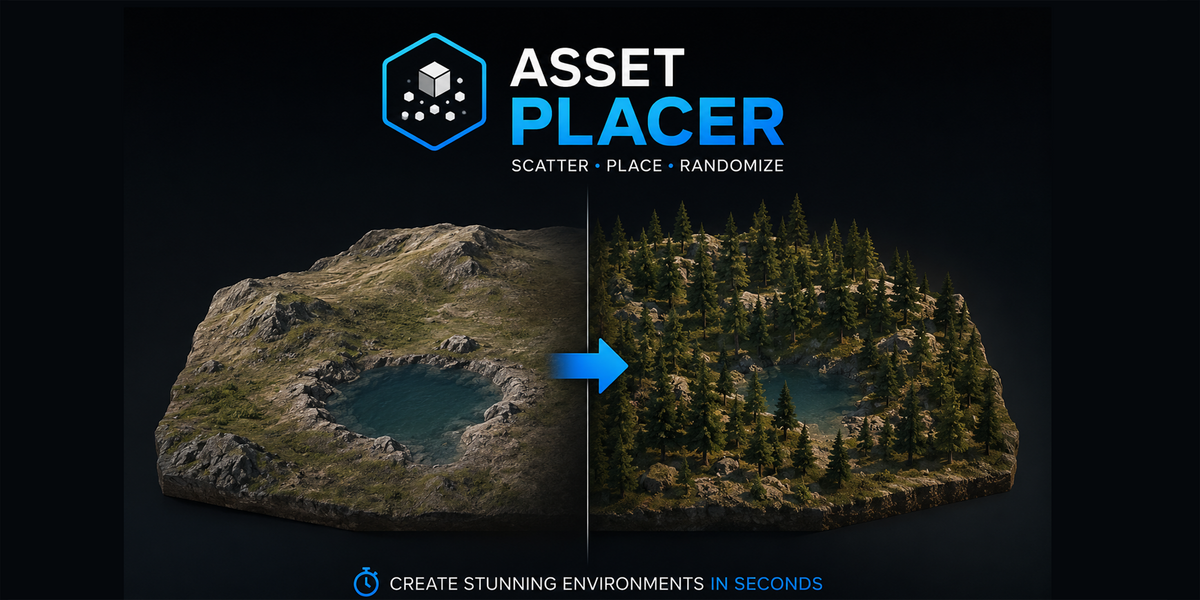
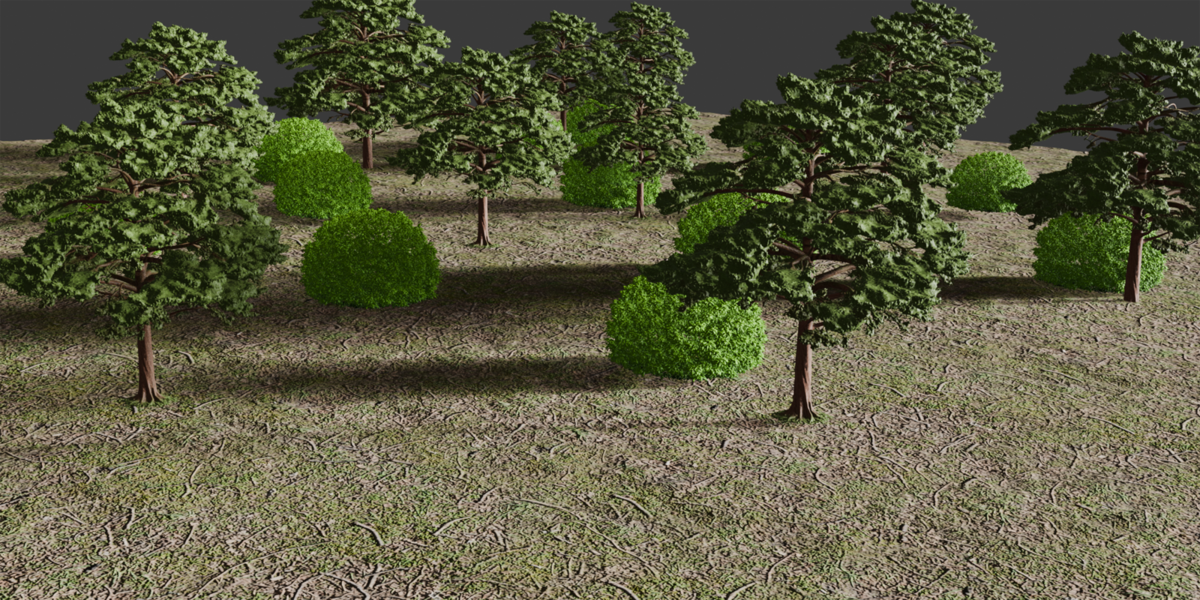
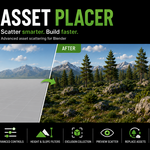
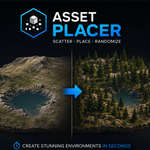
## Main Features • Fast asset scattering • Height & Slope Filters • Exclusion Collection • Biome Presets • Preview Scatter • Replace Generated Assets • Adjustable scatter settings
## Compatibility Blender 3.6 and newer.
Have questions about this product?
Login to message
| Published | 3 months ago |
| Blender Version | 3.6 - 4.5 |
| Extension Type | N/A |
| Render Engine Used | Cycles, Eevee |
| License | GPL |

Discover more products like this
#nature blender addon forest environment vegetation scatter biome asset scatter rocks procedural terrain landscape