 Inlet
Inlet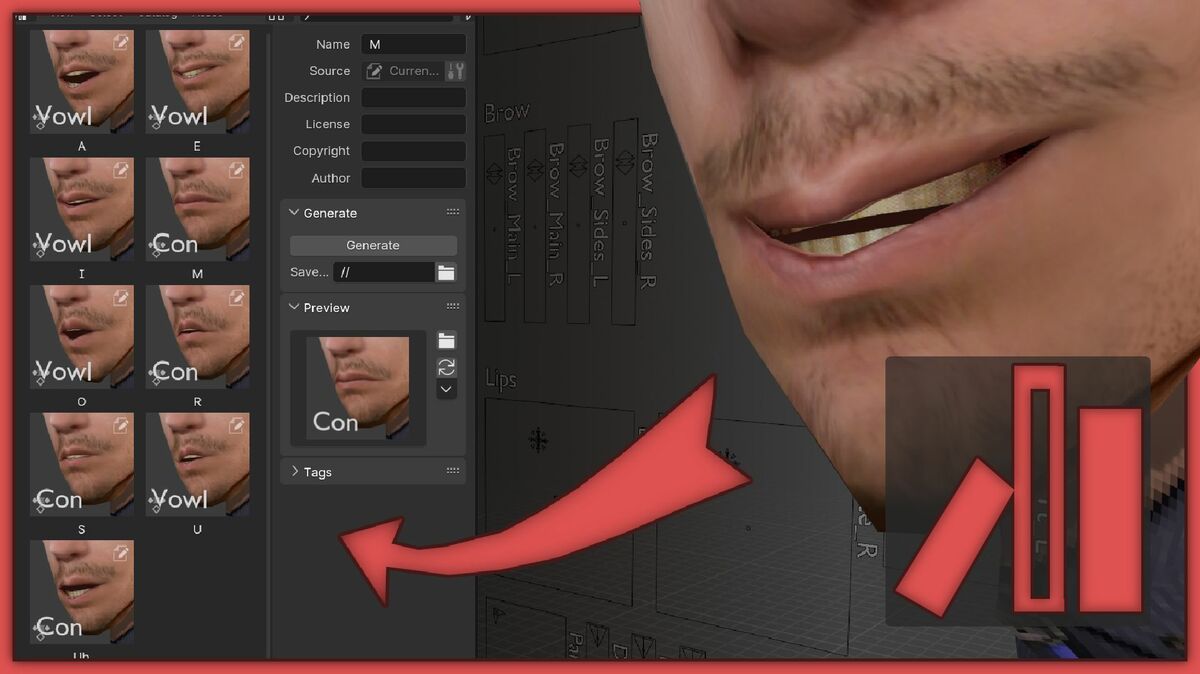



Why does my scene appear black rendering with Cycles?
Blender has two lighting systems: Scene Lights, which are employed during rendering, and Scene World, where the environment background lights the scene. However, Scene World lighting is only visible during viewport previews in Cycles. By default, it does not influence the final render. Simply add a standard light to your scene.
How do I activate an addon?
Use this 20 sec guide – https://youtu.be/wOv4oHO5Kqg
The .zip doesn’t install in Blender
Please un-zip the archive and install the .py script. Please enable file extensions if you can’t see it.
Can’t I do this manually?
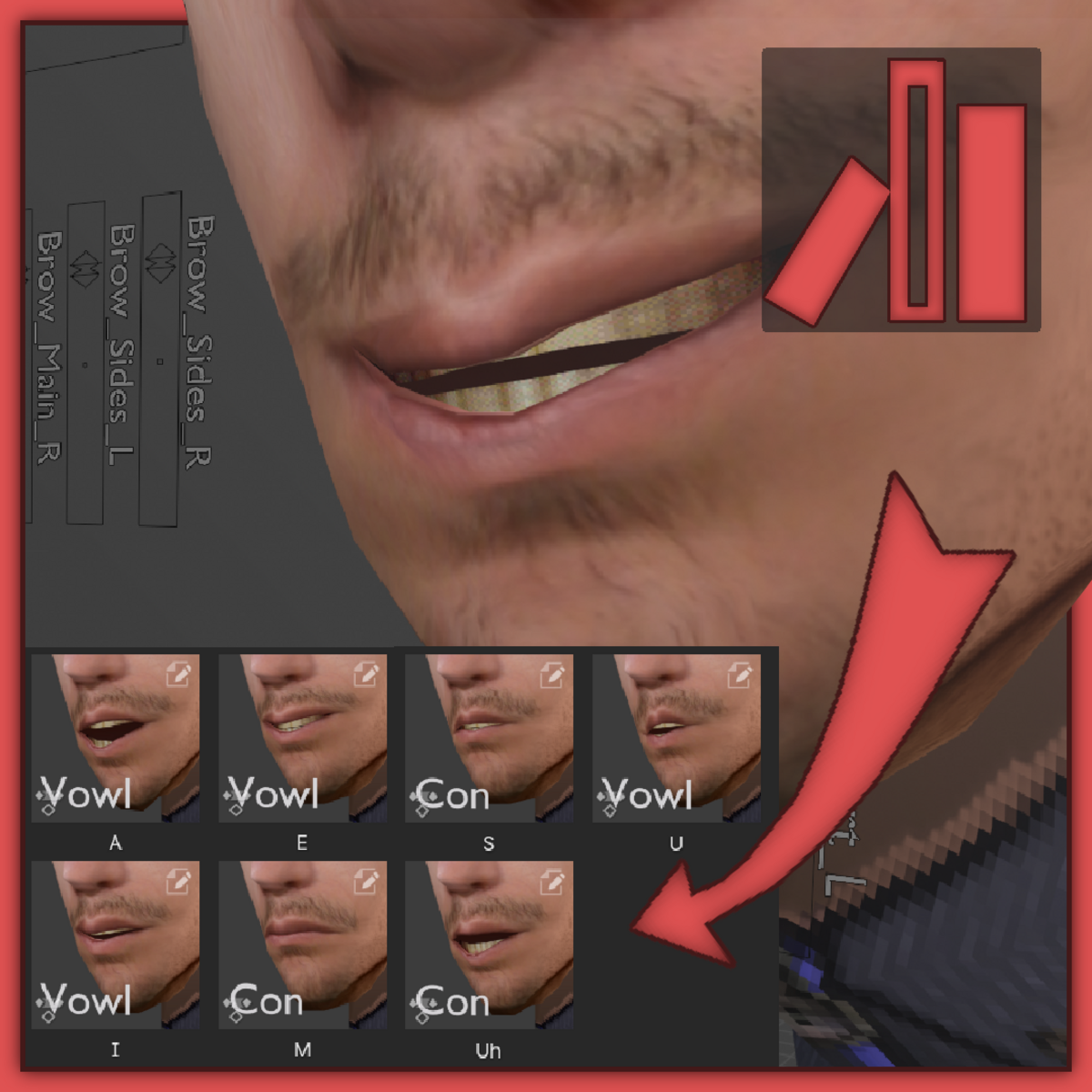
Yes, and that’s why this addon was made, since spending your day saving tiny little images is not something to be proud of.
What resolution should I use for the thumbs?
Set the resolution to a square, usually 500x500px is good enough or 256x256px.
$6.25
Have questions about this product?
Login to message
