 ZEG
Installation
In Blender open Edit, Preferences, Get Extensions, then use Install from Disk and pick the astronaut_generator zip.
Usage
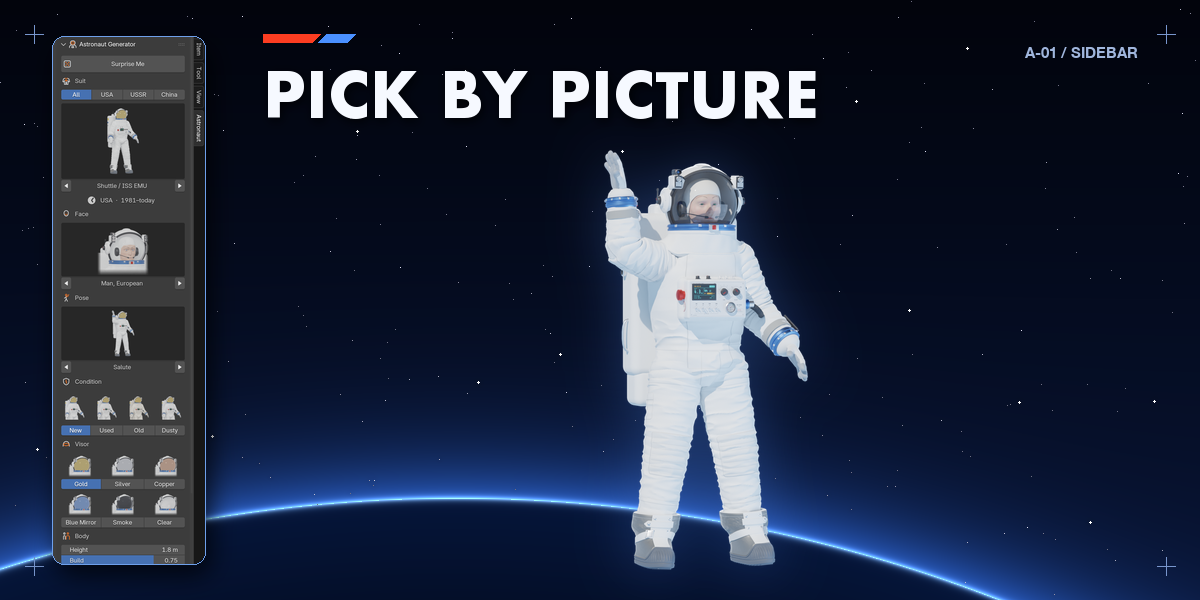
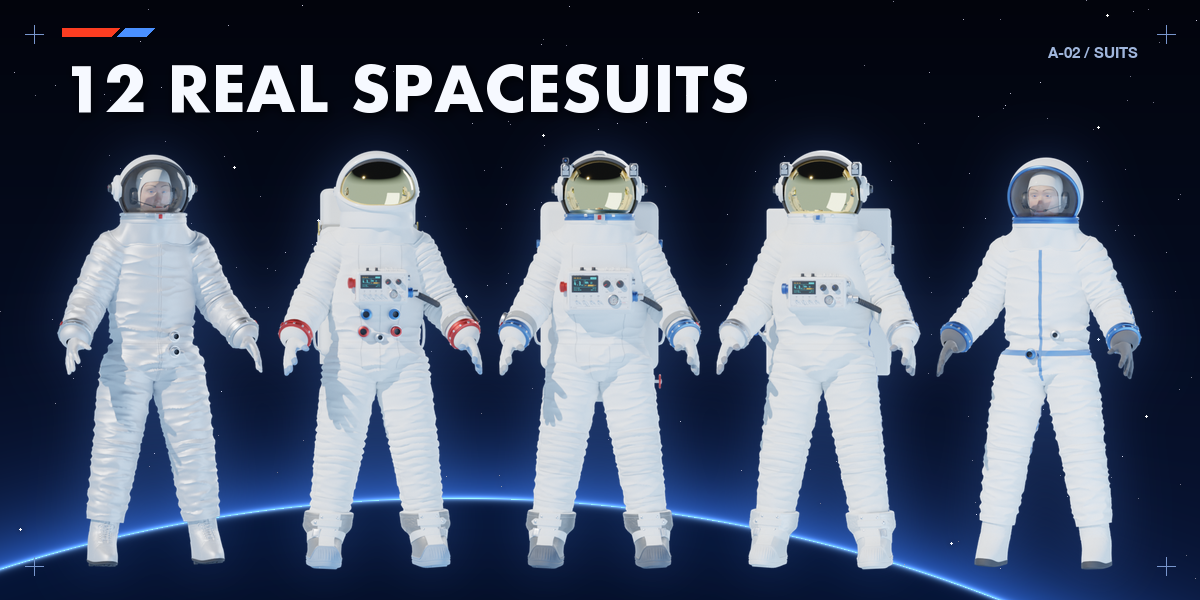
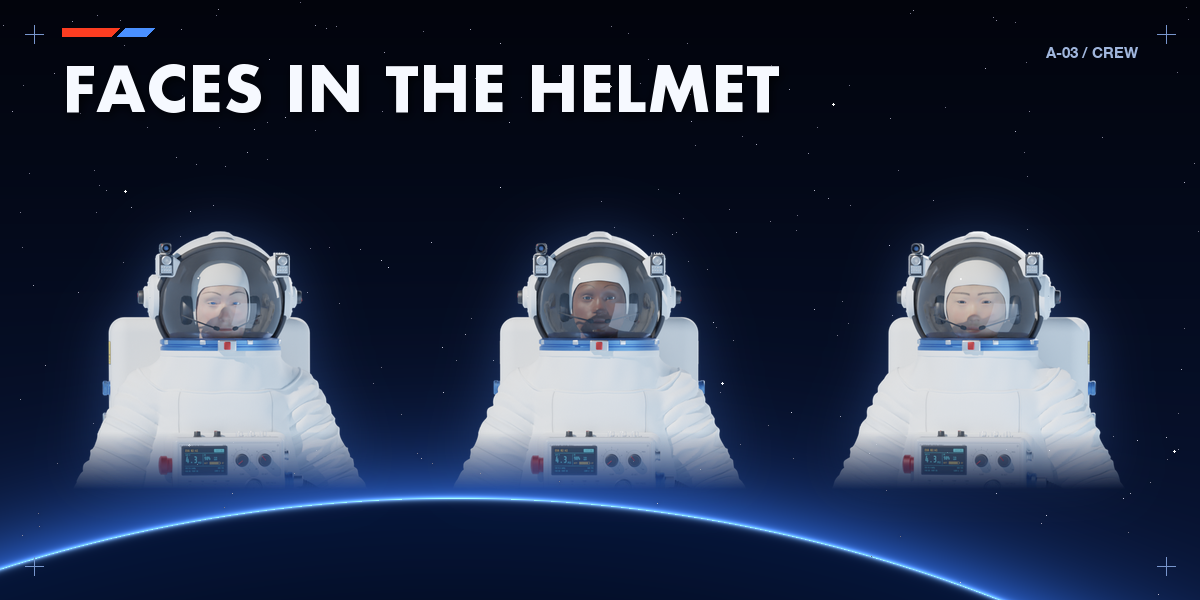
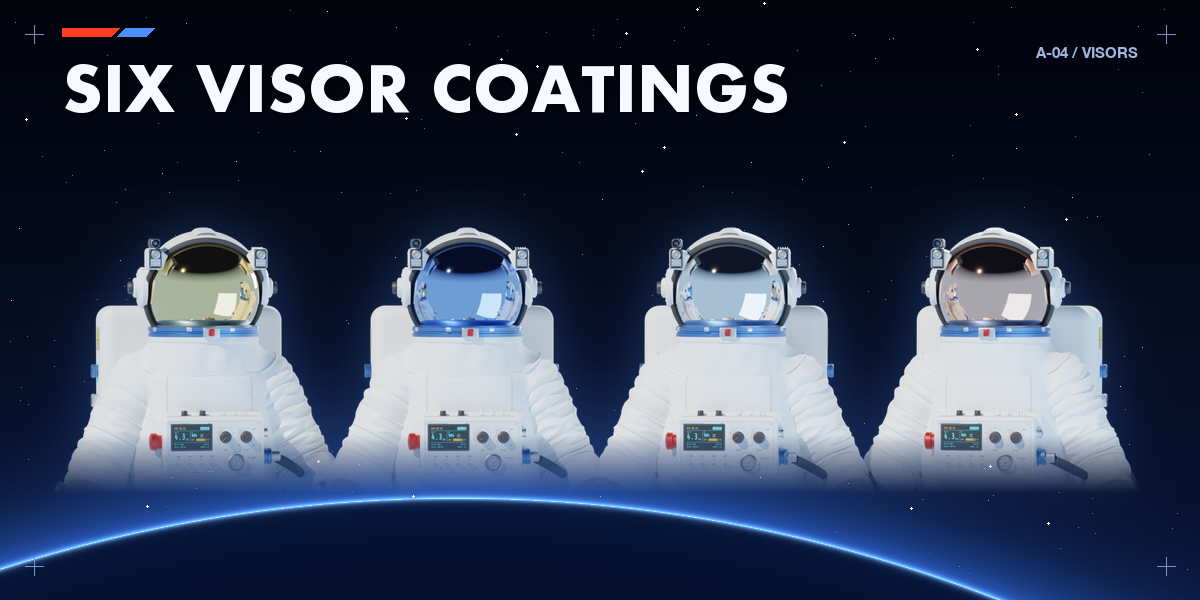
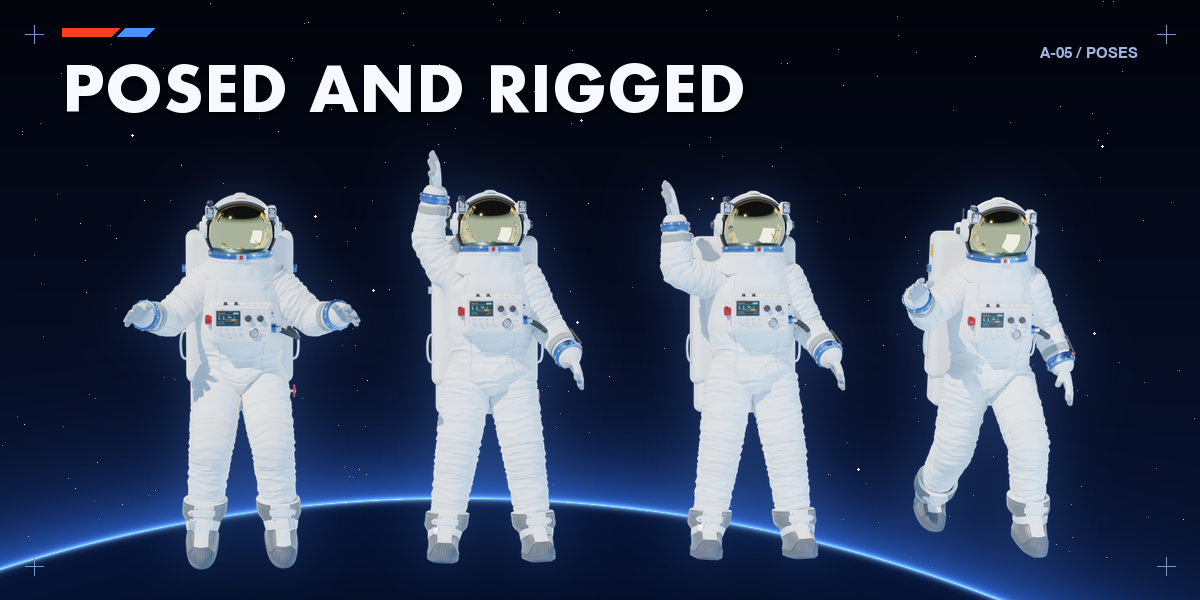
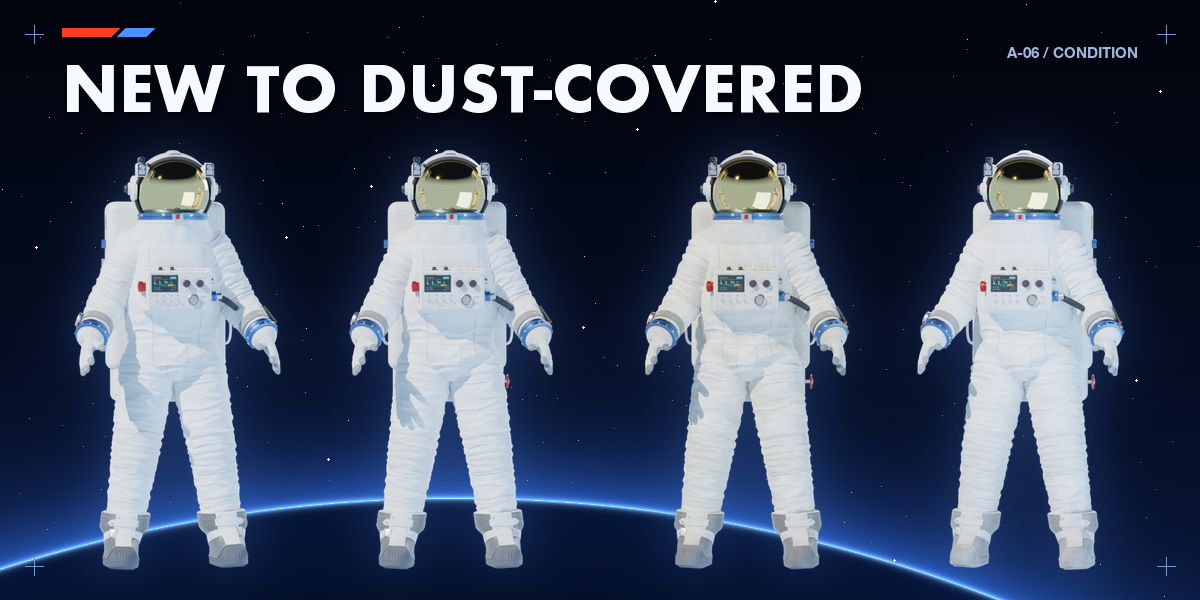
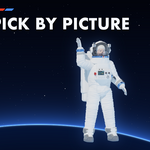
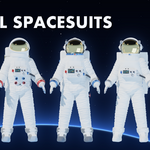
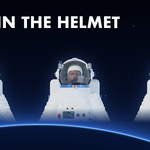
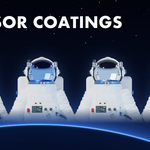
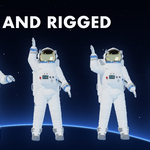
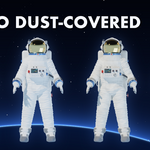
- Open the Astronaut tab in the 3D viewport sidebar (N). With nothing selected, pick a suit by picture (filter by USA, USSR or China), a face, a pose and a condition, then click Add Astronaut. You can also use Shift+A.
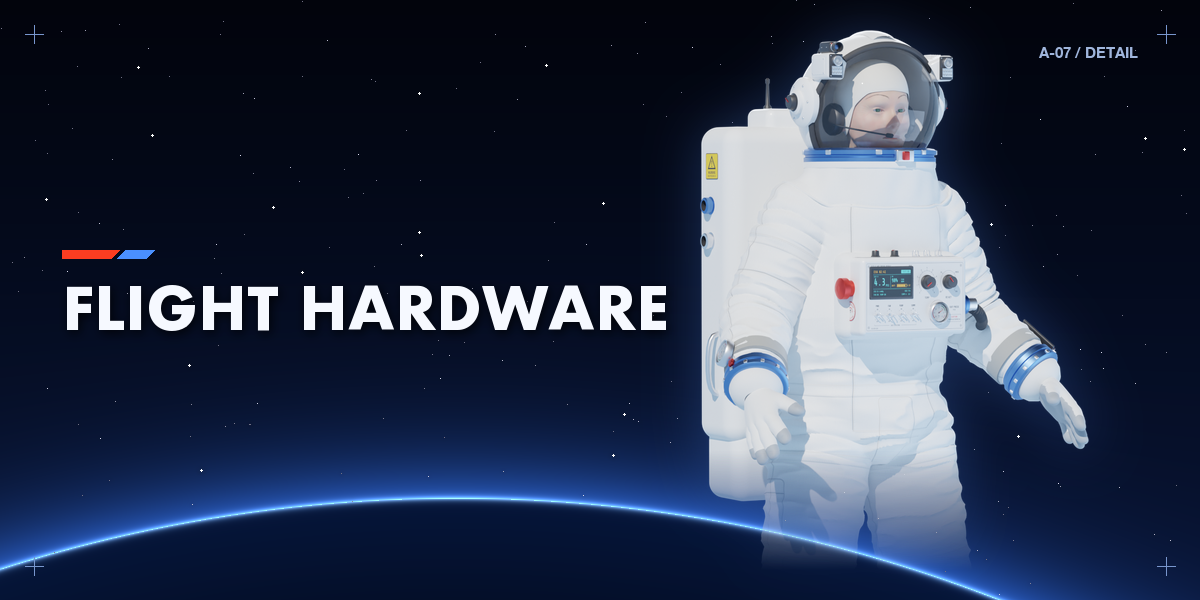
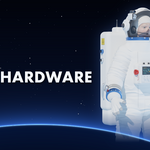
- Select the astronaut to edit it: every choice rebuilds it live. Body, Equipment, Colors, Mesh and Rig have their own sub-panels.
- Surprise Me randomizes the selected astronaut in place, or adds a new random one when nothing is selected.
- The Rig panel controls the armature: IK/FK, finger and torso controls, Pose Mode, bake and reset.
Use Rendered view for the visor reflections and the PBR fabric.
Have questions about this product?
Login to message
| Blender Extension Compatible | Yes |
| Published | 1 day ago |
| Blender Version | 4.2 - 5.2 |
| Extension Type | Add-on |
| Render Engine Used | Cycles, Eevee |
| License | GPL |
