 ZEG
Installation
In Blender open Edit, Preferences, Get Extensions, then use Install from Disk and pick the handbag_generator zip.
Usage
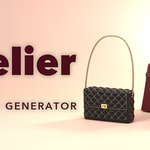
- Open the Handbag tab in the 3D viewport sidebar (N) and click Add Handbag, or use Shift+A, Mesh, Handbag. The bag appears at the 3D cursor.
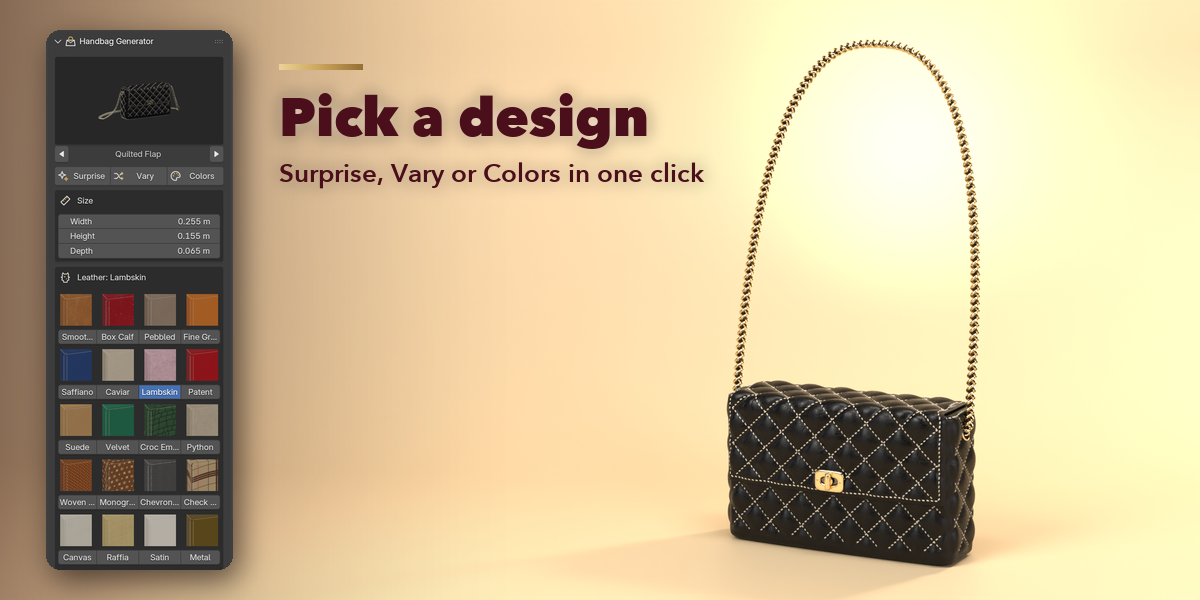
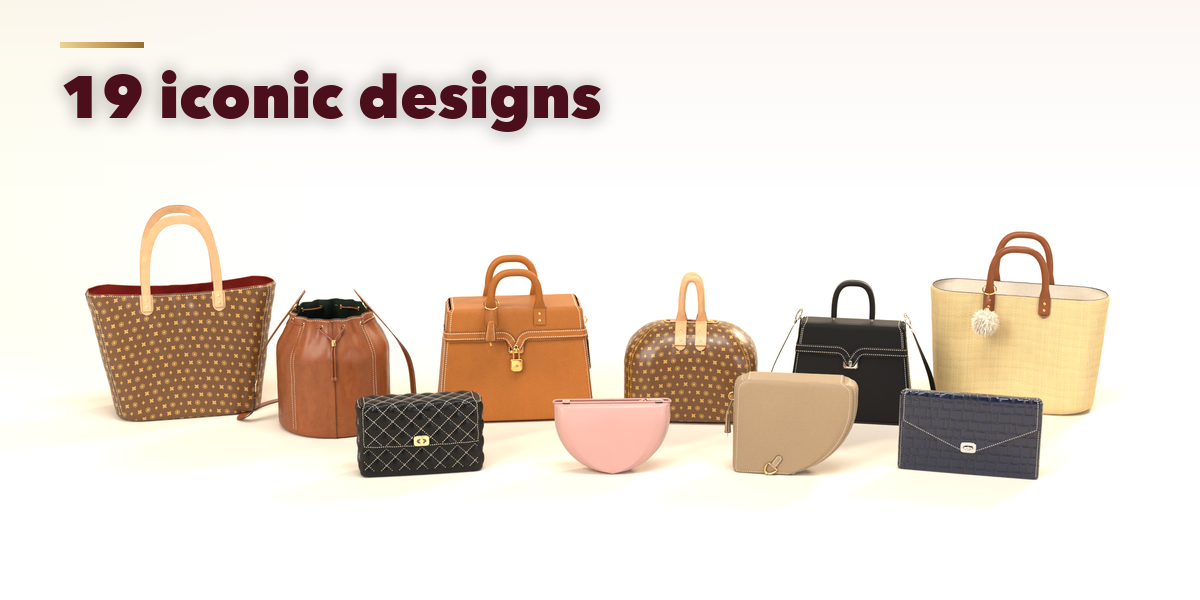
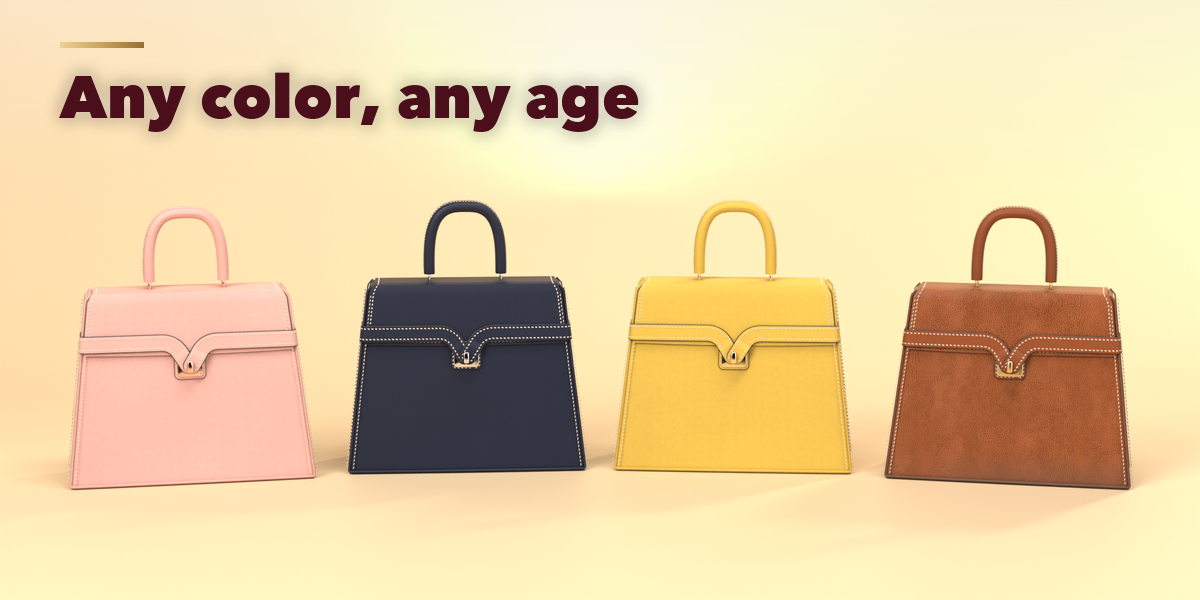
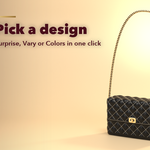
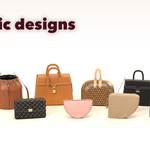
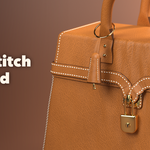
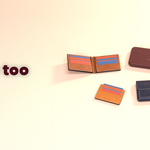
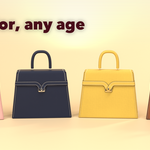
- Click the picture to pick another design. Surprise makes a random bag, Vary changes the current one a little and Colors picks a new color scheme.
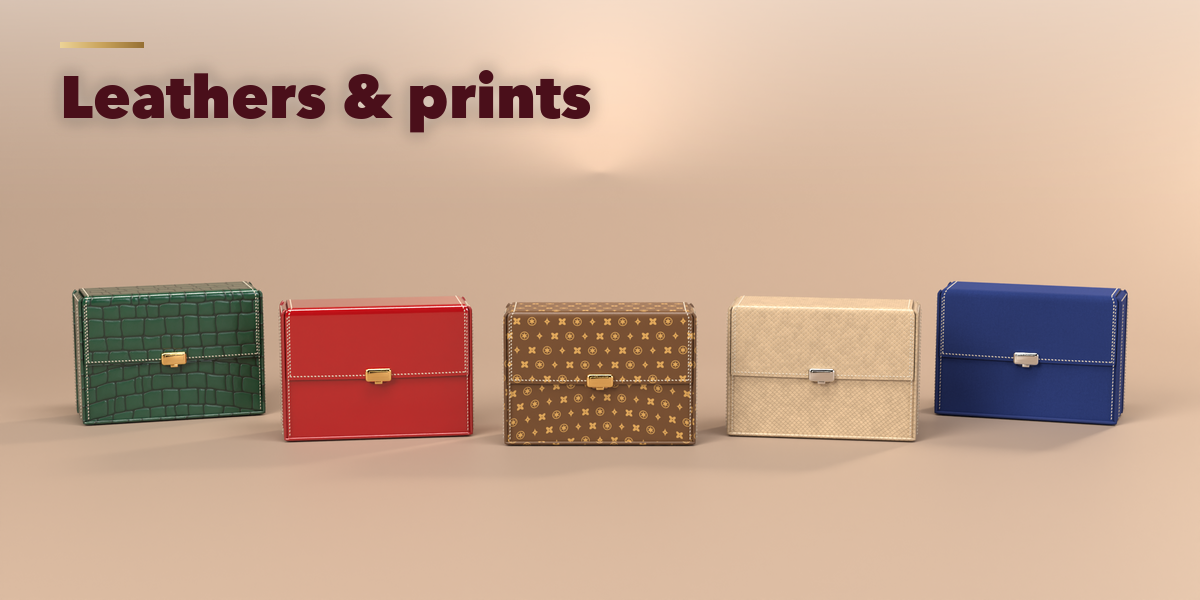
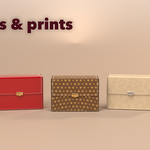
- Set the size, pick the leather from the pictures, the colors, the hardware plating and the condition on the first page.
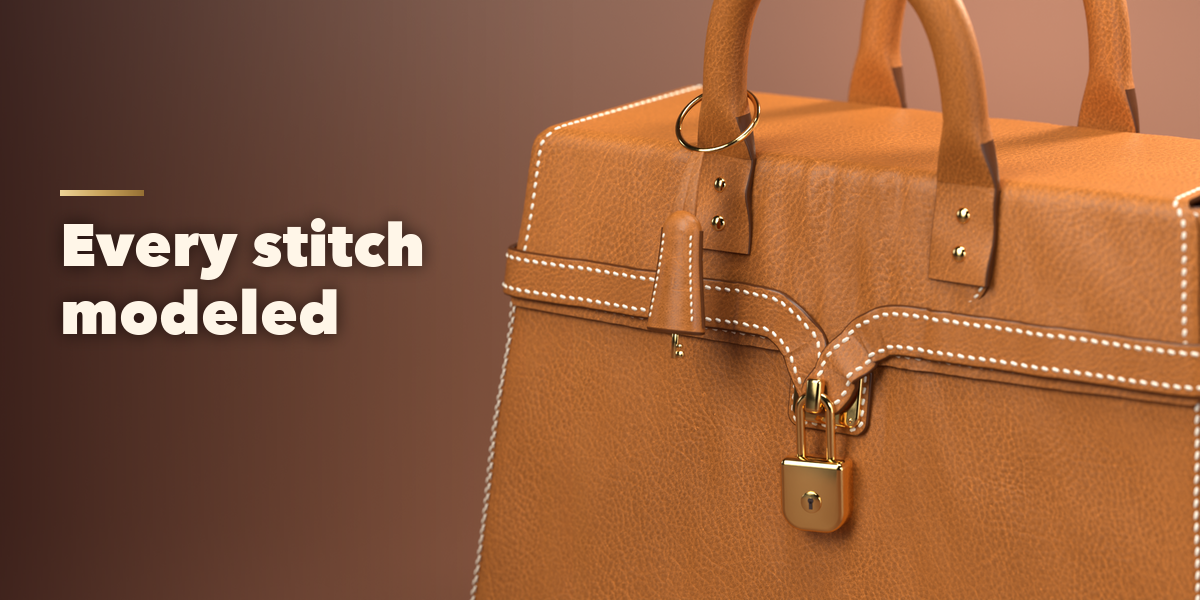
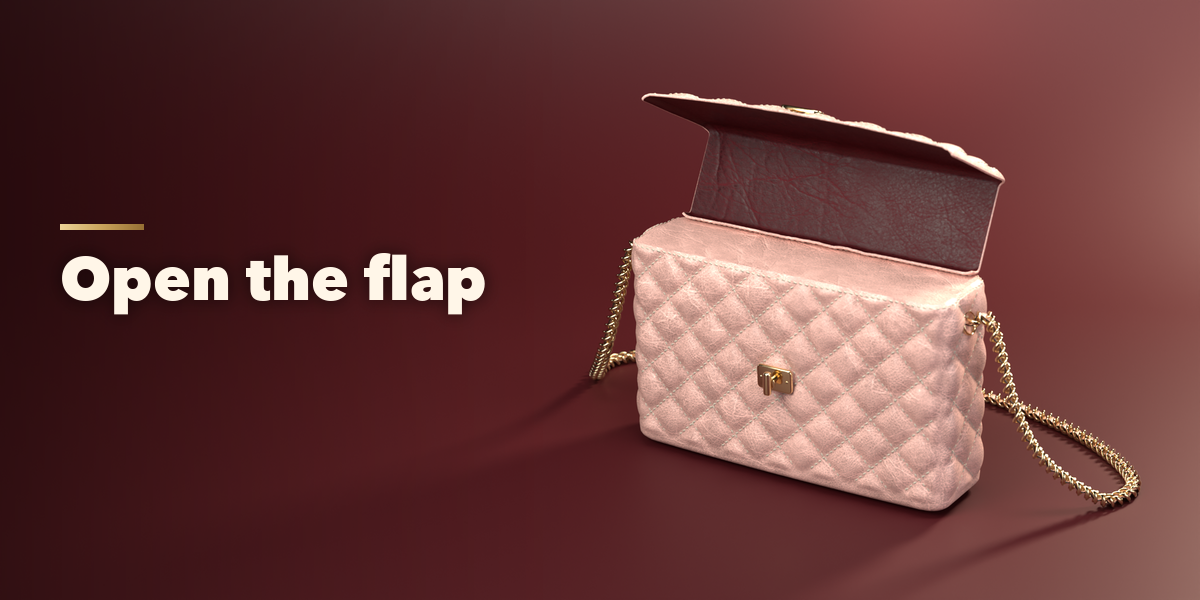
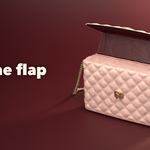
- Shape and the feature panels (quilting, seams, flap, closure, handles, strap, hardware, charms) hold every other setting. Pose opens the flap and folds the handles; keyframe them to animate.
- Convert to Mesh keeps the bag as plain meshes for export; Delete removes it with all its parts.
Have questions about this product?
Login to message
| Blender Extension Compatible | Yes |
| Published | 3 days ago |
| Blender Version | 4.2 - 5.2 |
| Extension Type | Add-on |
| Render Engine Used | Cycles, Eevee |
| License | GPL |
