 Cgi Lab
Install and make your first render
- In Blender, open Edit → Preferences → Get Extensions. From the upper-right menu, choose Install from Disk and select the Atmos Director Pro extension ZIP. Use the default local repository or a short custom path on Windows.
- Enable Atmos Director Pro, save your preferences if prompted, then restart Blender. Press N in the 3D Viewport and open the Atmos Director tab.
- Choose Create Atmosphere. Set Domain Bounds around the area that needs haze or use Auto Fit with a selection, collection, or supported camera view.
- In Presets, choose a starting point and click Apply to Domain. Begin in Draft or Lookdev. In Auto Scale, use Atmosphere Strength for artistic adjustment and increase Scale Coverage to thin out the haze.
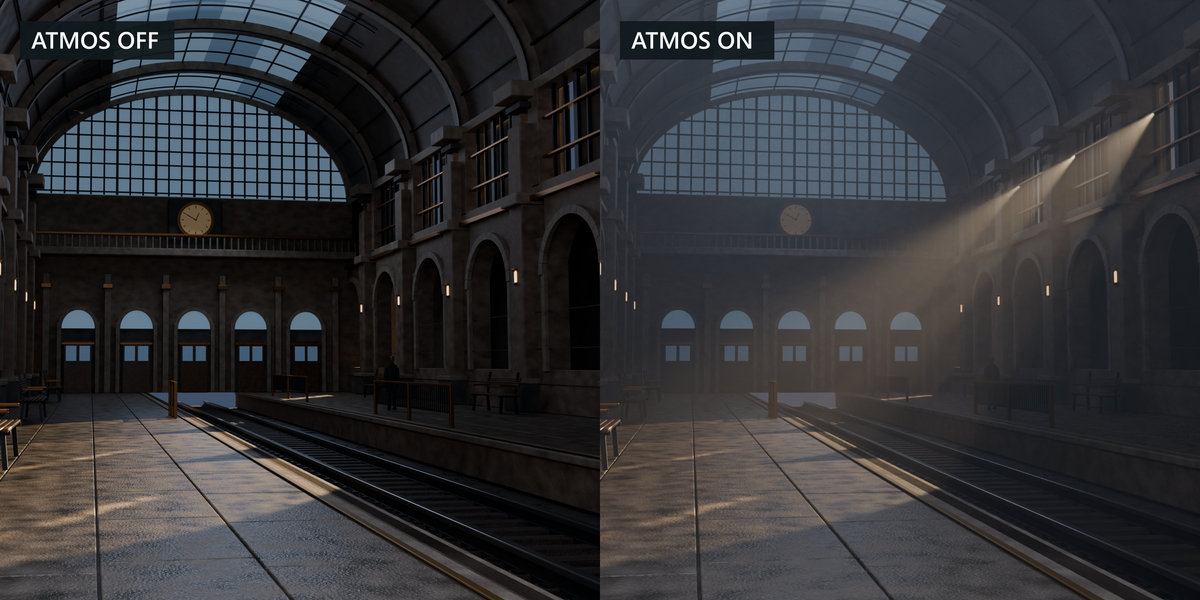
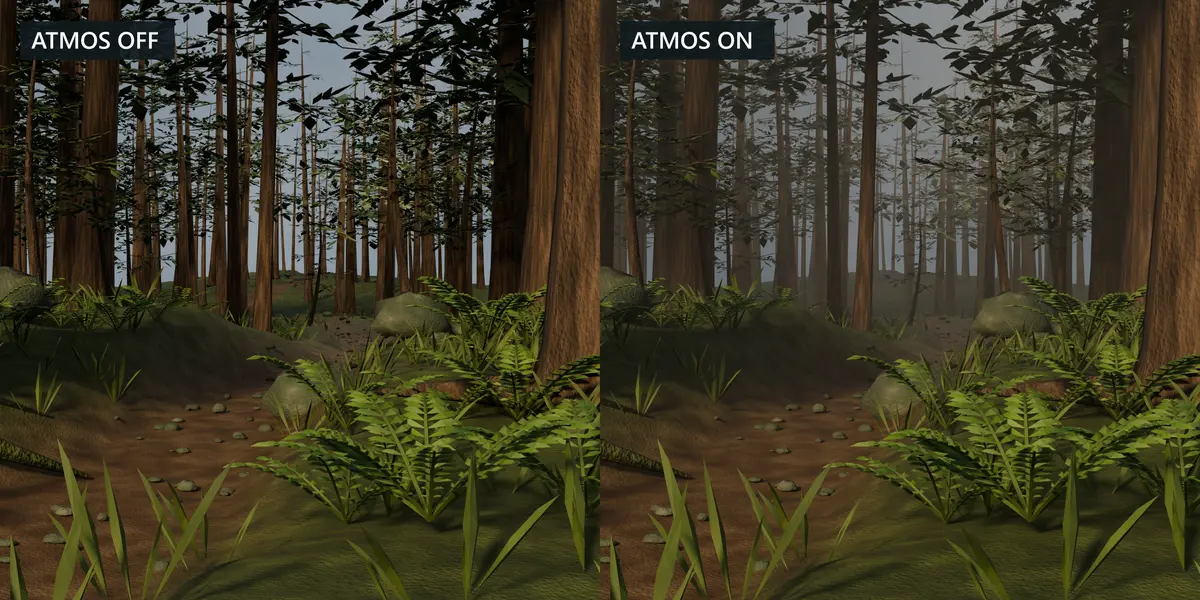
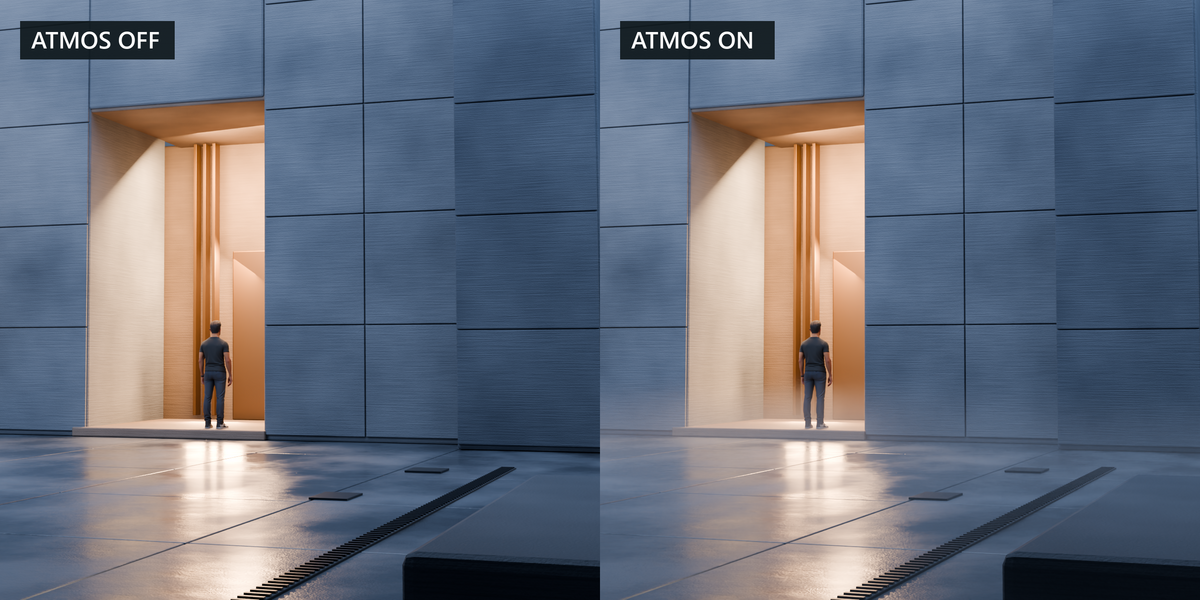
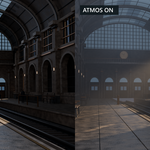
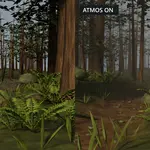
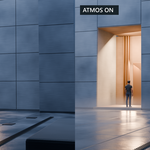
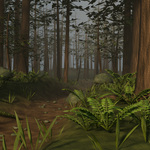
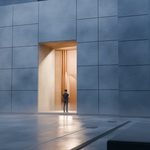
- Render in Cycles. To compare the same shot, open Scene Atmospheres, click Hide Atmos on the Render · global flags row, and render again. Click Restore before saving your working scene.
Shape and evaluate the volume
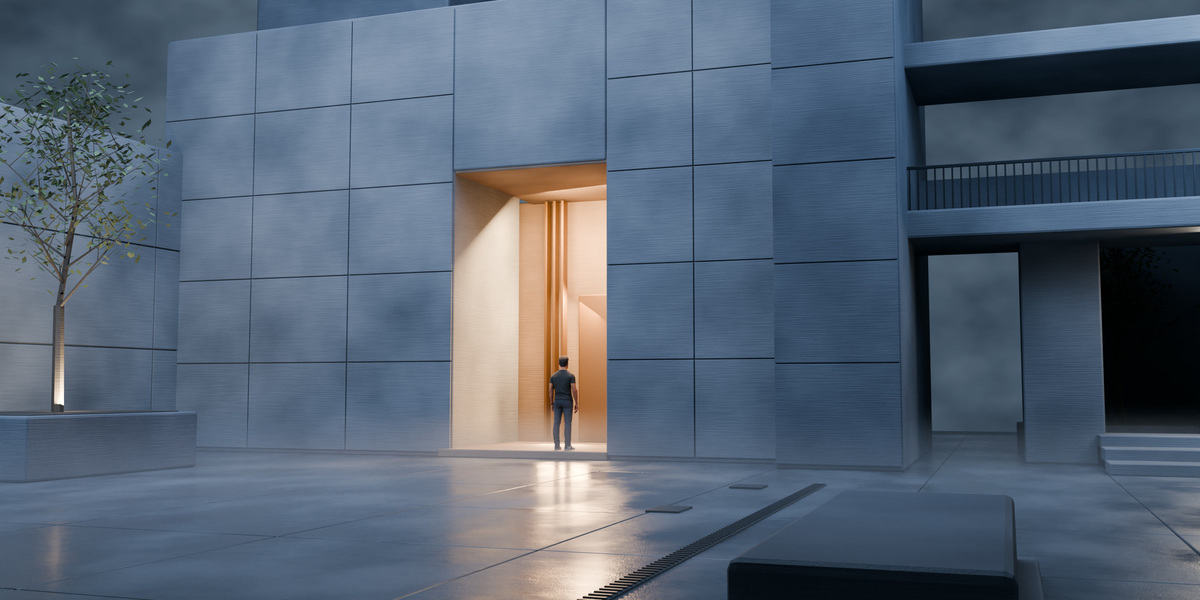
- Depth. Start with Exterior Day. Place the domain around the midground and background you want to soften. Check the camera, domain coverage, and lighting under Diagnostics → Scene Guidance.
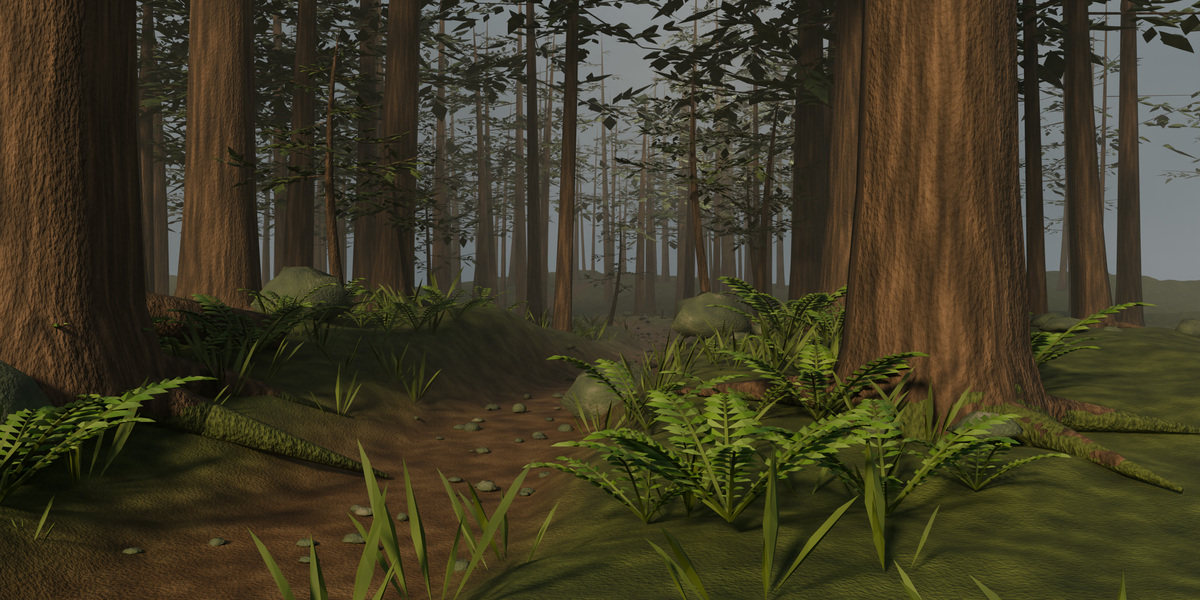
- Low fog. Start with Ground Fog. Align the local base of the domain with the floor and tune Ground Height and Ground Falloff. Use a Subtract mask to clear a specific foreground area.
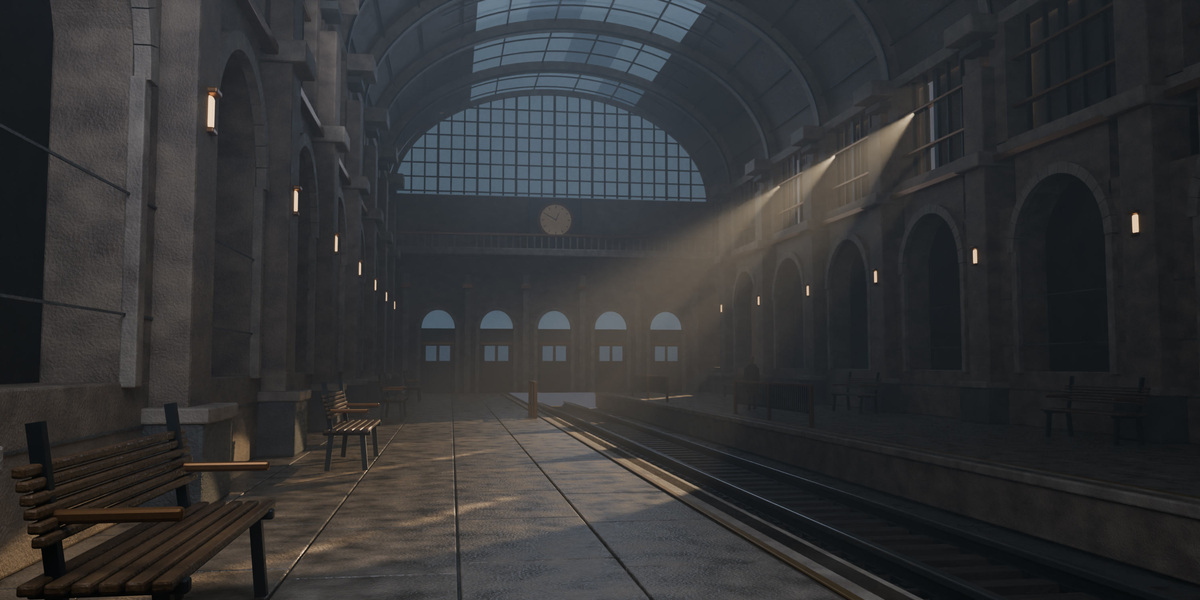
- Light shafts. Start with Cinematic God Rays. Put a directed light behind an opening or occluder, then tune Anisotropy and Atmosphere Strength in a test render.
- Masks. Choose Add to localize the effect, Subtract to clear an area, or Intersect to restrict coverage. Adjust the shape and falloff of the controller around the area you want to affect.
- Looks. Use Save Domain Look to store evaluated artistic settings in the current scene, then save the .blend. The look library exchanges parameter sets using .atmoslooks.json. Use the domain’s look comparison to try two variations of the effect.
- Wind. Enable Reproducible Wind in Look and Animation. Set the local XYZ velocity and Zero Frame, then scrub the timeline to check the direction. Wind moves the noise pattern inside the domain.
Try a reference scene
Go to Presets → Preset Lab → Create Test Scene. Choose Exterior and Depth, Low Fog, or Backlighting and Shafts. Blender opens a new scene with a camera, geometry, lights, and an Atmos domain. Press F12 to render it. Use the scene selector to return to your original scene.
Have questions about this product?
Login to message
| Blender Extension Compatible | Yes |
| Published | 43 minutes ago |
| Blender Version | 5.0 - 5.3 |
| Extension Type | Add-on |
| Render Engine Used | Cycles |
| License | GPL |