 Cgi Lab
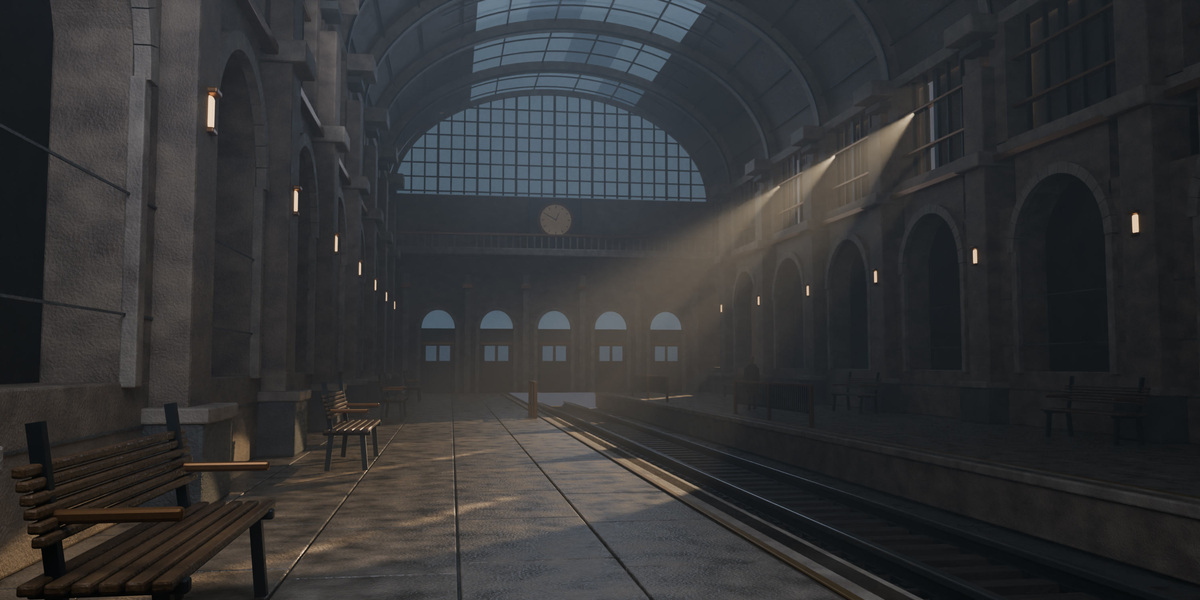
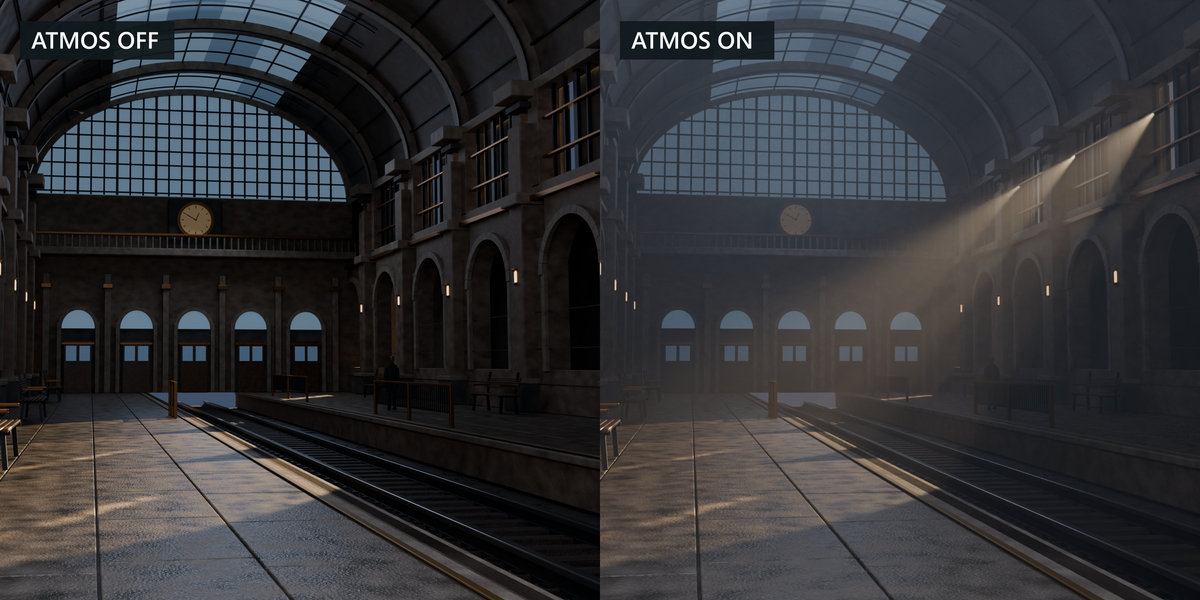
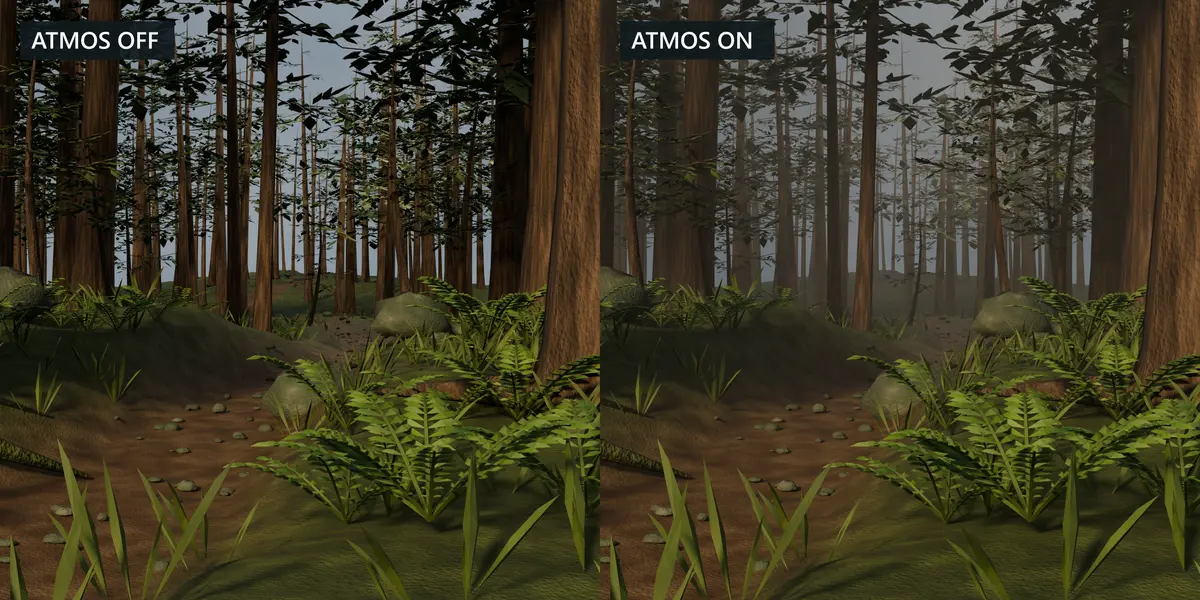
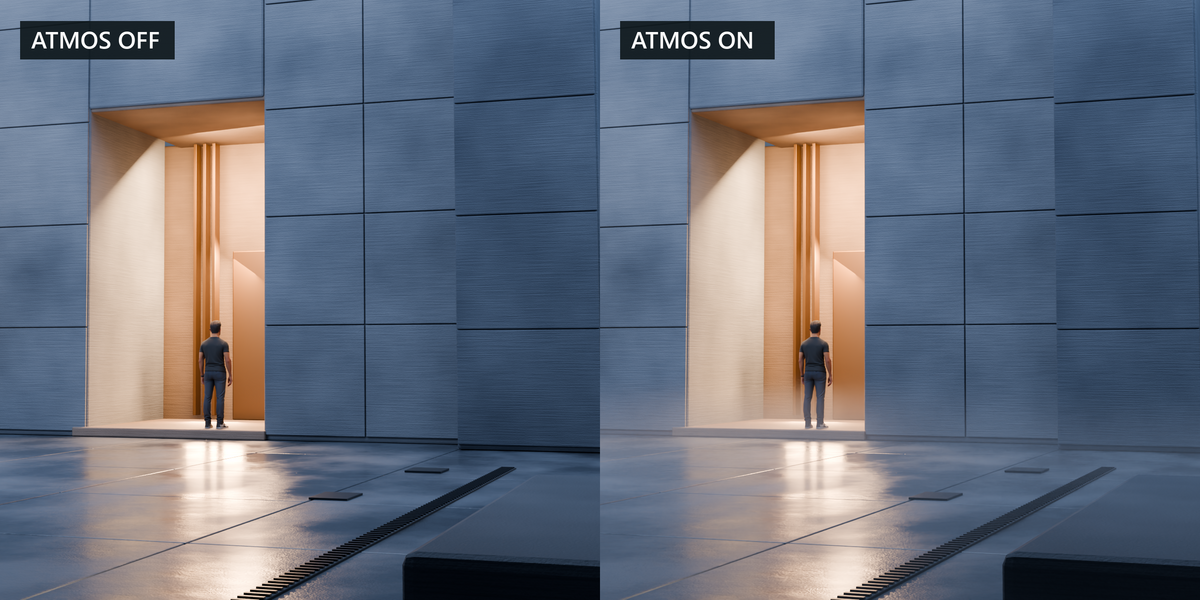
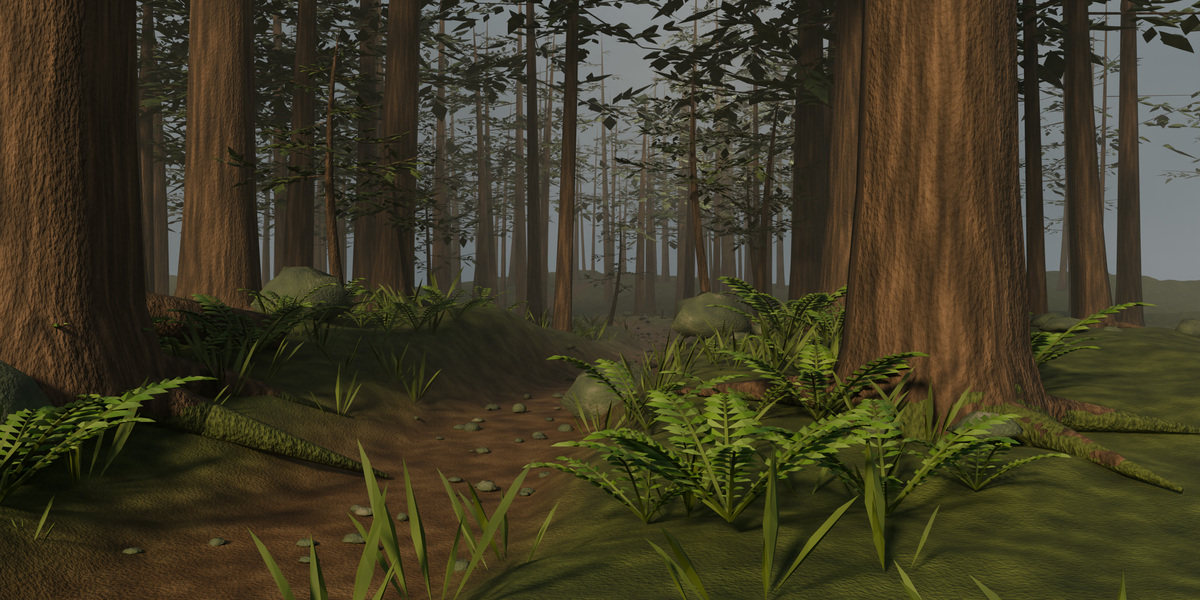
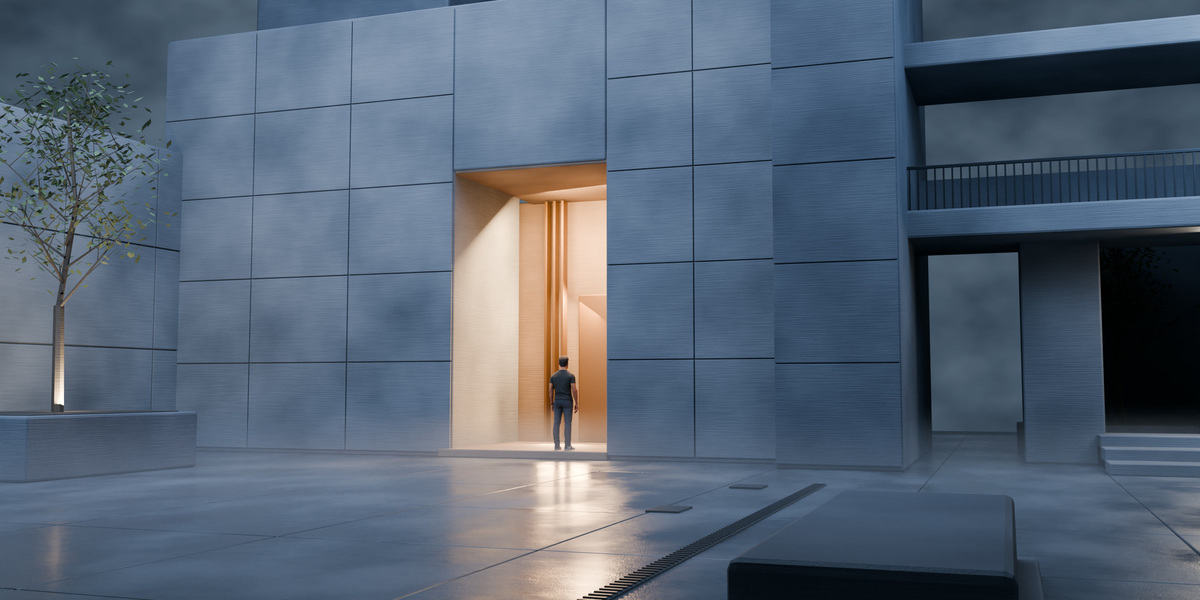
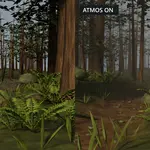
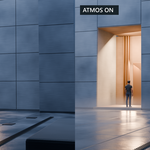
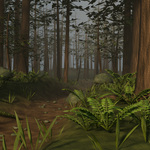

Use the atmosphere to separate a distant background, keep fog close to the floor, or reveal light passing through a set. Atmos Director Pro gives you a bounded procedural volume for shaping these effects from Blender’s 3D Viewport.
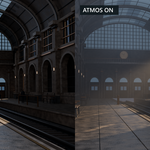
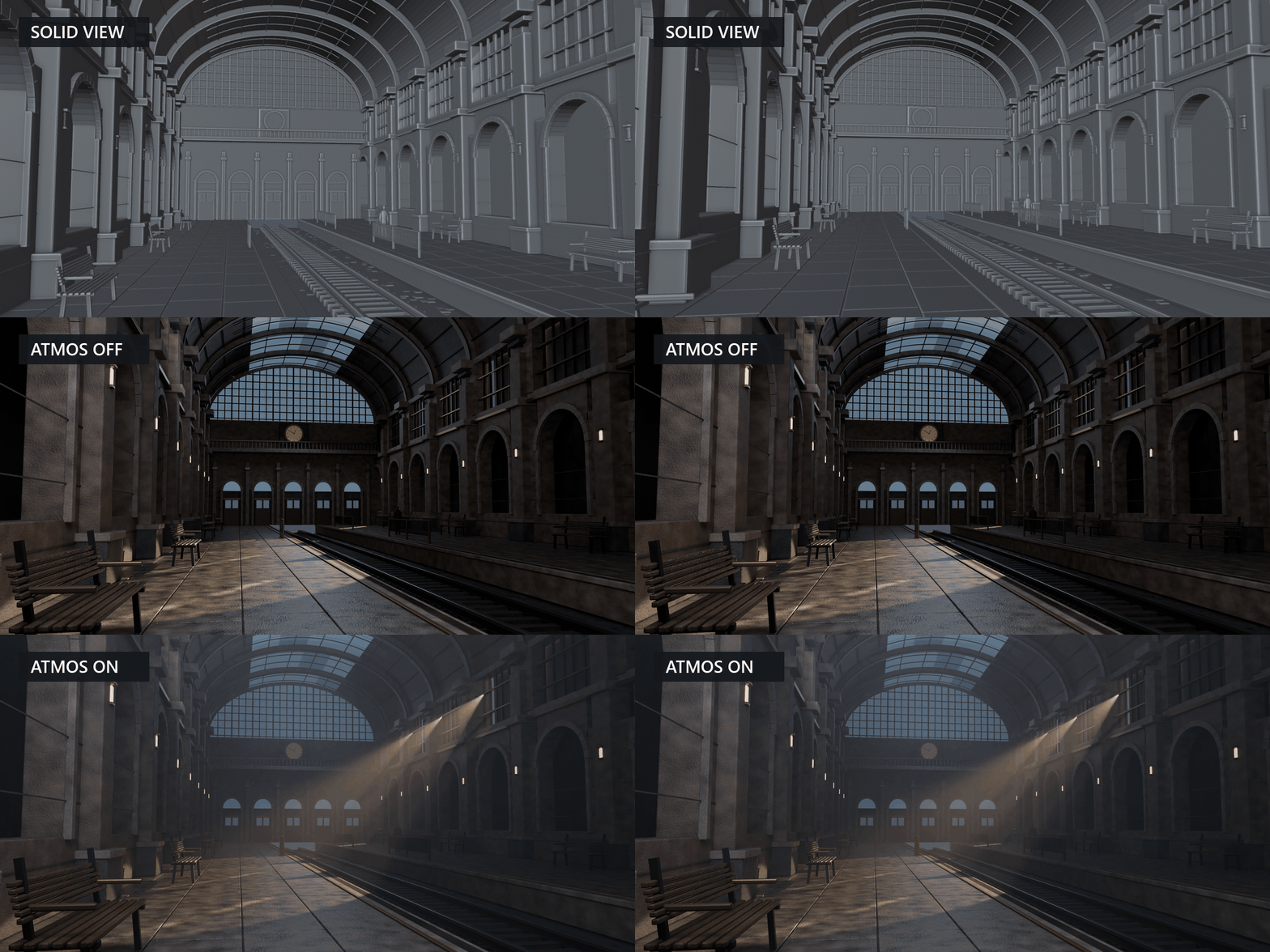
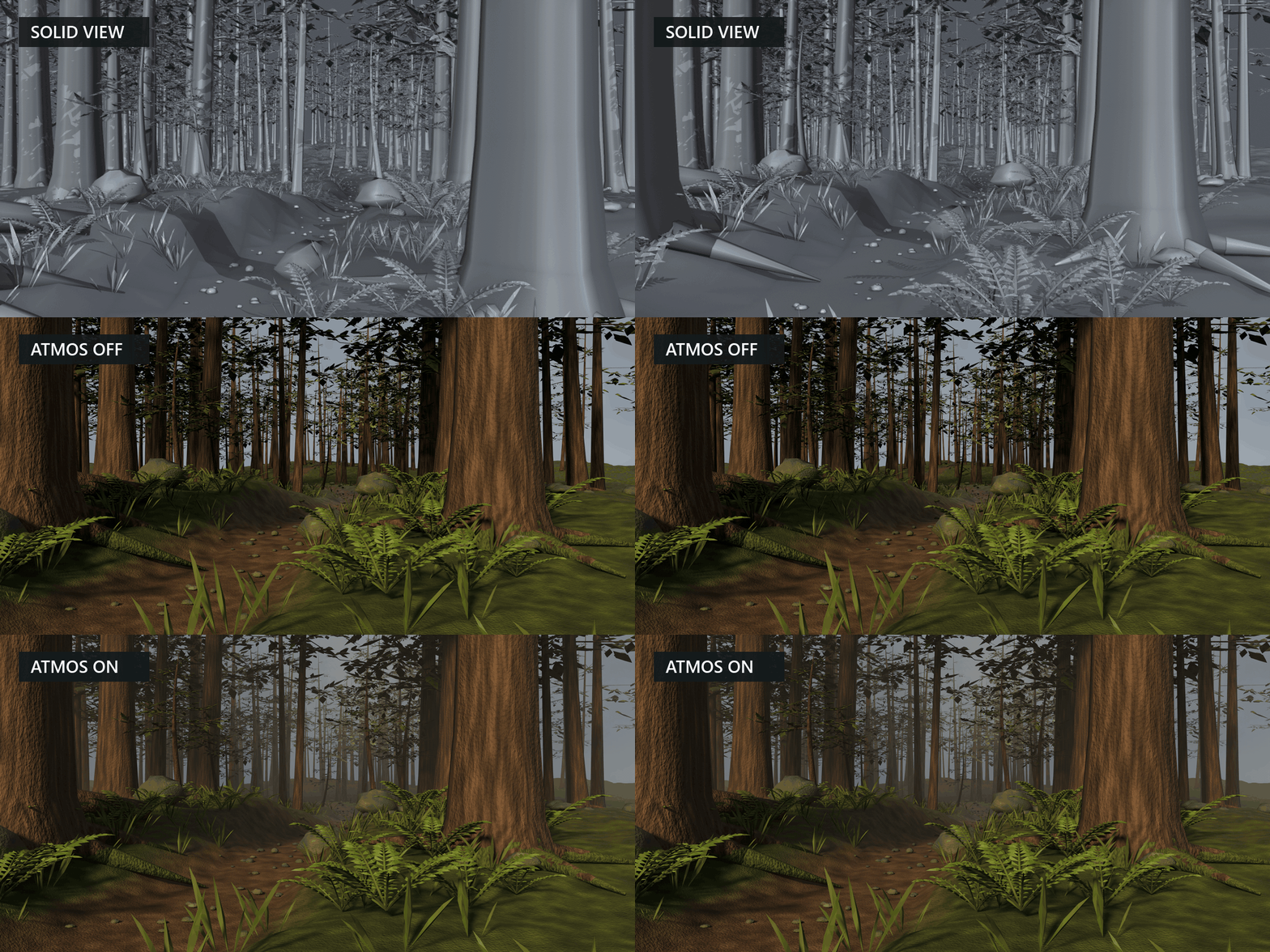
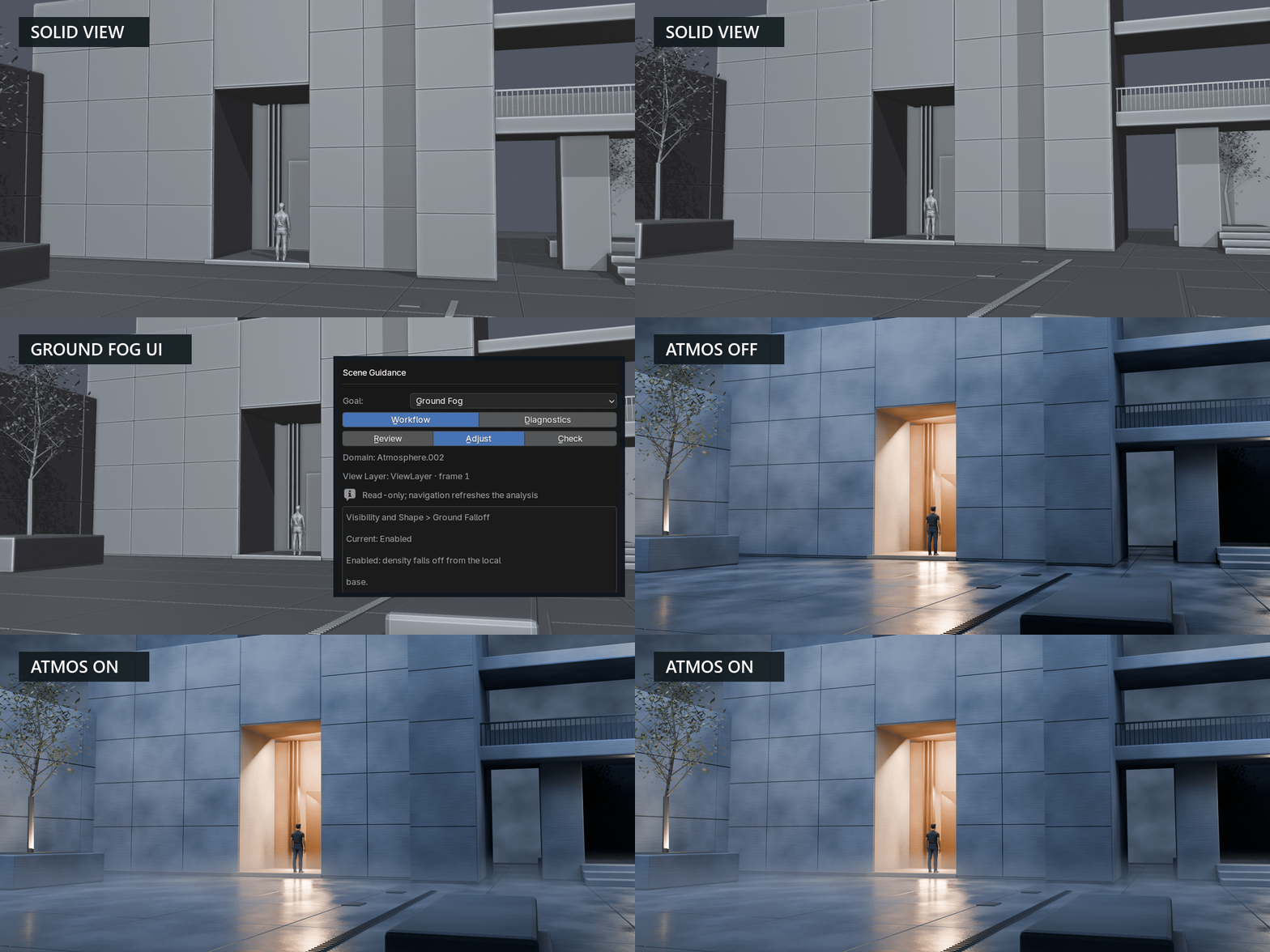
Fit the volume to the part of the shot that needs atmosphere. Start from a preset, control how dense the volume feels at the scale of your scene, and use spatial masks to concentrate haze or clear it around important details. Hide and restore Atmos from the Render controls to see its contribution under the same lighting.
See Atmos in action
Cinematic God Rays
Exterior Day
Ground Fog
What you can do
- Frame the effect. Use Auto Fit with a selection, collection, or supported camera view. Check how your targets sit inside the domain.
- Start from five presets. Choose Interior Haze, Exterior Day, Exterior Night, Ground Fog, or Cinematic God Rays. Adjust the result for your shot.
- Shape fog locally. Add, subtract, or intersect masks to concentrate atmosphere, clear a subject, or restrict the effect to part of the set.
- Compare treatments. Save artistic looks in the scene and compare two variations on a domain. Use Hide Atmos and Restore to compare renders with and without the Atmos volume.
- Inspect the setup. Review camera, density, lighting, and coverage in Scene Guidance. Open the Visual Library for reference renders or generate a test scene with Preset Lab.
- Animate the noise pattern. Use Reproducible Wind for predictable drift over time.
What’s included
Atmos Director Pro 1.21.1 as an installable Blender extension ZIP, with an English interface, user guide, packaged visual references, and the GPL-3.0-or-later license. Preset Lab can generate three test scenes inside Blender.
Compatibility
Recommended setup is Blender 5.2.1 LTS on Windows with Cycles CPU. Clean installation, restart, scene reopening, and a Cycles CPU render comparison were also verified in Blender 5.3.0 on Windows. The extension declares Blender 5.0.0 as its minimum. macOS/Metal, GPU rendering, and Eevee require separate validation.