 ZEG
Installation
In Blender open Edit, Preferences, Get Extensions, then use Install from Disk and pick the zip.
Usage
- Open the Shelter tab in the 3D view sidebar (N) or use Add, Mesh, Bunker.
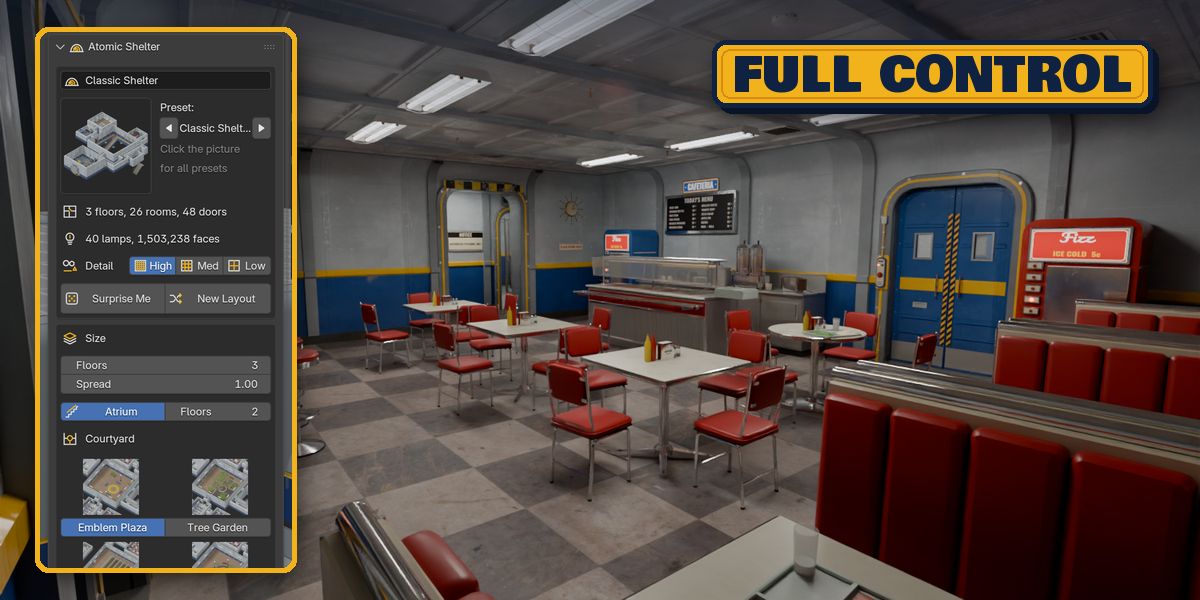
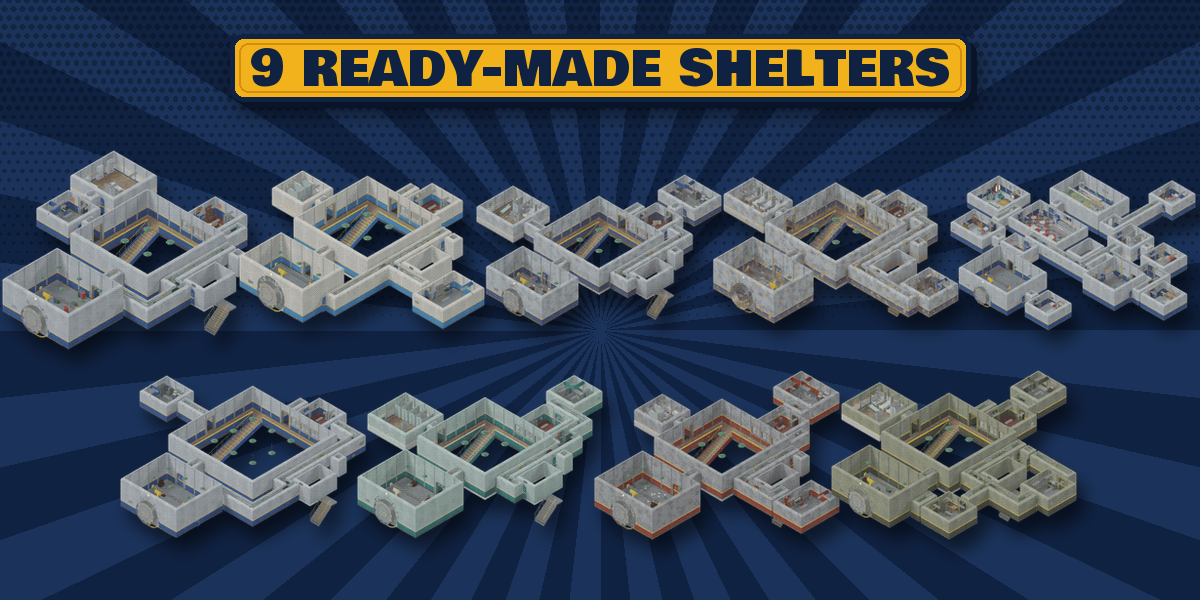
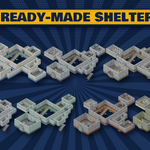
- Pick a preset picture and click Add Shelter, or click Surprise Me.
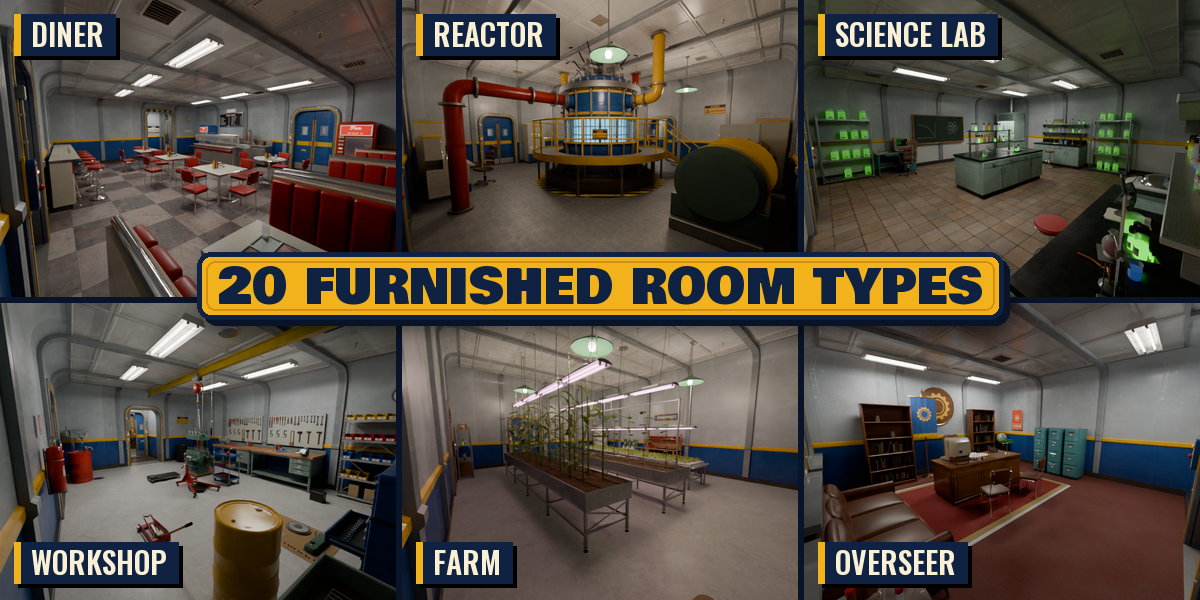
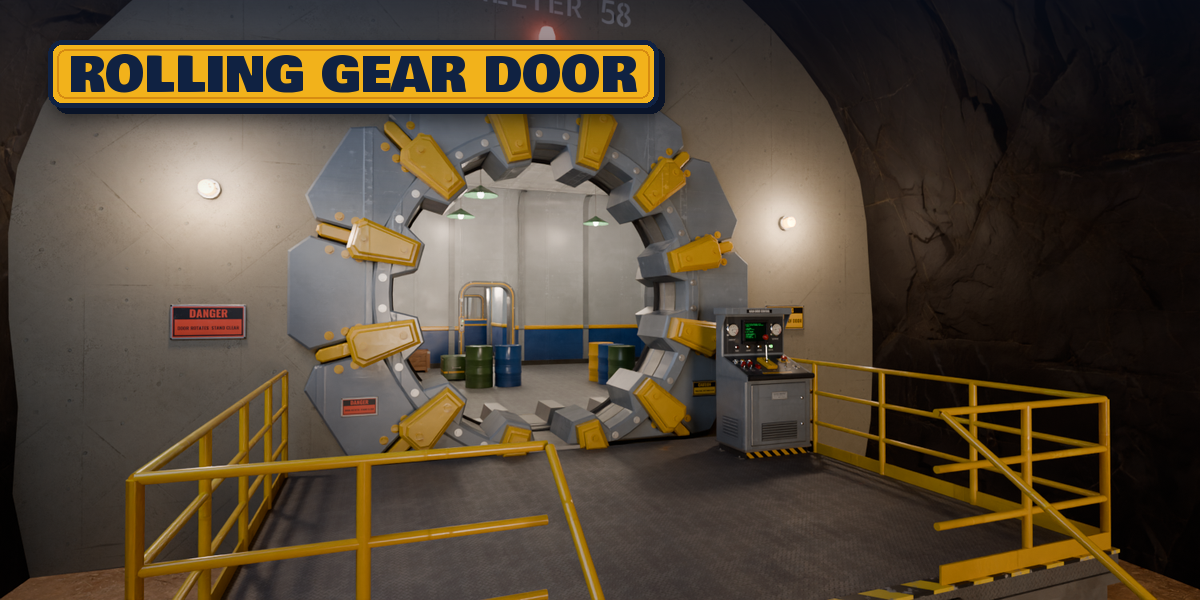
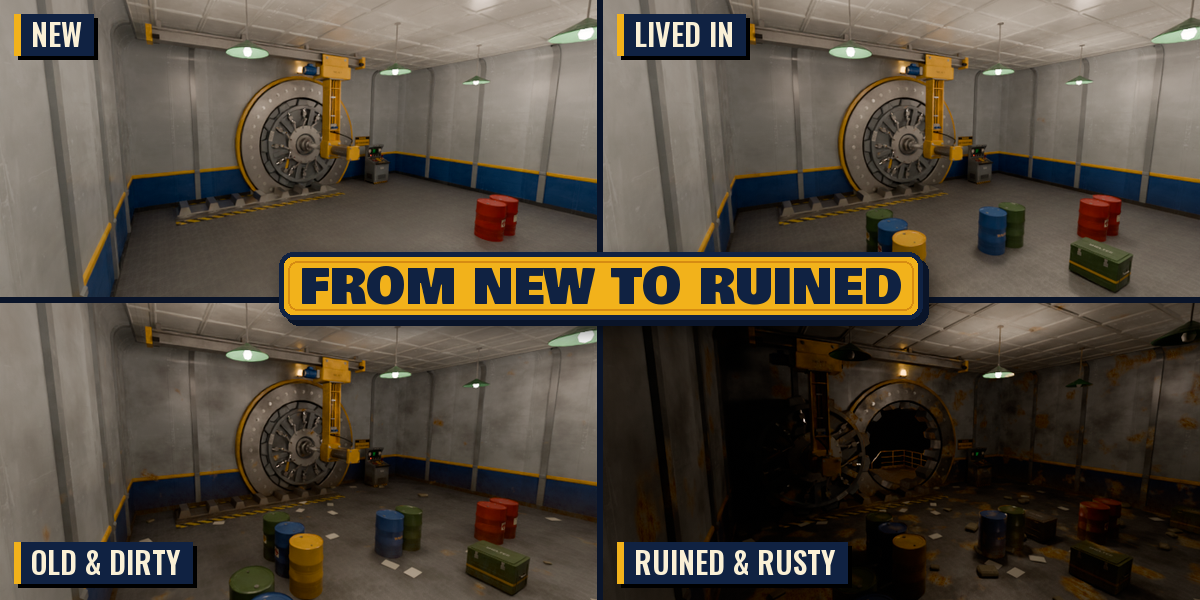
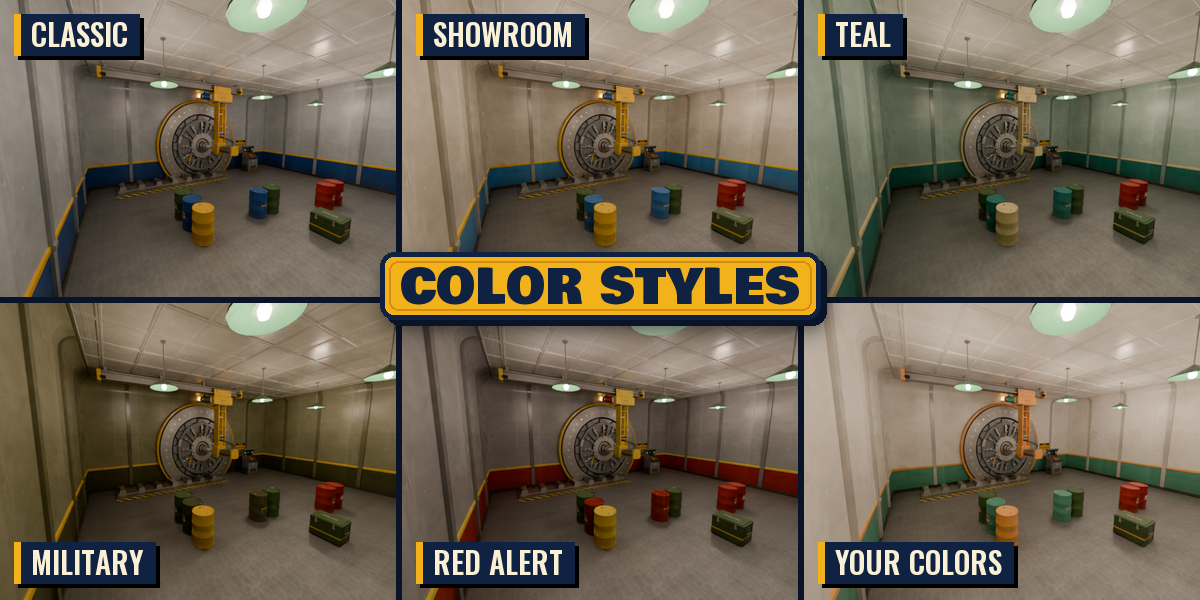
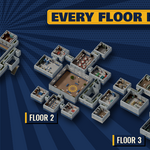
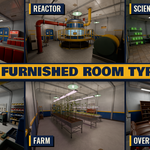
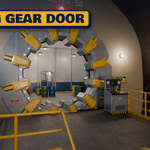
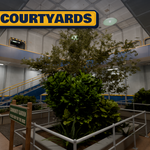
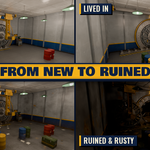
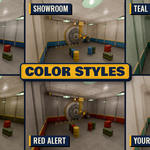
- Set floors, style, condition and the gear door on the first page; open Rooms to add or remove rooms and choose their floor.
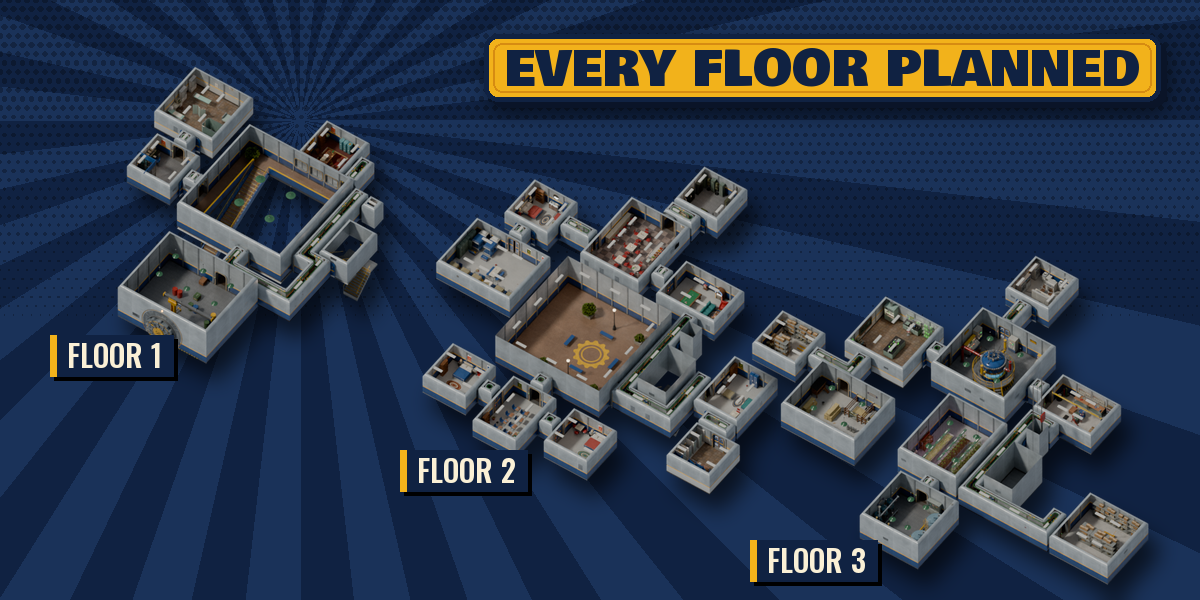
- New Layout gives another floor plan with the same rooms. Animate Opening keyframes the gear door.
- Tools, Convert to Mesh makes plain objects for editing. Tools, Game-Ready Copy makes plain objects with baked PBR textures for FBX or glTF export to a game engine.
Have questions about this product?
Login to message
| Blender Extension Compatible | Yes |
| Published | about 3 hours ago |
| Blender Version | 4.2 - 5.2 |
| Extension Type | Add-on |
| Render Engine Used | Cycles, Eevee |
| License | GPL |

Discover more products like this
bomb-shelter Level Design Interior procedural sci fi bunker nuclear-shelter post-apocalyptic Retro-futuristic dungeon generator game environment architecture