 Yoshiaki Tazaki


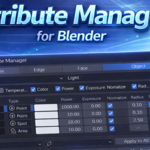
Attribute Manager for Blender
Spreadsheet-style attribute editing for Blender power users
🚀 Overview
Attribute Manager is a powerful Blender add-on that lets you edit mesh and object attributes in a spreadsheet-style interface.
Instead of digging through multiple Blender panels and changing values one by one, you can:
View selected attributes in a table
Edit values directly like a spreadsheet
Apply changes instantly to Blender
Batch-edit dozens (or hundreds) of elements at once
Editing cell values using Expression
Support user defined attributes
Designed for artists, technical artists, and addon-savvy users who want speed and precision.
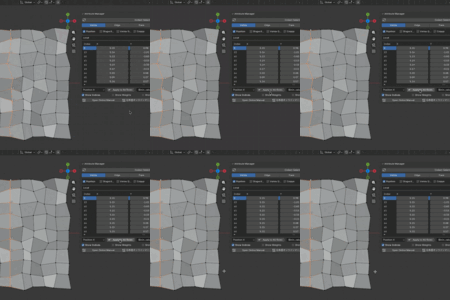
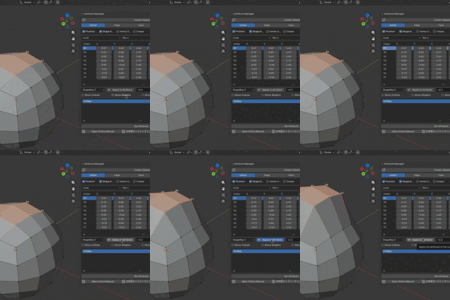
Edit vertex positions in rows
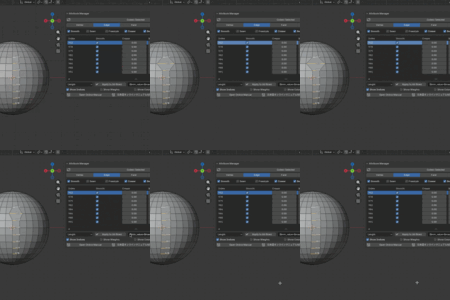
Edit Vertex Group weights
Edit edge length
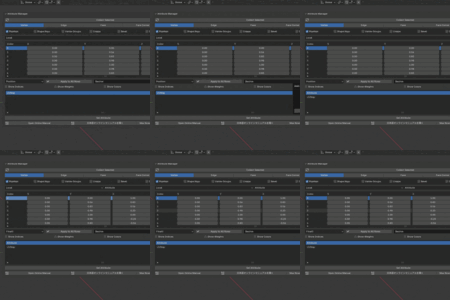
Edit UV values on Face Corner mode
Edit Color Attribute (CONER)
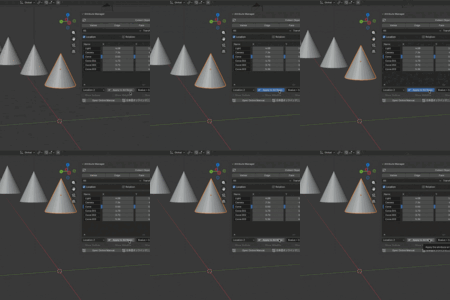
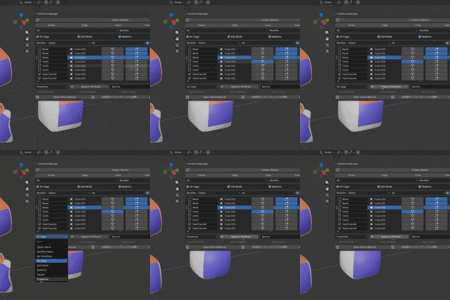
Apply all Properties of Bevel modifier to other bevel modifiers
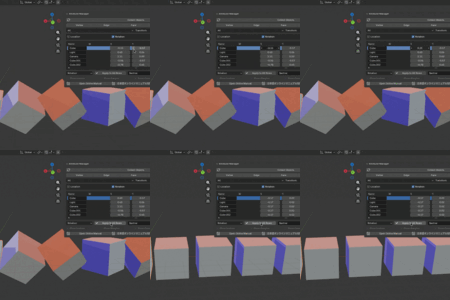
Apply Rotation of Cube obect to all other cube objects.
Update object locations by expression
Edit user defined float attribute for Point domain
Align X positions at the center of rows
✨ Key Features
✅ Spreadsheet-style Editing
Edit attributes in rows and columns
Direct value input with instant update
Scrollable, resizable table UI
✅ Multiple Edit Modes
Vertex
Edge
Face
Face Corner
Object
Switch modes to edit exactly what you need.
✅ Attribute Filtering
Choose which attributes to display
Reduce clutter and focus only on relevant data
Different attribute sets per mode
✅ Batch Operations
Apply one value to all rows
Quickly normalize or unify attributes
Ideal for cleanup and large-scale adjustments
✅ Expression
Apply value to all rows by arithmetic operations
Support python math module in the expression
✅ Object-Type Aware (Object Mode)
Filter by object type (Mesh, Light, Camera, etc.)
Attribute categories per object type
Safe and predictable bulk editing
-
Currently the following objects are supported editing type-specific attributes for:
Mesh Object
Light Object
Camera Object
Empty Object
Modifiers
In Modifier mode, you can edit the display attributes of modifiers added to objects. Also, if you set the item to Properties and execute Apply to All Rows, all properties of the modifier in the selected row will be copied to modifiers of the same type as the modifier in the selected row.
✅ Visual Aids
Show mesh indices directly in the viewport
Display vertex weights as gradients
Matches Blender’s native overlay behavior
Set Active Element when selecting a row
🧠 Why Attribute Manager?
Blender is powerful, but bulk editing attributes is slow:
Repetitive panel clicks
Context-sensitive UI
No overview of values across multiple elements
Attribute Manager solves this by giving you:
A clear overview
Fast numeric editing
Spreadsheet-like control inside Blender
🖥️ Supported Blender Versions
Blender 4.0, 5.0 or later
Windows / macOS
Python-based (no external dependencies)
📦 Installation
Download the ZIP from Gumroad
Open Blender
Edit → Preferences → Add-ons → Install…
Select the ZIP file
Enable Attribute Manager
The UI will appear in:
3D View → Sidebar (N) → Attribute Manager
📘 Documentation
Full online documentation (English & Japanese):
👉 Online Manual
https://tazee.github.io/AttributeManager/
For support or bug reports,
💡 Typical Use Cases
Cleaning up vertex weights
Adjusting edge crease values in bulk
Assigning materials to many faces
Normalizing object display/render flags
Technical look-dev and scene optimization
📜 License
GPL-3.0
You may modify and study the code, but redistribution must follow GPL terms. You may share it within your team or studio.