 Cg doctor
Audio Oven plus
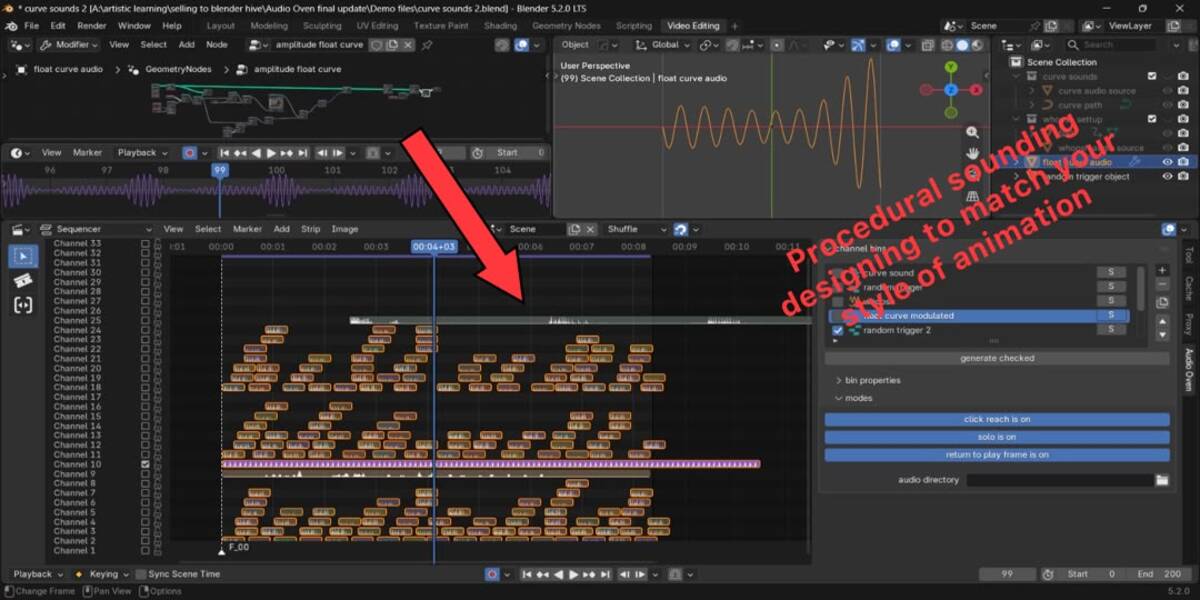
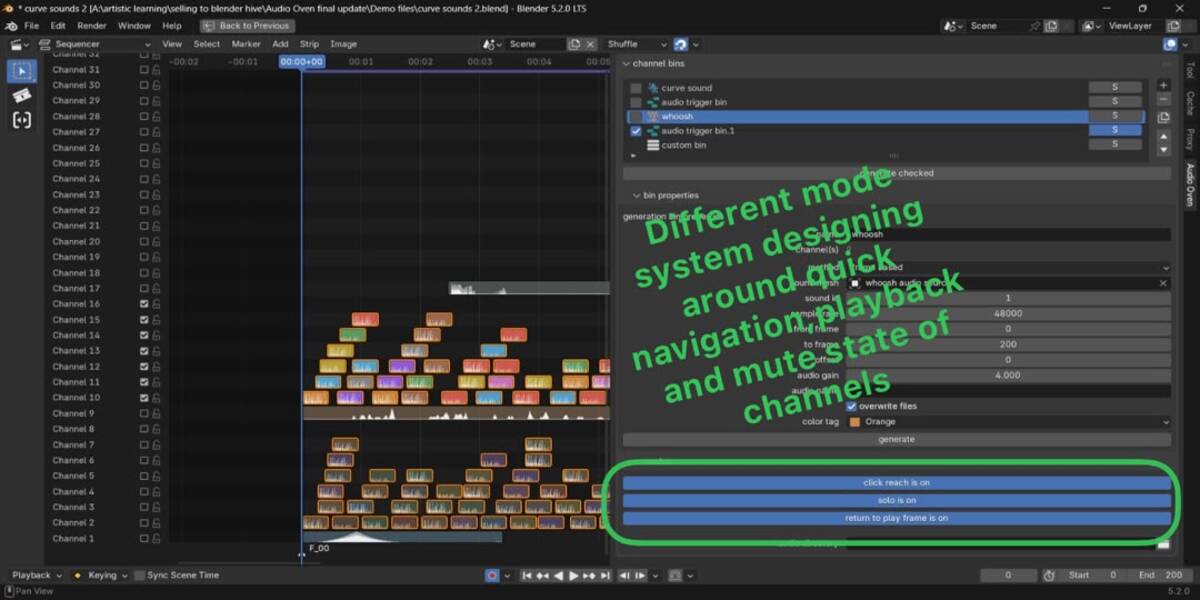
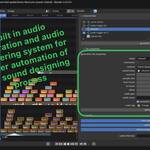
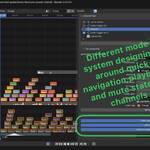
Our Aim is simple, we target on trying to answer a question...how can we make the sound design process faster ,easier ,procedural and very user friendly ...and make the audio be true to the animation and match almost 95% of the time...and that is all answered by Audio Oven Plus . Audio Oven plus turns animated mesh data into sound: trigger audio strips, generate audio from Geometry Nodes, and keep your Video Sequencer organised and it makes the it so easy to navigate through 128 channels in the VSE through the organization you already set
Generate audio from your animation and arrange it in the Video Sequencer, without leaving Blender.
Audio Oven plus turns animation data, such as Geometry Nodes meshes, attributes and keyframes, into real audio. It writes the audio as WAV files and places them on Video Sequencer channels. It also includes a waveform display and a channel bin system for organising your sequencer.
Features
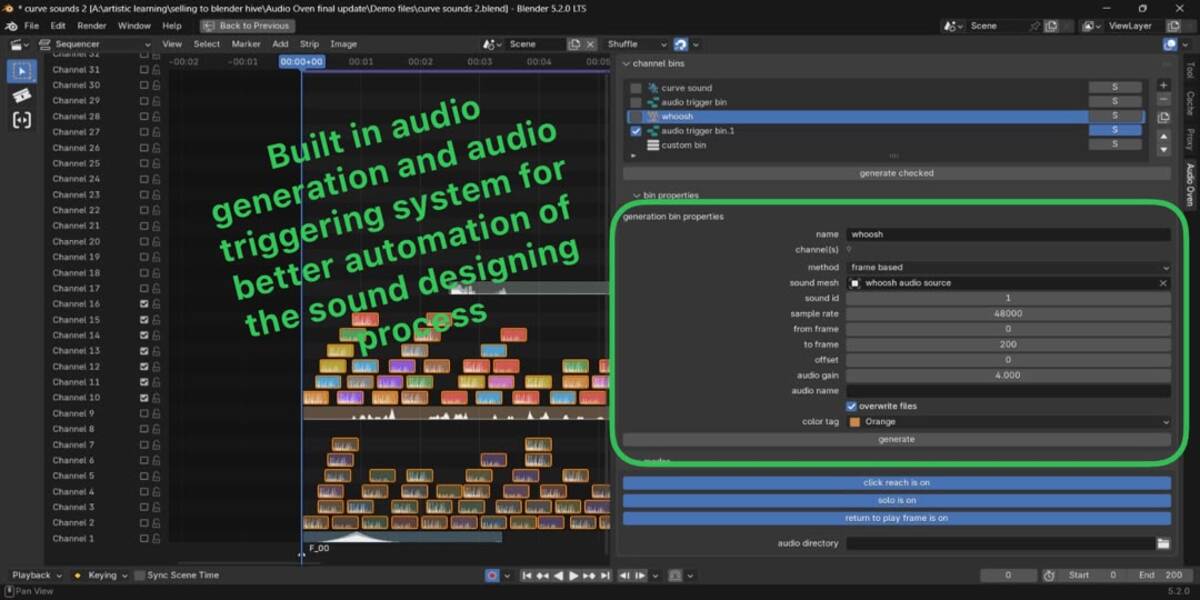
Audio generation
- Trigger-based: bake animation events into sound strips on the sequencer. Each trigger sets its own audio file, volume, color tag, channel range and trim.
- Frame-based: generate audio from a sound mesh over a frame range, with sample rate, gain, frame offset and channel controls.
- Pattern-based: tile a pattern’s sample amplitudes across a duration, with optional leading silence.
- Sample writing: write audio sample by sample from your own data.
- Overwrite toggle: when it is off, existing files are kept and new ones are numbered (name(1), name(2)…).
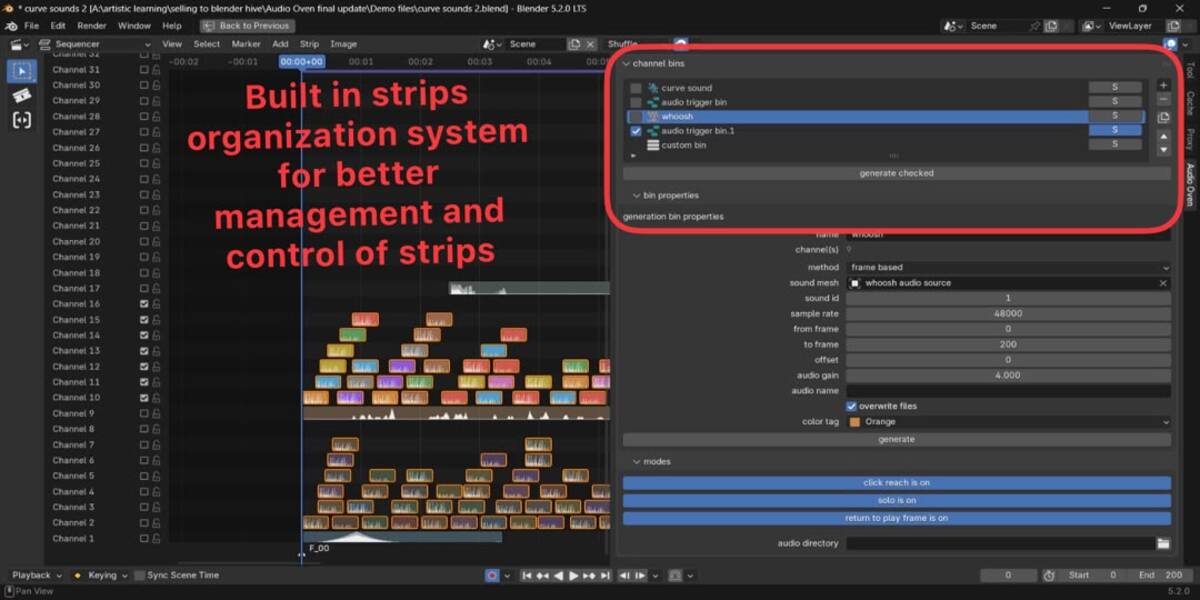
Channel bins
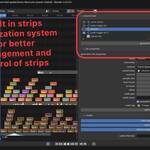
- Organise the sequencer with a bin list in the Video Sequencer sidebar.
- Bin types are generation, trigger and custom. Panels can be nested anywhere to group bins.
- Adding, removing, duplicating, reordering or resizing bins moves your strips between channels to match.
- Drag to reorder, click, Ctrl and Shift selection, search, and a per-bin Solo button.
- Bin icons are tinted by color tag so you can read the sequencer at a glance.
- Generate everything at once, or only the selected bin.
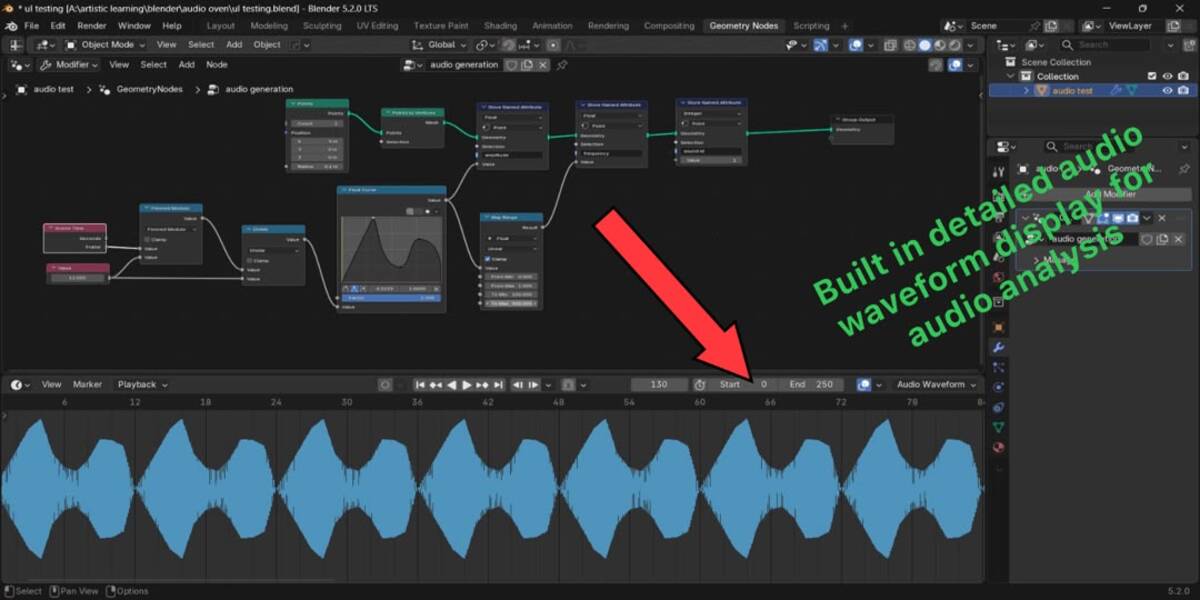
Waveform display
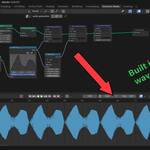
- Draws the real signed waveform of a sequencer channel over the Timeline, Dope Sheet, Graph Editor and NLA.
- Useful for lip-sync, timing and sound design.
Where to find it: the Audio Oven tab in the Video Sequencer, 3D View, Geometry Nodes editor and Dope Sheet.
Where generated audio is saved
-
Saved .blend file: WAV files go into a folder next to your .blend, named
(audios). The folder is created if it doesn’t exist.
-
Unsaved .blend file: files go to
Audio Oven (audios) in your home folder.
-
Custom folder: set an audio directory in the add-on to override both defaults. A path starting with
// is relative to the .blend file.
(audios). The folder is created if it doesn’t exist.Audio Oven (audios) in your home folder.// is relative to the .blend file.Keyboard shortcut
Ctrl + Alt + Q generates the active bin. It works in the 3D View, Video Sequencer and Geometry Nodes editor, and does the same as the Generate button in the bin’s properties.
Compatibility
-
Blender: 3.2 and newer, up to 5.2. The Blender 4.2+ extension package is also included.
-
Platforms: Windows, macOS and Linux.
- Pure Python and NumPy, which ship with Blender. There are no compiled libraries, no extra installs and no internet access.
Installation
-
Blender 4.2 and newer: Edit → Preferences → Get Extensions → Install from Disk, then pick the extension zip.
-
Blender 3.2 to 4.1: Edit → Preferences → Add-ons → Install, then pick the legacy zip.
License
Audio Oven plus is released under the GNU General Public License v3.0 or later (GPL-3.0-or-later). The icons were created by the author Baraka Chacha.
