


AudioReact

Killian DUPONT EI in VSE


AUDIO-REACTIVE ADD-ON  //  BLENDER 4.4 – 5.1ITUR  //  SUPERHIVE
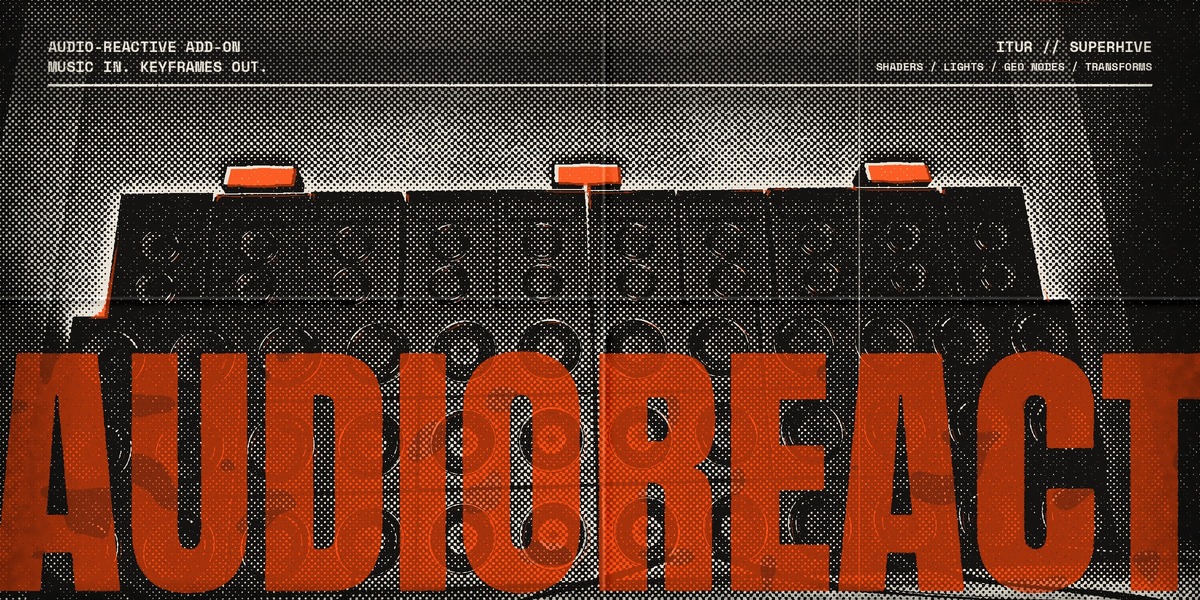
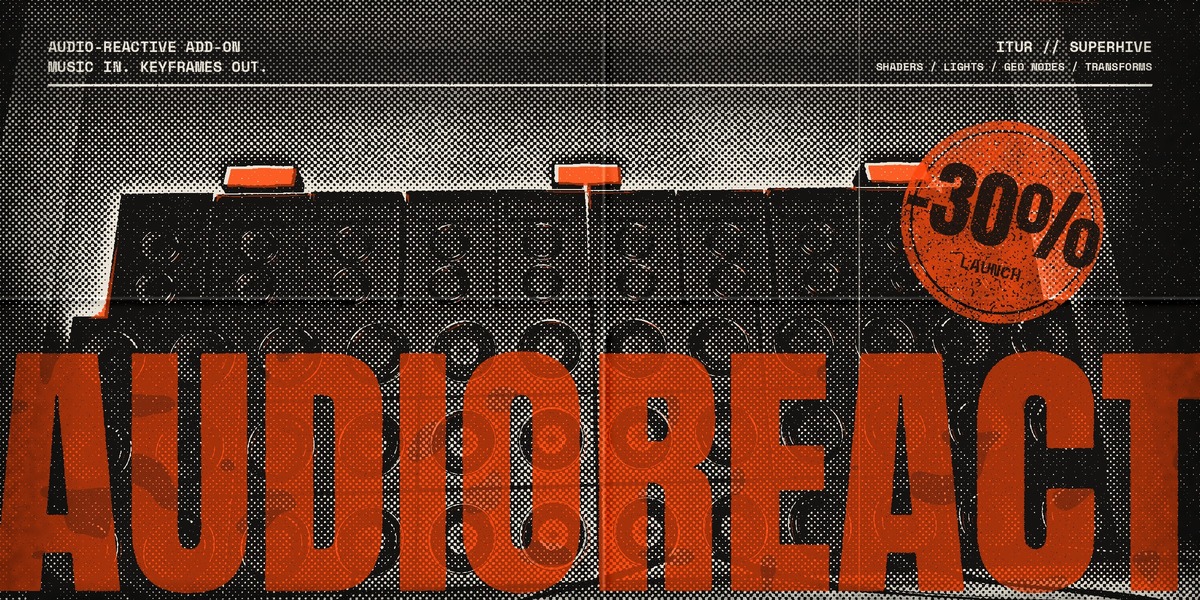
AUDIOREACT
MUSIC IN. KEYFRAMES OUT.

Load a track. Pick what should move. Bake. Your shaders, lights, Geometry Nodes and transforms now hit on the kick, the snare and the sub, as real keyframes.

AudioReact reads your audio file, follows the sounds you choose (kick, snare, hi-hat, sub bass and more) and writes the result as standard F-curves. Nothing is computed at render time: what you see when you press play is exactly what renders, in Cycles or Eevee, and every curve stays editable in the Graph Editor.

SHADERS / LIGHTS / GEO NODES / TRANSFORMS / COMPOSITOR
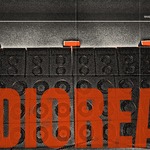
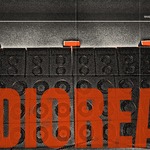
Speaker wall in a concrete warehouse: shaders, lights, Geometry Nodes and transforms animated by AudioReact
33
SOUND PRESETS
6
GENRE SETS
∞
TRACKS & TARGETS
0
THINGS TO INSTALL
01 // HOW IT WORKS
FIVE STEPS. THEN PRESS PLAY.
01LOAD THE TRACK

Open the N panel, AudioReact tab, and pick your audio file: WAV, MP3, FLAC, OGG, AIFF… Blender's own audio engine reads it, so there is nothing else to install. Then add one track per sound you want to follow: kick, snare, hi-hat, sub.
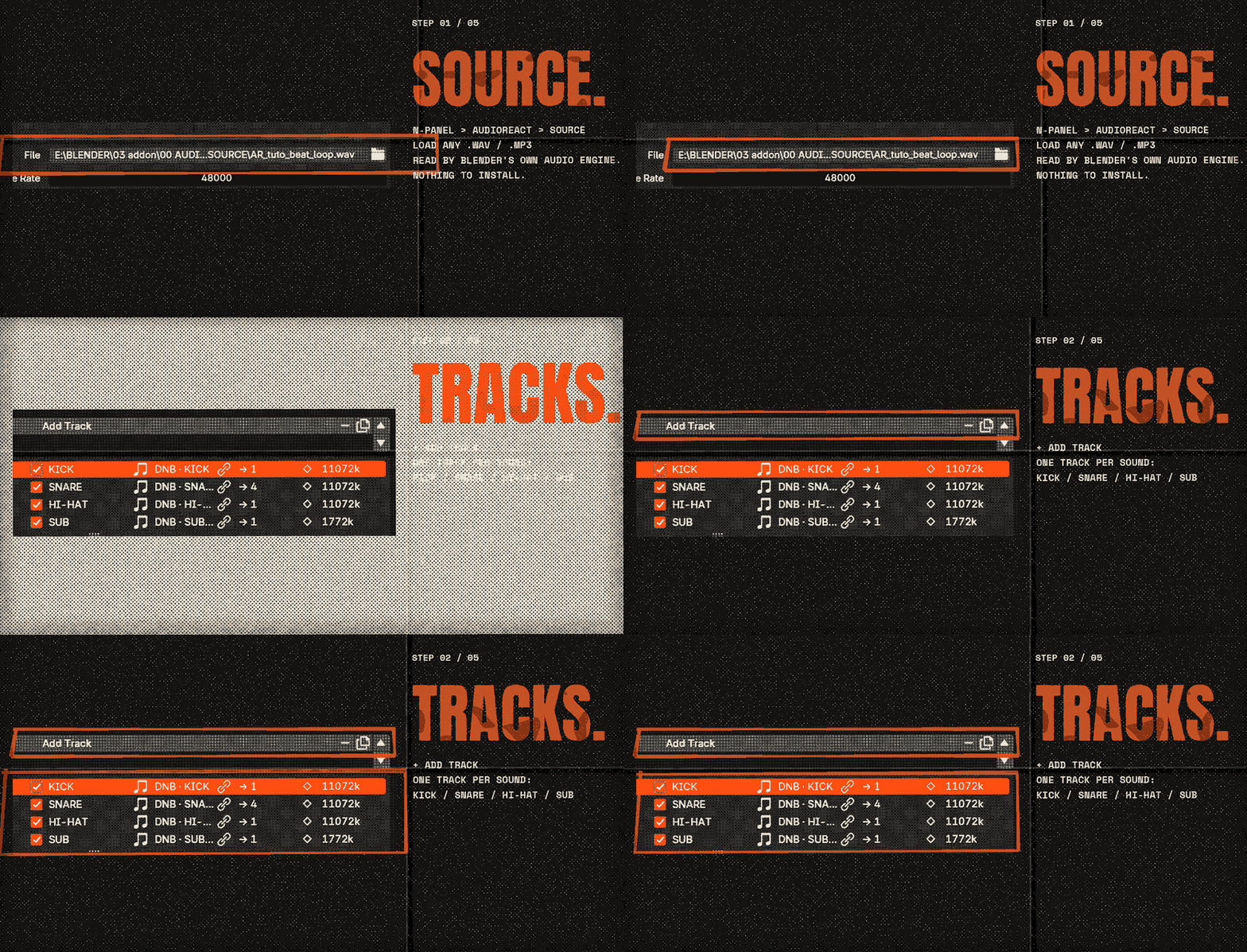
AudioReact panel: loading an audio file and adding kick, snare, hi-hat and sub tracks
02PICK A GENRE AND A SOUND

Choose the genre closest to your music (Drum & Bass, Dubstep, Techno, House, Trance) or Wideband for anything else. Then pick the sound: Kick, Snare, Hi-Hat, Sub Bass, Atmos, Air… With Auto Reco on, attack, release, contrast and curve are set for that sound.
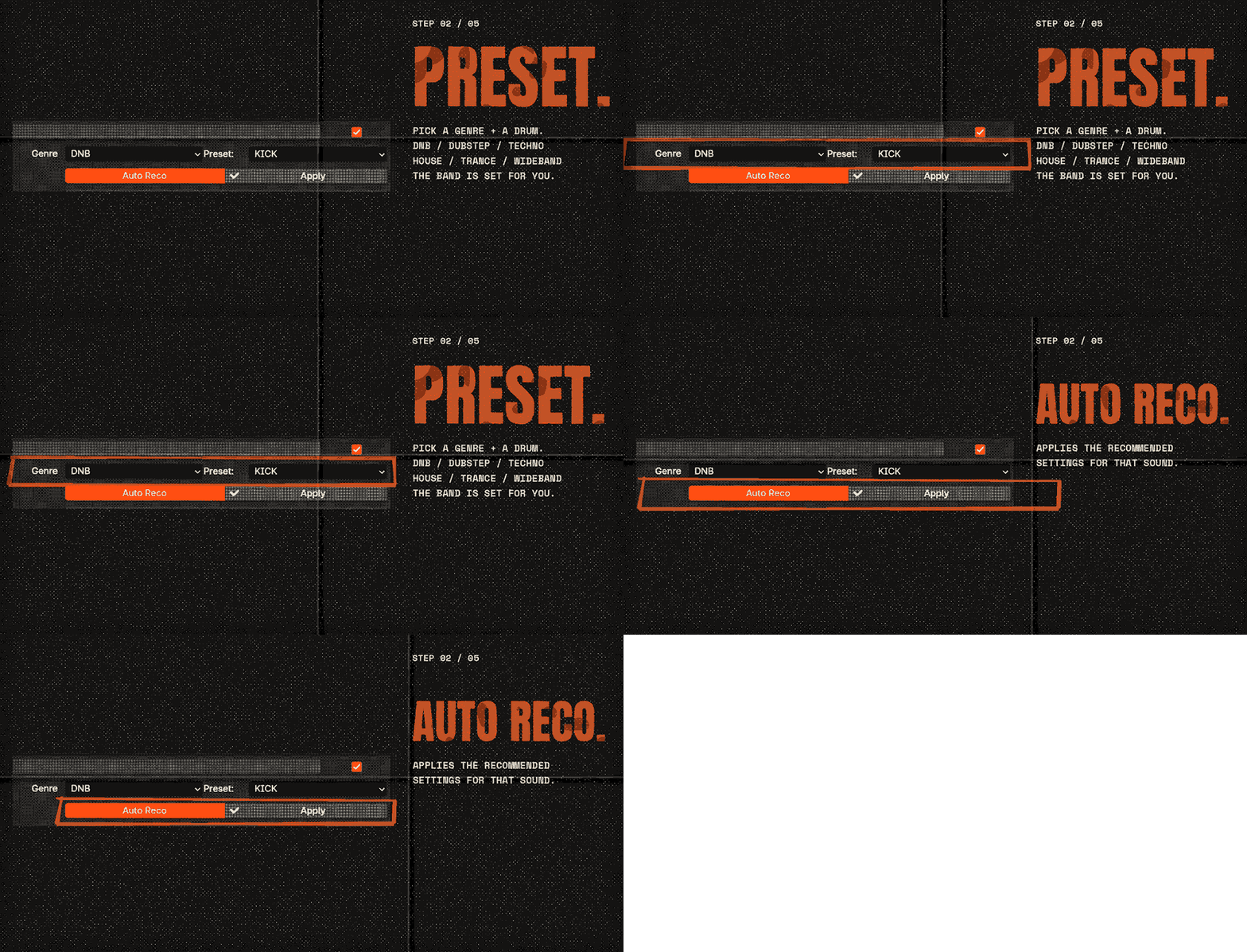
Genre and preset menus with Auto Reco
03SHAPE IT. SEE IT.

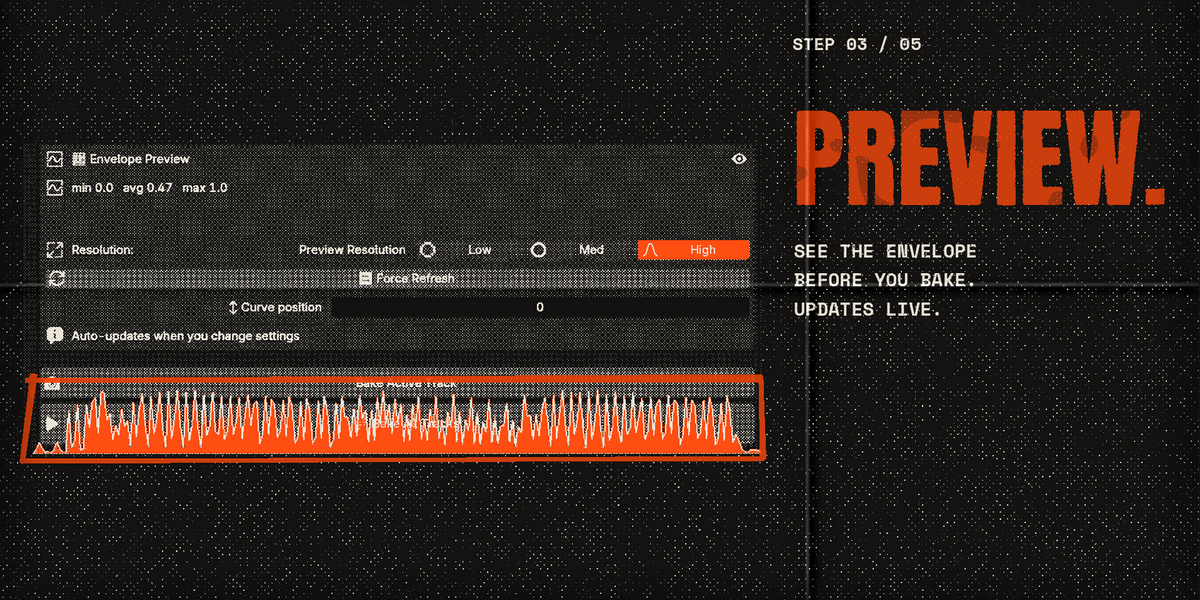
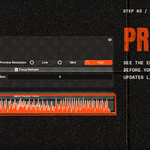
Gain, contrast and curve decide how hard it hits. Attack and release decide how fast it rises and falls. The envelope preview redraws while you tweak, so you see the curve before anything is baked.
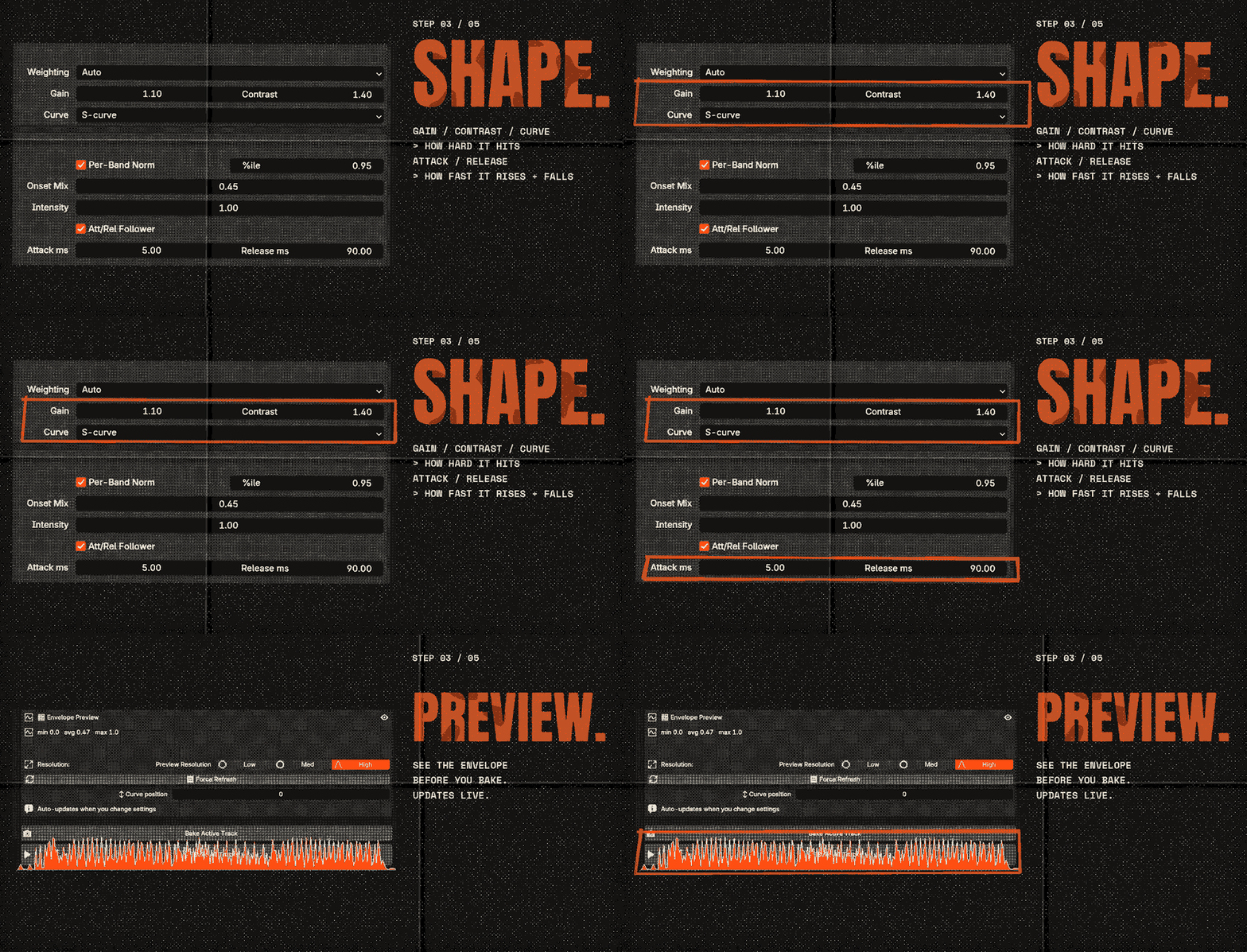
Track settings and the live envelope preview
04PLUG IT IN

Give each track one target or twenty. Four kinds, all in the same panel:
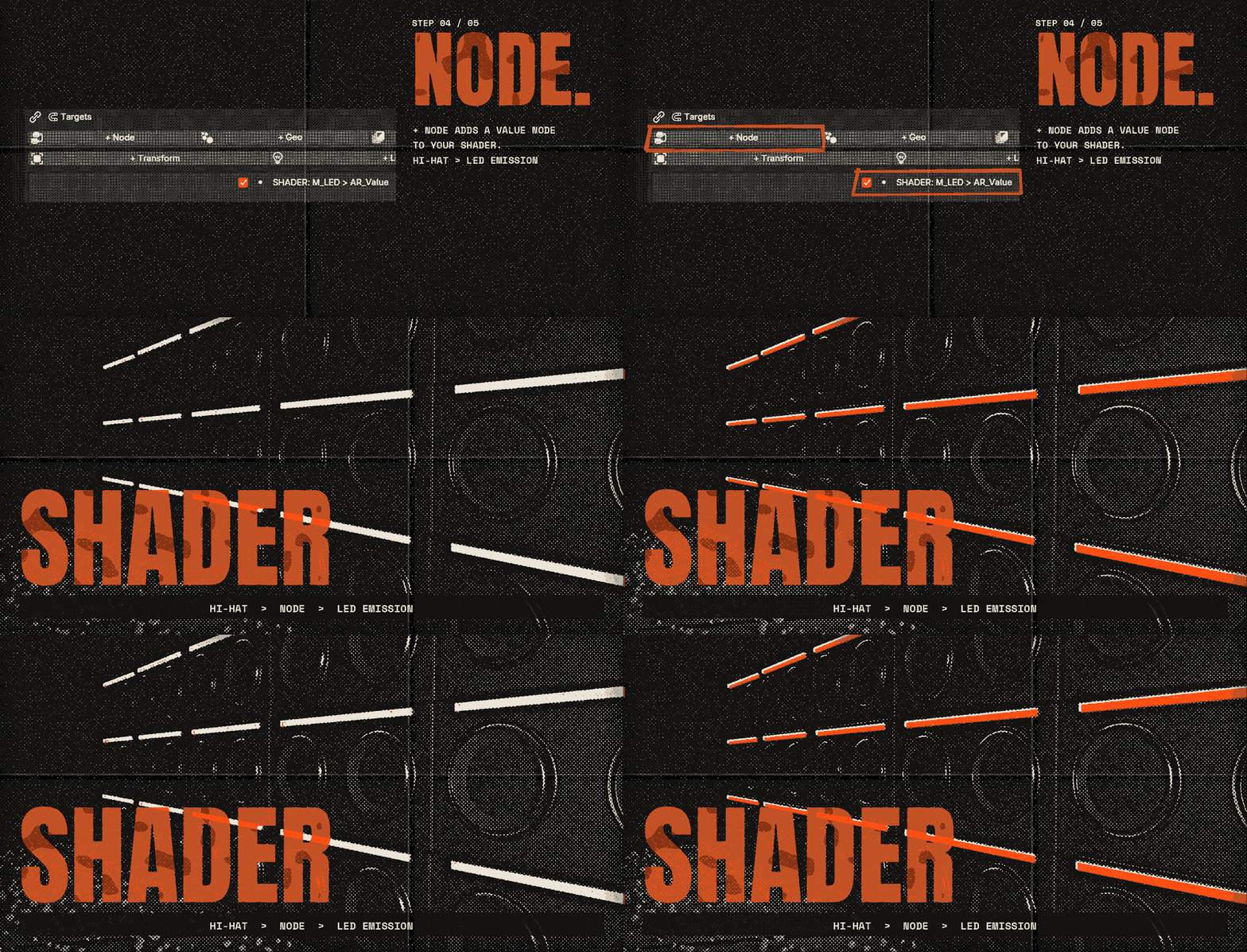
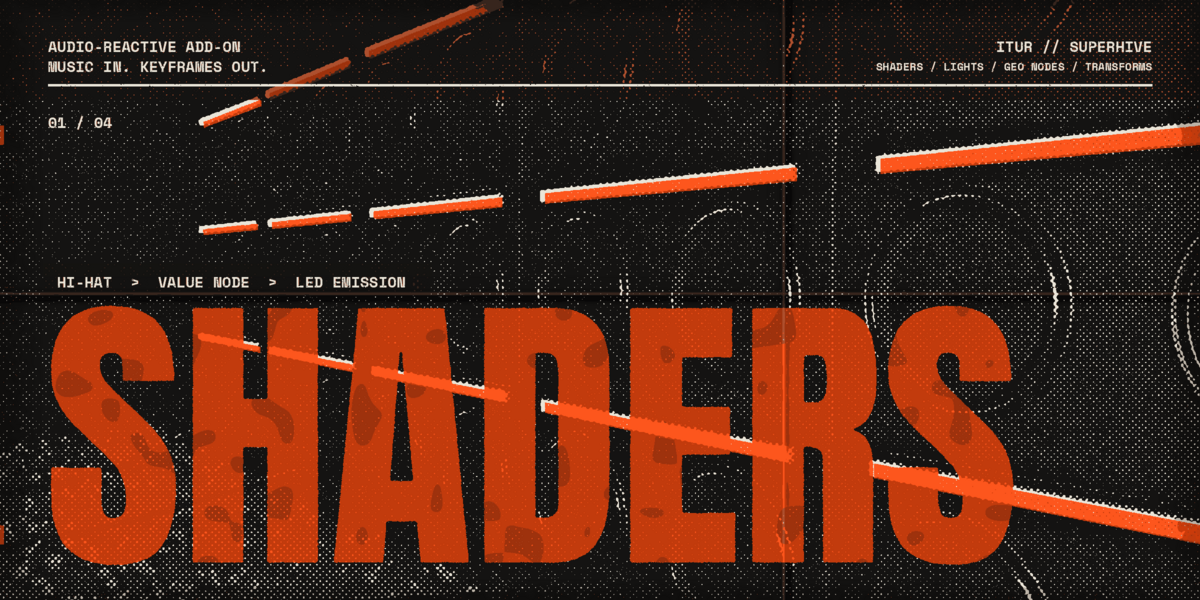
Hi-hat driving the emission of LED strips through a Value node
SHADERS
HI-HAT > VALUE NODE > LED EMISSION

+ Node drops an AudioReact Value node into the active material. Plug it into an emission strength, a mix factor, a color ramp… Works in world shaders, node groups and the compositor too.
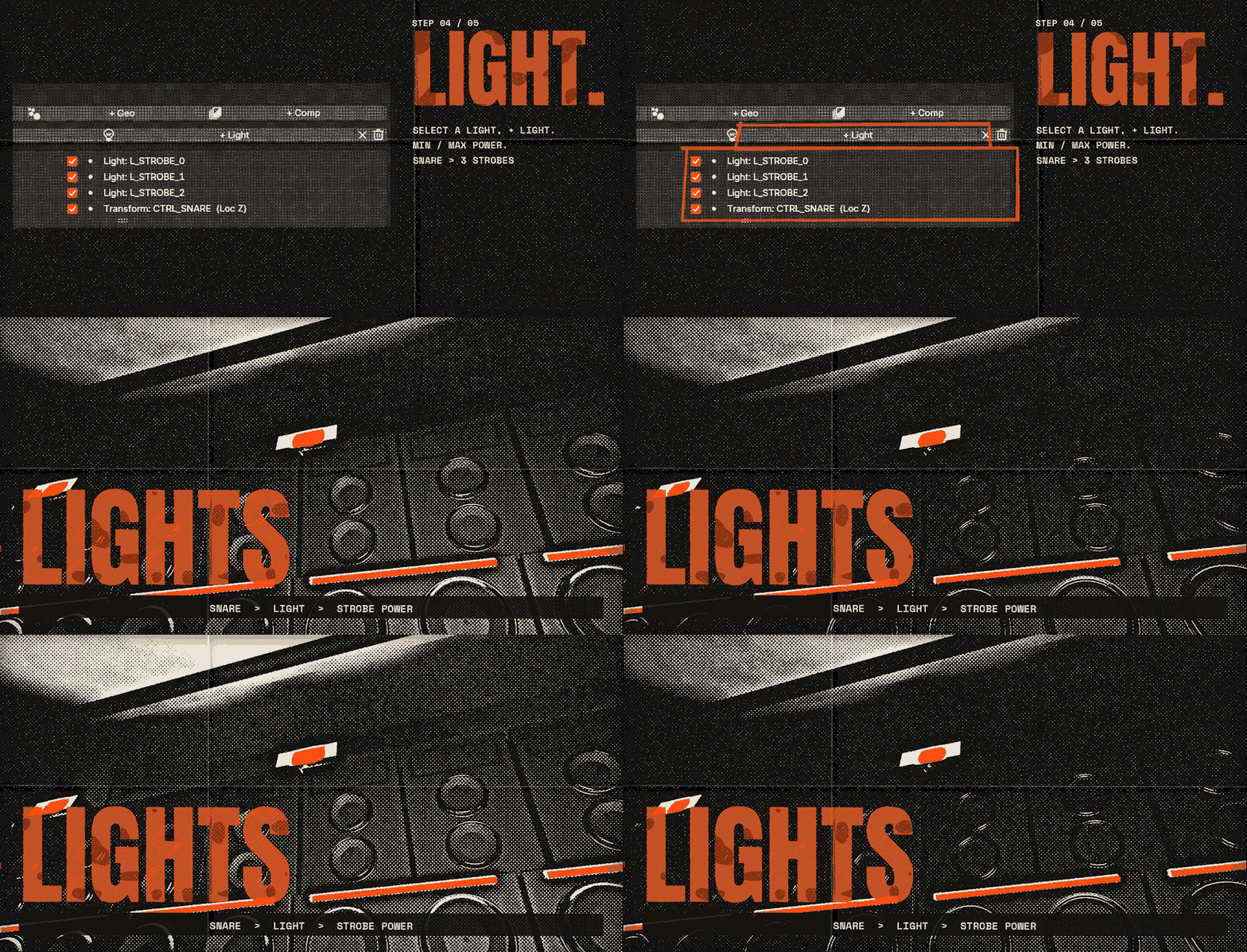
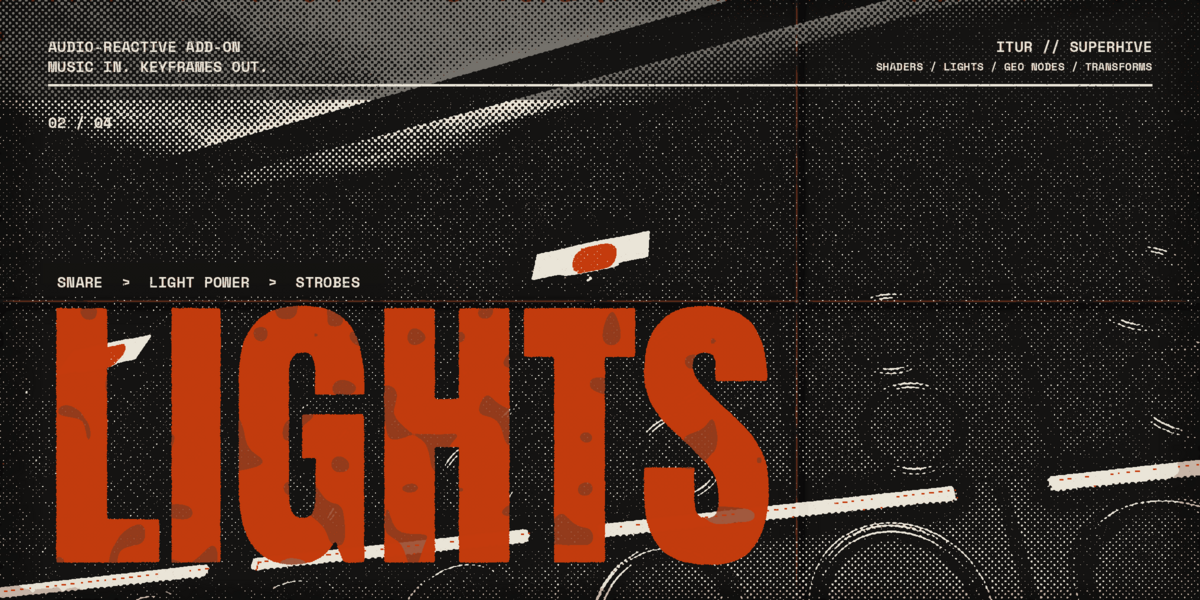
Snare driving the power of three strobe lights
LIGHTS
SNARE > LIGHT POWER > STROBES

+ Light drives the power of any light: Min W on silence, Max W on the loudest hit.
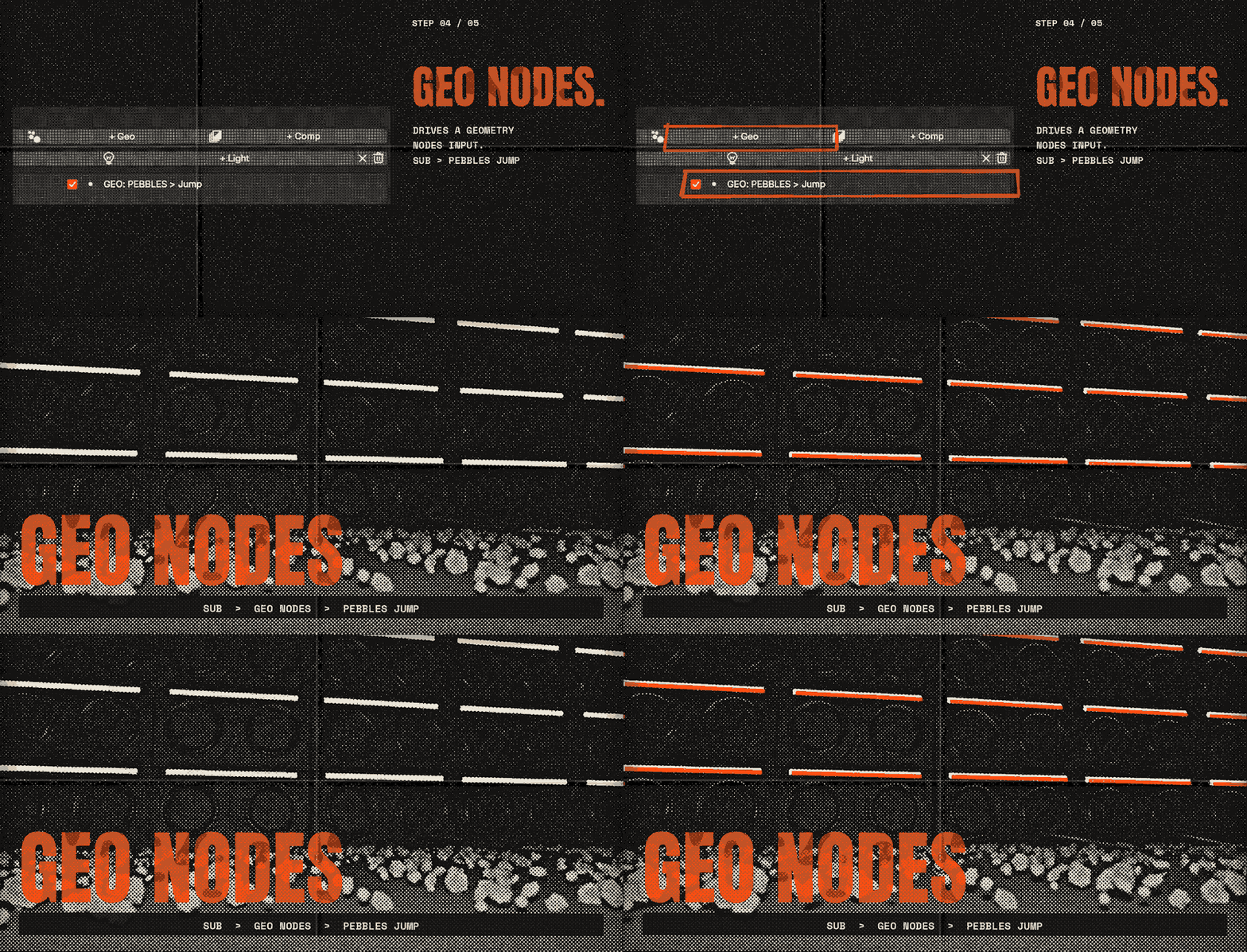
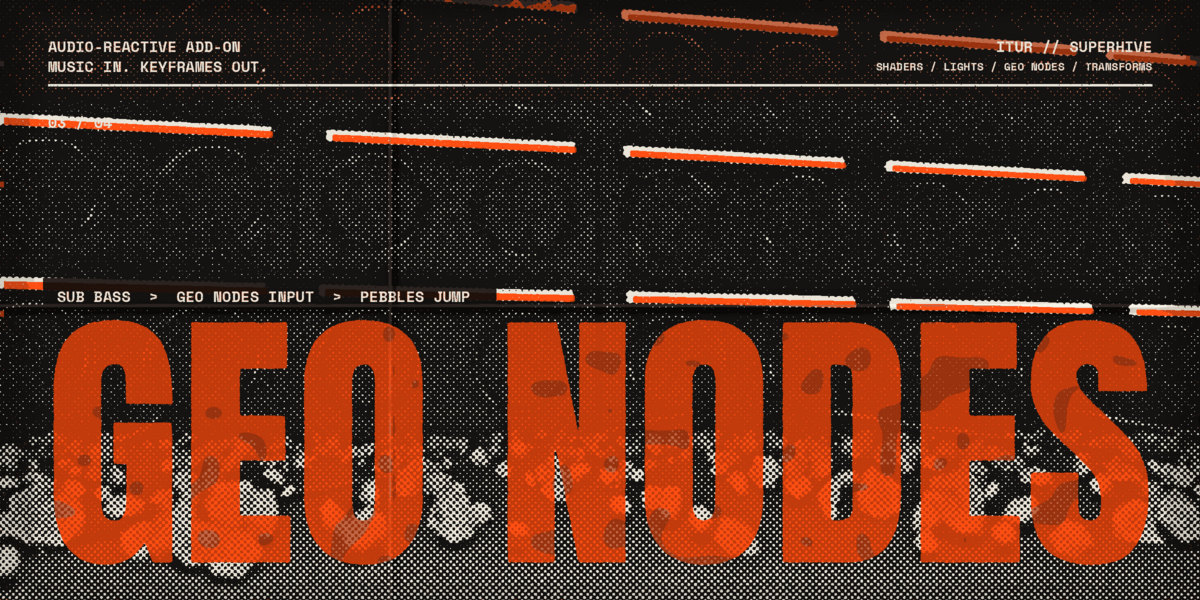
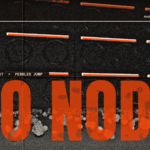
Sub bass driving a Geometry Nodes input: pebbles jump in front of the speakers
GEO NODES
SUB BASS > GEO NODES > PEBBLES JUMP

+ Geo puts the Value node inside your Geometry Nodes tree. You can also drive a Geometry Nodes modifier input by its name, or any animatable modifier property.
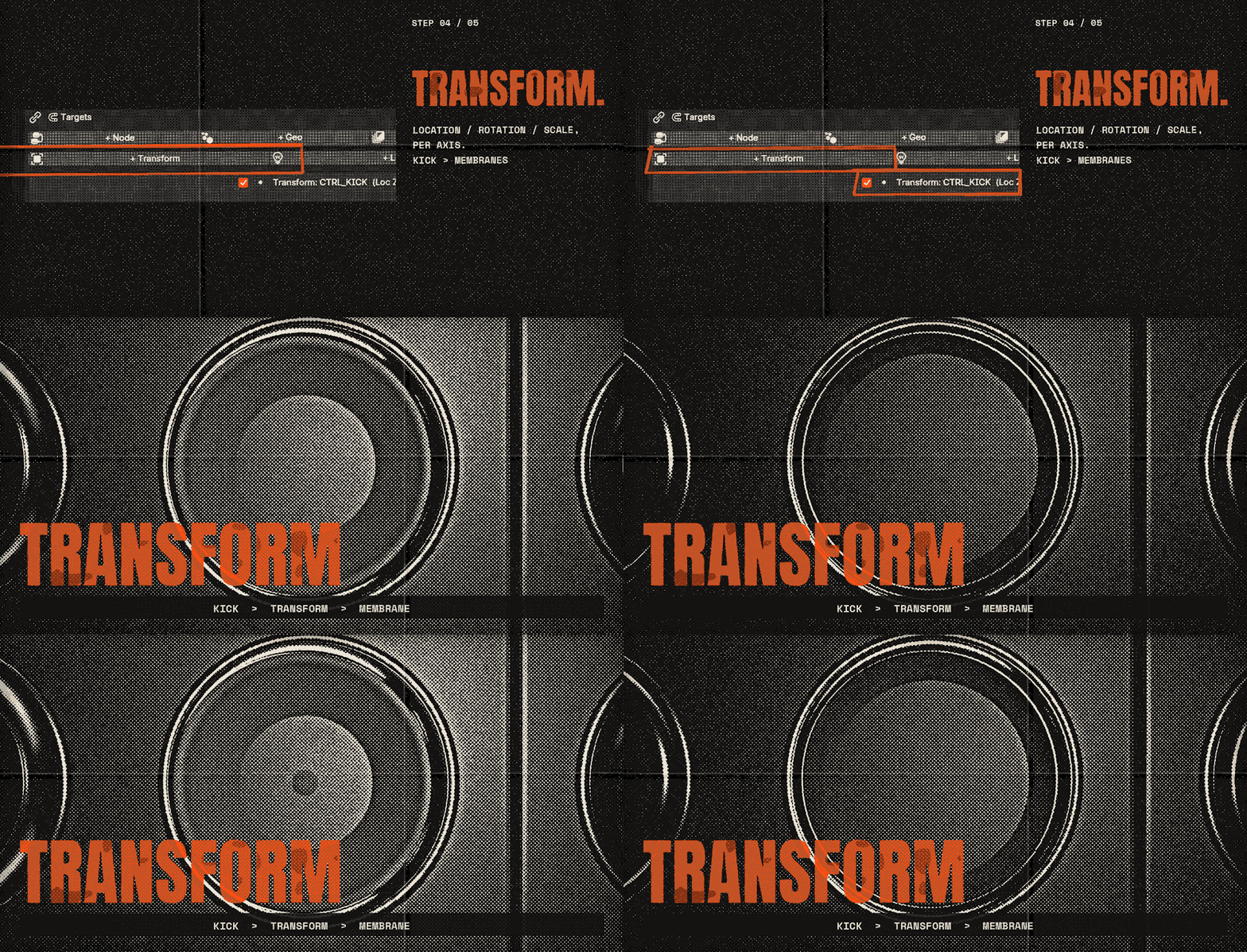
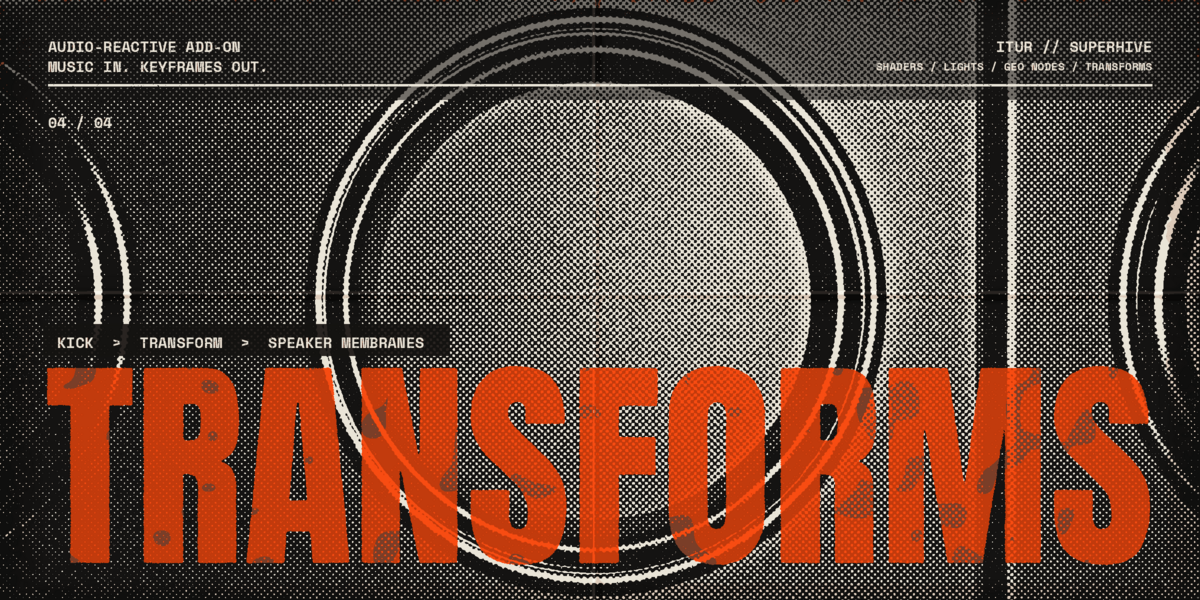
Kick driving the speaker membranes
TRANSFORMS
KICK > TRANSFORM > SPEAKER MEMBRANES

+ Transform drives location, rotation or scale, on all axes or just one. Turn on Accumulate Rotation and the music sets the spin speed.

05BAKE

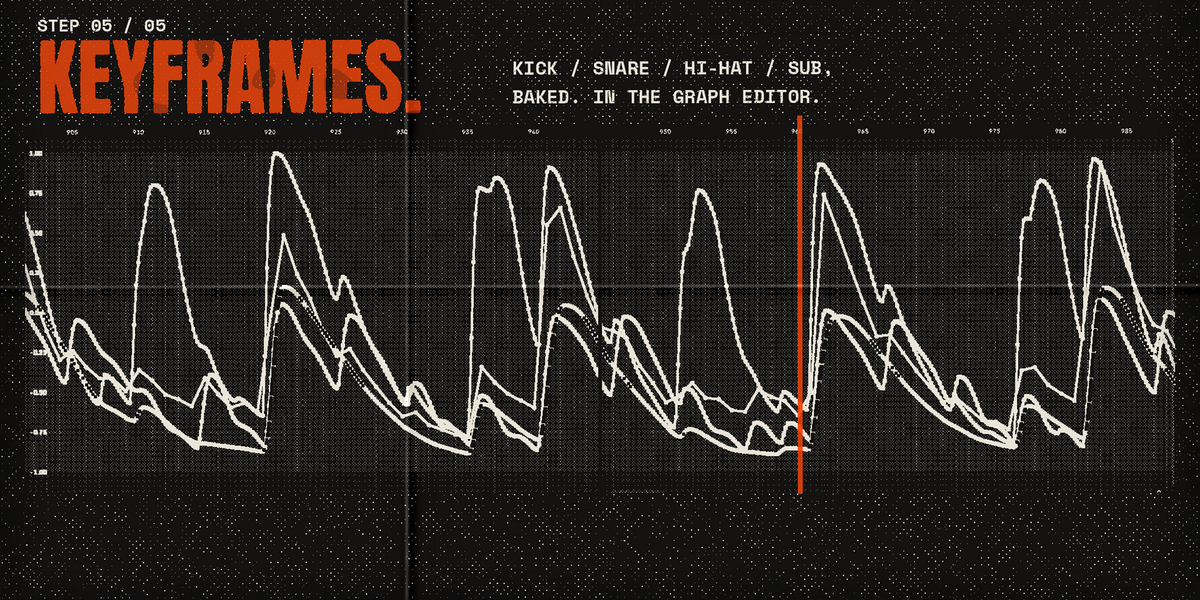
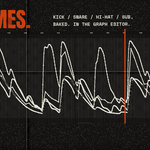
Bake All Tracks analyses the file (STFT) and writes linear keyframes for every enabled track. Press play: it's in sync. Open the Graph Editor and offset, scale or tweak the curves like any other animation. The .blend keeps its animation even on a machine without the add-on.
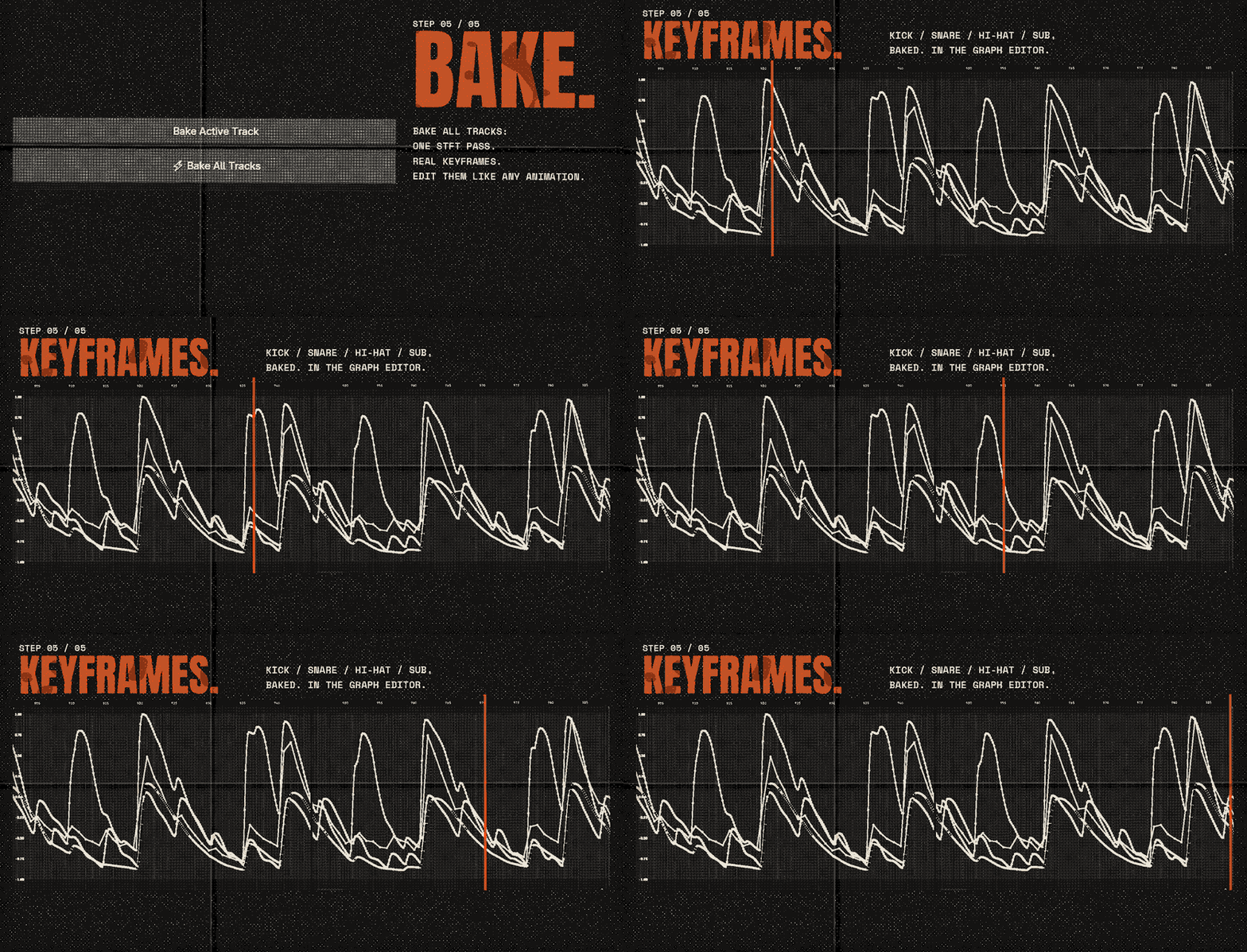
Bake All Tracks button, then the baked kick, snare, hi-hat and sub curves in the Graph Editor
02 // DEEPER CUTS
THE REST OF THE LINE-UP.
COUNTER MODE
+1 on every hit instead of 0-1-0-1. Switch cameras, cycle colors, step through images, rotate one notch per beat.
ACCUMULATE
The music sets the speed, not the value. Things keep spinning or evolving, faster on the loud parts.
CUSTOM RANGES
Bake the whole song, only the drop, or give each track its own frame range.
GAIN RAMP
Quiet on the intro, full power on the drop.
ONSET MIX + SMOOTHING
Transient detection for punchier kicks and snares. Median and box filters for clean curves.
OFFSET (MS)
Nudge the animation earlier or later, to the millisecond.
PROFILES
Save your favourite kick or snare setup and reuse it in every project.
NODE GROUPS
Value nodes inside node groups are found and baked too, and they keep working after a rename.
03 // MADE BY
MADE IN THE SCENE.

I'm ITUR, a French motion designer and 3D artist. I make dark, cinematic visuals for the hard techno and drum & bass scene: event screens, VJ loops, music artwork. AudioReact grew out of that work. It's the tool I wanted to put my own visuals on the beat without keyframing every hit by hand.

04 // THE TICKET
WHAT YOU GET.
IN THE BOX
AudioReact add-on (.zip) · User Guide PDF (14 pages) · Example scene + royalty-free 174 BPM demo beat
BLENDER
4.4 to 5.1
RENDER
Cycles, Eevee, viewport. It's just keyframes.
AUDIO
WAV, MP3, FLAC, OGG, AIFF… read by Blender itself
TARGETS
Shader, world, node group and compositor values · Geometry Nodes inputs · modifier properties · light power · object transforms
INSTALL
Edit > Preferences > Add-ons > Install from Disk… > pick the .zip. Then N panel > AudioReact.
LICENSE
GPL
YOUR TRACK. YOUR SCENE. ONE BAKE.

Questions before buying, or a sound you can't isolate? Send me a message here on Superhive and I'll get back to you.

MUSIC IN. KEYFRAMES OUT.ITUR  //  @ITUR.MOTION

$19$12.35

Have questions about this product?
Login to message

Details
Blender Extension Compatible Yes
Dev Fund Contributor
Published about 2 months ago
Blender Version 4.4 - 5.2
Extension Type Add-on
Render Engine Used Cycles, Eevee
License GPL