Audio Visualizer Masterclass
 Polyfjord
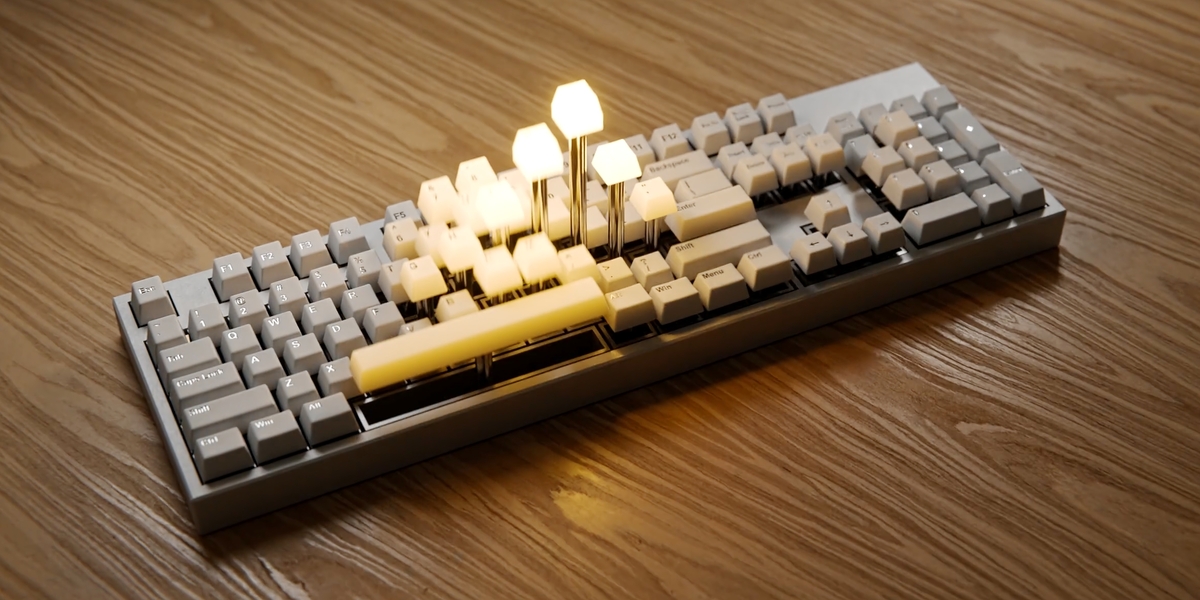
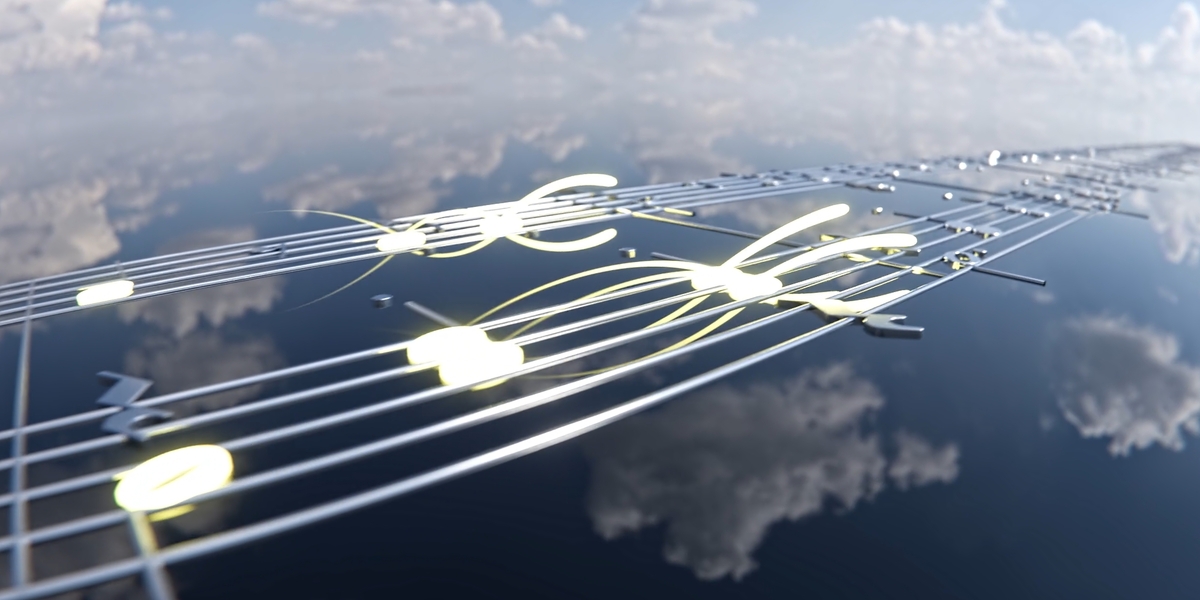


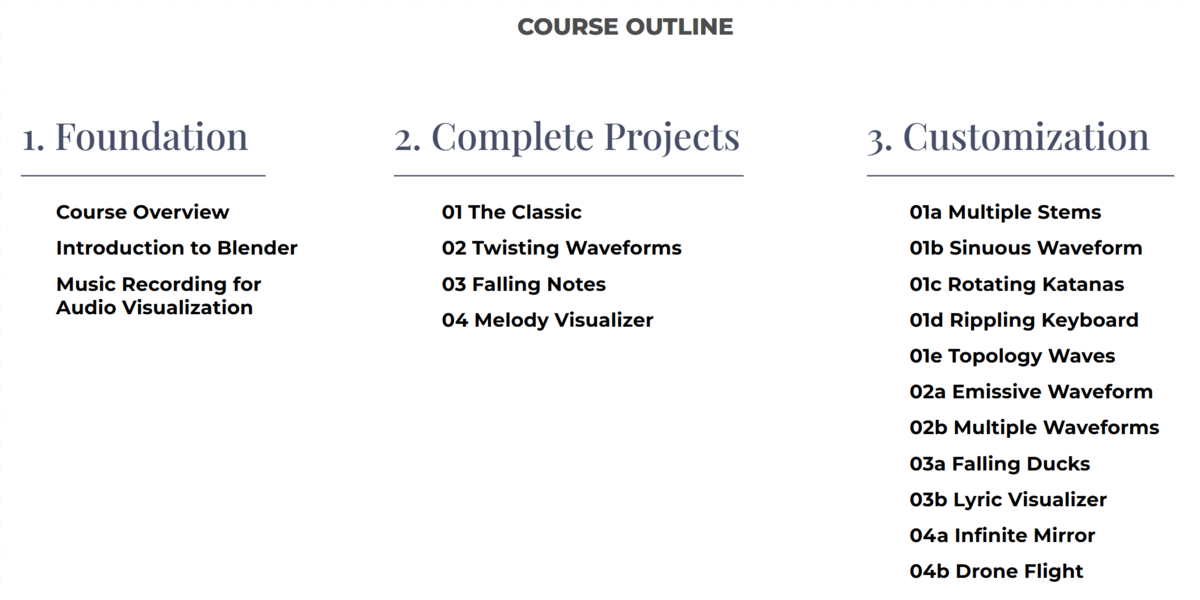




Download all the video lessons and course assets and watch it completely offline! See the Documentation tab for more download information.
If you have a slower internet connection or would prefer to stream the lessons through a course platform instead, the Audio Visualizer Masterclass is also available on teachable.
The video lessons are 2560x1440p 60fps h.264 .mov files with English subtitles embedded.
Nope, this course is available for everyone! There is a dedicated Introduction to Blender section that teaches you the required fundamental skills to follow this course.
Also, based on your prior skill level, you may be able to skip some introduction lessons in this course. This is covered in lesson 01 of the Course Overview section: "01 How to get the most out of this course".
No, the music creation aspect is completely optional! If you don't want to make music, there are many styles of audio files in the course assets you can play around with (some of them are even cleared for commercial use, because I've made them myself!).
The reason we're recording our own music for some of the projects is simply because it gives us access to more data, so we can export MIDI files of a piano recording or automatically create our own sheet music. Over half the projects in this course are workflows that will work with any audio file (you can see which one in the Course Guide PDF).
Yes! You can use whatever DAW you want, as long as you can:
- Record audio, either with a microphone, a guitar or MIDI-piano
- Export different stems of the project
- Create and export quantized MIDI-files
The course was recorded in Blender 4.3, but it will also work with Blender 4.4. However, there are three notable changes in Blender 4.4.
1. The Glare Node in the compositor has changed. But don't worry, the first time we use the Glare Node in 02 Twisting Waveforms, you will get screenshots of the recommended settings for both Blender versions.
2. The video output settings has changed slightly. But here you will also get screenshots of the recommended settings in Blender 4.3 and 4.4 respectively.
3. The NoteHeadExtractor has been updated to work with Blender 4.4, because of a material bugfix with .SVG-files in Blender 4.4. So if you're following this course in Blender 4.4, make sure you use the updated NoteHeadExtractor v1.1.
Have questions about this product?
Login to message
| Sales | 900+ |
| Rating | 5 ratings |
| Published | over 1 year ago |
| Blender Version | 4.4, 4.3 |
| Render Engine Used | Cycles |
| License | Royalty Free |
Discover more products like this
polyfjord masterclass Music audio visualization audio-reactive audio audiovisualizer