Aura Matrix: Cinema Engine Pro
 Danny Oliva
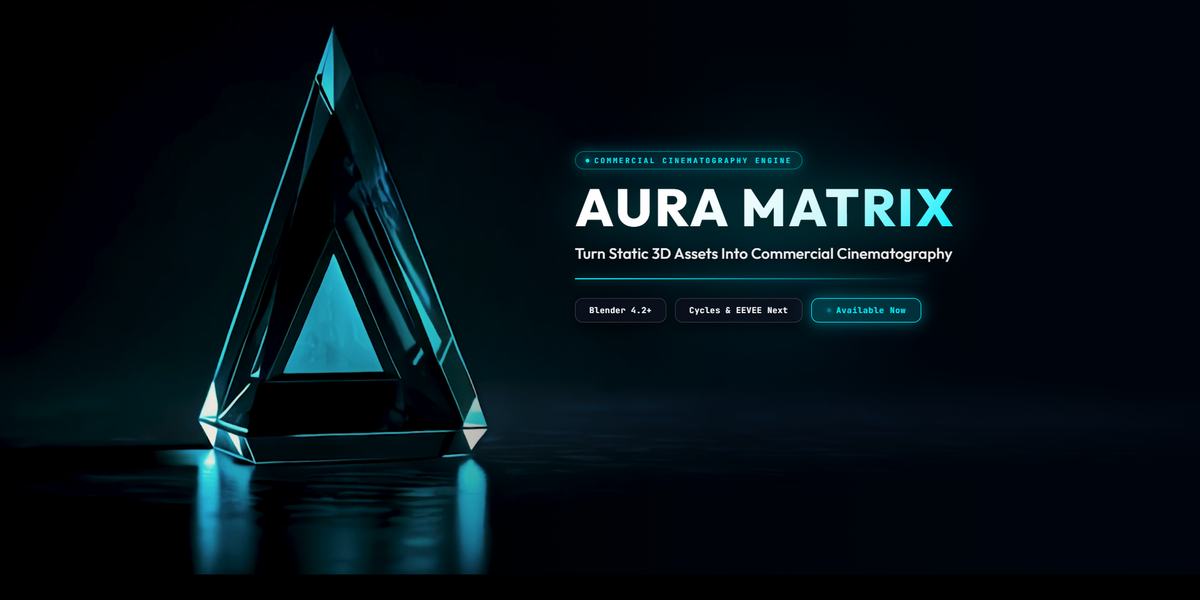
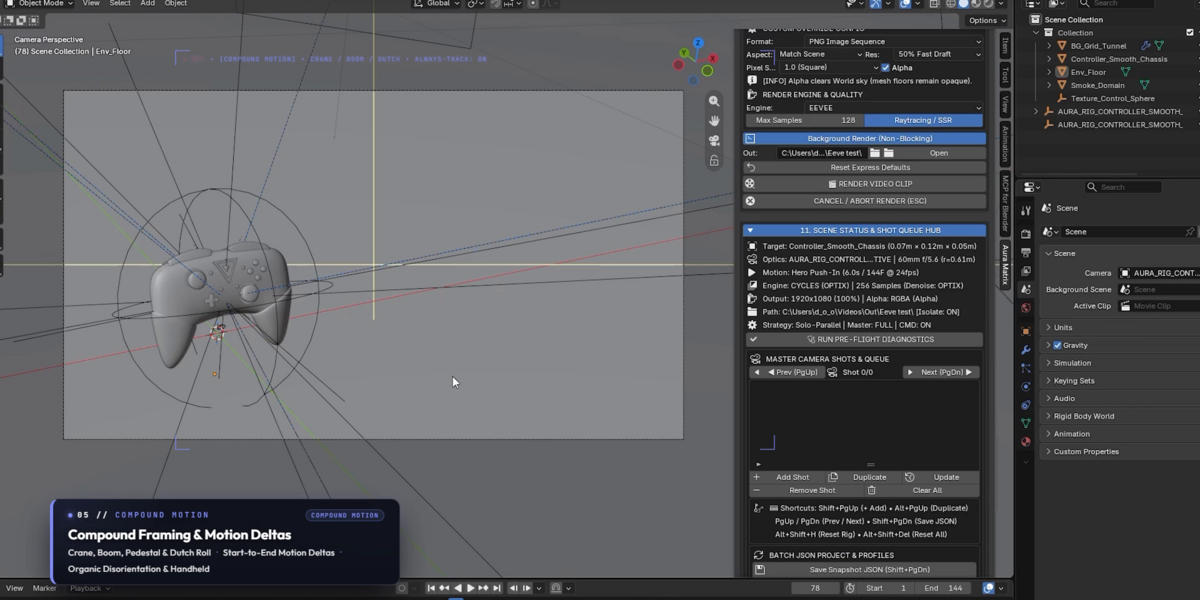
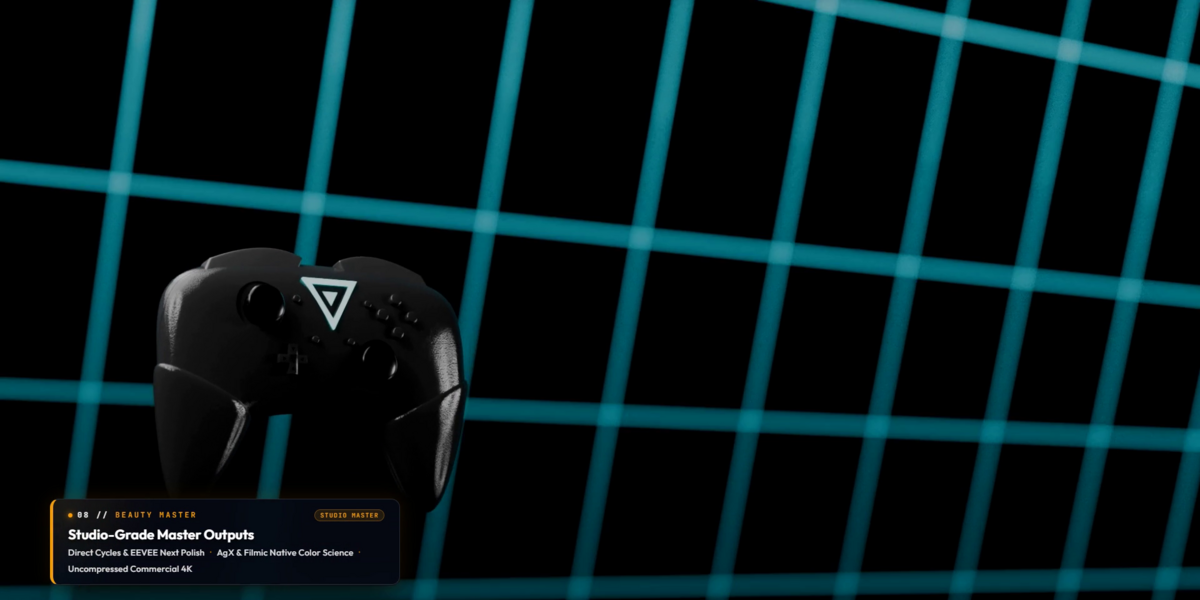
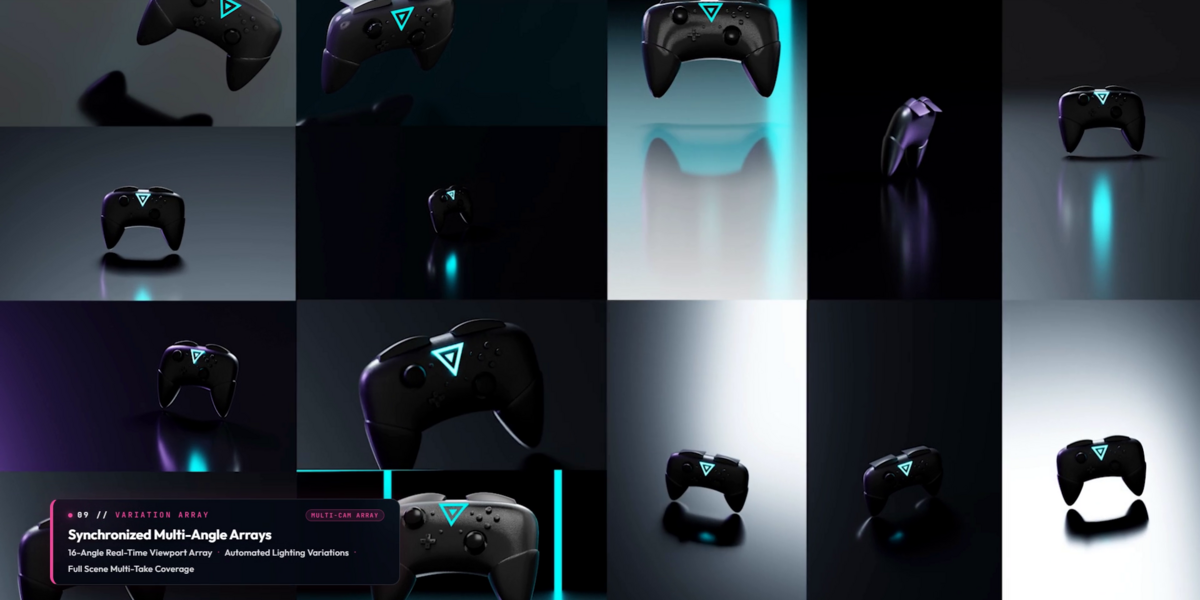
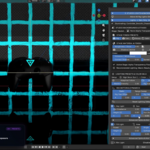
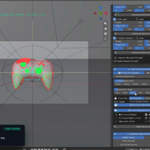
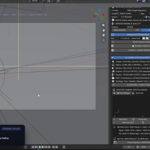
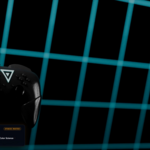
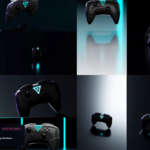
Aura Matrix: Cinema Engine Pro — Quick Start & Documentation
Transform any 3D model into commercial cinema in seconds with procedural camera rigs, 22 studio lighting setups, and headless multi-GPU rendering.
1. Installation (Blender 4.2 LTS, 4.3, 5.0, 5.1 & 5.2+)
- In Blender, go to Edit > Preferences > Add-ons (or Get Extensions).
- Click the dropdown menu in the upper right and select Install from Disk...
- Select your purchased
aura_matrix_pro_v1.0.0_*.ziparchive. - Enable the checkbox for Aura Matrix: Cinema Engine Pro.
- In the 3D Viewport, press N to open the sidebar and select the Aura Matrix tab.
2. Quick Start: Your First Shot in 60 Seconds
- Select Subject: Select any 3D model in your scene.
-
Pick Subject: Click Pick Active Subject (or
Alt + Shift + P). -
Frame Subject: Click Frame Subject (
Alt + Shift + F) for auto-calculated safe framing boundaries. - Build Rig: Click Build / Update Rig to generate the 3-axis camera gimbal and tracking anchor.
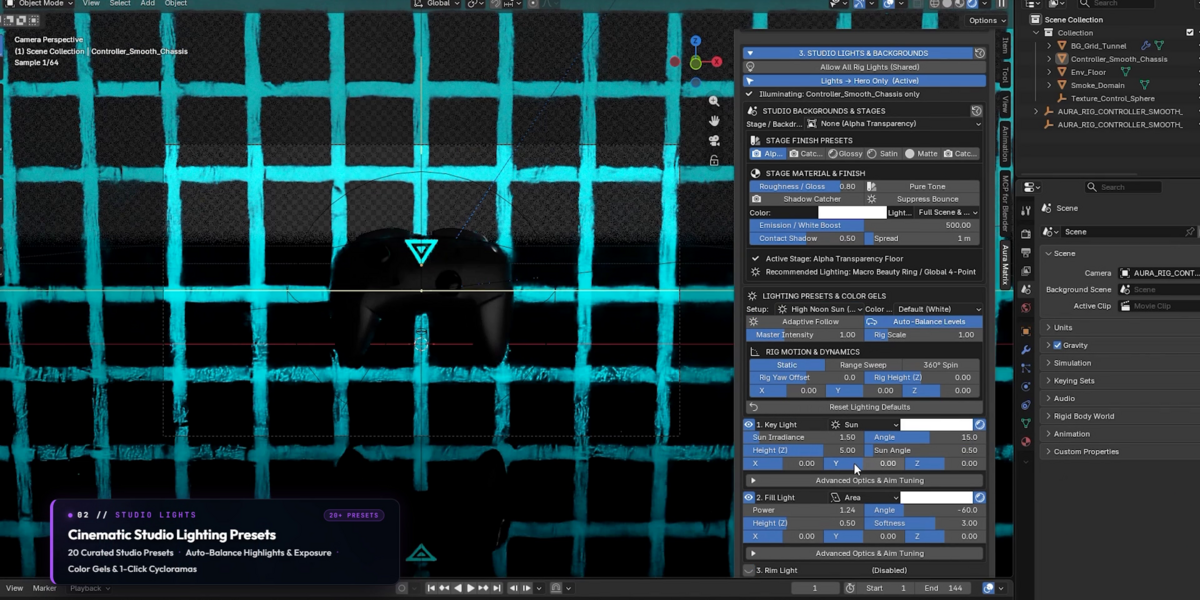
- Studio Lighting: Select one of the 22 calibrated lighting presets (e.g., High-Key Commercial, Product Tabletop, or Spot Noir).
- Choose Trajectory: Pick a flight path (e.g., Hero Orbit 360°, Spiral Dive, or Vertigo Dolly Zoom).
- Export: Click Express Export (Video) to render a clean, keyframe-free MP4 or ProRes clip.
3. Master Production Hotkeys
| Shortcut | Action | Scope |
|---|---|---|
| Ctrl + PageUp | New Default Shot (Appends baseline shot to batch queue) | Global / Viewport |
| Ctrl + PageDown | Update Active Shot (Commits active viewport tweaks in-place) | Global / Viewport |
| PageUp / PageDown | Prev / Next Shot (Cycles through batch queue) | Global / Viewport |
| Shift + PageUp | Add Shot to Queue | Global / Viewport |
| Alt + Shift + F | Frame Subject (Calculates mathematical safe framing radius) | 3D Viewport |
| Alt + Shift + S | Swap Orientation (Toggles 16:9 Landscape & 9:16 Vertical) | 3D Viewport |
| Alt + Shift + P | Pick Active Subject | 3D Viewport |
| Alt + Shift + X | Recenter Camera to Subject | 3D Viewport |
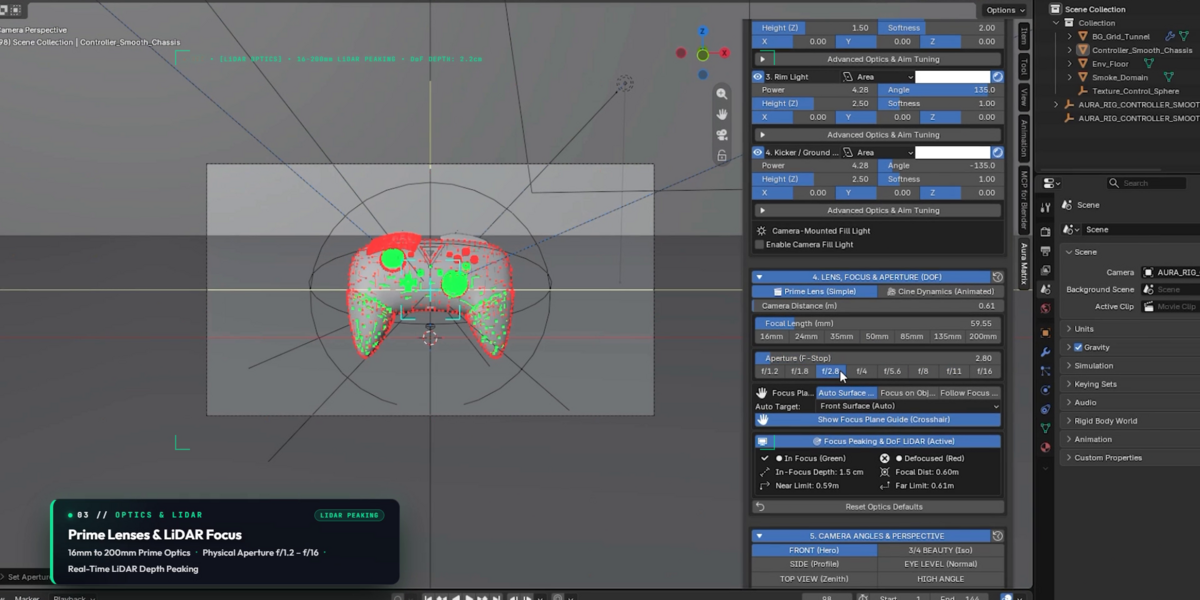
| Alt + Shift + L | Reset Optics (50mm / f/16 default baseline) | 3D Viewport |
| Alt + Shift + R | Express Export (Still Frame) | 3D Viewport |
4. Multi-GPU Batch Queue & Headless Dispatch
-
Staging Multi-Shots: Adjust camera angles, lighting, and focal lengths for each shot, then press
Shift + PageUpto queue. - Multi-Format Overrides: Configure individual shots as 16:9 Landscape, 9:16 Vertical (Reels/TikTok), or 1:1 Square.
- Headless Fleet Dispatch: Click Render Batch (Solo-Parallel) to render headlessly across 1 to 100 GPUs with zero UI memory overhead.
5. Technical Support & Updates
For technical support, custom pipeline questions, or bug reports, contact the creator directly through your Superhive order page or creator inbox at: superhivemarket.com/creators/dannyoliva.
 Included
Includes 12 months of
- Support from Danny Oliva
- Product updates
Extend this product’s Support Period +12 months: 50% of product price
Have questions before purchasing?
Login to message
| Blender Extension Compatible | Yes |
| Published | 1 day ago |
| Blender Version | 4.2 - 5.2 |
| Extension Type | Add-on |
| Render Engine Used | Cycles, Eevee |
| License | GPL |
Discover more products like this
turntable batch render camera Cycles procedural cinematography Render motion graphics Lighting Studio animation eevee