Auto-Frame
 Ken Hes


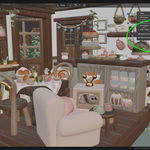

Auto-Frame is installed like any other Blender extension/addon. In the Blender extension preferences choose "install from disk" and click on the Auto-Frame zip file.
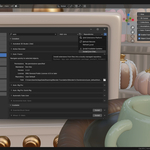
The extension options are located in the 3D Viewport sidebar (N key) under the View tab.
To use, enable the extension in the View tab and select what modes you want to zoom in.
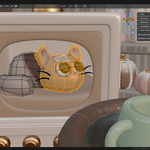
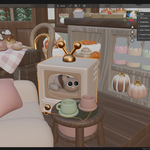
Now when you select any object/mesh elements/pose bone the carmera will zoom into that selection.
Ideal for jumping between objects in large scenes or reducing camera not responding going from large distances to small or vice versa.
Have questions about this product?
Login to message
| Blender Extension Compatible | Yes |
| Dev Fund Contributor | |
| Published | 11 months ago |
| Blender Version | 4.2 - 5.0 |
| Extension Type | Add-on |
| Render Engine Used | Arnold, Blender-Internal, Blender-Game-Engine, Cycles, Eevee, Freestyle, Luxrender, Mental-Ray, Octane, Vray, Yafaray |
| License | Mit |
Discover more products like this
3D navigation. 3D artist 3DNavigation Art camera selection Addon Accessibility vr 3D view management accessibility view