 Austin Berenyi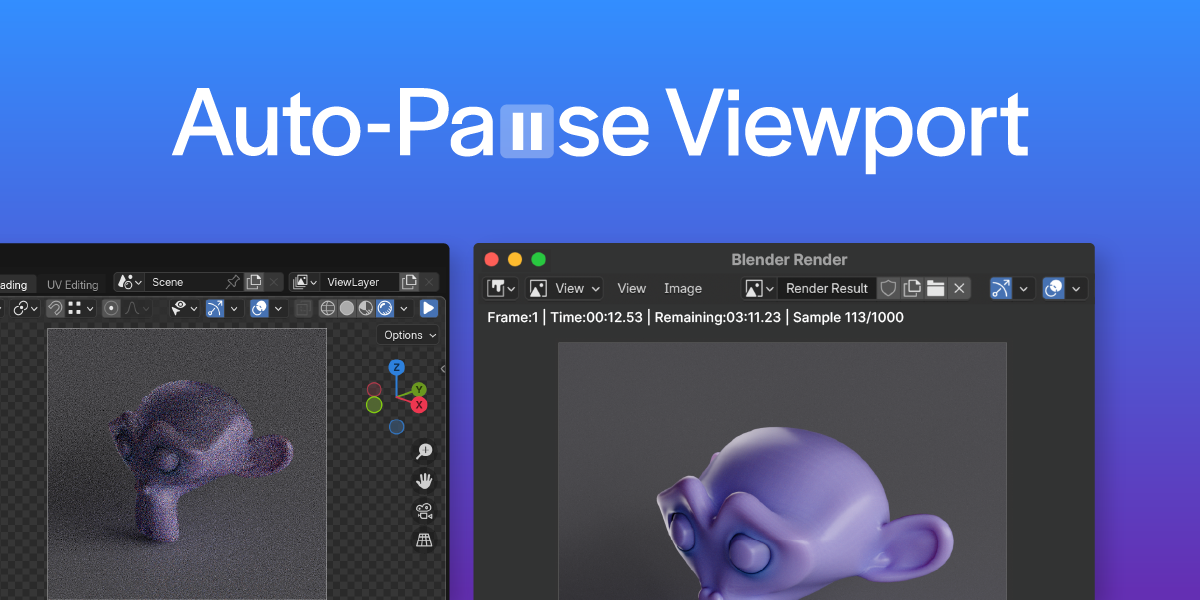

Reduce clicks, and optimize your renders with Auto Viewport Pause!
Have you ever started a long render and come back to find that your Viewport was still running and eating up your GPU resources? Your 1 hour render just became 2 🥸
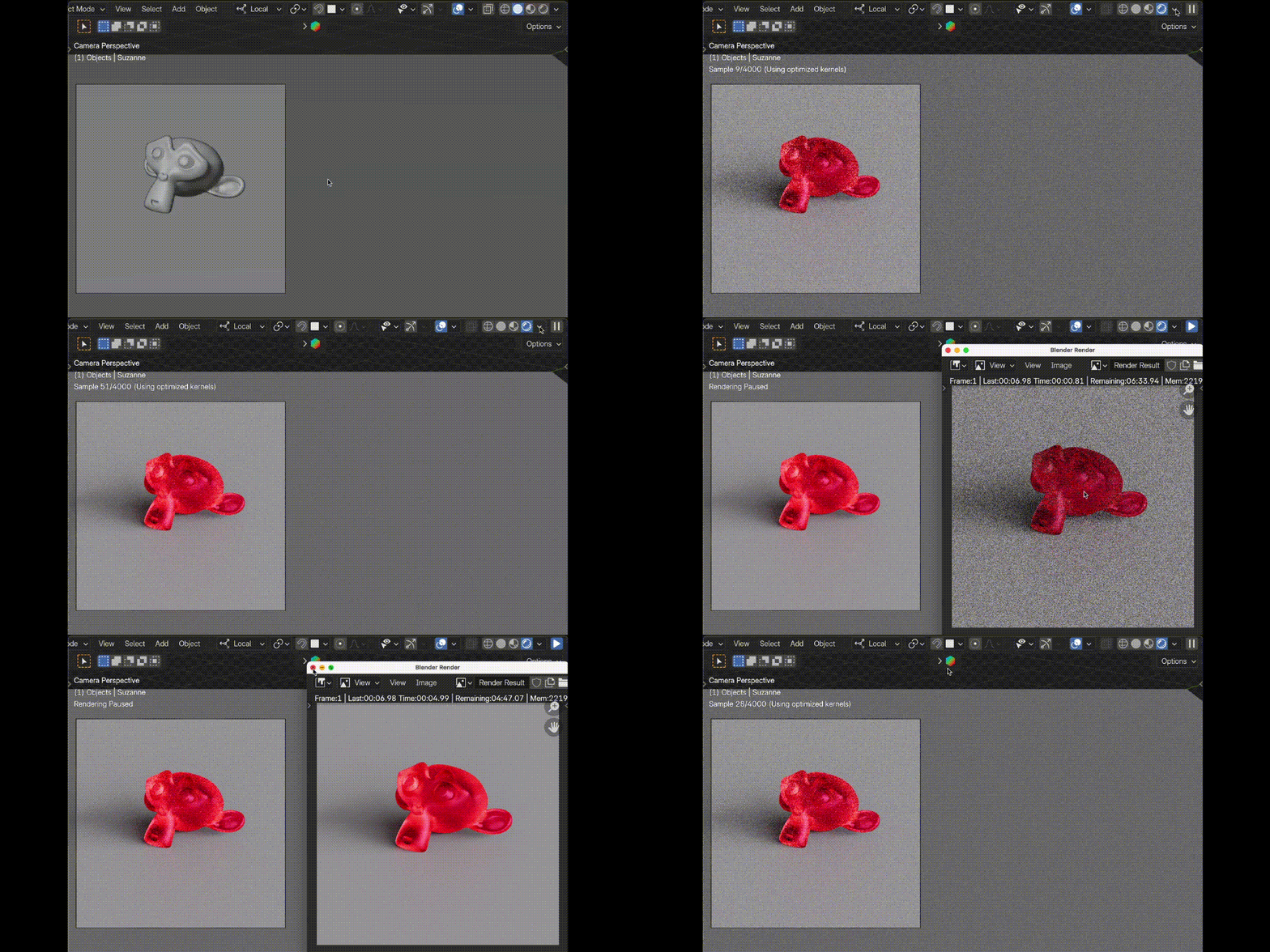
This add-on seamlessly pauses your viewport render when you start a final render and automatically resumes it when finished or canceled.
By reducing unnecessary GPU load, you free up performance for faster, more efficient Cycles renders.
Key Features:
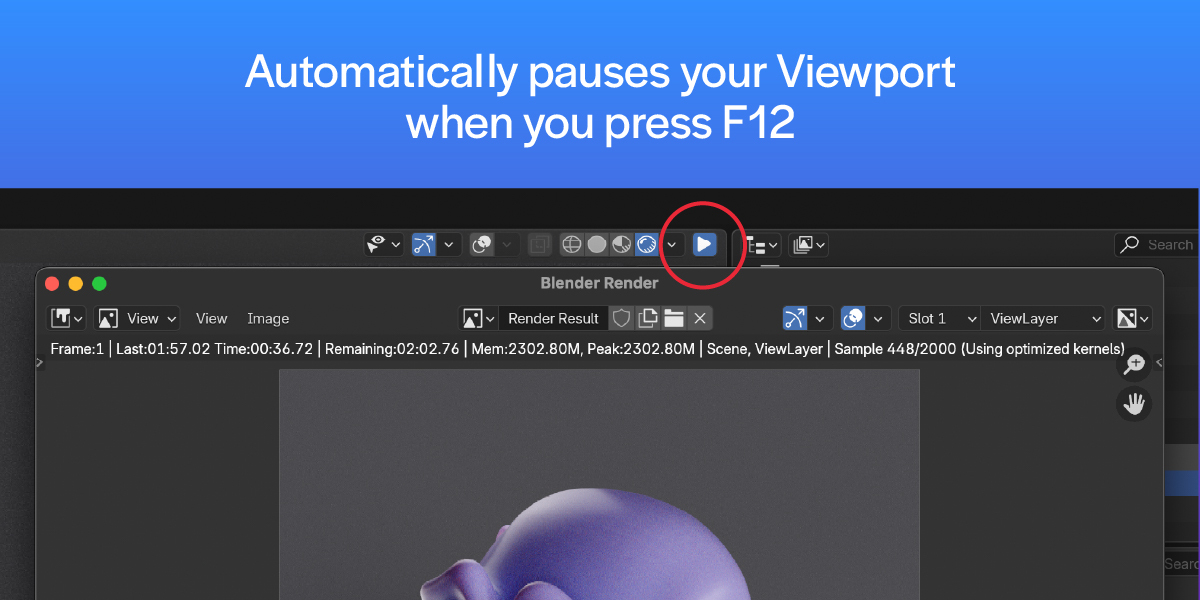
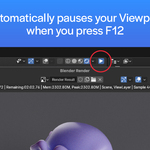
✅ Auto Pause Viewport – Instantly pauses the viewport render when you press F12.
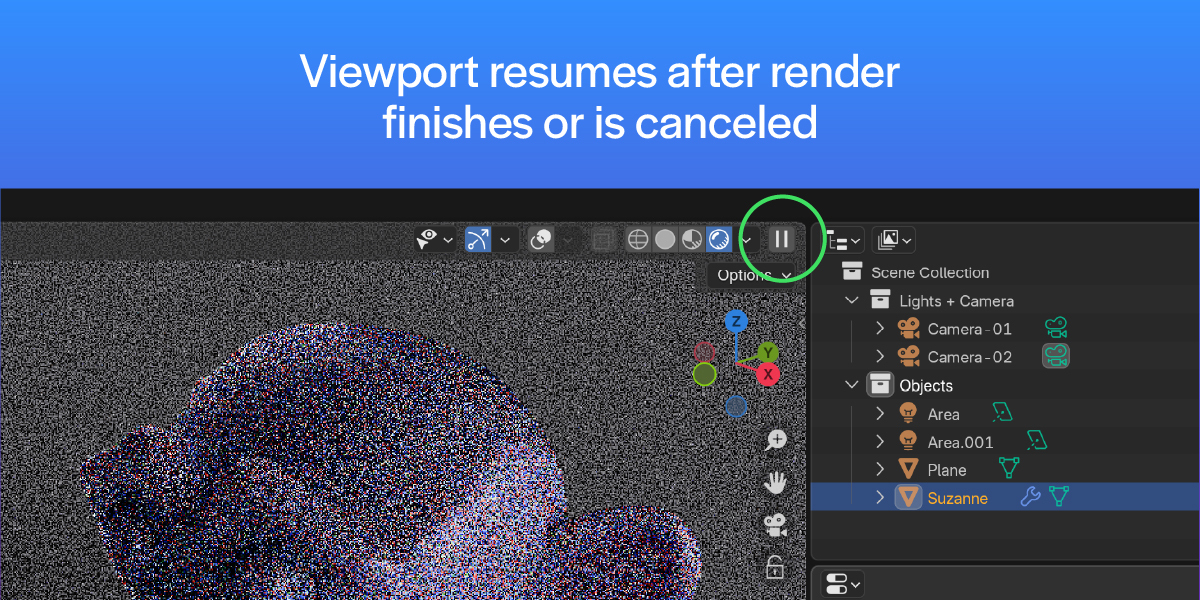
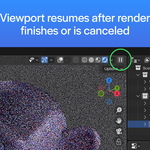
✅ Auto Resume – Restores your viewport render once the final render completes or is canceled.
✅ Performance Boost – Reduce GPU strain for smoother, more responsive rendering.
✅ Seamless Integration – Works natively with Blender’s Cycles render engine.
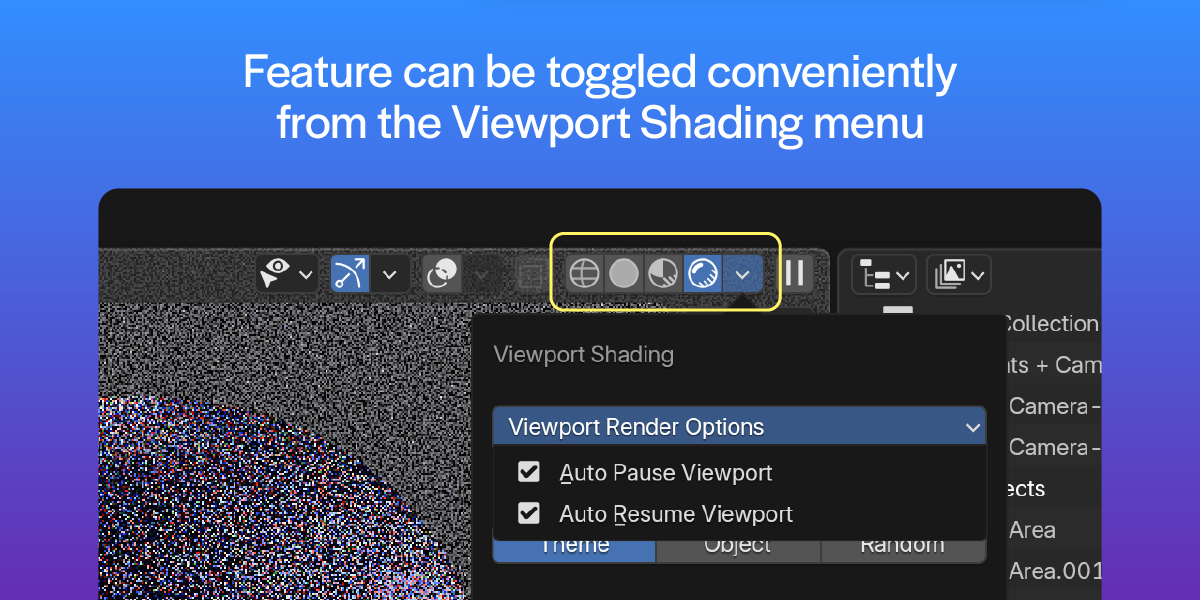
✅ Easy Toggle – Enable or disable the feature directly from the viewport shading menu.
✅ Persistent Settings – Your preferences remain saved between sessions.
No complex settings—just install, enable, and let it run! Whether you’re a freelancer, studio artist, or hobbyist, this tool will optimize your workflow and improve rendering performance instantly.
💡 Compatible with Blender 3.0 and above.
