 Artell
What is Auto-Rig Pro?
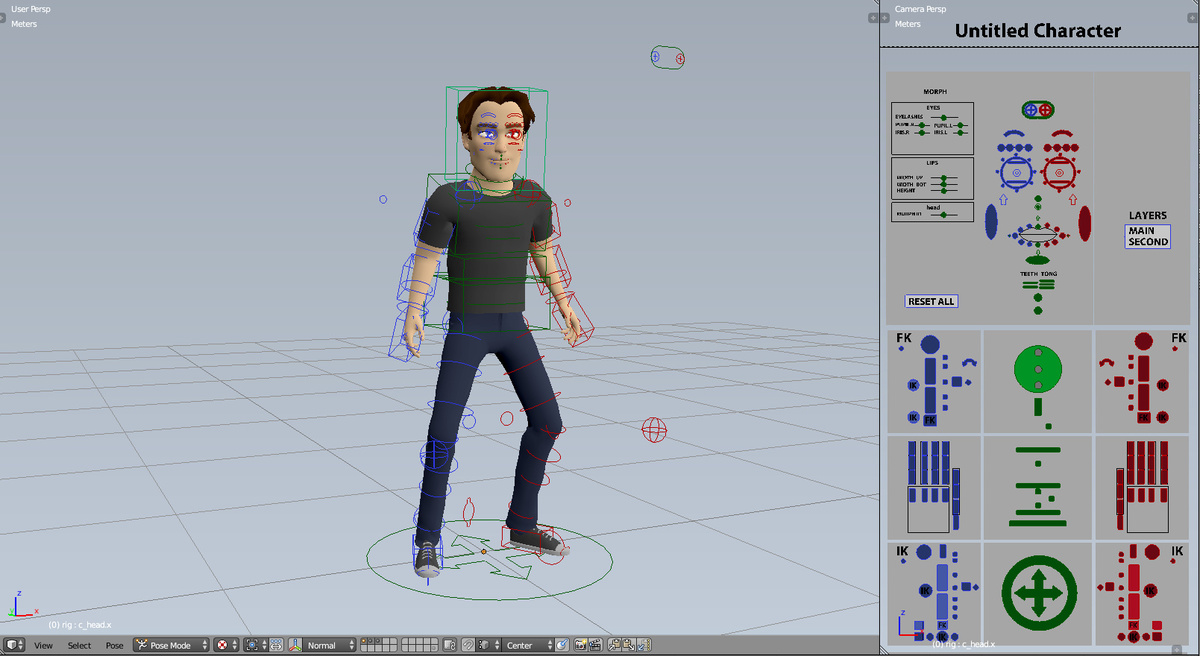
Auto-Rig Pro is a Blender add-on to rig characters, retarget animations, and export to FBX/GLTF, with dedicated settings for Unity, Unreal Engine, Godot.
First developed as my own in-house rigging tool, I've released it a few years ago and it expanded quickly thanks to great support from the community!
Useful links:
Rig Features Demo
Documentation - Learn here
Frequently Asked Questions
YouTube Channel - Tutorials and demos
X (Twitter) - Follow development
Related resources:
Joris' Rig Library - 30 animated rig presets
Easy Animations - 16 animated rig presets
Quick Rig - Turn a skeleton into Auto-Rig Pro control rig
Rigged characters examples: Mike (free), Anna, Kevin, Nina and Alex
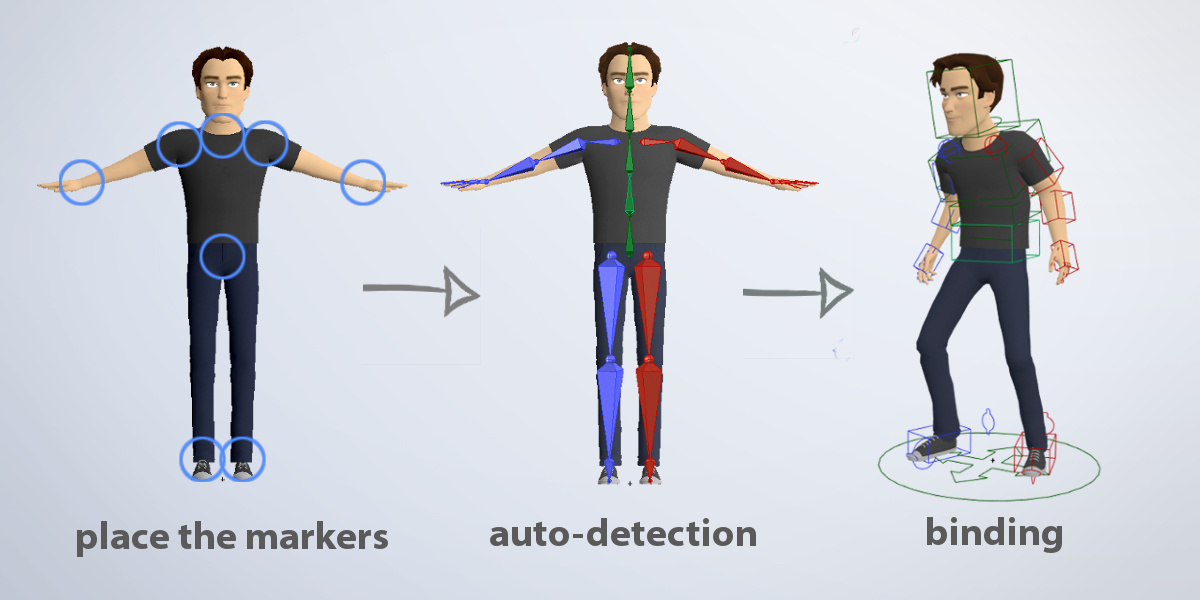
Rig fast with the Smart feature (now AI powered)
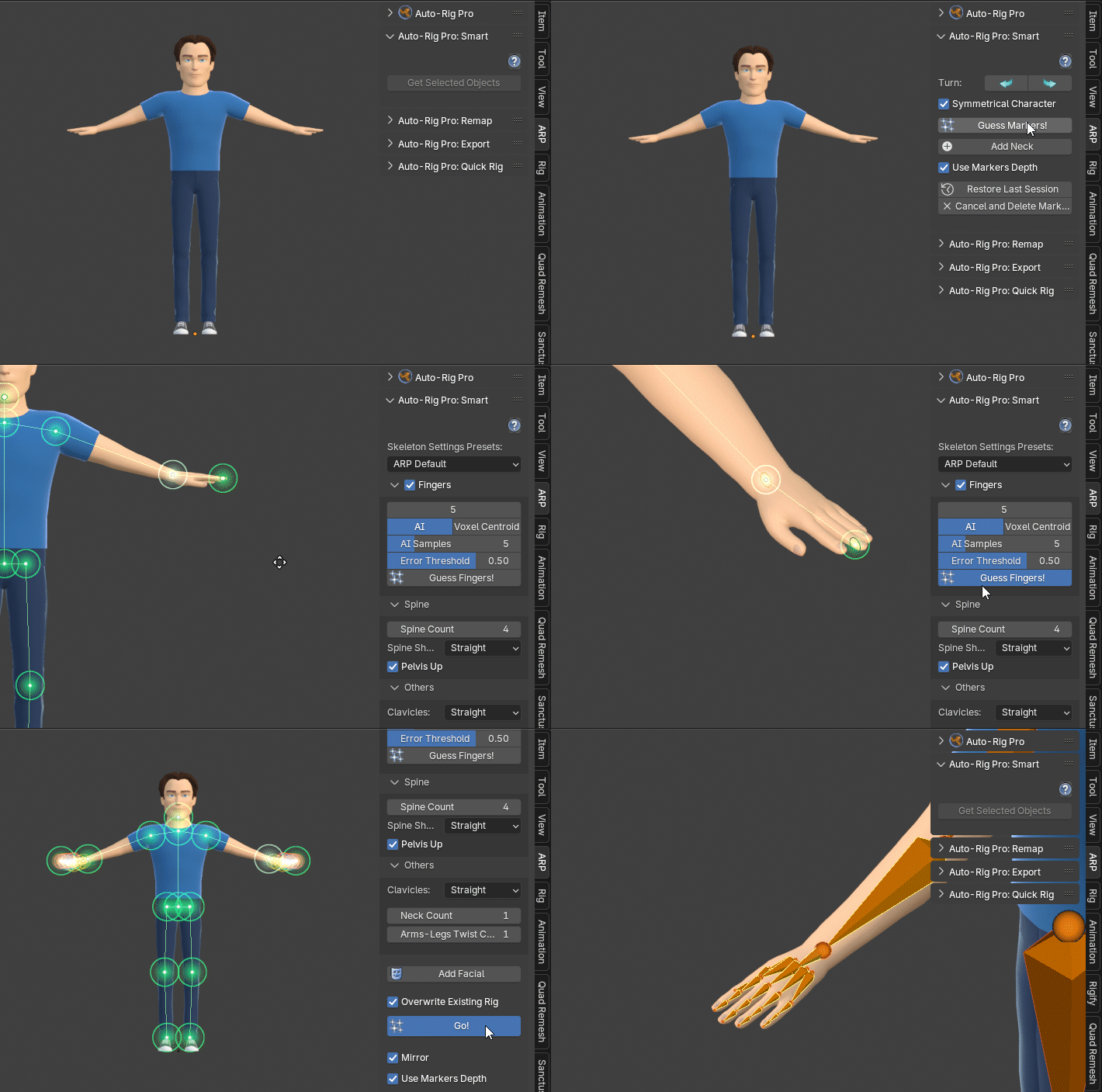
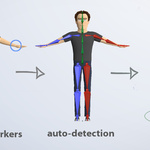
For humanoid characters, the Smart feature will automatically position the bones.
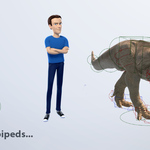
Non-humanoid characters can be rigged without the Smart feature (horse, dog...).
The result remains editable, to refine the automatic prediction if necessary.
Based on a non-destructive workflow, the rig remains easily editable.
Character examples: Mike (free), Anna, Kevin, Nina and Alex
Important note about skinning: If possible, use water-tight geometry for best auto-skinning results. Learn Blender skinning tools, weight painting, to fine tweak the bones influences. Read the doc for more information.
Modular - Fully Featured
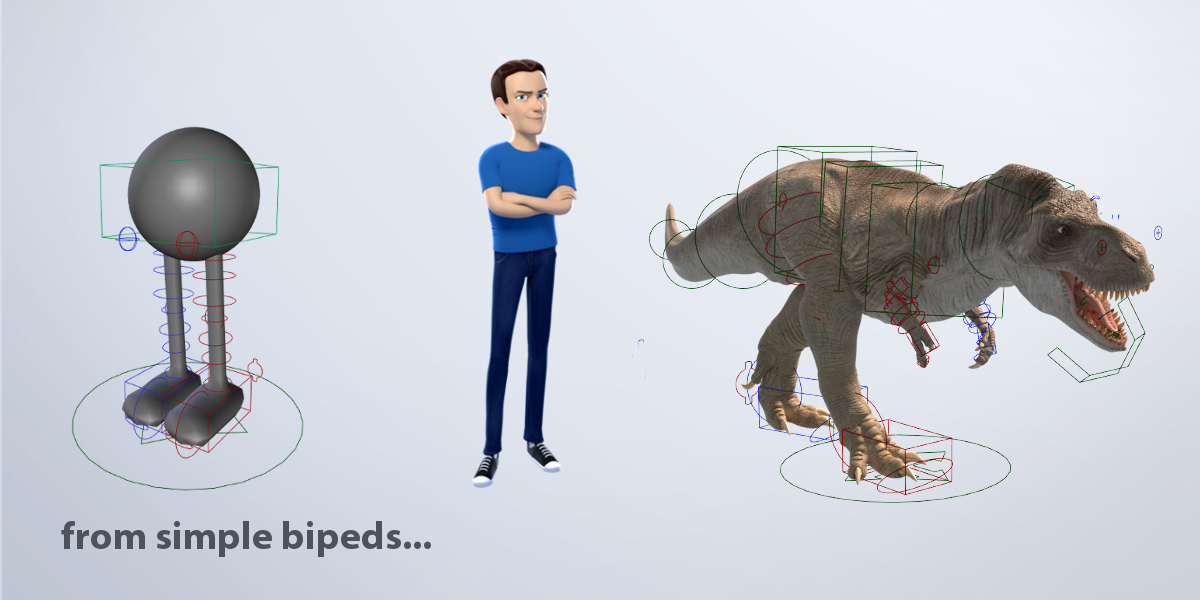
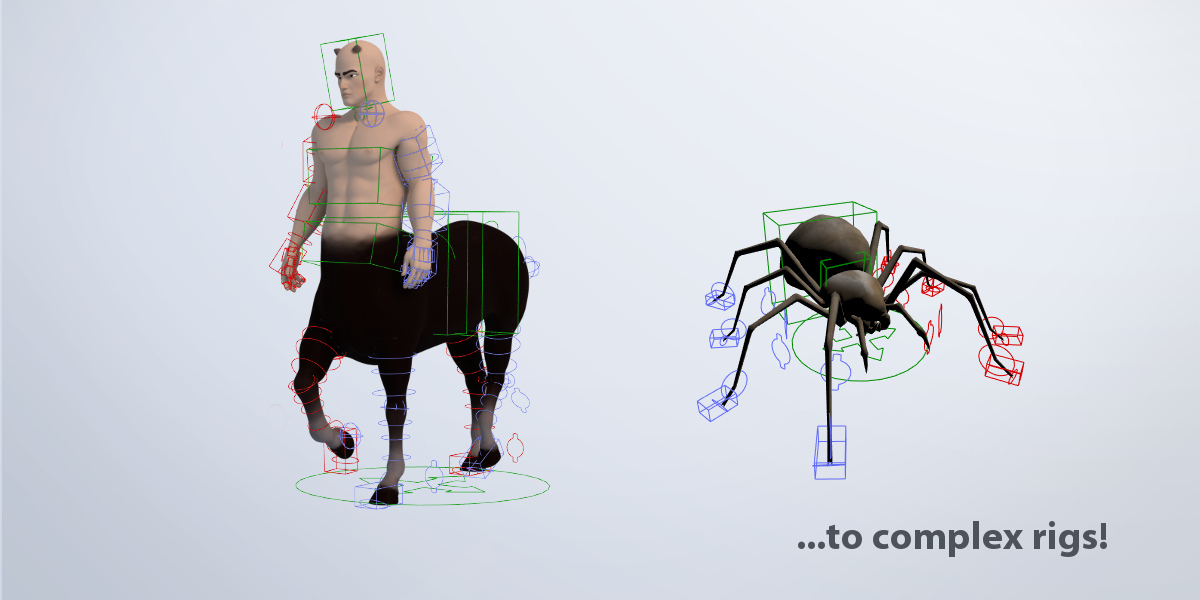
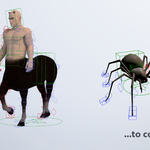
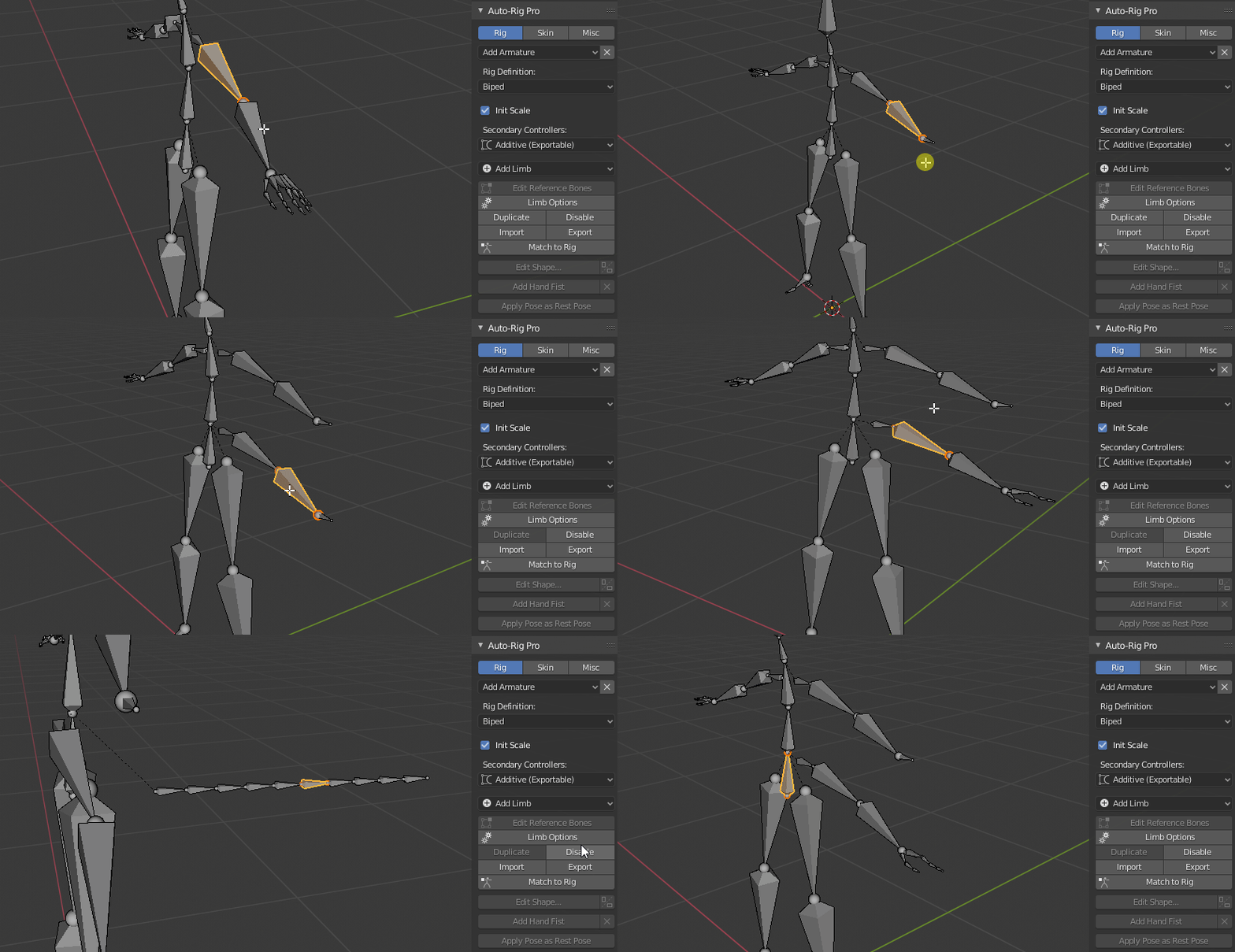
Customize the rig definition in a few clicks: fingers, wings, toes, spine bones, multiple neck bones, tail, breasts, ears and much more. Duplicate or remove limbs to rig spiders, centaurs... or anything that makes more or less sense.
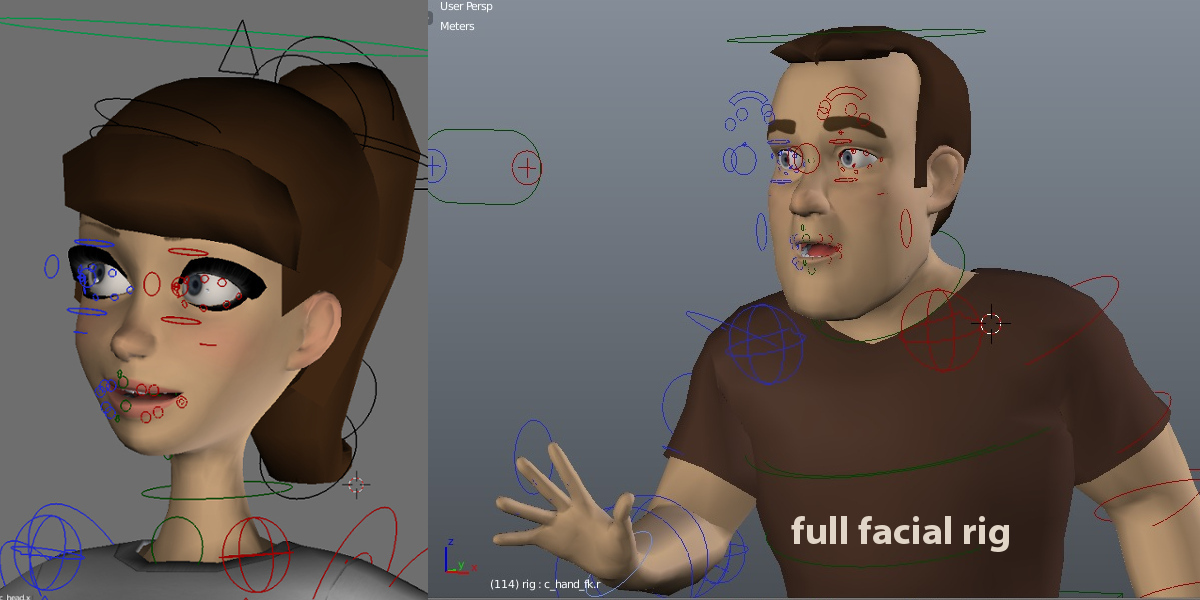
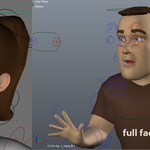
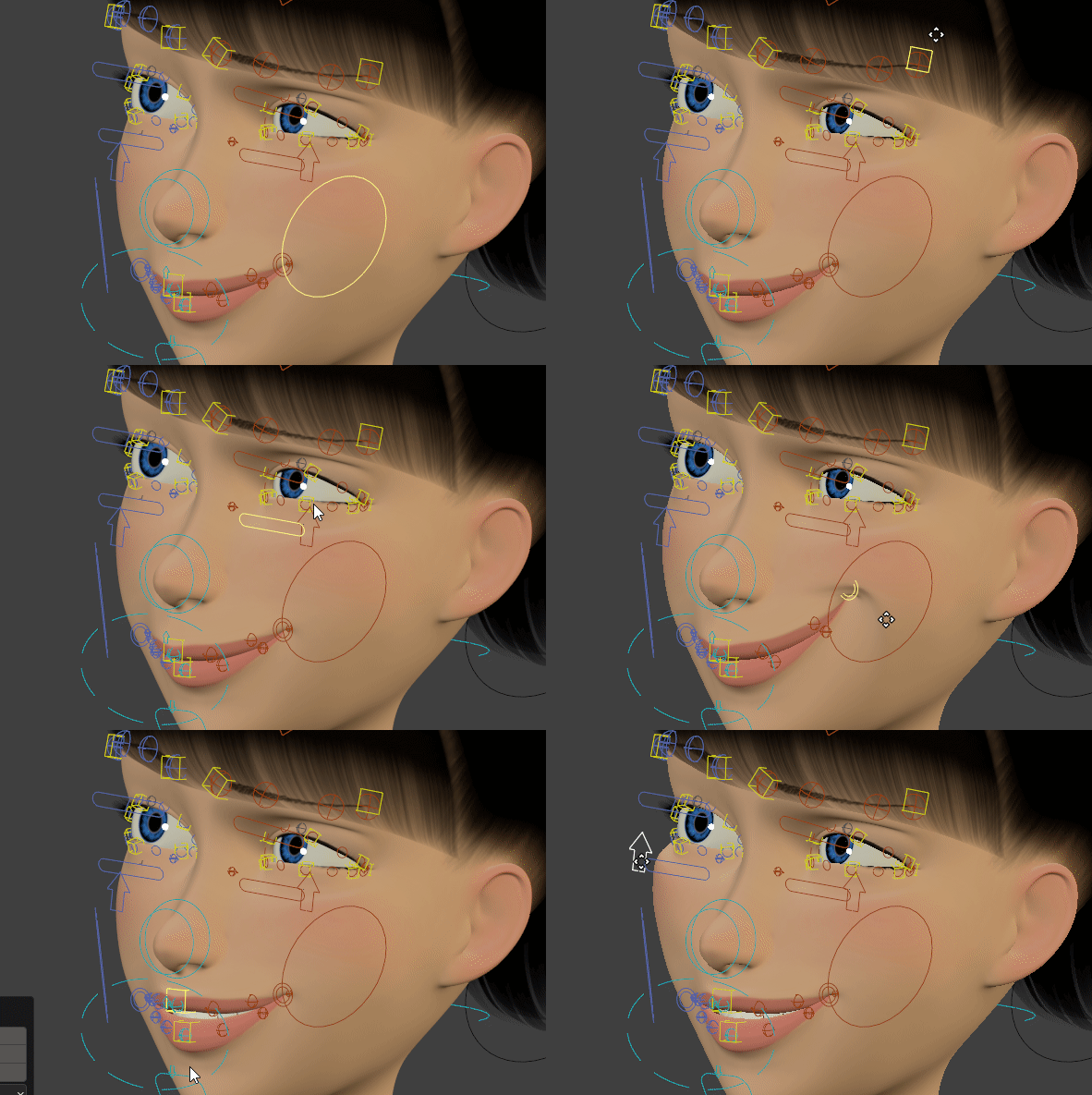
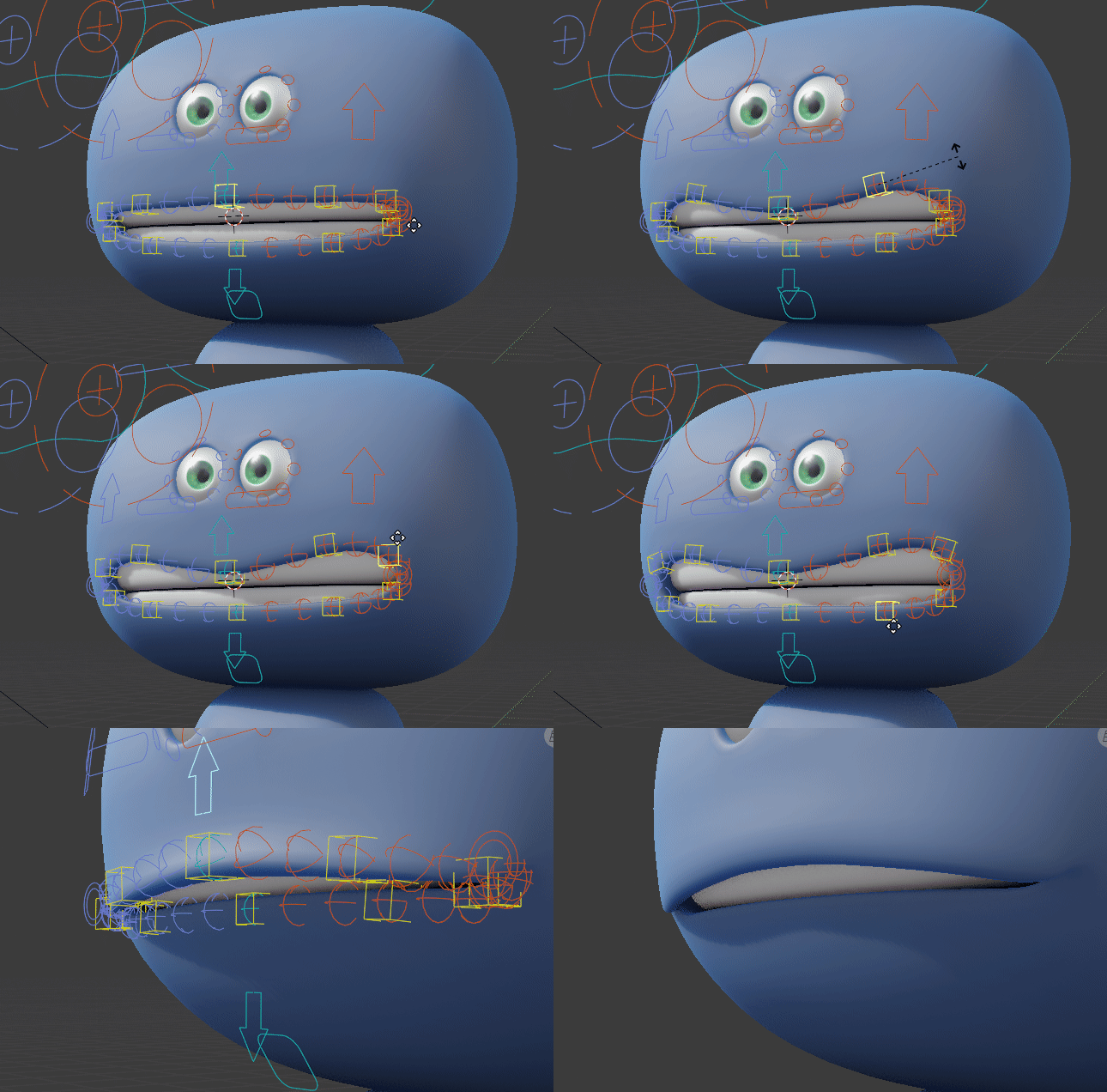
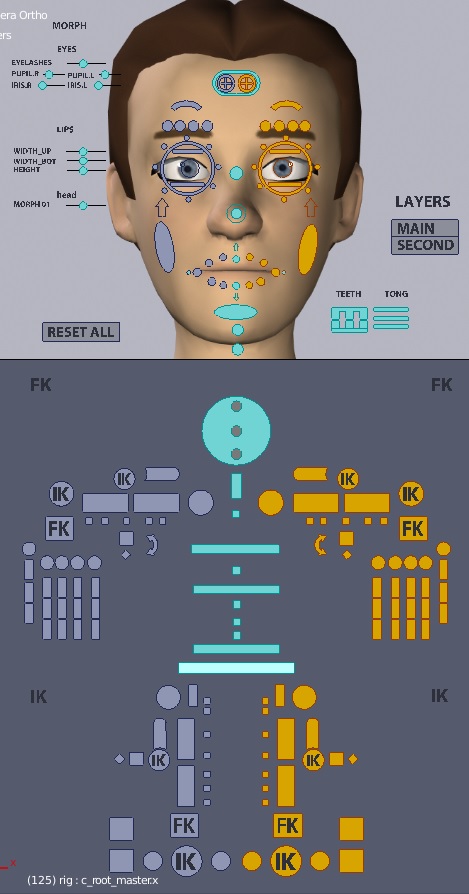
Advanced, customizable facial:
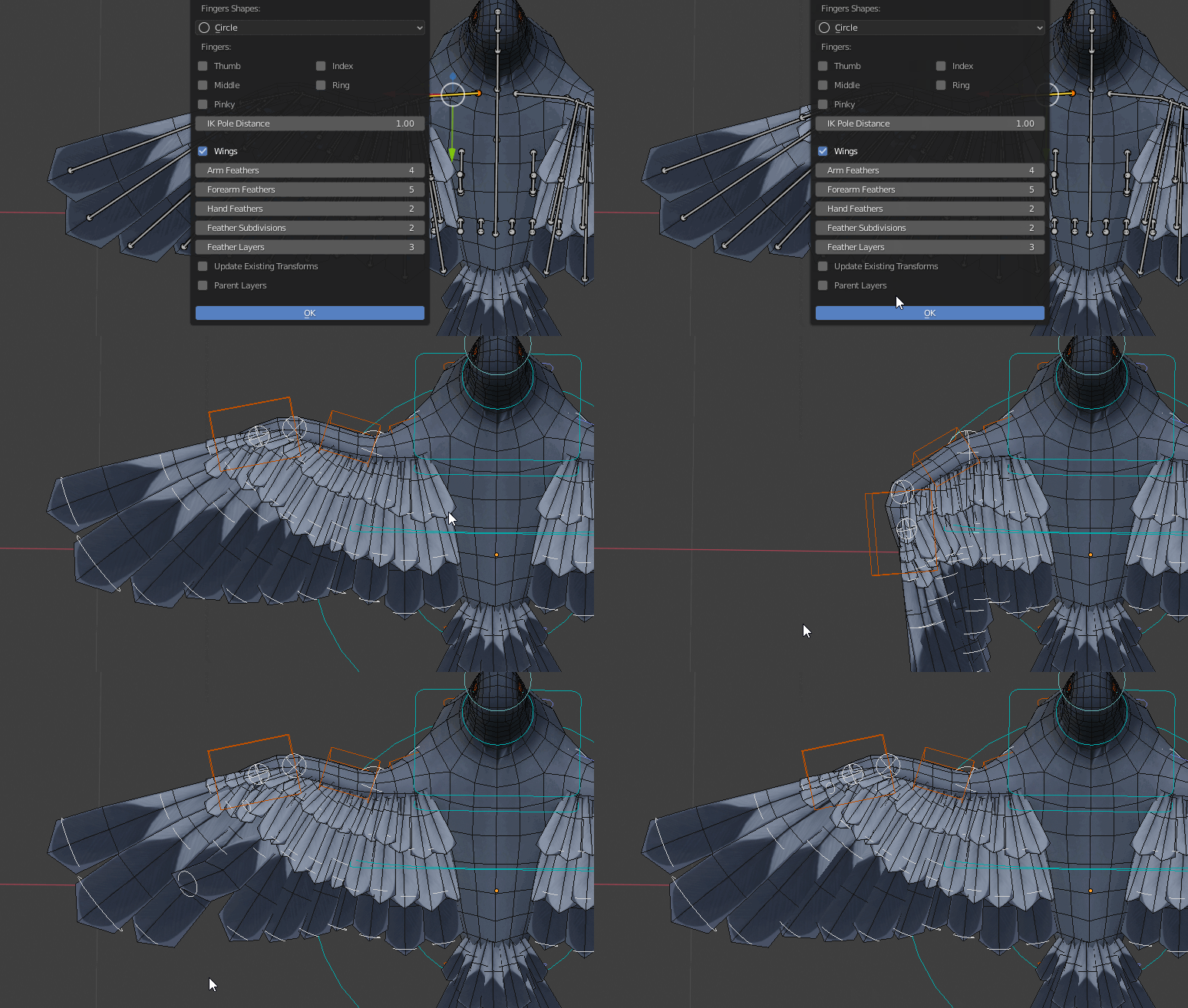
Wings limb for advanced feathers rig:
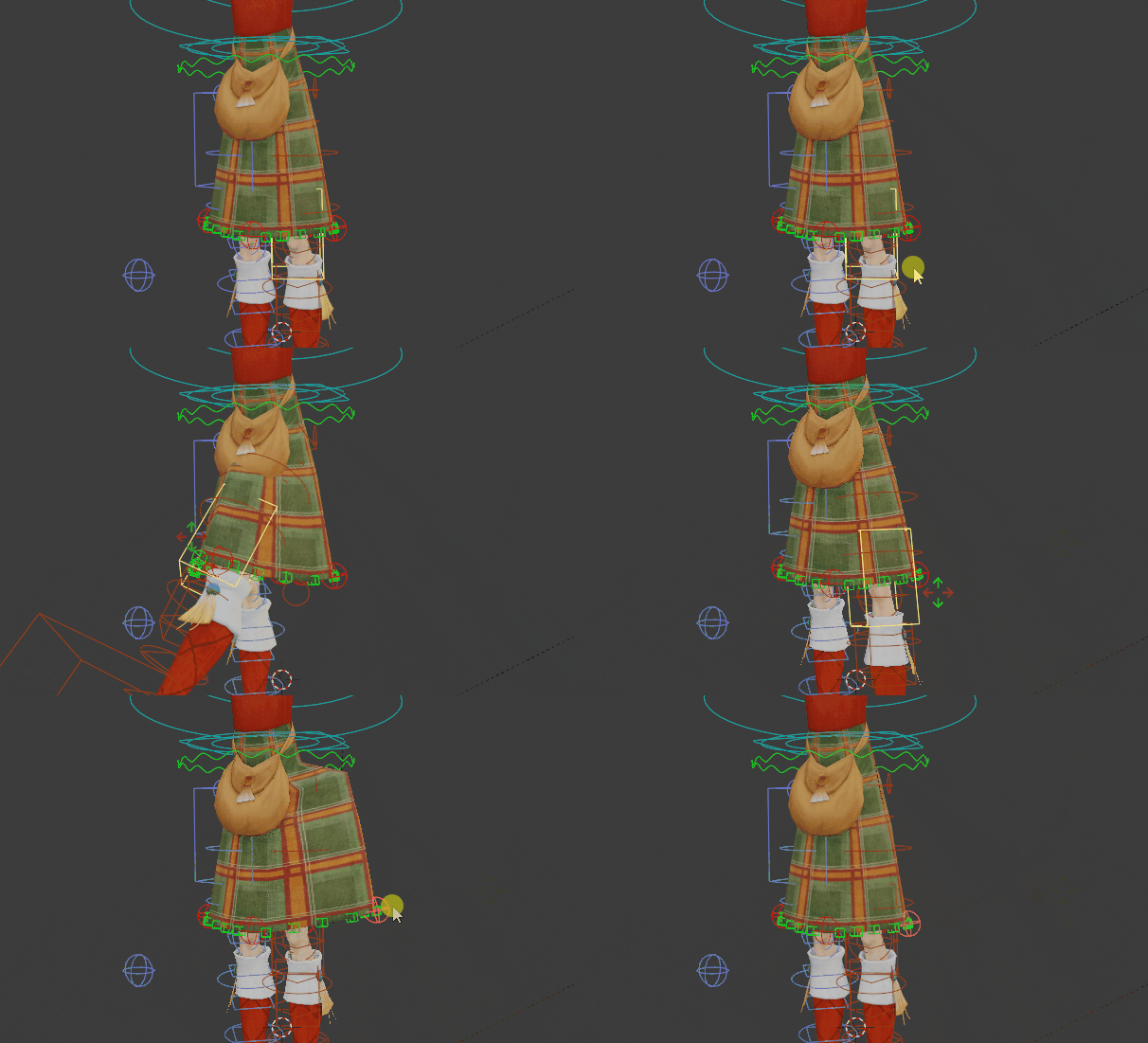
Kilt limb to rig kilt, dresses, skirt-like clothes
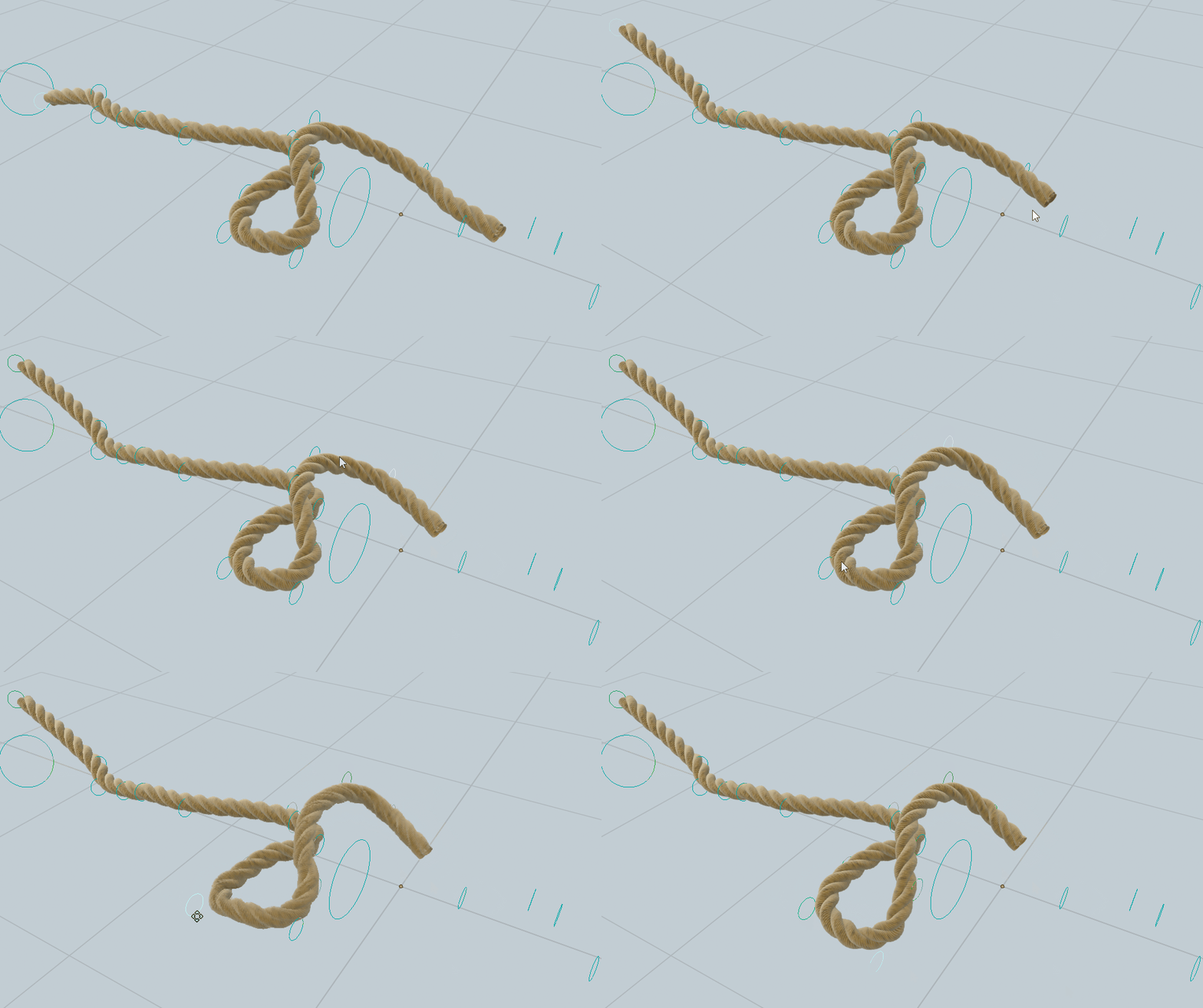
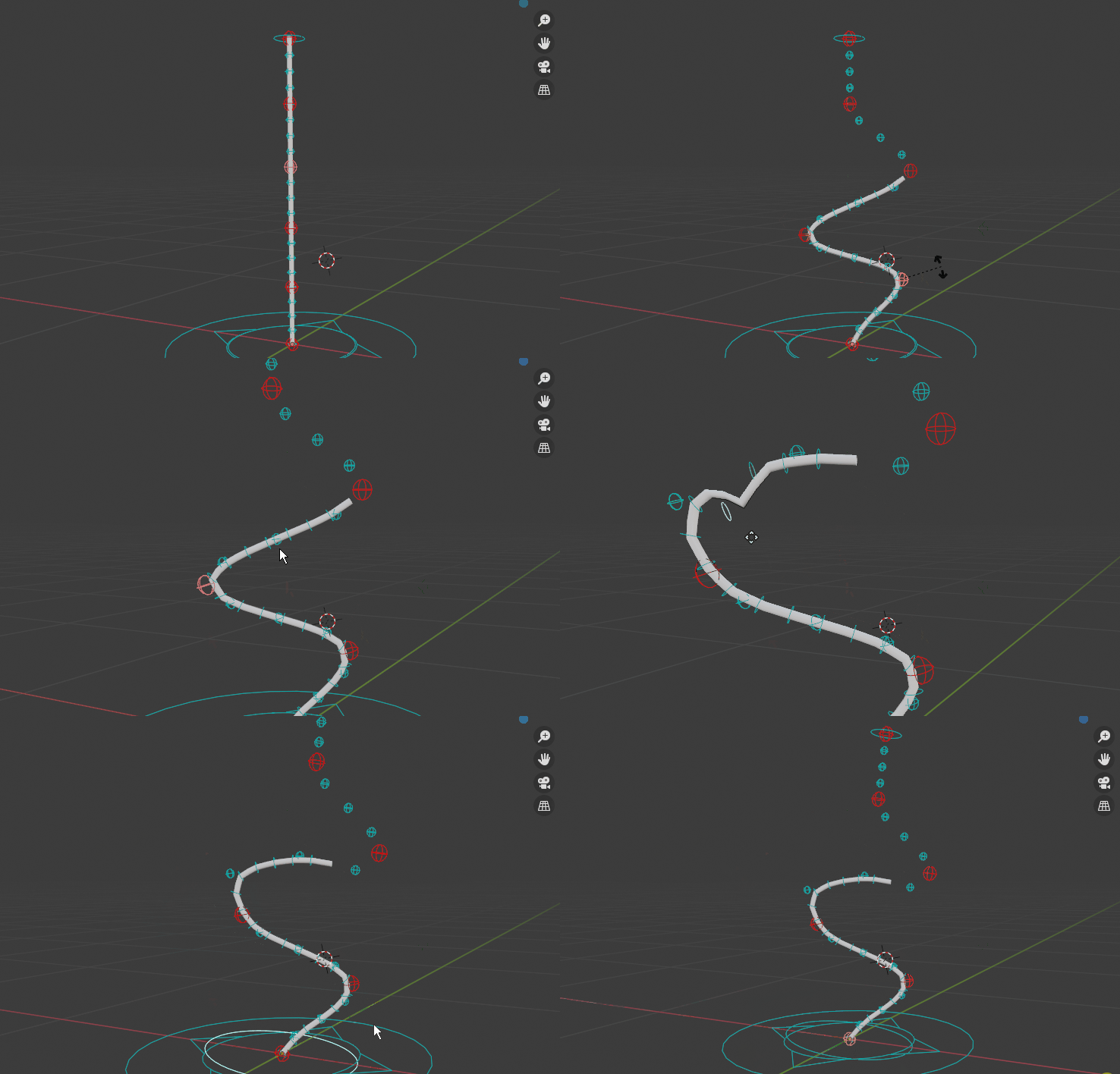
Spline IK limb to rig ropes, tentacles, IK spine...
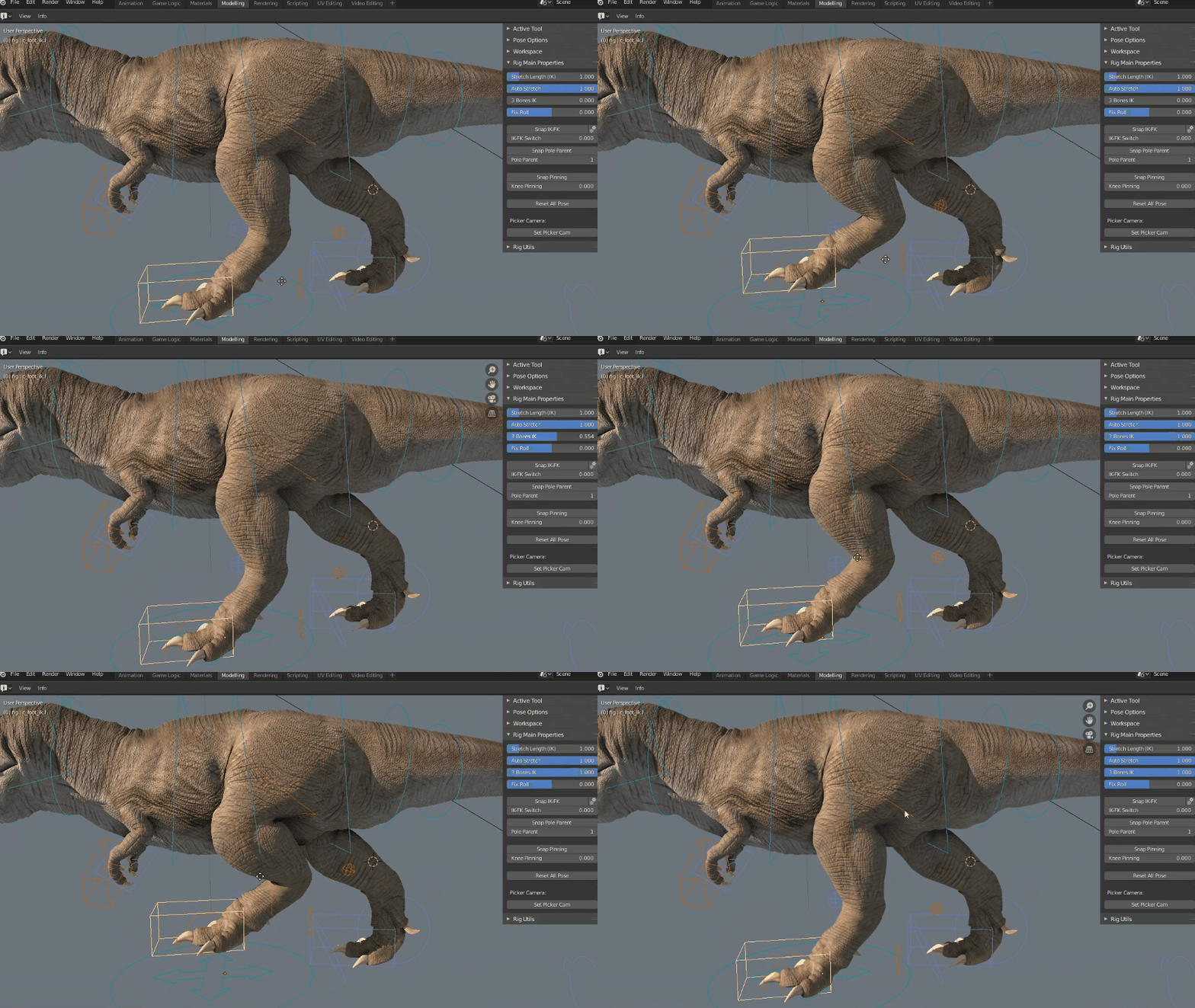
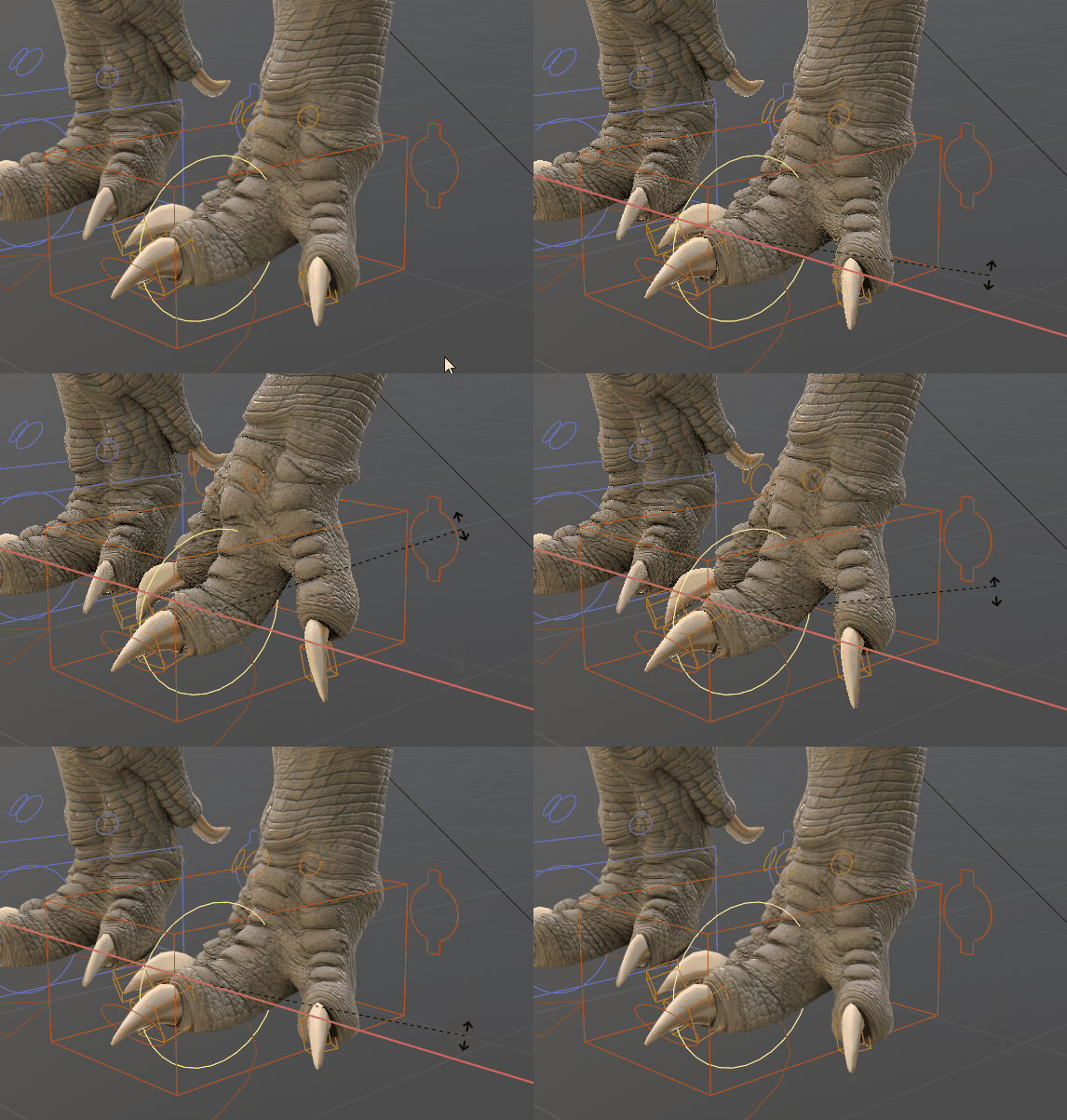
3 bones IK for quadrupedal, digitigrade creatures:
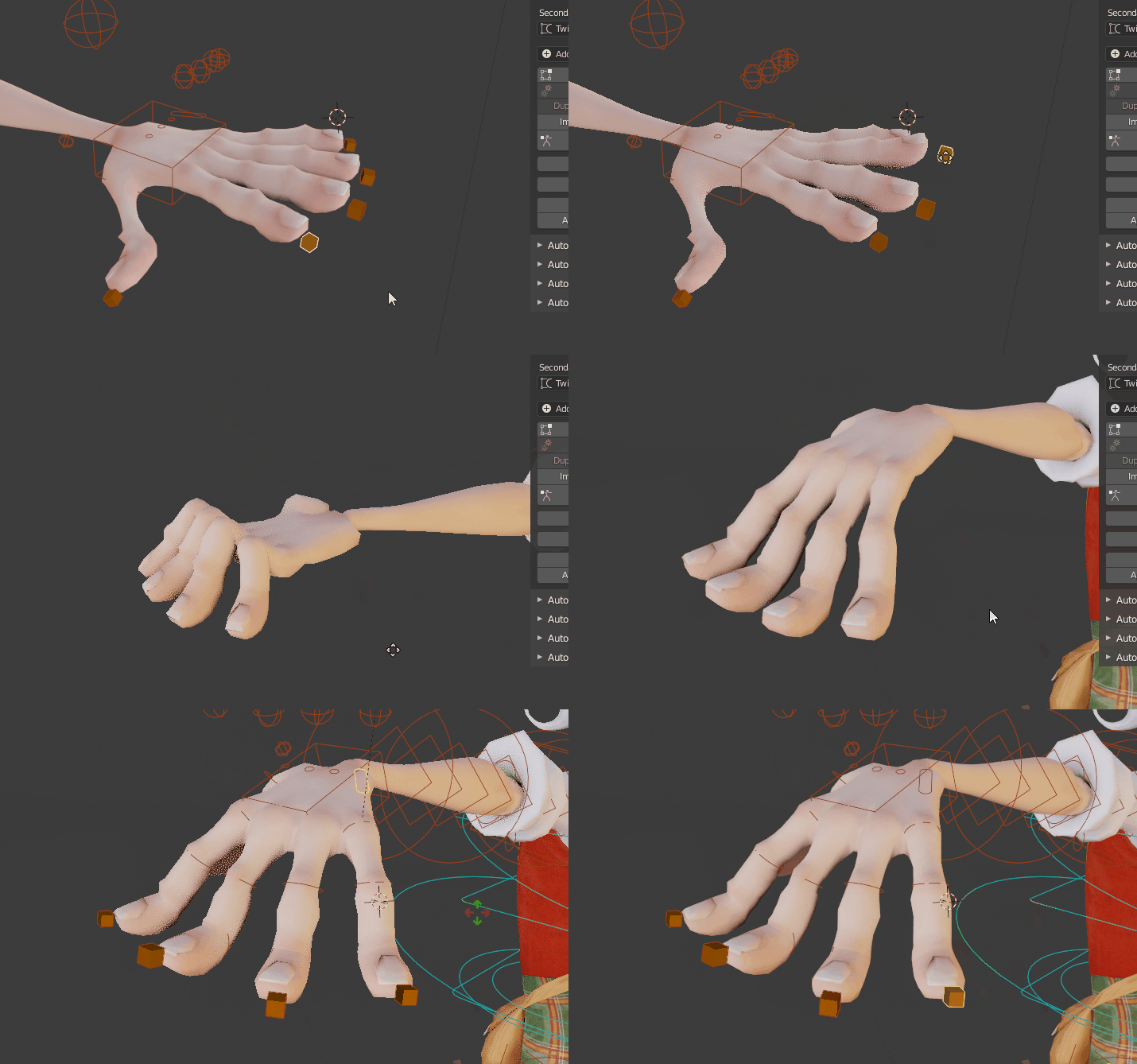
Fingers and Toes IK-FK:
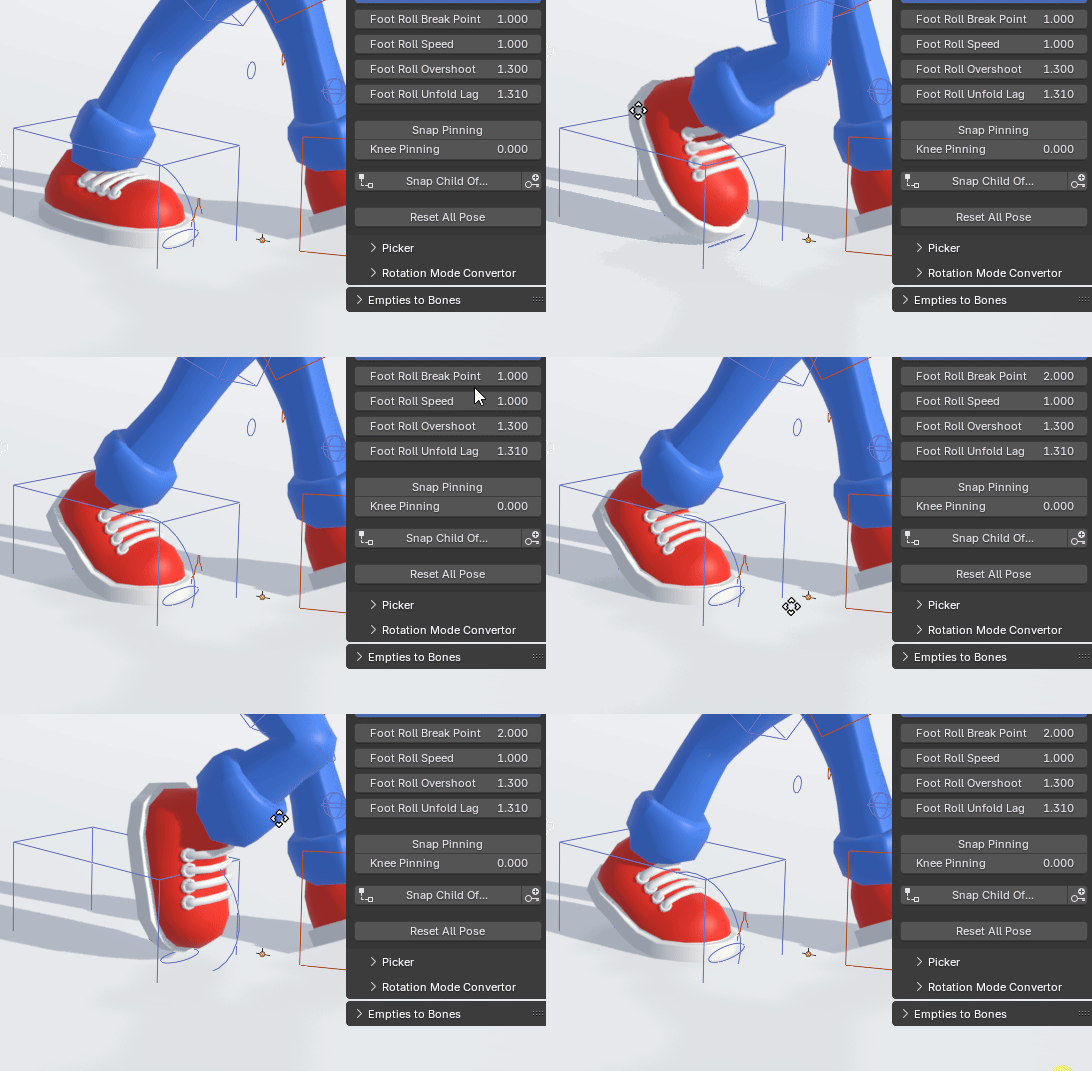
Foot Roll Break:
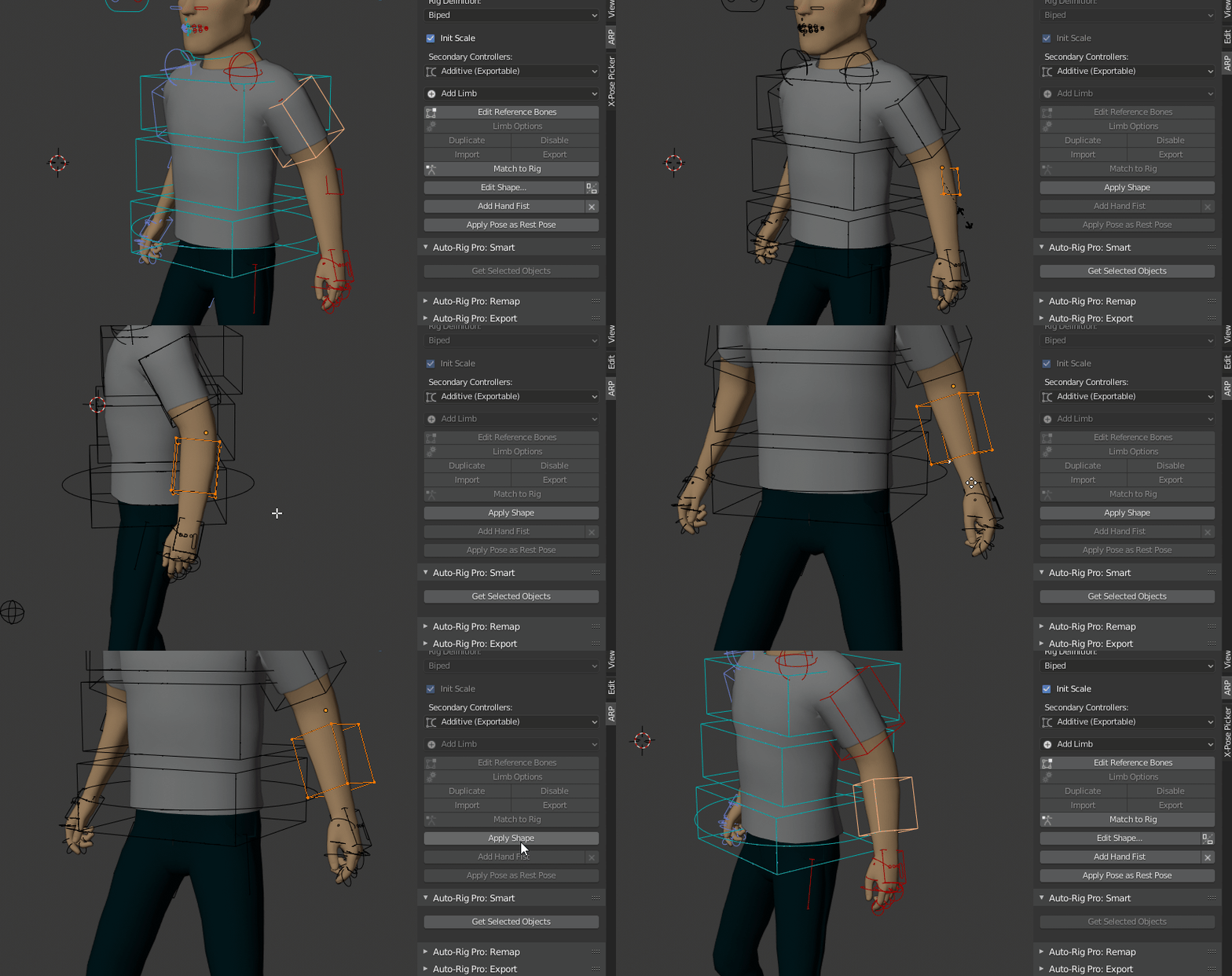
Intuitive tool to edit the bone shapes, with automatic mirror:
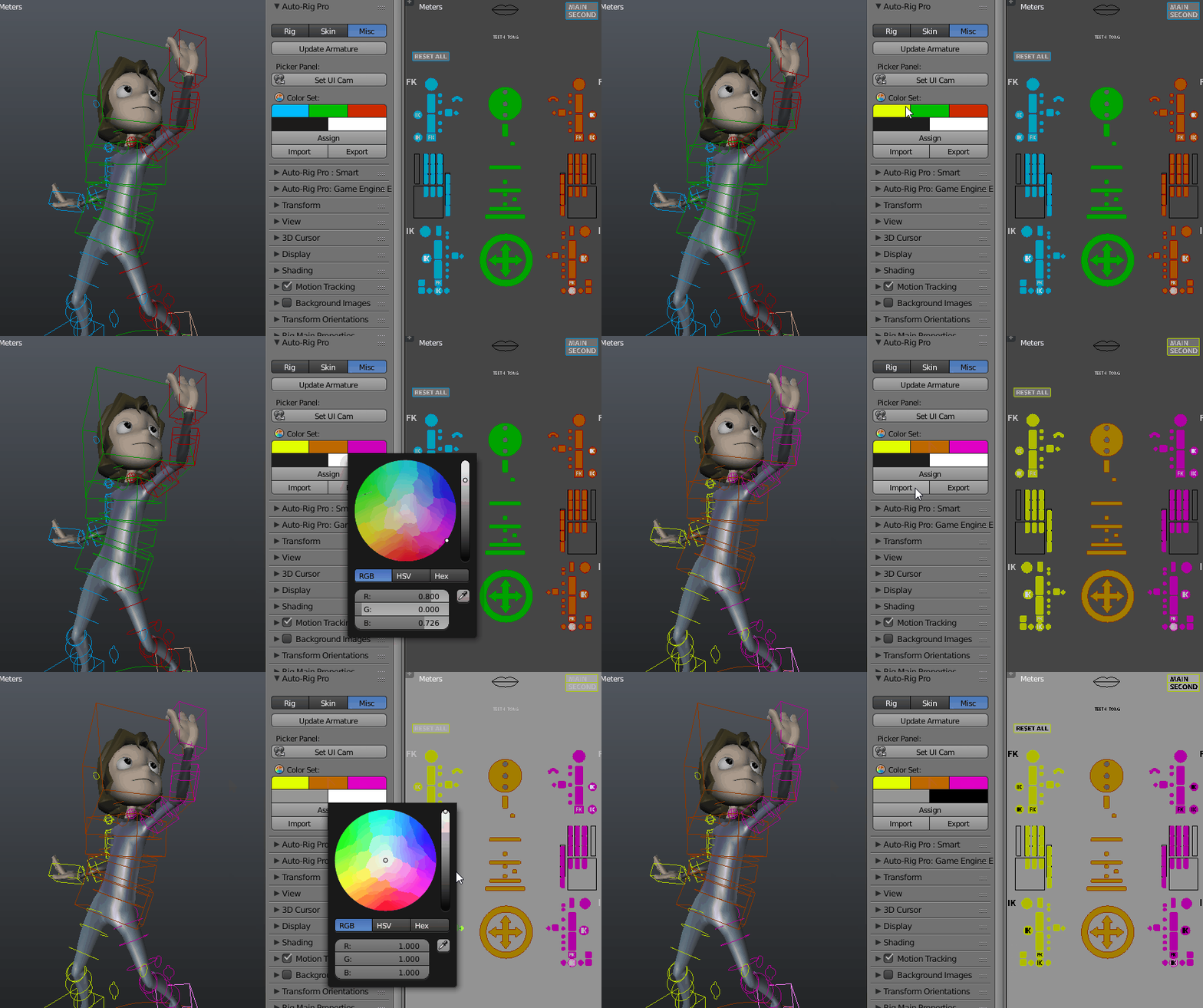
Customizable UI: fully editable layout, buttons positions, colors, background pictures...
Remap
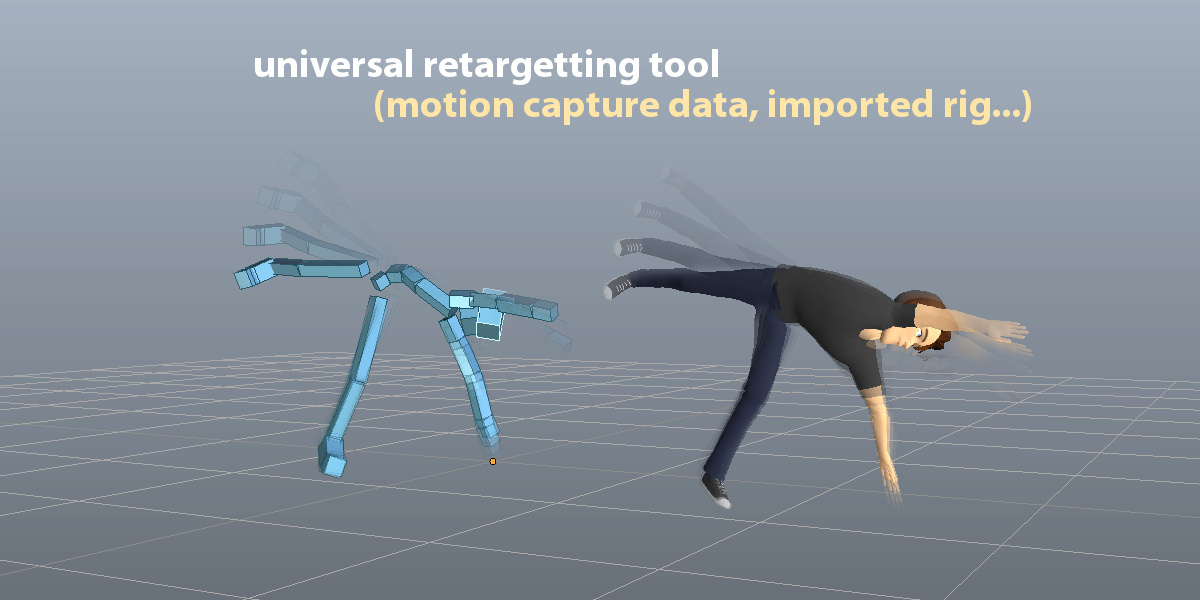
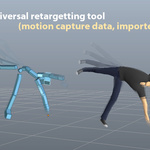
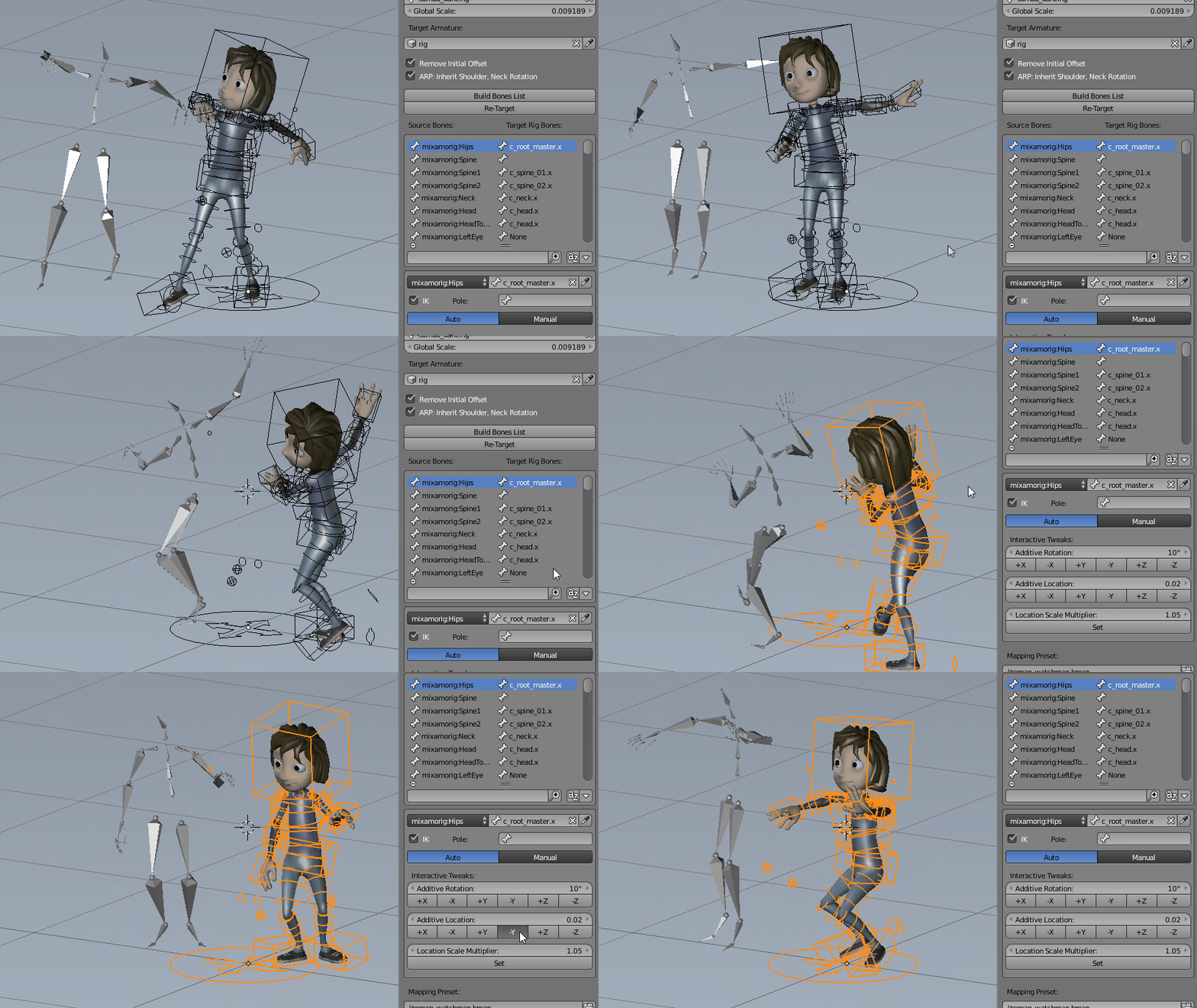
The Remap feature allows retargetting of any armature action to another one, with different bone names and bone orientations, supporting imported .bvh/.fbx armatures for example. It's universal: works with Auto-Rig Pro, Rigify, custom rigs... Define the source armature, the target armature, and the animation will retarget according to the bones names matches and bones original orientation.
It support IK feet, hands for accurate motion tracking, and an interactive offset tool to remap to different characters proportions.
Game Engine Export
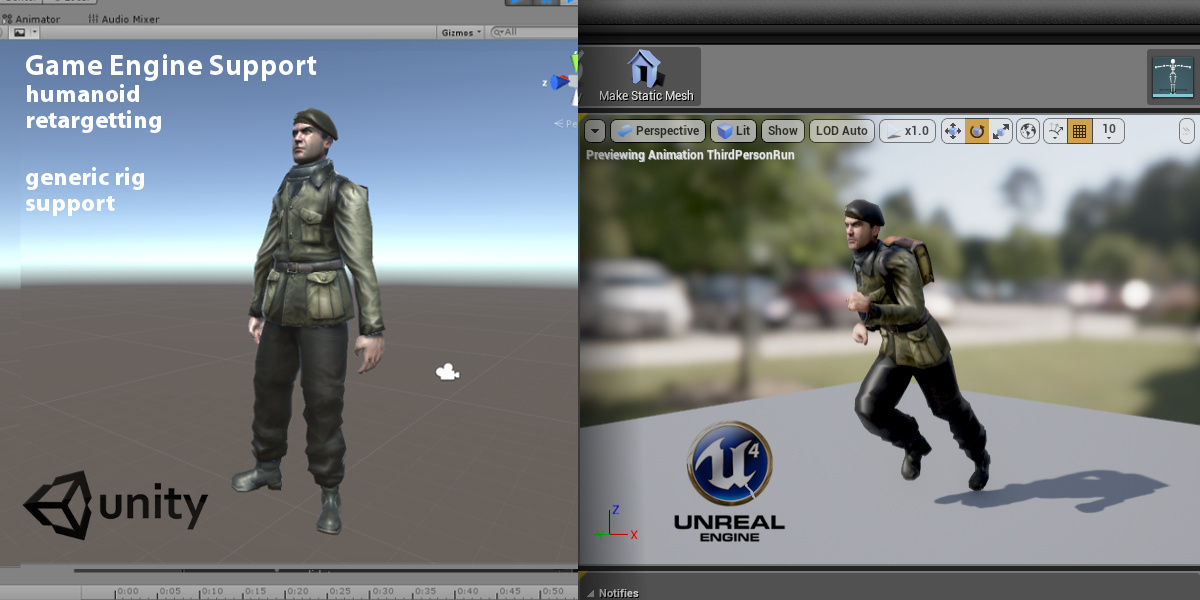
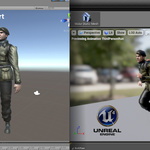
Skeleton export to FBX/GLTF format. Complies with Unity, Unreal Engine, Godot...
Universal to export the skeleton of any creatures
Humanoid for bipeds only, with options for easy retargetting and root motion in game engines
- Root Motion support
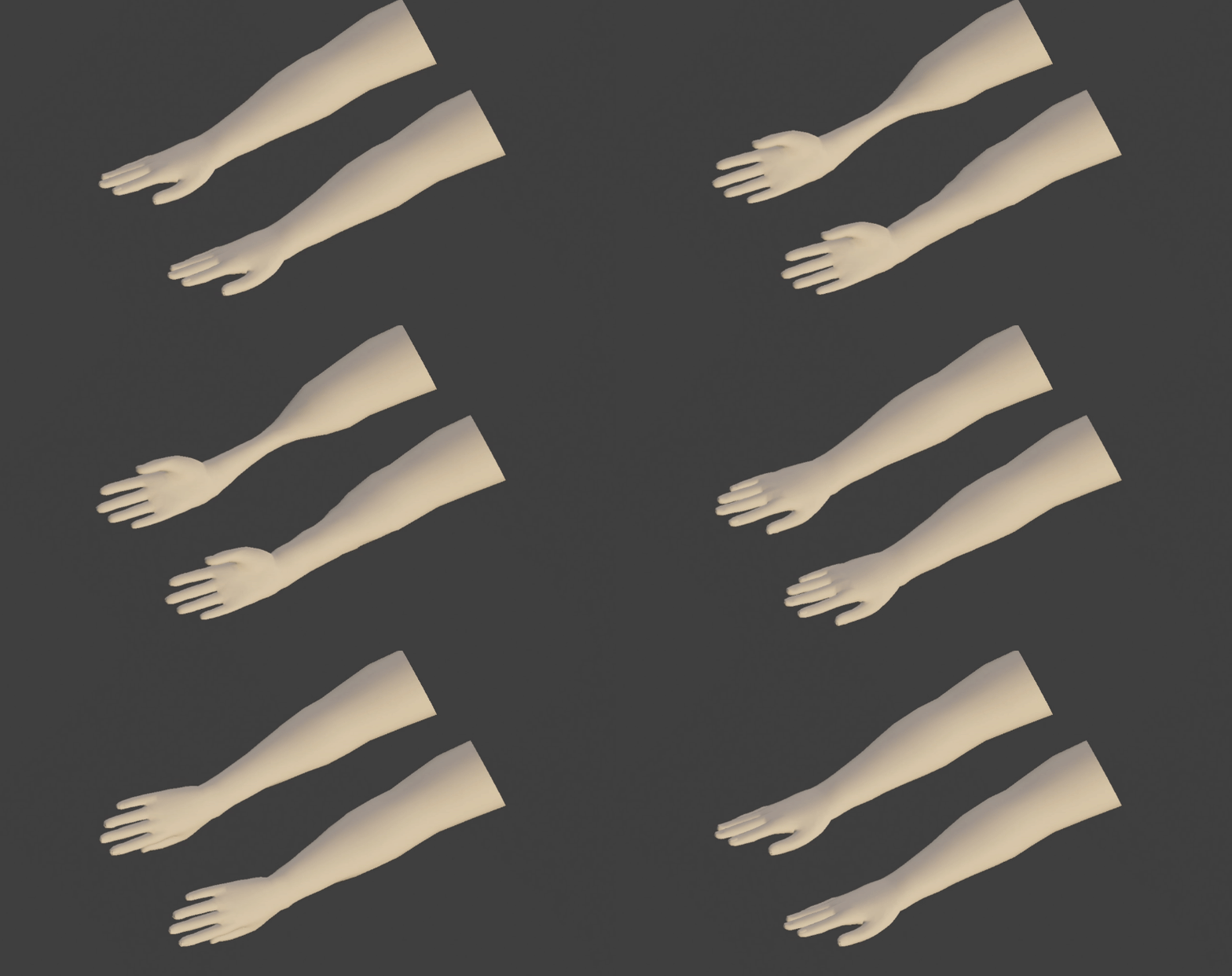
- Multiple Twist Bones for optimal volume preservation in game engines, where dual quaternions skinning is not possible (top: single twist bone, below: 4 twist bones)
- Unit conversion to initialize the scale transforms values to 1.0 in Unity and Unreal Engine
-
Unreal Mannequin: support Mannequin bones hierarchy, bone axes conversion, bones naming for UE4/UE5
- Automatic A-Pose
- Support full facial rig, and advanced bones. "Twist" mode for secondary controllers, wrapped on bendy-bones for smooth curves effects, leading to 1:1 export
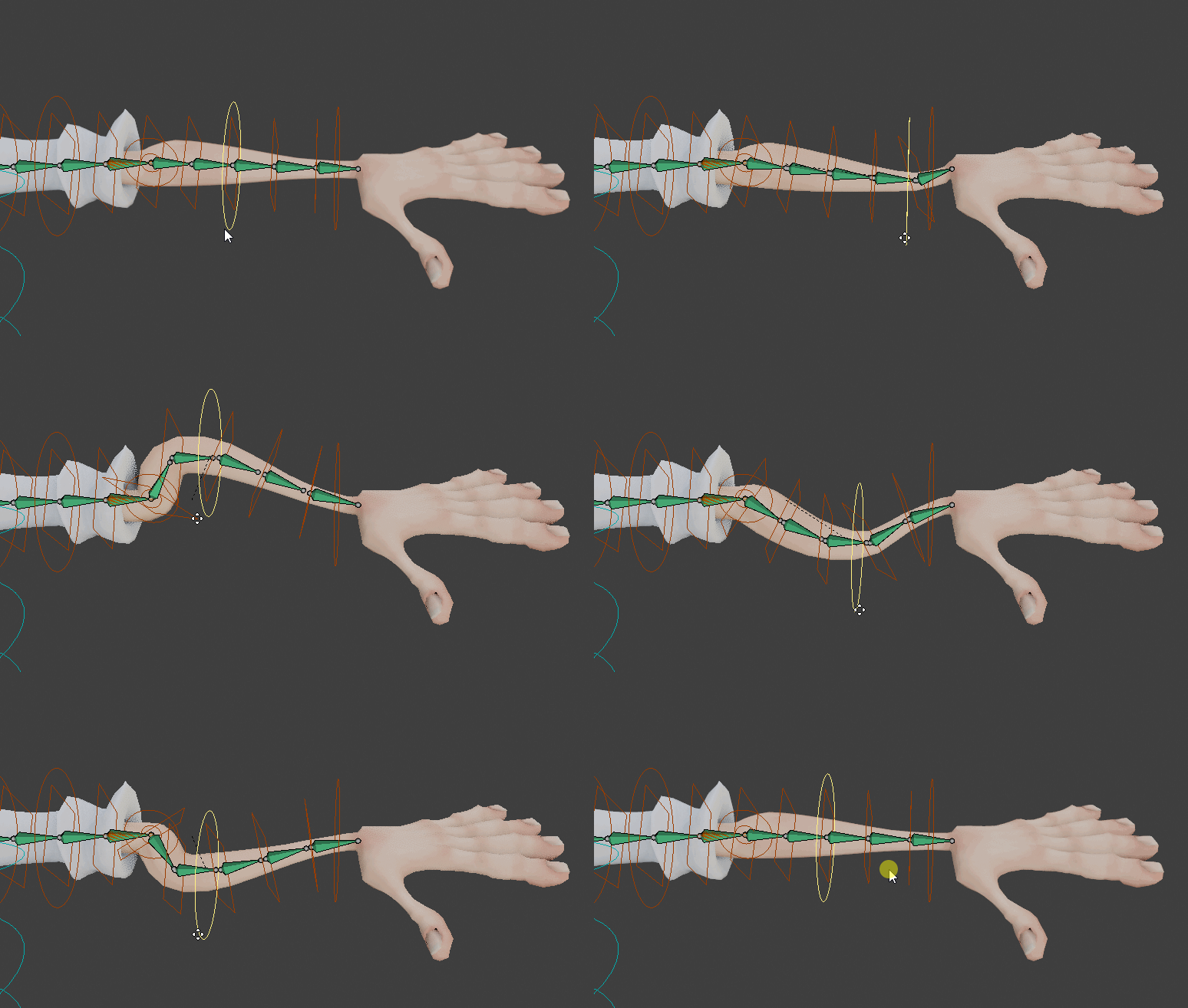
- Soft-Link for cheap stretchy bones export
- Actions are baked to the simplified rig
- Shape Keys (blend shapes) support
- Selective/multiple action export
Bring your poses to the next level!
The Secondary Controllers offer a unique control over the pose. Located all along the limbs, they're dedicated to fine pose sculpting, cartoon effects, bending, stretching, etc. Three deformations mode in option: Twist (exportable to Fbx and bendy-bones based for best compatibility), Additive (exportable to FBX), Bendy-Bones (Blender only).
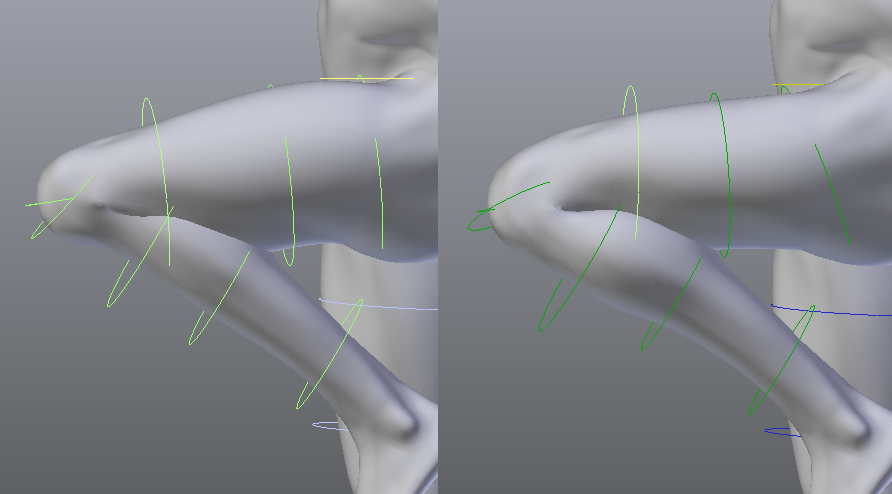
Just use them instead of corrective shape keys, or as a complement. Below a typical leg bent before and after tweaking the secondary controllers.
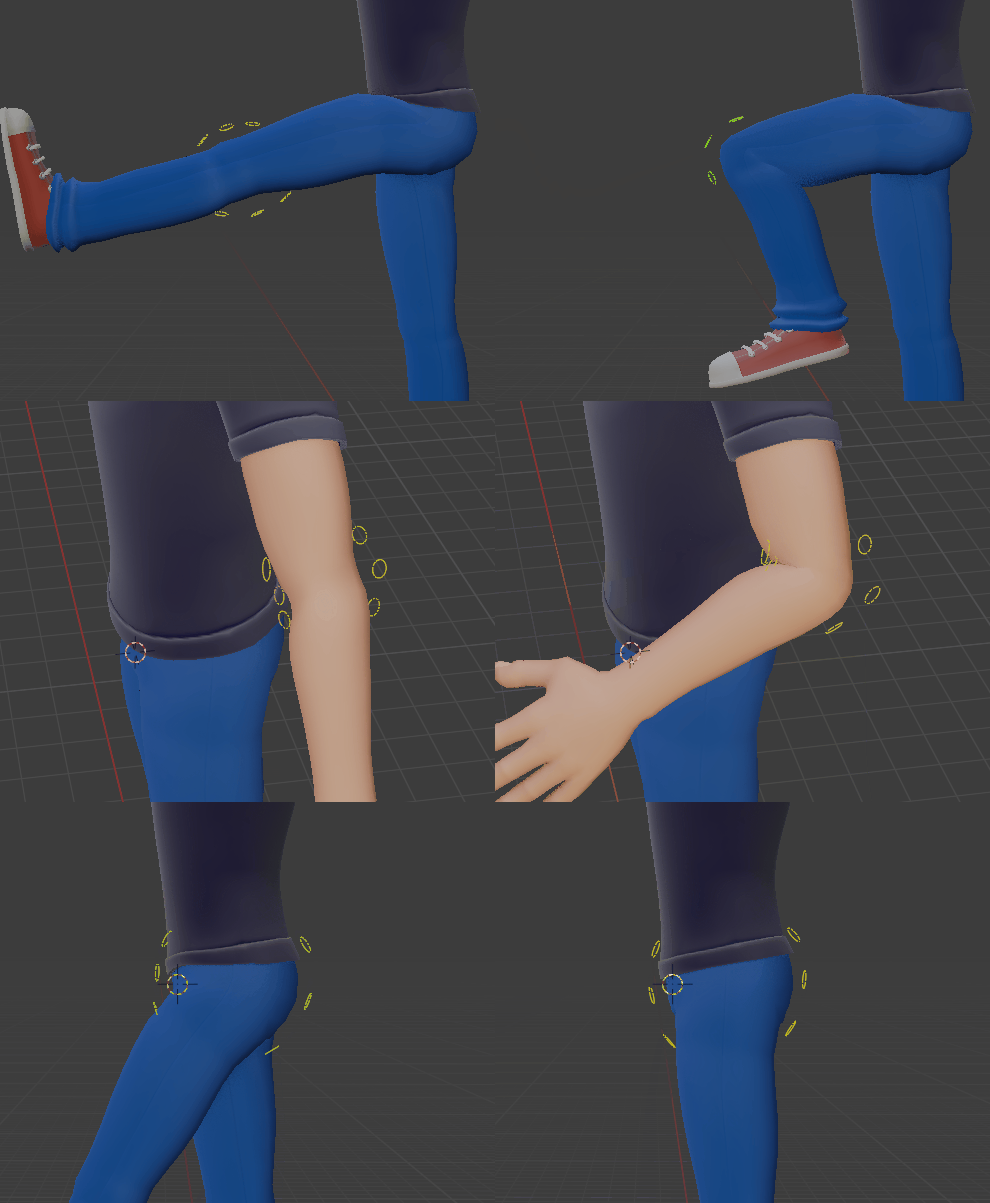
Corrective Shape Keys can be created easily with a dedicated tool supporting IK-FK bone chains:
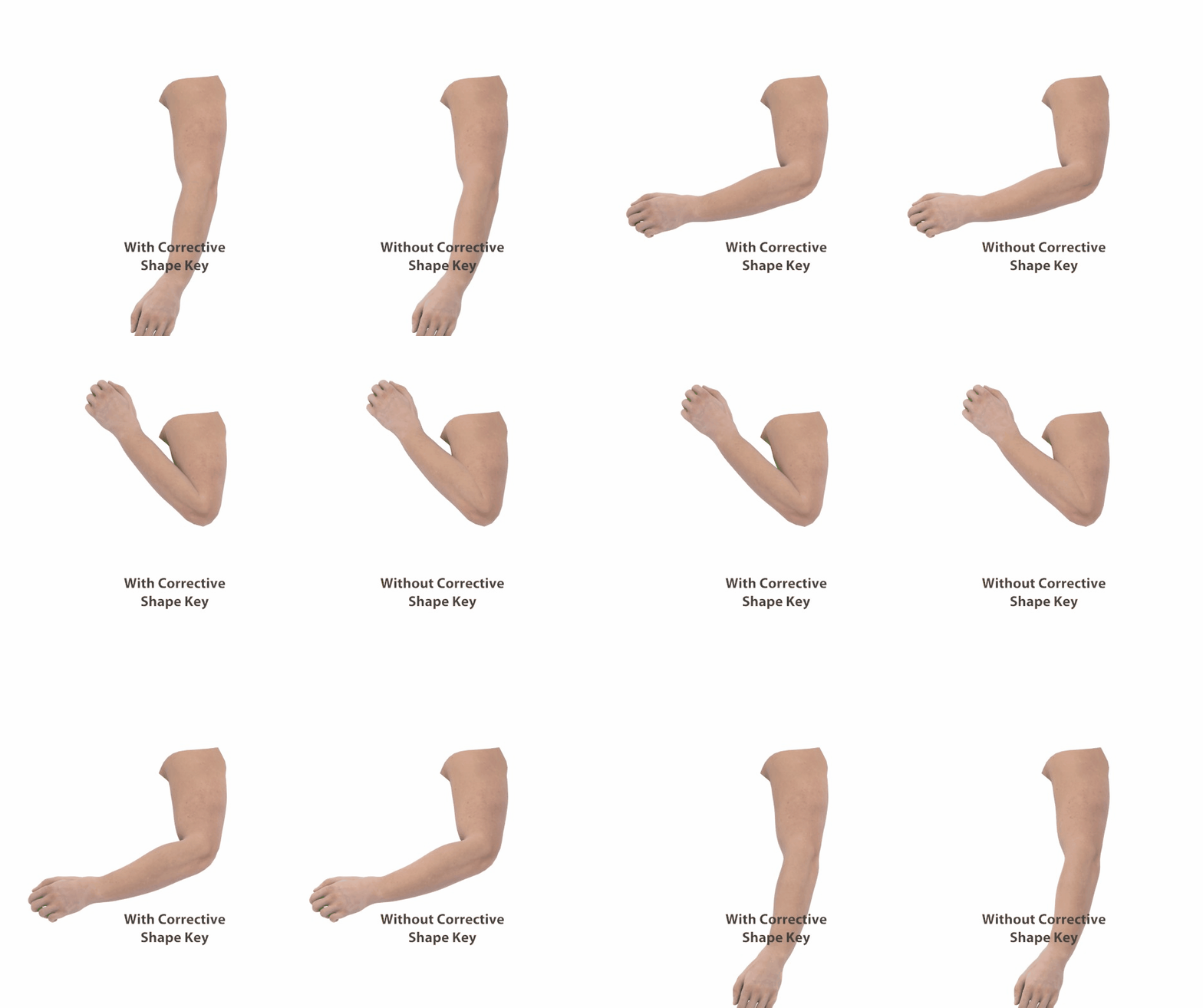
Joints Fans are helper bones in option, allowing correct volume preservation in tricky areas such as elbow, wrist, thigh, knee, even if "Preserve Volume" skinning (Dual Quaternions) is disabled.
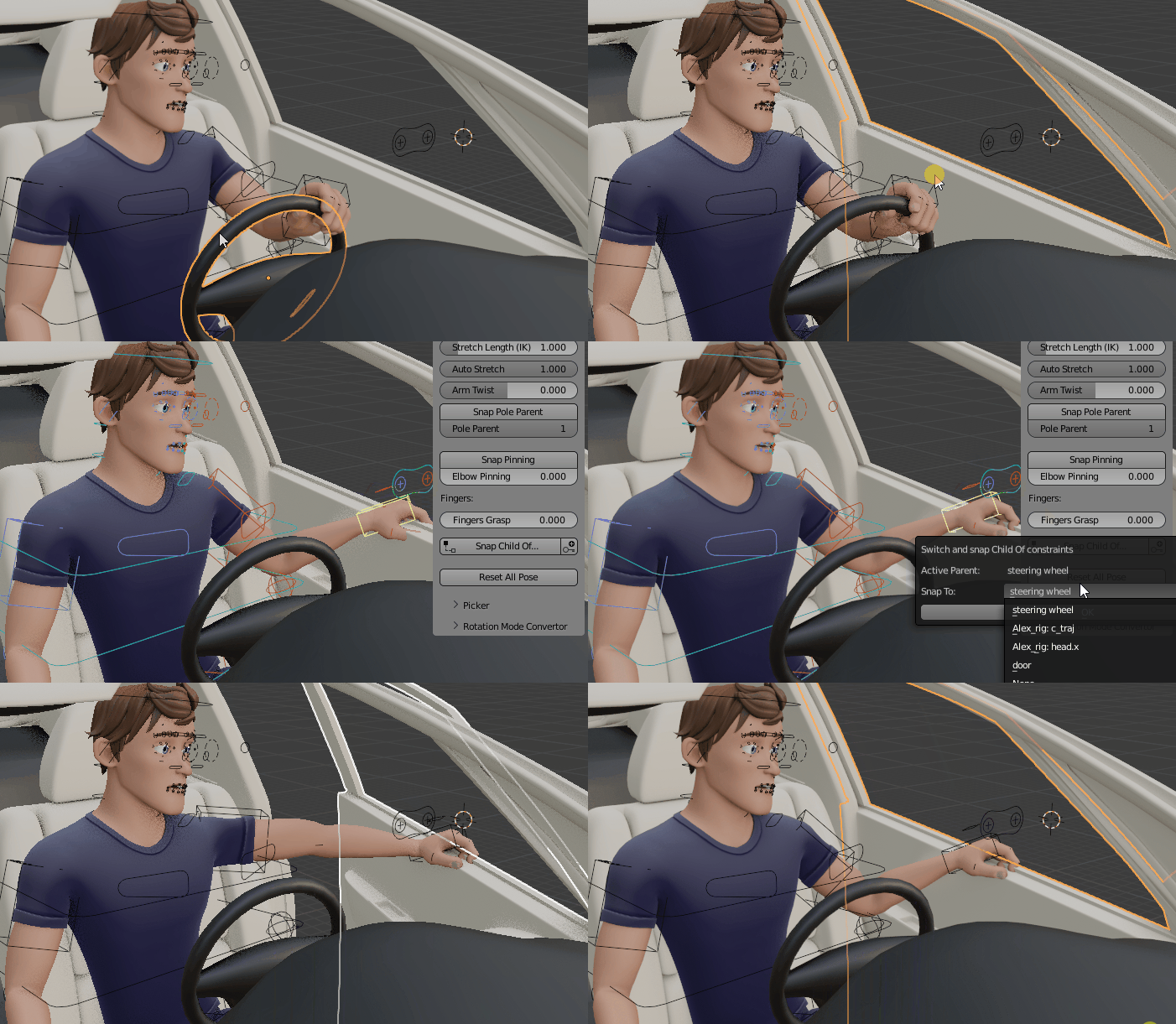
ChildOf Constraints Switcher
Easily switch and snap from one ChildOf constraint to another with the automatic ChildOf switcher (universal tool, compatible with any rig)
Rig Layers
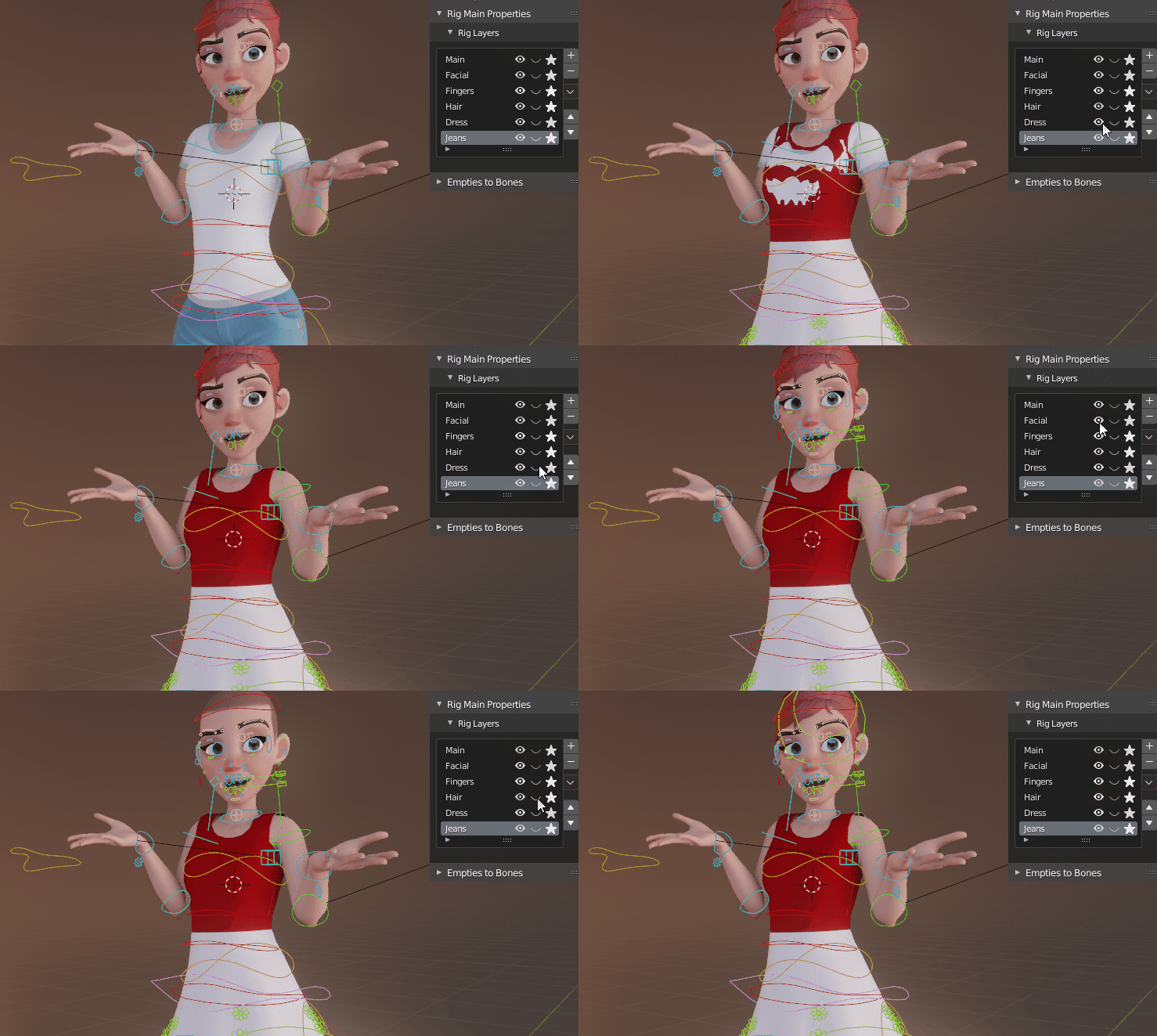
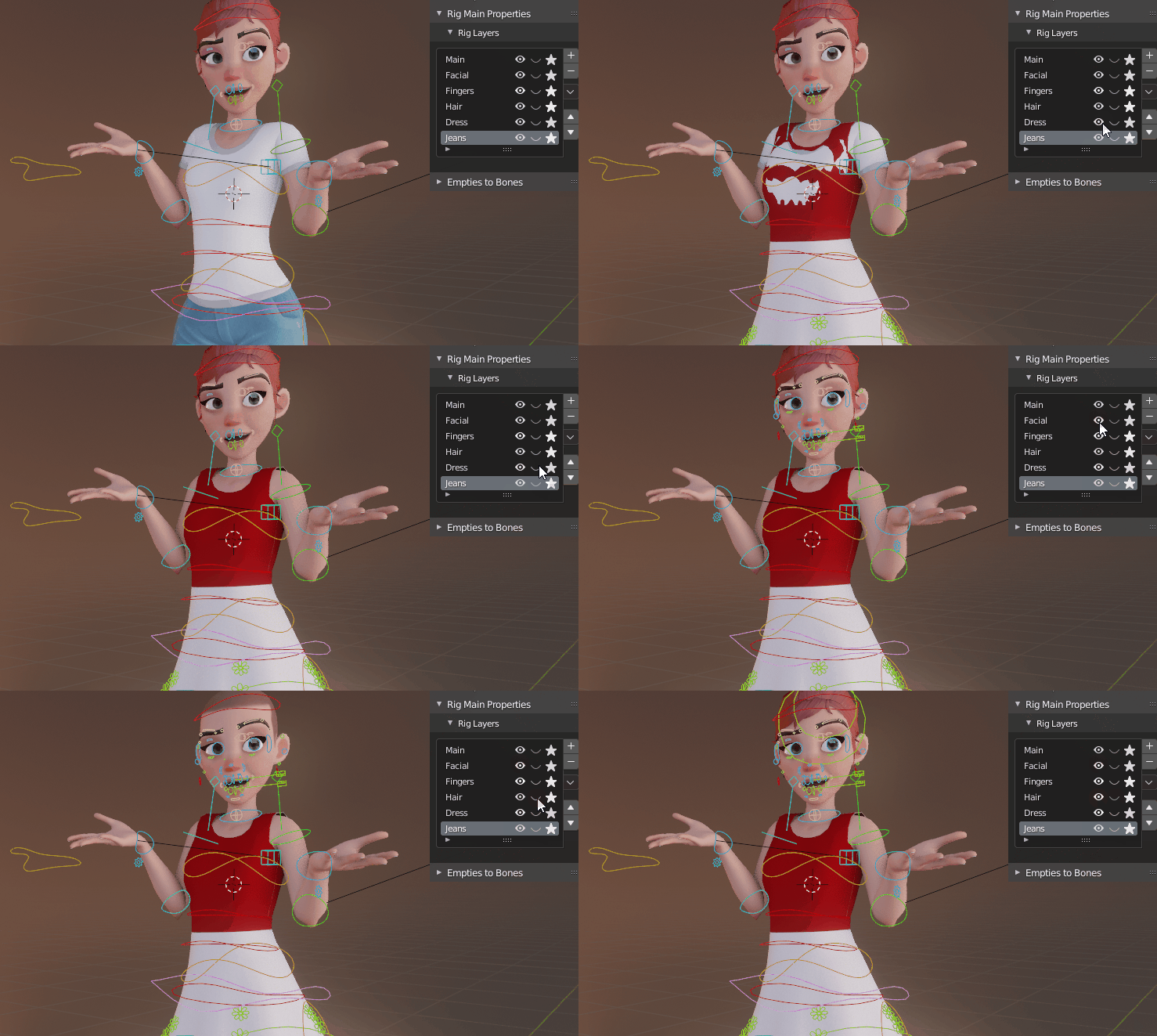
Store bones, armature layers, objects and collection in custom rig layers to easily manage the character features: hide or show clothes, hair, bones controller...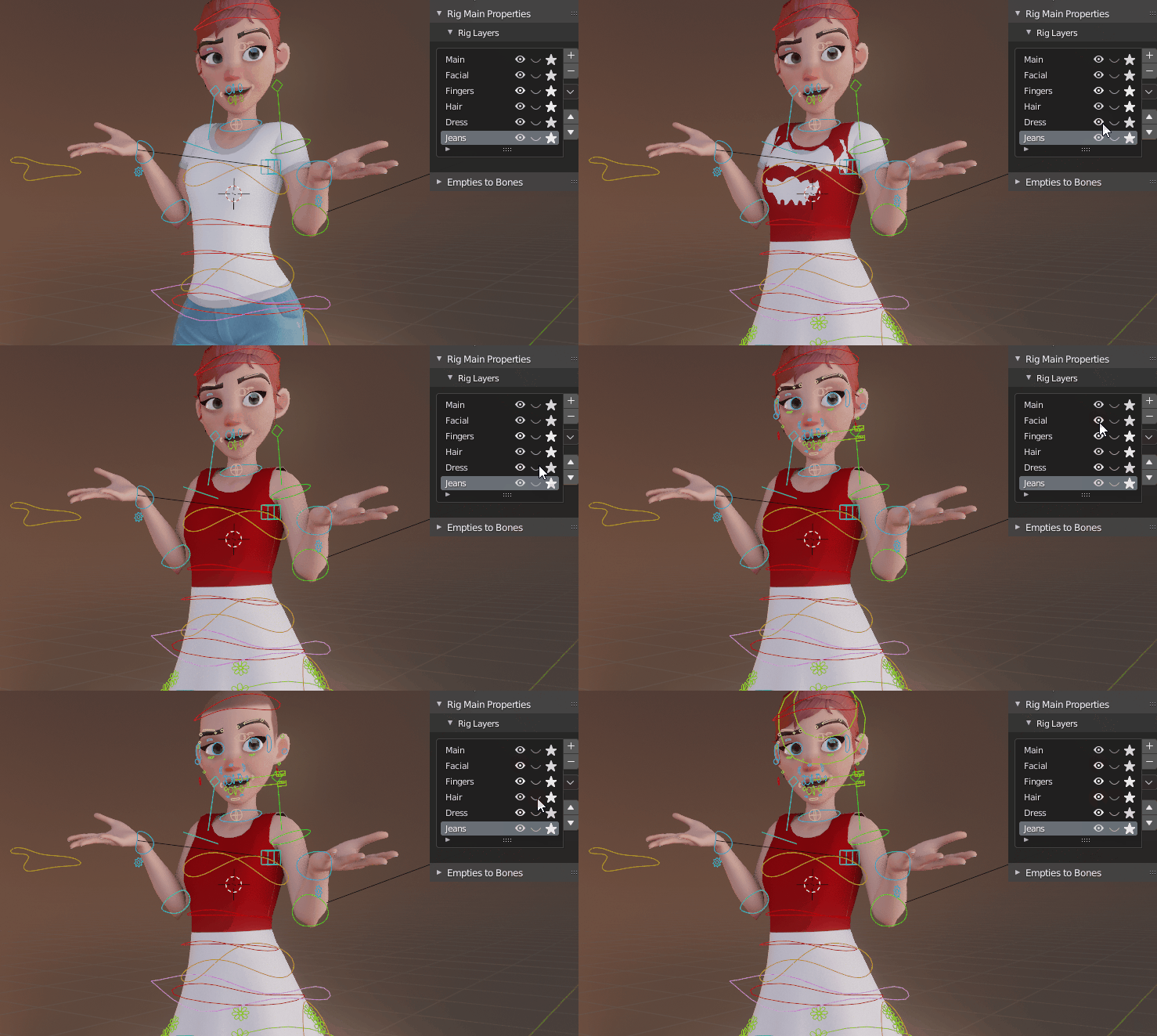
Built to Last
Blender is steadily improved and updated, so is Auto-Rig Pro. But even though upgrades are nice, we don't want to miss the old rigs because of compatibility issues with newer versions. That's why backward-compatibility is always ensured at all costs, even if it involves a lot of maintenance on the code side. A legacy menu takes care of preserving features from the past. And if necessary, the "Update" button upgrades the rigs automatically to the latest requirements. No loss.Tell Me More!
Extensive list of what the addon has to offer:
- Automatic bone placement solver based on mesh recognition for bipeds characters. Asymmetrical models supported.
- Edit Reference Bones feature to modify the rig anytime you want. No need to redo everything if a bone is not where you want it to be.
- Apply Pose as Rest Pose feature to quickly change the rest pose of the character, aligning reference bones on it and applying armature modifiers in a single click
- Modular: only rig what you need. Fingers, toes, ears, breast, adjustable amount of spine, neck, twist bones, tail, and neck bones... Duplicate, remove limbs to rig creatures with multiple arms and legs.
- Fingers auto-rotation option: bend when scaling the first phalange, pre-defined fist pose
- Easy controller shape edition
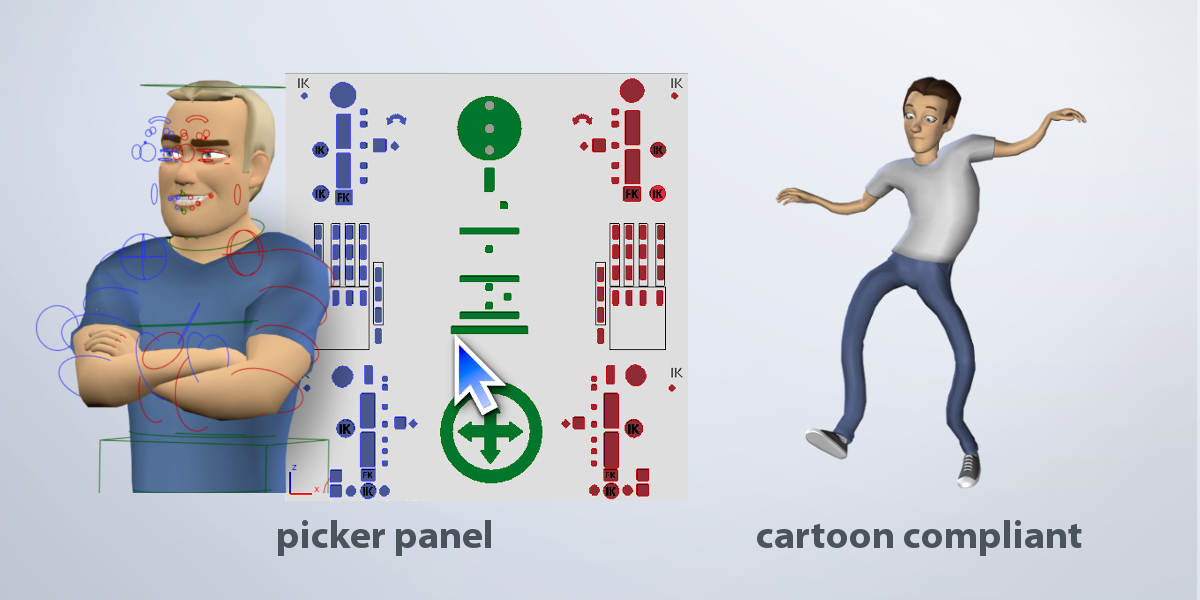
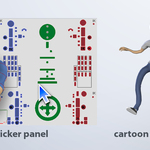
- Bone picker: Can be turned on/off, import/export presets. Customizable.
- Colors customization
- Cartoon compliant: stretchy spine, legs, arms...
- IK-FK snap autokey compliant, snaps properly when unlocking all the leg/forearm rotation axis
- IK-FK controllers auto hide
- Hybrid IK pole / IK arrow vector
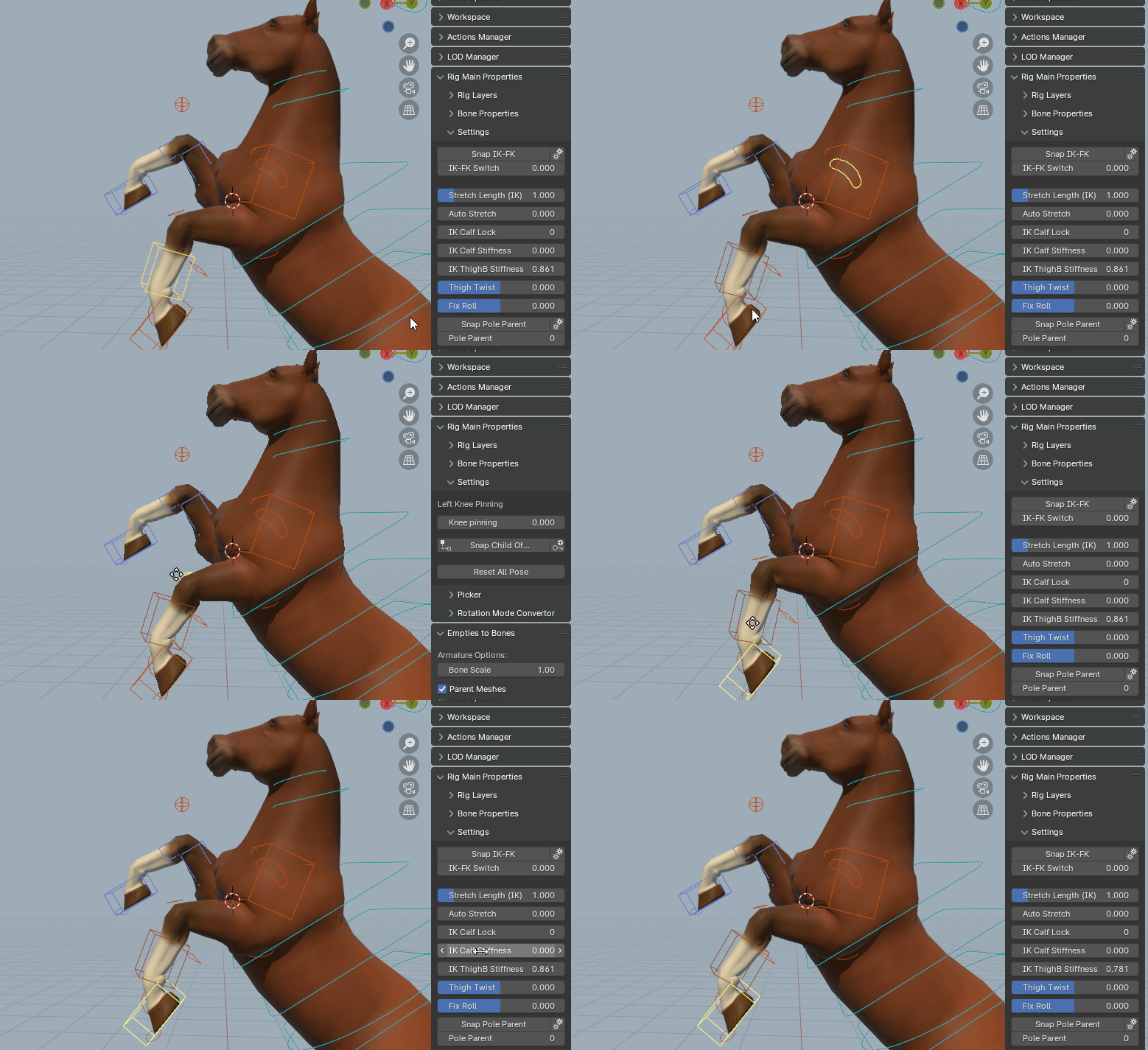
- 2 or 3 bones IK chains for legs
- Knees and elbows pinning
- Head rotation locked or free
- Bend all fingers in one click (fingers grasp), fist pre-defined pose, auto rotation of fingers phalanges from scale
- IK/FK eyes
- Auto-eyelid rotation
- Multiple Child-Of constraints support for the IK hands and feet to change their parent space any time (e.g. if the character is driving a car, hands on the wheel, then grab the car door)
- Complete set of secondary controllers for fine pose sculpt
- Advanced facial setup with automated placement
- Improved skinning based on Blender's heatmaps. Auto-splitting of multiple elements + voxelization. Compliant with the Voxel Heat Diffuse Skinning addon.
- Shape keys drivers creation tool
- Game engines support, FBX, GLTF: Unity - Unreal Engine - Godot. Generic, Humanoid and Universal rig type
- Bone remapper to retarget any armature action to another one, with different bone names and bone orientations. IK support. BVH, FBX files compliant, e.g. Mixamo animations.
- Compliant with X-Muscle System for realistic muscles simulation
Users Cases:
Auto-Rig Pro is actively used in the film and video-game industry.
Games:
Eternight
Fabledom
Manor Lords
Paralives
Usurpator
Trail of Nanook
Escape Legacy: Ancient Scrolls
Films, TV Series:
Magic Campers
Gus
Team Dronix
Pachyderme
CoopTroop
License:
Auto-Rig Pro is released under multiple licenses.
Updates:
Make sure to uninstall the current addon before installing the new one and restart blender.
> Latest Log> Older Logs

