 YourCubeTools


Auto SpriteSheet PRO
Render 2D or 3D Blender scenes into sprite sheets in minutes
All proceeds support Blender!
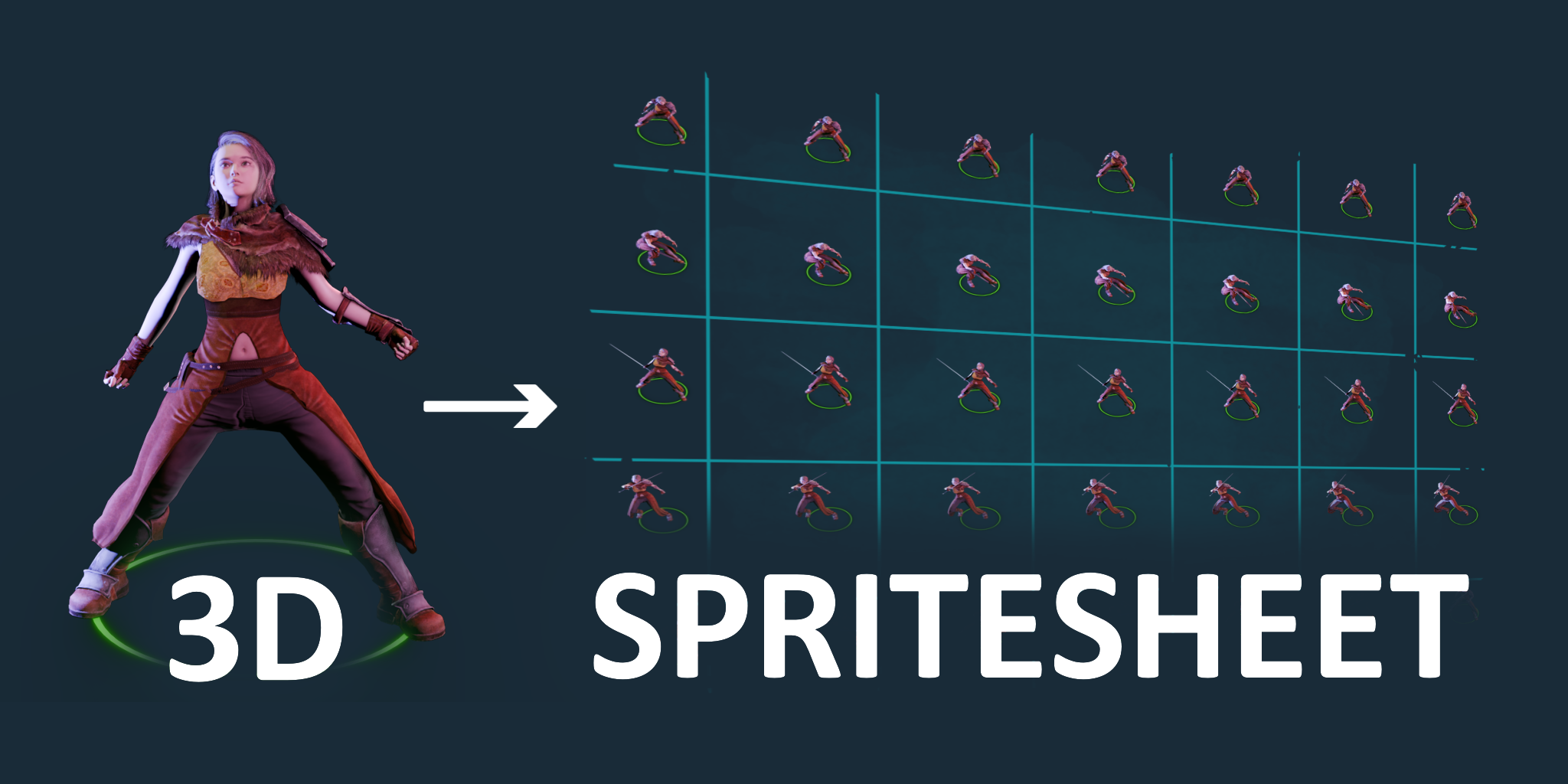
Auto SpriteSheet PRO puts cameras around your model, renders the frames you choose, and stitches them into one clean texture sheet. You get transparent backgrounds, simple presets, and optional grids—fast and easy.
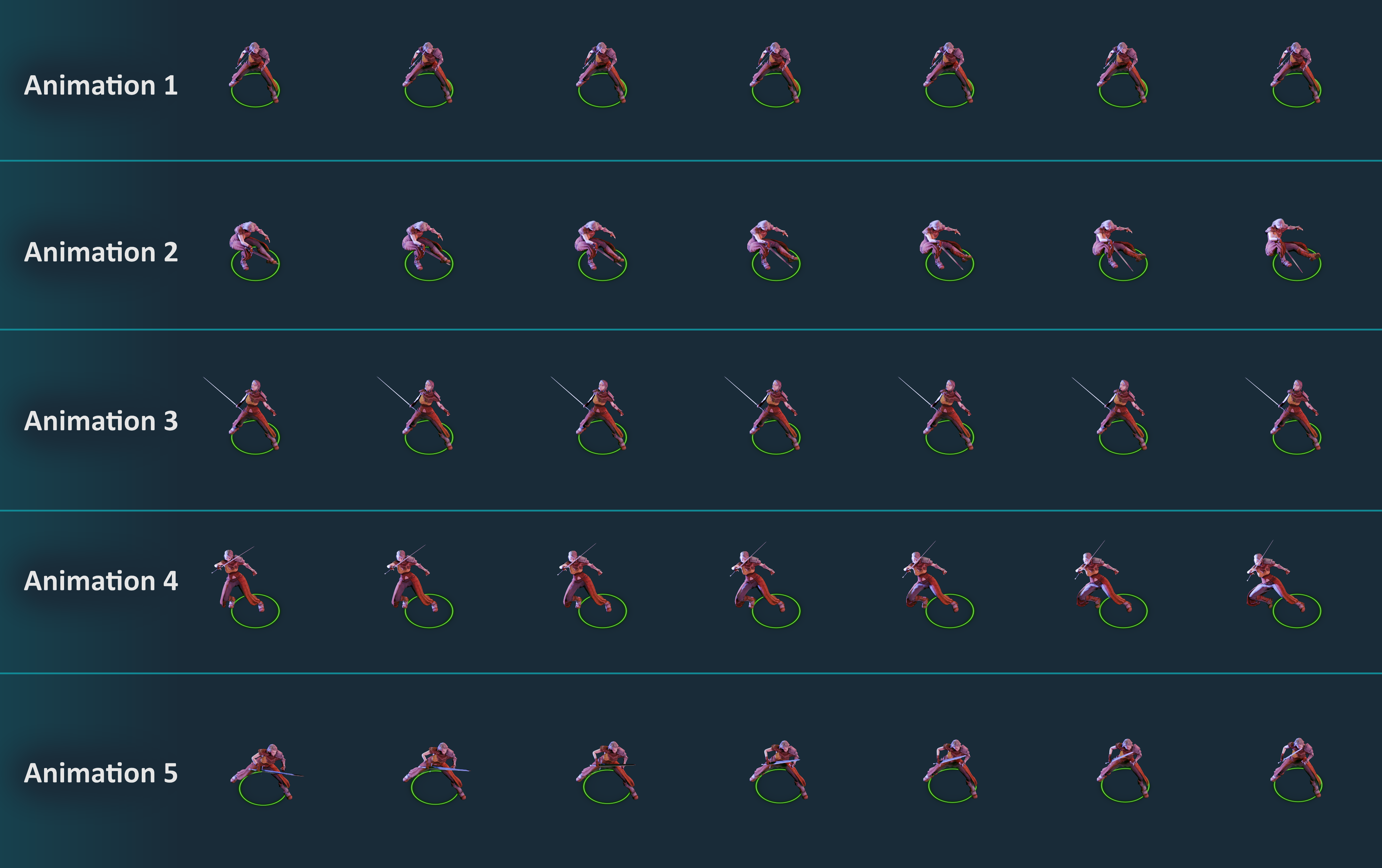
Armature/NLA made simple: pick an armature and the add-on renders each NLA track at its full length and places it as its own row. You can also make one sheet per track across all cameras —perfect for isometric or 8-direction sets.
Ideal for 2D/3D games, VFX, UI.
Highlights
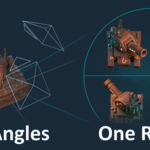
- Camera Ring in one click — generate up to 64 cameras around a central empty.
- Global camera controls — adjust Distance, Tilt, Orthographic/Perspective, Ortho Scale or Focal Length; all cameras update together.
- Smart naming — automatic names from Prefix + camera direction (Front, Right, etc.).
- Camera List — quickly switch to any camera or disable it for rendering.
- Render Settings in one place — square frame resolutions from 8×8 up to 2048×2048, Frame Range + Step, export format (PNG/JPG/TGA), and path.
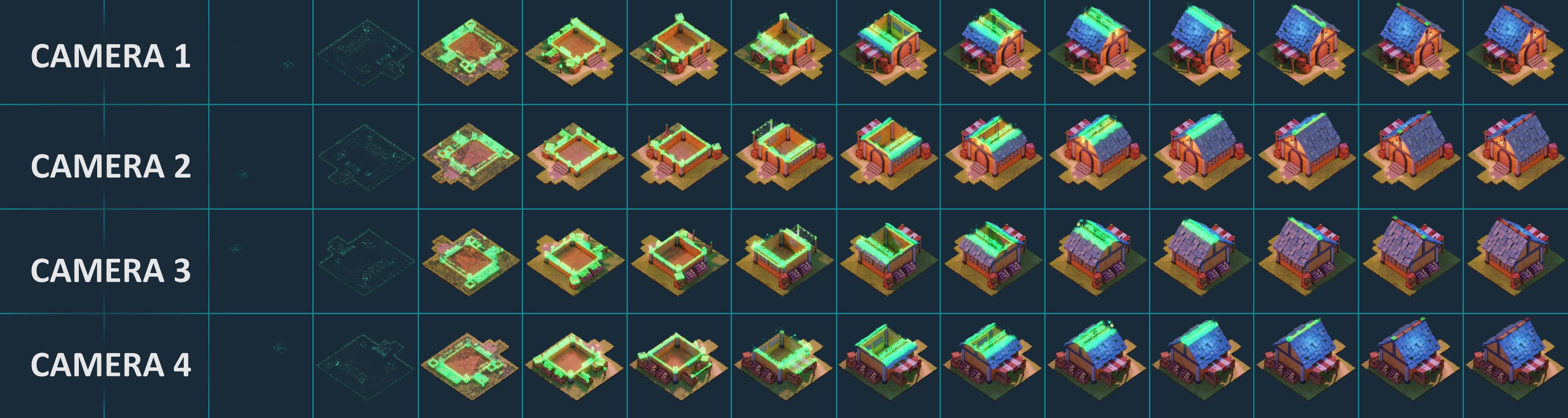
- Combine options — export per-camera sheets or combine all cameras into a single sheet (one row per camera).
- Armature & NLA mode — pick an Armature, browse tracks in the Track dropdown, and render Combine NLA Sheet (each NLA track = one row). Honors your Step setting.
- NEW SpriteSheet Player — Preview and replay sprite sheet animations instantly, before importing to your game engine.
New Feature!
SpriteSheet Player
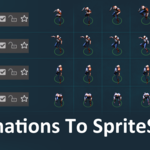
Preview any spritesheet directly in Blender before importing it into your game engine. Load an image and the Player can auto-detect rows/columns from transparent grid gaps, or you can set them manually.
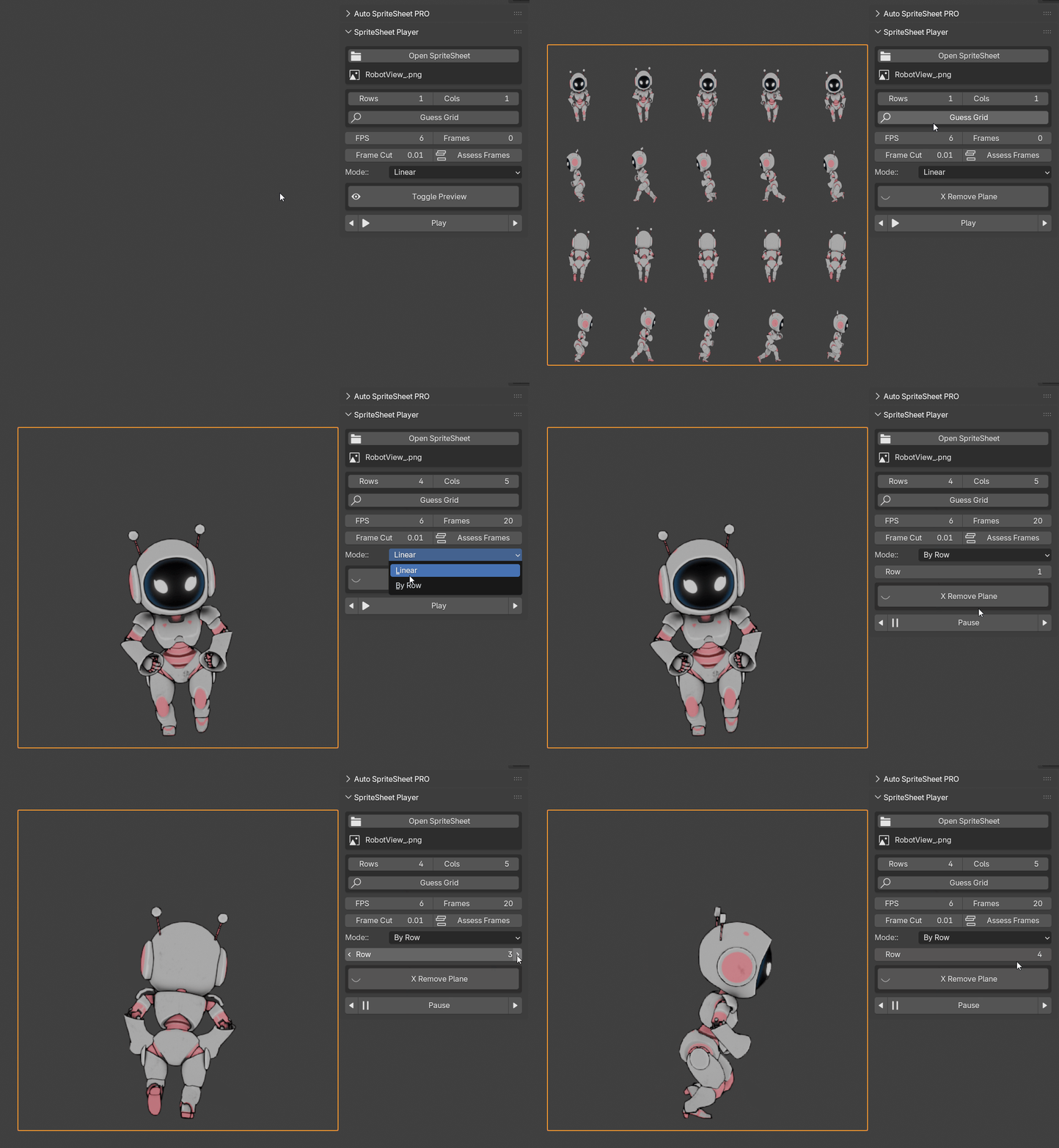
- Modes: Linear (whole sheet) or By Row (one animation per row).
- Per-row duration: handles different frame counts per row and plays them correctly.
- Playback controls: FPS, loop, ping-pong, step/scrub, start/stop.
- Grid helpers: guess grid from gaps or set Rows/Cols manually.
Camera Ring
Create a camera ring at the scene center: one Empty in the middle and cameras arranged around it.
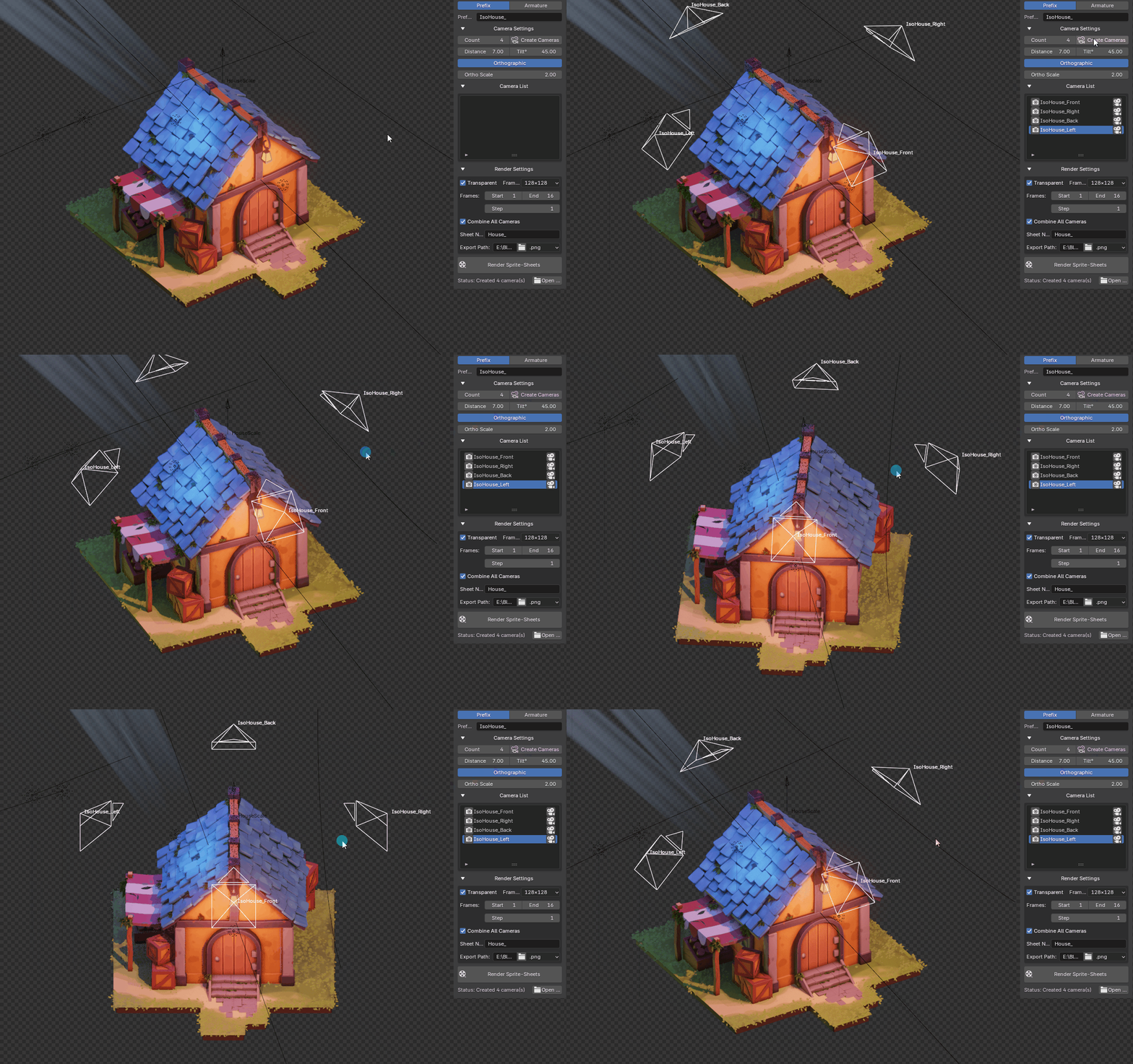
Adjustments to Distance, Tilt, and projection (Orthographic/Perspective) affect all sprite cameras at once.
Camera List:
- Jump to any camera for previewing.
- Toggle cameras on/off (for rendering).
- Automatic naming uses your Prefix plus the camera’s direction (e.g., Box_Front, Box_Right).
Armature Tab
Select an Armature and see all linked NLA tracks in the Track dropdown for quick browsing and rendering.
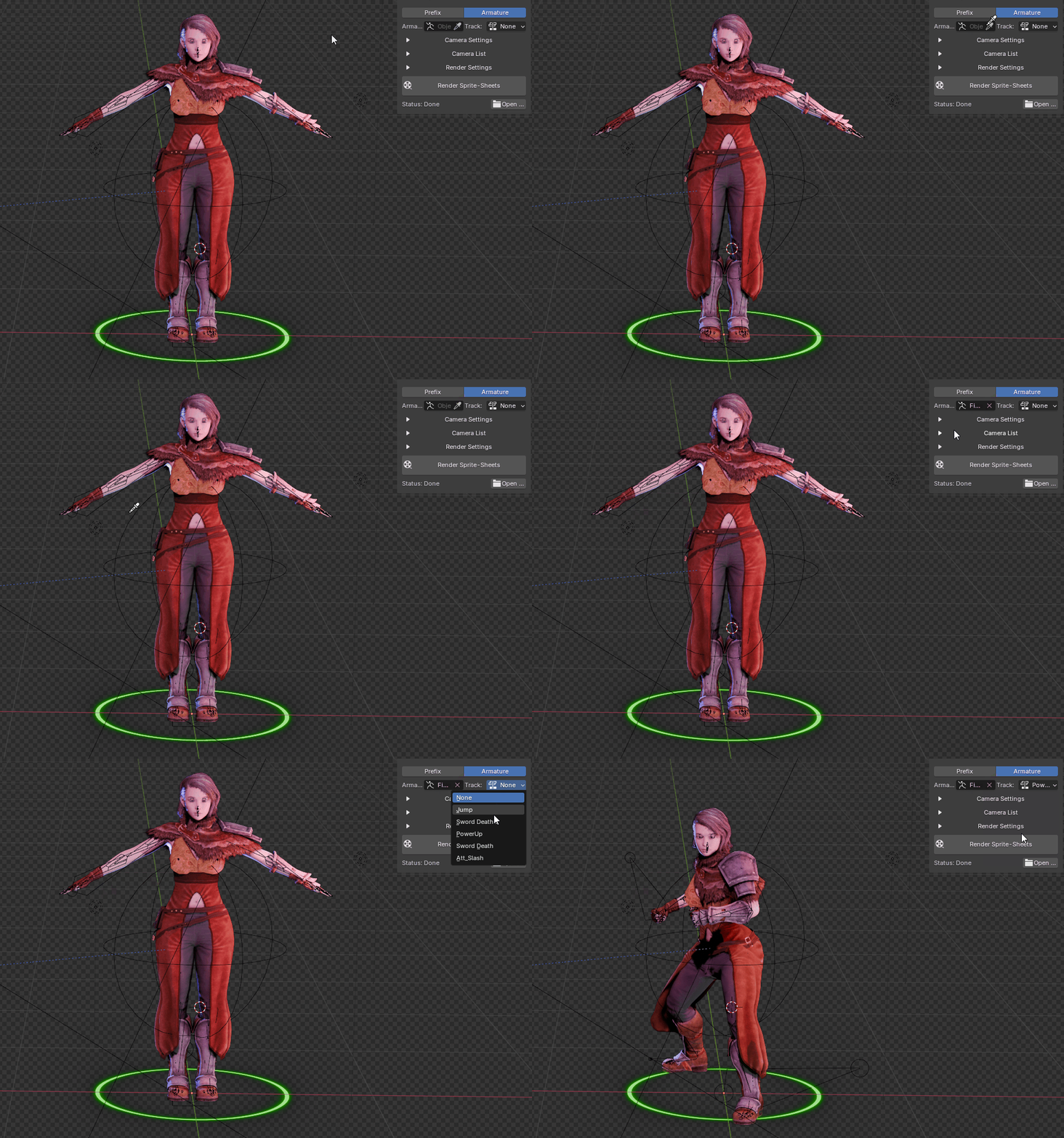
Combine NLA Sheet — stitches all NLA tracks into a single sprite sheet (each track becomes one row). The add-on calculates the longest needed frame range per track and respects your Step setting.
Render Settings
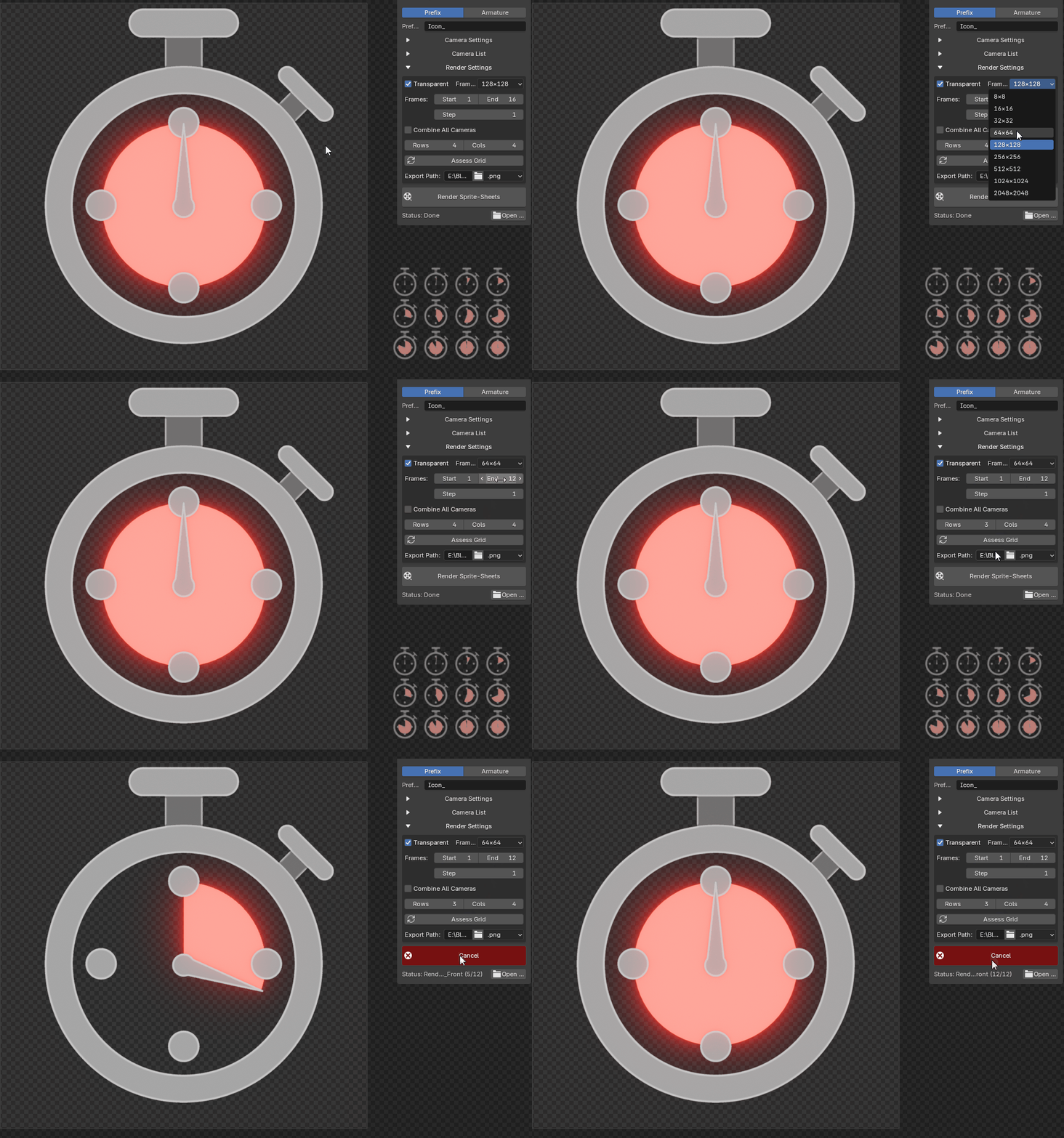
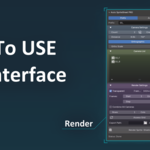
Everything you need in one panel:
- Frame Resolution — square sizes from 8×8 to 2048×2048.
- Frames & Step — define start/end frames and render every N-th frame.
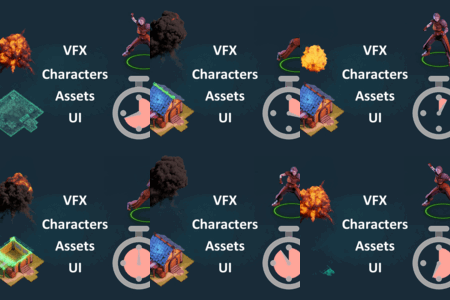
- Combine All Cameras — stitch all camera views into one sprite sheet (one camera per row).
- Assets Grid — auto-calculate Rows/Cols from the current frame range (Start/End/Step) to get a compact, sprite sheet.
- Export — choose output format (PNG/JPG/TGA) and destination folder. Supports transparent backgrounds.
Sprite Sheet when Combine All Cameras selected: