 Mondé
Mondé



Careful when opening ongoing projects, it will synchronize names which might break things that depend on literal names. Especially if auto-rename-TextureFiles is enabled.
- Why: To avoid large scenes having bunch of default mesh names (cube,cube.001)... . Especially in case you want to link them, cube.052 wont' tell you what it belong to.
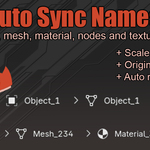
- Auto rename mesh data, material, material nodes and textures to match object name.
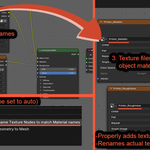
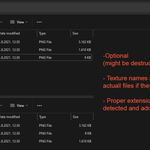
Can rename actual texture files in /textures to match new material name - Disabled by default since it can't be undone
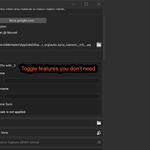
Each optioncan be toggled ON/OFF
Can add custom suffix like _Material , _Mesh
Doesn't rename multi user meshes/materials unless they are original owner
If material name is typed manually it won't be auto renamed
Has flags to ignore certain objects
Properly adds texture types like _Metallic
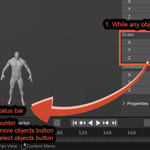
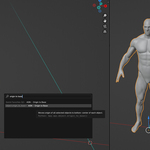
- Also scale notification appears in status bar if something has scale other than(1,1,1).
Has button to ignore current objects
Has button to select objects with non applied scale
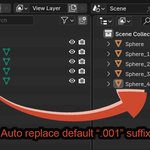
- Option to automatically replace default .001 name extensions to _1
- Operator to put object origin to the base can be accessed via search menu (F3)
Works on multiple selected objects