AutoCharacters: Male & Female Body Presets Base
 DanilGOE
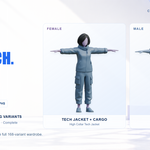
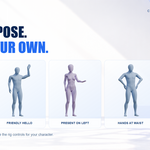
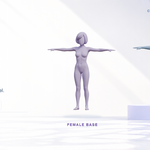
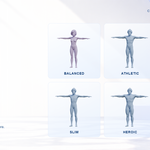
Quick Start
- Install the included AutoCharacters add-on in Blender.
- Open AutoCharacters.blend.
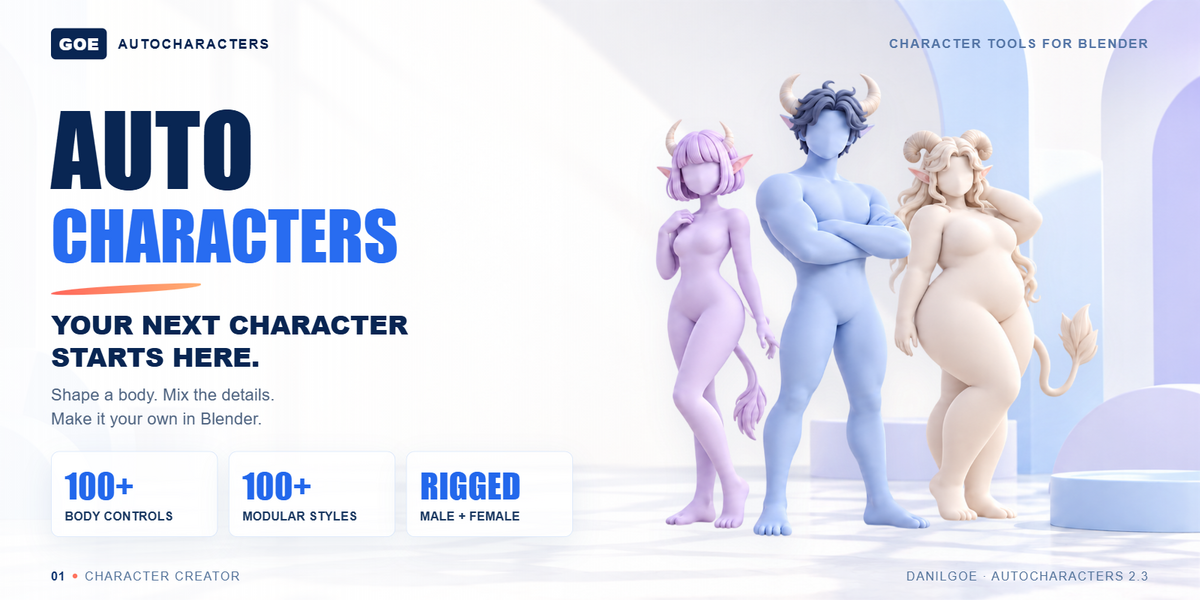
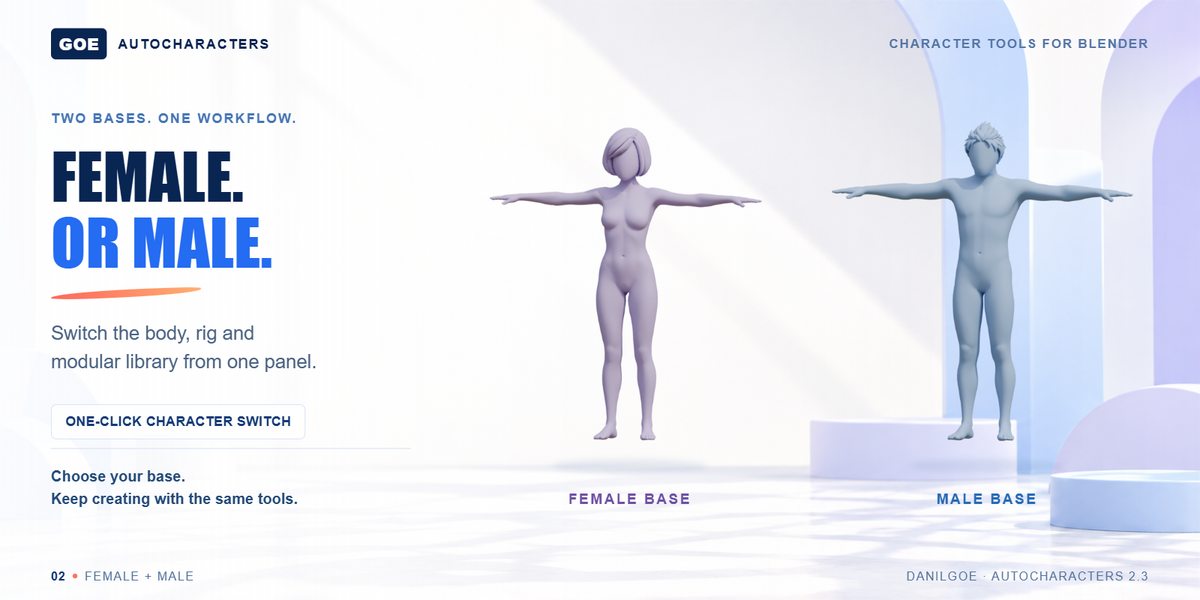
- Select Female or Male in the AutoCharacters panel.
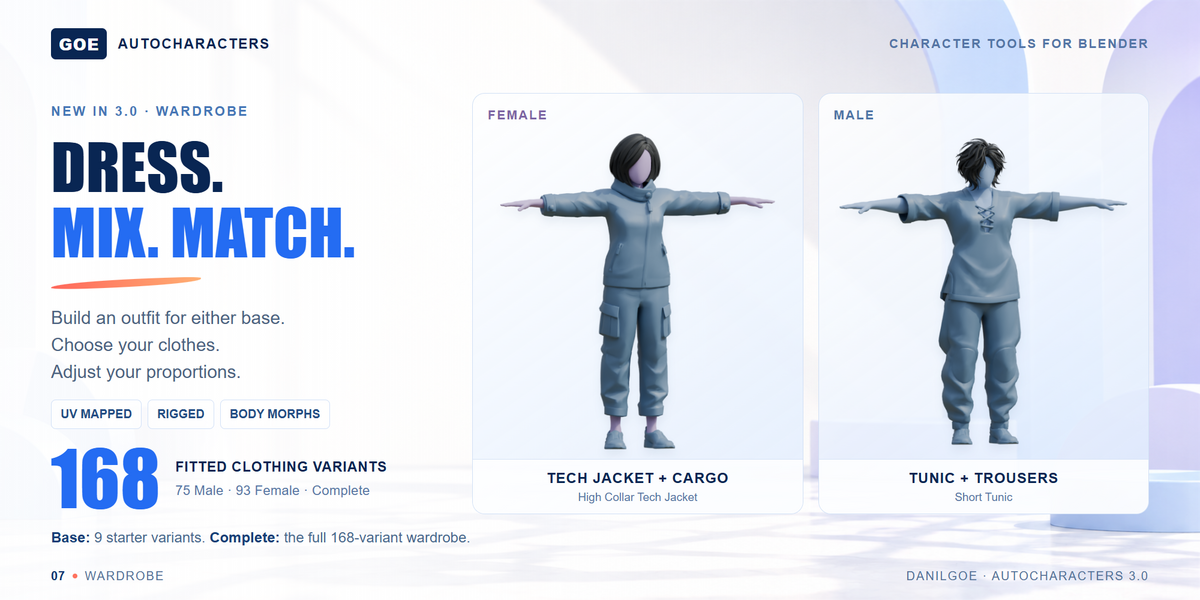
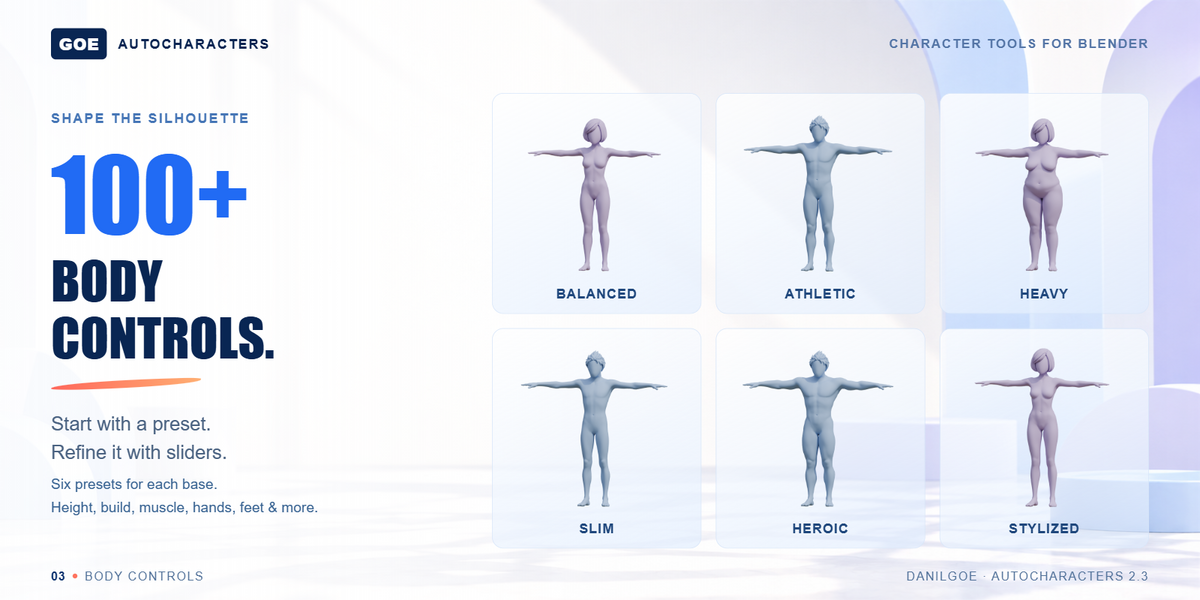
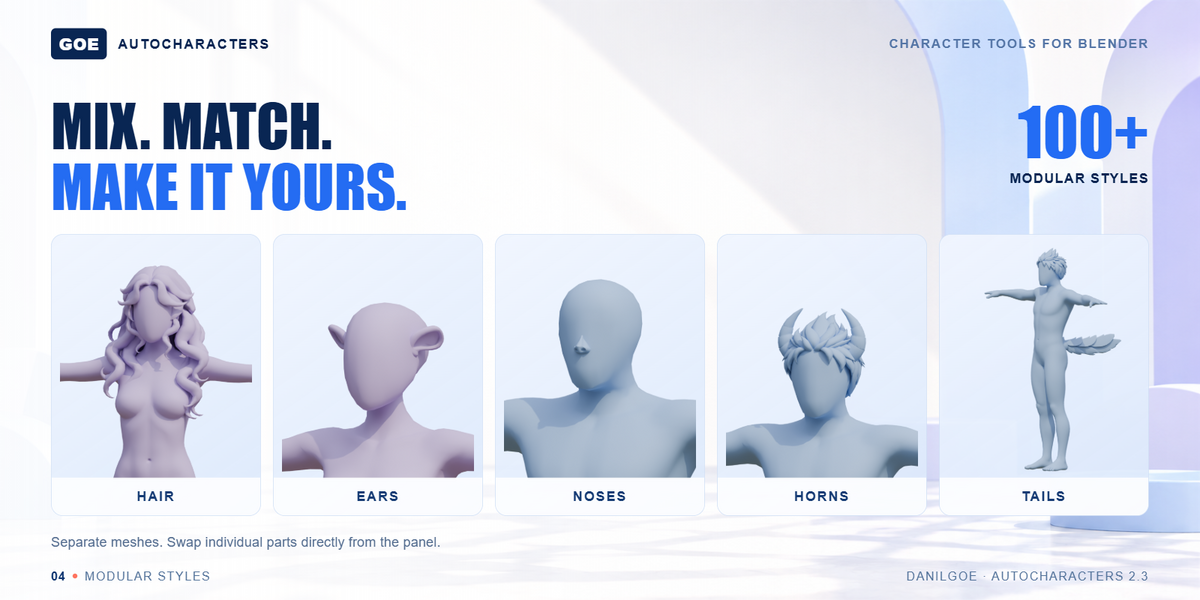
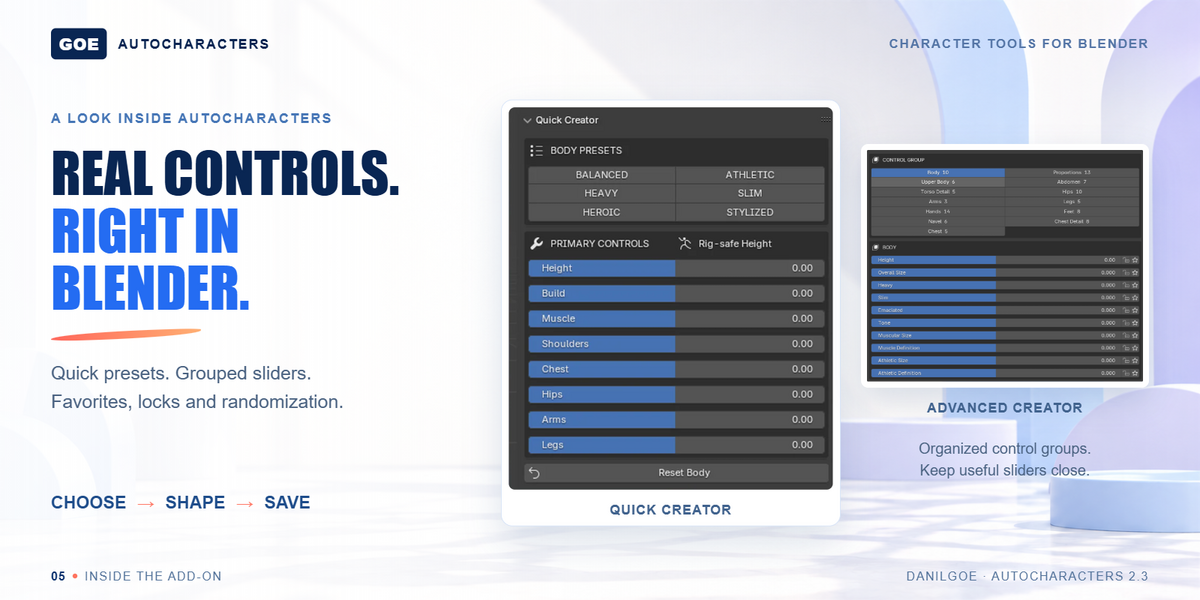
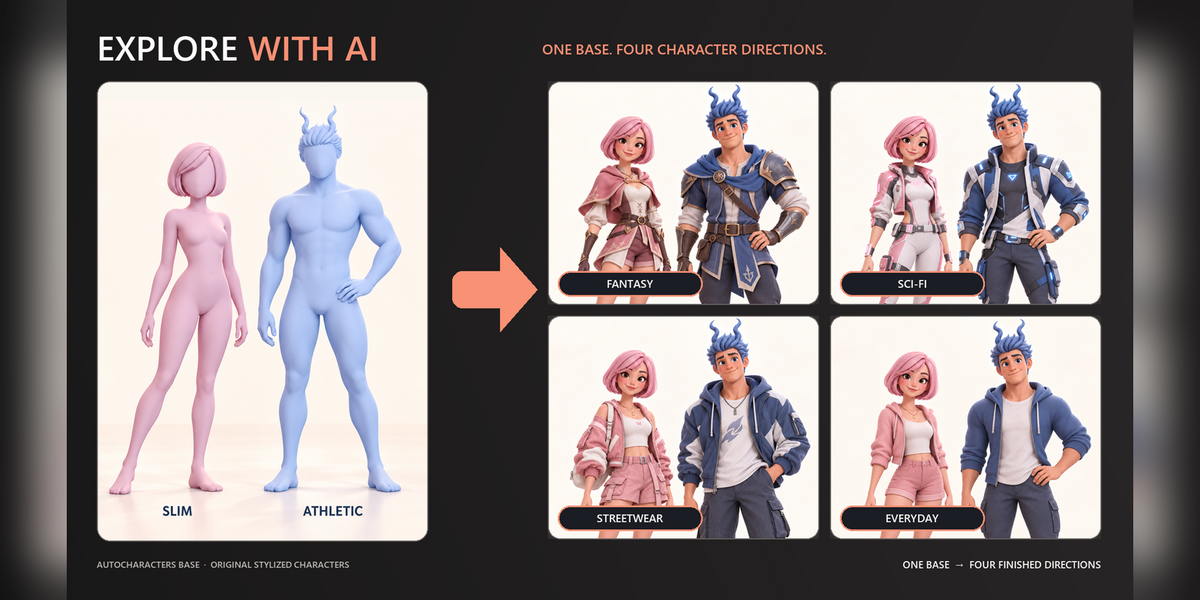
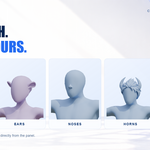
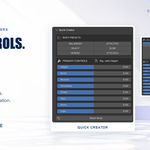
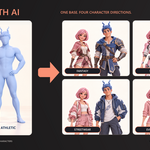
- Choose a preset, adjust body controls, and add modular assets.
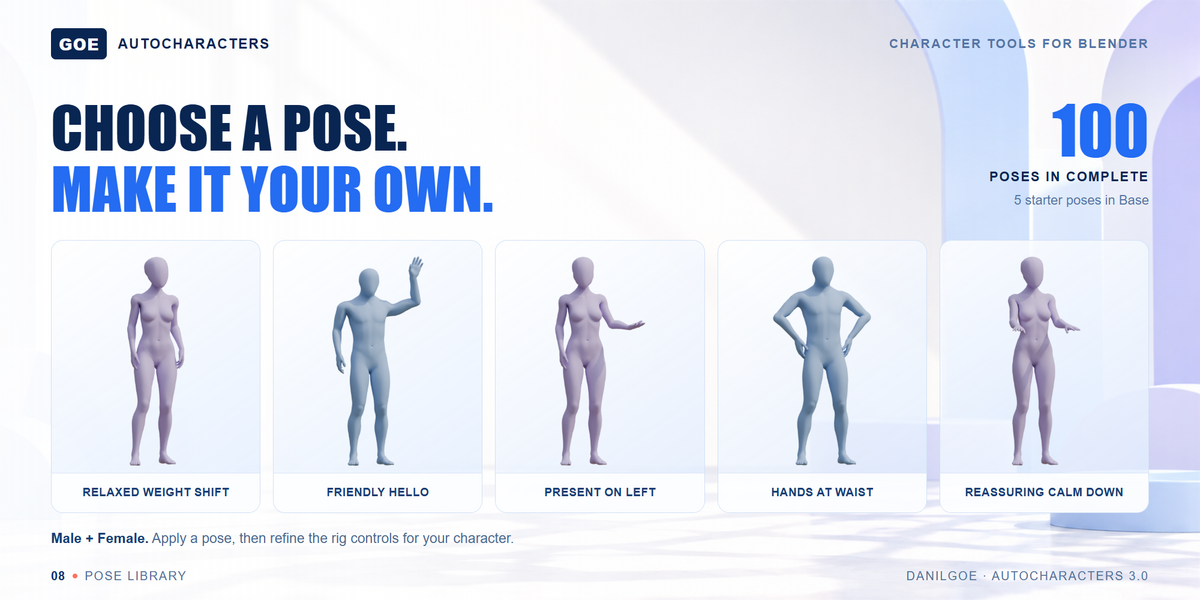
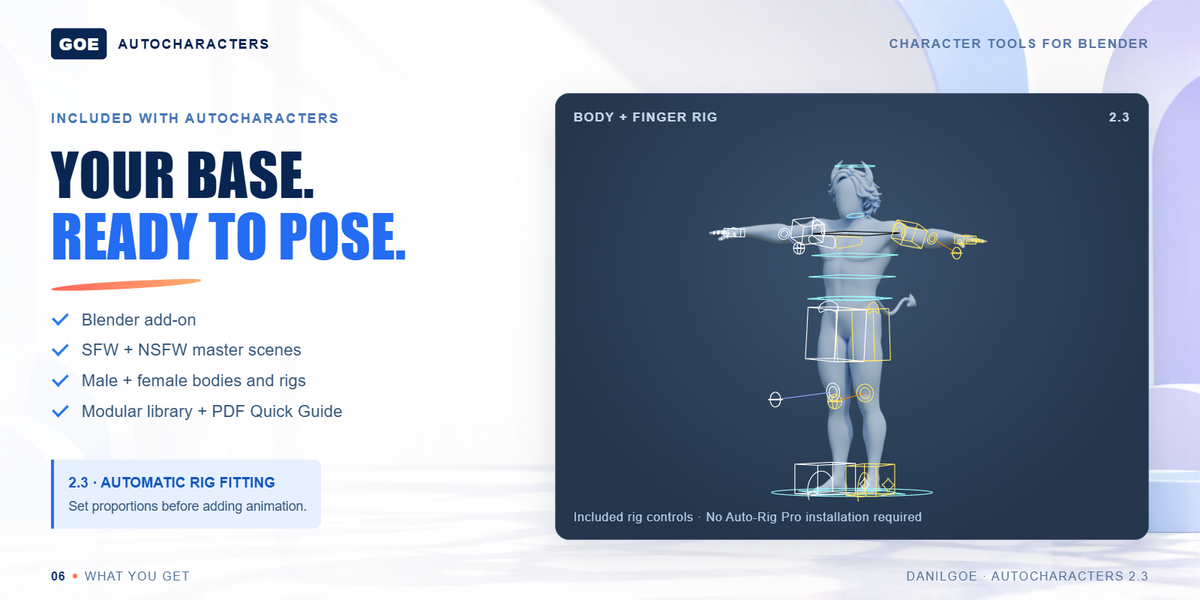
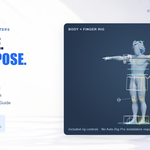
- Use the included rig for posing and export when ready.
See the included PDF guide for detailed instructions.
 Included
Includes 12 months of
- Support from DanilGOE
- Product updates
Extend this product’s Support Period +12 months: 100% of product price
Have questions before purchasing?
Login to message
Includes an Asset Library with select variants
268 drag-and-drop assets for Blender’s Asset Browser.
Browse included assets| Sales | 800+ |
| Rating | 16 ratings |
| Dev Fund Contributor | |
| Published | 2 months ago |
| Blender Version | 3.6 - 5.2 |
| Render Engine Used | Cycles |
| Misc Data | Uvs-Unwrapped, Rigged, Animated, Textured |
| License | Creative Commons |
Discover more products like this
male-base-mesh pose female base mesh poses Mannequin sculpting modular base mesh #Character Modeling Blender Character Customization