 Blender Procedural
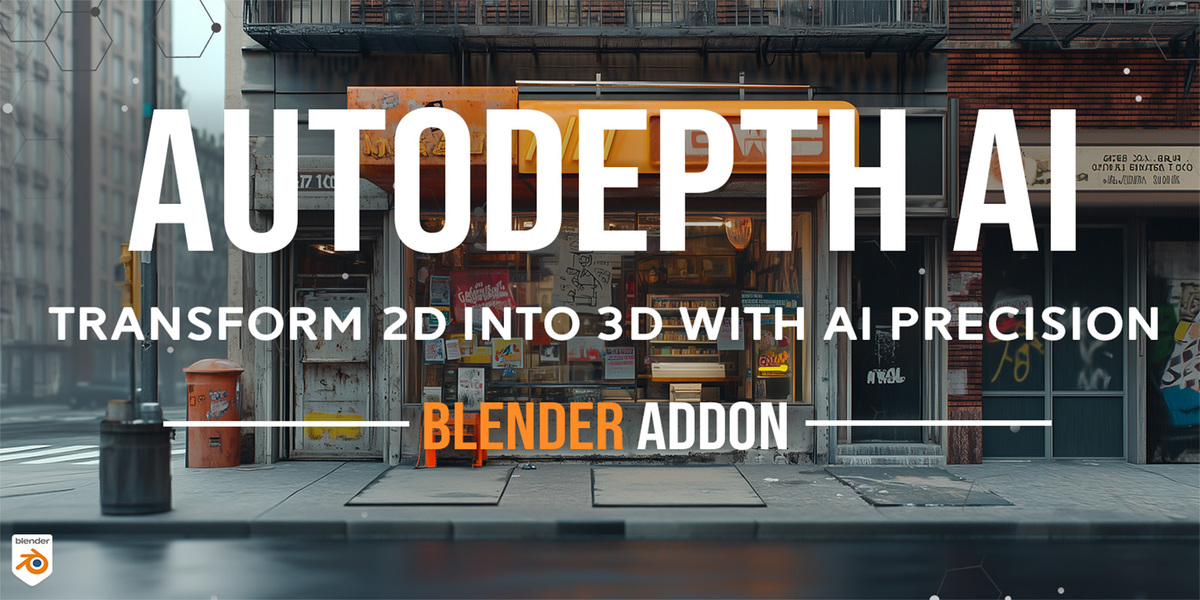
✅ Blender 5.2 Updated: AutoDepth AI 2.0 now runs 100% LOCAL and OFFLINE. The AI depth model is built into the add-on and runs on your own computer, with no internet, no account and no extra installs. Only the optional Text-to-Image feature uses an online service.
-

- New in 2.0: Local AI depth! The Depth Anything V2 model now ships inside the add-on and works fully offline. No installation, no internet, no Python packages.
- Depth maps in about half a second on your GPU (NVIDIA, AMD and Intel through DirectML), with automatic CPU fallback.
-
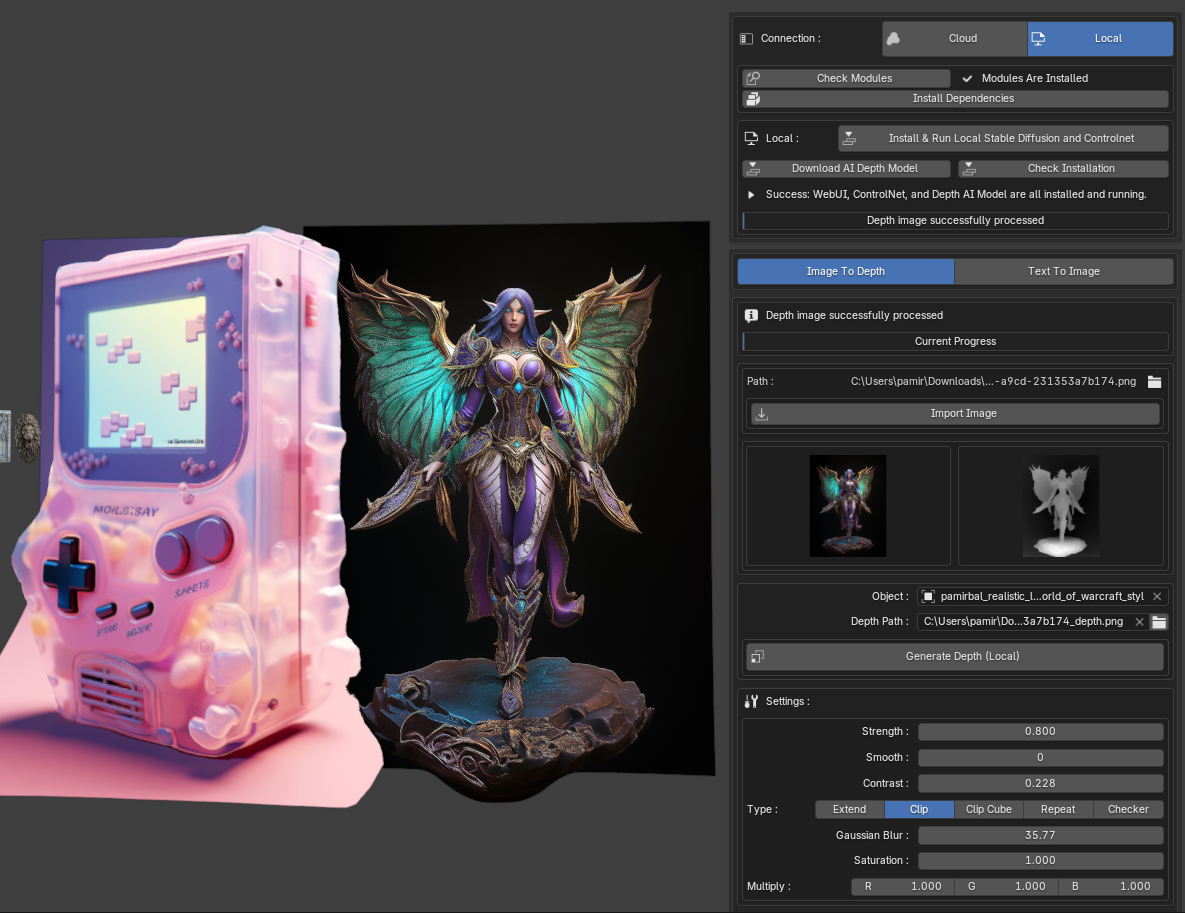
- AI-Powered Depth Mapping: Automatically generate accurate depth height maps from your images, bringing them to life with stunning 3D effects.
- Text-to-Image Generation (optional, online): Create unique images directly within the addon by entering descriptive text prompts, enabling a new level of creativity and flexibility in your projects.
- Seamless Displacement: Apply precise displacement mapping to your models, eliminating the need for manual adjustments.
- User-Friendly Interface: Designed with both professionals and hobbyists in mind, AutoDepth AI offers an intuitive and easy-to-use interface that integrates smoothly into your Blender workflow.
- Versatile Application: Perfect for terrains, architectural visualizations, digital art, and more - AutoDepth AI adapts to your creative needs.
- 3D Model Generation: Seamlessly generate 3D models from the depth maps, allowing you to create and manipulate fully realized 3D objects directly from your 2D images.
Get the Addon Now