 carlosmu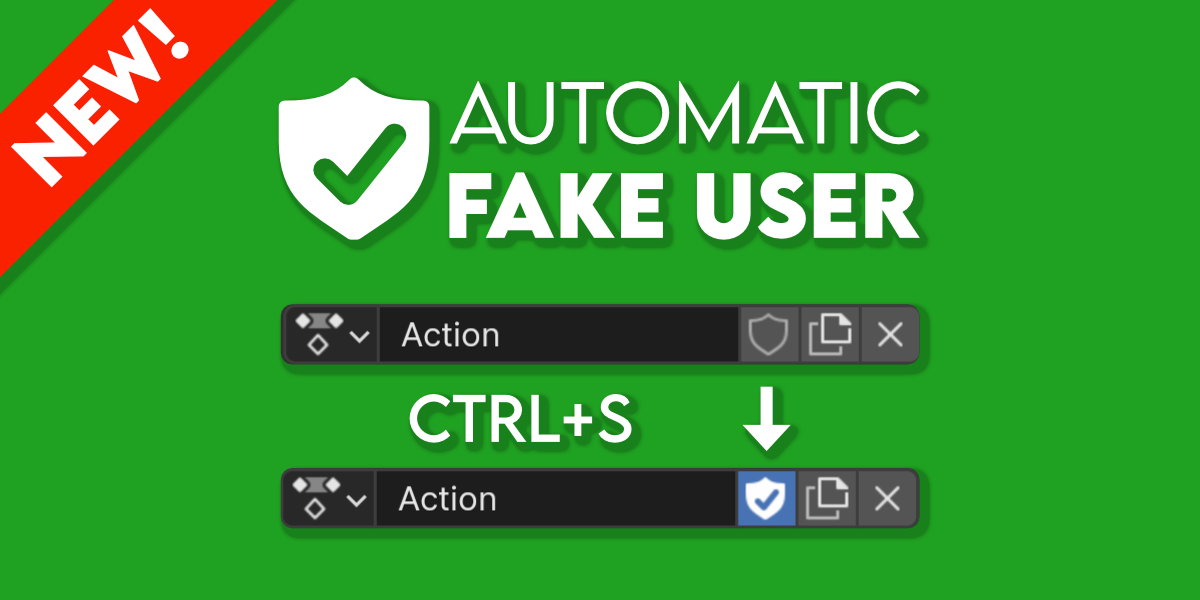
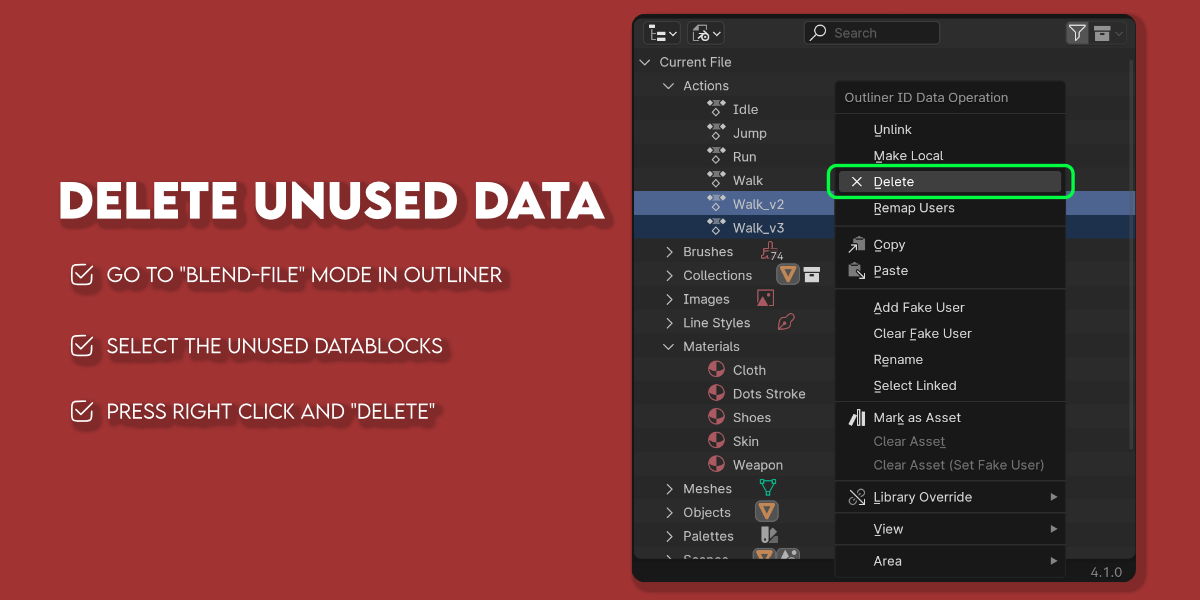
Go to Outliner Editor, then change the mode to "blender file" in
order to show the datablocks tree. Then select the datablocks that you
want to delete, press right click, and "delete". You can delete multiple
datablocks at the same time.

Like every addon. Go to Edit > Preferences > Addons and press the button "Install" at top-right corner of the window. Then you need to choose in your computer the addon's zip file.
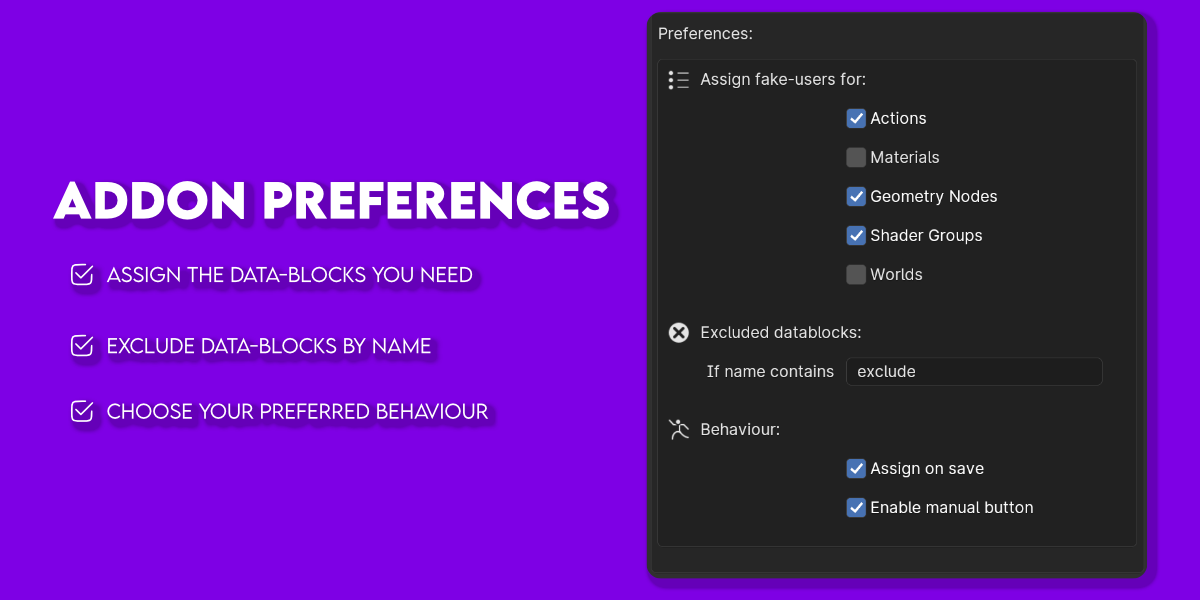
Go to Edit > Prefereces > Addons and search the addon by name
"fake". At this moment you can choose data-types to save, the behaviour
and excluded datablocks.
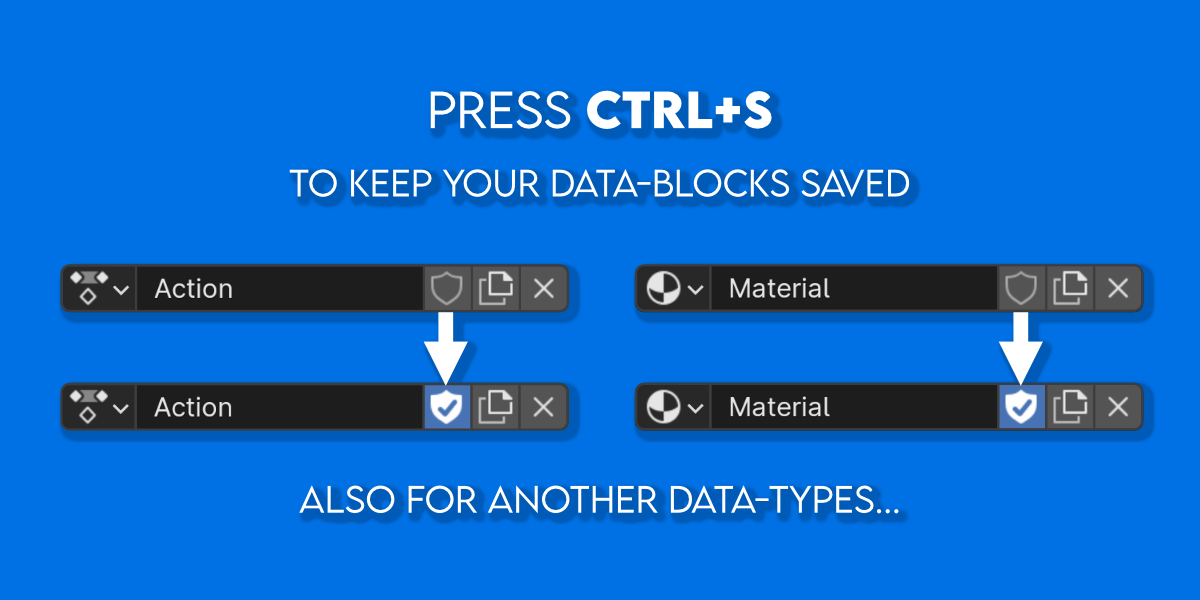
The addon will save all choosen data-types everytime you save the file, or manually if you prefer this behaviour.

Have questions about this product?
Login to message
Discover more products like this
automatically bfcm24 summer24 fake-user asset data winter24 Automatic spring24 datablock autosave User experience user interface fake