 ROBOTO
Install
- Download
AutonoMode_NITRO_Blender_1_3_0.zip(do not unzip it). - Drag the .zip into the Blender window and confirm, or go to Edit > Preferences > Get Extensions, click the arrow menu at the top right, choose Install from Disk and pick the .zip.
- The 3D Viewport sidebar opens on the AutonoMode NITRO tab by itself (later, press N over the viewport).
No key and no activation: it works right away, offline. Update: install the new .zip the same way; your scenes and presets stay.
Quick start (your first drive in 2 minutes)
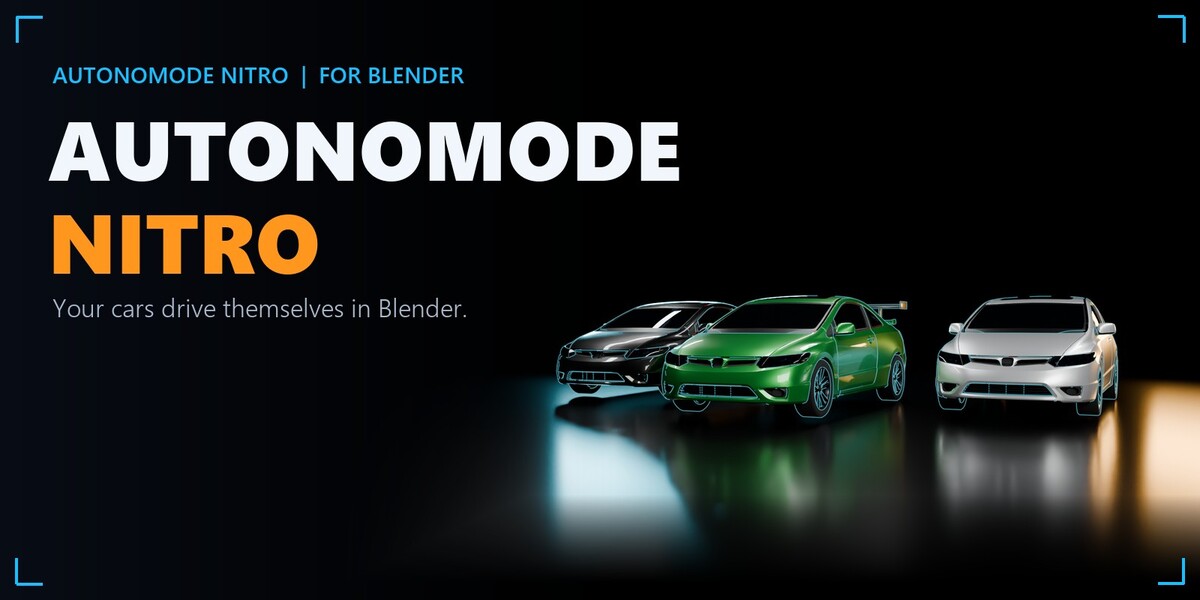
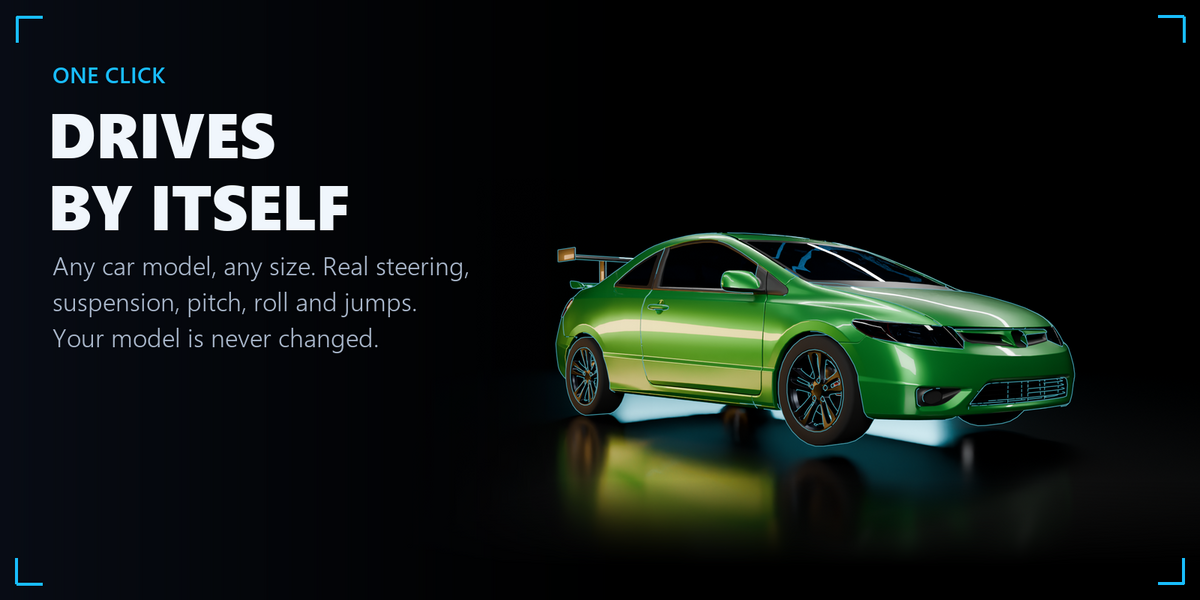
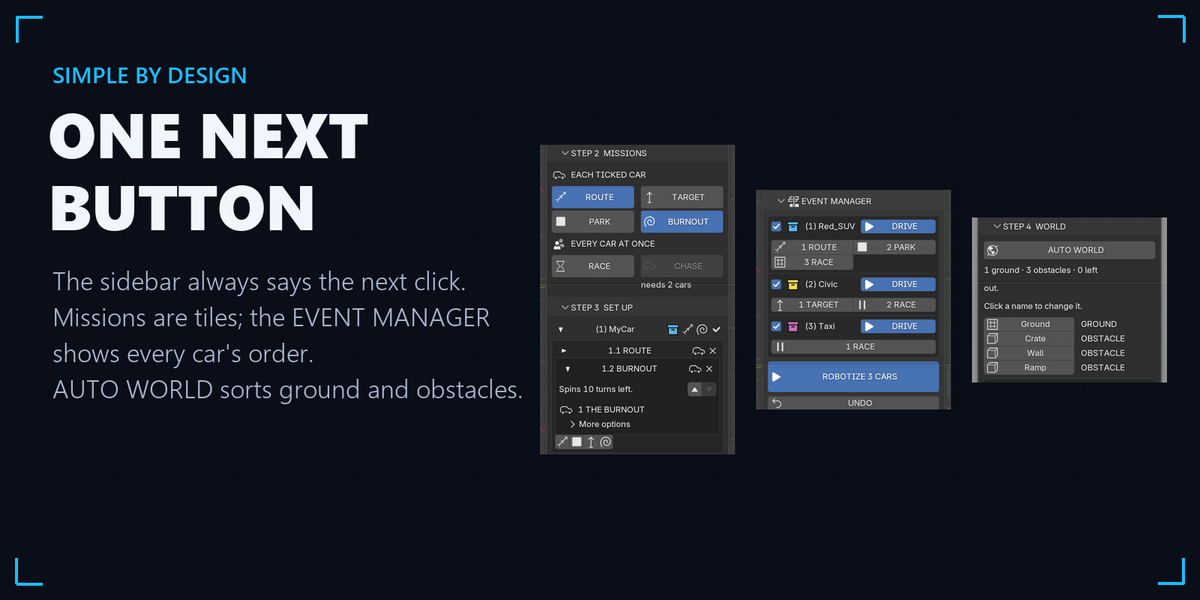
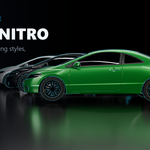
- 1 VEHICLE: click your car in the viewport (any part) and press AUTOMATIC. Your model is never changed: AutonoMode drives a copy.
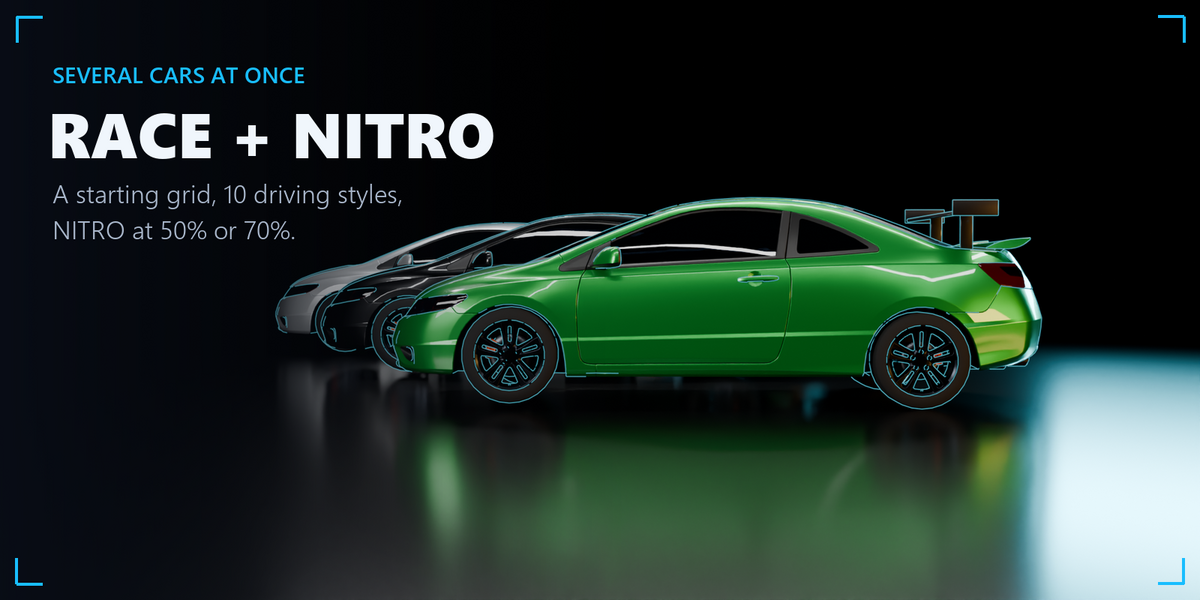
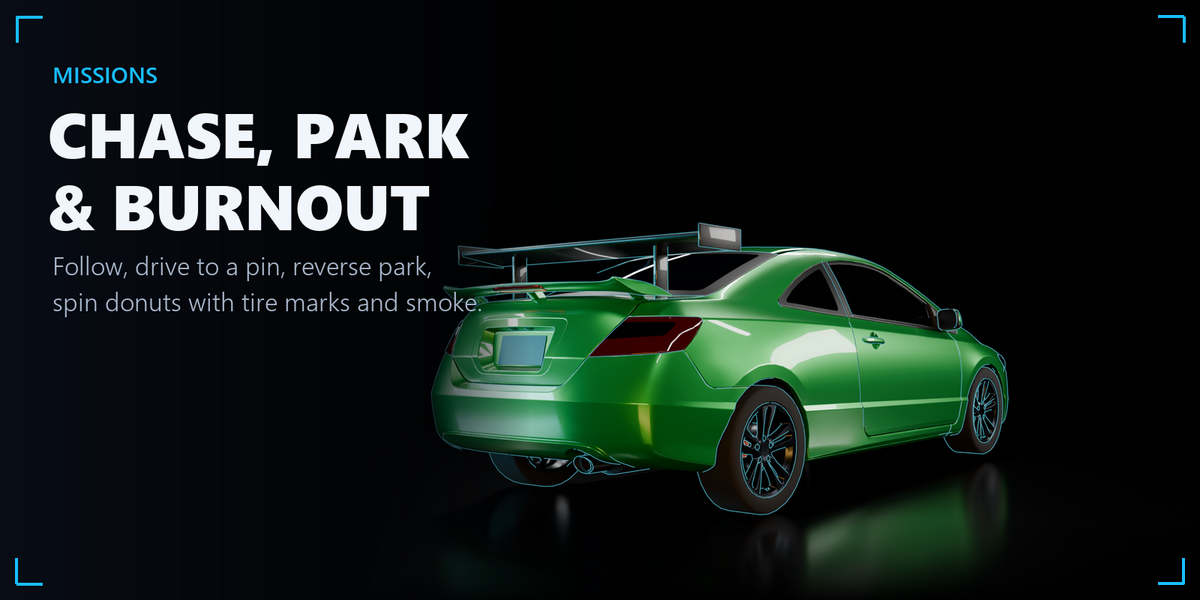
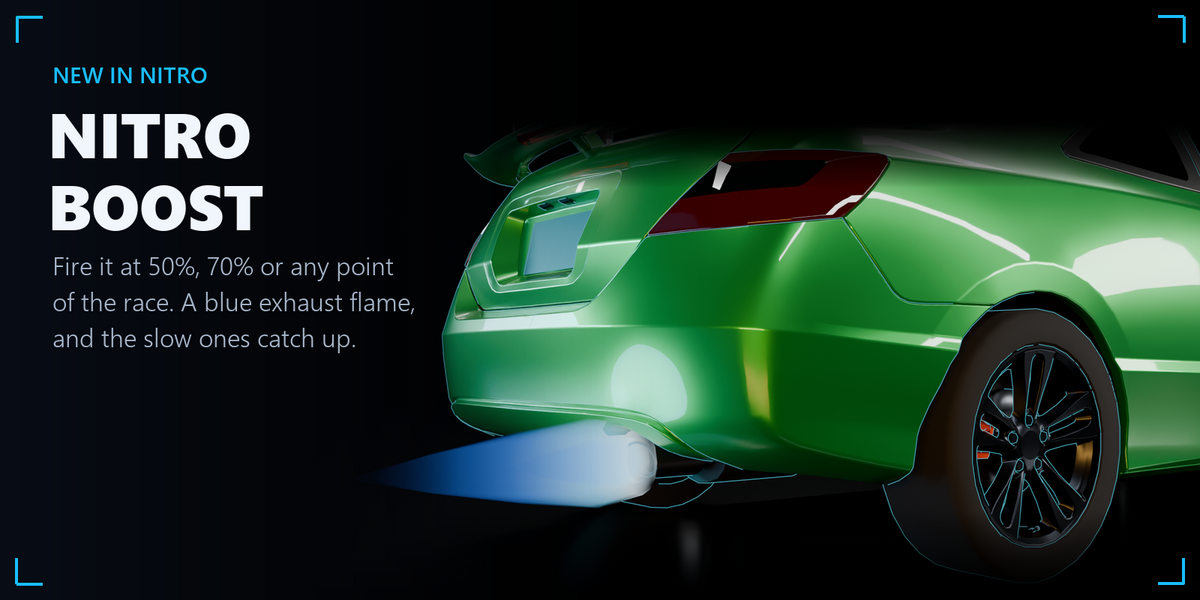
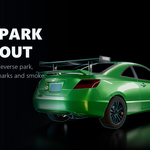
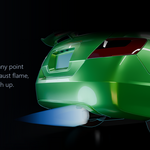
- 2 MISSION: switch on ROUTE and pick your road curve, or click WAVY for a road made for you. Add GROUND (your road or terrain). Other missions: PARK, TARGET, BURNOUT, RACE (with NITRO at 50% or 70%), CHASE.
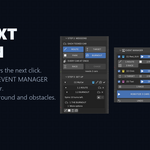
- 3 DRIVE: choose a style and HOW FAST (frame range or speed), then click ROBOTIZE in the EVENT MANAGER.
- 4 REVIEW: press PLAY. Each car gets 4 RoBotiCams; click one to look through it. SAVE RESTORE POINT keeps the scene as it is.
- 5 SLOW-MO (optional): slow down any frames for the whole scene; RESTORE puts it back exactly.
The NEXT box at the top of the panel always tells you the next click.
Demo scene
Open AutonoMode_NITRO_Demo_7_Tests.blend and press Space: 7 tests (route, target through obstacles, reverse parking, chase, off-road hills, race, jump) already driven. With NITRO installed, press ROBOTIZE to drive them again. Credits and notes are in the scene's README_CREDITS text.
Full guide
The complete guide (PDF, 12 pages) is inside the add-on: click HELP at the top of the AutonoMode NITRO panel. It covers every step, every mission, the 10 driving styles and the RoBot Motion Engine.
Have questions about this product?
Login to message
| Blender Extension Compatible | Yes |
| Published | about 3 hours ago |
| Blender Version | 5.0 - 5.2 |
| Extension Type | Add-on |
| Render Engine Used | Cycles, Eevee |
| License | GPL |
Discover more products like this
parking autonomous vehicle car Procedural Animation Burnout driving chase suspension car rig race animation