 ROBOTO
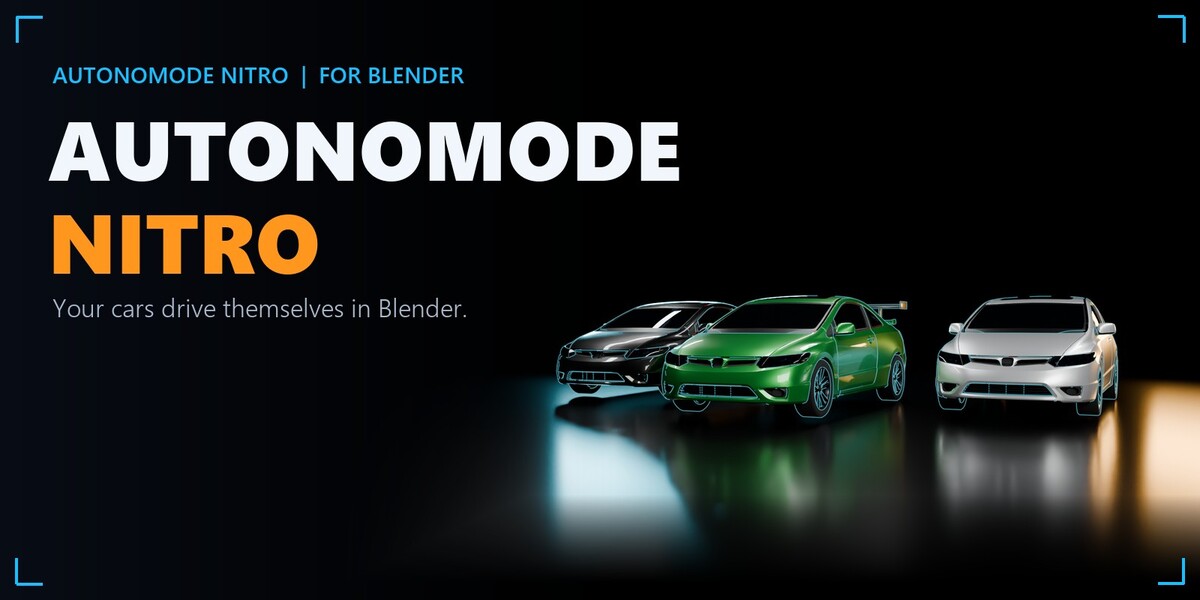
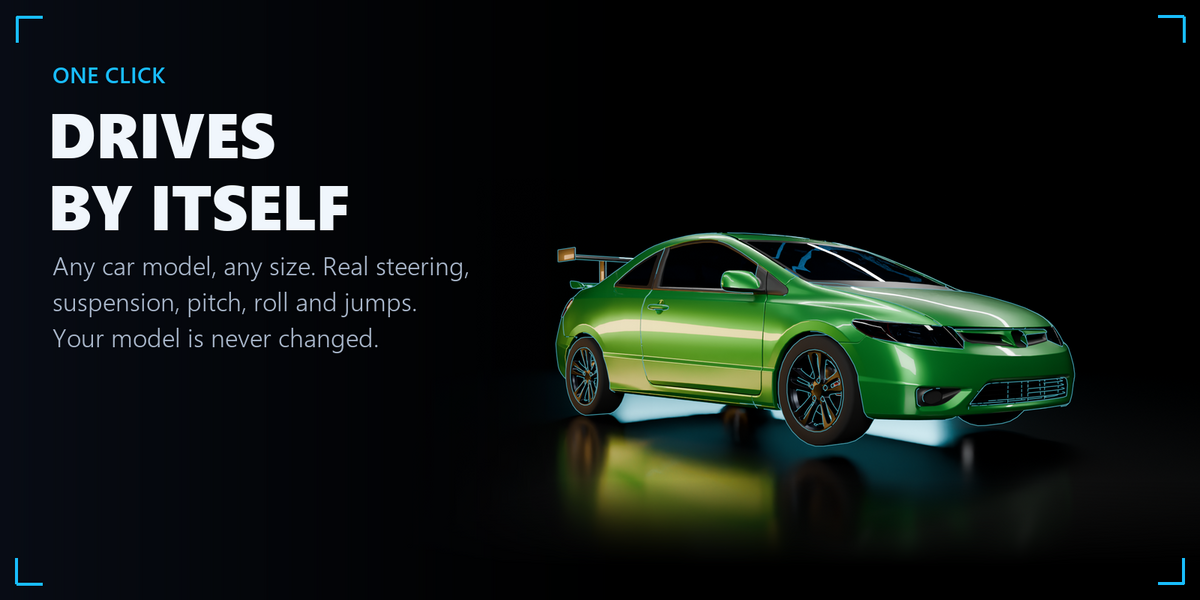
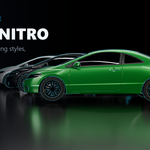
Select a car, click once: it plans its way, steers, brakes and drives by itself.
AutonoMode NITRO turns any car model into a self-driving car in Blender. It finds the body, the wheels and the steering wheel, builds a driving rig on a copy (your model is never changed) and bakes a believable drive as ordinary keyframes: suspension, pitch, roll, real steering, jumps, several cars at once, races, chases, parking and burnouts.
What it does
- One-click car rig (AUTOMATIC): select any part of a car; AutonoMode finds the body, the 4 wheels and the steering wheel. Several cars selected: each one is prepared. MANUAL mode lets you pick the parts yourself.
- Any size: a toy or a giant model drives like a real car scaled to its size.
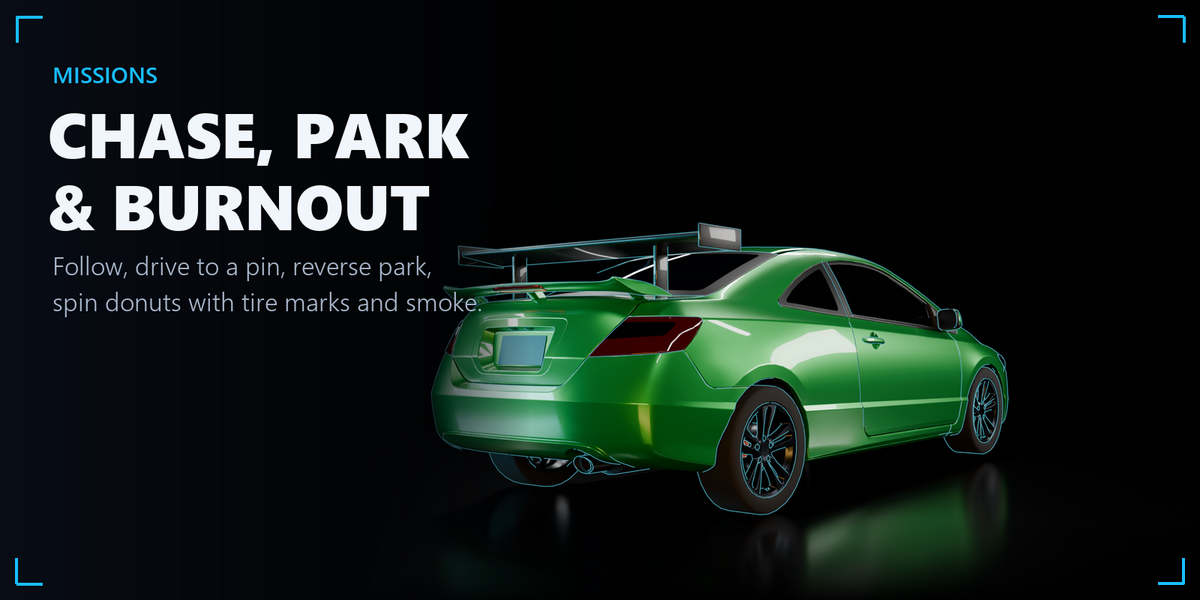
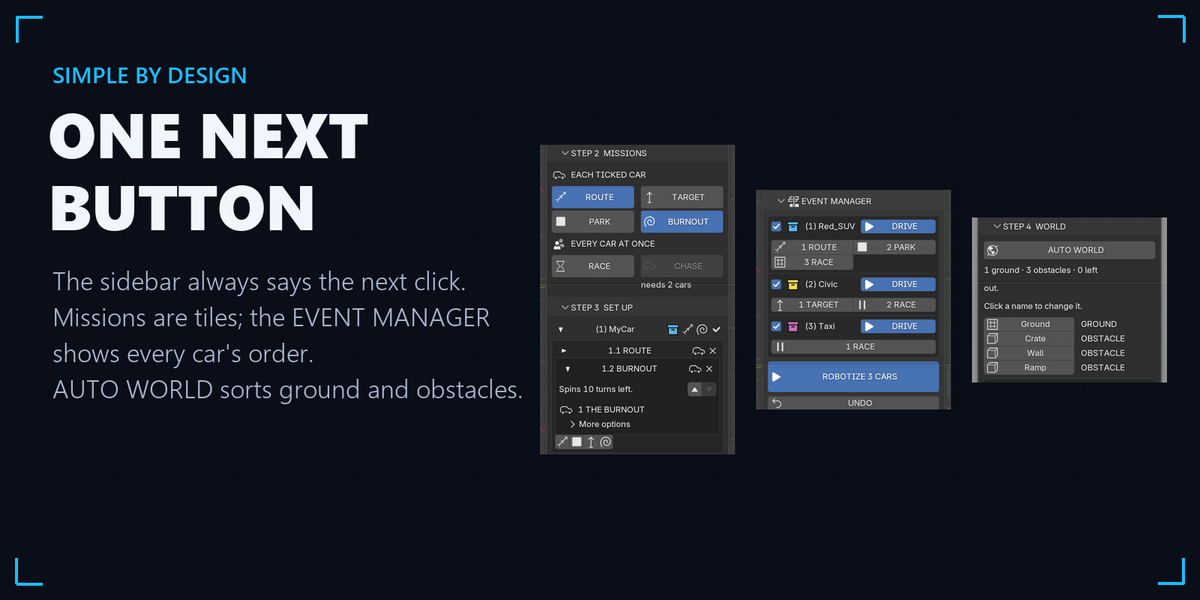
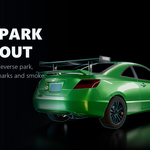
- Missions as tiles: ROUTE (along your curve, or a WAVY road made for you), PARK (reverse in or nose in), TARGET (drive to a pin), BURNOUT (donuts with tire marks and smoke), RACE (with a starting grid) and CHASE.
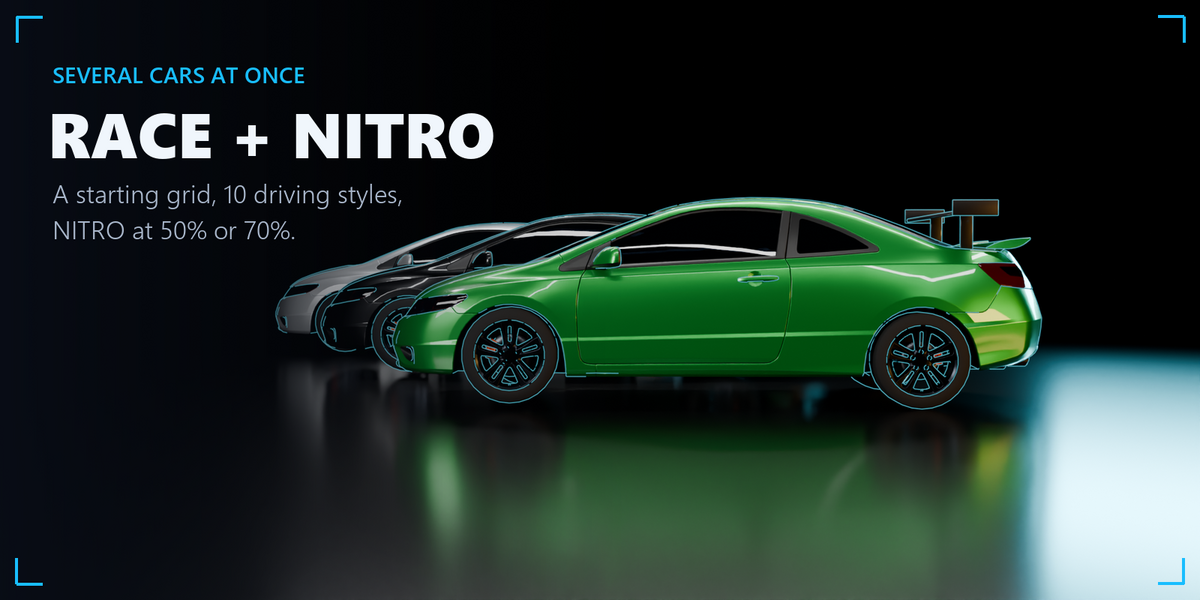
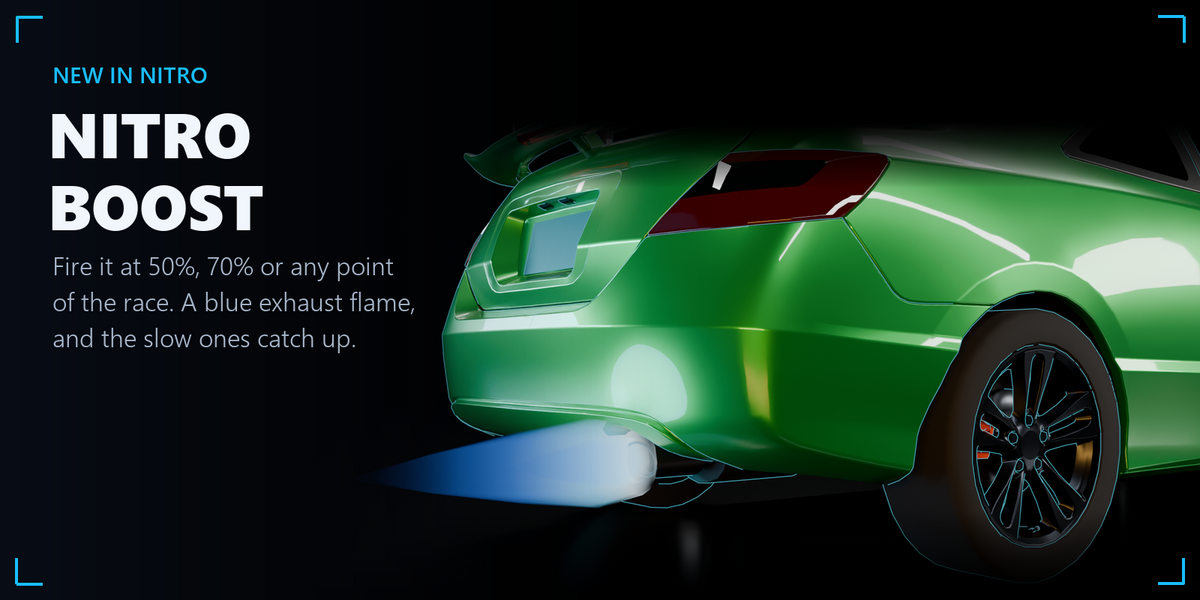
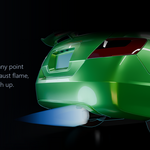
- NITRO: in a RACE, fire it at 50%, 70% or any point you choose: every racer gets 4 seconds of extra speed and push with a flickering blue exhaust flame. The slow styles gain the most and F1 the least, so it evens the race.
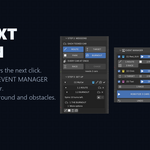
- Several cars at once: every car has its own track of missions; the EVENT MANAGER shows the order and one ROBOTIZE button drives them all.
- 10 driving styles (Normal, Urban, Fearless, NASCAR, F1 and more), fine-tune and your own presets. Fit the drive to a frame range or set the speed in km/h or mph.
- Real motion: a planner that knows how cars turn (reverse moves when needed), braking before turns, springs and dampers (nose dive, squat, roll), Ackermann steering, every wheel rolling exactly the distance it travels, flights off ramps with a hard landing.
- The world: drives over your terrain and roads; goes around still and moving obstacles (SAFE MODE). AUTO WORLD sorts your scene into ground and obstacles in one click.
- Tire marks and tire smoke for any drive, one tick each.
- AUTO RoBotiCams: 4 cameras per car (orbit, tire detail, driver POV, drone follow), made with every drive.
- Slow motion for the whole scene with a smooth ramp, and an exact RESTORE.
- Restore points: go back to any earlier state of your scene in one click.
- Safe: if a step can't be done, the previous animation comes back and the panel says why in plain words.
- Your results are yours: ordinary keyframes that play and render without the add-on.
What you get
- AutonoMode NITRO add-on (Blender extension .zip) with the full guide (PDF) inside.
- Demo scene: 7 ready tests in one file (winding road, target through obstacles, reverse parking, chase, off-road hills, a three-car race, a jump), every car with its cameras. It plays without the add-on; open it with NITRO installed and press ROBOTIZE to drive it again.
Requirements
- Blender 5.0 or newer (Windows, macOS, Linux).
- Any car model whose wheels are separate objects or separate parts of the mesh.
Install steps, a quick start and the FAQ are in the Documentation section of this page; the full guide (PDF) is inside the add-on.
License
- Add-on: open source under the GNU General Public License v3 or later (LICENSE.txt inside the add-on). Copyright (c) 2026 RoBot.
- Demo scene: RoBot's own license (DEMO_SCENES_LICENSE.txt): use it and what you make from it in personal and commercial work; do not share or resell the file.
Credits
- Demo cars, cones and boxes: Car Kit by Kenney (www.kenney.nl), Creative Commons Zero (CC0). Thank you, Kenney!
- Steering wheels, roads, terrain, scenes, renders and the RoBot Motion Engine: RoBot.
Changelog
- 1.3.0 (first Superhive release): NITRO for races (50%, 70% or any point; evens the field; blue exhaust flame).
- RoBot Motion Engine 1.2.1: missions per car and the EVENT MANAGER, RACE starting grid, BURNOUT, tire marks and smoke, AUTO WORLD, multi-car AUTOMATIC, restore points, presets kept through updates.
Support
Questions and bug reports: through Superhive's message system. Community, news and your videos: the official AutonoMode group on Facebook.