 AV
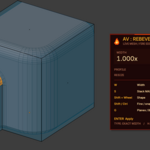
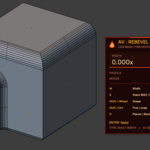
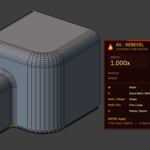
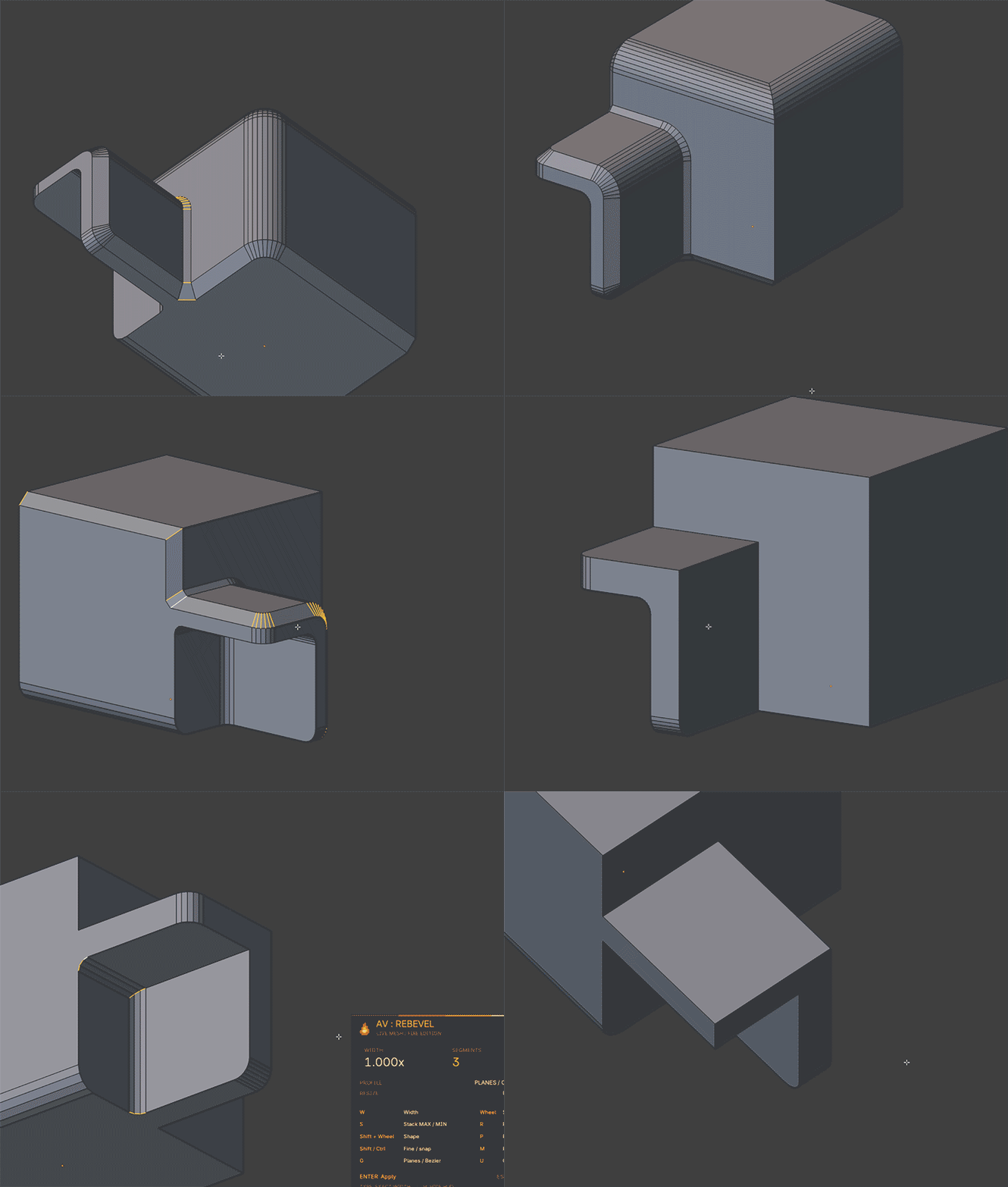
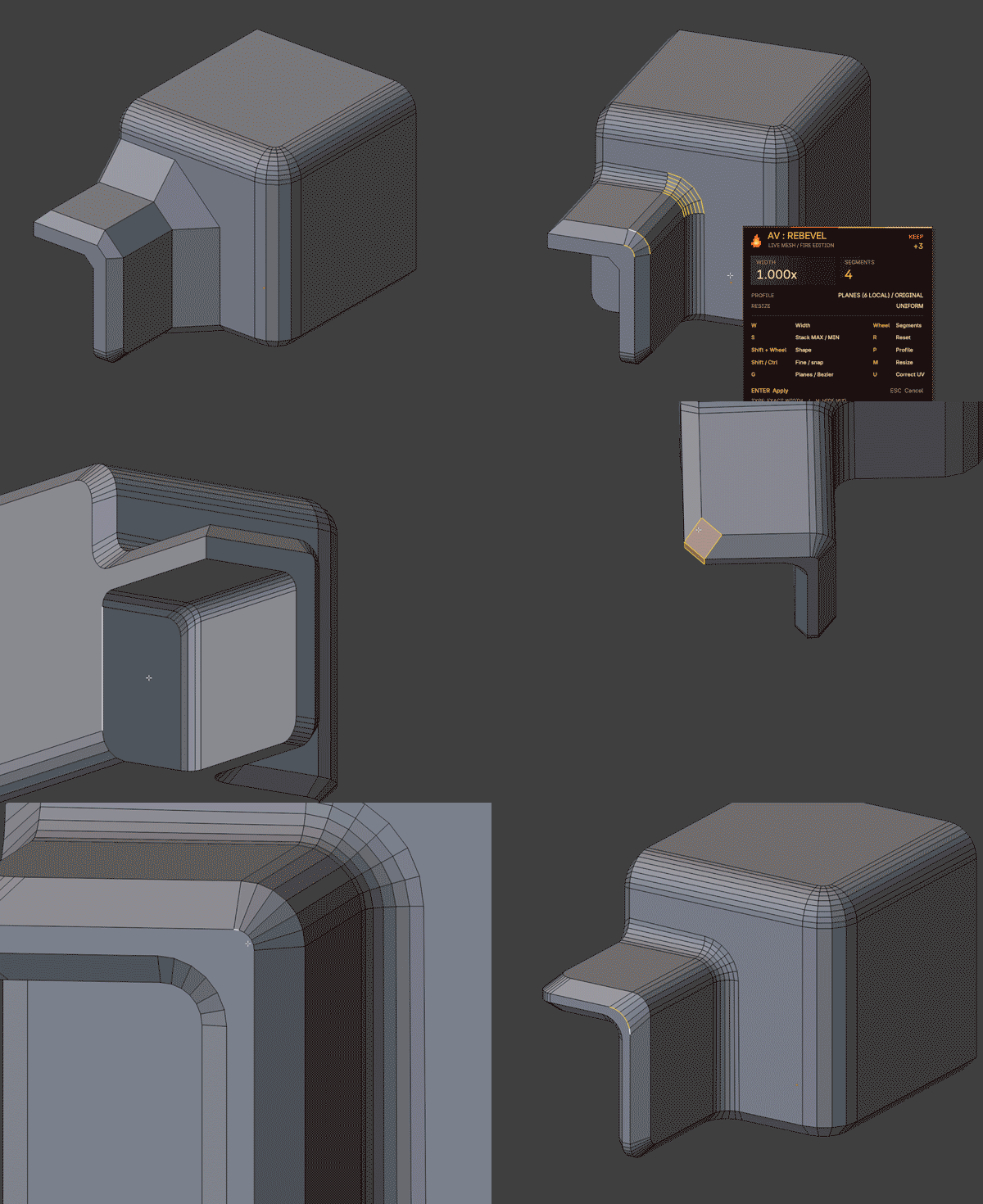
LIVE BEVEL EDITING IN EDIT MODE
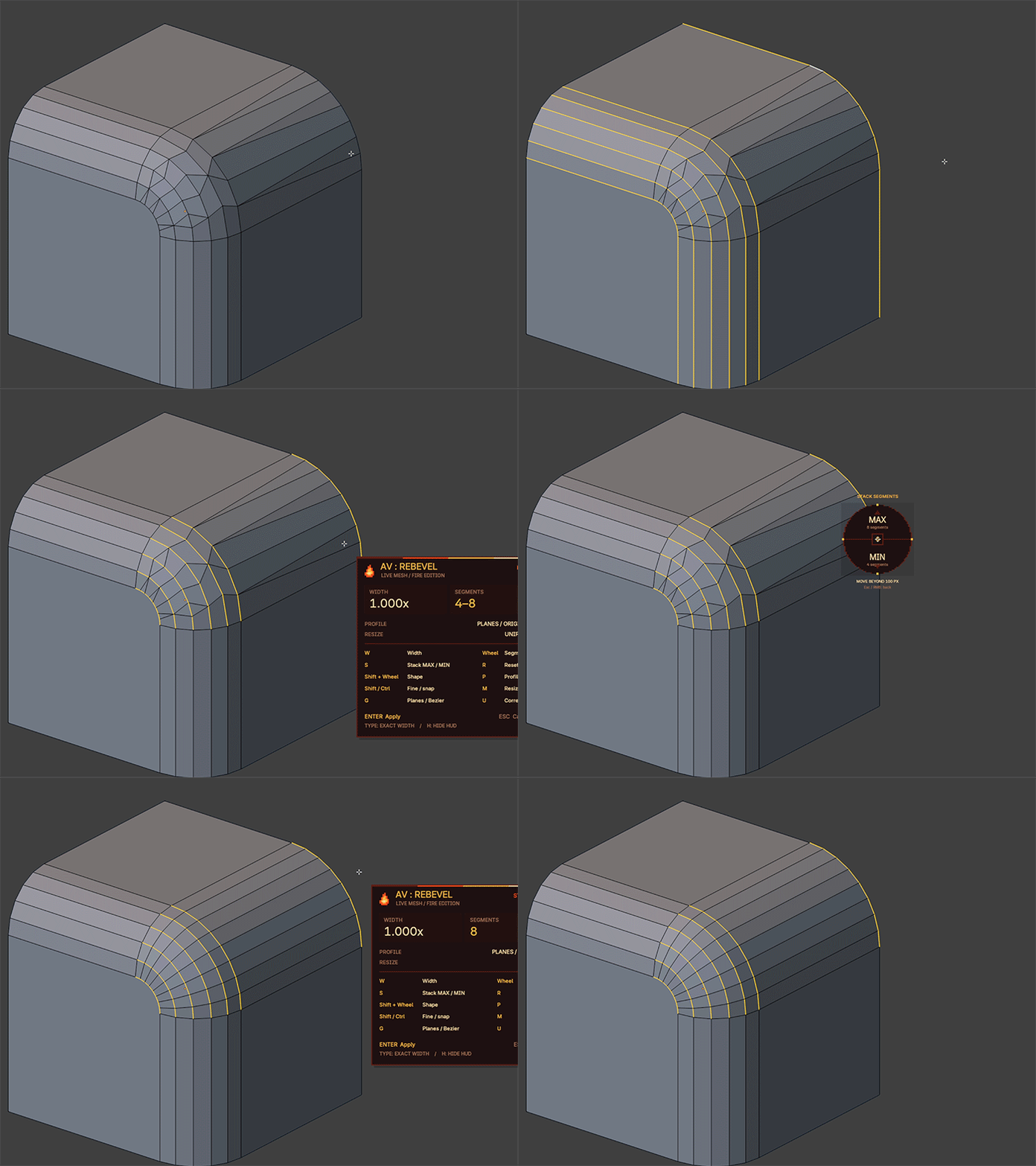
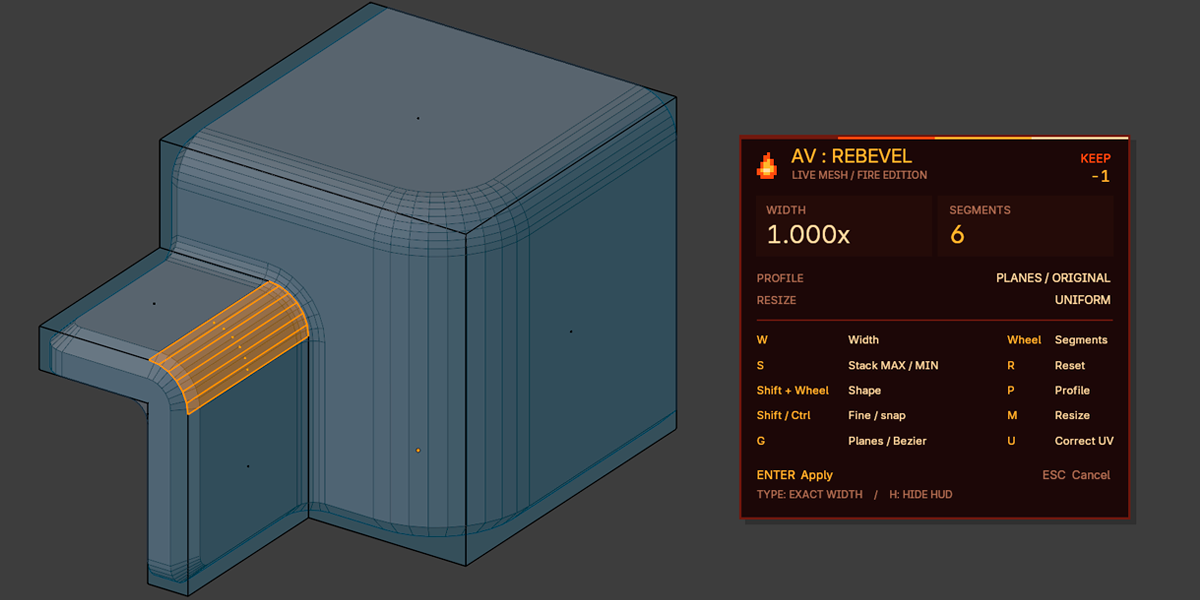
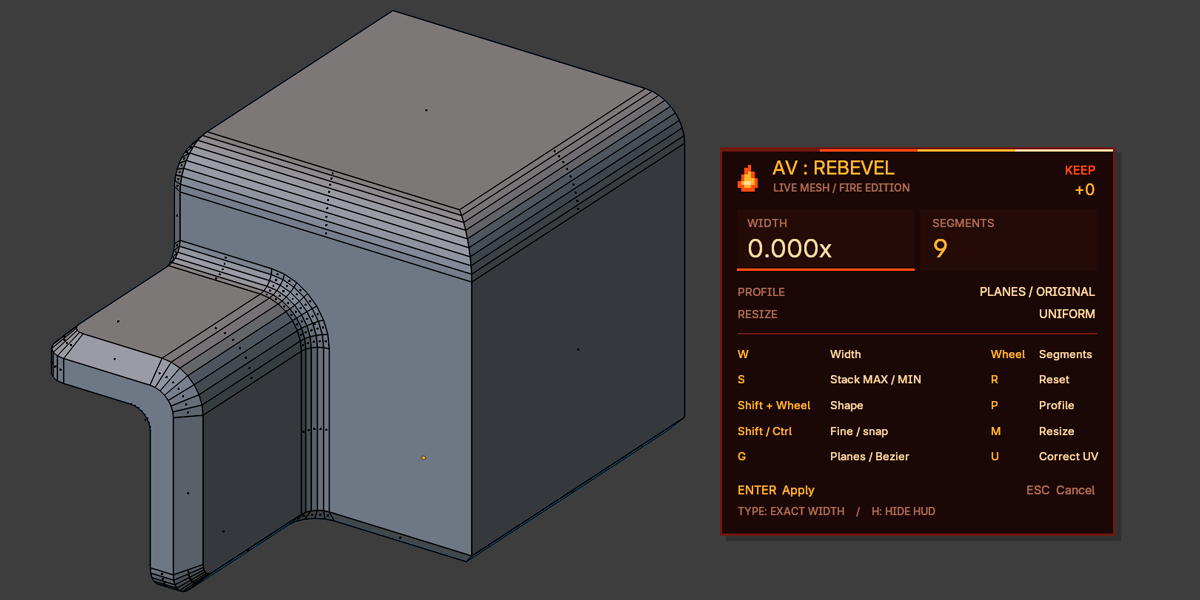
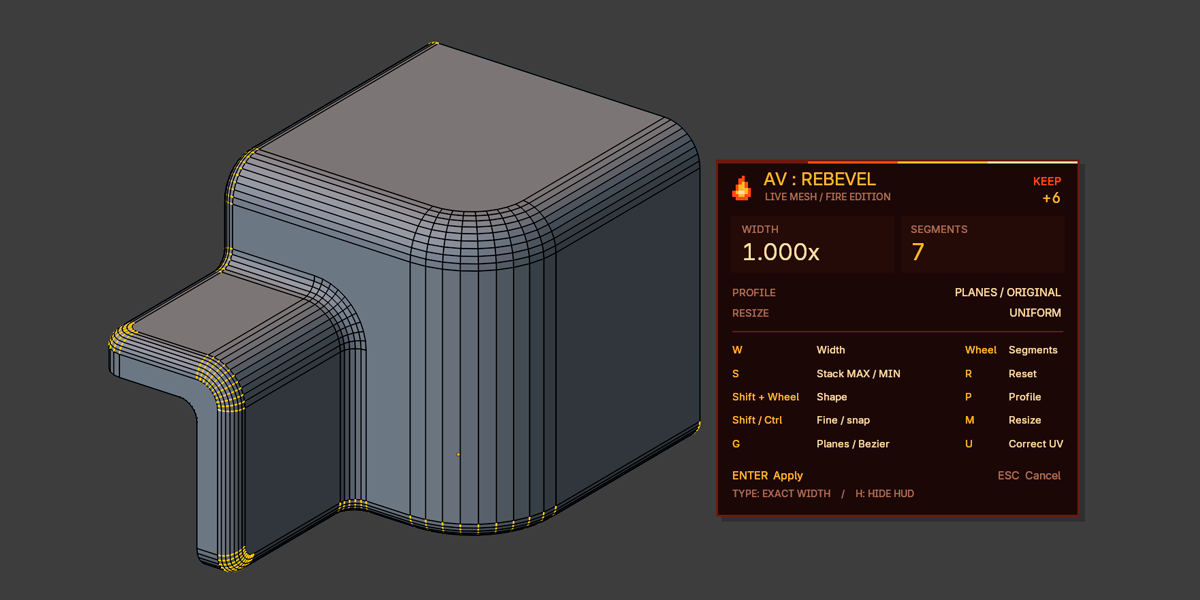
Unlike Blender's native Bevel, which creates bevels from scratch, AV: ReBevel intelligently reconstructs existing bevel geometry. Select an edge ring, adjust the parameters, and watch the bevel update in real time. The add-on preserves edge data (seams, sharpness, custom layers) and adapts UV maps — no unwrapping or repacking required.
| EDIT EXISTING BEVELS Change width factor, segment count, and profile shape on the fly. | INTERACTIVE CONTROLS Drag for width, wheel for segments, Shift+Wheel for shape, pie menu for modes. |
| FLEXIBLE SEGMENTS Keep, Min, Max, Fixed, or Relative modes for mixed-resolution strips. | TWO CONSTRUCTION MODES Planes (support-plane based) and Local Bezier (independent tangents). |
| CORNER PATCH Proportional width, collapse, and Shape editing for corner patches. | VERTEX BEVEL Bevel selected vertices with common width and fan rounding. |
| UV CORRECTION Adapt existing UV maps while preserving seams and islands. | CUSTOM PROFILE Use Blender's custom bevel profile curve directly. |
| ROBUST REBUILDING Closed loops, mixed resolutions, miter cuts against planar caps. | F9 / REDO READY Tweak settings after applying — no restart needed. |
Hard-surface modelers, game artists, and anyone who iterates on bevels frequently. Perfect for architectural visualization, product design, and asset creation where clean, adjustable bevels are essential.
- ▸ Blender (Edit Mode required)
- ▸ Mesh without shape keys
- ▸ One mesh in Edit Mode at a time
QUICK START
- Select a Mesh, enter Edit Mode, edge mode (2) or face mode (3). For new vertex bevels, select vertices without edges.
- Select the bevel's cross sections — edges across its width, from one boundary to the other. Edge Ring selection works (Ctrl+Alt+LMB). On triangulated meshes, select sections manually. Longitudinal boundary loops and arbitrary diagonals are not valid. Sections may have different segment counts.
- In face mode, you can instead select the full quad bevel strip; cross sections are detected automatically. Complex corners use a separate PATCH mode (see below).
- Press Alt+B or the button in N → ReBevel. The tool is also in the Edge menu and the Edit Mode context menu.
- Adjust parameters and confirm with Enter / LMB / Space. Esc / RMB restores the original mesh. Exact parameters are available after applying via F9.
CONTROLS
Table reflects factory defaults. Steps, sensitivity, inversion, pie radius, and LMB/Space confirmation are configurable in Add-on Preferences. These settings do not disable Enter or Esc/RMB.
WIDTH FACTOR
1 = original width, 0.5 = reduced, 0 = collapsed to a sharp corner. In Proportional the factor applies to each section separately; Uniform uses a common offset based on the narrowest section. The width estimate ignores longitudinal offset of diagonal joints: sections equal in width do not get different factors just from their tilt.
SEGMENTS & SEGMENT MODES
Real number of segments across the bevel, from 1 to 256. 1 = flat chamfer. Every new run starts with KEEP and offset +0, without changing the mesh. Previous +3, MAX/MIN, width, or profile are not carried into a new operation. This applies to Alt+B, the panel button, search, and menus. F9 and normal Redo preserve given parameters — reset only happens on a new INVOKE_DEFAULT.
S: PIE ALIGNMENT PICKER
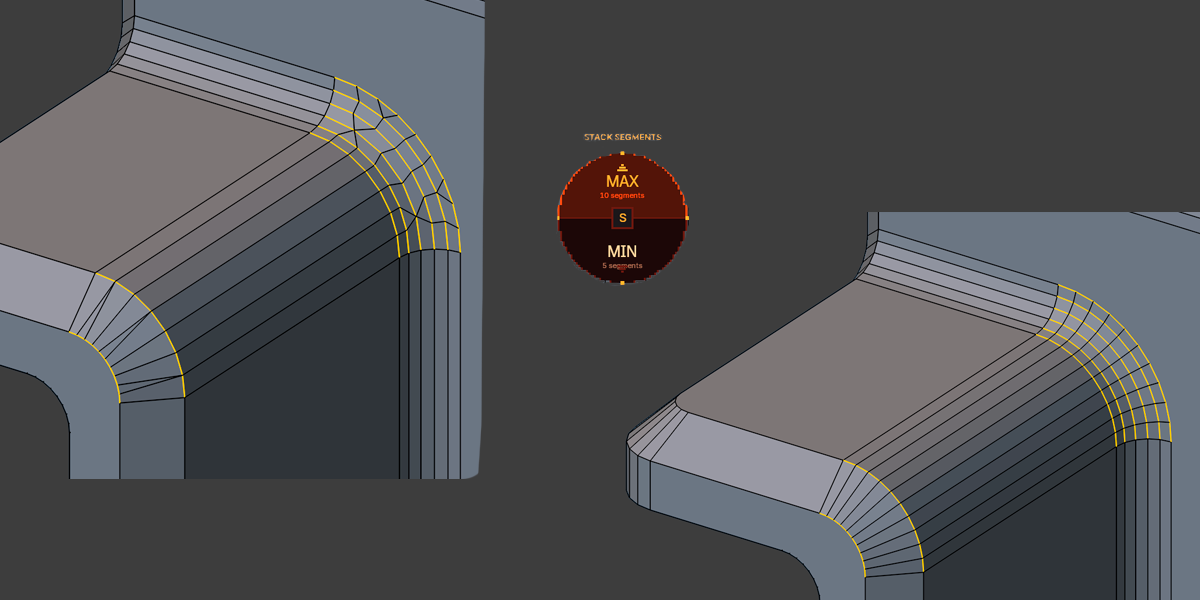
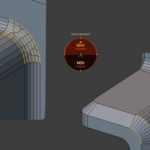
Press S during ReBevel: a pixel pie HUD appears under the cursor. Top = MAX, bottom = MIN. While the cursor is inside the circle (default 100 screen pixels, configurable 40–240 px), the mesh does not change. Leaving the circle in the top/bottom half selects the mode and closes the pie. Releasing S alone does nothing; a second S, Esc, or RMB closes only the pie, keeping ReBevel active. Works even with the main HUD hidden.
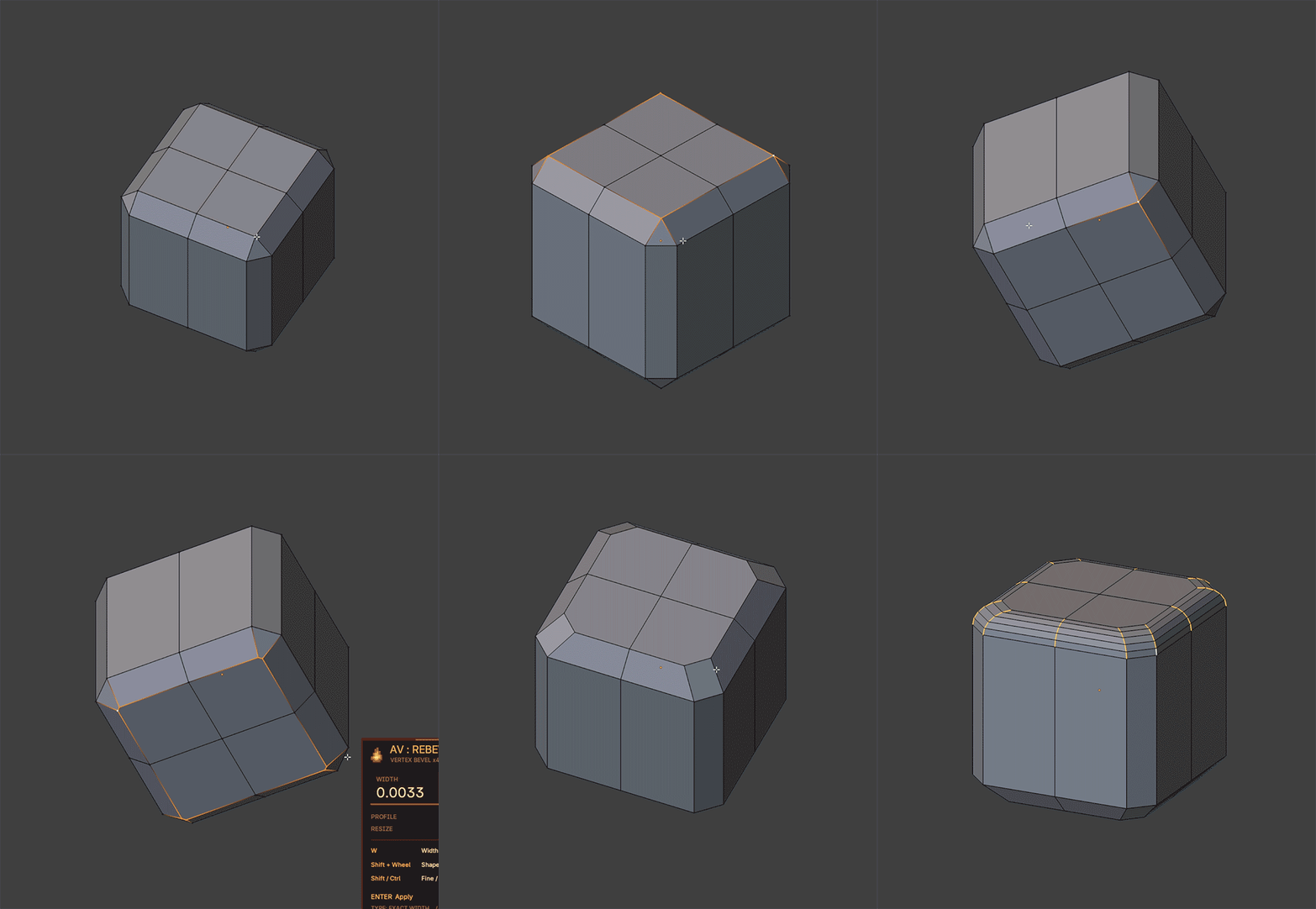
VERTEX BEVEL (vertices without selected edges)
Select one or more vertices without selected edges and press Alt+B. The operator automatically chooses Vertex Bevel regardless of the selection-mode toggle. If edges are selected, regular ReBevel takes priority.
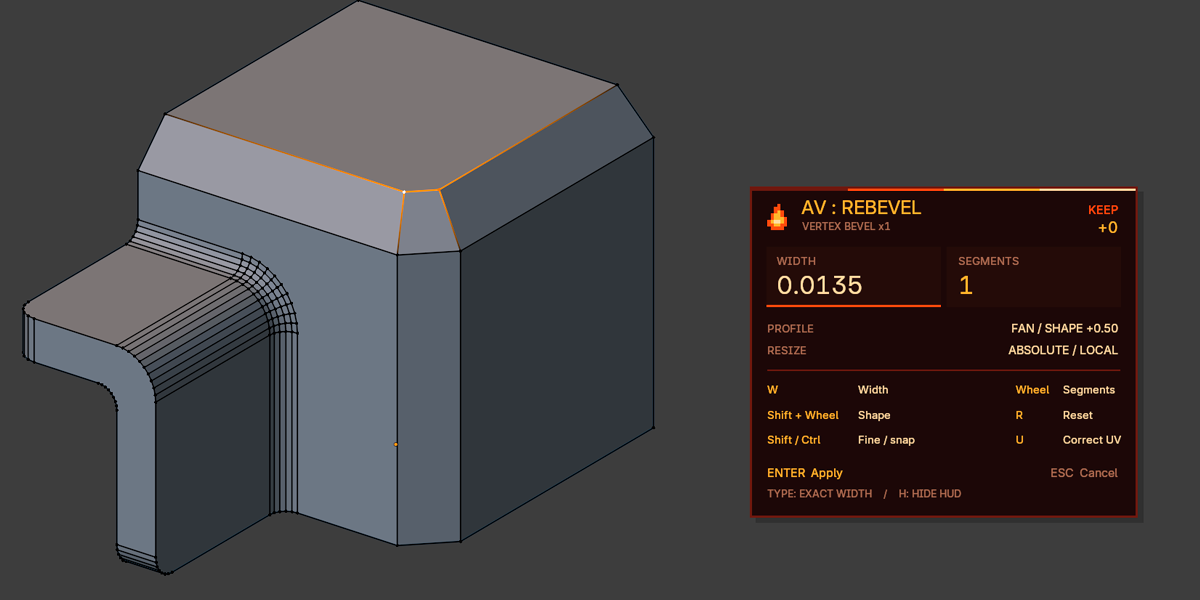
All selected vertices get a single absolute width and Shape — e.g., both top and bottom corners of a chamfered cube can be rounded in one run. Width is not scaled separately per corner. At startup the width is 0 and the mesh is unchanged; mouse movement is already active — moving right creates the bevel, W pauses/resumes. Width here is an absolute offset in local mesh units, not a 1x factor.
- Existing bevel corner with triangle fan: a vertex on a large flat face is replaced by an arc, and the original fan is joined with quads. The two adjacent side strips extend to the arc ends. The bevel's lower rows and all other vertex coordinates stay unchanged. Startup segment count is taken from the fan (e.g., 6 triangles → 6 quad faces).
-
Other single vertices: uses Blender's native bevel with
affect='VERTICES'and overlap clamp, including on open contours of a flat face. Initial segment count is 1. Isolated/wire vertices, disconnected fans, hidden adjacent faces, and non-manifold edges are rejected. - KEEP preserves each fan's original segment count. If counts differ, MAX/MIN via S or Fixed in F9 set a common count; width and Shape are always common.
- Shape: Shift+wheel (0–1). Custom Profile (P) is available when all selected vertices have a suitable fan. Mixed fan + native vertices use a common Shape without Custom Profile.
- U and Default UV work as before. Fan UV correction carries all maps, preserves separate UV fans/seams, and pins support and immutable lower-row UVs. Without correction, new corners inherit the original vertex UVs. Changing segments through an internal UV seam with UV ON is rejected; width/shape at original segment count are available.
HUD shows VERTEX BEVEL xN (source vertex count), method (FAN / NATIVE / MIXED), and width without an x suffix.
CONSTRUCTION METHODS
By default a new run uses Planes (Legacy); the initial method is selectable in add-on preferences. During the operation press G to compare with Local Bezier, or pick Construction in F9. Switching recomputes from the source mesh, not from the current preview. R resets width/segments/shape, keeping the selected method.
- Planes (Legacy): the common corner is reconstructed from the intersection of neighboring support planes. Three independent planes give a point; two give a line, position refined by edge continuation or the closest point to the section midpoint. Neighboring unselected bevels are also taken into account.
- Local Bezier: keeps independent local endpoint supports and interpolates original nodes; useful on ambiguous and non-planar sections. This is the 0.4.2 algorithm retained as a separate option.
- Nearly parallel planes, incompatible extra supports, and intersections beyond four chord lengths are rejected. For such a section Planes falls back to Local Bezier; HUD shows the count:
PLANES (N LOCAL).
SHAPE (PROFILE)
0 = flat profile, 0.5 = round, 1 = angular. Negative values invert the profile. When only width changes, the original shape in Local Bezier mode is interpolated as a spatial Bézier profile. Without Reshape and with unchanged segments, the original point parameters are used rather than a new uniform layout. For a new profile, enable Reshape in F9 or use Shift+wheel. Custom profile is edited there too, after enabling Use Custom Profile.
UV CORRECTION
For a textured model, enable Correct UV: press U during ReBevel or use the checkbox in F9 after applying. Initial mode is set in Add-on Preferences → General → Default UV: UV OFF / UV ON. Factory value is UV OFF.
- Width: UVs of moved corners of neighboring support faces are corrected by the local mapping of the original faces. On a continuous joint, bevel boundaries follow the support UVs, and inside the strip coordinates are distributed along the section length.
- Segments and Shape: new points get interpolated UVs along the original/new section, not a random projection after dissolve/bridge.
- All existing UV maps are corrected, including offset, rotated, and mirrored islands. UVs are not limited to 0–1. No new UV maps are created, islands are not repacked, materials are not changed.
- Coordinate breaks and marked UV seams are respected, including coincident-by-coordinate ones. If changing segments destroys an internal seam inside a single strip, the operation is rejected with a message and the original mesh is restored. Select the seam sides separately or disable Correct UV; changing width only remains available.
- PATCH: local interpolation/extrapolation of original support UVs and differential matching of the bevel over its new surface. Support-linked boundaries are pinned; separate islands keep their previous UV center.
This is local UV correction, not automatic distortion removal on any mesh. Baked normal/AO/lightmaps may need re-baking after geometry changes — UV correction does not replace that. When the option is off, the previous path without UV correction is preserved.
FACE MODE AND CORNER PATCH
- Face Strip: select a full quad bevel strip in face mode (3). Width, segments, and profile are available; after rebuilding, faces are selected rather than construction cross edges. Direction is determined by normal continuity and full chain lengths, not individual edges.
- Width 0 for PATCH: vertices merge at reconstructed corners, disappeared faces are removed via BMesh. Non-closed or degenerate results are rejected. Inside the operation the width can be increased again or press R / Esc: the source mesh is restored from the snapshot. Normal Undo/Redo and F9 are available after applying.
- Shape for PATCH: Shift+wheel or Reshape → Shape in F9. Range 0–1. Superellipse approximation in support-plane coordinates; contacts with supports are pinned; element count and connectivity are unchanged.
- For PATCH, segments, Custom Profile, negative Shape, Local Bezier, and Uniform are currently unavailable. HUD shows
PATCH; unsupported modal commands print a warning without changing the mesh.
ADD-ON PREFERENCES (37 PARAMETERS)
Open Edit → Preferences → Add-ons → AV: ReBevel. Settings are split into four tabs:
Reset This Section resets the current group, Reset All Preferences resets all 37 parameters including Default UV → UV OFF. Mesh and assigned shortcut are not changed.
SCRIPTING
Default is KEEP. To explicitly set a common segment count, use segment_mode='SET':
import bpy# Fixed 6 segments on all sectionsbpy.ops.av.re_bevel('EXEC_DEFAULT', segment_mode='SET', segments=6)# Width 0.6 with UV correctionbpy.ops.av.re_bevel('EXEC_DEFAULT', correct_uv=True, rebevel_size=0.6, segment_mode='SET', segments=6) Explicit EXEC_DEFAULT, F9, and Redo parameters are not replaced by add-on preference defaults.
LIMITATIONS
- One editable Mesh at a time, no Shape Keys.
- Full cross sections and connected boundary edges of a non-branching strip are required for bevel rebuild. Quad, triangle, and n-gon transitions with mixed segment counts are allowed. Broken or arbitrary topology is not auto-fixed.
- Width changes do not perform collision/clamp-overlap: excessive width can cause self-intersections, like any mesh edit operation.
- If the original sharp corner cannot be uniquely recovered (e.g., nearly parallel supports), the local approximation remains an approximation.
- Mesh only; curve operations are not included.
- Baked normal/AO/lightmaps may require re-baking after geometry changes.
STABILITY & SAFETY
- The preview is built from a separate copy of the source mesh: Undo is not called on every mouse move. The applied operation is cancelled with a single normal Undo.
- The BMesh owned by Blender's Edit Mode is no longer freed by the add-on.
- Cancel and errors restore geometry and selection state; draw handler and temporary mesh are removed on finish, add-on disable, and file load.
- Empty/branching selections, closed loops, zero-length edges, and unsupported context are validated. Different segment counts are not an error.
- Transitions between sections of different density are rebuilt inside the shared face, without routing edges through neighboring surface parts. Internal diagonals are removed separately per strip before deleting old segments, including on closed bevels and mixed triangulation directions.
- Bézier tangents are computed from boundary support surfaces. Coplanar support triangles are merged during normal estimation; end caps are not used in place of side supports. Non-planar sections are not projected entirely onto a single common plane.
- Parallel lines/planes, missing intersections, and division by zero are handled.
- UV layers, materials, seam/sharp, and edge weights are preserved via BMesh; when segments are rebuilt, attributes of the new geometry are interpolated by Blender.
TESTED VERSIONS
Blender 4.1.0, 4.5.4 LTS, 5.1.0, and 5.2.2 LTS — 72 automatic test groups passed on each version. Real Blender windows 4.1.0 and 5.2.2 LTS were checked for mouse/number width, wheel, Shape, U, R, exact cancel, HUD, F9, Undo/Redo, and add-on disable during preview.
REPORTING ISSUES
When reporting a problem, include:
- Blender version
- Operation mode (EDGES / FACES / PATCH / VERTEX)
- Whether UV correction was ON or OFF
- Construction method (Planes / Local Bezier)
- Console output if an error was raised