B Home Screen Pro - Free Claim Coupon Inside - Full Home Screen For Blender
 Trestle Trotter


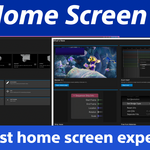
B Home Screen
Documentation
Easy install Instructions
- Locate the bhome_screen_pro.zip file you downloaded.
- Drag and drop it into Blender's Interface.
- When prompted to install select "OK"
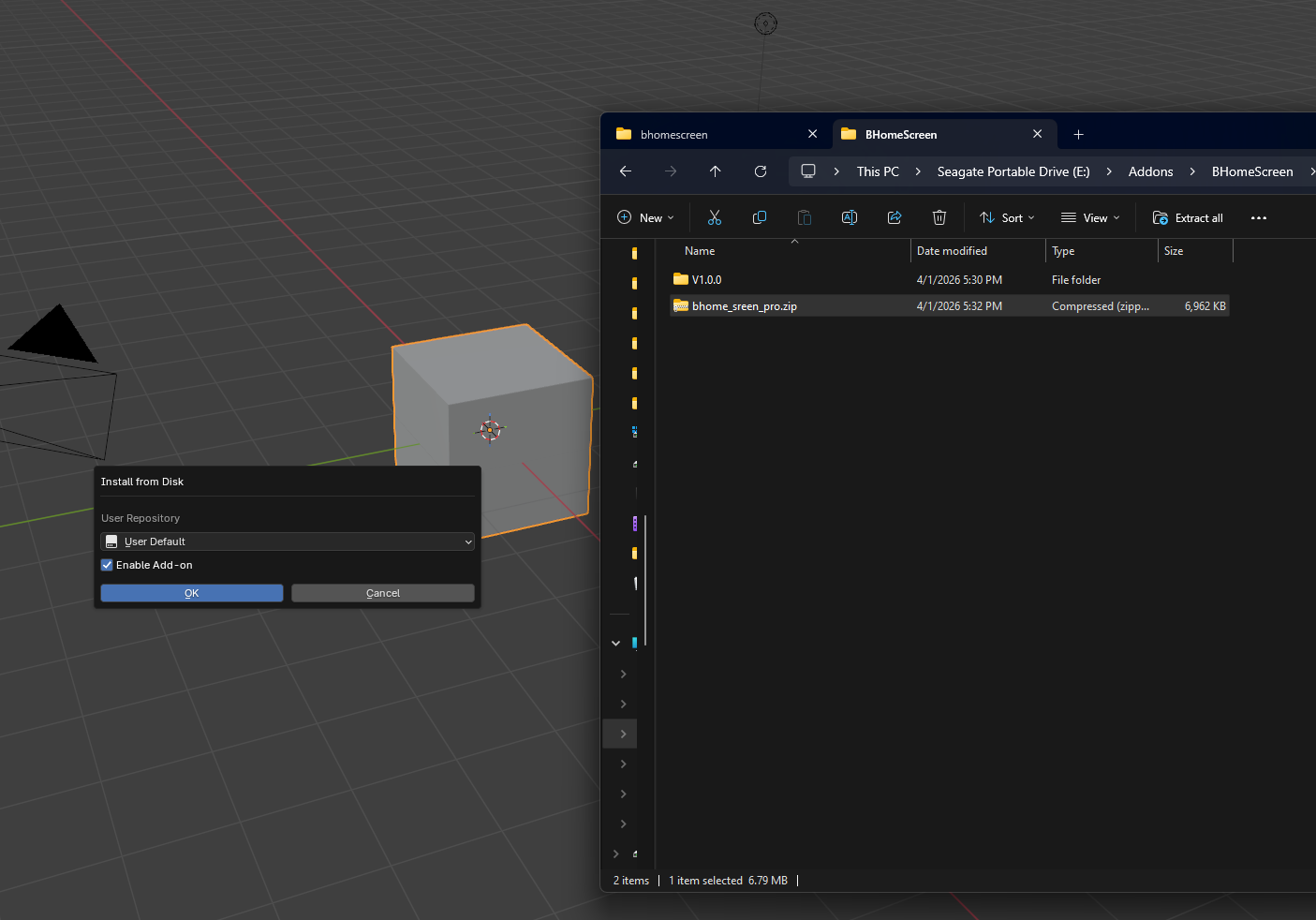
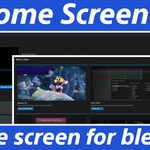
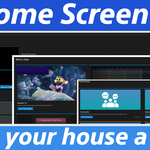
The Projects Tab
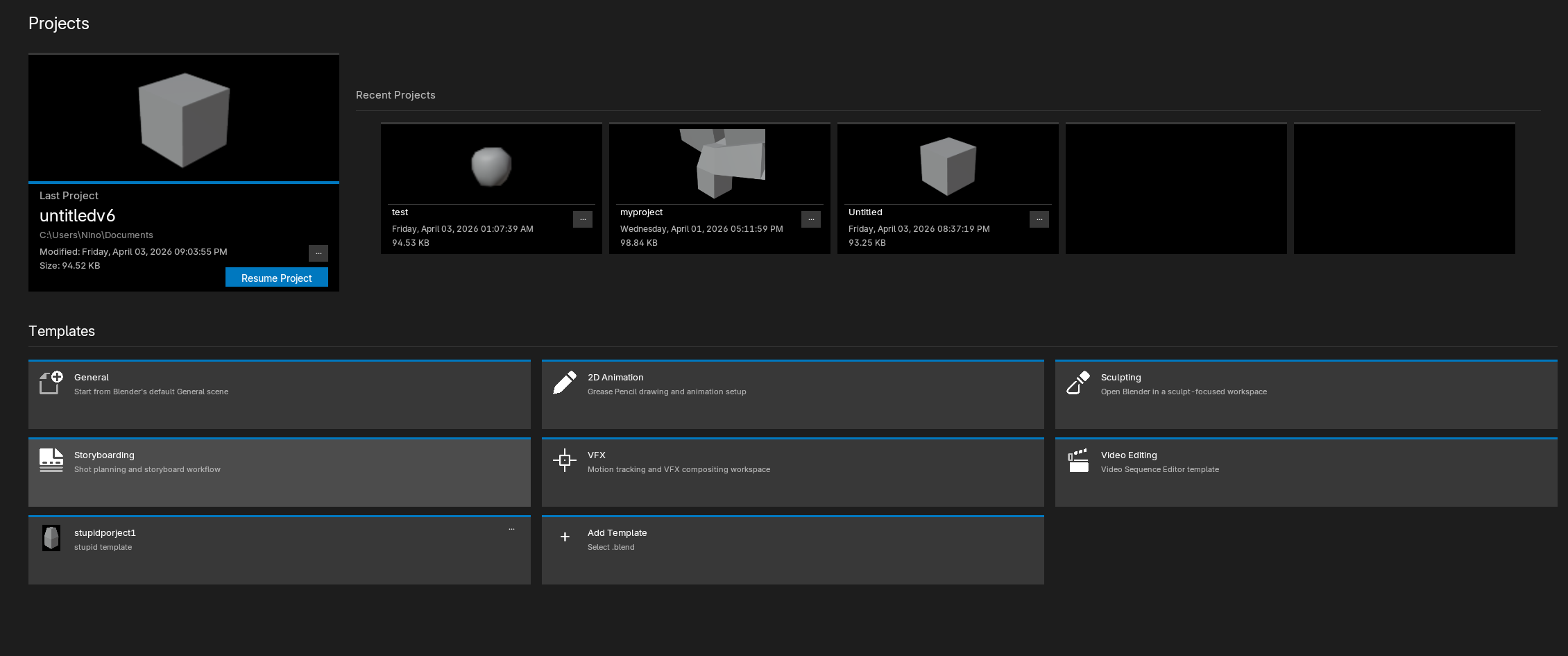
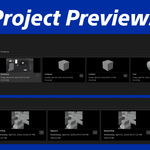
Projects, where you can resume from your latest work in progress.
Recent projects is where you can scroll with the mouse wheel or use the arrows to navigate through your recent projects up to 20.
Projects context menu
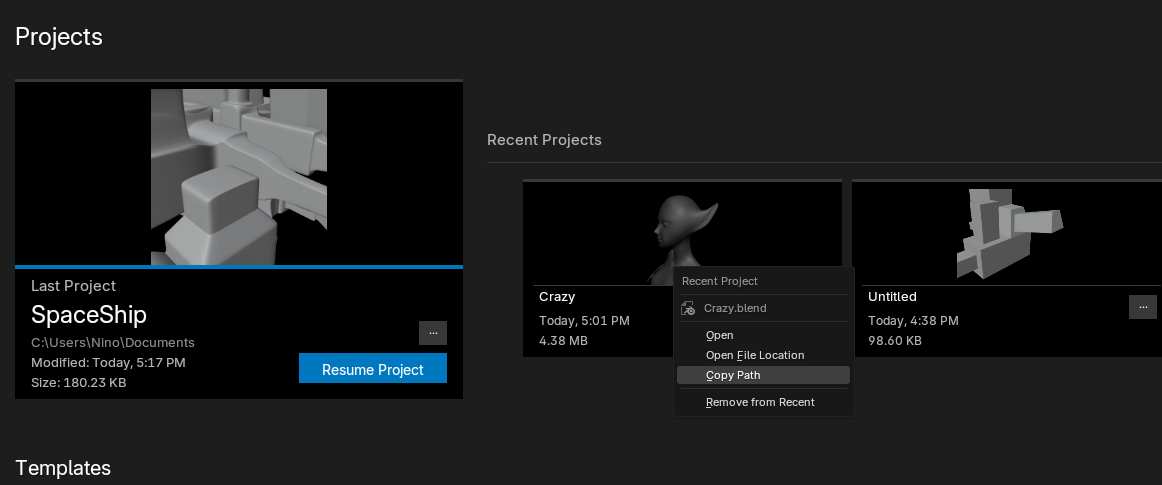
Perform actions such as:
Open; opens the blend file in blender.
Open File Location; opens your native system explorer with the route to the selected project.
Copy Path; copies the path to that project.
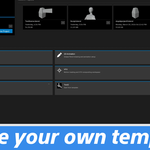
Templates Section
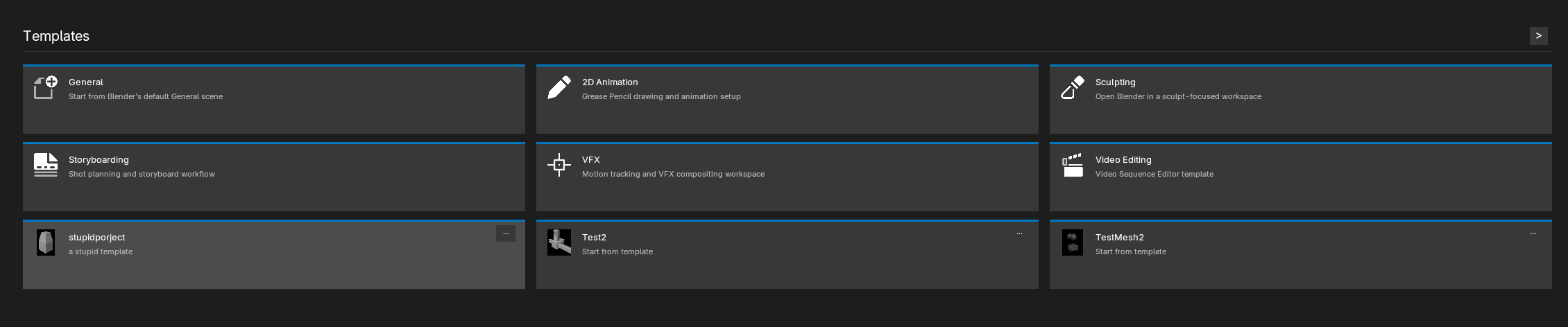
Create unlimited templates, and similarly to recent projects scroll with the mouse wheel to the next or previous pages.

To get started click on the "Add Template" button
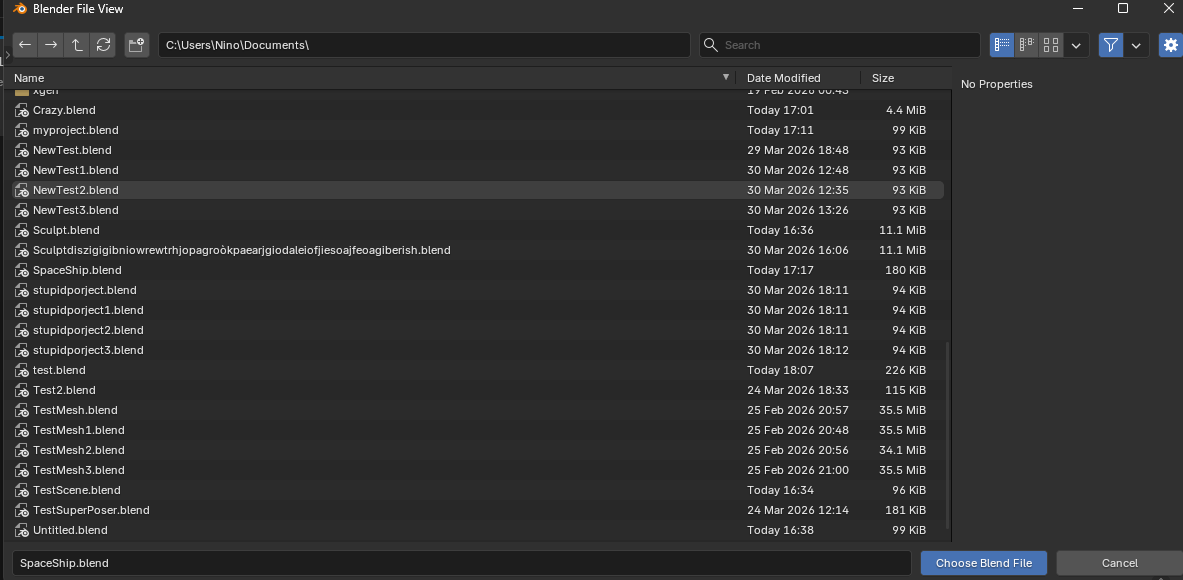
Choose a .blend file to use as template when prompted
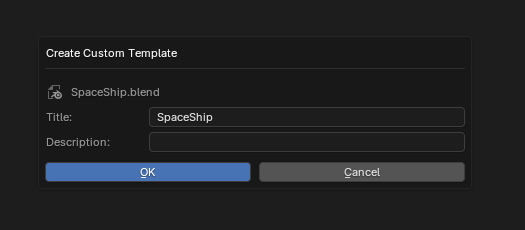
Choose a title and description for said template.
For example: I've chosen the title SpaceShip and description is empty.

Now you can see the SpaceShip Template and use it as a starting point for new projects.
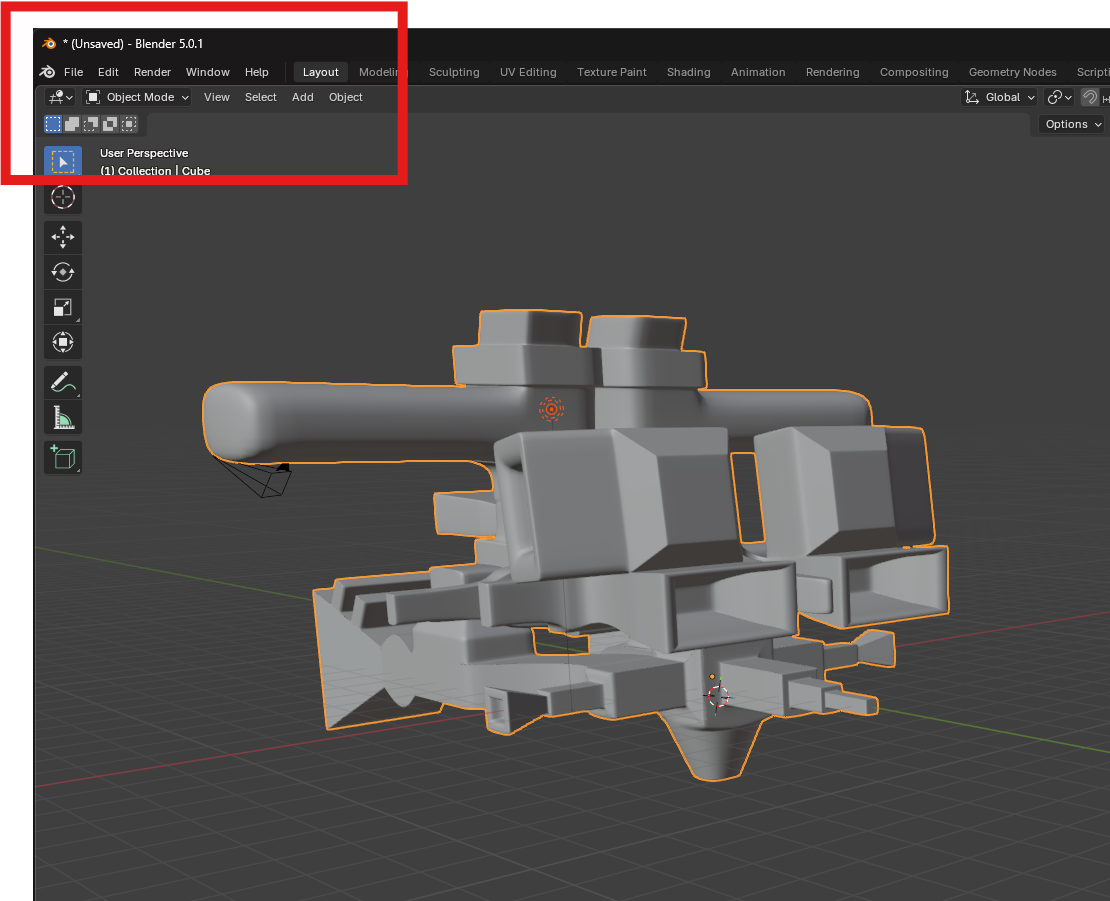
The template creates a new document.
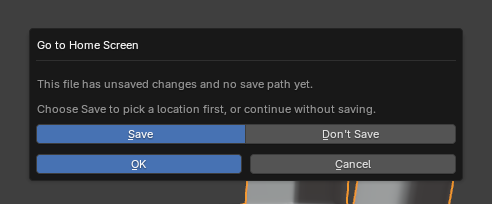
Going back to the home screen
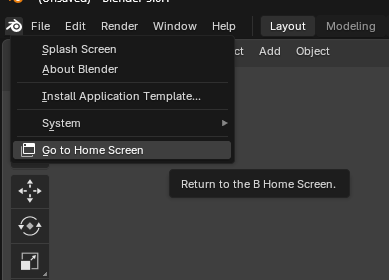
Click the blender icon and you will see the new "Go to Home Screen" button.
If you made changes to the document you can choose to save them before going back.
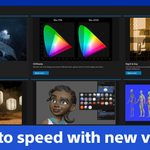
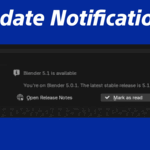
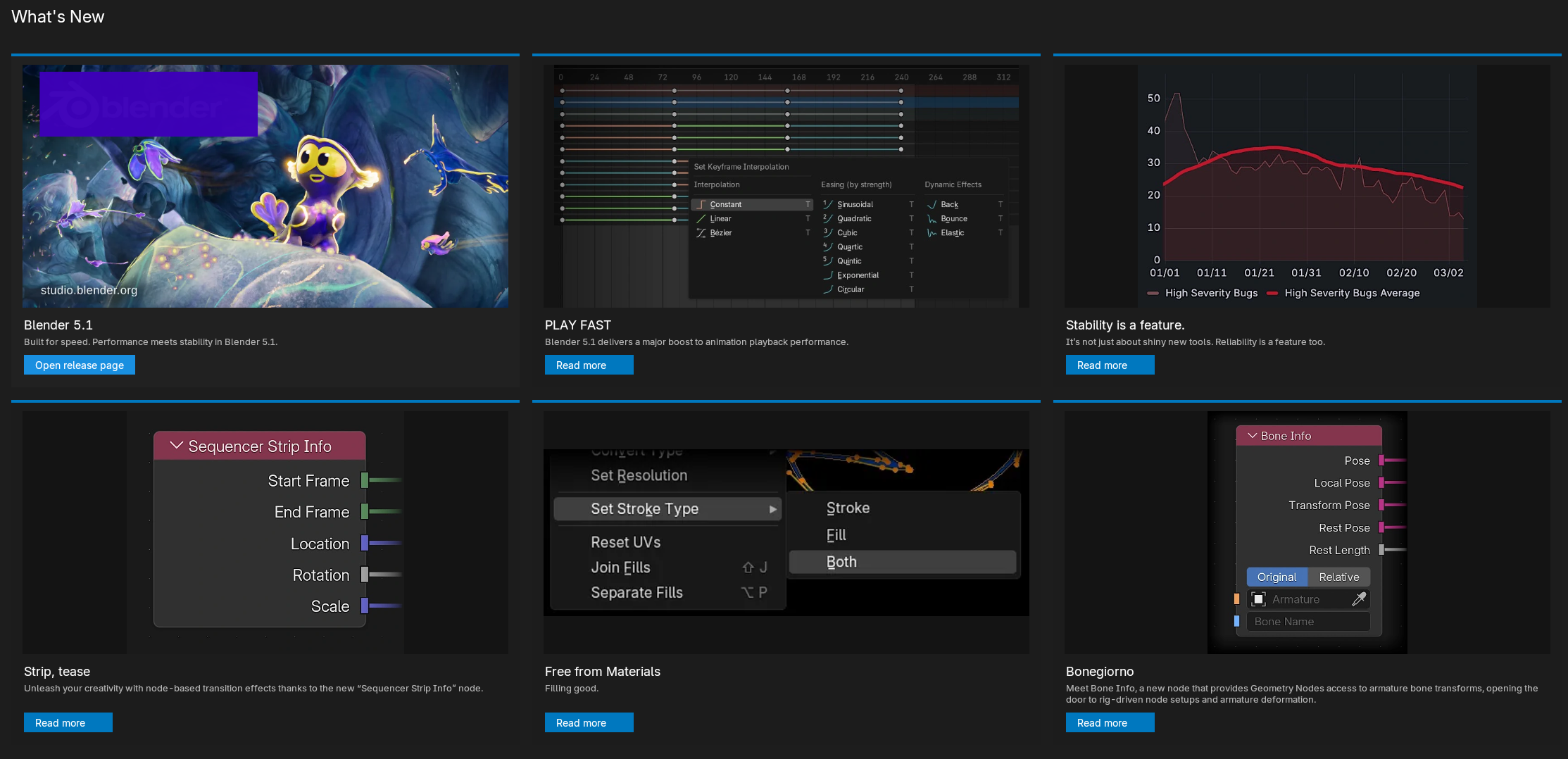
What's New Section
Here you will get up to 6 relevant updates from your current blender version. The first image is the release page where you can find the entire updates list.
Click on any link to get the exact update information you are interested on.
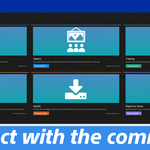
Community Section
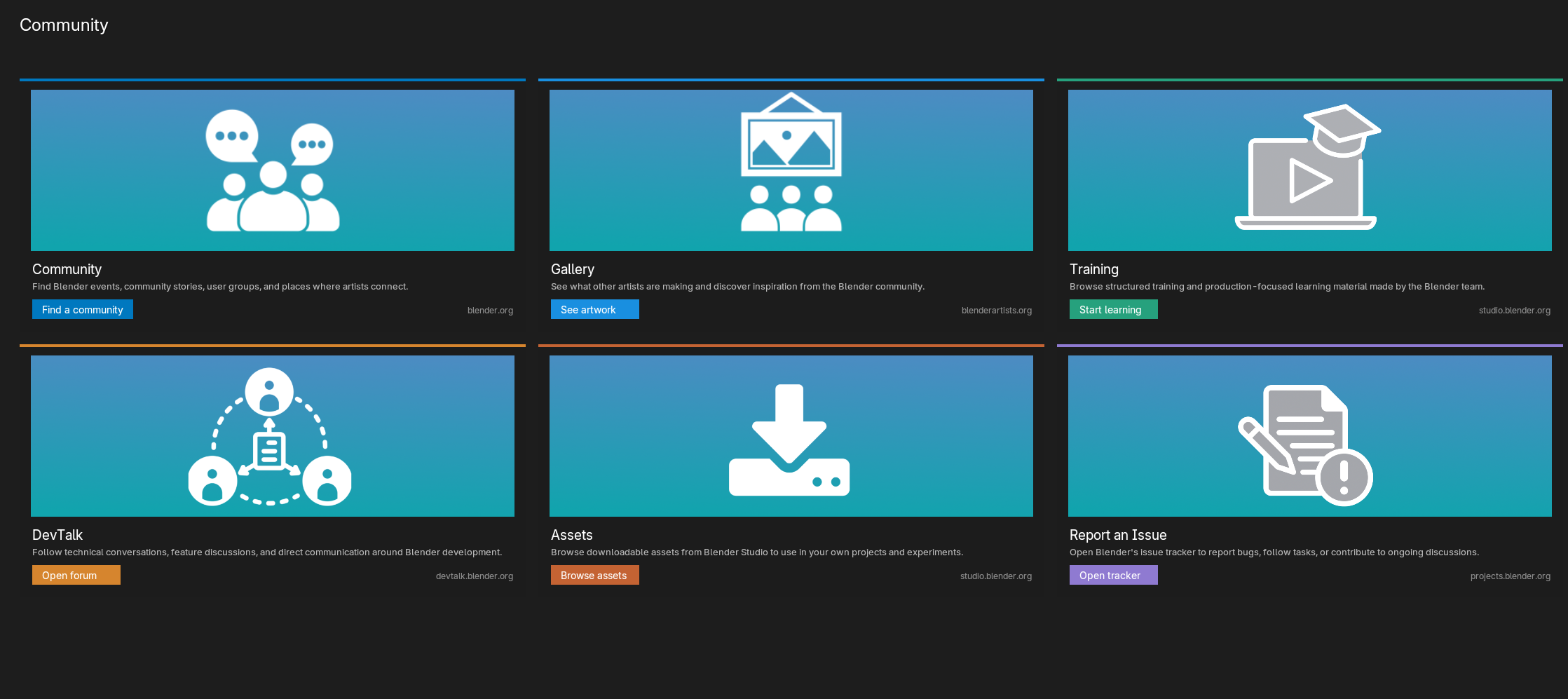
The Community link - https://www.blender.org/community/ will take you to blender's official communities repository. where you can find forums and help.
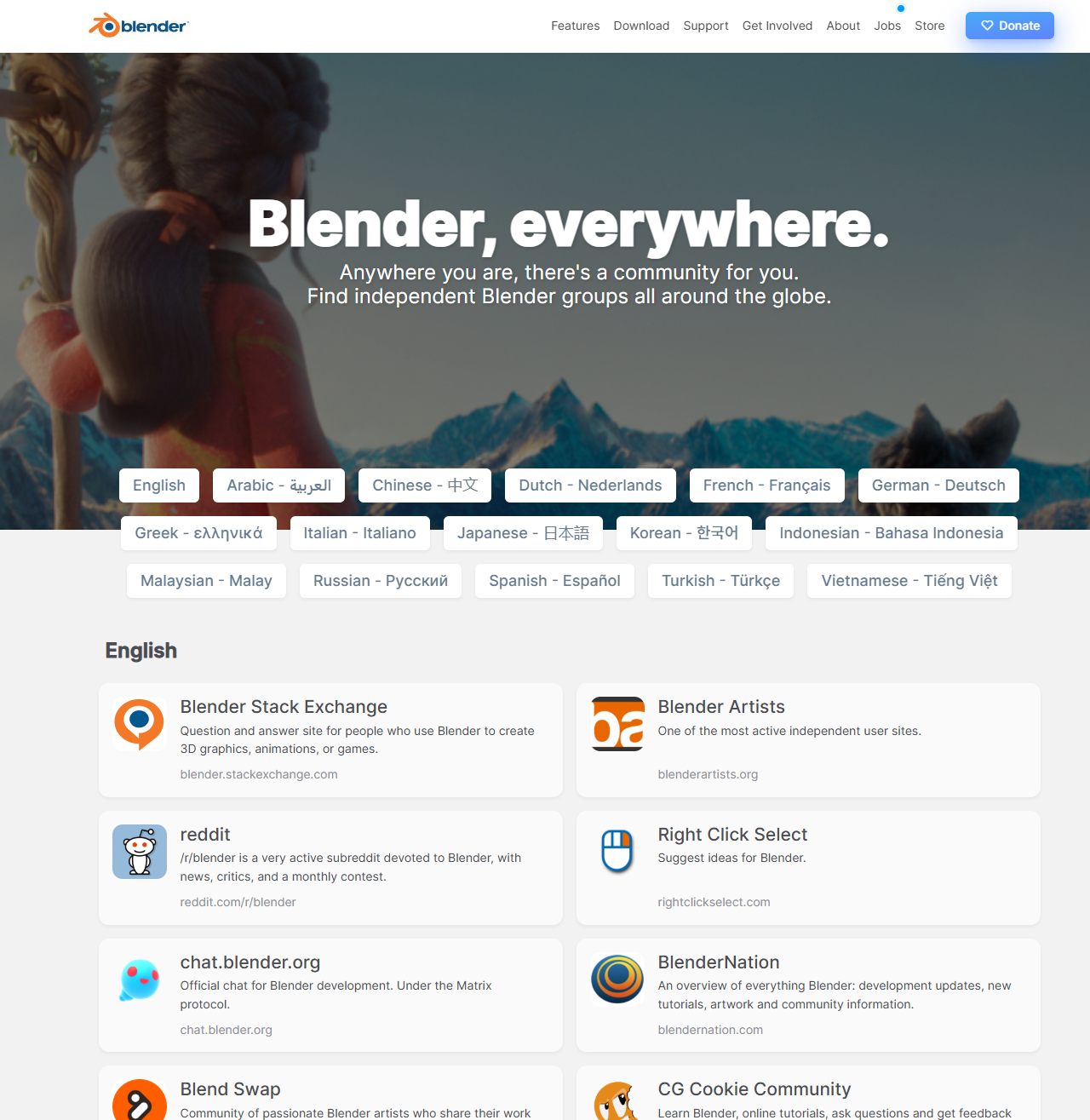
The Gallery link will take you to Blenderartists.org - https://blenderartists.org/c/artwork/8 where people posts artworks made with blender frequently.
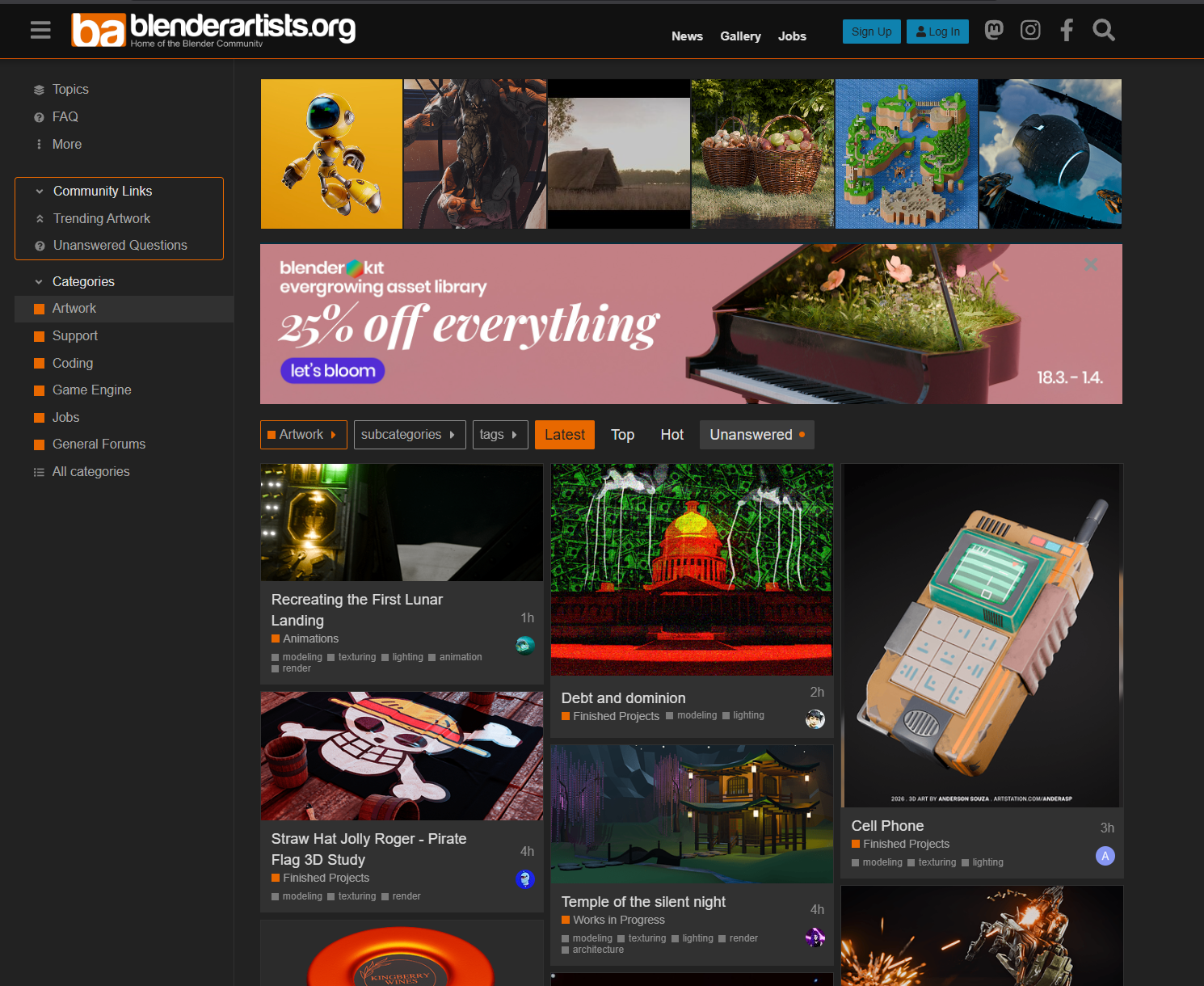
Other links will take you to official blender communities to help you stay better connected with all the blender users.
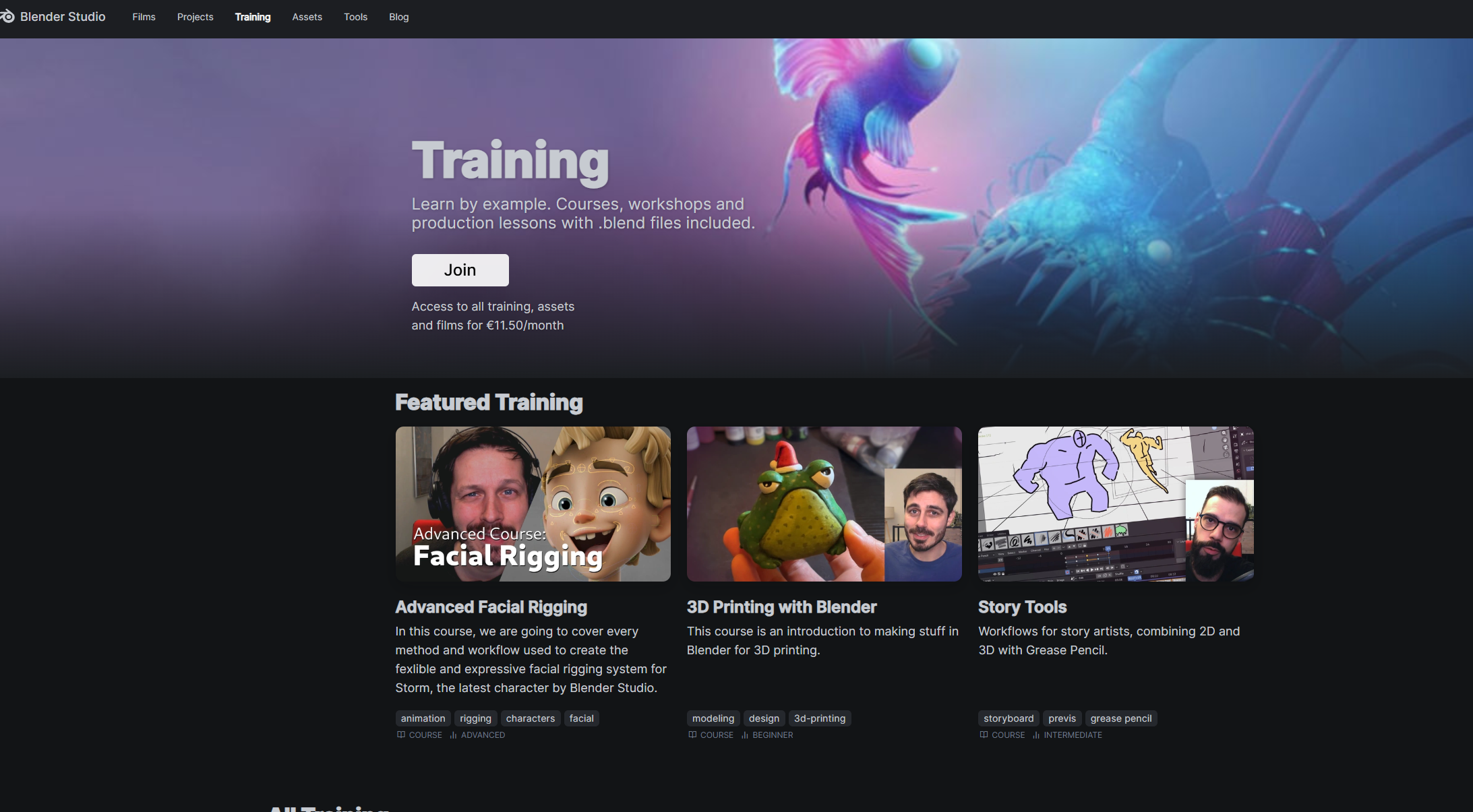
Training- https://studio.blender.org/training/ Official blender training products
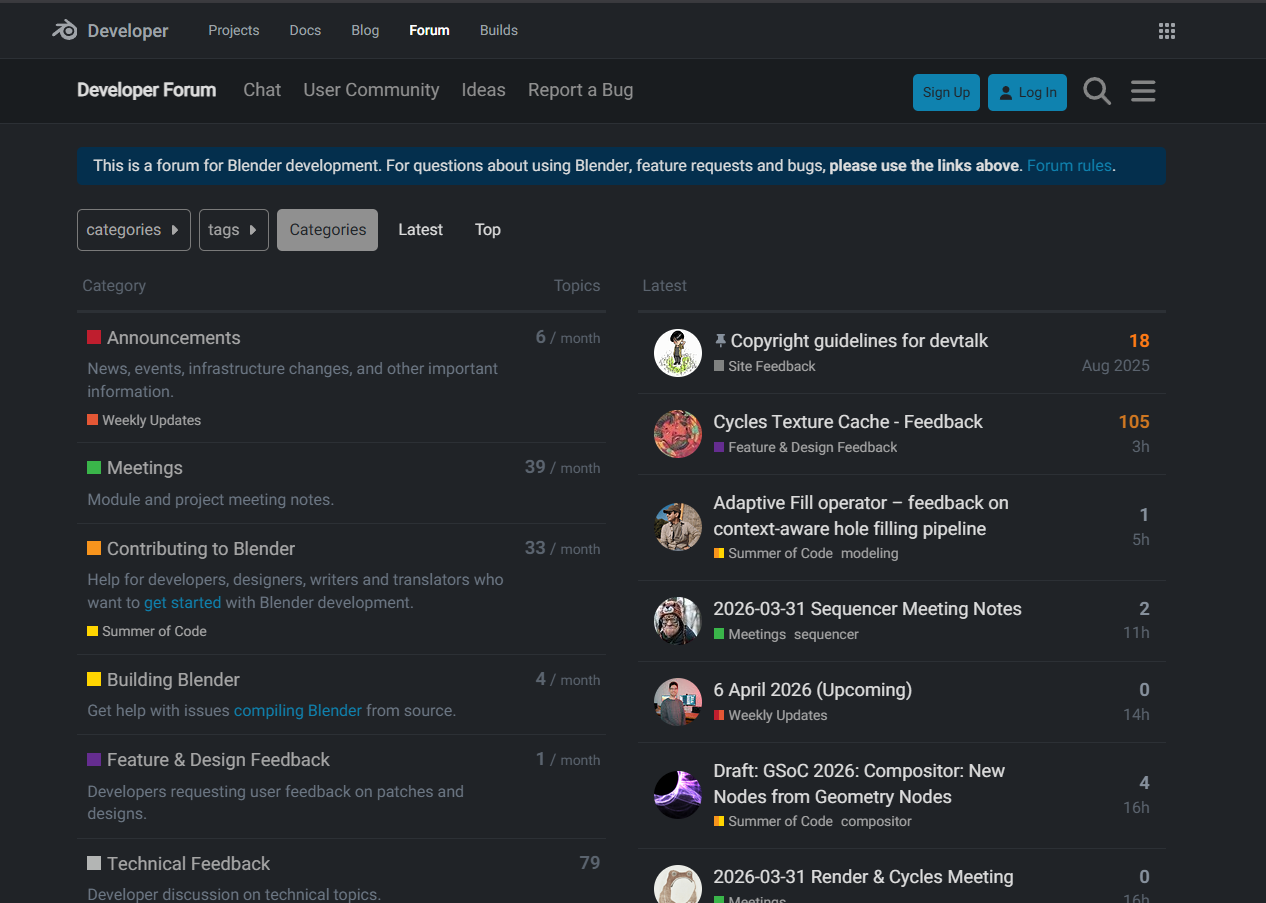
DevTalk - https://devtalk.blender.org/ a forum for blender developers
Assets - https://studio.blender.org/search/?type=asset&media_type=file
Official blender studio downloadable resources.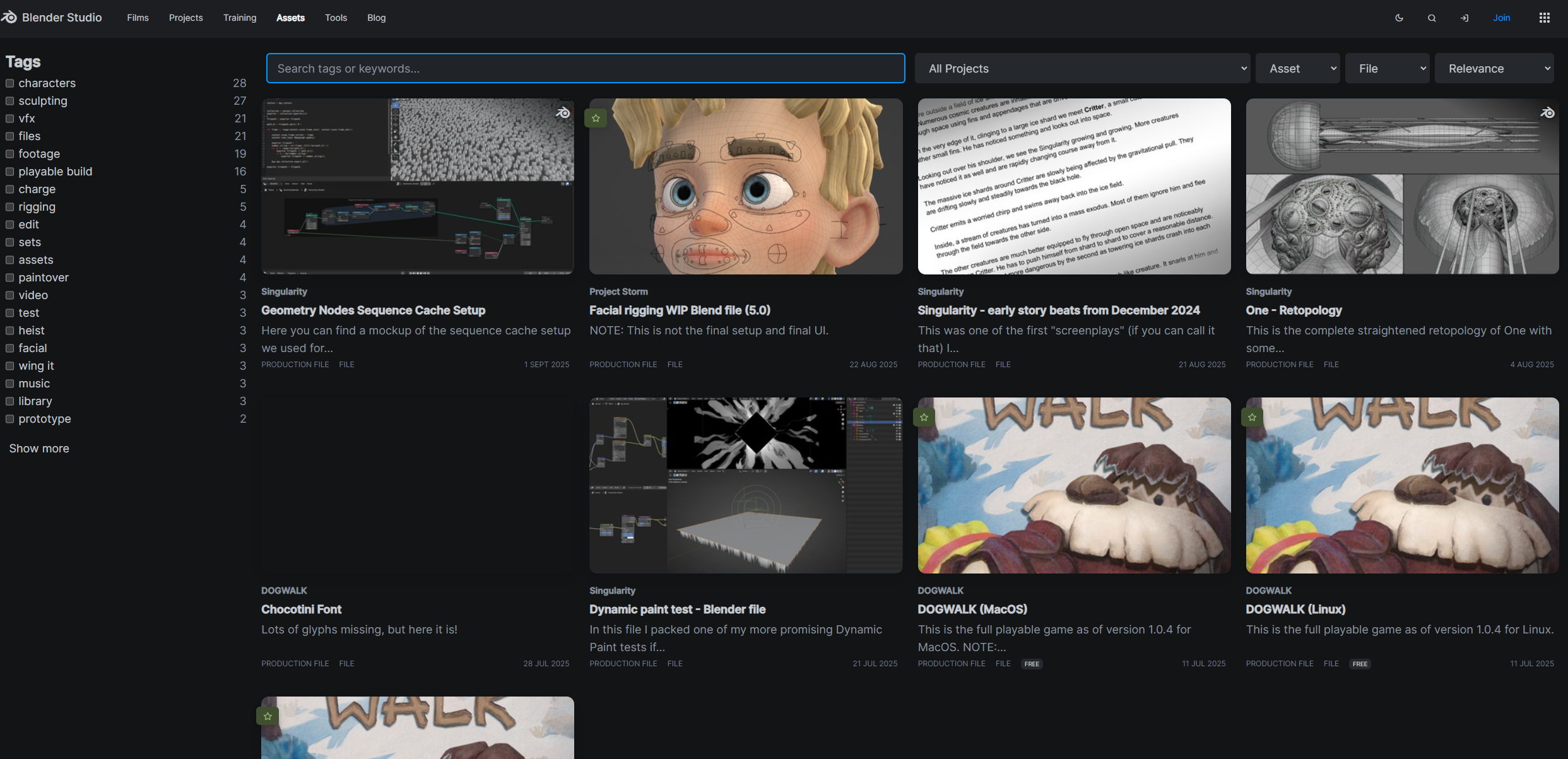
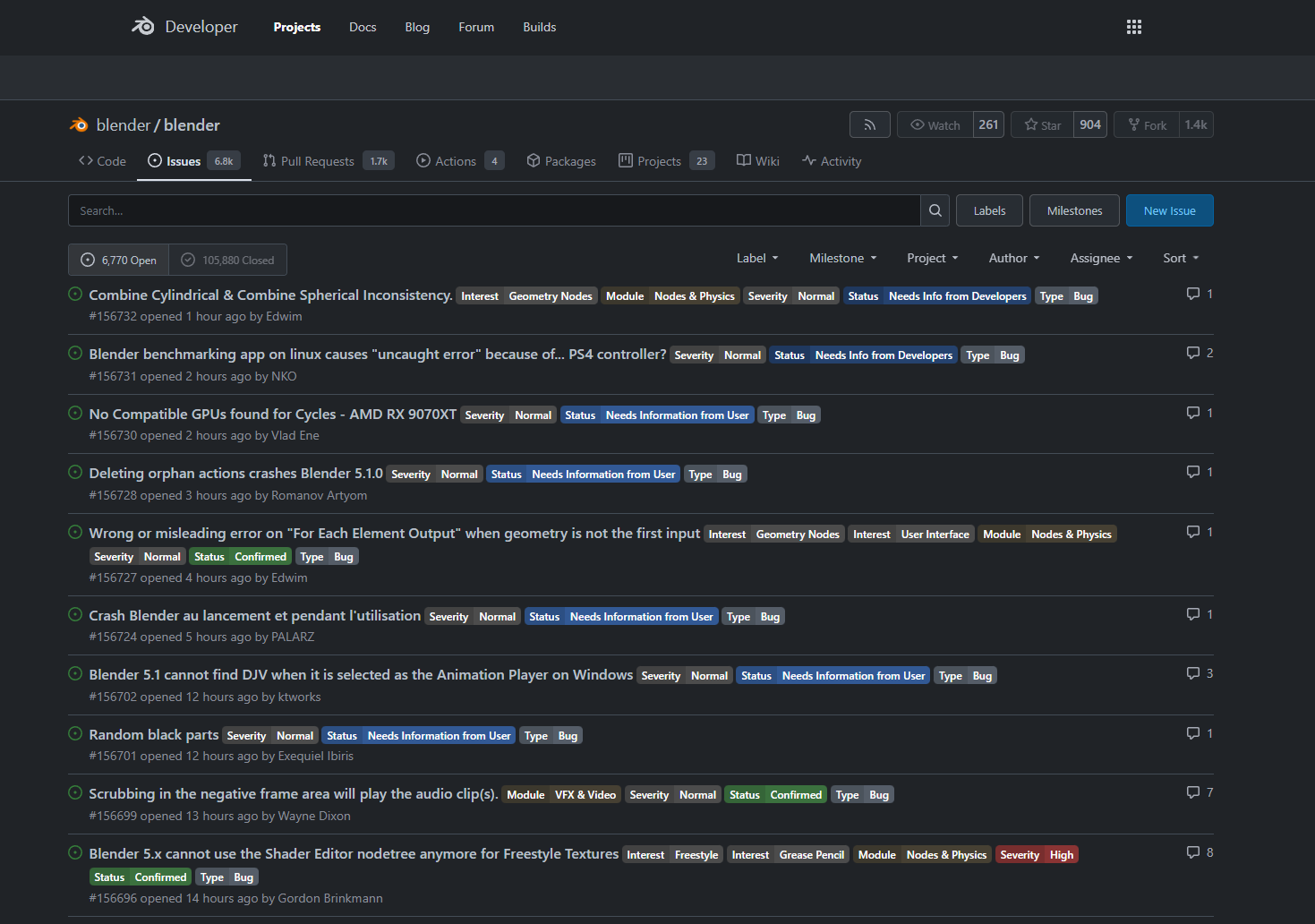
Report an Issue - https://projects.blender.org/blender/blender/issues Official blender issues tracker.
-
$5.40 $9
Claim free with coupon
Have questions about this product?
Login to message
| Blender Extension Compatible | Yes |
| Published | 6 months ago |
| Blender Version | 4.2 - 5.1 |
| Extension Type | Add-on |
| License | GPL |
