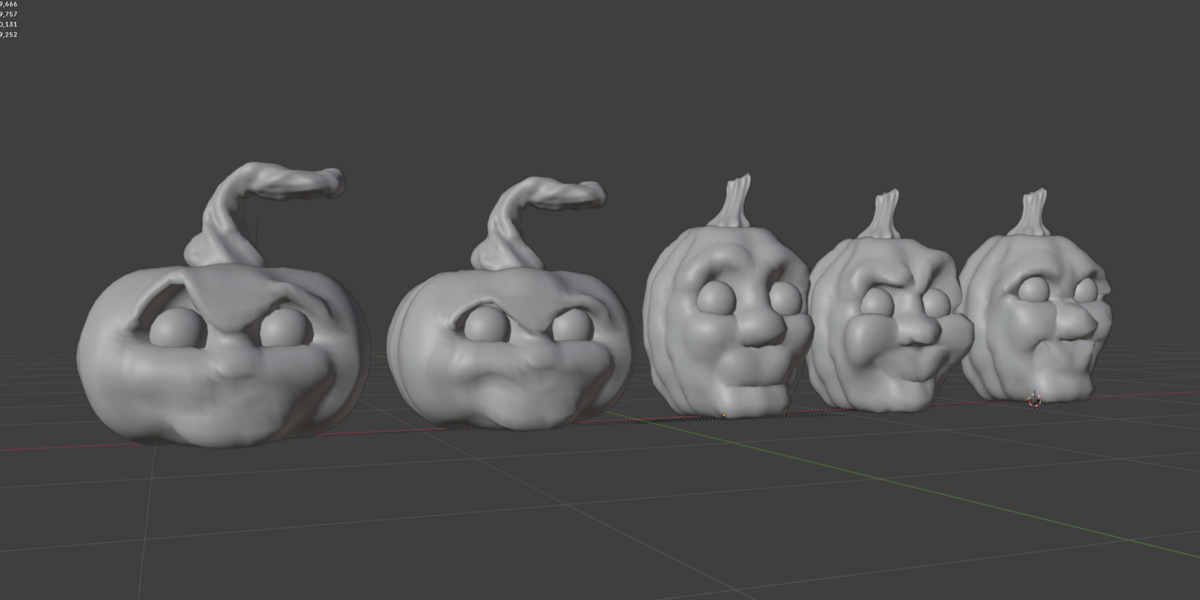
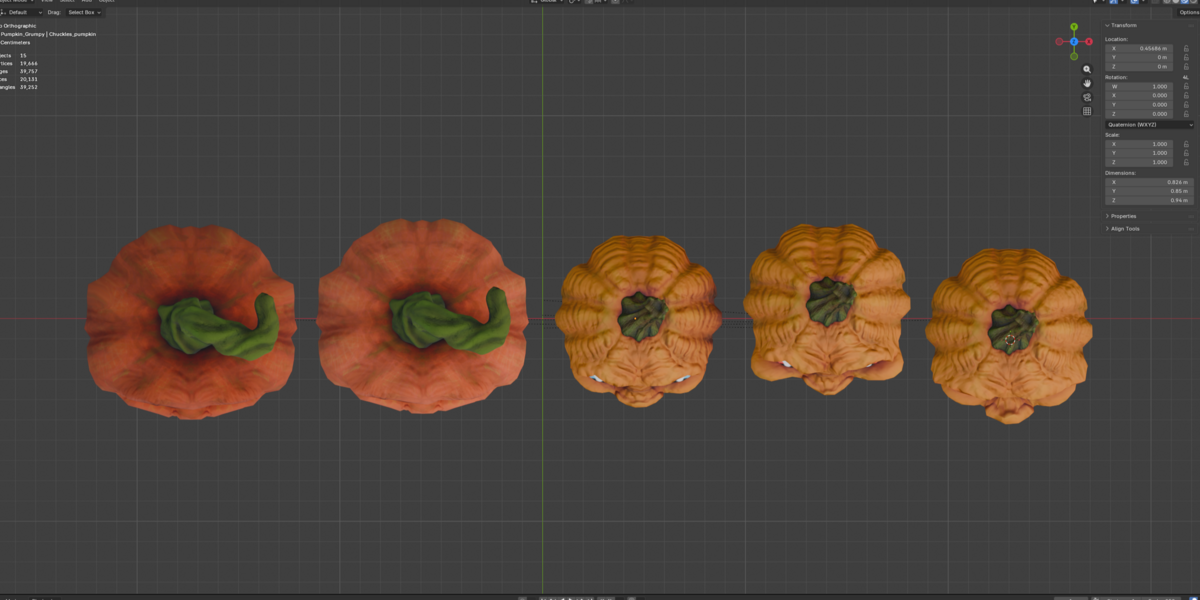
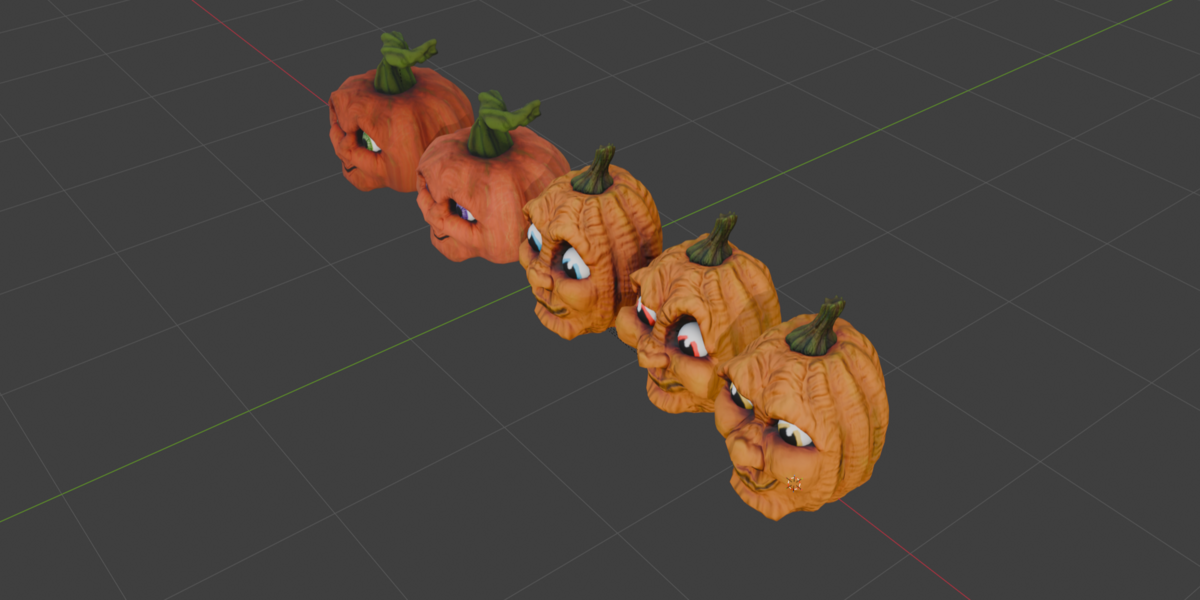
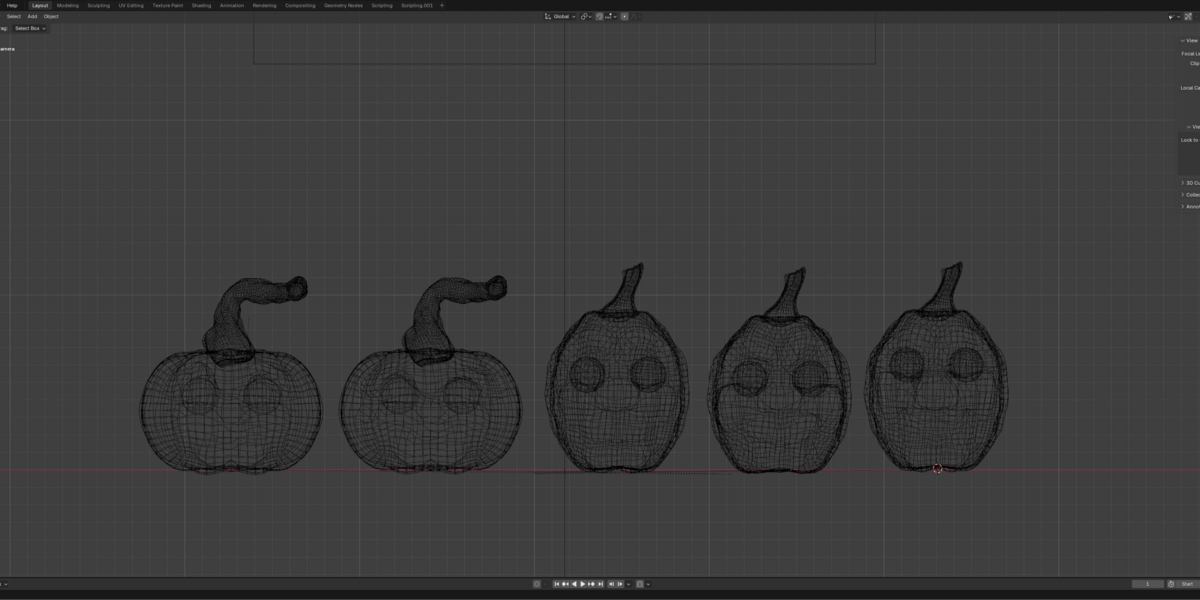
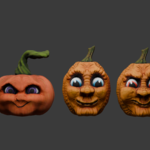
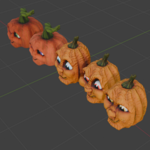
Bad Patch Pumpkins
 Jeschainks Dragonsworn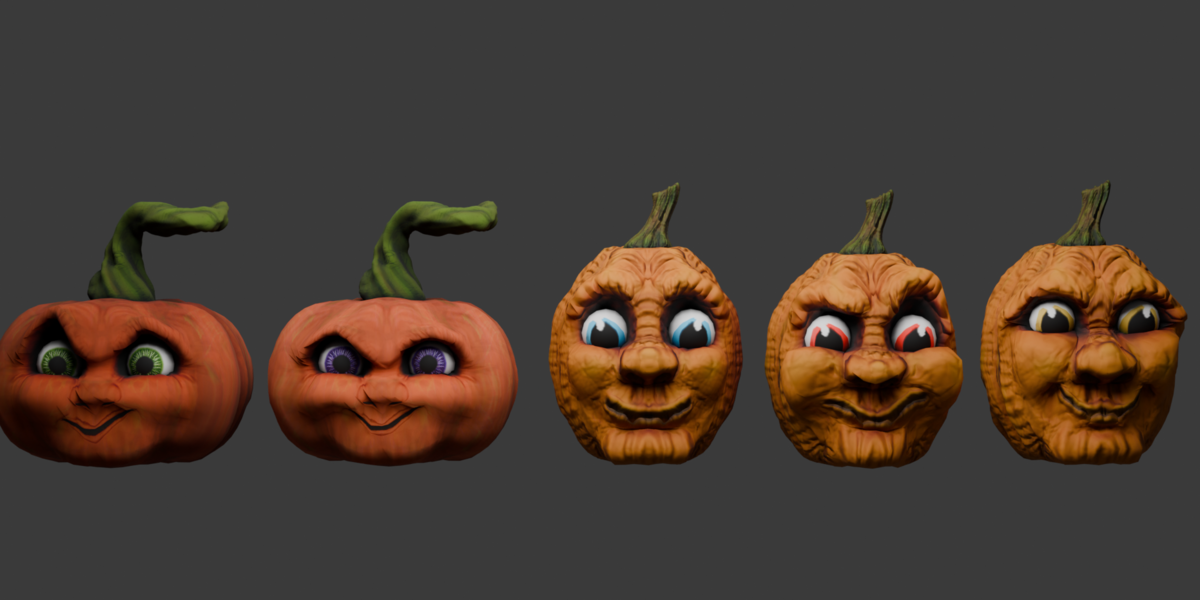
How to Use:
Open the
.blendfile directly in Blender. All textures are packed and assigned to standard Principled BSDF shaders.To append an individual pumpkin into an existing project, go to
File > Append, openBad_Patch_pumpkins.blend, clickObject, and select your desired pumpkin mesh.For external game engines (Unreal, Unity, SL), use the provided
.fbxor.glbfiles and import the matching textures from the texture folder.
$5
Have questions about this product?
Login to message
| Dev Fund Contributor | |
| Published | 27 days ago |
| Blender Version | 3.6 - 5.1 |
| Render Engine Used | Cycles, Eevee |
| Misc Data | Uvs-Unwrapped, Manifold-Mesh, Normal-Mapped, Textured |
| License | Royalty Free |