 antoine bagattini













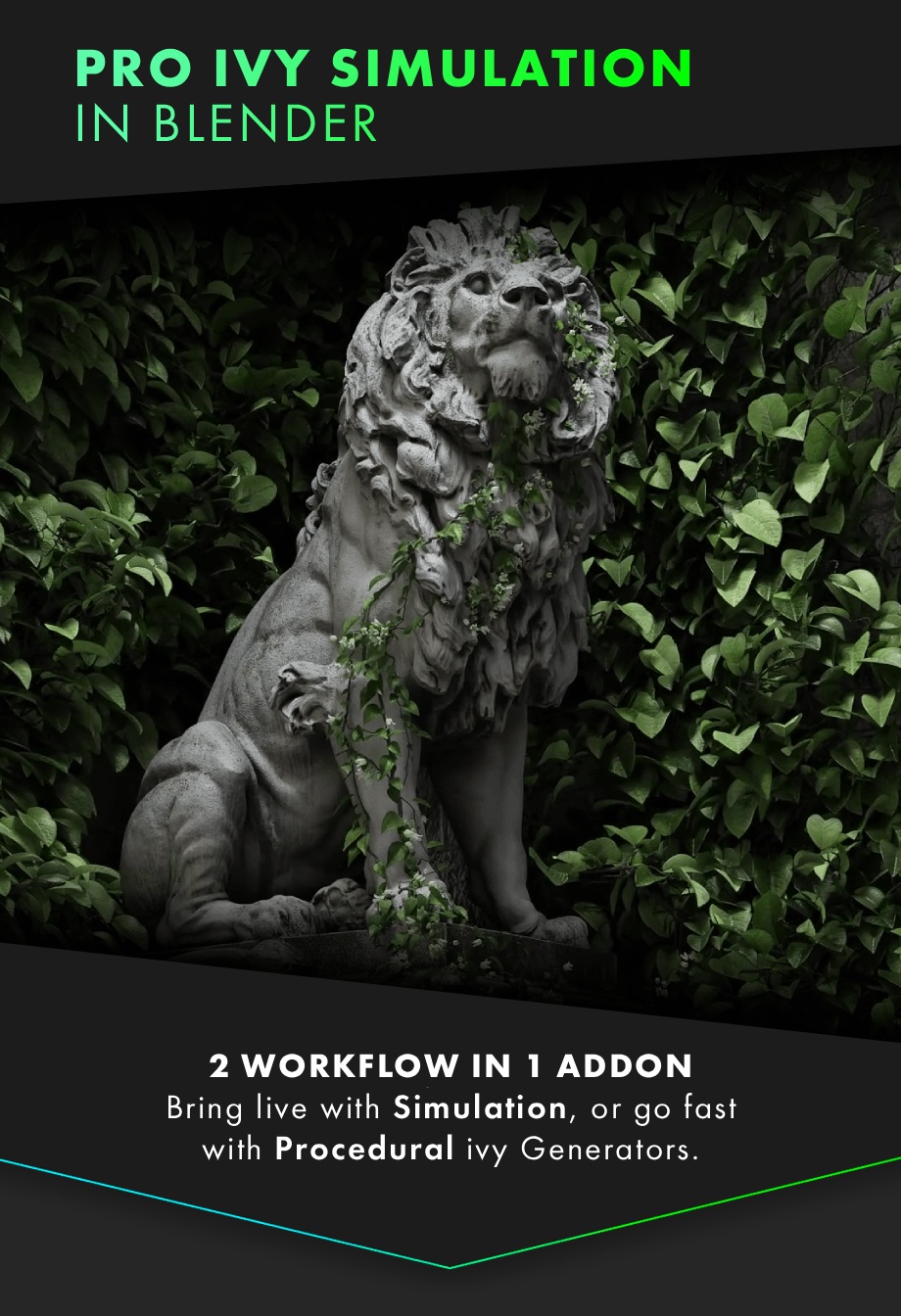

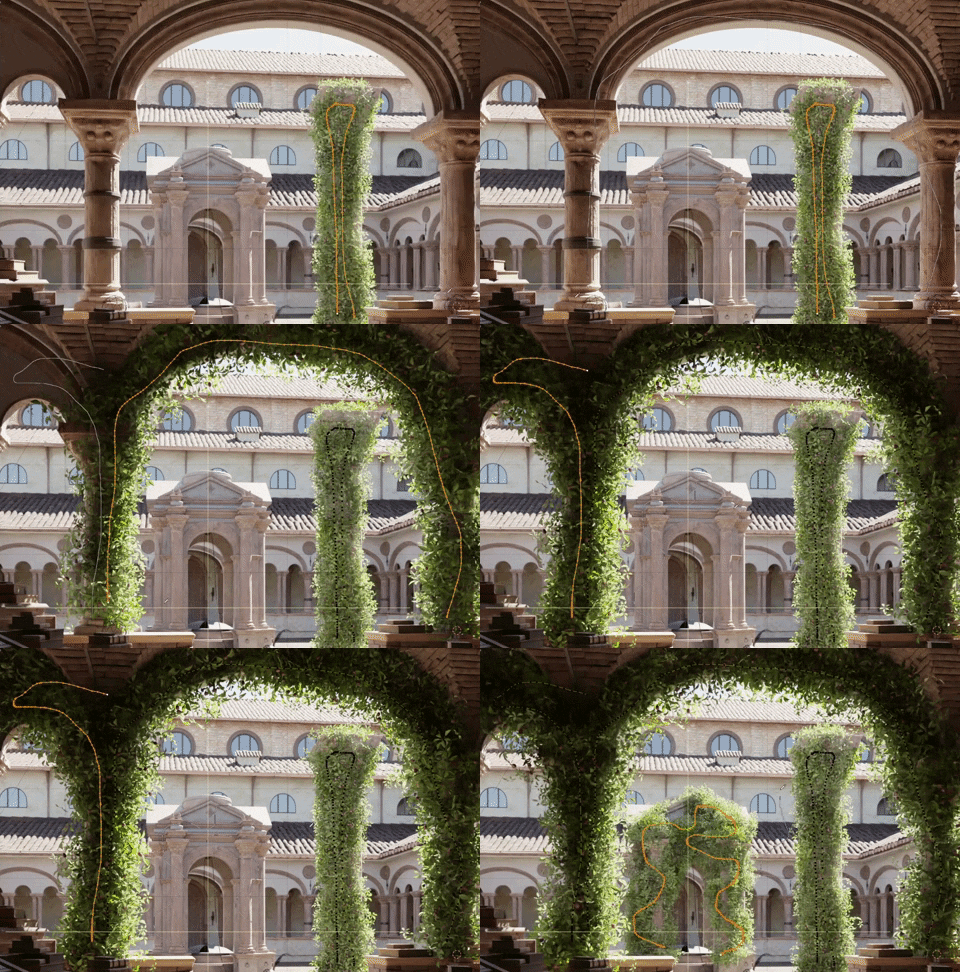
Bring your scenes to life with the new Simulation Mode, designed to generate organic, animated growth without sacrificing artistic control. Guide the evolution step-by-step to direct exactly where the ivy grows, achieving a level of realism and intent impossible with other simple generators.

Simulate realistic growth: Bake the full simulation in one go, or refine it step-by-step for complete control. This simulation unlocks an unparalleled level of realism, providing animation capabilities and artistic mastery that no other approach can match.

Maintain full artistic control: direct the growth exactly where you want by simply drawing on your mesh.

Your bake range doesn't matter: you can speed up the growth animation, slow it down, or create loops. You have total freedom!
Bonus: Wind effects are now preserved even after converting your ivy to an editable mesh!

Enjoy a step-by-step workflow for ultimate control over your ivy's final shape. At each stage, you can direct exactly where the ivy grows, how much it spreads, tweak its foliage, and adjust its animation. But don't worry, if you want quick results, simply use the Auto-Bake feature and let the addon handle everything!


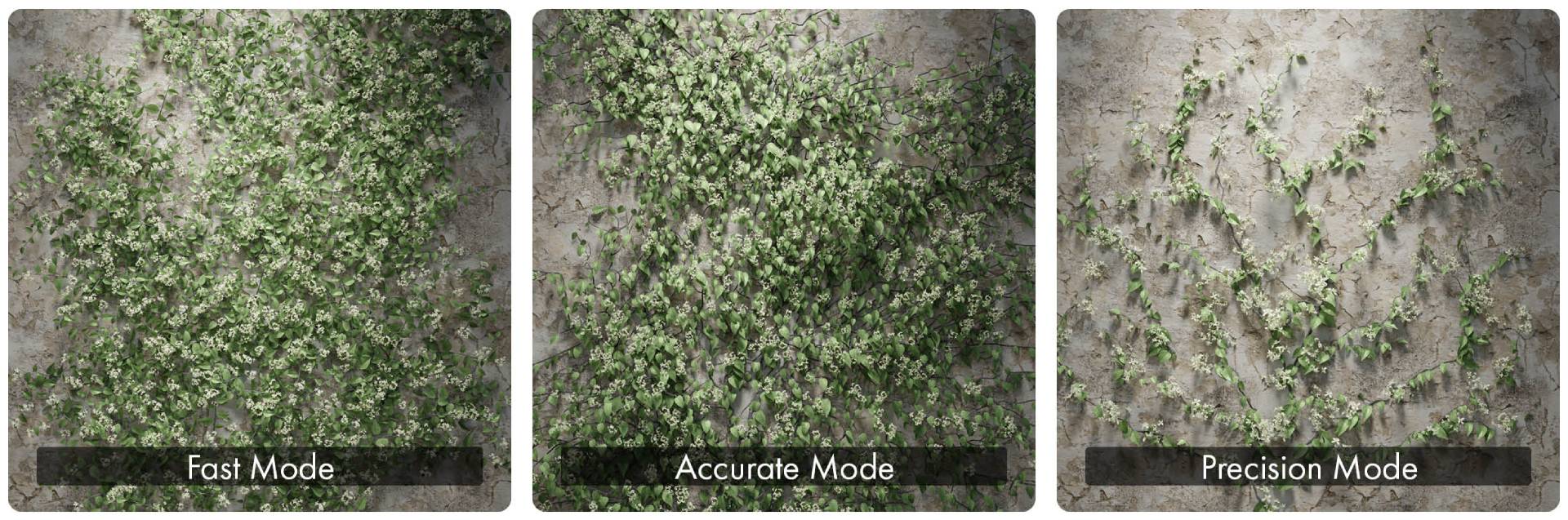
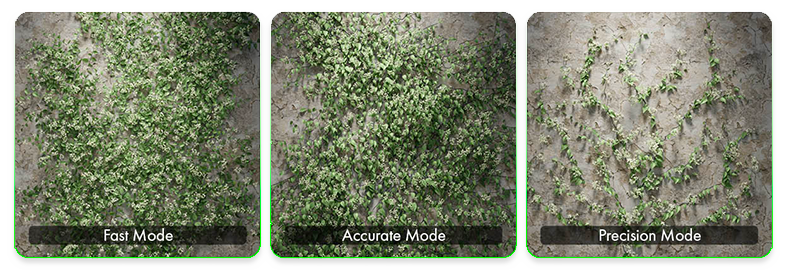
While simulation brings growth to life, our Procedural generator is built for pure efficiency, offering three distinct modes to instantly cover everything from background buildings to hero assets. Choose Fast for performance, Accurate for realism, or Precision for control, and generate complex, non-destructive vegetation in seconds.







Optimized for EEVEE & Cycles
- • Built with quad topology for seamless subdivision.
- • Minimal alpha for efficient rendering.
- • True-to-life species representation.
- • Fully compatible with both EEVEE & Cycles.
The assets materials are also compatible with BagaPie’s "Node To Panel".


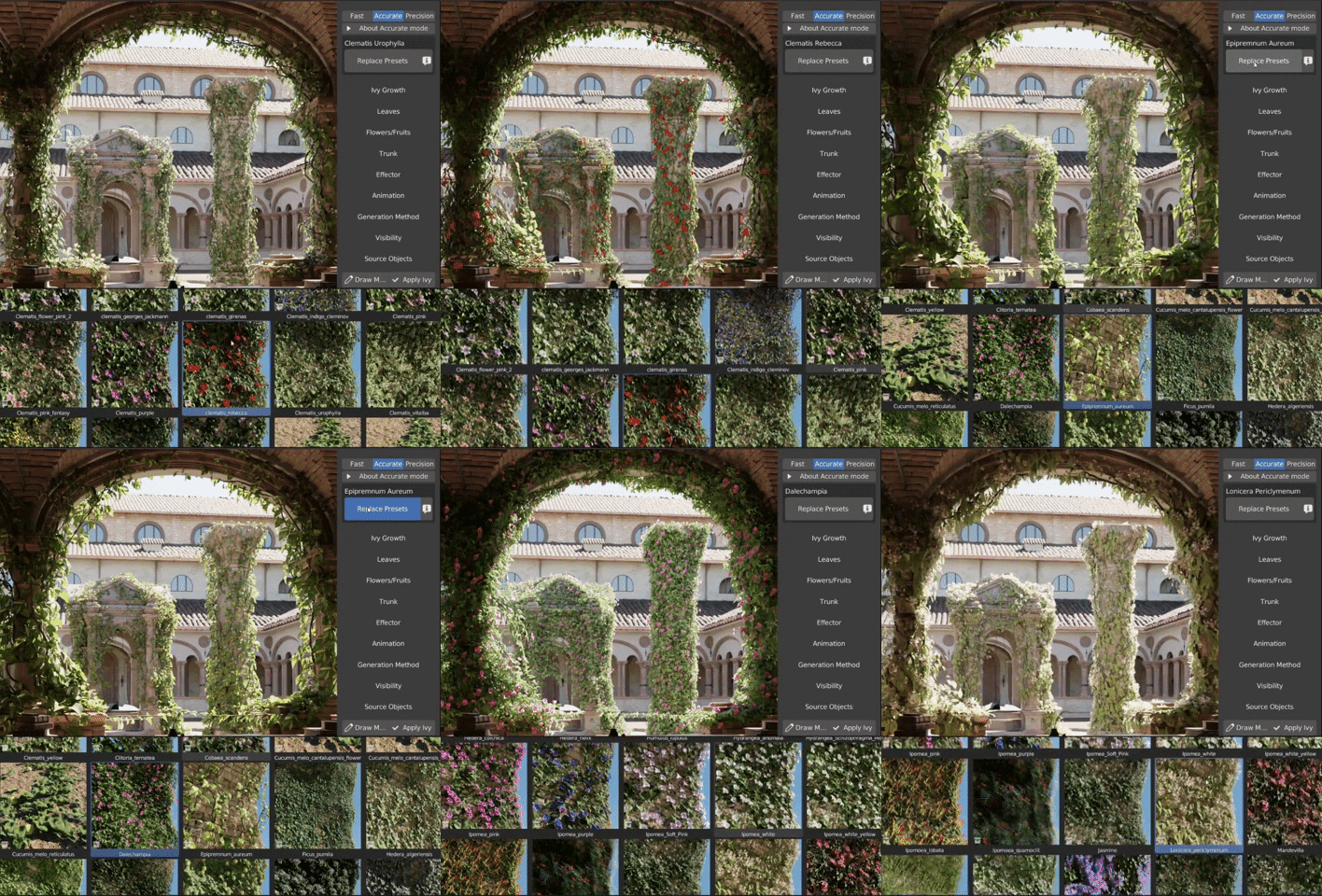
• Swap presets with a single click! If you're using Simulation Mode, you can also enable Auto-Bake for a faster workflow.

• Seamless loopable animations and intuitive wind control.
• Wind is preserved if you convert the ivy to mesh.


• Effectors (Procedural Mode): Delete leaves or branches by proximity with other objects.
• Cut (Simulation Mode): You can remove specific branches by cutting them without having to apply the ivy.
• Convert to Mesh : Convert your ivy to mesh and delete/move what you want. Only wind animation preserved.

• Proxy System : Boost viewport performance by replacing high-poly assets with lightweight proxies.
• Optimization (Procedural Mode) : Automatic bounding box generation for foliage. Plus, define different resolutions for Viewport and Render to maintain speed.
• Bake All (Simulation Mode) : Bake the entire ivy with all its animations (growth and wind) to significantly improve viewport performance.
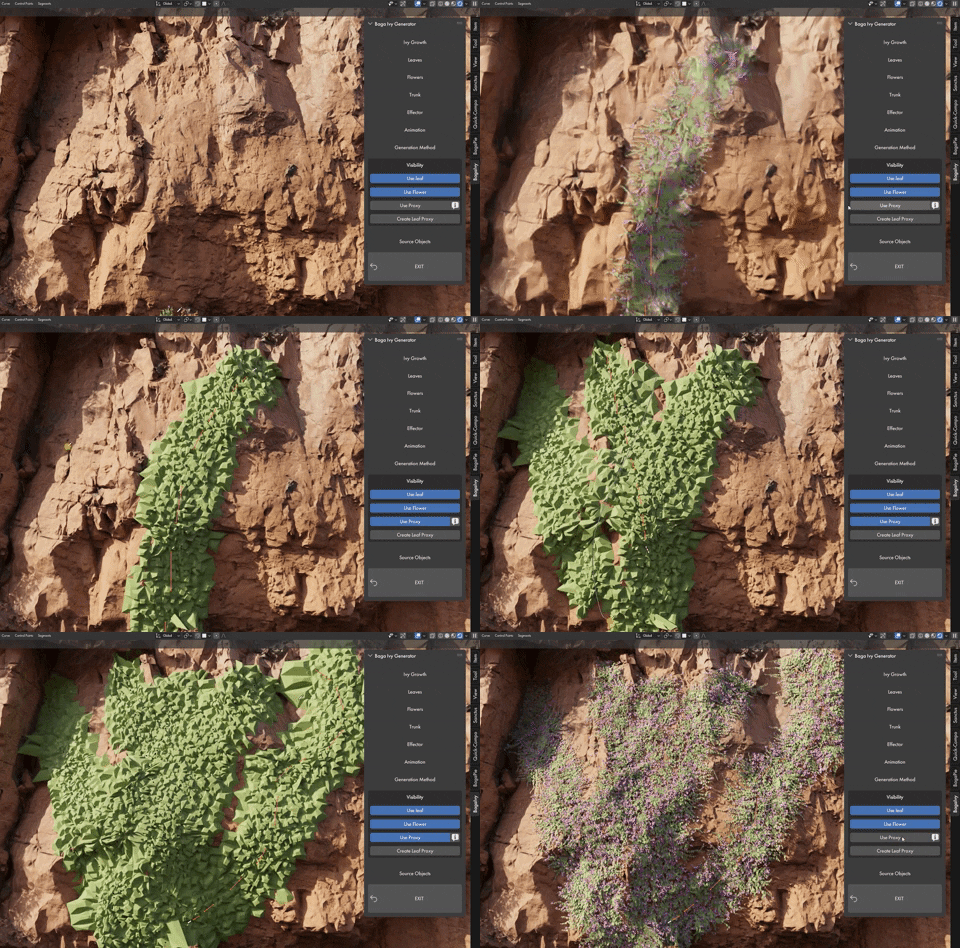

• Select a preset > select a target > Set the ivy origin > DRAW !
• Baga Ivy is fully integrated with the asset browser, you can pick any assets.
• Each preset has its own settings to generate the species in the most accurate way.
Watch the tutorial

• LICENSE : BagaIvy is under Dual-License Structure : Royalty Free and GPL. Learn More
• BagaIvy Simulation (V3) supports Blender 4.3+.
• If you already own BagaIvy V1 or V2, versions remain available for Blender 3.5+.
• Growth animation is ONLY available in Simulation.
• You CAN convert the ivy into editable meshes but there is NO export options included in the addon.
• Simulation groth animation is lost if you convert the ivy to mesh.
• You can use any assets. You're not limited to BagaIvy library.
• You can save & create presets. (Limited - see documentation !).
• Built on Geometry Nodes.
• You can render your ivys without BagaIvy installed.
If you need help, do not hesitate to contact us !
Full Documentation HERE !