 ZEG
Installation
In Blender open Edit, Preferences, Get Extensions, then use Install from Disk and pick the zip.
Usage
- Open the Basemesh tab in the 3D viewport sidebar (N).
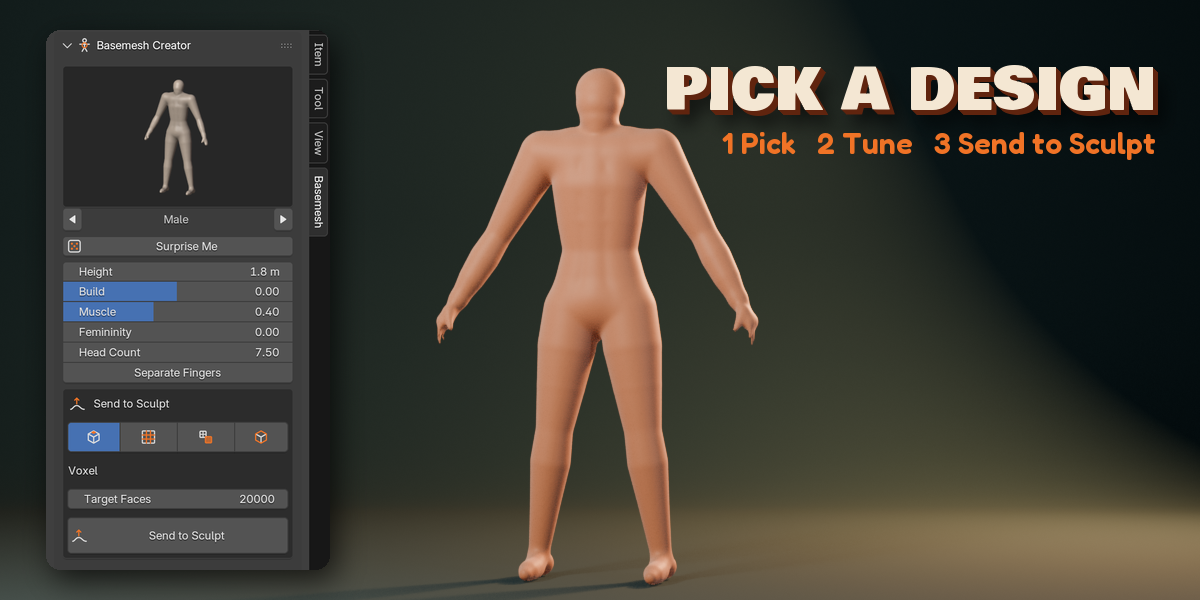
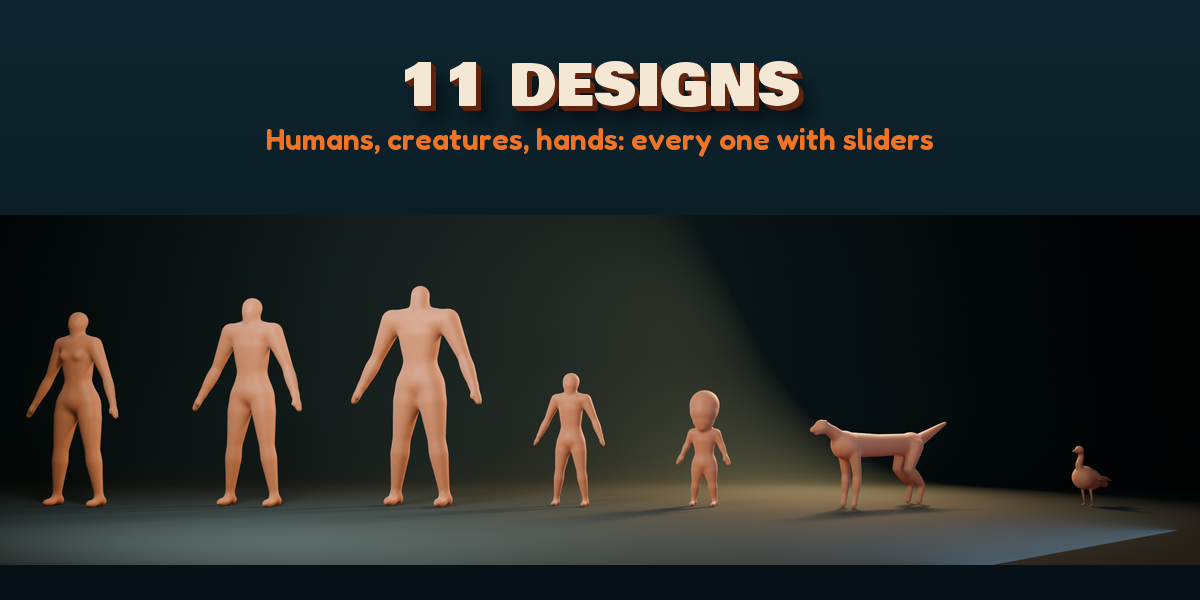
- Pick a design and press Create Basemesh, or use Shift+A, Basemesh.
- Adjust the sliders, or press Edit Skeleton to draw your own shape (E extrudes, Alt+R changes radius).
- Optional: add a Pose Rig and pose the figure.
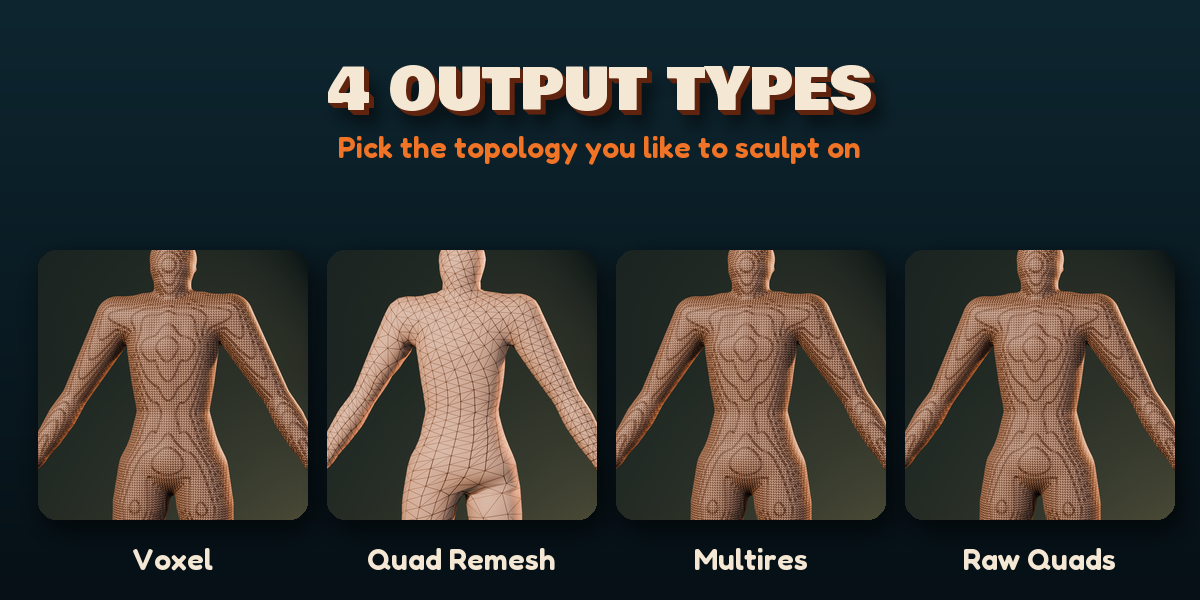
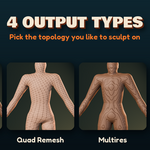
- Pick an output (Voxel, Quad Remesh, Multires, Raw Quads), set the face count and press Send to Sculpt.
Have questions about this product?
Login to message
| Blender Extension Compatible | Yes |
| Published | 1 day ago |
| Blender Version | 4.2 - 5.2 |
| Extension Type | Add-on |
| Render Engine Used | Cycles, Eevee |
| License | GPL |

Discover more products like this
Basemesh Human voxel remesh blockout creature character pose quad remesh base mesh sculpting stick figure dragon