 Dani K Daniel
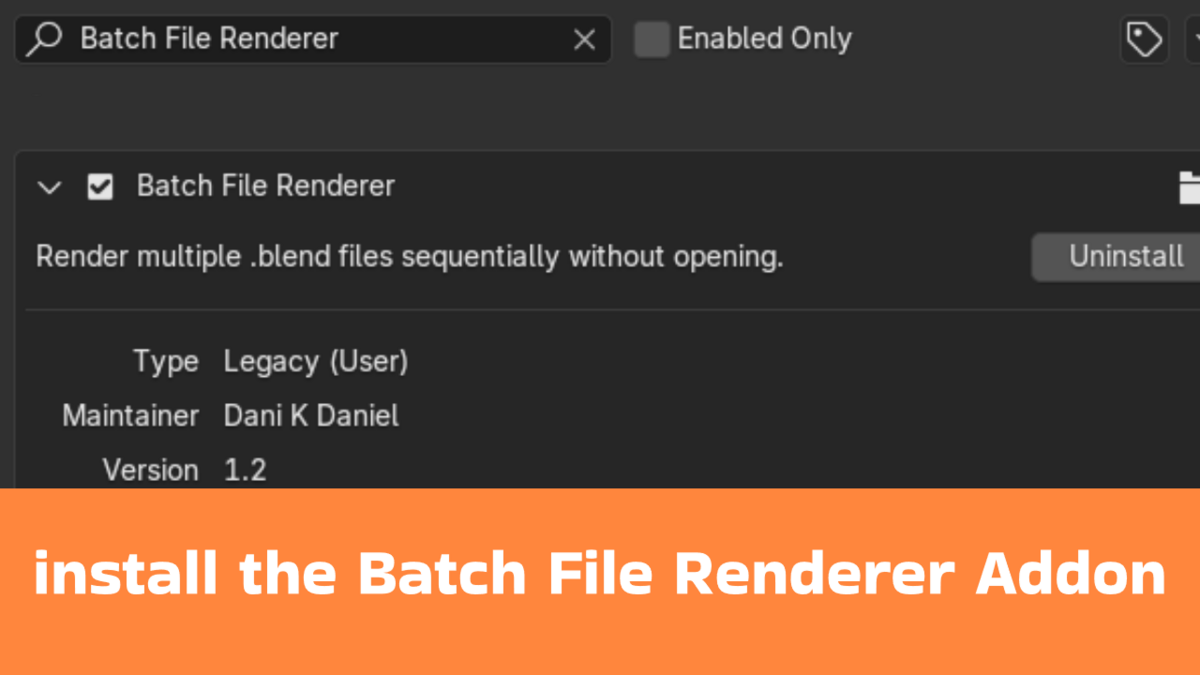

Batch File Renderer: Supercharge Your Blender Rendering Workflow
Transform Your Rendering Process
Batch File Renderer is the ultimate productivity tool for Blender artists, animators, and VFX professionals who need to render multiple projects efficiently.
Key Features
Batch Rendering: Queue and render multiple .blend files sequentially
Automated Workflow: Render files in background without manual intervention
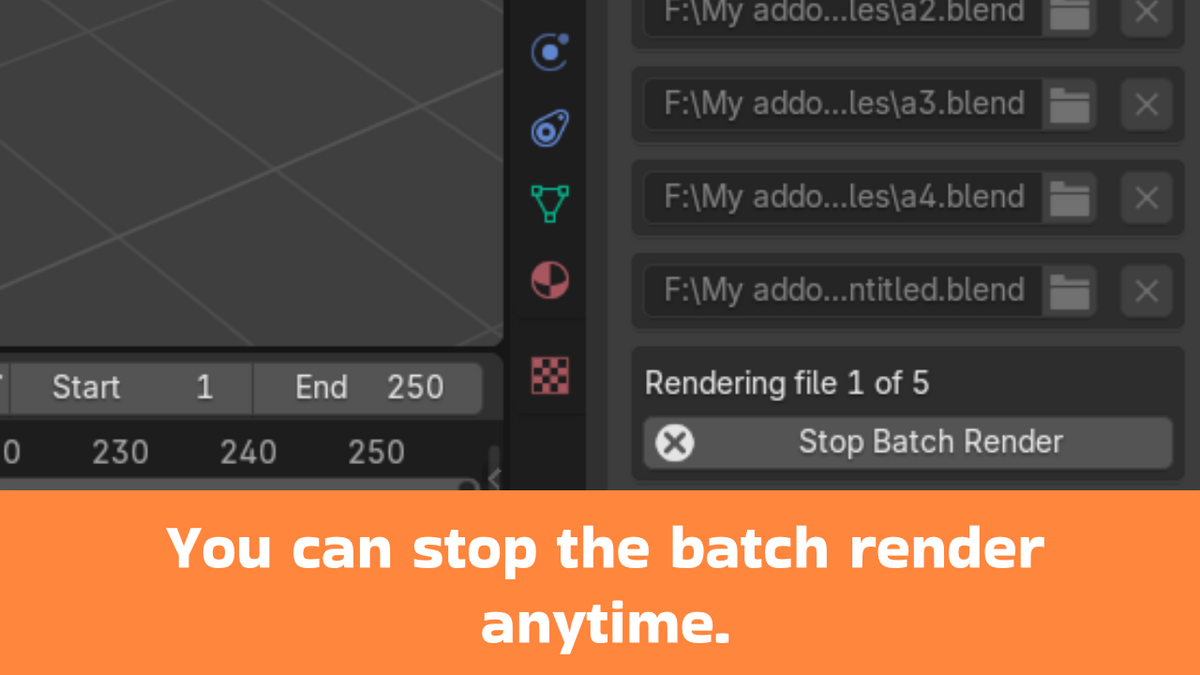
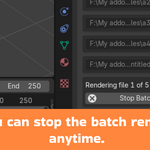
Stop Control: Halt rendering process at any time
Flexible Output: Automatic output path generation for each project
User-Friendly Interface: Simple, intuitive panel in Blender's Properties window
How to Use
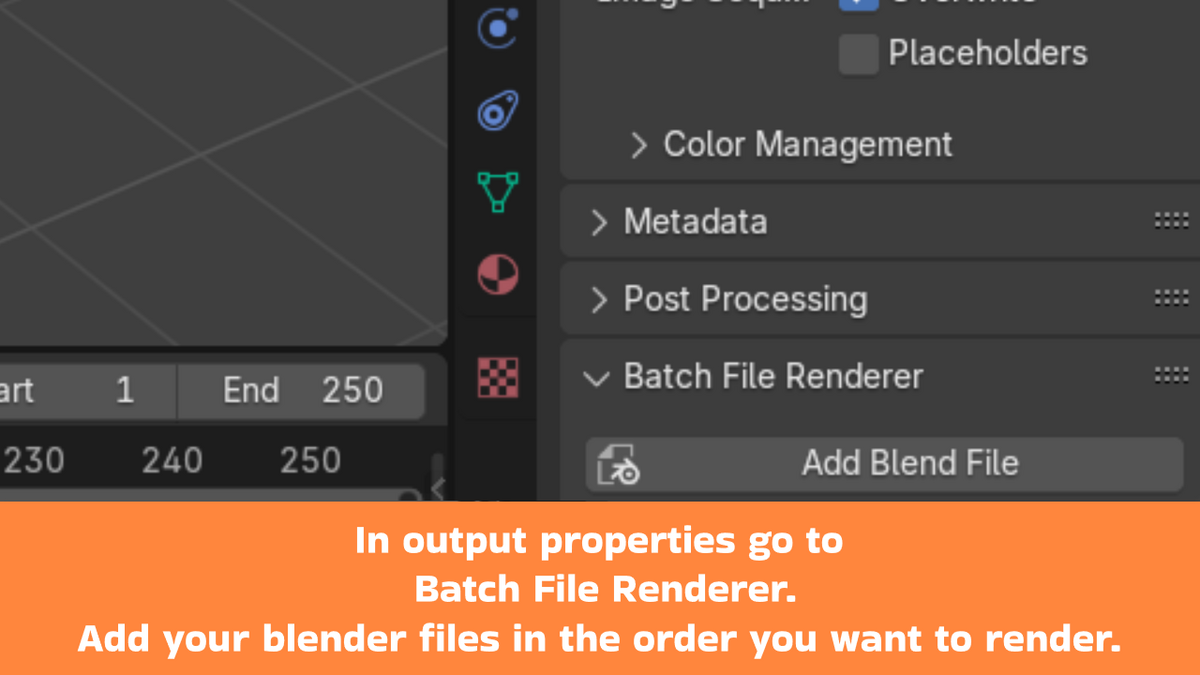
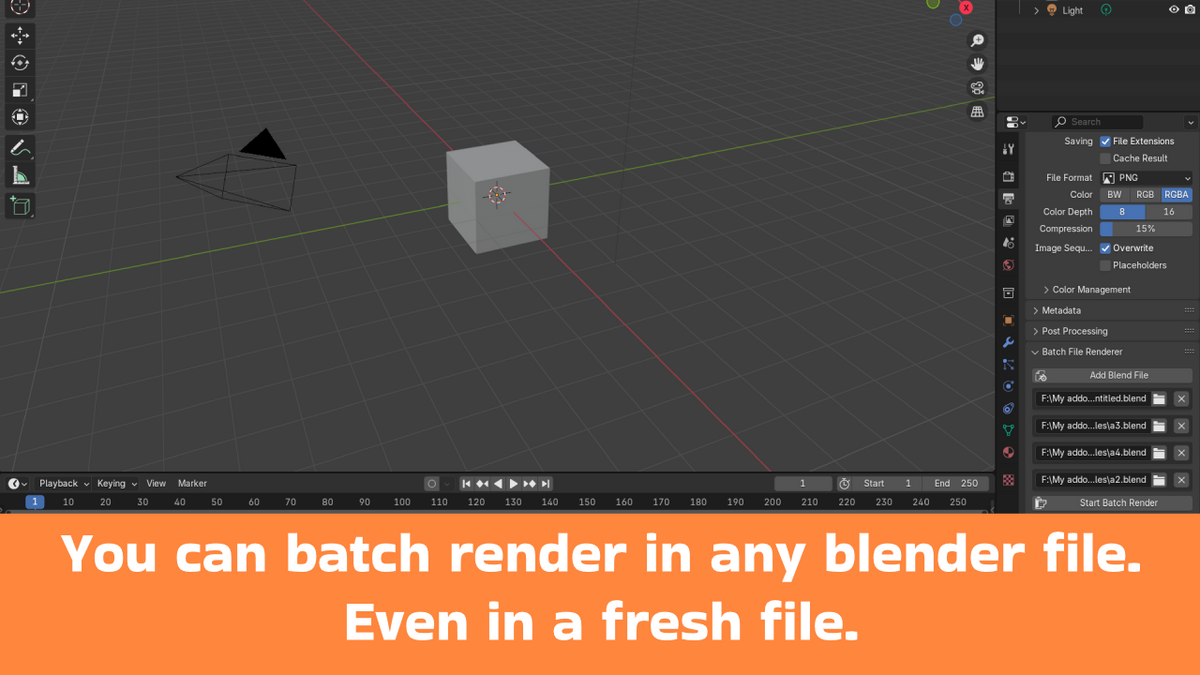
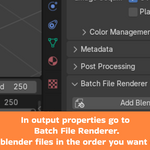
Open Blender and navigate to Output Properties
Click "Add Blend File" to select .blend files
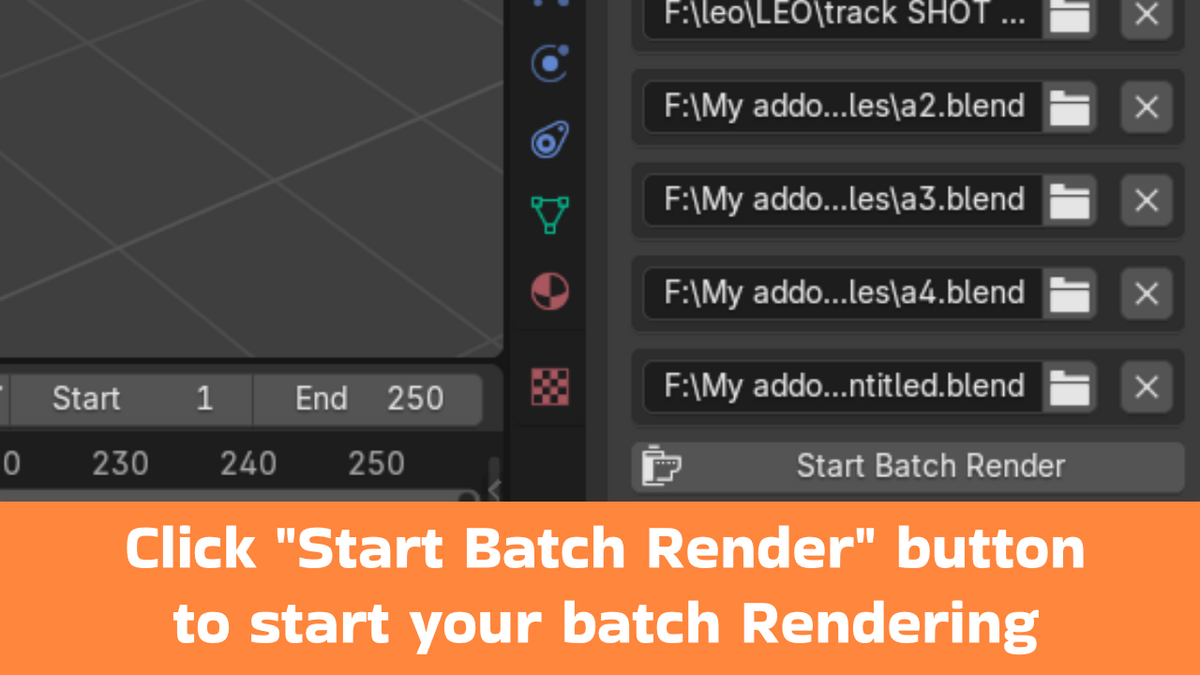
Add multiple files to your render queue
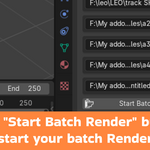
Click "Start Batch Render" to begin
Optional: Use "Stop Batch Render" to halt process
Perfect For
Animation studios
Freelance 3D artists
Game developers
Visual effects creators
Architectural visualization professionals
Technical Specifications
Compatible with Blender 4.2 and newer
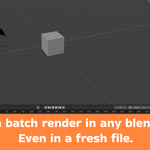
Lightweight, efficient background rendering
Supports full animation renders
Minimal performance overhead
Benefits
Save hours of manual file switching
Reduce rendering management time
Streamline complex rendering projects
Maintain full control over render process