 Milad_Kambari

🚀 Batch Render Pro
The Ultimate Batch Rendering & Auto Element Saver for Blender 5.0+
Tired of manually saving render passes? Setting up compositor nodes every single time? Batch Render Pro handles everything — so you can focus on creating, not file management.
✨ Features
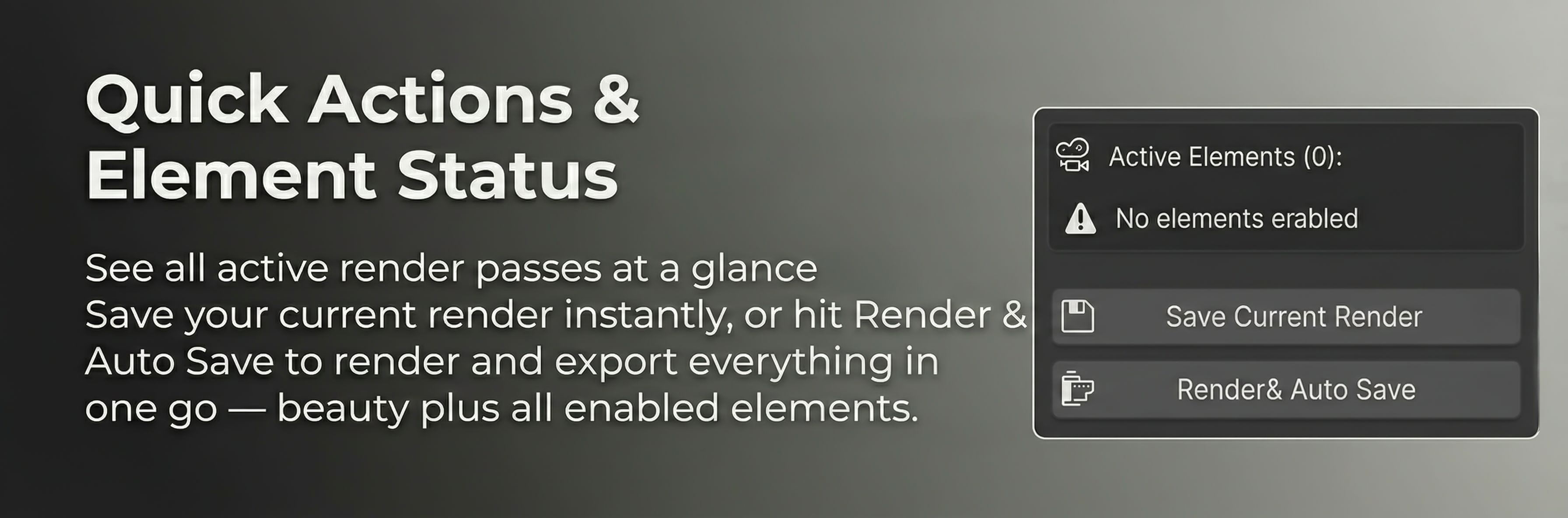
🎯 Auto Save Beauty + All Render Elements
Hit F12, and your beauty render along with every enabled render pass gets saved automatically. Depth, Normal, Position, Mist, Diffuse, Glossy — all of them. Zero compositor setup required.
📷 Multi-Camera Batch Rendering
Multiple cameras in your scene? No problem.
- ✅ Select which cameras to render
- ✅ One button to render them all
- ✅ Each camera saves beauty + all elements
- ✅ Organized into clean subfolders

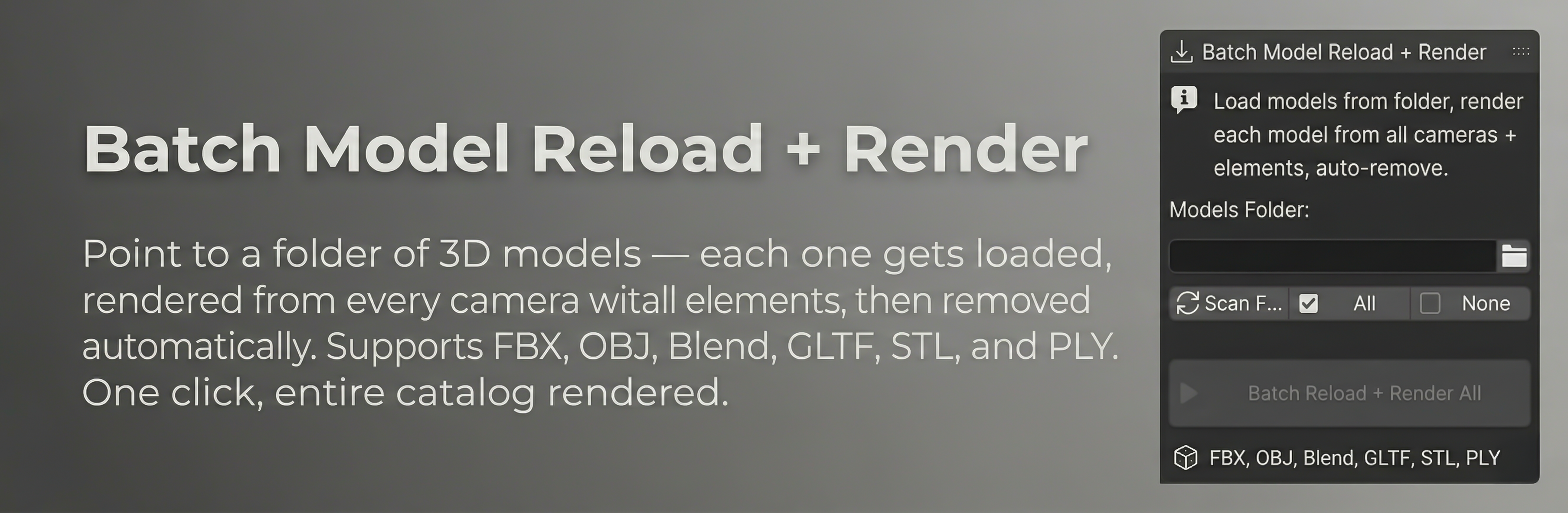
📦 Batch Model Reload + Render
This is where the magic happens. Perfect for product visualization workflows:
- 📂 Point to a folder of 3D models (FBX, OBJ, Blend, GLTF, STL, PLY)
- 🔄 Each model gets loaded into your scene automatically
- 📷 Rendered from every selected camera angle
- 💾 Beauty + all render elements saved
- 🗑️ Model removed, next one loaded
- 🖱️ All with ONE click
🖥️ Non-Blocking UI + Live Progress
Your Blender stays fully responsive during batch rendering:
- 📊 Live progress — see which model, camera, and pass is rendering
- ⏹️ Cancel anytime with Stop button or ESC
- 🔔 Clear status updates in the N-Panel
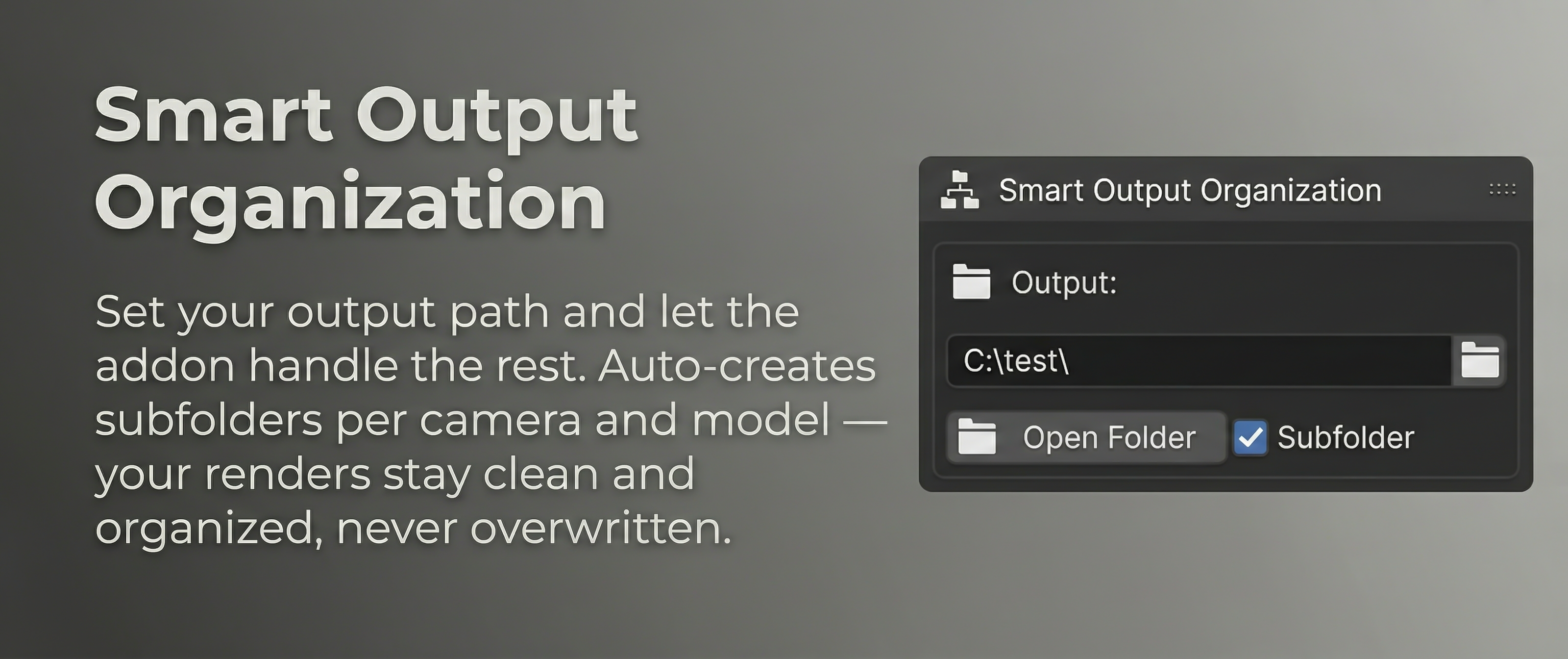
📁 Smart Output Organization
Everything saved neat and tidy — automatically:
📂 renders/
  📂 ModelName_01/
    📂 Camera_Front/
      🖼️ ModelName_01_Camera_Front_Beauty.png
      🖼️ ModelName_01_Camera_Front_Depth.exr
      🖼️ ModelName_01_Camera_Front_Normal.exr
      🖼️ ModelName_01_Camera_Front_Position.exr
    📂 Camera_Top/
      🖼️ ...
  📂 ModelName_02/
    📂 ...
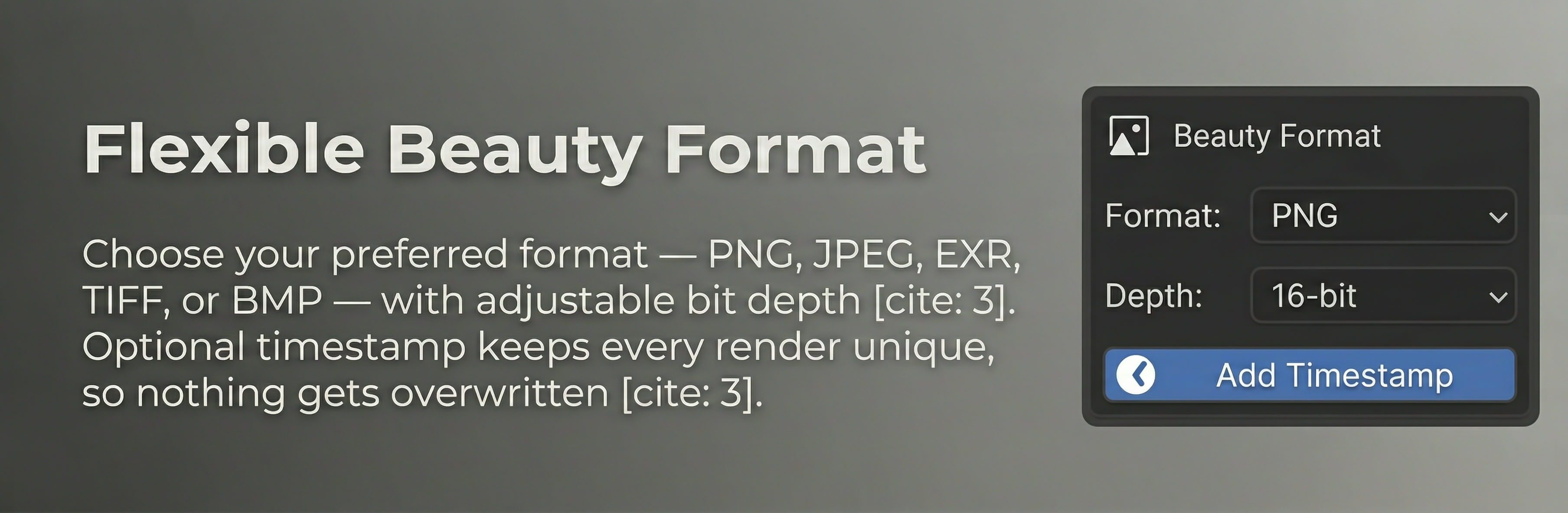
⚙️ Flexible Format Options
| Output | Formats | Default |
|---|---|---|
| 🖼️ Beauty | PNG, JPEG, EXR, TIFF, BMP | PNG 16-bit |
| 🎨 Elements | EXR 32-bit, PNG 16-bit, TIFF 16-bit | EXR 32-bit |
- 🕐 Optional timestamp in filenames — never overwrite your renders
- 📂 Optional per-camera subfolders for clean organization
💡 Perfect For
| Use Case | Why |
|---|---|
| 🛋️ Product Visualization | Batch render entire catalogs with one click |
| 🏛️ Architectural Rendering | Multiple camera angles + all passes, automated |
| 📚 Asset Library Rendering | Render hundreds of models overnight |
| 🔄 Turntable Renders | Multi-camera setup, batch process |
| 🎮 Game Asset Preview | Quick renders of FBX/OBJ assets with elements |
| 😤 Anyone Tired Of... | ...manually saving render passes one by one |
🔧 Supported Render Elements
| Pass | Type |
|---|---|
| 🌊 Depth | Float |
| 🌫️ Mist | Float |
| 🔵 Normal | Vector |
| 📍 Position | Vector |
| 🎨 Diffuse Color / Direct / Indirect | RGBA |
| ✨ Glossy Color / Direct / Indirect | RGBA |
| 💡 Emission | RGBA |
| 🌍 Environment | RGBA |
| 👤 Shadow | RGBA |
| 🔲 AO | RGBA |
| ...and more! |
📋 Requirements
- 🟢 Blender 5.0 or higher
- 🟢 Cycles and EEVEE render engine