 MadLlama
This is a simple Blender addon adding extra functions for easy UV layer management between multiple objects.
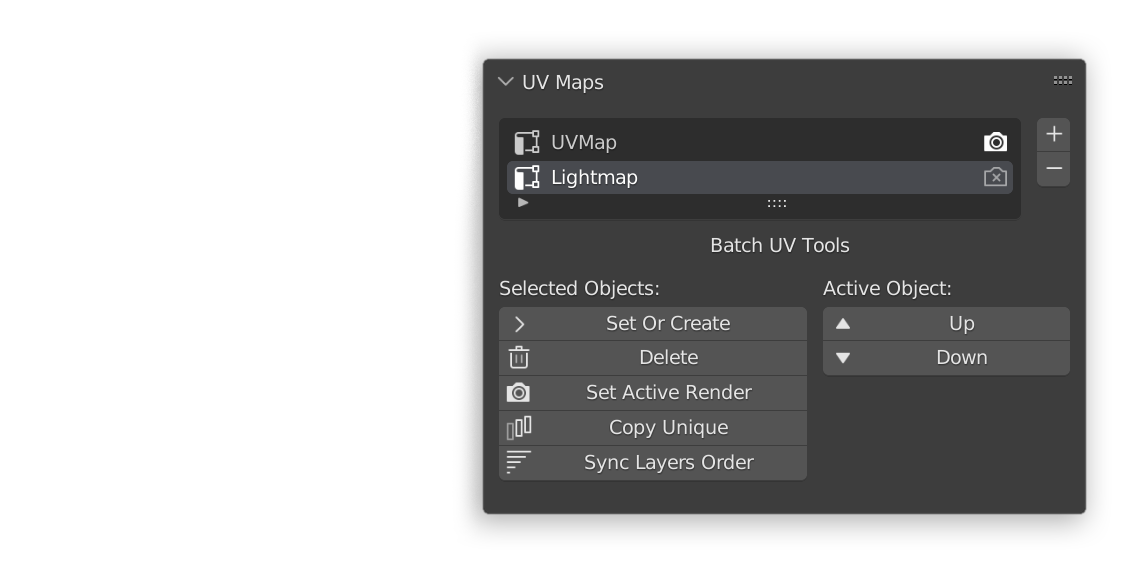
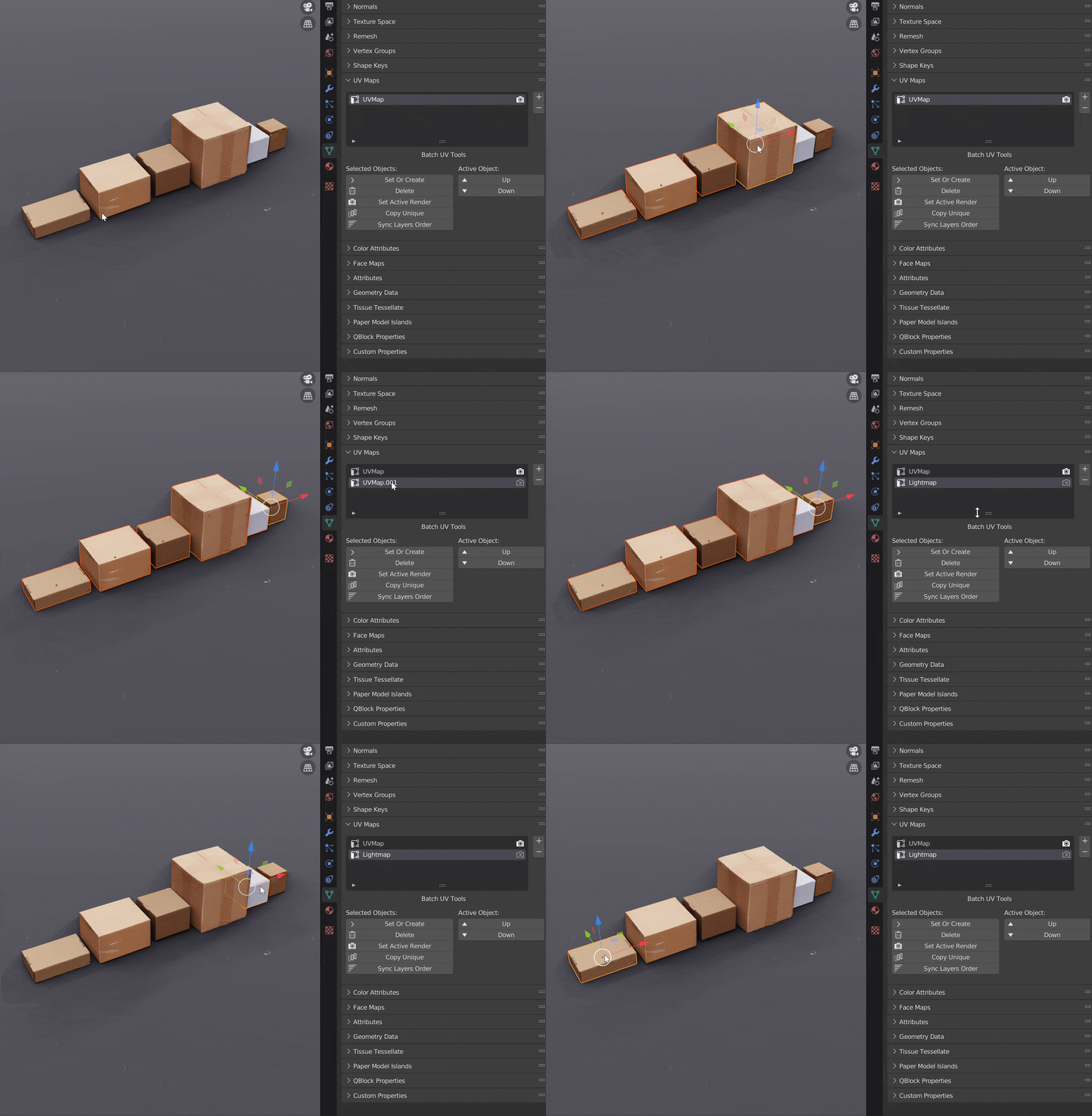
Adding UVs to multiple objects
same function can also be used for switching between maps
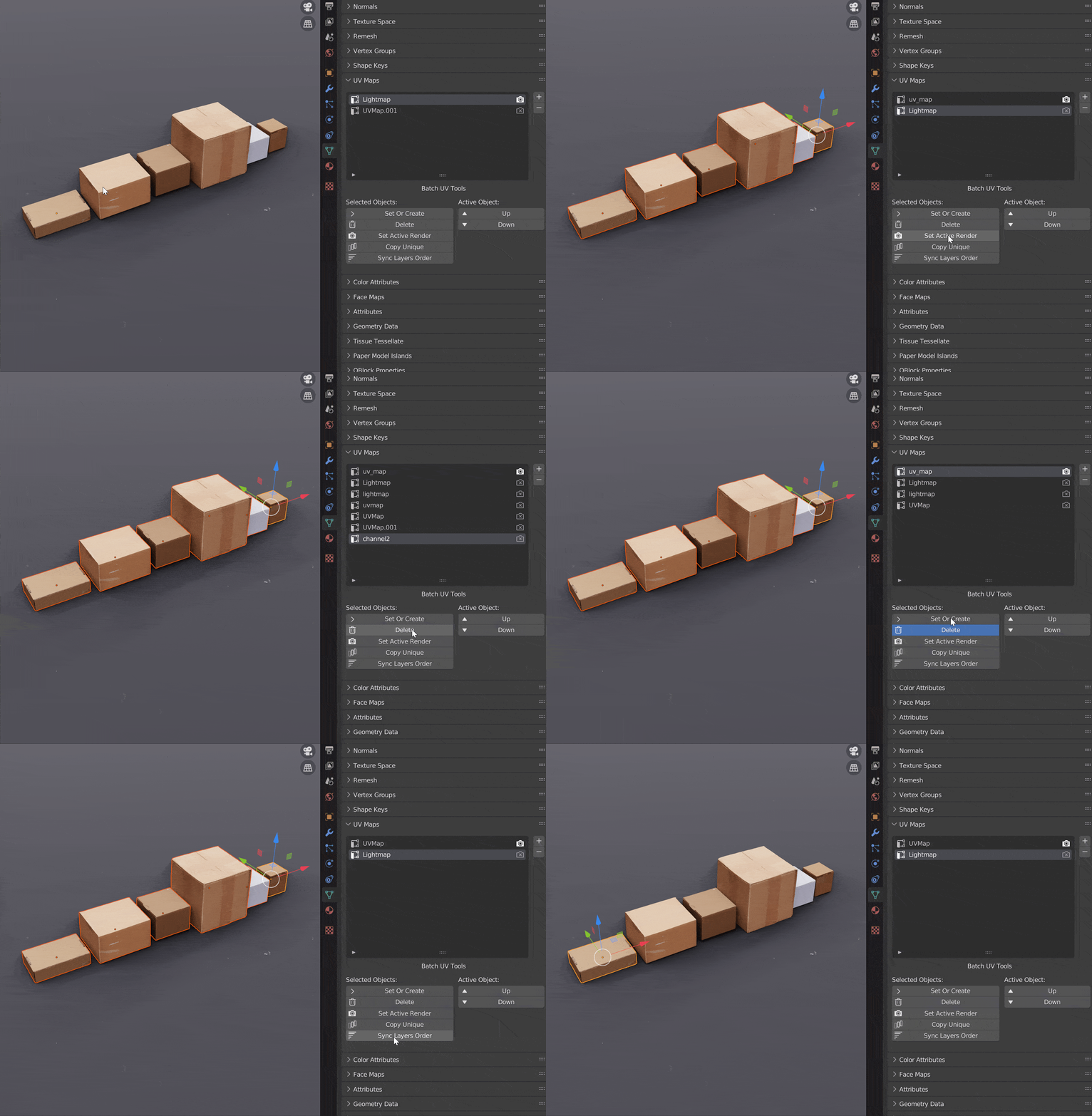
Copy Unique UVs
easily find issues with naming and order
Functions:
-
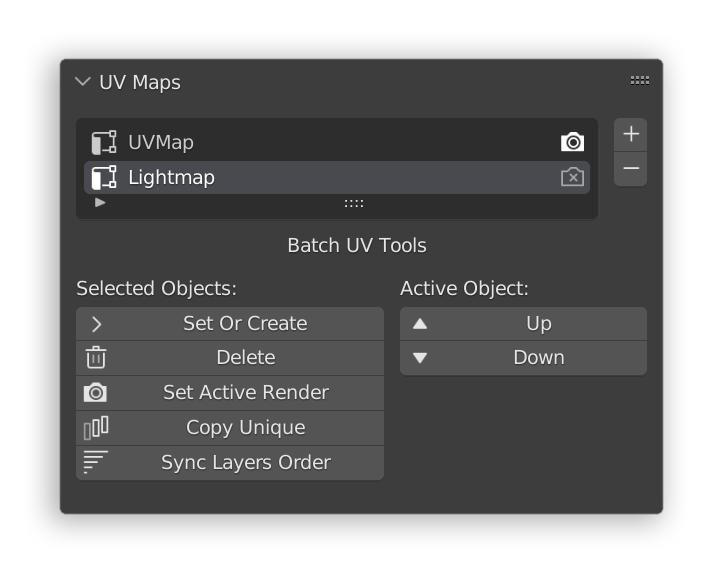
Set Or Create Active Map for multiple objects
Sets a UV map active in each selected object. If a map with the same name doesn't exist, it'll be created automatically.
-
Delete Active Map for multiple objects
Deletes a UV channel with a matching name in all selected objects.
-
Set Active Render Map for multiple objects
Sets a UV channel as the active render channel in all selected objects.
-
Copy Unique
Copies all unique named channels in selection, to each selected object.
-
Sync Layers Order
Tries to match order of layers in each object to the active object.
-
Move Up / Down
Moves a layer in the selected object up or down in the stack, active object only, use sync order for other objects.
Initially I glued this addon together to make lightmapping complex scenes easier by avoiding manually setting the active layer for each object, it has since became an irreplaceable tool.
Tested on latest - oldest Blender versions
Installation:
1. Download the addon .zip file
2. under Blender Preferences -> Addons, hit "Install" and choose the .zip file.
