 Playful Pixel


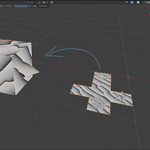
UV-BASED MESH WRAPPING
🐝 BeeBinder
Wrap any mesh onto any UV-mapped surface with consistent, predictable results.
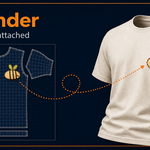
BeeBinder samples the target's UV map to place the source mesh accurately on the 3D surface. The source keeps its depth and shape, making it ideal for raised details, panels, patterns, ornaments, labels, and more.
ALREADY OWN SURFACEFLOW?
BeeBinder is free for you.
If you're already a SurfaceFlow user, use this code to get BeeBinder for free:
SURFACEBEE
Enter the code at checkout for 100% off BeeBinder.
⬢ See BeeBinder in Action
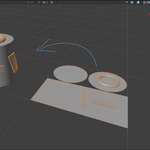
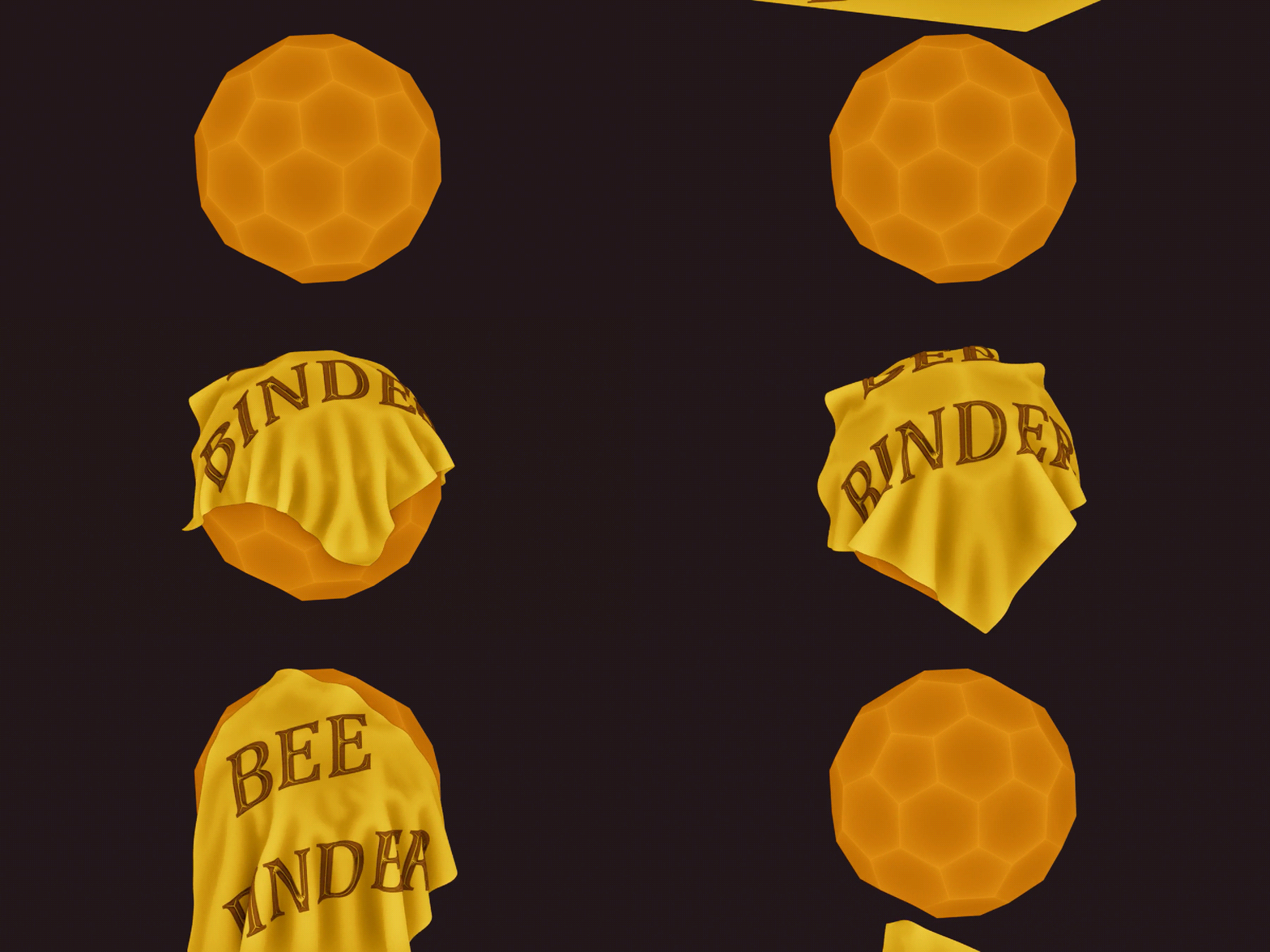
Place it once in UV space — BeeBinder handles the wrap on the surface.
01
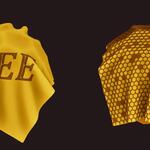
Perfect for deformation Keep details attached while the target bends, animates, or simulates. 02
Consistent UV binding Lock geometry to the same UV location for stable, repeatable placement. 03
Preserve real depth Wrap decals and details without flattening their original 3D shape. 04
Built for curved surfaces Conform geometry across complex UV-mapped surfaces with predictable results. ⬢ BeeBinder is included with SurfaceFlow Purchase SurfaceFlow and BeeBinder is included for free. Already own SurfaceFlow? Use SURFACEBEE at checkout.
UV WORKFLOW
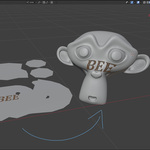
Position in UV. Wrap in 3D.
Use the flattened UV preview to control exactly where your geometry belongs.
⬢BeeBinder vs. SurfaceFlow
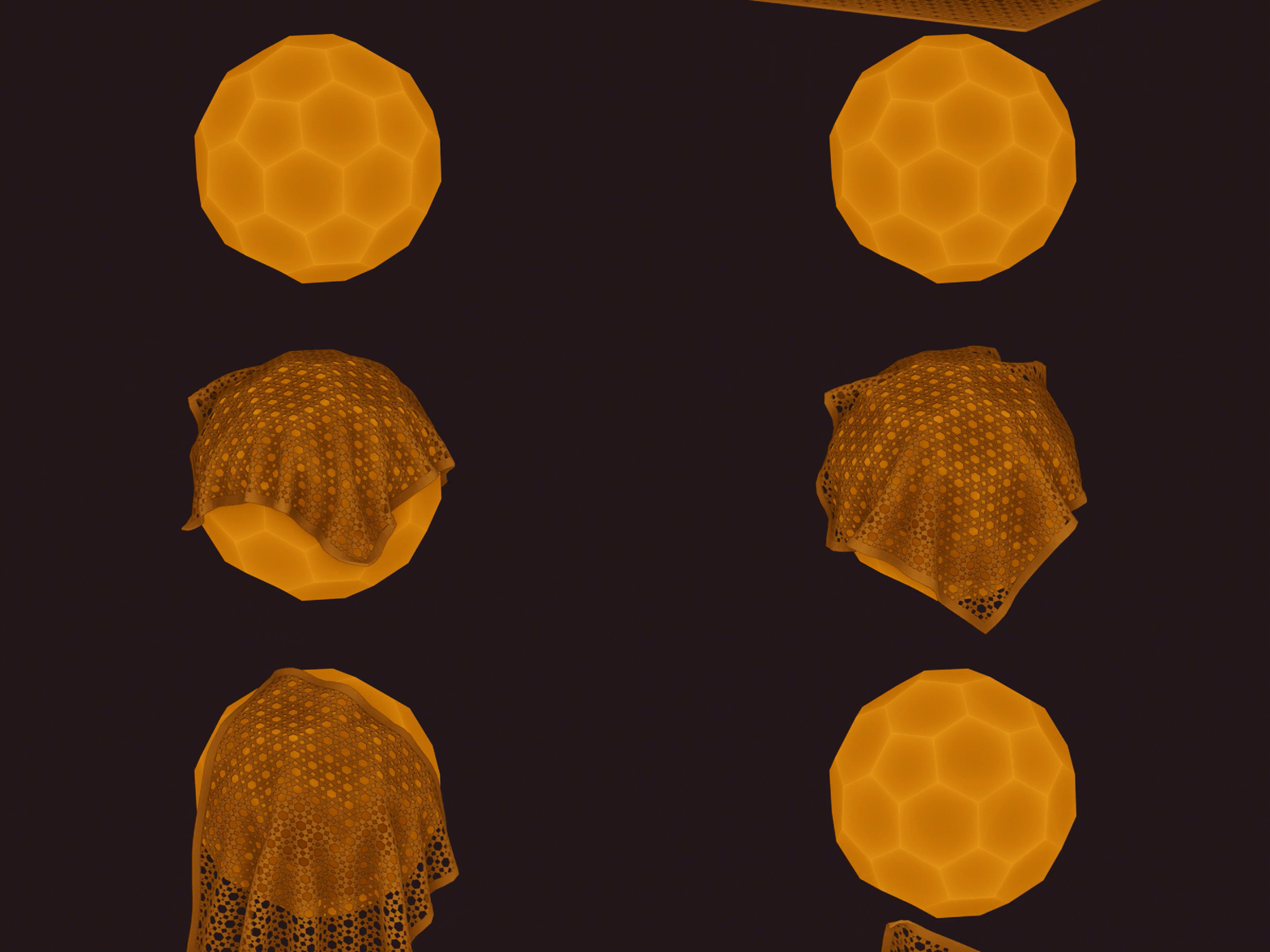
SurfaceFlow Fast and effortless wrapping. Select a target and you're ready to go — no UV setup required.
BeeBinder Built for consistent binding when the target is animated, deforming, or simulated.
BeeBinder will continue to evolve wherever there is room for improvement, driven by user feedback — just like SurfaceFlow.
⬢Three Simple Steps
1 Select the sources Choose the meshes you want to wrap.
2 Select the target last Make the UV-mapped surface active.
3 Add BeeBinder Target and active UV map are assigned automatically.
Compatibility: BeeBinder requires Blender 4.5 or newer.
